
How I Keep NPCs Consistent Across a Campaign With CharGen
A practical, repeatable workflow for keeping NPC portraits, notes, and summaries aligned across a long-running DnD campaign using CharGen.
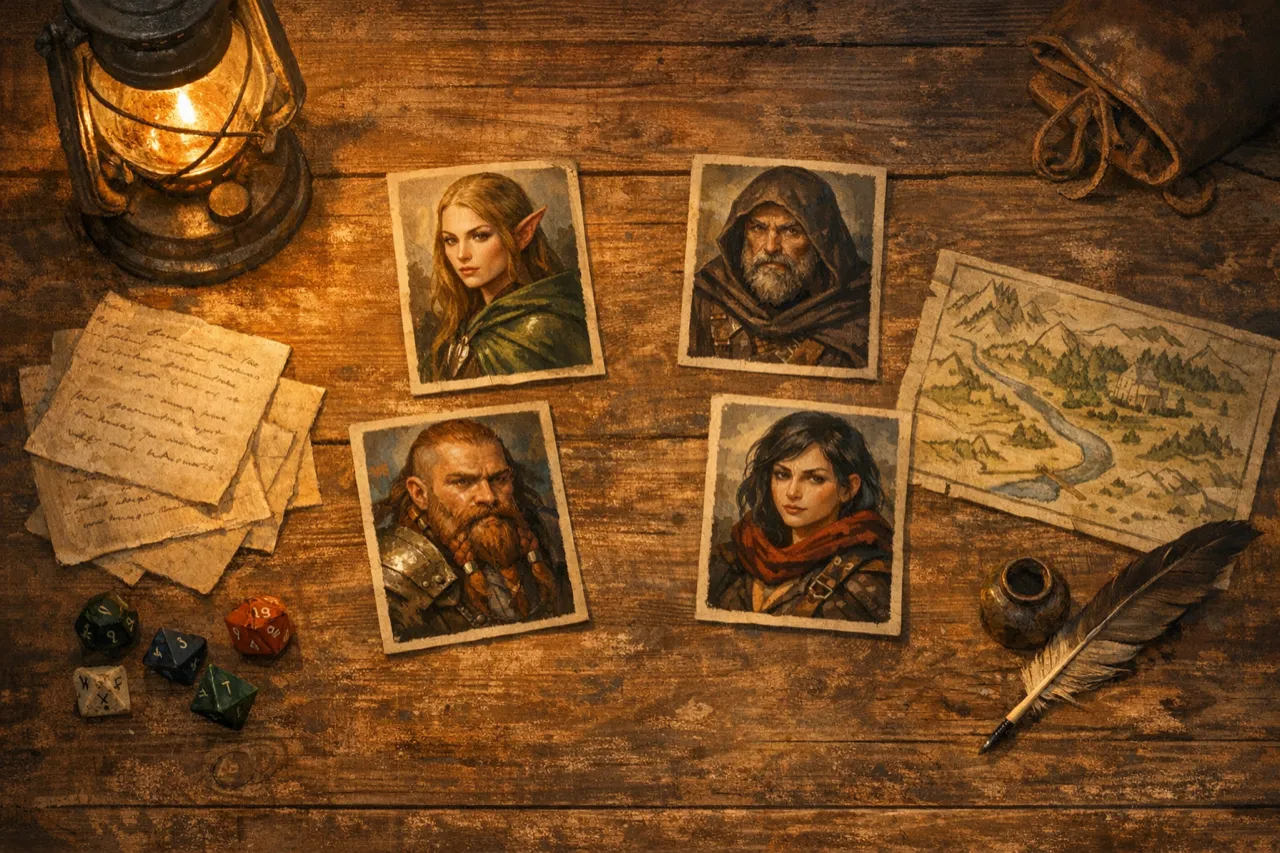
I love long-running campaigns, but they come with a problem that sneaks up on you. Six sessions in, the innkeeper looks completely different, the captain of the guard has a new face, and the party forgets who is who. That is not a character problem. It is a consistency problem. If I am going to use AI for NPCs, I want it to help with continuity, not add to the mess.
This is the workflow I use in CharGen to keep NPCs steady across months of play. It is not about perfect photorealism or chasing some ideal portrait. It is about the basics: a recognisable face, the same key traits, and enough repeatable structure that my notes and images line up session after session. It is a process I can do on a quiet evening and then reuse quickly during prep.
The drift problem that breaks immersion
When you generate NPC art on the fly, small changes pile up. The same character looks ten years older next week. Hair colour flips. Clothing changes for no reason. It might seem minor, but my players notice it. They start asking if the NPC has a twin or if they are being tricked. That can be fun once, but it is not what I want every time.
The deeper issue is that most AI image tools are built for variety. Even when a tool supports reference images, it still needs a solid prompt and a stable set of traits to keep it on track. Midjourney, for example, has explicit reference features, including Omni Reference and Character Reference, but they still need good anchors and careful prompt work to keep a character steady across scenes.
So the approach I take is to design an NPC like I would for a real campaign, then capture a small, repeatable set of details that I can reuse. CharGen makes this easy because I can keep the NPC profile, the portrait, and the campaign notes in one place and update them quickly.
The core idea: make an NPC anchor, not a one-off image
Before I touch an image model, I build a short NPC anchor. This is a structured block of text that I can reuse in any prompt, in any tool, without rewriting it every time. It also goes straight into the NPC notes so it is always visible.
My anchor includes:
- Name and role in the story
- Age range and build
- Hair, eyes, and skin tone
- One or two signature items
- A tight clothing description
- A single mood cue
I keep it short and concrete. It is tempting to add a paragraph of lore, but the image model does not need it. The lore belongs in the NPC notes, not in the visual anchor. Keeping these separate is the single best thing I did for consistency.
My CharGen workflow for consistent NPCs
I use CharGen in a loop that is fast to set up and easy to repeat later. The key is to set your NPC once, then keep the same reference for future scenes.
1. Build the NPC in the generator
I start in the NPC generator and fill out the essentials. I keep the text box fairly tight and use the anchor block above. The output gives me a clean baseline description and a portrait. I do not chase the perfect image at this stage. I just want something stable and recognisable.
Once I have a baseline, I save the NPC and add a short note to their entry: a single line describing the anchor text I will reuse. That way I do not need to remember it later.
2. Choose a model and stick to it
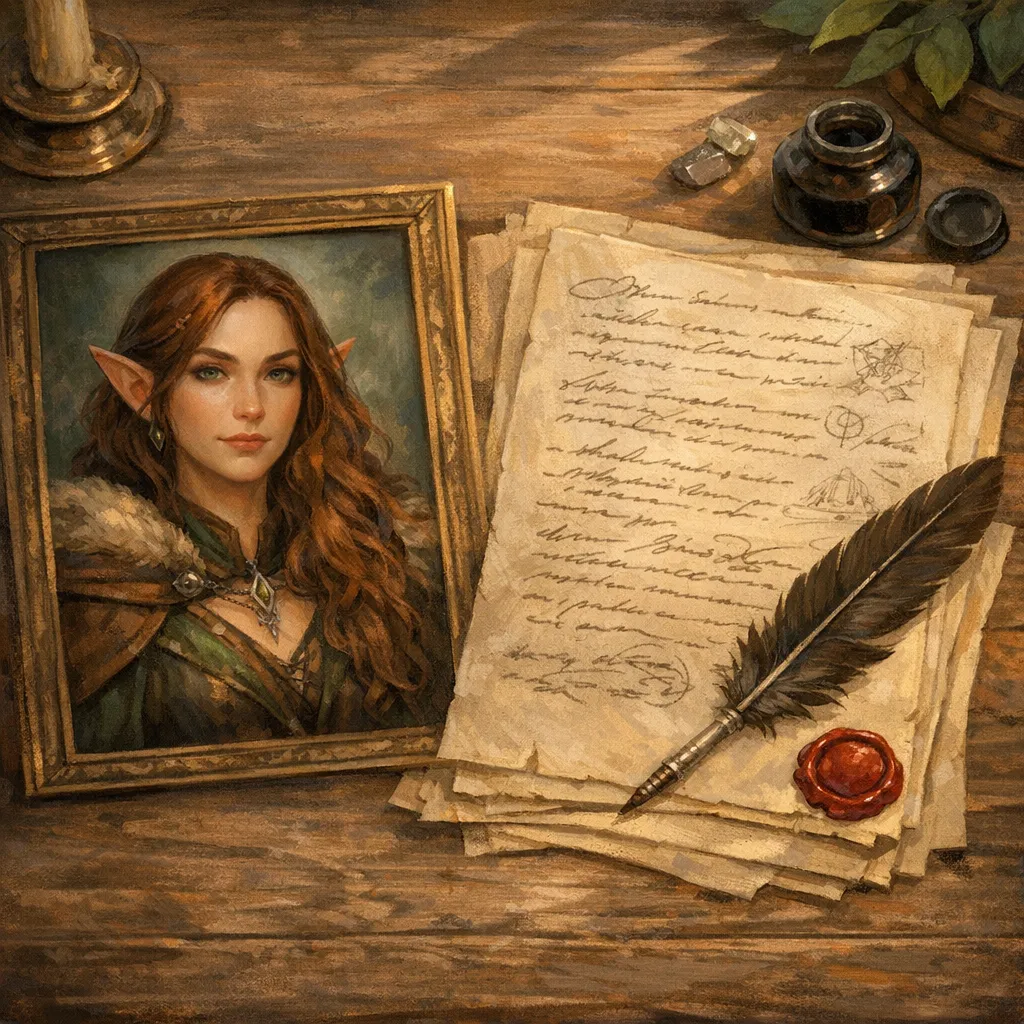
Consistency improves when you use one model for an NPC. If I swap models halfway through, I get style drift and subtle changes in facial shape. I pick one model per NPC and stick with it. I only change models if I am deliberately shifting a character, like a time jump or a disguise.
If I need a different composition, I change the prompt and the crop, not the model. The model is my constant.
3. Lock the visual anchor in the prompt
I keep a text fragment that I do not change. It includes the age range, build, hair, eyes, and signature item. I treat it like a base layer. When I want a new scene, I add the scene description after the anchor. That way, the character stays the same and only the context changes.
Here is a simplified example of how I structure it:
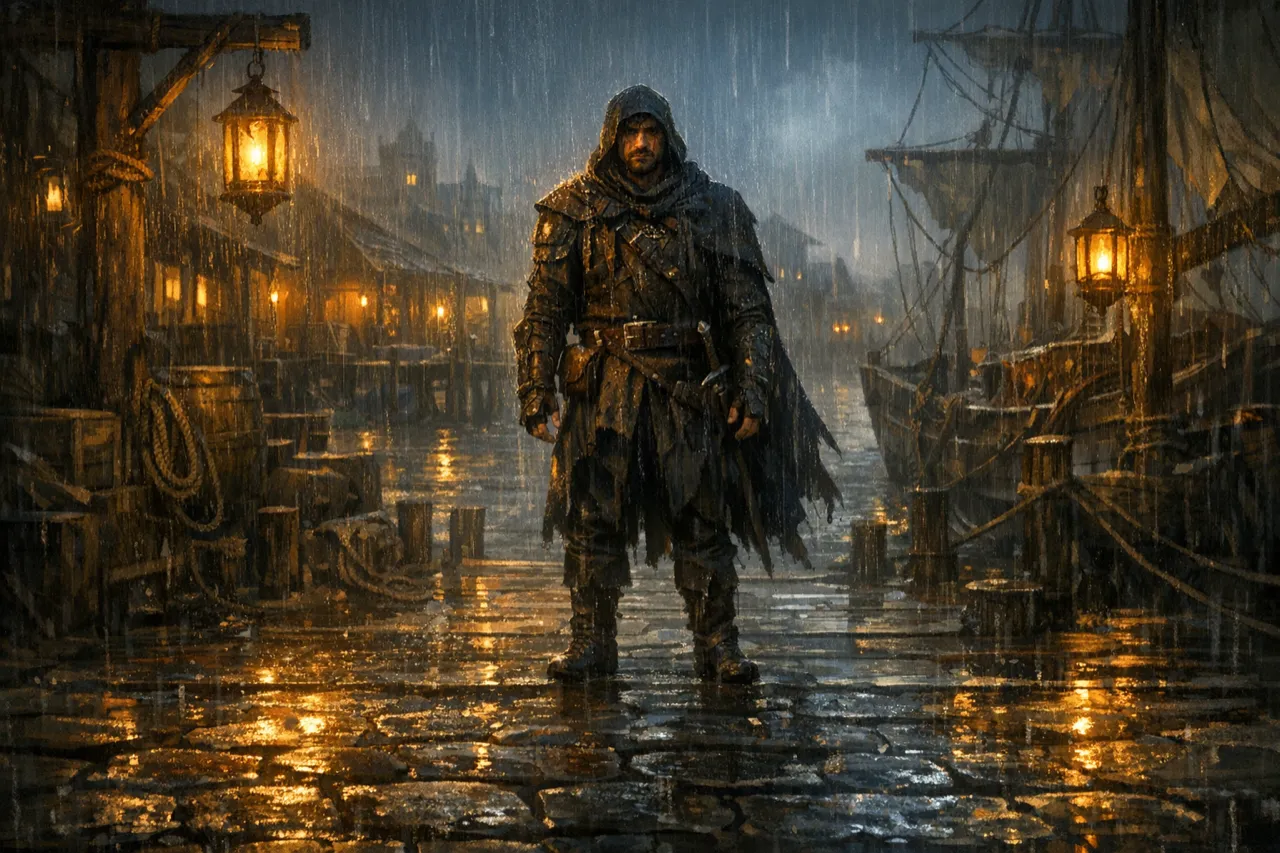
- Anchor: "late thirties, lean build, ash blond hair in a long braid, pale green eyes, silver signet ring, charcoal travelling coat"
- Scene: "standing at the docks at night, rain on the coat, lantern light from the left"
It is simple, but it works. The anchor does the heavy lifting.
Create Character Art Free4. Use edits for small changes
When I only need a small change, I avoid full regeneration. I use an edit pass instead. That helps me keep the same face and wardrobe. I will often do this for lighting changes or a new background rather than a new pose.
This is where CharGen helps. I can keep the original portrait, make a targeted change, then keep the final version in the NPC record. I am not trying to replace the original portrait, just generate a second one that still looks like the same person.
5. Store the result with session notes
Once I have a stable NPC portrait and notes, I link it to the session summary. This is the part that keeps the table coherent. If an NPC shows up again, I can drop the same portrait and recap their last appearance in the session summary. It keeps the story in one place and saves me from hunting through folders.
I also add a short reminder note to the NPC entry for my future self. I keep it brief, just enough to remember how to use the anchor and which model I chose.
Consistency is not just about images
The biggest mistake I made early on was focusing only on portraits. The real continuity happens in notes. The portrait helps players remember a face, but the notes remind them why that face matters. I keep a short recap block in the NPC entry: what they want, what they are hiding, and how the party last left them.
When I run the session summary tool after a game, I make sure those notes are reflected in the recap. It gives me a clean line from the initial NPC generation to the current session state. It also makes it far easier to bring an NPC back in a later arc without contradicting myself.
A quick comparison with other tools
Plenty of tools now offer reference options. Midjourney has Character Reference and Omni Reference, and both are designed to keep a subject steady across images. I have used them. They are powerful, but they still need a strong prompt and a stable set of traits. If you change too much at once, the character drifts.
CharGen helps because it keeps the text, the portrait, and the campaign notes together. That is the real difference for me. I am not just generating a character. I am storing them as a reusable element inside the campaign. That is what keeps my NPCs consistent over time.
The practical limits and the legal reality
AI art is still wrapped in legal and ethical questions. There are active copyright disputes and major lawsuits involving AI image tools and training data. It is not just noise. It affects how I work and what I ask the tools to do. Recent cases around training data and copyrighted images are still working their way through courts.
My rule is simple. I only use images I have the right to use, and I avoid generating content that copies someone else’s work. I also avoid using real people’s likenesses without clear consent. If I want a character inspired by a known actor, I keep it abstract and focus on personality and tone rather than their face.
This matters if you share your campaign material publicly. It is easy to cross a line without thinking about it. I would rather be cautious and keep my work clean than deal with headaches later.
A repeatable checklist for each NPC
This is the list I follow before I consider an NPC finished. It keeps me honest and stops me from rushing.
- I have a short anchor block with stable traits
- I have one primary portrait saved in CharGen
- I have the same model pinned for future variants
- I have a short recap note in the NPC entry
- I have linked the NPC to the latest session summary
When I stick to that list, I avoid the drift. The NPC stays recognisable and I stay organised.
When I deliberately allow change
There are a few moments where I let the model drift on purpose. Time jumps, curses, heavy injuries, major life events. If it matters in the story, I embrace the visual change. I still use the anchor, but I update it. It turns the change into a story beat rather than an accident.
That is the point of this whole workflow. I want the changes to feel earned and clear. If a character is older, it should be because months have passed, not because the model decided to change their face.
Final thoughts
Consistency is not glamorous, but it makes a campaign feel real. CharGen gives me the structure to keep NPCs coherent across sessions without fighting the tools. I keep a tight anchor, I stick to one model, and I make careful edits when I need change. Then I store it all together so I am never guessing.
If you want your campaign to feel grounded, build your NPCs as reusable pieces. The players will notice, and it will make your world feel like it actually exists from week to week.
Generate a Consistent Character Free