
How I Prep a D&D One-Shot Fast with a DnD Dungeon Generator
My practical DnD dungeon generator workflow to prep a one-shot in under an hour, with maps, NPCs, encounter balance, and session recap tools.
My prep nights got shorter the moment I treated a DnD dungeon generator as a planning tool, not just a map toy. If I only generate a pretty layout, I still have to do all the hard bits myself. If I generate layout, encounters, treasure pressure, and recap hooks in one pass, I can get a playable one-shot ready in under an hour without winging half the session.
This is the exact workflow I now use in CharGen when I need a dungeon quickly and I still want it to feel coherent at the table. I’ll show the fields I touch in the UI, what I leave alone, where I sanity check against rules, and how I link the result to my campaign notes.
Why this DnD dungeon generator workflow works
The key is that it combines map shape and room intent in one pass. I still decide tone and stakes, but I stop wasting prep time stitching disconnected outputs together.
Why one-shot prep usually overruns
One-shots look simple on paper. In practice, time vanishes into four tasks that pull in different directions.
You need a layout that makes sense for pacing. You need monsters that create tension without wiping the party. You need loot that feels earned. You need notes you can actually read under pressure. If any one of those slips, the session still runs, but it feels scrappy.
I used to build these pieces in separate tools. That was the mistake. A map app for rooms, a notes app for hooks, a spreadsheet for CR checks, and a separate generator for NPC flavour if players decided to interrogate the wrong goblin captain. It worked, but it was slow and easy to break.
CharGen’s Dungeon Generator changed that for me because it combines procedural layout and AI room content in one workflow. I can define size, theme, difficulty, and party level in one form, then iterate with a consistent seed.
The setup I use in CharGen before pressing generate
I start on the Dungeon Generator page. The form is straightforward, but a few fields matter far more than others.
Fields I always fill
Dungeon SizeorExact Room Count (Optional)ThemeDifficultyParty LevelMonster TypesTrap DensityAdditional Details
I only skip Loot Rarity if I want the tool to surprise me. Most of the time, I set it, because loot tone affects the whole one-shot.
My default for a 3-4 hour one-shot
| Setting | My default | Why |
|---|---|---|
| Dungeon Size | Medium (10-15 rooms) | Enough space for exploration without dragging runtime |
| Difficulty | Medium or Hard | Leaves room for one spike fight near the end |
| Party Level | Exact party level | Keeps room content aligned with player power |
| Monster Types | 1-2 types max | Prevents random-feeling encounter soup |
| Trap Density | Light or Moderate | Adds pressure without turning session into trap admin |
| Loot Rarity | Uncommon | Good reward curve for one-night play |
The thing that helped most was limiting monster variety. If I mix undead, constructs, beasts, cultists, and aberrations in one tiny dungeon, nothing feels intentional.
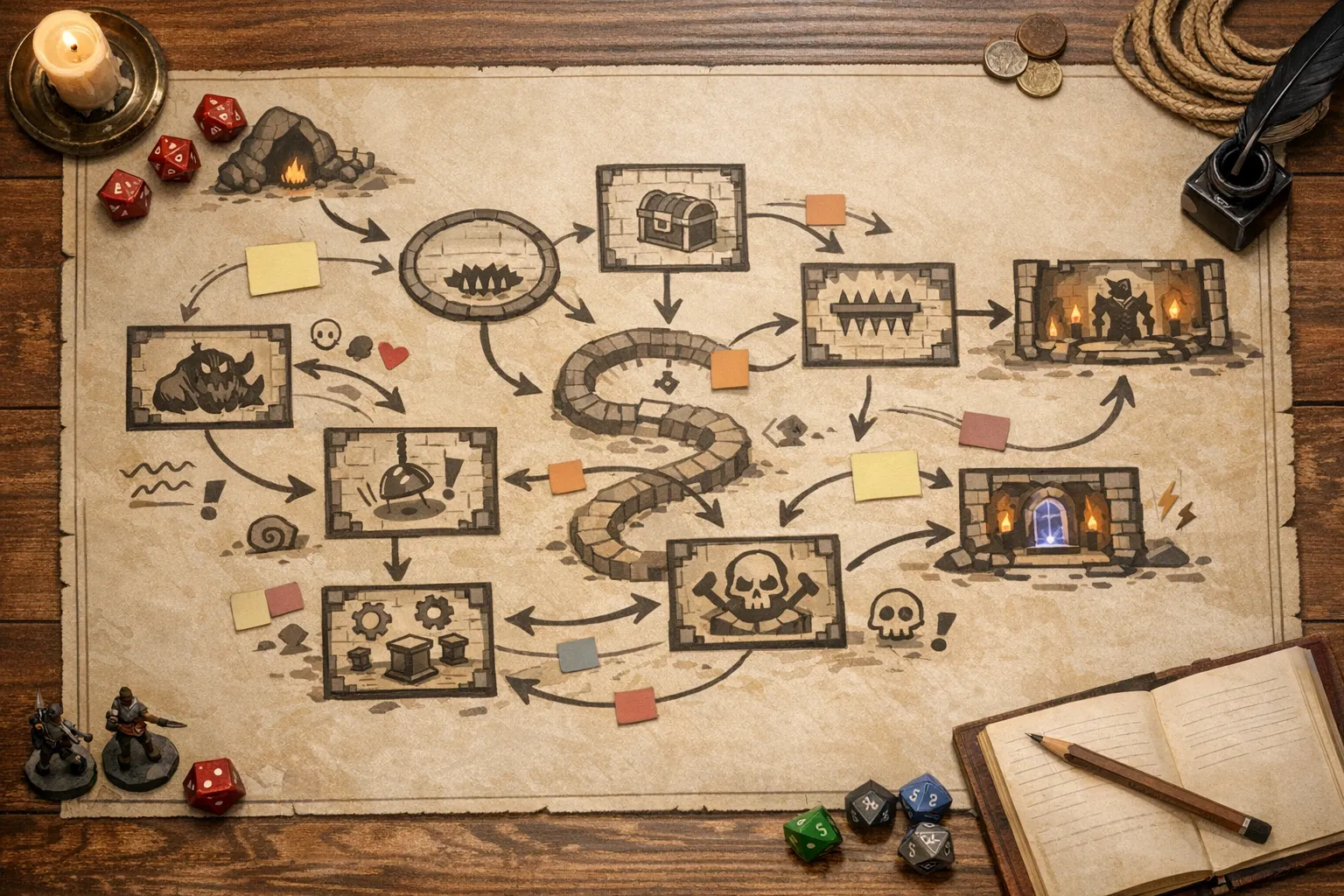
My 50-minute prep workflow, step by step
I timebox this process to 50 minutes. If I go beyond that, I stop polishing and run with what I have.
1) Build the dungeon skeleton in 10 minutes
I set Dungeon Size to Medium unless I’m running for brand-new players. For first-time groups, Small keeps decisions tighter.
In Theme, I pick one concrete location style such as crypt, mine, or ruins. If I need custom flavour, I use the custom option and write something specific like "flooded observatory under a collapsed monastery".
In Additional Details, I include three anchors only:
- Session hook in one line
- Final room objective
- One non-combat complication
Example I used last week:
"A village elder hires the party to recover a brass astrolabe before dawn. Final room contains a mirrored vault and a bound star-wight. Complication: unstable walkways over deep water, loud movement attracts patrols."
That’s enough for coherent output. Long lore dumps made my results worse, not better.
2) Generate with a fixed seed, then iterate in 8 minutes
CharGen updates the URL query with seed and settings, which is brilliant for iteration. I generate once, skim room flow, then regenerate with the same seed only if I need small parameter changes.
I check three pacing markers in order:
- Is there a clear early discovery room in the first quarter?
- Is there at least one route choice by mid-dungeon?
- Is the finale space distinct enough to telegraph stakes?
If one marker fails, I adjust one setting and regenerate. One setting, one regenerate. I used to tweak five knobs at once and then wonder what actually fixed the result.
3) Tune combat pressure in 12 minutes
I cross-check planned fights against D&D 5e encounter guidelines. I do not try to turn CharGen output into a rigid calculator. I just sanity check danger bands.
My quick method:
- One easy or medium opener
- One skirmish or hazard room that taxes resources
- One hard closer
For a level 5 party, I recently ran:
Try the Dungeon Generator- Entry: 4 skeleton scouts with high ground advantage
- Midpoint: trapped reliquary with 2 shadows and timed ward pulses
- Finale: 1 CR 6 star-wight variant with two environmental hazards
This gave tension without a wipe, and I didn’t need to invent monsters from scratch because the room prompts already pointed in the right direction.
4) Batch NPC and flavour support in 10 minutes
That part saves sessions. If players stop to negotiate, interrogate, or adopt a random prisoner, I need quick personalities ready.
I open NPC Generator in a second tab and create 6 to 10 short NPC cards tied to the dungeon faction. I keep each to:
- one sentence appearance
- one sentence motive
- one sentence secret
I do not write full backstories for one-shots. I just need enough for believable improvisation. If you already have recurring cast, link these notes to your world entries and reuse faces later.
5) Lock recap hooks in 10 minutes
The final step is connecting prep to post-session memory. I add three recap anchors while prep is fresh.
- What did the party learn?
- What did they break or awaken?
- Which NPC or faction now reacts?
After the game, I run those anchors through session summary. That keeps one-shots useful for ongoing campaigns, because your throwaway dungeon suddenly becomes continuity fuel.
The UI details that matter more than people expect
Small interface choices made a big difference for me.
Exact Room Count (Optional) is perfect when your session slot is strict. If I know we have three hours including chatter, I set 9 or 10 rooms and stop pretending we’ll finish 18.
Trap Density should match your table’s appetite for logistics. Heavy traps can be fun, but they also eat table time fast.
Monster Types is where theme cohesion lives. Limiting this field to two related groups creates clearer identity. Players remember "that drowned cult crypt" more than "that place with everything".
The preview panel with room count, theme, and difficulty is also useful for fast sanity checks before you disappear into detail edits.
CharGen versus pieced-together workflow
I still use other tools, including Donjon’s classic dungeon generator, when I want raw random layouts quickly. But for one-shot prep under time pressure, I care more about connected output than isolated output.
| Workflow | What I get quickly | What still needs manual work |
|---|---|---|
| Layout-only tool | Room map | Encounter logic, notes, hooks, recap links |
| Separate encounter + note tools | Better control per section | Heavy context switching |
| CharGen Dungeon + NPC + Session Summary | Coherent draft across map, flavour, and memory | Final balancing judgement |
CharGen does not replace DM judgement. It removes repetitive prep so I can spend my time on tone, stakes, and table pacing.
Common mistakes I made and how I fixed them
Overstuffing additional details
I once wrote a 250-word lore paragraph in Additional Details. Output quality dropped immediately. Now I keep it to hard constraints and one-line story context.
Ignoring party level
Leaving Party Level blank gave me cool ideas with inconsistent danger. Entering real level made encounter drafting much faster.
Treating every room as combat
My better one-shots use a rhythm: discovery, pressure, release, escalation, finale. Not every room needs initiative.
Trying to polish every generated line
If a line is table-usable, I keep it. The goal is playable prep, not literary perfection.
FAQ
Is a DnD dungeon generator enough to prep a full one-shot?
It is enough to build your base fast, but you still need human decisions on pacing and player-specific hooks. I treat generation as draft creation, then I spend 10 to 15 minutes on tuning.
What room count works best for a 4-hour session?
For my groups, 9 to 12 rooms is the sweet spot, including non-combat spaces. Above that, we often rush the ending.
How do I keep generated dungeons from feeling generic?
Limit theme and monster scope, then add one concrete local detail in Additional Details, such as a broken lift, flooded chapel, or fungus-choked archive. Specificity beats length.
Can I reuse one-shot prep in a campaign?
Yes, especially if you pair it with session summaries and NPC records. The same dungeon can become a recurring location with almost no extra admin.
Final recommendation
If your current prep stack involves three tabs, a spreadsheet, and last-minute panic, try one one-shot using the workflow above and keep the timer visible. Start in Dungeon Generator, create supporting cast in NPC Generator, and close the loop with Session Summary. You’ll still make creative calls, but you won’t waste your prep night rebuilding the same scaffolding from scratch.
Prep a One-Shot Free
Image credits:
- Hero and supporting images generated with OpenAI Images (
gpt-image-1.5) for this post.