Skip to content

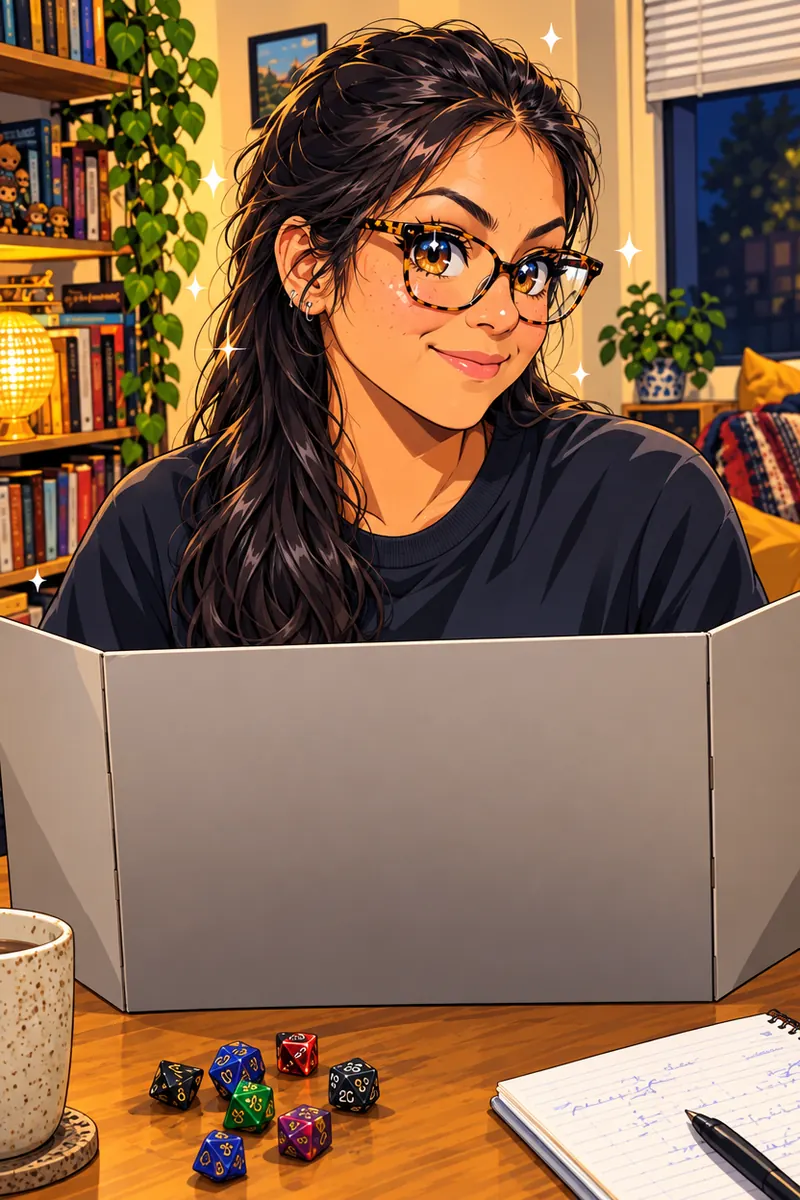
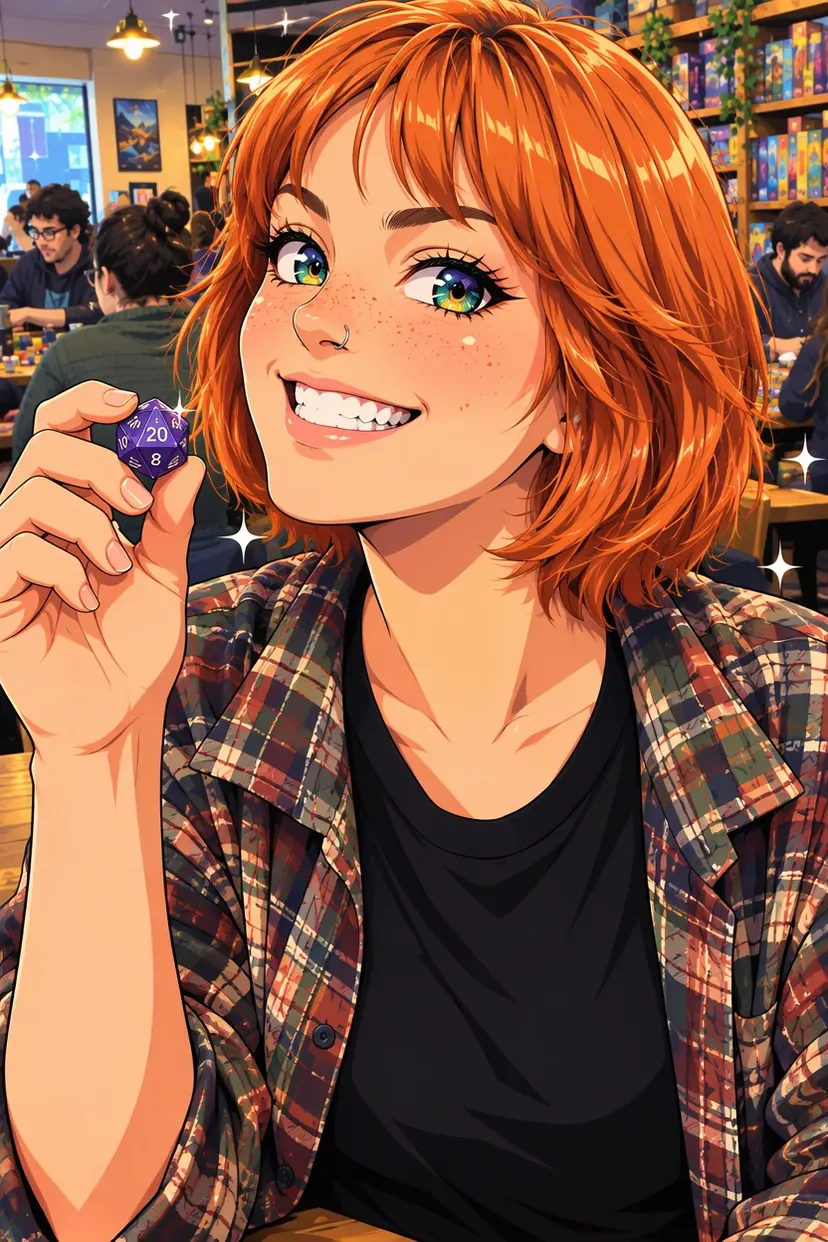
Turn your character into anime fantasy art.

Upload one portrait and choose the detail you need.

One source image. From 4 Gold.

Open Anime Portrait result
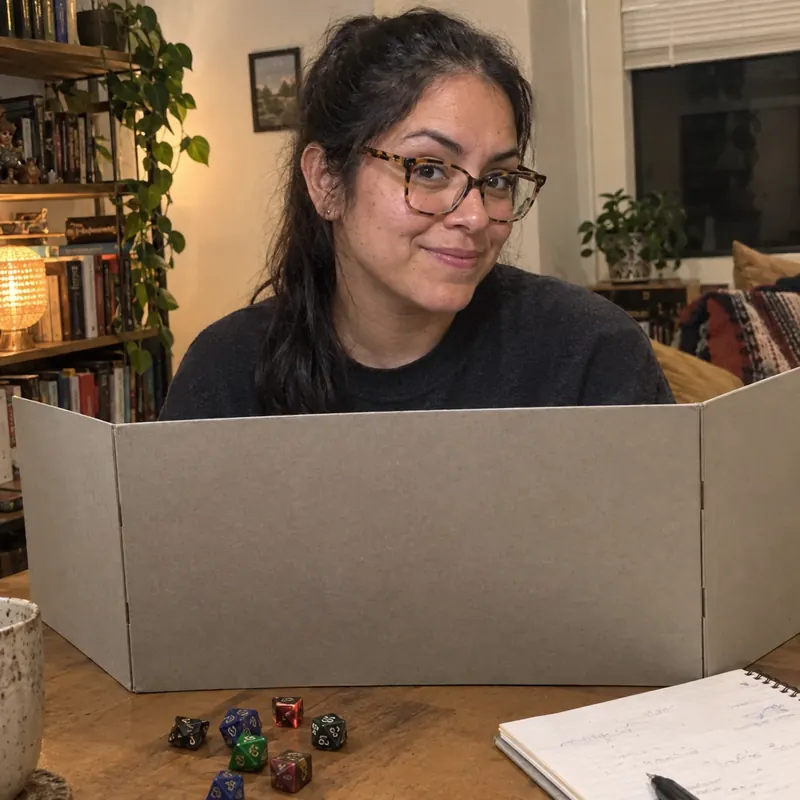
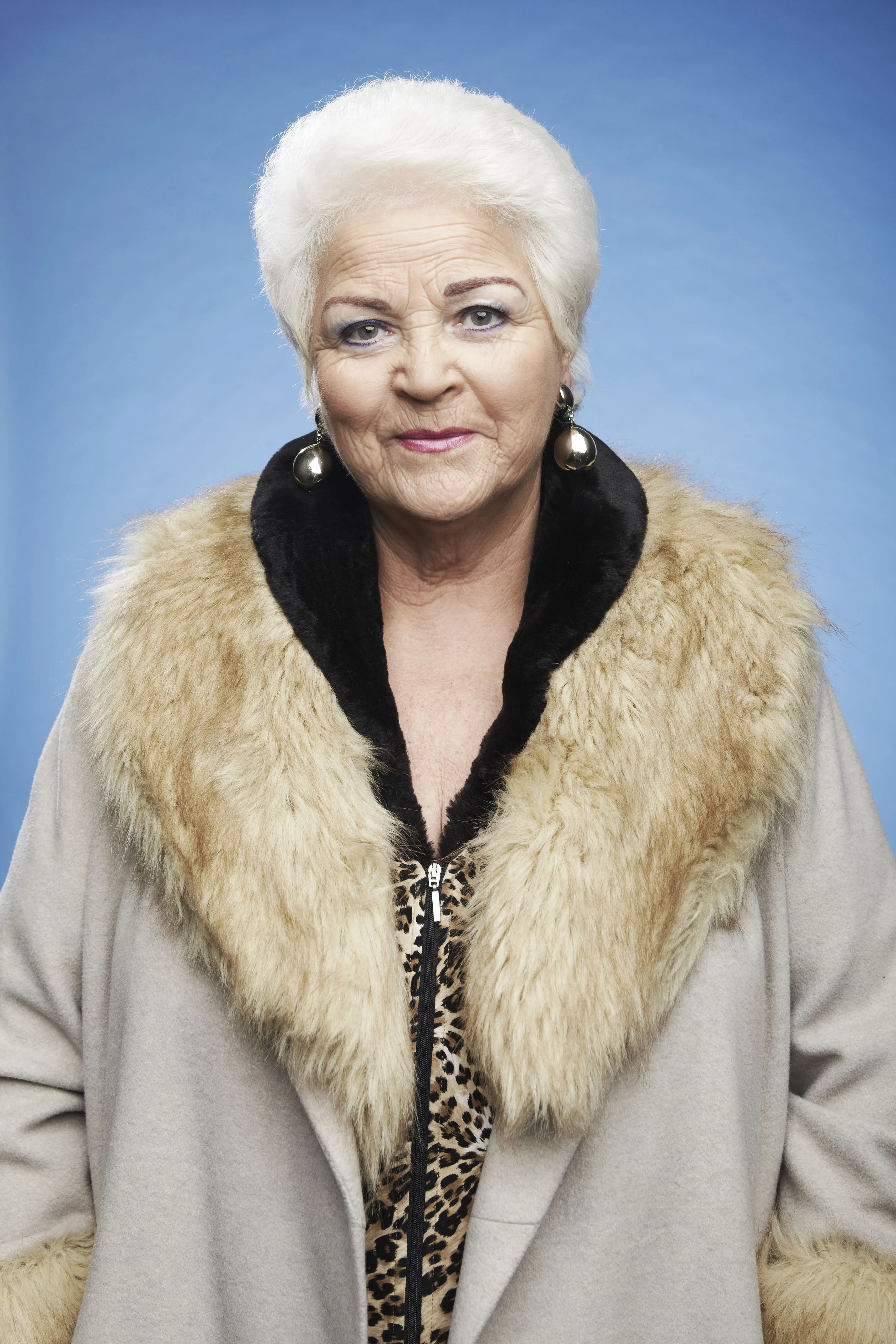
Source image for Open Anime Portrait
Your source
Second workflow result example
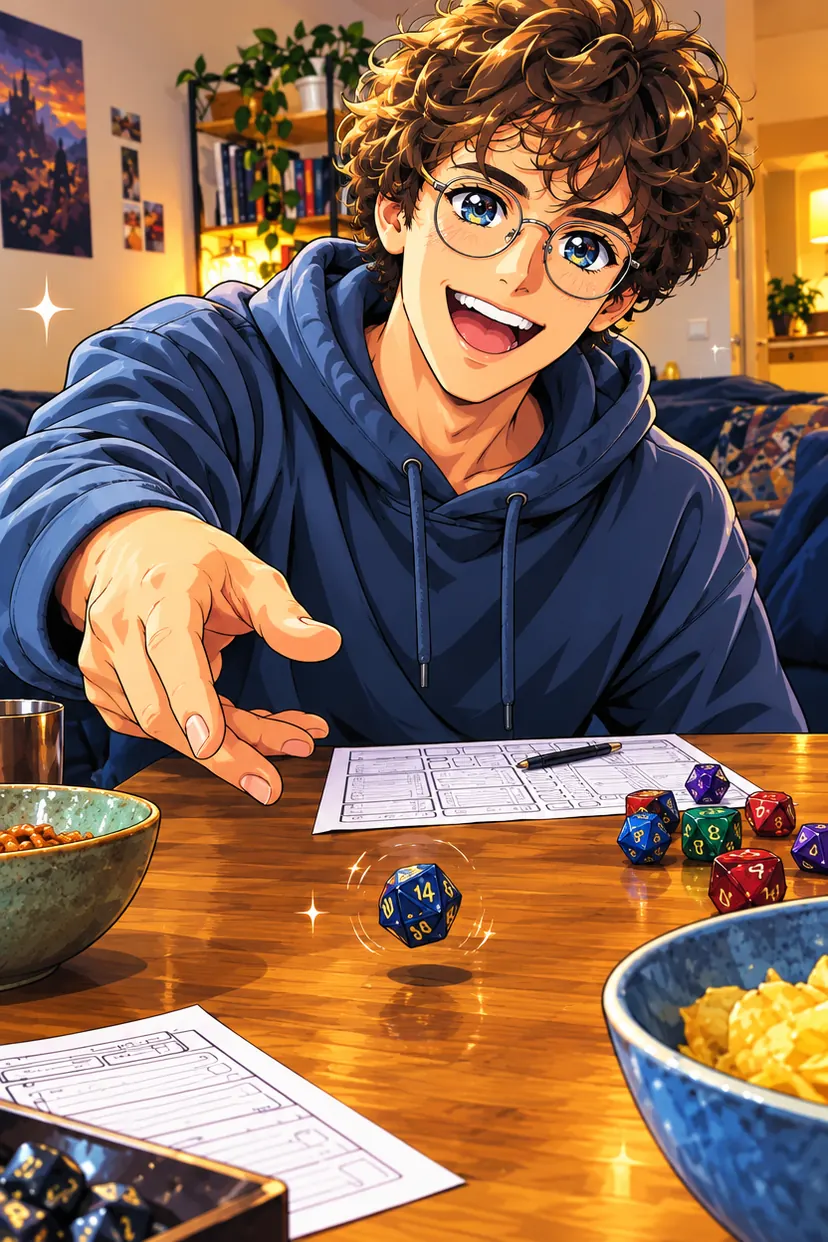
Third workflow result example

See the treatment across more characters.

Different faces and settings. The same anime treatment.

Anime Portrait result 1
Source image 1
Your source
Anime Portrait result 2
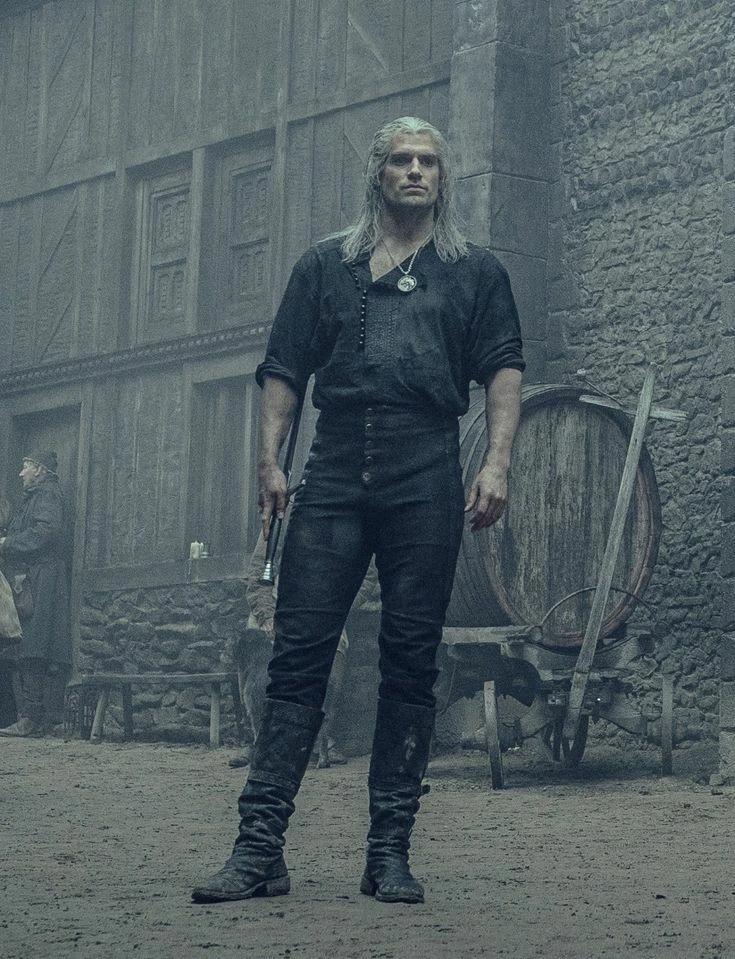
Source image 2
Your source
Anime Portrait result 3
Source image 3
Your source

Keep working with the result.

Open Anime Portrait result in the CharGen workspace
Edit promptRecreateVary detailHigh detail, 30 Gold

From one portrait to a finished result.

Workflow source
Your source
Choose in Workflow

Low

4 Gold

Choose in Workflow

Medium

10 Gold

Choose in Workflow

High

30 Gold

Open Anime Portrait

Exact cost shown before generation
  1. 1Upload the source
  2. 2Choose the detail
  3. 3Review the Gold cost

What stays. What can vary.

Usually preserved

Facial structure
Overall shape and proportions
Key facial features
Eyes, nose, mouth, and brows
Distinctive traits
Scars, moles and other marks
Workflow result detail

Can vary

Expression
Mood and facial expression
Hair and details
Styling and finer elements
Colour and lighting
Palette, lighting and environment
Open Anime Portrait example

Before you start

Ready to use Anime Portrait?

One source image. From 4 Gold.