
AI Video Generator for DnD: Cutscene Guide for 2026
Use an AI video generator for DnD to build session intros, boss reveals, and recap clips in CharGen, plus complete session films assembled for you in Video Studio.
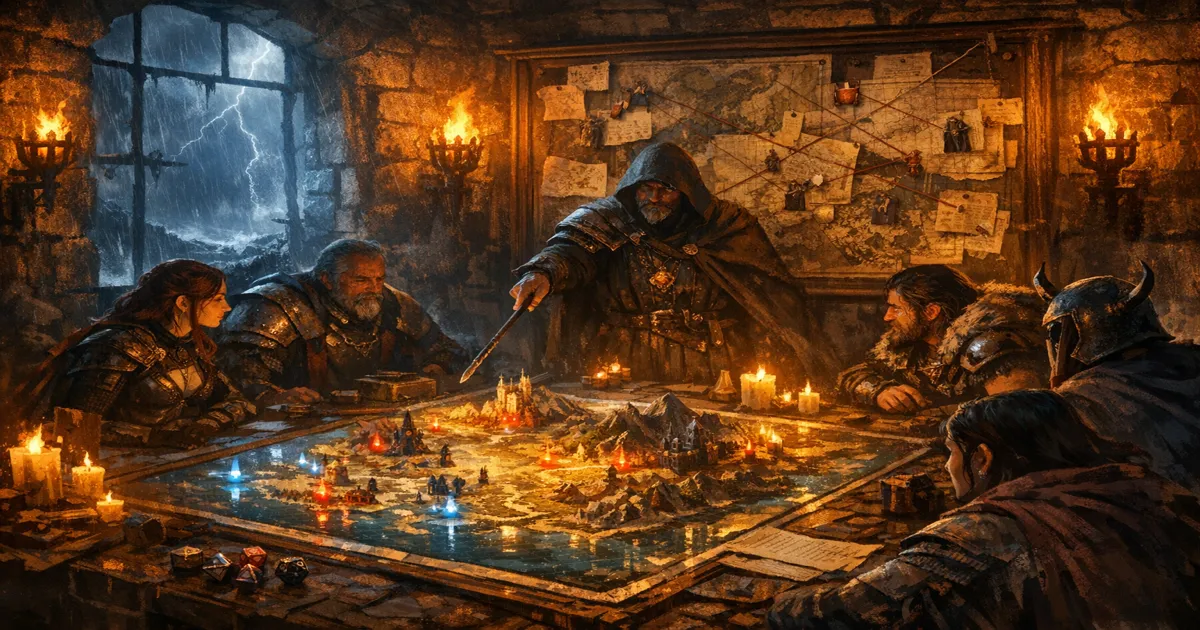
Using an ai video generator for dnd changed how I run big moments at the table. My players still want theatre of the mind for most scenes, but they light up when I drop a short intro clip before a boss fight or post a 40-second recap in Discord the next morning. For most weeks the trick is creating small, targeted cutscenes that support your session without eating your prep night. When I first wrote this guide in March 2026, that was the only sensible option, because assembling a longer film by hand was a chore. That part has changed. CharGen now builds complete session films for you, and I have added a full section on it below.
I have tested this workflow in CharGen and in separate tools, and I keep coming back to one requirement: the cutscene has to connect with session notes, NPC state, and your next encounter plan. If those pieces live in different places, your clips look cool but your campaign memory gets messy.
Why this topic is hot right now
I noticed two things over the last few months. First, AI video discussions have moved from novelty to practical use. OpenAI continues shipping Sora updates, and Midjourney has pushed video features into public conversation as well. People are no longer asking "can it animate". They are asking "can I use it every week without pain".
Second, DMs are publicly tired of admin load. Threads in r/DMAcademy and r/DnD keep circling the same issue: session notes, pacing, and player memory are hard to maintain when life is busy. A cutscene workflow only helps if it reduces that load instead of adding another project folder.
That combination is why this guide matters now. You can use current AI video tools for tabletop storytelling, but the value comes from process, not from flashy output alone.
My short answer after testing multiple tools
If you want one polished clip for social media, you can use almost any major AI video platform and get a good result with enough retries.
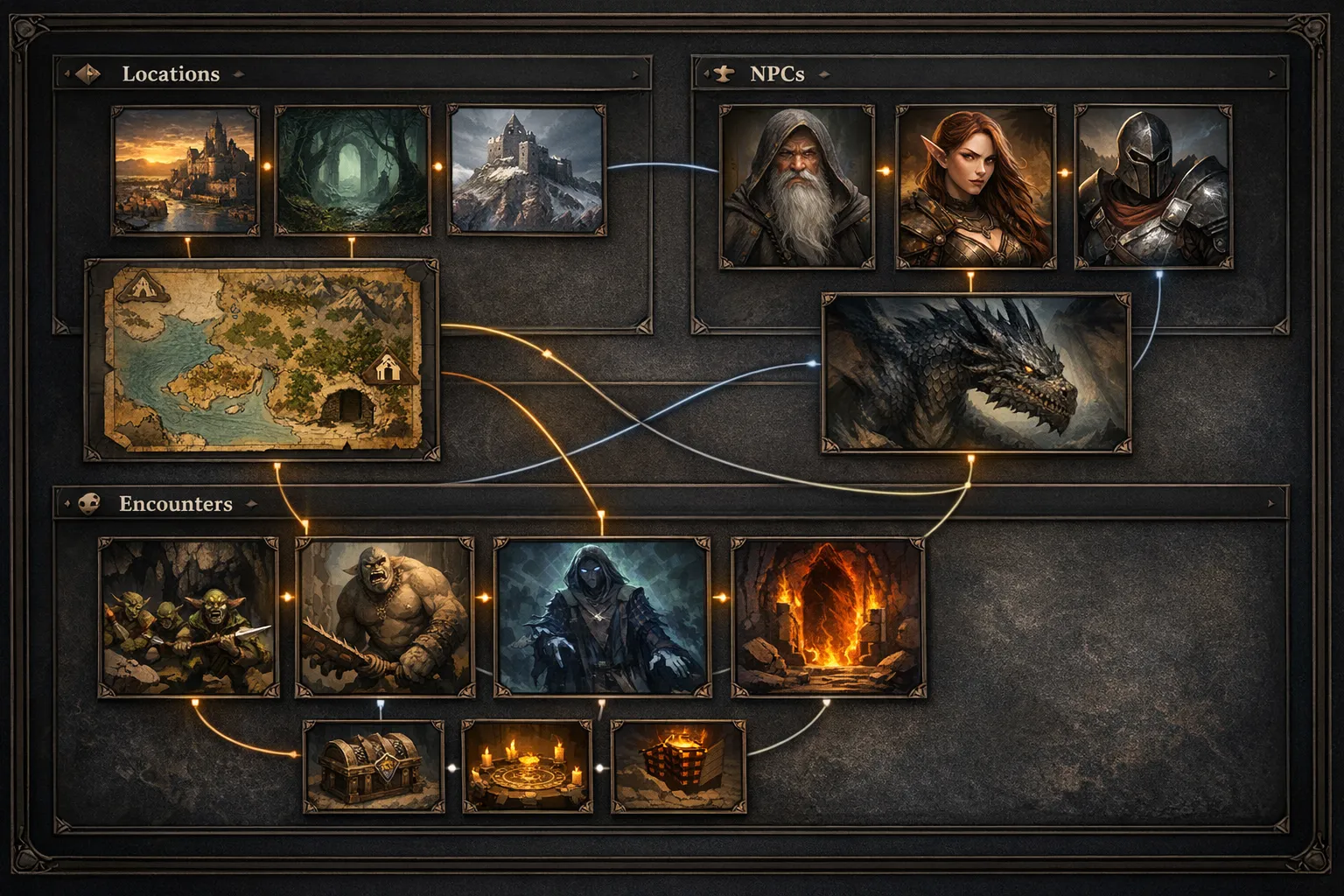
If you want repeatable D&D use, CharGen has a practical edge because the video-cutscene flow sits next to campaign entities and RPG Session Notes. In plain terms, I can generate, annotate, and recap in one workspace.
That said, there are trade-offs. Midjourney can look dramatic very quickly. Leonardo can be solid for style experimentation. Specialist video apps may offer very deep motion controls. I still use them for occasional tests.
For weekly campaigns, I optimise for consistency and retrieval speed. Fancy rendering is useless if I cannot find the right context before session start.
Comparison table: CharGen vs standalone AI video tools for D&D
| Criteria for DMs | CharGen Video Cutscenes | Standalone AI video tools |
|---|---|---|
| Campaign context nearby | Strong, tied to generators + recap flow | Usually separate from notes and NPC data |
| Setup time before first clip | Fast once you know your prompt format | Often fast for one clip, slower for campaign organisation |
| D&D-specific workflow | Built around fantasy and campaign usage | General-purpose, may need more adaptation |
| Audio + narration options | Built-in path for background audio and narration | Varies by tool, sometimes requires separate app |
| Best use case | Ongoing sessions, recurring cast, recap continuity | One-off cinematic experiments and social clips |
| Main weakness | You still need prompt discipline and editing judgement | Context switching and file sprawl can get annoying fast |
This is where search intent matters. If you searched for "best AI video generator" in general, you probably care about visual wow factor. If you searched for "ai video generator for dnd", you probably care about repeatable prep and continuity. I write for the second case because that is what most active DMs struggle with.
The CharGen cutscene workflow I actually use
I run this as a 30-minute block after session prep, or as a 20-minute block after the session ends.
Step 1: Define one scene purpose before touching prompts
On the Video Cutscenes page, I decide what the clip must do. Only one job per clip.
Common jobs I use:
- cold open before a new chapter
- boss reveal before initiative
- downtime montage between sessions
- recap sting for Discord
If you try to mix all four jobs in one clip, the result gets muddy. Keep it focused.
Step 2: Generate or choose the base image
In the cutscene flow, the first milestone is image setup. I either generate from prompt or upload existing campaign art.
I keep prompts blunt and specific. Example from last week:
Rain-soaked fortress gate at dusk, two torch lines, drake-rider silhouette descending through fog, cinematic framing, tense mood, no text.
That gave me a usable base on second try. Good enough. I moved on.
Step 3: Animate with a single motion priority
The interface emphasises scene animation, and this is where people overcook it. I choose one motion idea only:
- slow push-in camera
- banner flutter + smoke drift
- character turn + cloak movement
Trying to animate every element often looks synthetic and noisy. A restrained move usually feels better for tabletop pacing.
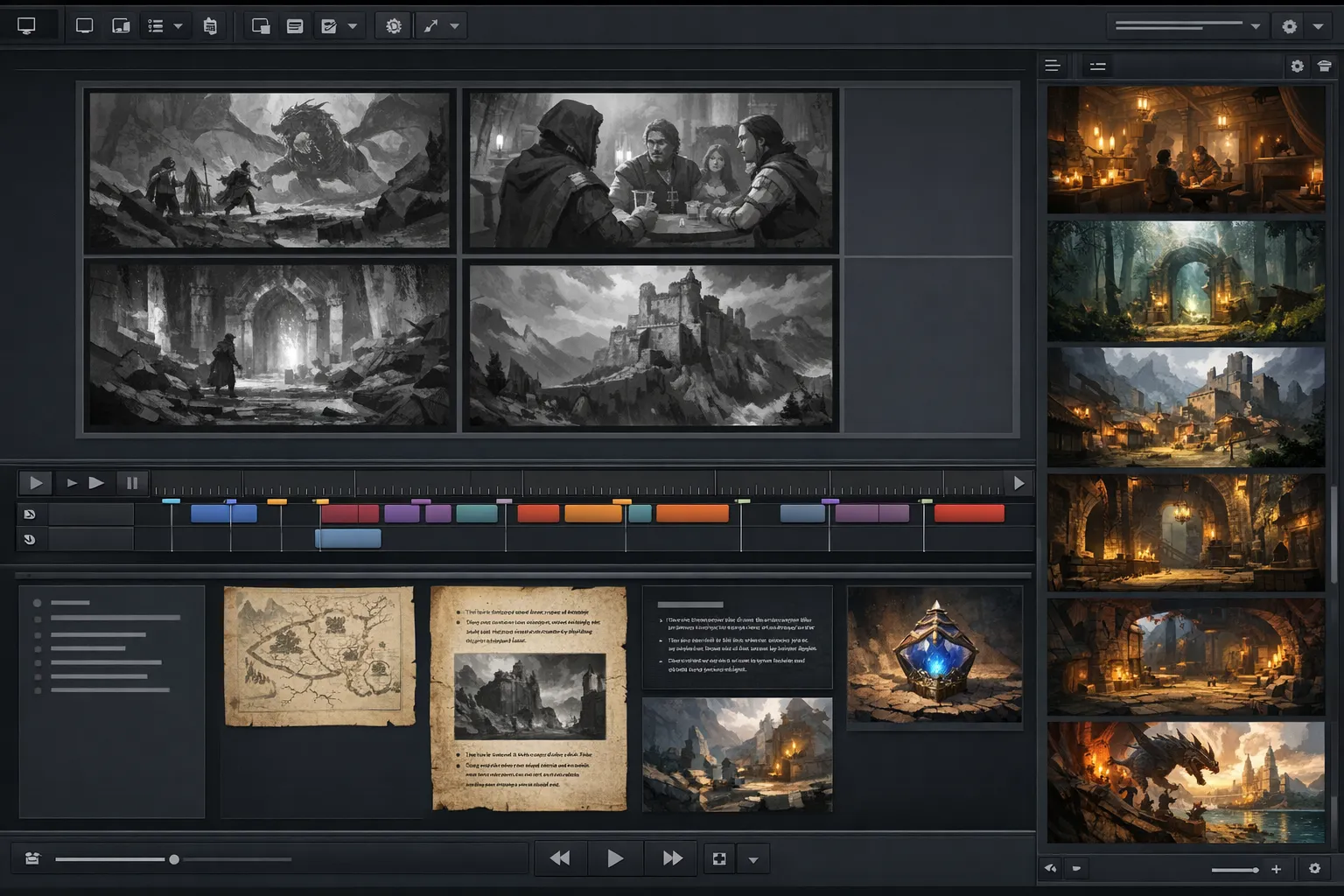
Step 4: Add audio and narration intentionally
The page flow calls out background audio and narration generation. Use that, but keep your mix simple.
My default:
- low-volume ambience bed
- one short narrator line
- no extra sound effects unless it serves the story beat
I write narration for table use, not trailer hype. Example:
At first light, the Black Glass Legion crossed the ford and burned the signal tower.
One sentence. Clear event. Clear stakes.
Step 5: Export to the right format for your table
CharGen supports common export targets such as MP4 and WebM in its cutscene FAQ and page copy. I usually export MP4 for Discord and WebM when I want quick browser playback.
Keep clips short. My sweet spot is 20 to 45 seconds. Longer clips often drag attention away from player choices.
Update for September 2026: CharGen now assembles the whole film
Everything above is still how I make a single clip. But the ceiling moved twice this summer, and the March version of this guide is out of date on one point.
CharGen shipped Video Studio on 29 July 2026. On 12 August 2026 it gained complete session films. So the honest correction is this: you no longer have to assemble a longer video yourself.
Here's the plain difference. A cutscene is one shot that you direct. A session film is a finished video that CharGen plans, renders and joins for you.
Video Studio takes two starting points.
- A processed session recap. It reads the important events, the campaign cast, the locations and the artwork you already own. It doesn't re-summarise the raw transcript.
- A written brief. You describe the video in a sentence. It plans the rest.
I tried the brief path first, because it needs no setup at all. My brief was one line: A party enters a flooded temple and wakes the guardian beneath it. That was enough to get a plan back.
The production trail
The workspace is called the Director's Table. It runs four visible stages, and the interface labels them exactly this way.
- Story. The director plans the narrative, the shot list and the sound.
- References. CharGen finds artwork you already have and flags what is missing.
- Review. You approve the clips, the references, the sequence boards and the exact gold quote.
- Render + Mix. It generates each clip, builds the sound layers and assembles the final film.
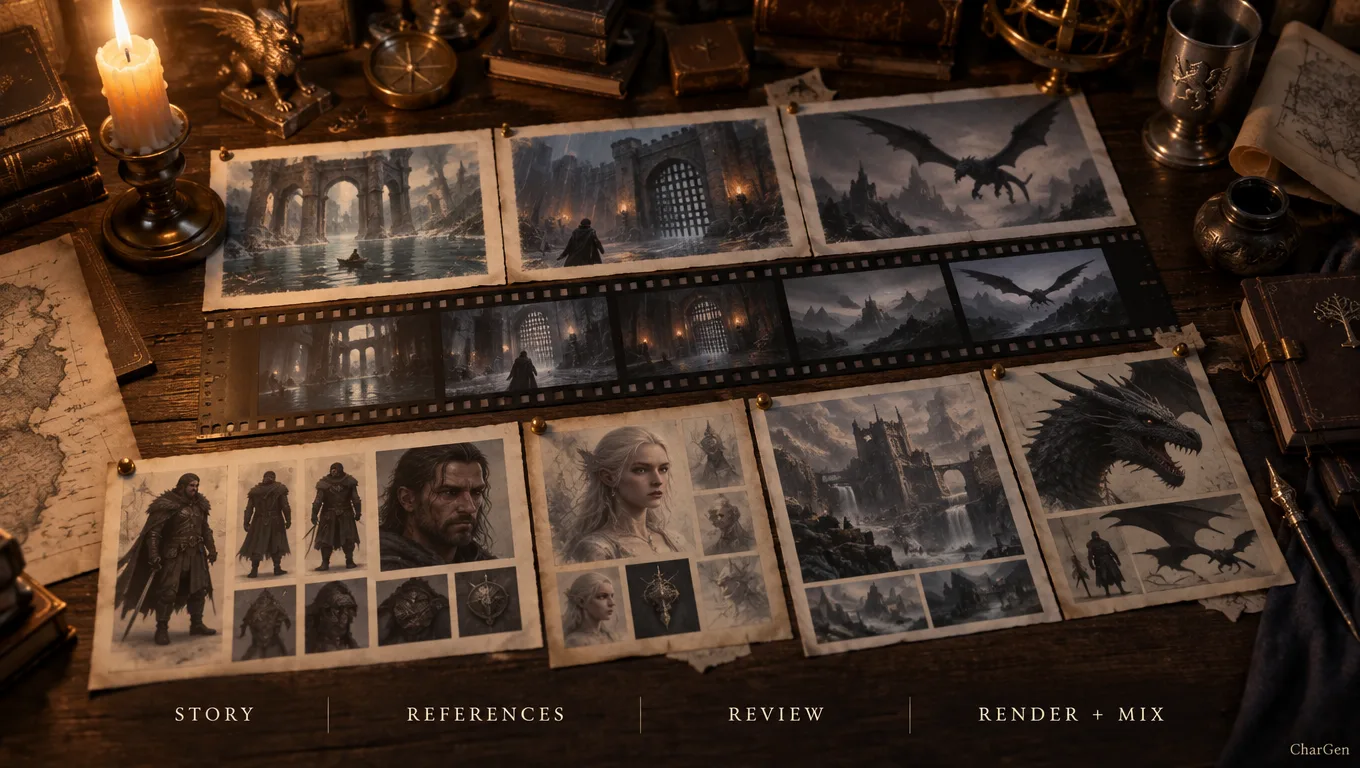
A staged inspector sits under those four and shows the smaller steps: source freeze, research, screenplay, direction, continuity, pre-production review, packing, reference variants, storyboards, video takes, audio and mix, and final film review. That list looks heavy written down. In practice you approve twice and wait.
The part I care about most is continuity. The storyboard step checks each planned image against the approved references. If it finds a continuity problem, it renders one more version and keeps the stronger result.
I want to be straight about what that does and does not do. Generative video still drifts between shots. Carrying character and location references through every scene narrows the drift. It doesn't remove it. If you expect a film where the same elf has the same scar in all nine shots, you'll still find shots that miss.
What a film actually costs
Planning costs nothing. You only spend gold once you approve the render, and the review screen shows a per-stage breakdown before that happens.
Four finish tiers set the price, and each one maps to a real model.
| Finish | Gold per output second | What you get |
|---|---|---|
| Draft | 10 | Lowest-cost rough cut |
| Balanced | 11 | MiniMax H3 Max at its native 768p canvas, sound included |
| High | 16 | Refined cinematic pass |
| Best | 50 | Seedance 2.5 pinned to 720p, 30-second takes, sound included |
Balanced is my default. At 11 gold per second, a 40-second recap film runs about 440 gold. Best costs roughly four and a half times that for the same length, so I keep it for a season finale rather than a weekly recap.
Worth mentioning though, the Director's Table keeps every attempt. If one clip fails, you retry that clip on its own. You don't pay again for the paid stages that already finished. That single detail is what made me stop treating long videos as a money risk.
Sound, narration and captions
Session films mix four audio layers, and each one is a separate toggle in the form.
- Narration, generated with the Inworld Hades voice, timed before captions
- Captions, timed from that generated speech
- Background score, one continuous bed that ducks around speech
- Native clip audio, where the selected model supports it
I leave narration off for dialogue-led films. A narrator over every scene flattens the pacing. For a recap, narration on with the score low is the combination that reads best at my table.
Cutscene or session film: how I choose
Both still earn a place in my prep. I pick by job, not by which feature is newer.
| Situation | What I make | Why |
|---|---|---|
| Boss reveal before initiative | Cutscene, 20 to 30 seconds | One beat, one shot, full control |
| Post-session recap for Discord | Session film | It reads the recap and the cast for me |
| Chapter opener for a new arc | Session film | Several scenes that need continuity |
| Downtime montage | Cutscene | Short, cheap, no story planning needed |
| A player missed three weeks | Session film | Faster to watch than a wall of text |
| Tone sting mid-session | Cutscene | I need it ready in ten minutes |
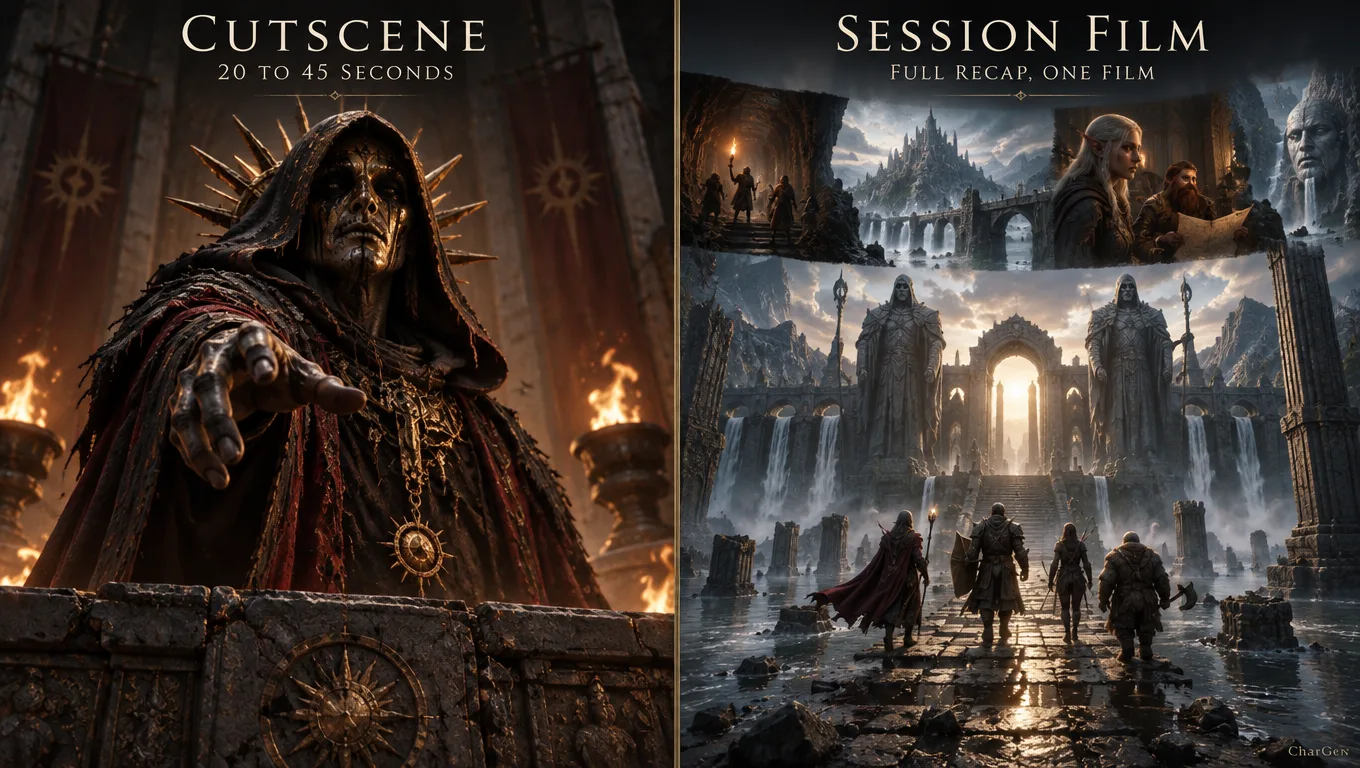
My rough rule: if the video covers one moment, direct it yourself. If it covers a story, let the director plan it.
One honest caveat on the session film path. It depends on the quality of your recap. If your session notes are three bullet points, the film gets three bullet points of story. The DMs I know who get the best results are the ones who already log sessions properly. The film is downstream of the notes.
Where most DMs lose time with AI cutscenes
I see the same mistakes over and over, and I have made every single one myself.
Mistake one: perfection loops. You keep regenerating for tiny visual changes nobody at the table will notice.
Mistake two: no naming convention. Your exports end up as final_final_v2.mp4, and you cannot find the right file next week.
Mistake three: no recap link. The clip exists, but it never gets tied back to what happened in play.
My fix is dead simple:
- clip filename:
session-12-boss-reveal.mp4 - one-line context note in recap
- one link to the entity or scene it belongs to
That tiny discipline is what turns cutscenes from novelty into usable campaign memory.
Cost and time reality check
You do not need to produce Marvel-tier animation for D&D. You need a predictable routine.
My personal target each week:
- 1 intro clip (20 to 30 seconds)
- 1 recap clip (30 to 45 seconds)
- optional 1 boss sting if the arc calls for it
Time budget: about 45 minutes total once assets exist.
If I am short on time, I skip narration and ship ambience-only. Players still get the tone hit, and prep does not derail.
Worth mentioning though, some weeks I skip cutscenes entirely. If your players are in a heavy roleplay sequence, text recap and a strong opening description may be the better call. Use the tool when it helps, not because you feel you should use it.
Prompt templates that keep results consistent
Prompt consistency matters more than poetic prose. I keep a tiny template and reuse it.
[location], [time of day], [weather], [main subject], [camera framing], [mood], fantasy style, no text
Three examples from my campaign notes:
Flooded catacomb chapel, midnight, candle smoke, paladin kneeling before cracked altar, medium shot, solemn mood, fantasy style, no textMountain pass watchtower, dawn, sleet, hobgoblin outriders gathering below, wide shot, dread mood, fantasy style, no textUnderground market vault, lamplight, dry dust haze, masked broker opening iron case, close shot, tense mood, fantasy style, no text
I do not chase unusual phrasing. Clear beats clever.
Connecting cutscenes to session summaries
This is the part most tool reviews ignore, and it is exactly where CharGen has practical value for campaign play.
After exporting a clip, I open RPG Session Notes and add a short line that references:
- what the clip depicts
- when it should be shown
- which NPC or encounter it links to
Example recap note format I use:
Clip: session-14-ford-attack.mp4, show at opening. Links: Captain Rhel, Black Glass Legion, South Ford encounter.
That takes under a minute and saves me from "wait, which clip was this" confusion before game night.
Model strategy for fantasy campaigns
No model wins every scenario. I segment by job.
- style exploration: cheaper, faster model pass
- final image for animation: higher quality model pass
- recap visual fallback: fast model if deadline is tight
If I am unsure, I run the same prompt through a paid Arena A/B test, then lock one route for that campaign arc.
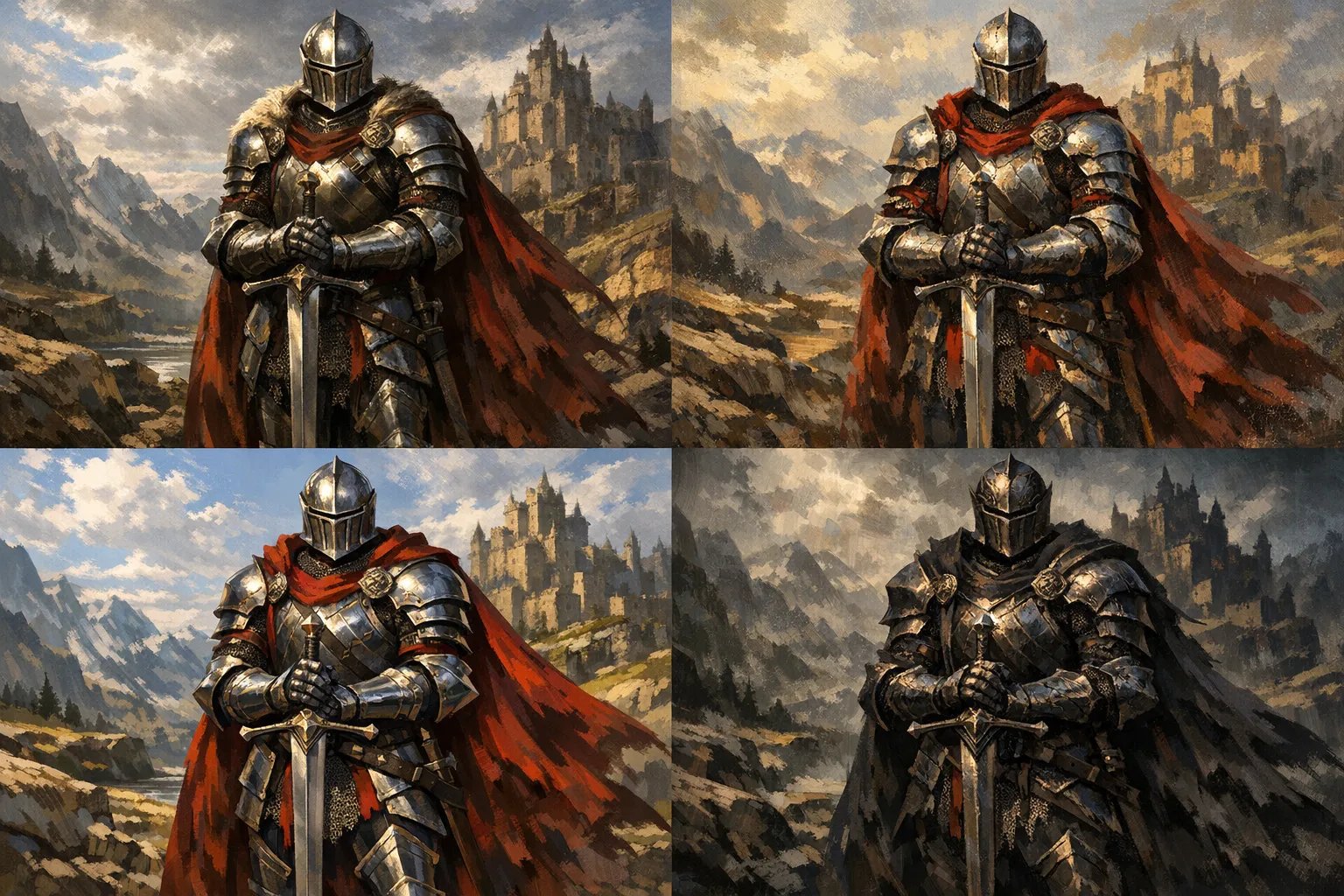
I care a lot about armour readability and face clarity in fantasy close-ups. In my own tests, some model families handle metal texture better, while others preserve mood better in foggy scenes. There is no universal best. Run short A/B passes and pick what fits your campaign tone.
FAQs people actually ask before trying this
FAQ: AI video generator for DnD workflow
How long should a D&D cutscene be?
I treat 20 to 45 seconds as the practical range. Under 20 seconds can feel abrupt. Over 60 seconds often slows momentum unless it is a chapter opener.
Do I need cutscenes during every session?
No. Use them for major transitions, reveals, and recaps. If a session is mostly investigation or social play, a strong spoken recap may be enough.
Can I use this with Roll20 or Foundry campaigns?
Yes. Export to a common format and share through your table workflow. Most groups play clips in Discord, browser tabs, or directly in VTT-adjacent channels.
What if my players do something unexpected and skip the planned scene?
Keep one generic atmospheric clip ready. I keep a storm-at-the-gate fallback clip for exactly that reason.
Is this better than static handouts?
Not always. Static handouts are faster for clues and maps. Cutscenes are better for tone shifts and memorable beats. Use both.
What is the difference between a cutscene and a session film?
A cutscene is one shot you direct yourself, usually 20 to 45 seconds. A session film is a longer video that CharGen plans, renders and assembles from your session recap or a written brief. Video Studio added complete session films on 12 August 2026.
How much does a session film cost in CharGen?
Planning is free. You only spend gold after you approve the render. The four finish tiers cost 10, 11, 16 and 50 gold per output second for Draft, Balanced, High and Best. A 40-second recap on Balanced is about 440 gold.
Do I need a finished session recap to make a film?
No. Video Studio takes two entry points. It can read a processed session recap, or it can start from a one-sentence written brief such as a party entering a flooded temple.
The one setup I recommend if you are starting tonight
If you want to test this in one evening, do this:
- make one 25-second opener for next session
- link it to one recap note
- share it in your group channel before game time
Then stop. Do not build a whole media pipeline on day one. Your goal tonight is proof of usefulness, not artistic perfection.
When that first clip lands well, expand to a recap clip the following week. Keep the cadence sustainable.
If you want to run the whole flow in one place, start with CharGen's video cutscene generator, then connect it to your session summary workflow. That combination is where I have seen the biggest improvement in player recall and prep calm.
Once that habit sticks, try one session film. Log your next session, open Video Studio, point it at that recap and take the Balanced tier. Keep it to 40 seconds for the first run. You'll spend about 440 gold and you'll learn more about your own recap quality than about the renderer. If you want to tighten those notes first, my session prep tools are the place I'd start.
Image notes
The images in this guide were generated with OpenAI image generation via the project automation pipeline, with the hero resized to 1200x630.