
DnD Region Generator Workflow: Build 3 Settlements Fast
Use a dnd region generator workflow to build three linked settlements fast, with NPCs, encounter hooks, and session-ready notes in CharGen.
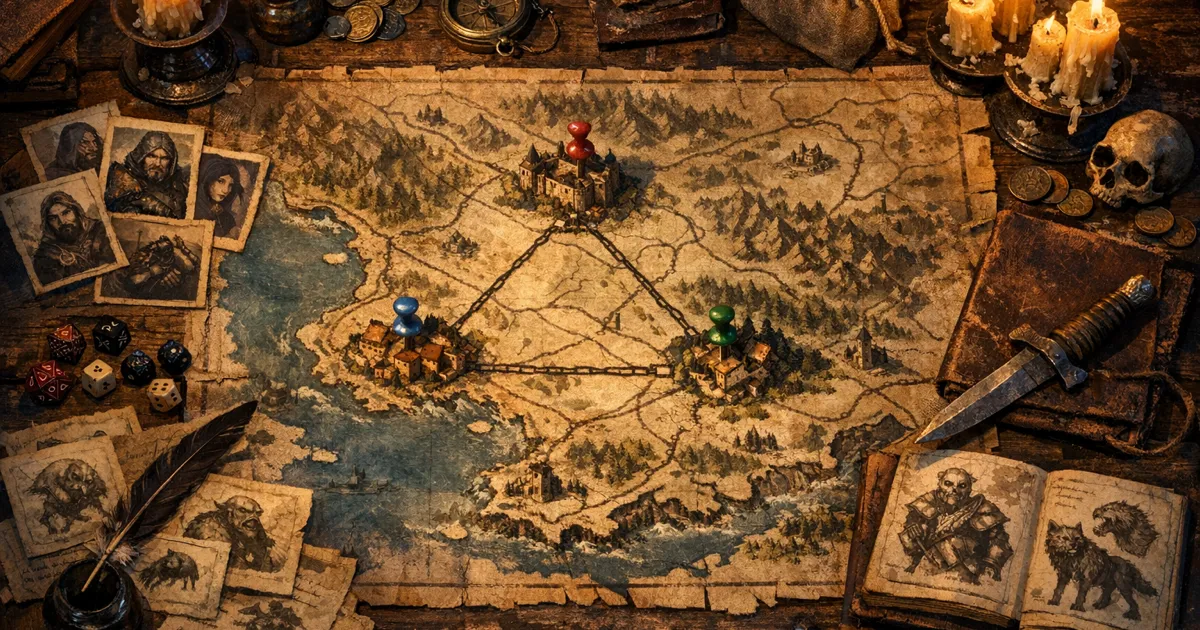
A dnd region generator became my default prep tool when I got tired of building towns that looked fine on paper but had no useful links between them. I did not need another random place name. I needed roads, pressure points, factions, and session hooks that stayed coherent when players ignored my intended path. This workflow in CharGen gives me that in one pass, and it now handles most of my weekly prep.
The timing is right for this approach. CharGen recently shipped a stronger settlement presentation flow in the app, and Wizards of the Coast’s 2026 release cadence means most DMs are preparing more side arcs, not fewer. More side arcs means more places to improvise, and place improv is where weak prep shows up first.
Why I changed my prep stack this month
I used to start with a map tool, then move to notes, then build NPCs late. It worked when players stayed on rails. My table does not. If the party walks south instead of north, I need two towns and one faction conflict ready in minutes, not in another tab that still needs cleaning.
The newer settlement view and entity flow in CharGen fixed that for me because I can keep region context, settlement detail, and cast generation in one workspace. I am not saying this removes DM judgement. It does not. It removes repetitive setup so my judgement can focus on tone and consequences.
I also noticed a practical SEO gap while researching this topic. Most posts ranking for region tools are either generic worldbuilding advice or pure map software reviews. They rarely explain how to go from one generated region to session-ready settlements with named NPCs and recap hooks on the same night. That gap is exactly what this post covers.
The exact 45-minute workflow I use
I run this before one-shots and before new campaign chapters. The structure is fixed so I do not burn time deciding process each week.
| Time block | Task | Output |
|---|---|---|
| 0-10 min | Region draft in Region Generator | Region identity, conflicts, travel logic |
| 10-22 min | Spin out 3 linked hubs in Settlement Generator | Starter settlement set with clear roles |
| 22-34 min | Generate supporting cast in NPC Generator | 8-12 usable NPC anchors |
| 34-41 min | Add threats via Monster Generator | Encounter hooks by location |
| 41-45 min | Lock continuity in RPG Session Notes | Session-ready memory scaffolding |
That is the full loop. If I have extra time, I polish. If I do not, I still have coherent prep.
Step 1: Build the region first, not the towns
In CharGen, I open Region Generator before anything else. I set only the fields that actually change session outcomes.
Fields I never skip:
- Region type or terrain identity
- Political pressure or ruling power notes
- Core resources
- Travel friction
- One active threat
What I type in the details box is short and concrete. Example from last week:
Storm-worn frontier coast, three trade roads meet at a ruined toll keep, salt guild taxes are rising, marsh spirits disturb ferries at dusk, smugglers backed by a minor noble house.
That single block gives me economy, politics, danger, and movement. Good enough to spawn settlements that feel related.
The thing is, many DMs start with individual towns and then try to retcon regional logic later. I did that for years. It is slower and messier. Region first, settlements second is much cleaner because every town can inherit pressure from the same source.
Step 2: Generate three settlements with distinct jobs
After the region draft, I move straight into Settlement Generator. I always build three linked hubs, even for short arcs:
- one production hub
- one transit hub
- one tension hub
Production hub example: quarry, mine, fisheries, or mills.
Transit hub example: bridge market, pass fort, harbour gate.
Tension hub example: disputed shrine town, border court, smuggler inlet.
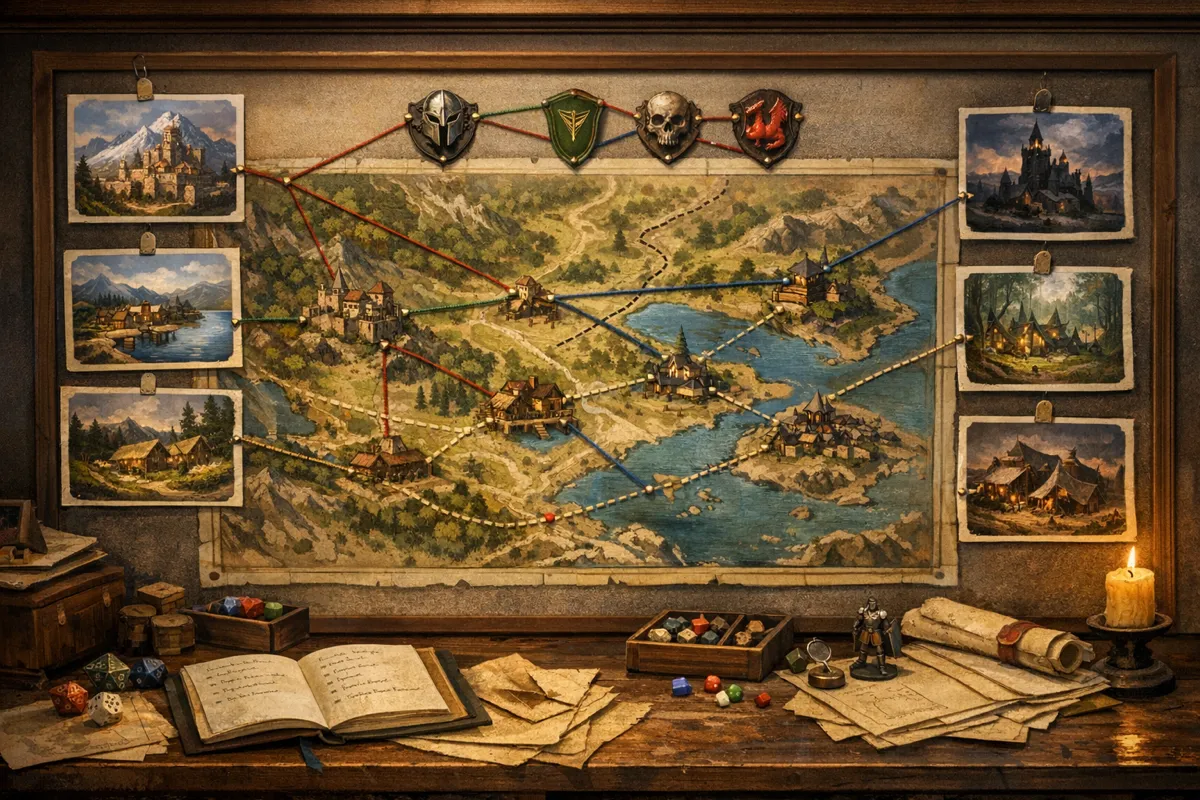
Why three? Because one settlement is static, two settlements are binary, and three settlements create triangulation. Players can mediate, exploit, or ignore one hub and still feel consequences in the others.
When the settlement form opens in CharGen, I fill settlement size, prosperity, authority style, and one social fault line. I do not overfill flavour fields until I see the first output.
How I name and connect settlements fast
I use one naming rule so I can recall places under pressure.
[Function] + [Geographic cue]
Examples:
Ledger Quayfor customs and tax recordsAshford Stepsfor cliff transport and tollsMireglassfor marsh route smuggling
Then I add one sentence under each settlement in World Codex:
- what this place sells or controls
- what this place fears
- who this place blames
You can run that in two minutes and suddenly all three hubs have direction.
Step 3: Use Configure & Generate properly
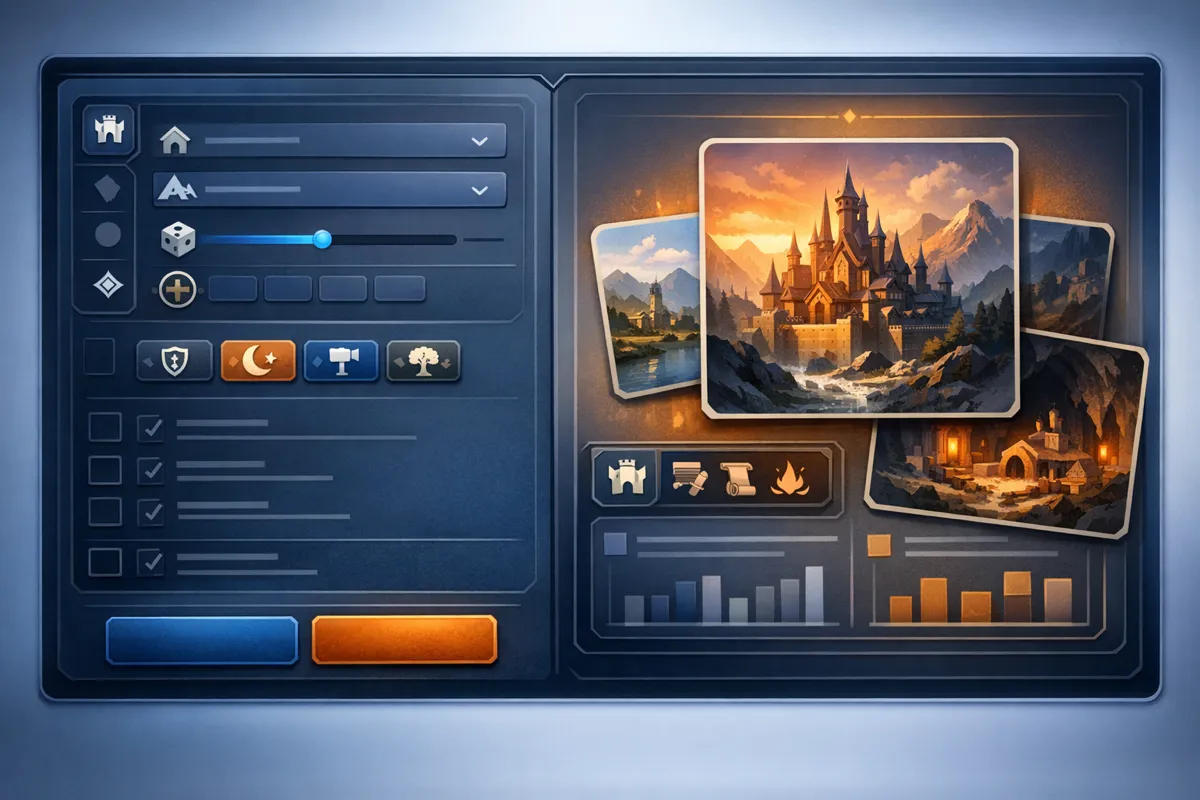
Inside World Codex, the Generate dialog has two stages that matter: Choose Generator and Configure & Generate. I use them in a strict order because that keeps output stable.
My order:
- choose
Settlementgenerator for each hub draft - keep shared region anchor text identical across all three
- vary only one or two local constraints per hub
- generate and keep first usable draft, then edit, do not chase perfect output
The mistake I see most is changing five variables between runs. If everything changes, you cannot diagnose why a result improved.
For regional consistency, I keep this shared anchor line in all three runs:
Salt-tax unrest, worn stone roads, guild politics, dusk ferry risk, watch captains short on trusted staff.
Then I add local detail per settlement. That keeps the region coherent while still making each hub distinct.
Step 4: Batch NPC support without wasting an evening
Once my three settlements exist, I generate cast in short loops. I aim for 8 to 12 NPCs total, not 40.
My split:
- 3 recurring NPCs for the transit hub
- 3 recurring NPCs for the tension hub
- 2 utility NPCs for the production hub
- 1 wildcard fixer
- 1 optional antagonist contact
I use a compact prompt structure in NPC Generator:
[role] in [settlement], public manner: [trait], private pressure: [problem], tie to [faction], one concrete prop.
Concrete prop examples are gold at the table: ledger case, cracked signet, prayer cord, rusted whistle. Players remember props far better than abstract personality adjectives.
If you need very quick NPC creation for DMs, this method pairs nicely with my earlier World Codex NPC workflow. I still use that when a session is close and I need cast right now.
Step 5: Add one threat lane per settlement
I only add one active threat lane per hub at first. More than that and prep gets noisy.
Examples from the same region:
Ledger Quay: extortion by dock wardens hiding under legal feesAshford Steps: landslip sabotage on winch routesMireglass: spirit-pact smugglers moving cursed cargo
Then I use Monster Generator to draft one encounter frame for each lane. Not full encounter scripts. Just enough to react if players poke that thread.
When I need balancing guardrails, I still cross-check encounter weight with D&D Beyond’s encounter building rules. CharGen gives me speed and context, D&D Beyond keeps me honest on danger bands.
Step 6: Lock continuity before game night
A region plan is not done until continuity hooks are in place. I add a short recap stub in session notes before the game starts.
My stub fields:
- settlement visited
- decision taken by party
- who benefited
- who lost face
- what changes next session
After play, I run that through session summary. It takes minutes, and it prevents the usual “wait, why are we back here?” drift two weeks later.
If you already use the VTT workflow, this plugs directly into it. My session summary + VTT guide covers the roll-capture side.
Where this beats separate tools, and where it does not
I still test external tools. Donjon’s generator is brilliant for fast randomness, and I still use it when I want surprise prompts. But for campaign continuity, I prefer keeping generation and memory in one place.
| Task | Split-tool method | CharGen region-first method |
|---|---|---|
| Region draft | Fast but isolated | Fast and immediately linkable to entities |
| Settlement detail | Needs manual bridge notes | Built from shared region anchors |
| NPC continuity | Easy to duplicate accidentally | Stored with campaign context in World Codex |
| Session recap | Usually separate clean-up | Direct path into summary workflow |
| Mid-session retrieval | Depends on your folder discipline | Searchable in one workspace |
Honest limitation: if your only goal is drawing a beautiful atlas for publication, dedicated cartography software still offers deeper visual controls. My goal here is session utility, not publishing-grade maps.
Common mistakes that ruin region prep
Generating settlements with no shared pressure
If each town has random politics, your world feels stitched together. Keep one regional stressor in every settlement brief.
Overwriting every optional field
Long form text can make output blurrier, not better. Use constraints, not essays.
Treating every NPC as permanent
Mark utility NPCs clearly. Spend depth budget on recurring faces only.
Ignoring travel friction
If every route is equally safe and fast, locations lose identity. Add one travel cost to each settlement pair.
Skipping post-session updates
If you do not capture consequences quickly, your next prep block starts with reconstruction work instead of new material.
Keyword check in practice: what players actually search for
While researching this post, I kept seeing the same search intent cluster:
- people looking for a dnd region generator usually want practical prep steps, not theory
- adjacent queries include ai dungeon master tools, quick npc creation for dms, and dnd one-shot prep
- many results miss campaign memory, which is why DMs still end up with note sprawl
So I wrote this as an implementation guide, not a concept piece. If your intent is “give me a method I can run tonight”, this should fit.
FAQ
Is a dnd region generator useful for one-shots, or only long campaigns?
Useful for both. For one-shots, run a mini version with one region and two settlements. For campaigns, use three settlements and keep continuity stubs after each session.
How many settlements should I prep before session one?
Three is my default because it creates choice without overload. One settlement often feels static. More than three before first play is usually wasted effort.
Can I use this without heavy map art?
Yes. You can run the whole method with text-first entities, then add visual assets only for recurring hubs.
What if my players ignore all three prepared hubs?
Keep one wildcard travel node in your notes, then generate a fourth settlement quickly from the same region anchor. Reusing the anchor keeps continuity intact.
Does this replace session notes?
No. It reduces note chaos. You still need short consequence notes after play, then a summary pass.
Final recommendation
Run this workflow once for your next game night: one region, three settlement jobs, ten NPC anchors, and one threat lane per hub. Keep every anchor short, keep the shared regional pressure constant, and update consequences right after the session. If you want to test it in your own campaign stack, open CharGen, build the region first, and do not touch settlement details until that region brief is stable.
Generate a Settlement Free
Image credits:
- Hero and supporting images generated with OpenAI Images (
gpt-image-1.5) for this post.