
Quick NPC Creation for DMs in World Codex: My Workflow
Quick NPC creation for DMs, step by step in CharGen World Codex, with batch-friendly prep habits, cleaner notes, and faster session-ready results.
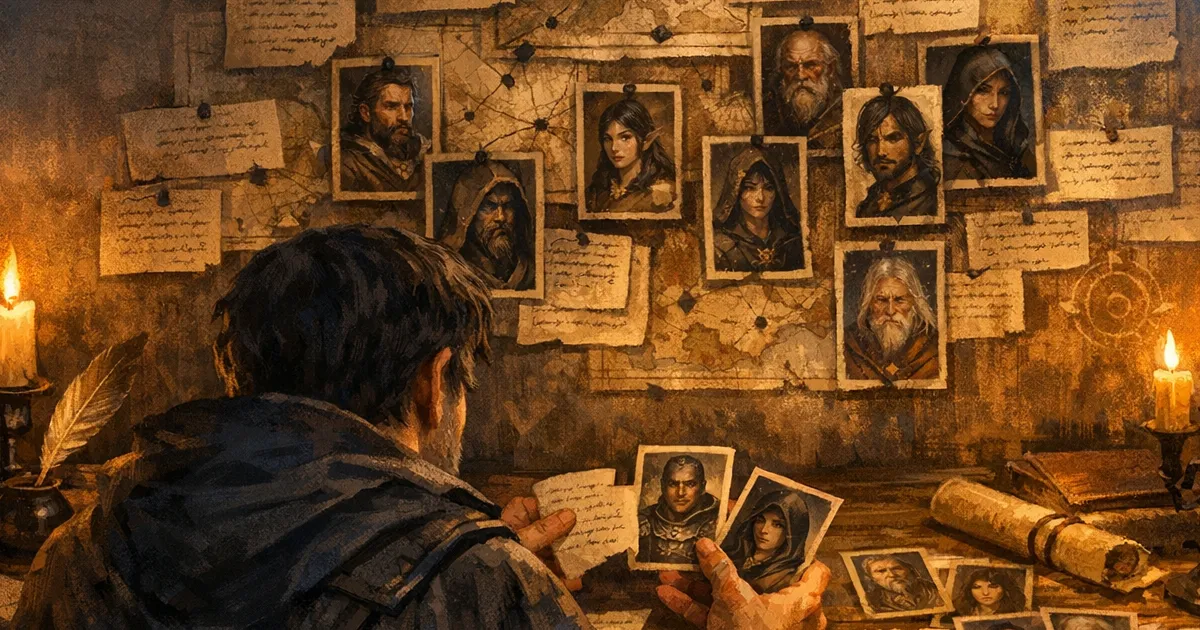
Quick NPC creation for DMs stopped being a scramble for me when I moved the whole flow into World Codex and treated it like prep infrastructure, not a fancy notebook. Before that, I had random names in one document, portraits in a folder I could never find mid-session, and stat ideas spread across browser tabs. It worked, but only if I had time to clean up afterwards, which I never did.
Now I keep all NPC prep in one place, generate from the same panel I use to organise campaign entities, and leave every session with cleaner records than I started with. If you run one-shots, weekly campaigns, or short arcs where players adopt every throwaway barkeep, this saves real time.
Why quick NPC creation for DMs often goes wrong
Most of us do not fail because we cannot invent a character. We fail because we invent too many details in the wrong format, at the wrong moment, under table pressure.
Typical prep friction looks like this:
- You have a name and voice idea, but no usable stat direction.
- You have flavour notes, but no way to connect that NPC to factions or locations.
- You generate one portrait, then cannot reproduce the same feel later.
- You forget what the party learned from that NPC two sessions ago.
When that pile grows, continuity slips. Players notice the guard captain changing personality every visit, even if they cannot explain why it feels off. I used to patch that manually. Now I keep a lightweight structure in World Codex and let the generator fill the boring blanks.
What changed in my prep stack recently
I shifted to World Codex as the centre of prep after the newer grid and detail workflow made browsing faster during session planning. The practical win is simple: I can stay in one screen, switch between collections and entity detail views, and keep generation close to where campaign context already lives.
In plain terms, I am not bouncing between an NPC tool, a notes app, and a second organiser. I open World Codex, choose the right collection, hit Generate, and continue from there. Friction drops, and quality goes up because context is not lost during those app switches.
That single change made me more willing to create ten NPCs in one prep block instead of two “important” ones and seven improvised disasters.
The exact World Codex flow I use
Step 1: start in the right collection
I begin by creating or choosing a collection for the current prep scope. For example:
Harbour District NPCsCrater March One-Shot CastAct 2 Court Contacts
From there, I keep the entity list focused with the type filter and the search box (Search entities...). Even with a small campaign, this habit matters. Future-you will not remember where “temporary bandit scout” ended up.
If your campaign is still small, start in All Entities, then split later. It is better to move entities once than waste prep time trying to design perfect taxonomy before your first session.
Step 2: use the Generate dialog deliberately
When I click Generate, the dialog opens with two clear stages:
Choose GeneratorConfigure & Generate
I choose NPC, then move straight into configuration. The form gives enough control to keep output on-theme without turning prep into data entry.
Step 3: set only the fields that control table outcomes
In the Configure & Generate step, I focus on settings that alter playable results:
GenderAgeLevelGame SystemQuick Description (Optional)- optional race/class/occupation fields when needed
I avoid over-writing the optional fields unless the scene demands precision. A short, concrete description does better than a long lore block.
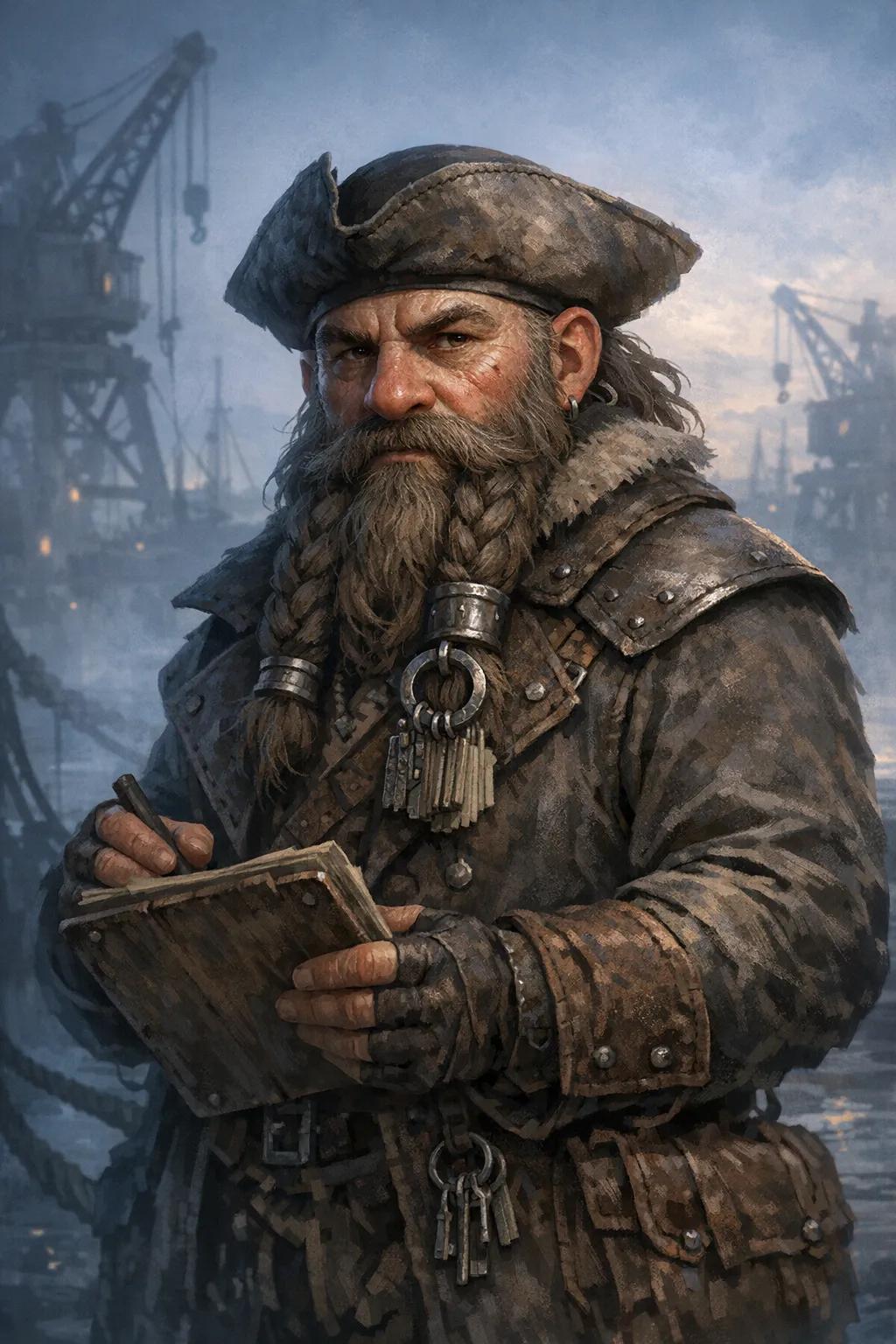
Example text that works well:
Retired dwarven quartermaster running dockside supply ledgers, suspicious of magic users, secretly funding local orphans.
That is enough for voice, role, conflict, and improvisation hooks.
Batch NPC creation without a batch button
Batch Add may be unavailable depending on context, so I use a repeat loop that still gets me 10 to 20 useful NPCs quickly.
My loop:
- Keep one collection active.
- Generate one NPC with a role-focused prompt.
- Duplicate the prompt skeleton and change only role, social status, and one behavioural trait.
- Regenerate immediately.
- Add a one-line note in the entity detail before moving on.
That one-line note format is always:
wants:one immediate goalfears:one pressure pointoffers:one thing the party can get
I can do ten passes of that in roughly twenty minutes and end with a cast that feels interconnected.
Prompt pattern I actually reuse
I keep a tiny template in my prep notes and paste variants into Quick Description.
[role] in [location], public face: [trait], private pressure: [problem], tie to [faction or rumour].
Examples from my own prep:
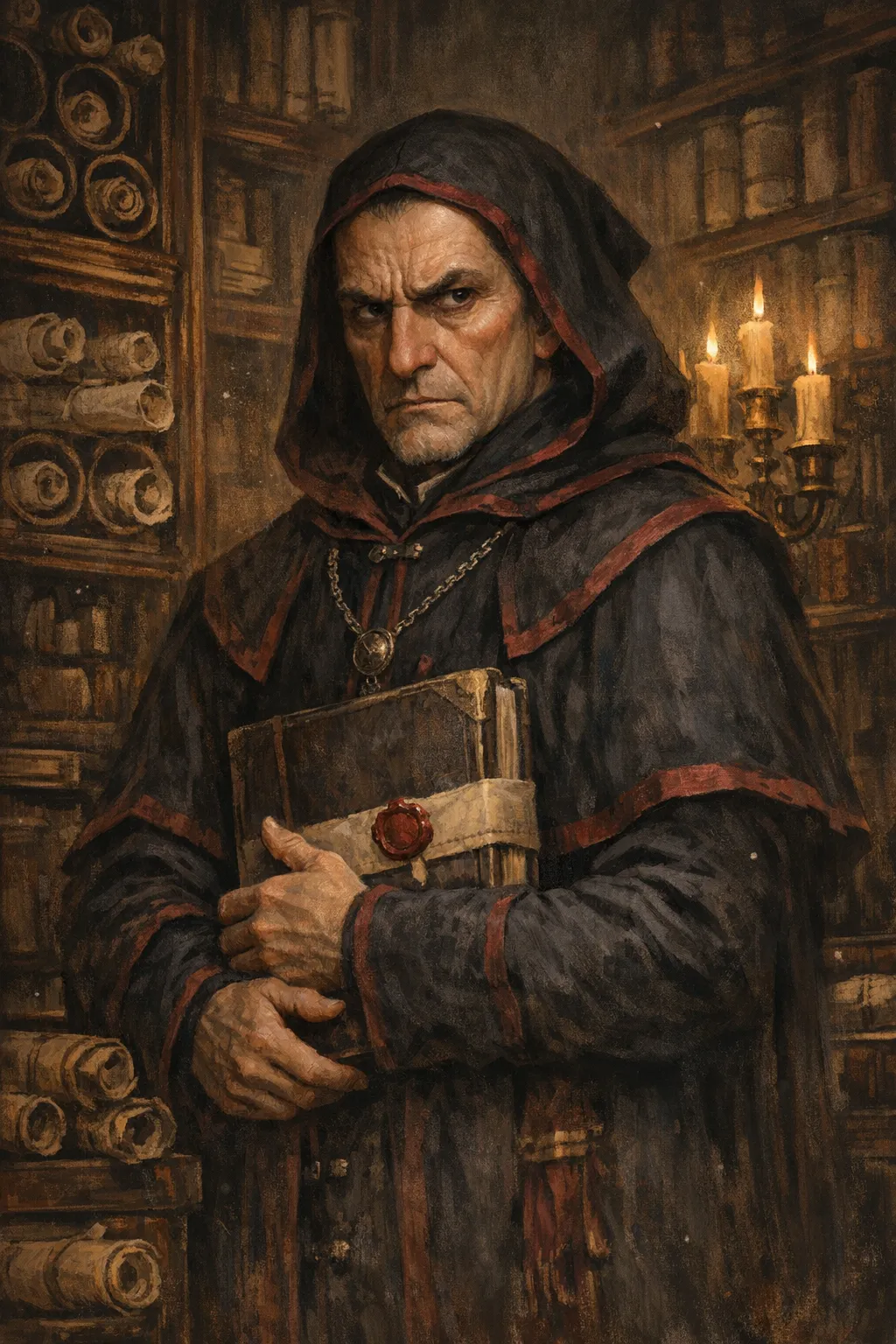
Dock clerk in Rustwater Quay, public face: polite and efficient, private pressure: forged manifests, tie to Black Gull smugglers.Temple bursar in Saint Varyn ward, public face: strict traditionalist, private pressure: missing relic debt, tie to Lantern Choir disputes.Road warden at the east gate, public face: hardline patriot, private pressure: family hostage in border camps, tie to Ash Banner mercenaries.
Short template, very little typing, high reuse.
Keeping generated NPCs consistent across sessions
Fast generation is only half the problem. Consistency is what players remember.
After generation, I open each important NPC once and lock three anchors in the notes:
- one visual anchor
- one speech pattern
- one relationship anchor
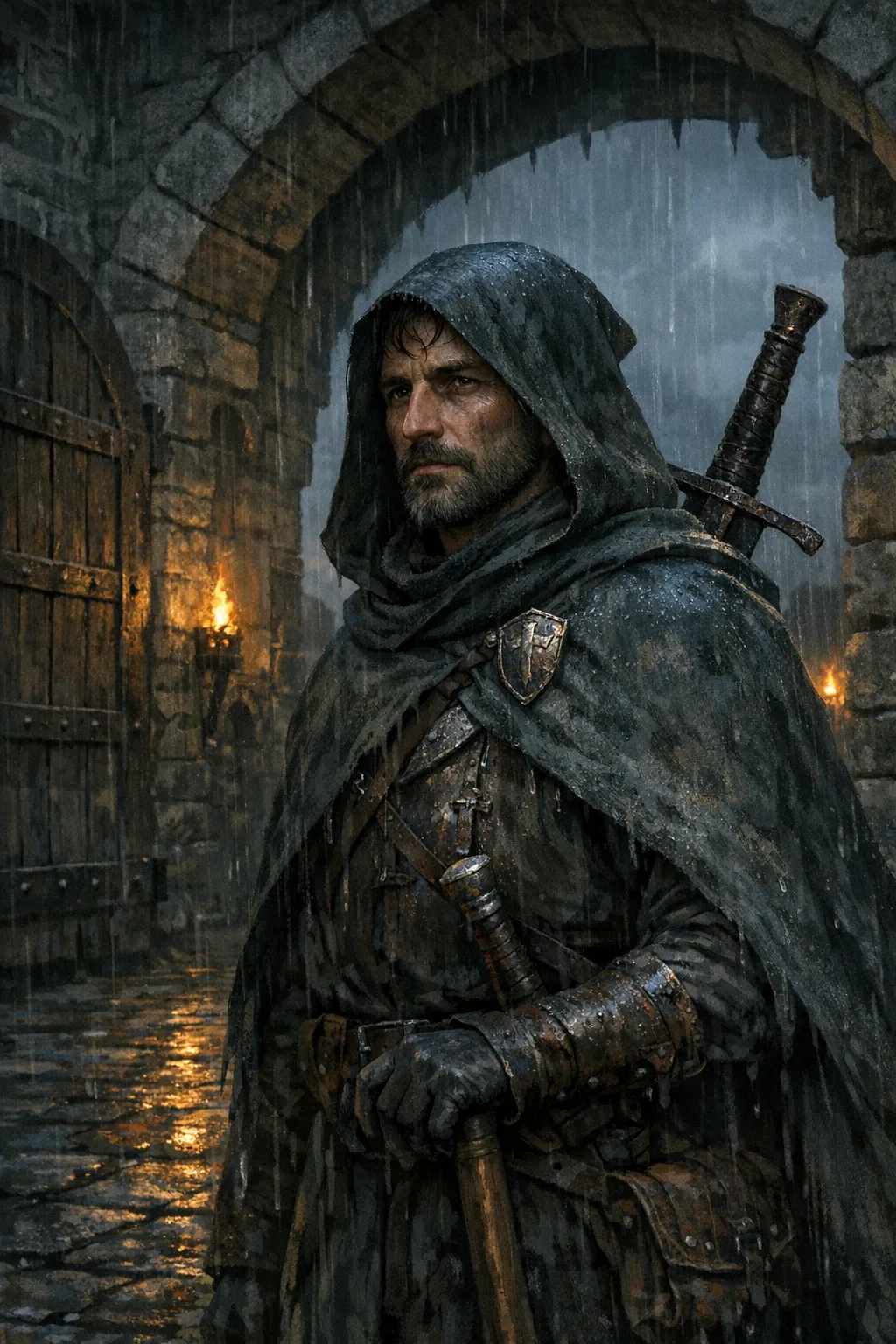
Visual anchor example: burn scar at right jawline, iron prayer ring, rain-dark blue cloak.
Speech pattern example: answers in clipped trade terms, never uses titles.
Relationship anchor example: owes the brewer's guild, mistrusts city watch captains.
Those anchors make follow-up generation easier in the NPC Generator when I need new portraits or variants. They also keep my session summary workflow cleaner because character continuity is already encoded.
Worth adding, here is one of our actual generated NPCs in production:
How I tie World Codex into one-shot prep
For one-shots, I combine NPC generation with encounter and location prep in a single sprint:
- Generate core cast in World Codex.
- Build threat pieces in the Monster Generator.
- Attach location references in codex collections.
- Run session notes through the session summariser after play.
The reason this works is not raw generation speed. The win is shared context. NPCs, monsters, and recap notes reference the same names and locations, so your continuity improves without extra admin.
I used this exact flow for a dockside heist one-shot and generated twelve named NPCs, three rival groups, and two fallback quest-givers in about forty minutes. No heroic prep grind, no 1am spreadsheet edits.
Quality control: when I regenerate versus when I edit
I do not regenerate everything that looks slightly off. Regeneration is cheap, but campaign memory is not.
I regenerate when:
- core role does not match scene function
- motivation is too vague to improvise
- output duplicates another active NPC
I keep and edit when:
- concept is good but tone is too flat
- one field conflicts with established lore
- naming style clashes with setting conventions
That discipline prevents the “infinite regenerate spiral” where you burn forty minutes chasing perfect prose for a character who appears for three minutes.
Comparison: old method versus World Codex-first method
| Prep area | Old tab-heavy workflow | World Codex-first workflow |
|---|---|---|
| NPC ideation | Fast start, messy storage | Fast start, stored in campaign structure |
| Continuity | Manual, easy to miss | Anchors saved with entity data |
| Mid-session retrieval | Slow folder and notes hunting | Search + type filter in one panel |
| Follow-up summaries | Separate clean-up required | Ready for session recap linking |
| Team collaboration | Hard to share context | Shared codex entities make handoff cleaner |
No tool removes DM judgement. Good prep still needs your taste, pacing sense, and table awareness. Even so, the World Codex-first approach gives me fewer dropped threads and fewer “who was that again?” pauses.
Where external tools still help
I still cross-check mechanics against official rules references when encounter stakes matter. For D&D 5e pacing and threat sanity checks, the D&D Beyond encounter guidelines are useful guardrails.
If your game runs on virtual tabletops, token handling docs are also worth a skim. Foundry’s official token guide helps when you convert generated NPC assets into repeatable scene setups.
Use these as checks, not replacement prep systems. World Codex stays the source of truth for entity context.
Practical mistakes I made so you do not have to
Writing biographies instead of playable hooks
A four-paragraph backstory feels productive and plays badly at the table. I keep one conflict, one pressure point, one tie to setting history. Done.
Generating without collection context
Dropping every NPC into All Entities for weeks creates retrieval pain later. Even rough collections beat a giant flat list.
Forgetting to encode relationship anchors
Personality alone is not enough. Relationship anchors are what make callbacks land. Add one debt, one loyalty, or one grudge per NPC and your campaign suddenly feels intentional.
Treating every NPC as permanent
Some characters are disposable scene tools, and that is fine. Mark throwaways clearly so you do not spend polish time on them.
A 30-minute emergency prep variant I use on busy weeks
Some weeks do not give you a full prep block. On those nights, I run a stripped version that still protects session quality.
Minutes 0 to 5: create one collection for the upcoming location and add a short scope note in the description.
Minutes 5 to 15: generate five NPCs tied to that location, using the same prompt skeleton for consistency.
Minutes 15 to 22: mark two NPCs as likely scene drivers and add full wants / fears / offers notes.
Minutes 22 to 27: add one relationship anchor from each driver NPC to an existing faction or named place.
Minutes 27 to 30: sanity check names, remove duplicates, and pin one backup contact for unexpected player detours.
That emergency variant is not elegant, but it is reliable. Players still get distinct personalities, you still get usable continuity, and you do not lose your evening to prep admin.
Why this matters for campaign memory six sessions later
Long campaigns fail from memory drift more often than from bad encounter maths. I have run sessions with average combat balance and great continuity that players still talk about months later. I have also run technically tidy encounters that felt forgettable because nobody remembered why an NPC mattered.
World Codex helps because entity history accumulates where you already work. When your rogue asks, “Was this clerk the one who lied at the canal checkpoint?”, you can confirm it quickly instead of bluffing. That moment of certainty makes the world feel authored.
For me, quick generation is the entry point, not the final benefit. The final benefit is dependable recall under pressure, while the table is watching, with zero pause to dig through old notes.
FAQ
What is the fastest way to handle quick NPC creation for DMs before a session?
Open World Codex, create a scoped collection, then run a short generation loop with one-line wants / fears / offers notes. Ten useful NPCs in twenty minutes is realistic with this method.
How many NPCs should I prepare for a 3 to 4 hour session?
I usually prepare 6 core NPCs and 4 backup NPCs. That covers expected paths plus one detour without wasted prep.
Should I use detailed optional settings every time?
No. Use optional fields when you need a tight narrative role. For routine side characters, a concise quick description produces faster and often better results.
Can I use this workflow if I also need art and session recaps?
Yes. Keep NPC anchors in World Codex, generate or edit visuals in the NPC flow, then use the session summariser to preserve continuity after play.
Final recommendation
If your prep still depends on scattered notes and last-minute improvisation, move one upcoming session fully into World Codex and run the repeat loop above. Keep the prompts short, store anchors immediately, and aim for usable over perfect. If you want a direct next step, create your first collection now and generate five location-tied NPCs before your next game night.
Make a D&D Character Free