
DnD Ambience Generator for Music, Voices, and Cues
Use a dnd ambience generator to build tavern music, combat cues, and NPC voice lines fast with CharGen's audio workflow.
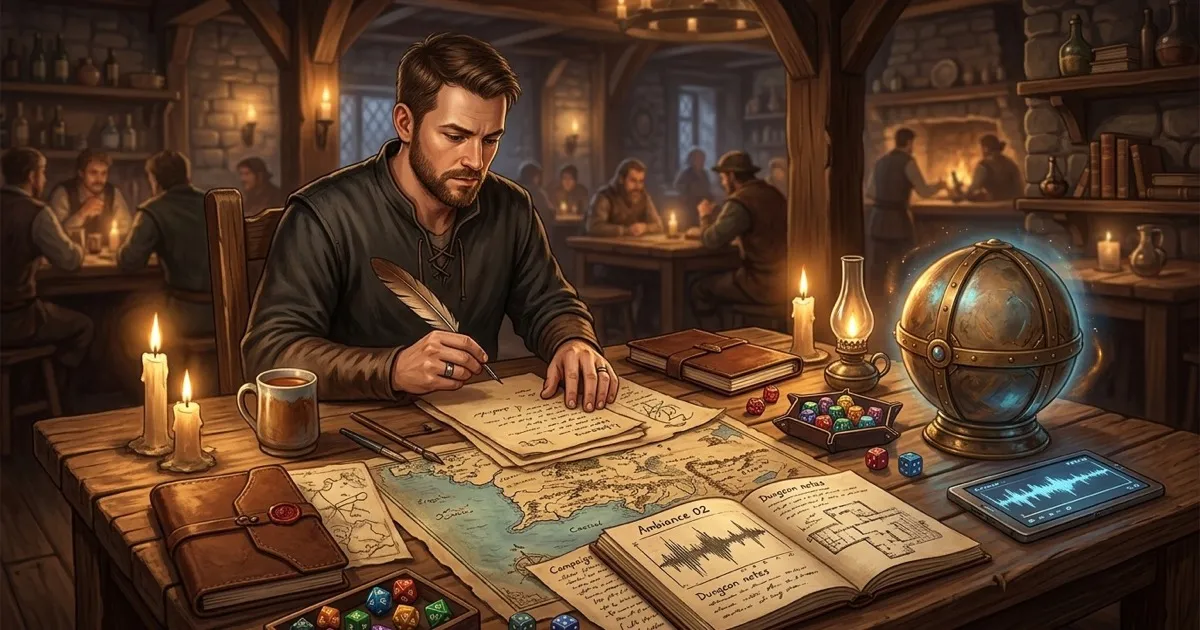
A dnd ambience generator only started mattering to me once I stopped treating music as decoration and started treating it as a timing tool. The problem was never finding one dramatic tavern loop on YouTube. The problem was getting the right sound at the right moment, without opening six tabs, forgetting to switch tracks, and then accidentally dropping combat drums under a funeral scene. That sort of thing kills the mood faster than a bad goblin accent.
That pain still feels current in April 2026. In February, one r/DnD thread about playlist recommendations complained about weird AI-made playlists with random tracks breaking the mood. A few days later, a r/DungeonMasters thread on session music landed on the same practical problem I hear all the time: even when the DM prepares playlists, somebody still forgets to swap them at the right beat. Fair enough. Running the room and running the soundtrack are two different jobs.
That is where CharGen has become useful for me. I can open Generate Audio, split the prep into Background Audio, Music Generation, and Text to Speech, then pair those clips with campaign notes from RPG Session Notes. Instead of hunting for music on one site, voice lines somewhere else, and recap notes in a doc I forgot to rename, I keep the whole thing tied to the same campaign prep loop.
Search intent around this topic is practical. If somebody is looking for dnd ambience generator, ai rpg audio generator, or ai npc voice generator, they are usually trying to solve one of four problems:
- get atmosphere into a session fast
- stop playlist juggling from becoming homework
- make key NPCs sound distinct without recording everything by hand
- keep audio cues tied to actual campaign events instead of random vibes
That is the job I care about here. Not theatre kid grandstanding. Not a fake promise that a tool can run your table for you. Just a workflow that makes your prep night shorter and your sessions easier to steer.
Why most DnD ambience setups fail in real play
The weak point is not audio quality. It is recall.
Most GMs can find suitable audio eventually. The hard bit is remembering what to use, when to use it, and why the cue exists in the first place. I have made every boring mistake on this list:
- one giant fantasy playlist with no scene control
- tavern music that stayed on during an ambush because I forgot to touch it
- NPC voices that sounded funny once and vanished from my brain by next week
- boss music that was too busy, too loud, or weirdly cheerful
- hand-built folders with names like
final_boss_real_final_2
That last one should be a criminal offence.
The thing is, ambience only works when it supports a scene the players already understand. If the sound tells them "tense ritual chamber" but the room description says "quiet ruined archive", the audio is not helping. It is competing. I would rather have no music than music that pushes the table in the wrong direction.
That is also why I do not want a pure music toy. I want a setup that lets me build three separate layers:
| Layer | What I need | What usually goes wrong |
|---|---|---|
| Bed | low-drama background loop for place and mood | too much melody, too much attention |
| Cue | short moment-specific sting or transition | no obvious trigger, lost in folder chaos |
| Voice | a line or two for one memorable NPC or prop | voice sounds good once, then disappears from prep notes |
If I can keep those three layers straight, the rest is easy. If I cannot, the session ends up sounding like I am live-DJing a medieval pub quiz while trying to remember initiative.
What I actually want from a DnD ambience generator
I want speed, but I also want discipline.
More specifically, I want a generator that helps me answer five blunt questions before I hit Generate Audio:
| Question | Why it matters |
|---|---|
| What scene is this for? | Stops generic fantasy sludge |
| Is this background, music, or voice? | Keeps layers from blurring together |
| How long does it need to run? | Prevents a 3-minute cue for a 20-second reveal |
| Does it loop cleanly? | Essential for taverns, roads, rain, and dungeons |
| Where will I store the cue in my notes? | If it is not linked to the scene, I will forget it |
CharGen's audio page maps surprisingly well to that discipline because the UI already splits the work into the right buckets.
Background Audiois where I make rain, room tone, distant crowd noise, dungeon air, shrine hum, and short sound-effect style cues.Music Generationis where I make scene music, battle beds, tavern loops, and slower emotional tracks.Text to Speechis where I build a few useful lines for NPCs, prop recordings, warnings, prayers, or villain messages.
That structure is more important than it sounds. A lot of bad prep starts because everything becomes "music". It is not all music. Footsteps in a flooded crypt are not music. A barkeep greeting the party is not music. Wind through a broken tower is definitely not music. Once I sort the audio by job, my prompts get shorter and the outputs get better.
My CharGen workflow for music, voices, and cues
This is the exact routine I would use on a normal weeknight.
1. Start with the session beat, not the sound
I begin in RPG Session Notes or my notes from the last game and mark the scenes that actually deserve audio help.
Usually that is only three or four moments:
- the opening location bed
- one social hub, often a tavern, market, dock, or shrine
- one reveal or transition cue
- one boss or chase track
That cap matters. If every room gets bespoke sound, I am just making more admin for myself.
A recent example from my own game:
- opening: sleety harbour before dawn
- social hub: noisy ropeworkers' tavern
- reveal cue: locked shrine door begins to sing
- confrontation: cramped customs yard chase
Once I have those beats written down, I open Generate Audio. I do not start by picking a model. I start by deciding which tab each beat belongs to.
2. Use Background Audio for places, not drama
I click Background Audio when I need a location to feel inhabited. This is the tab for air, motion, texture, and pressure.
I keep prompts short, concrete, and free of flowery rubbish. One good prompt I used recently:
Wind through harbour rigging, distant gulls, creaking wood, muted surf, cold dawn, sparse dock activity
That gave me something I could leave under the opening scene without fighting the dialogue.
Another one:
Busy fantasy tavern room tone, low lute in the corner, mugs, soft laughter, chair scrape, fireplace crackle
That is not trying to write a song. It is trying to make the room feel occupied.
In the CharGen UI I pay attention to three bits here:
- the
Promptbox - the
Durationfield - the
Looptoggle when the model supports it
For taverns, streets, rain, temple halls, and dungeon air, I usually keep Loop on and set a duration long enough that I am not touching controls every 15 seconds. A short clean loop is far more useful than one over-written two-minute epic with too much going on.
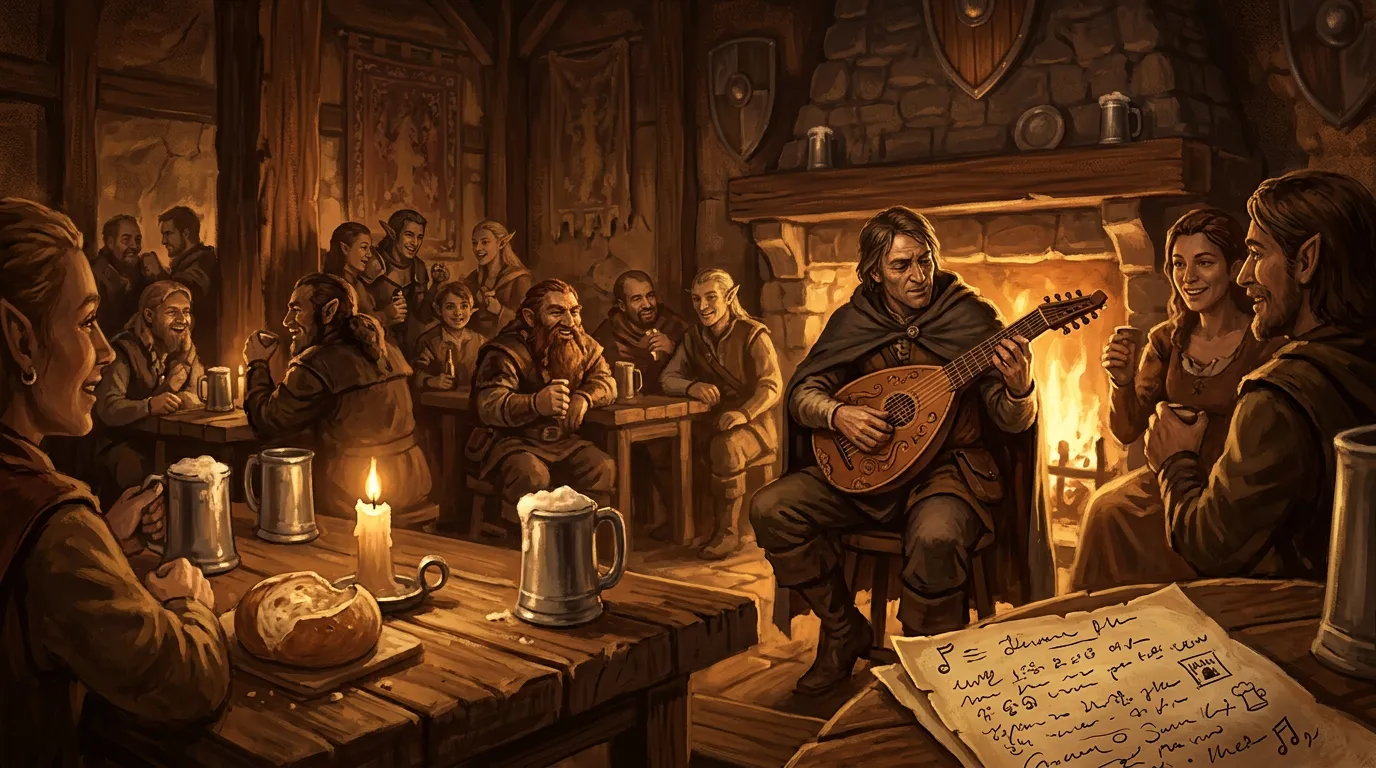
3. Use Music Generation only when the scene needs shape
Many DMs overdo this part.
Background audio can run for ages because it stays out of the way. Music is different. Music tells the table how to feel, so I only use it when I actually want that push.
CharGen makes that split easy because Music Generation is its own lane. I can write for genre, tempo, instrumentation, and mood without muddying up my location beds.
Three prompts I would genuinely use:
Tense low-tempo pursuit music, hand percussion, bowed strings, narrow city alleys, no triumphant feelQuiet sacred music for a storm shrine, distant choir texture, restrained percussion, uneasy moodRowdy tavern tune with fiddle, hand drum, and rough chorus, suitable for a crowded dockside inn
One honest point, I nearly always ask for less than my first instinct. If I think the scene needs "huge dramatic boss music", it usually needs something tighter and nastier instead. A cramped knife fight in a storehouse should not sound like the end of the world. Save the really large tracks for the scenes that can carry them.
I also like that CharGen surfaces multiple audio models rather than pretending one engine is magic. The audio landing section currently highlights options such as ElevenLabs Music, Cassette AI, MiniMax Speech, Lyria 3 Pro, Lyria 2, and MMAudio V2. That matters because different jobs want different behaviour. If I need a cue with cleaner prompt control, I make one choice. If I need speech, I switch tabs and stop trying to force a music model to do a voice job it should not be doing.
Worth mentioning though, the model does not rescue a vague prompt. If I type "epic fantasy battle song", I deserve whatever mush comes back.
4. Use Text to Speech for one line, not a full radio play
Text to Speech is where I think CharGen gets surprisingly useful for tabletop.
I do not try to produce ten minutes of voiced drama. I generate one or two sharp lines for moments that benefit from hearing a voice rather than reading boxed text. That keeps the novelty intact and keeps prep manageable.
The UI here is straightforward:
- choose
Text to Speech - pick the model
- use
Select Voice - paste the exact line
- hit
Generate Audio
The placeholder text in the form gets this exactly right: enter only the script, without descriptions or instructions. If I start stuffing acting notes and scene lore into the speech box, the result usually gets worse.
Good use cases:
- a barkeep greeting the party in a memorable voice
- a cult warning spoken from a relic
- a short message crystal recording
- a villain's one-line threat before initiative
Bad use cases:
- reading your whole recap
- voicing every NPC in the city
- forcing long emotional monologues into a novelty clip
Concrete example. I used this for a port inspector recently:
No cargo leaves the quay until I see the seal, and no, your friend cannot wink his way past customs twice.
That line did the job. It set his tone, got a laugh, and gave the players a strong memory anchor. I did not need five more lines.
5. Tie the clip back to the campaign notes immediately
This is the boring step. It is also the reason the whole workflow keeps working after session two.
As soon as I generate something usable, I add one line to my recap or prep note:
Harbour dawn bedRopewalk tavern loopInspector voice lineShrine reveal cue
If I do not label the cue then and there, I will absolutely forget what it was for. That is why pairing audio prep with RPG Session Notes matters more than a model comparison spreadsheet. The audio is only useful if it stays attached to the scene, the NPC, or the session beat that needs it.
If you are also building cutscenes, my earlier guide on AI video generation for DnD fits neatly beside this one. I still keep audio and video as separate prep passes, then join them only for scenes that really need polish.
Three setups I would use tonight
Theory is fine. Real prep blocks are better.
Dockside tavern
Use when:
- the party needs a social hub
- the room should feel alive, but not pushy
- you expect chatter, deals, rumours, and one bad song
My setup:
Background Audio- prompt:
Busy fantasy tavern room tone, rough dock workers, soft lute, mugs, chair scrape, fireplace crackle Duration: around 30 to 60 secondsLoop: on if available
Optional extra:
Music Generationfor a separate rowdy tune when the brawl starts
Storm shrine reveal
Use when:
- you need a clue or transition moment
- the room should feel sacred and slightly wrong
- the players are moving from investigation into danger
My setup:
Background Audiofor low room tone- prompt:
Stone chamber hum, storm wind through cracks, faint chain movement, distant water drip - short
Music Generationcue for the door opening - one
Text to Speechline from the relic if the scene deserves it
I like this setup because the layers stay separate. Room tone for the scene, music for the reveal, speech for the prop. Nothing is doing a job it should not be doing.
Chase through a customs yard
Use when:
- you want momentum
- initiative may start suddenly
- the party is moving through a tight urban space
My setup:
Background Audiofor footsteps, crates, gulls, rope creakMusic Generationprompt:Tight urgent chase music, hand percussion, low strings, no heroic swell- no voice line at all, because the scene is already busy
That last bit matters. Not every scene needs all three layers.
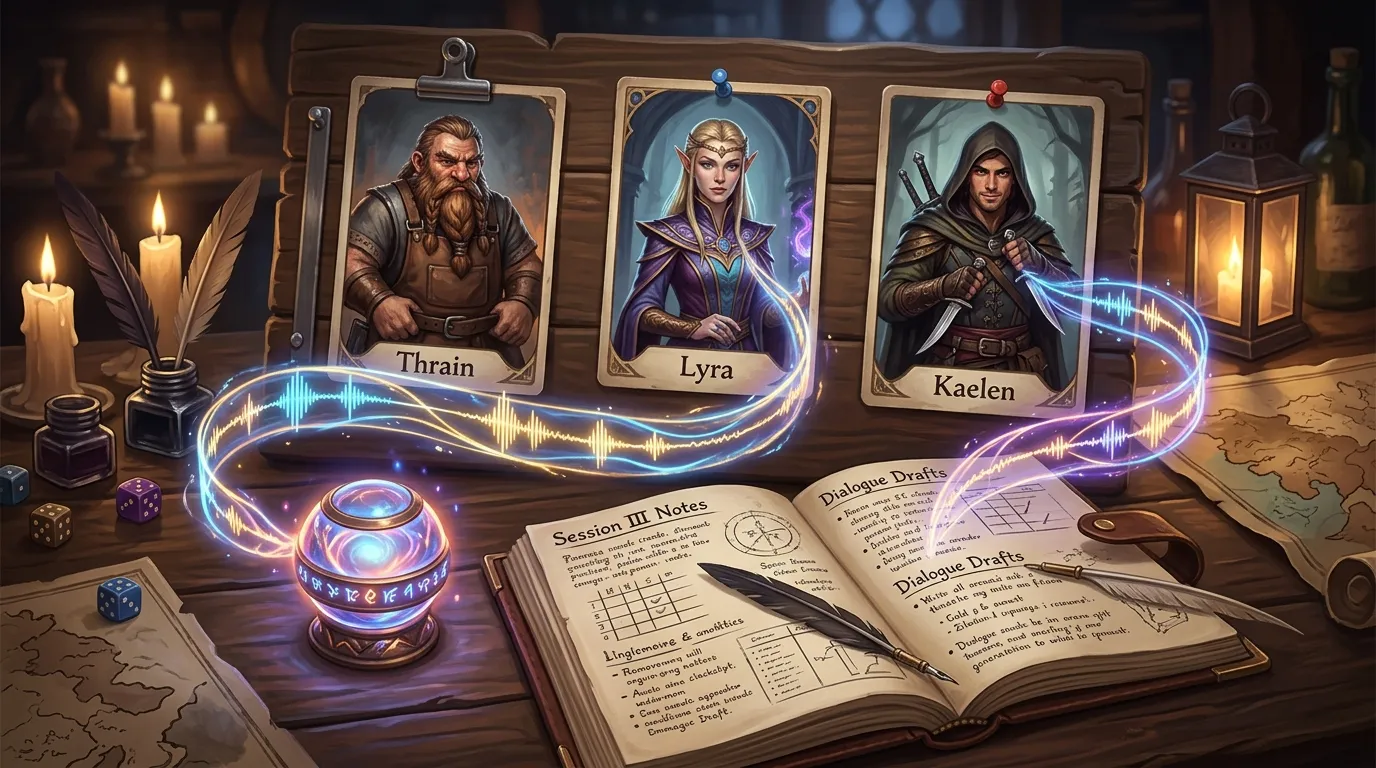
Mistakes I would stop making immediately
The most common problems are not technical.
They are judgement problems:
- writing prompts that describe a whole film instead of one audio job
- using music when background audio would do the job better
- making every cue too long
- generating too many NPC voices
- forgetting to label clips inside your prep notes
- choosing tracks that are louder than the table conversation
One more mistake deserves its own paragraph.
Do not use audio to compensate for weak scene framing.
If the room description is vague, a nice storm loop will not rescue it. If the NPC has no agenda, a voice clip will not give them one. Audio is support. Good support, yes. Still support.
That is also why I am more interested in practical audio tools than generic AI hype. Official product pages from places like Eleven Music make it clear that promptable music editing is moving fast, and the broader AI audio stack is improving across speech, music, and timing. Nice. Useful, even. But for tabletop prep, the real question remains boring and important: can I make a cue in under five minutes, remember to use it, and reuse it next session without digging through a mess?
If the answer is yes, I care. If not, I do not.
FAQ
Is a DnD ambience generator better than a normal playlist?
Sometimes, yes. A playlist is still fine for general background listening. A generator becomes more useful when you need scene-specific loops, short transition cues, or a couple of NPC voice lines tied to campaign notes.
What should I generate first, music or ambience?
Ambience first. It is easier to use and harder to overcook. Once the room tone feels right, add music only to scenes that need stronger shape.
How many NPC voice lines should I prep for one session?
Very few. I usually do one to three. More than that starts turning into production work rather than useful prep.
Can I use CharGen for both audio and campaign notes?
Yes, and that is the part I find most useful. The audio clips make more sense when they are paired with RPG Session Notes and the rest of your campaign prep rather than living in a random folder.
Which CharGen audio tab should I use for tavern sound, battle music, and NPC speech?
Use Background Audio for tavern room tone and environmental beds, Music Generation for battle tracks and stronger scene music, and Text to Speech for NPC lines, prop recordings, or short spoken cues.
If you want a simple place to start, open Generate Audio, make one tavern loop, one reveal cue, and one NPC line for your next session. That is enough to tell whether the workflow helps your table or just gives you more things to manage. In my experience, once those cues are linked to your notes properly, they stick.
Create Campaign Audio Free
Image credits:
- Blog images generated for this article with WaveSpeed Google Nano Banana 2 using custom prompts by the author.