
DnD Campaign Trailer Workflow in CharGen Media Center
Build a dnd campaign trailer with CharGen's Media Center using AI video, audio, voiceover, and export controls that fit a real prep night.
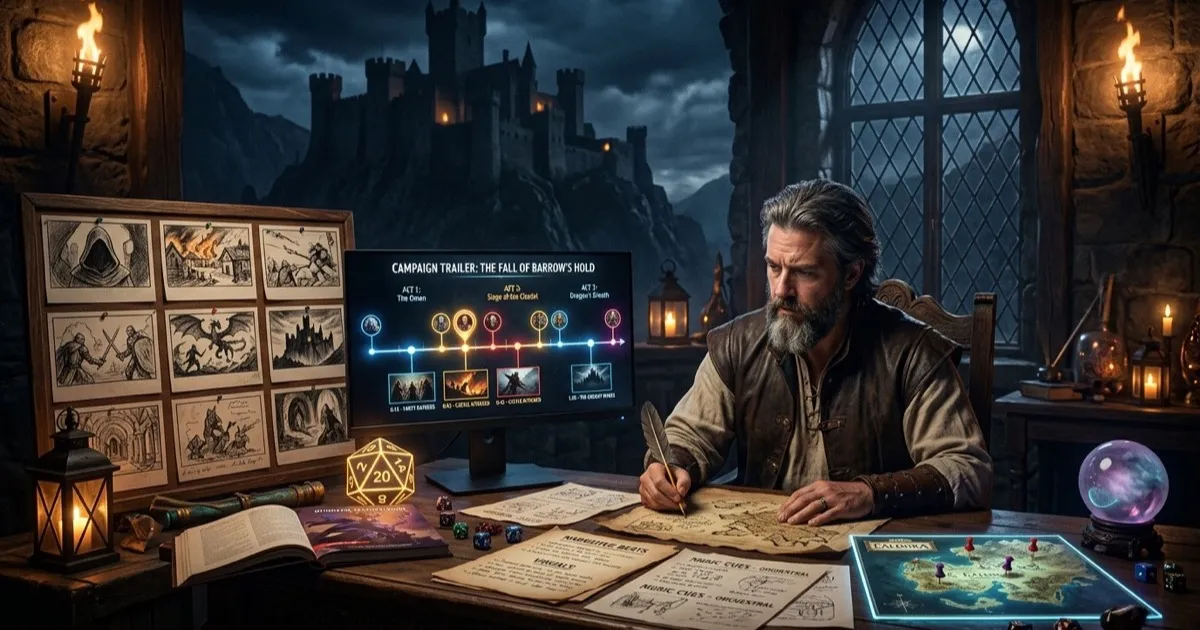
A dnd campaign trailer sounds like the sort of thing you make once, post in Discord, and forget about. I used to think that as well. Then I noticed that a short, well-cut teaser does one job absurdly well: it gets players thinking about tone before they ever sit down at the table. Not lore homework, not ten minutes of preamble, just a fast hit of mood, danger, and one promise about what this campaign is actually going to feel like.
The timing for this is unusually good. On 20 February 2026, D&D Beyond published its 2026 development roadmap, which is another sign that campaign prep keeps drifting towards more digital support, more shared assets, and more between-session touchpoints. Then, on 22 March 2026, a Curse of Strahd teaser trailer thread on Reddit picked up because people clearly still love a strong campaign intro when it feels handmade rather than over-produced. Fair enough. Nobody at my table wants a fake Marvel intro. They do want a moody thirty-second cue that says, "Right, this is a grim coastal campaign, pack accordingly."
That hook also lines up with CharGen's recent product work. The newer Media Center gives me a cleaner place to assemble clips, audio, voiceover, and still images than the old “everything in separate folders” routine. I can keep the trailer close to the Video Cutscenes flow, the Generate Audio tools, and RPG Session Notes, which matters more than flashy rendering. If the teaser lives in the same working area as my session notes, I am far more likely to reuse it for recaps, boss stings, and later chapter intros.
Search intent around this topic is practical. If somebody looks up dnd campaign trailer, dnd intro video, or ai campaign trailer, they are usually trying to solve one of four things:
- get players excited before session one
- set the campaign mood without writing a wall of text
- turn NPC art, scene images, and music into one shareable file
- avoid spending all night in a video editor that was never built for tabletop prep
That is the problem I care about here. Not film school. Not “content creation”. Just a repeatable tabletop workflow that fits an actual Tuesday evening.
Why a DnD campaign trailer earns its keep
The trailer is not the campaign. It is the invitation.
When I do this well, the clip answers three useful questions before the players ask them:
| Question | What the trailer should signal |
|---|---|
| What sort of world is this? | rain-soaked gothic horror, bright heroic frontier, grimy city intrigue, and so on |
| What pace should the players expect? | tense and careful, loud and pulpy, tragic and slow-burn |
| What details matter? | haunted abbeys, masked nobles, dragonfire over the walls, smuggler lanterns in the fog |
That clarity saves time later. A group that has seen a thirty-second teaser with black water, toll bells, and a silent rider on the causeway tends not to arrive with “I made a cheerful circus artificer who only speaks in puns” energy. I mean, they still might, but at least I have warned them.
Short trailers also help with recall. One of my favourite side effects is that players remember the campaign's visual anchors better when they first encounter them in motion. A still image of a fortress is useful. A quick sequence of fortress, storm, chapel candles, then the villain's silhouette is far stickier.
Worth saying though, I do not make one for every campaign. If the game is a throwaway pub crawl one-shot, I would rather prep another encounter than cut a video. I use a trailer when the campaign tone matters and I know I will be able to reuse some of the same media later.
What CharGen's Media Center gets right
Most video tools are fine at cutting clips and dreadful at campaign organisation. CharGen's Media Center is useful because it starts from the opposite direction.
When I open it, the first thing I see is New Project, then Project Title, then Aspect Ratio. That sounds basic, but it already pushes me towards a sane setup. For a trailer I nearly always pick 16:9, give it a proper name, and keep the project title tied to the campaign arc rather than the file format.
After that, the layout is blunt in a good way:
- toolbar buttons for
Gallery,Upload,Queue, andGenerate - a
Generatepanel with separateVideo,Audio, andImagetabs - a timeline with
VideoandAudiotracks - clip controls for moving a selected clip left or right, deleting it, and zooming the timeline
- transport controls for
Play,Pause,Stop,Skip to start, andSkip to end - an
Exportbutton that opensExport Project, shows clip counts and duration, then lets me hitStart Export
That split is the whole point. It stops me from pretending one asset type can do every job.
I also like that the media timeline is honest about the difference between video and sound. Video clips are arranged in sequence. Audio and voiceover sit as positioned layers. That means I can keep a visual rhythm on top, then slide in an ambience bed or one short narrator line without wrecking the pacing.
Plenty of general editors can do more than this. That is not the contest I care about. I care that CharGen keeps the trailer close to the same fantasy image and campaign-note workflow I already use, because context switching is what usually kills the idea.
My CharGen workflow for a campaign trailer
Here is the exact routine I would use tonight.
Start with three beats and one promise
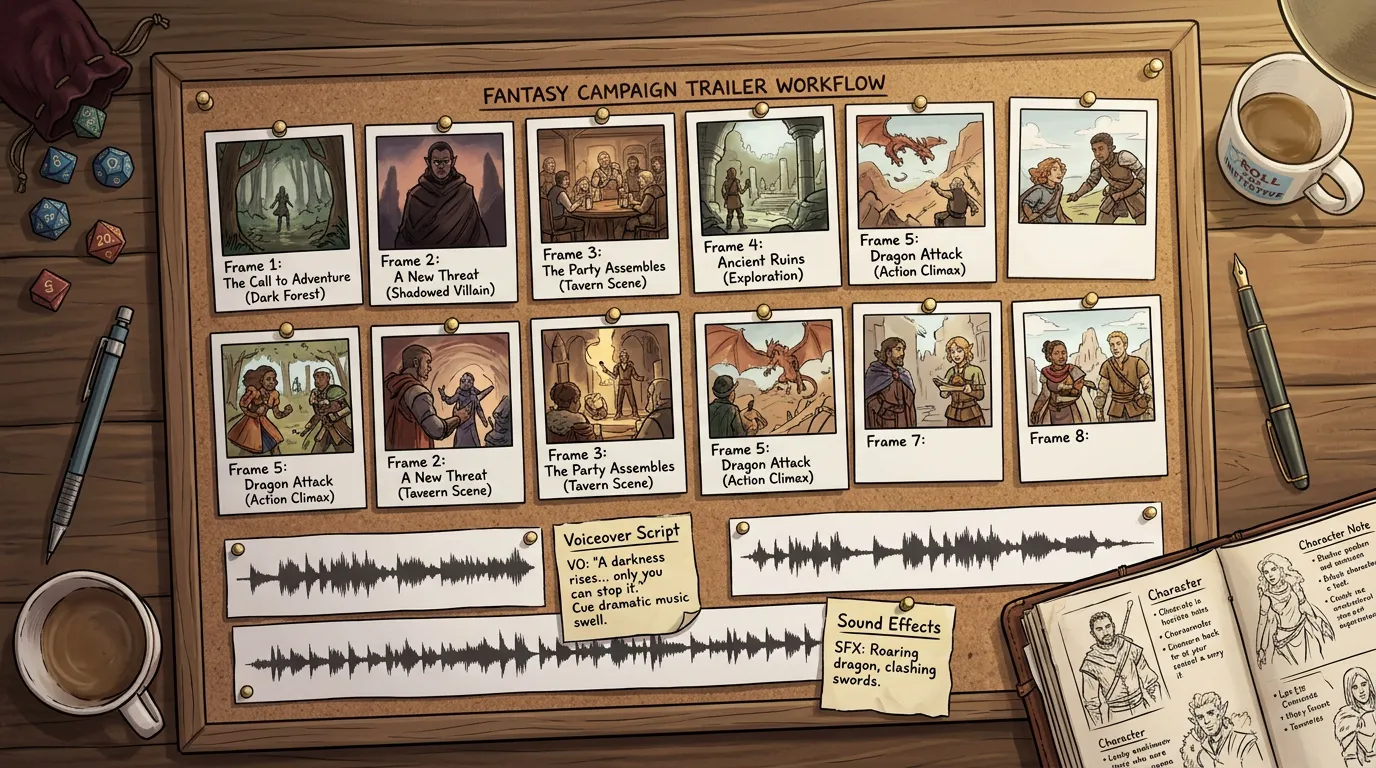
Before I touch the Generate panel, I write three beats on paper.
Not six. Not twelve. Three.
For a gothic coastal campaign, mine might be:
- storm over the abbey ruins
- masked ferryman crossing black water
- bell tower fire as the villain turns towards camera
Then I write one promise beneath them:
This campaign is about dread, salt, secrets, and people who wait too long to speak plainly.
That sentence keeps me honest. If a shot looks pretty but does not support that promise, it goes.
I usually lift those beats from the same notes I keep in RPG Session Notes. Even before session one, I want the trailer tied to campaign facts, not random vibes. If your recap workflow is already clean, the teaser comes together much faster because you are choosing from actual scenes and NPCs.
Create the project before you generate anything
Next, I open Media Center, hit New Project, add a Project Title, and set the Aspect Ratio to 16:9.
Right, so, here is the boring part that saves time later. I name the project after the campaign arc, not after the export:
Black Tide Campaign TrailerAsh Chapel IntroCity of Bells Chapter One
I do not call it trailer-v2-final-real.mp4, because I am trying to act like an adult.
Once the project exists, I decide where each asset will come from:
Generateif I need fresh image, video, or audio materialGalleryif I already have portraits or scene art in CharGenUploadif I am bringing in a handout, outside audio cue, or a cleaned voice lineQueueif I want to pull a finished generation straight onto the timeline
That decision is tiny, but it stops me from regenerating work I already have.
Build the visual lane first
In the Generate panel I usually start on Image, not Video.
That surprises people, but it is faster. A trailer needs clean visual anchors before it needs motion. I would rather lock three strong stills, then animate one or two of them, than chase motion first and discover the composition was wrong all along.
My prompt structure is plain:
[place], [subject], [weather], [lighting], [framing], [mood], fantasy style
Concrete examples from the sort of trailer I actually make:
Storm-battered abbey ruin, broken rose window, rain and sea mist, blue-grey dawn light, wide shot, mournful mood, fantasy styleMasked ferryman on a black river skiff, lantern glow, heavy fog, medium shot, tense mood, fantasy styleBell tower on fire above a cliff town, sparks in night rain, low angle shot, ominous mood, fantasy style
After that, I switch to Video only for the shot that really benefits from motion. Usually one of these:
- cloak and lantern sway on a character reveal
- slow push across a ruin or skyline
- rain, smoke, sparks, or fire movement on the final shot
One moving shot inside a thirty-second trailer often feels better than five twitchy ones.
Cut the timeline harder than you think
Once the assets exist, I drag them into the Video track. Then I get strict.
Most DMs, me included, leave shots too long on the first pass. We spent time making them, so we want to admire them. The players do not care. They need rhythm.
My rough timing for a thirty-second trailer looks like this:
| Shot job | Typical length | What it should do |
|---|---|---|
| opener | 4 to 6 seconds | establish the world fast |
| middle image or clip | 5 to 7 seconds | introduce threat, cast, or mystery |
| pressure shot | 4 to 6 seconds | increase stakes |
| final hero or villain beat | 6 to 8 seconds | leave the group with one memorable image |
| end card or hold | 2 to 4 seconds | give the title room to land if needed |
In the timeline I zoom in, click the clip I want, and trim or reorder until the sequence reads cleanly. If one shot says the same thing as the previous shot, it goes. If two moody wide shots sit back to back, one becomes a close-up or I cut it.
The move controls are handy here. I use Move clip left and Move clip right far more often than I expected, because trailer pacing is mostly about order rather than polish.
Add audio after the cuts work
Only once the visual order is locked do I touch sound.
For trailer work, I use three sound layers at most:
- one background ambience or music bed
- one impact cue or swell near the end
- optional short voiceover line
That is enough. More than that and it starts sounding like a fan edit.
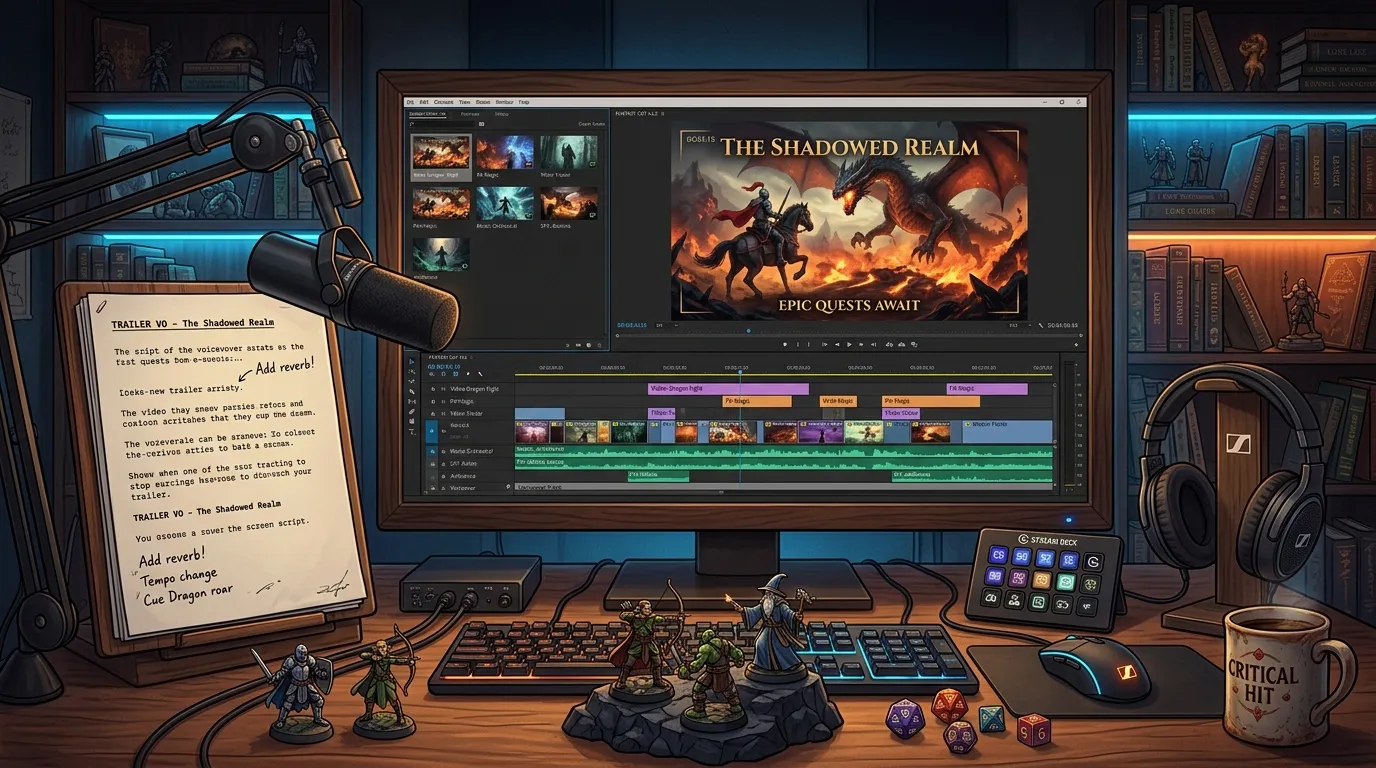
If I need fresh sound, I open Generate Audio through the Media Center Generate panel and use the Audio tab. I keep prompts plain and scene-led:
Low ominous strings, sea wind, restrained percussion, gothic fantasy tensionWet stone cavern ambience, distant bells, slow echo, unsettling moodShort dramatic swell for a reveal, choir texture, one hit, not heroic
For voiceover, I am even stricter. One line. Maybe two.
A line I would actually use:
When the bells begin again, keep away from the water.
That is enough to do the job. It sounds like the campaign. It leaves room for players to imagine the rest.
If you want a wider audio workflow for the same sort of game, my post on DnD ambience generation for music, voices, and cues is the companion piece to this one. I use that method when I need longer beds or NPC voice stings rather than one compact trailer mix.
Export something the table will actually watch
Once the clip works, I hit Export, check the Export Project summary, then use Start Export.
The summary panel is useful because it forces one last sanity check:
- project title
- video clip count
- audio clip count
- total duration
- aspect ratio
If the trailer is drifting past forty seconds, I cut it again before export. My personal sweet spot is 20 to 35 seconds. That is long enough to set a mood and short enough that people will actually hit play in the group chat.
I also keep the trailer tied to the campaign notes. In my recap or prep file I add one short line:
Trailer: show before session one. Uses abbey ruin, ferryman, bell tower fire sequence.
That tiny note is why the project becomes useful later. The abbey ruin shot can return as a chapter bumper. The ferryman voice line can become a recap sting. The final bell tower frame can come back when the villain reappears twenty sessions later.
Common mistakes I would stop making straight away
Mistake: treating the trailer like a short film
Fix: cut to one mood, one threat, one promise. You are teasing a campaign, not submitting to a festival.
Mistake: generating motion before the composition is stable
Fix: lock strong stills first. Motion is garnish unless the base image already works.
Mistake: stuffing in too much lore
Fix: the trailer should raise one or two questions, not explain your pantheon, your trade routes, and the duke's tax policy.
Mistake: writing a full narrator monologue
Fix: use one clean line. If the voiceover runs longer than the strongest shot, it is probably too long.
Mistake: leaving every clip on screen for ages
Fix: trim harder. A good shot often lands faster than you think.
Mistake: making a trailer that cannot feed later prep
Fix: pull the assets from the same CharGen stack you already use for cutscenes, summaries, and audio. Reuse is where the effort starts paying back.
My 45-minute campaign trailer loop
When time is short, this is the cap I set myself.
| Block | Time | What I do |
|---|---|---|
| beat list | 7 minutes | write three shots and one tone promise |
| project setup | 5 minutes | create the project, choose 16:9, name it properly |
| visual generation | 14 minutes | make two or three stills and one motion shot at most |
| timeline cut | 11 minutes | order clips, trim dead air, remove repeats |
| audio + export | 8 minutes | add one bed, optional one-line voiceover, export and note where it belongs |
That schedule is tight on purpose. Trailer work expands to fill any evening you give it.
If you want the longer version for a full media-heavy campaign, pair this with the broader AI video generator for DnD guide. That post is where I talk about cutscenes and recap clips in general. The workflow here is narrower. One intro file, built fast, with the newer Media Center doing the assembly work.
FAQ
How long should a DnD campaign trailer be?
I aim for 20 to 35 seconds. Longer than that and the clip starts asking for more patience than a group chat trailer deserves.
Should I use voiceover in every campaign trailer?
No. Some campaigns work better with music and scene cuts only. I add voiceover when one line can sharpen the mood without explaining too much.
Is a trailer better than a written campaign pitch?
Not by itself. The trailer sets mood. The written pitch handles logistics, content boundaries, and the actual campaign premise. Use both.
Can I make one trailer and reuse it later?
Yes, and that is half the value. Recut the same shots into recap stings, chapter intros, or boss reveals once the campaign is underway.
What is the fastest CharGen route for this?
Use Image for the visual anchors, Video for one moving shot, Audio for one music bed or ambience layer, then cut everything together in Media Center.
What I would do tonight
If your campaign starts soon, do not wait for the perfect trailer. Open CharGen signup, make one 16:9 project in Media Center, choose three images that actually represent your game, add one restrained audio bed, and export something under thirty seconds. That is enough to tell your players what sort of trouble they are walking into, and it leaves you with assets you can use again next week.
Sources
- D&D Beyond 2026 Development Roadmap forum post, 20 February 2026
- Reddit: "Curse of Strahd teaser trailer I made!", 22 March 2026
Image credits
All images in this post were created for CharGen with WaveSpeed Google Nano Banana 2. The hero image was resized to 1200x630 for social sharing.
Create Your Campaign Trailer Free