
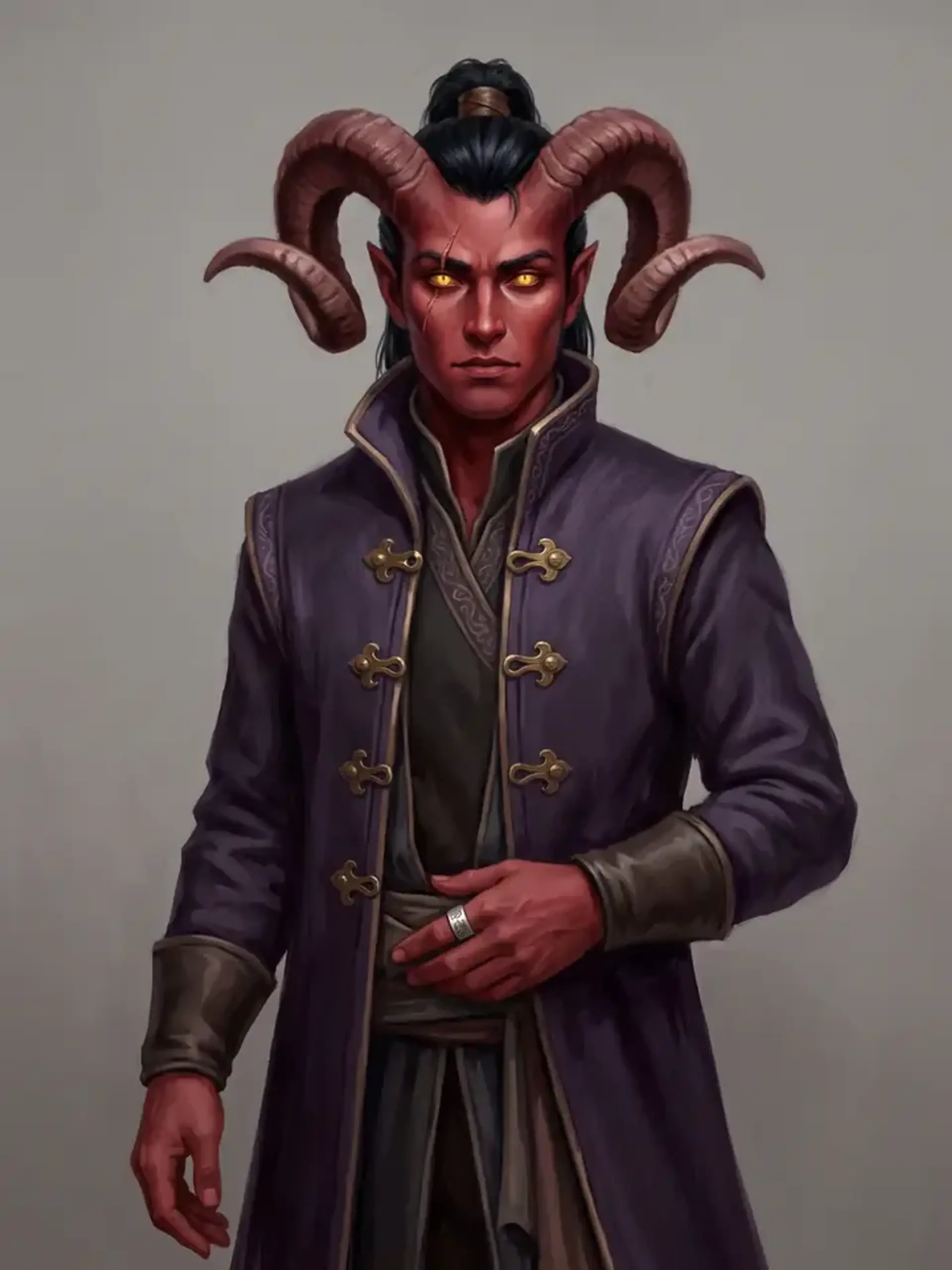
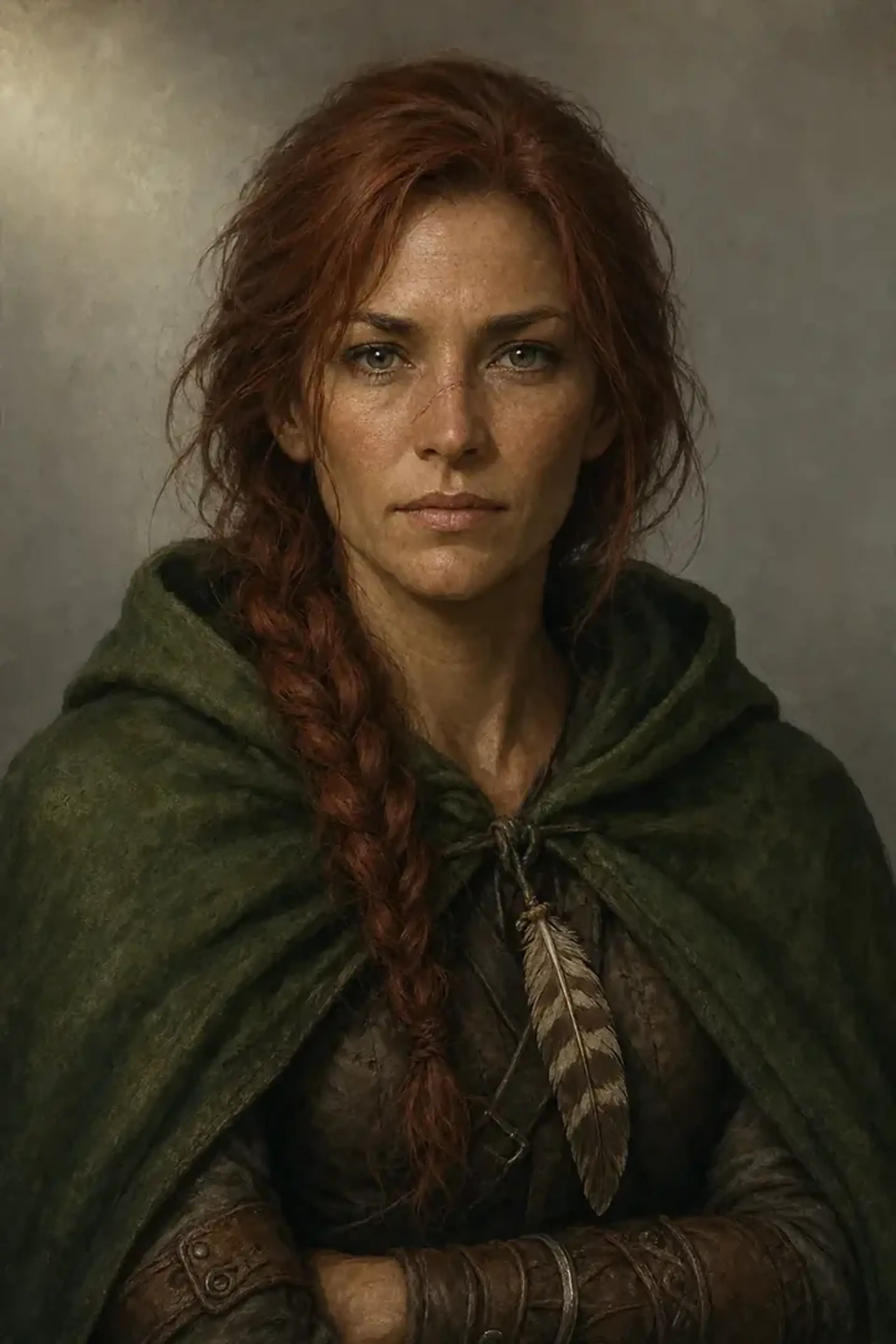
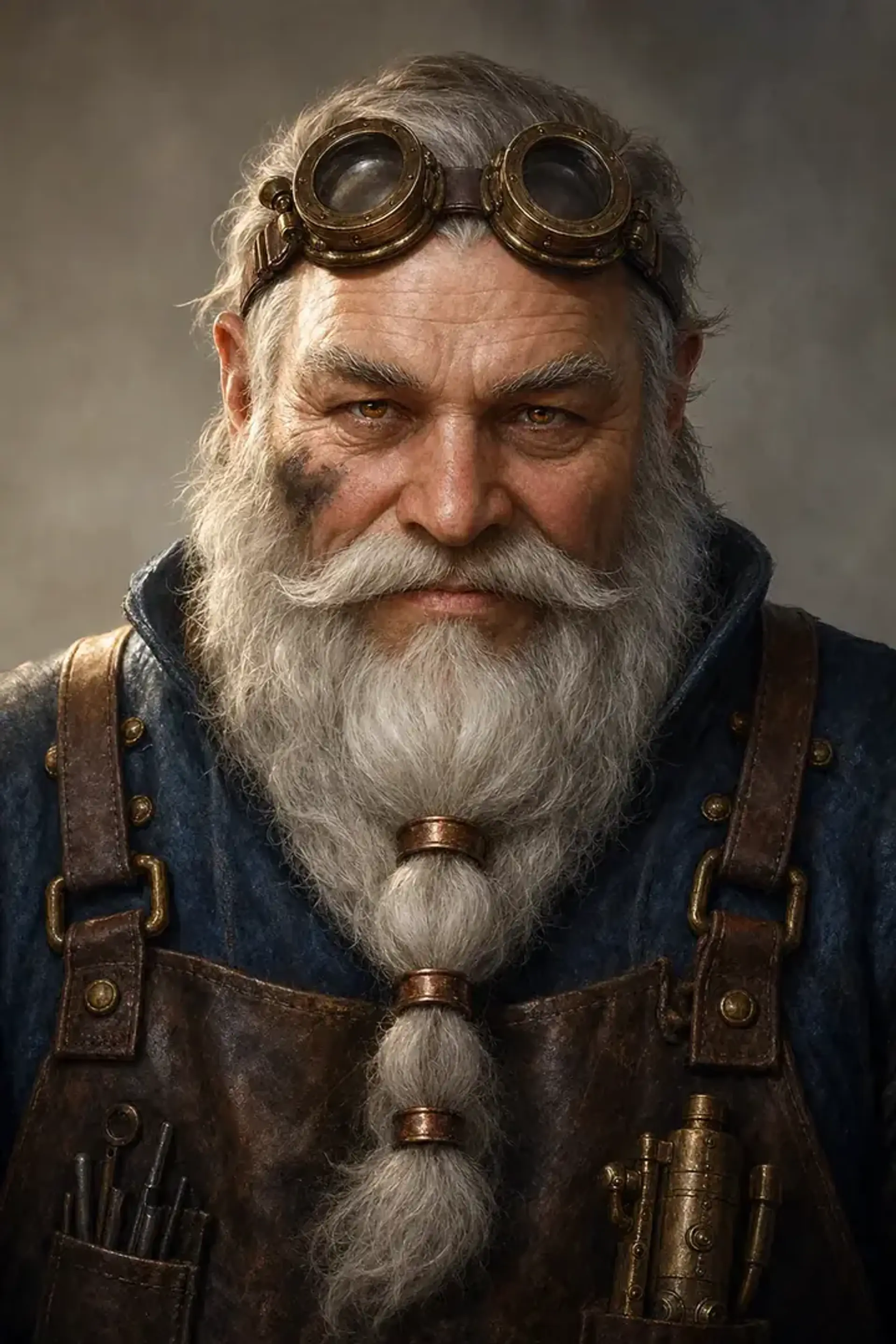
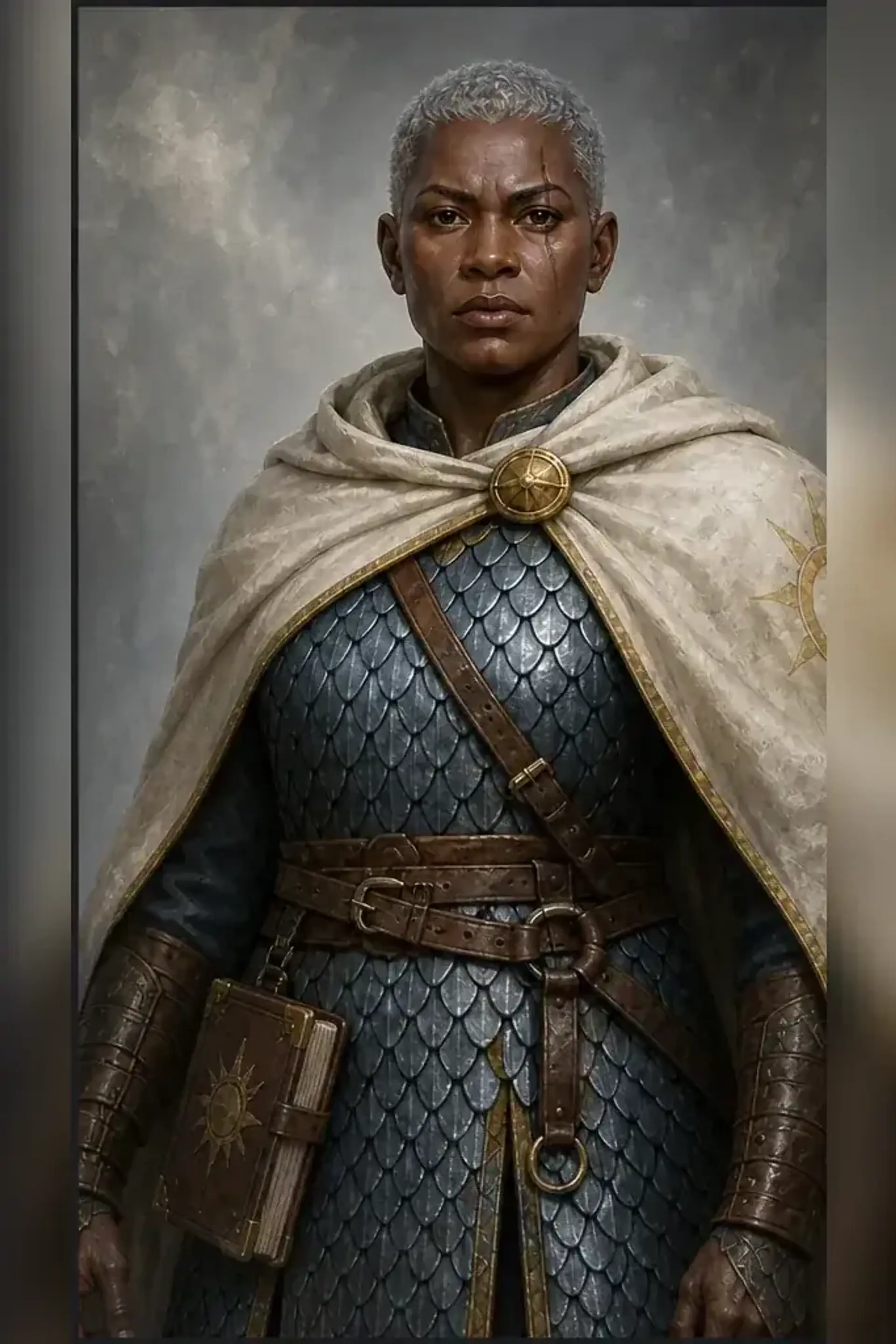
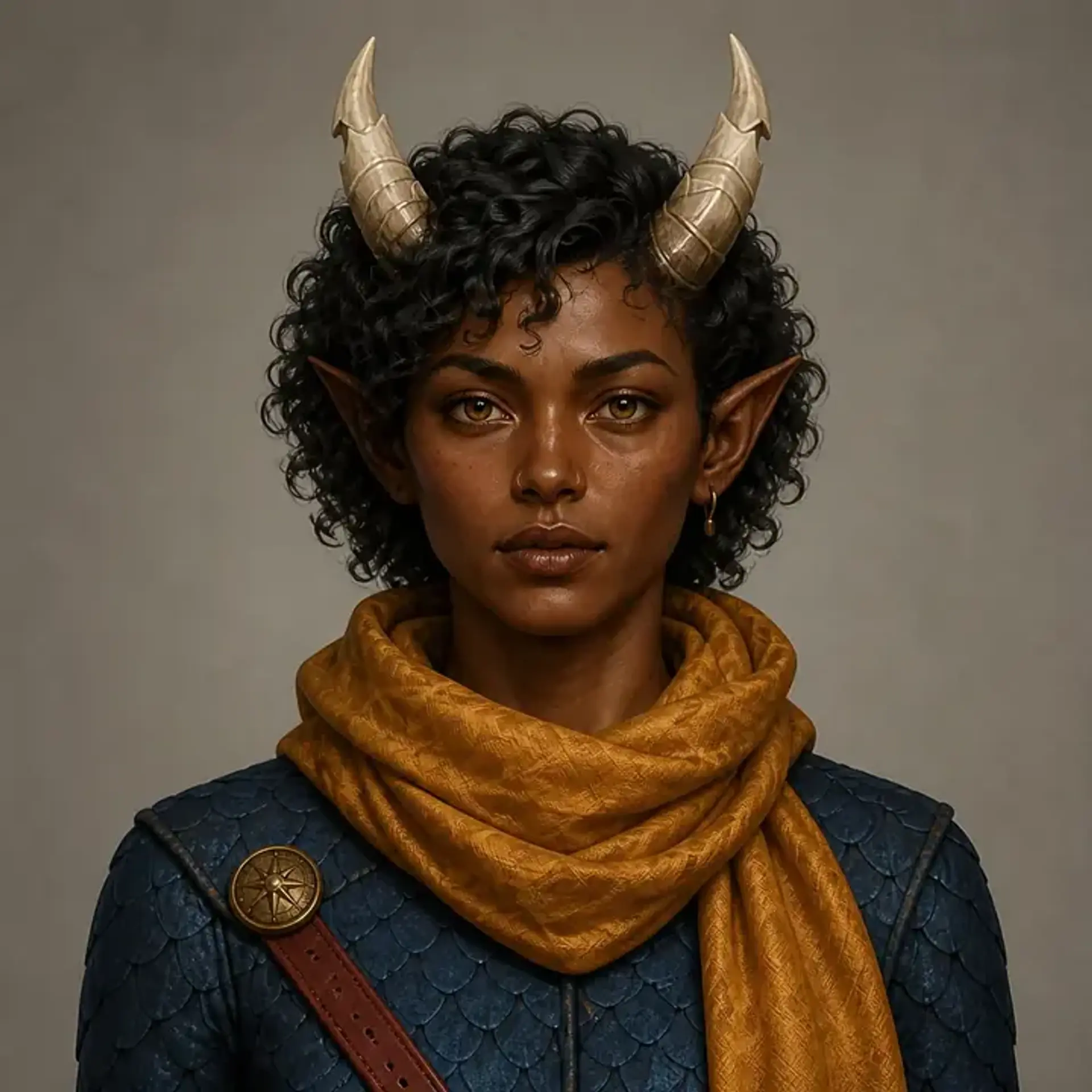
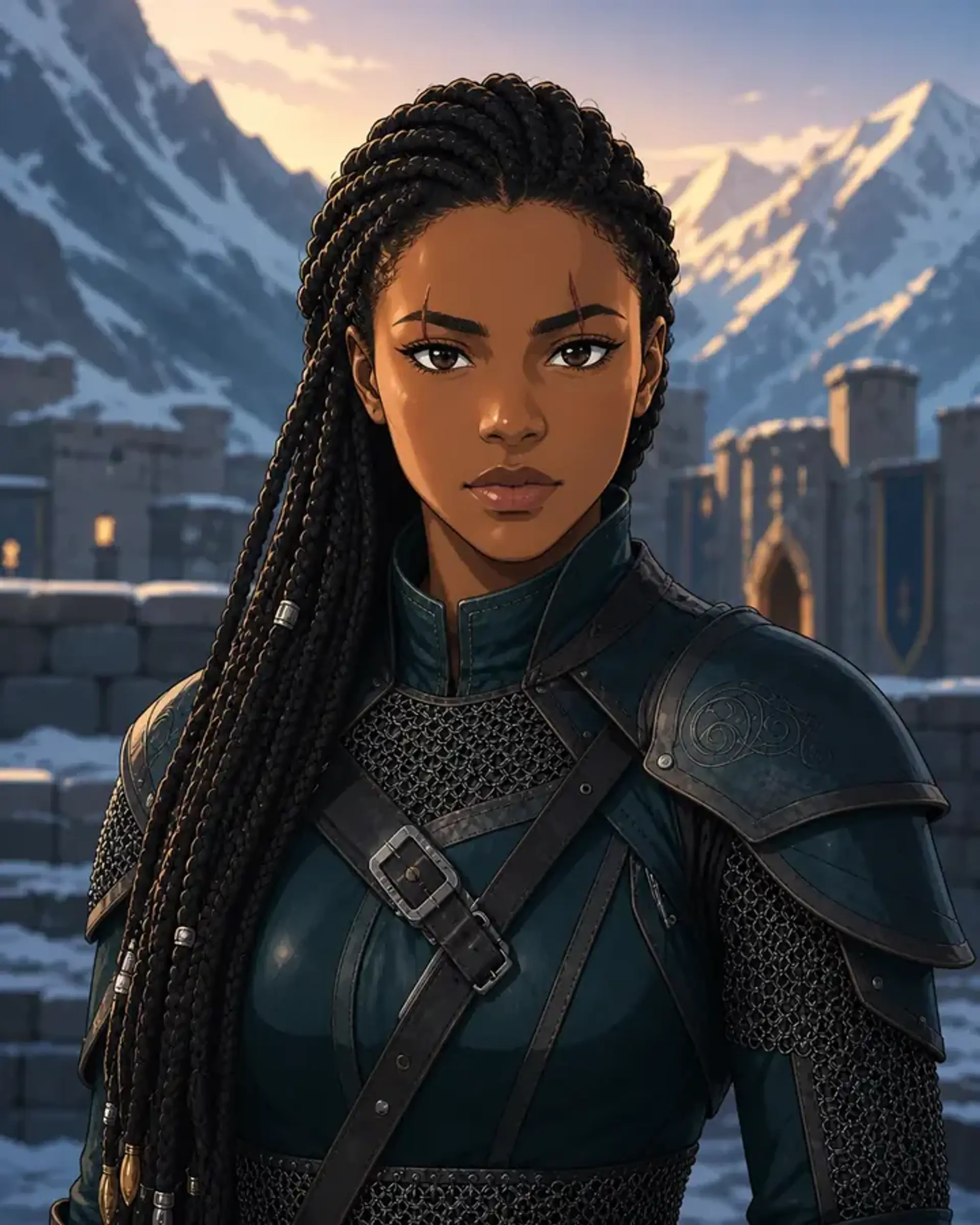
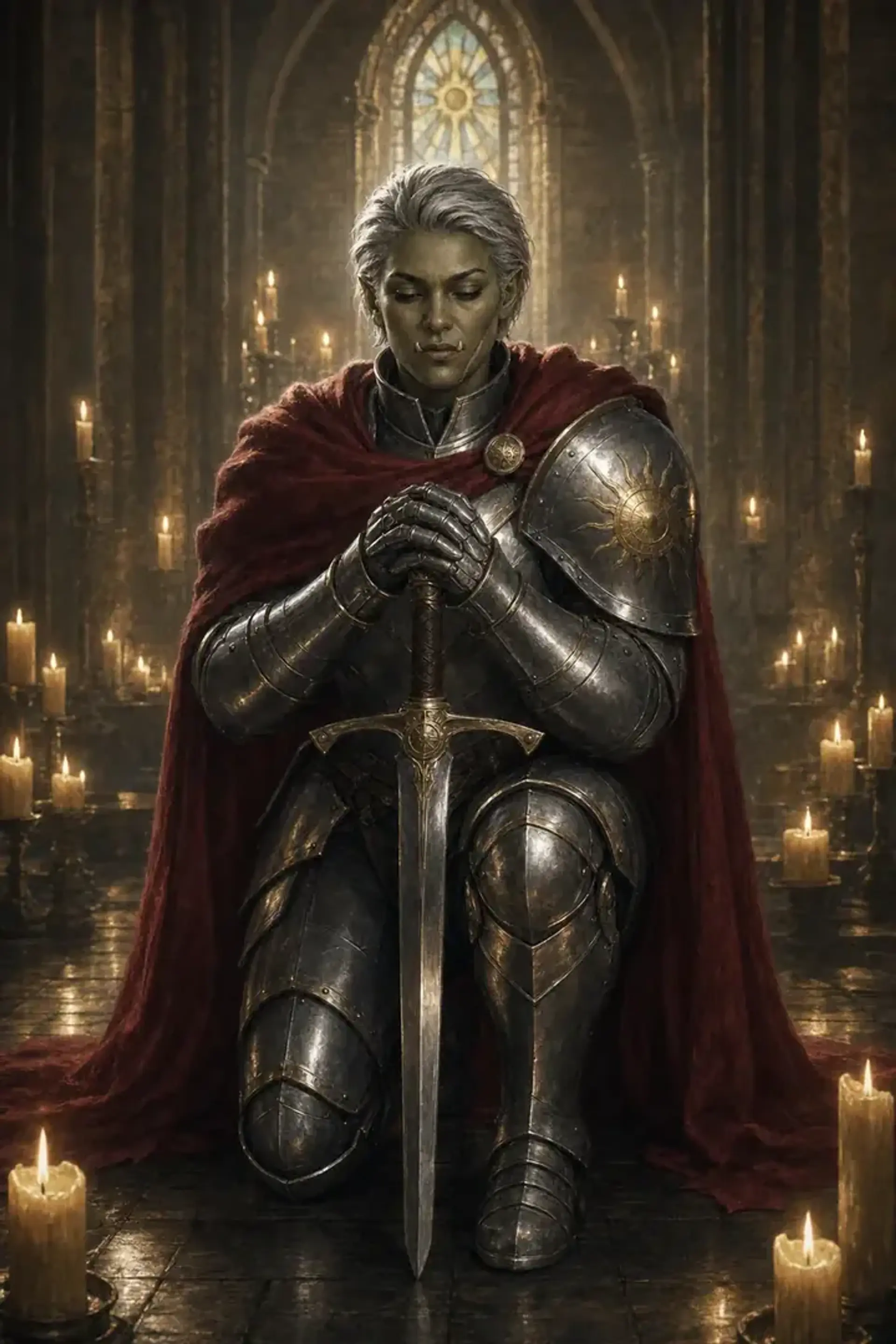
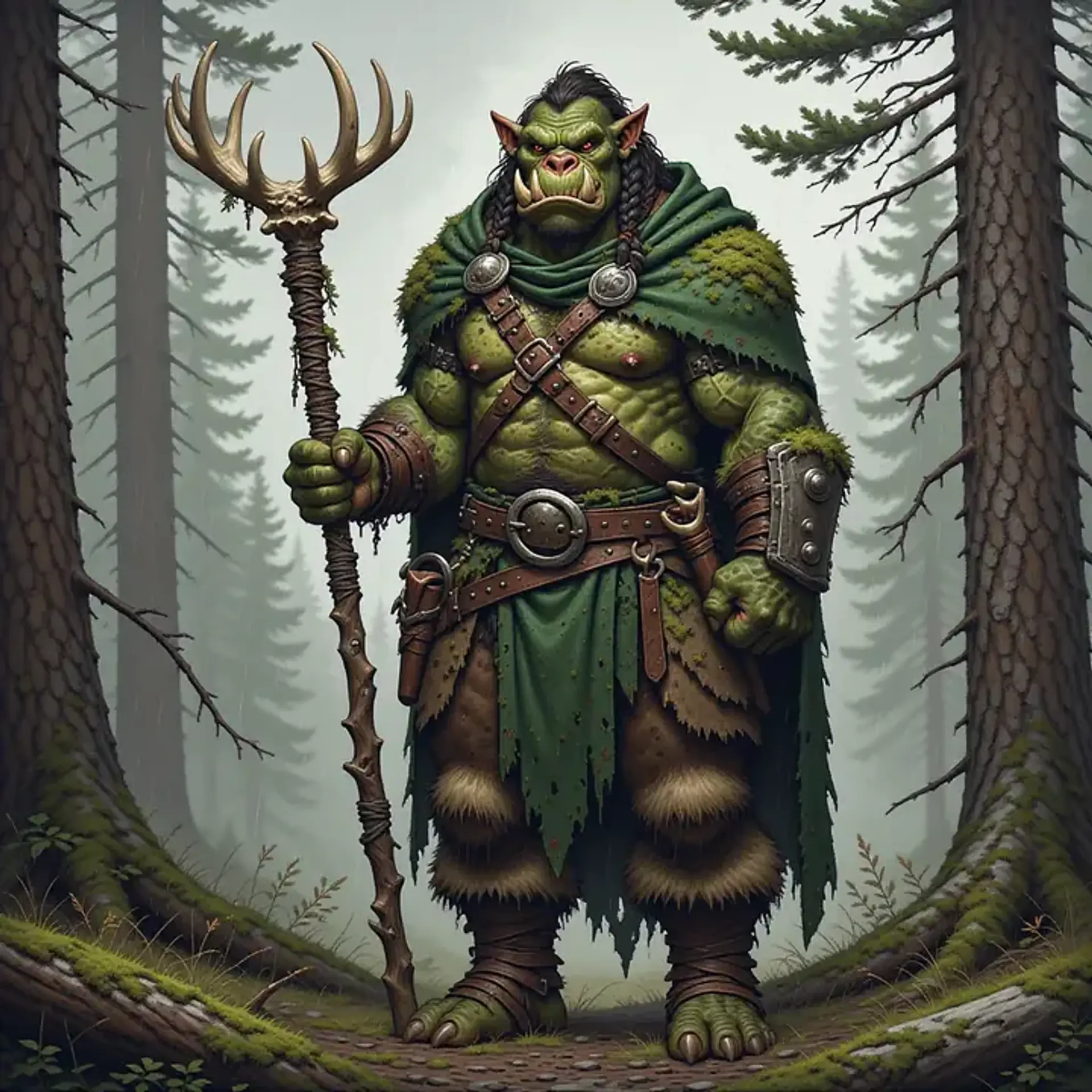
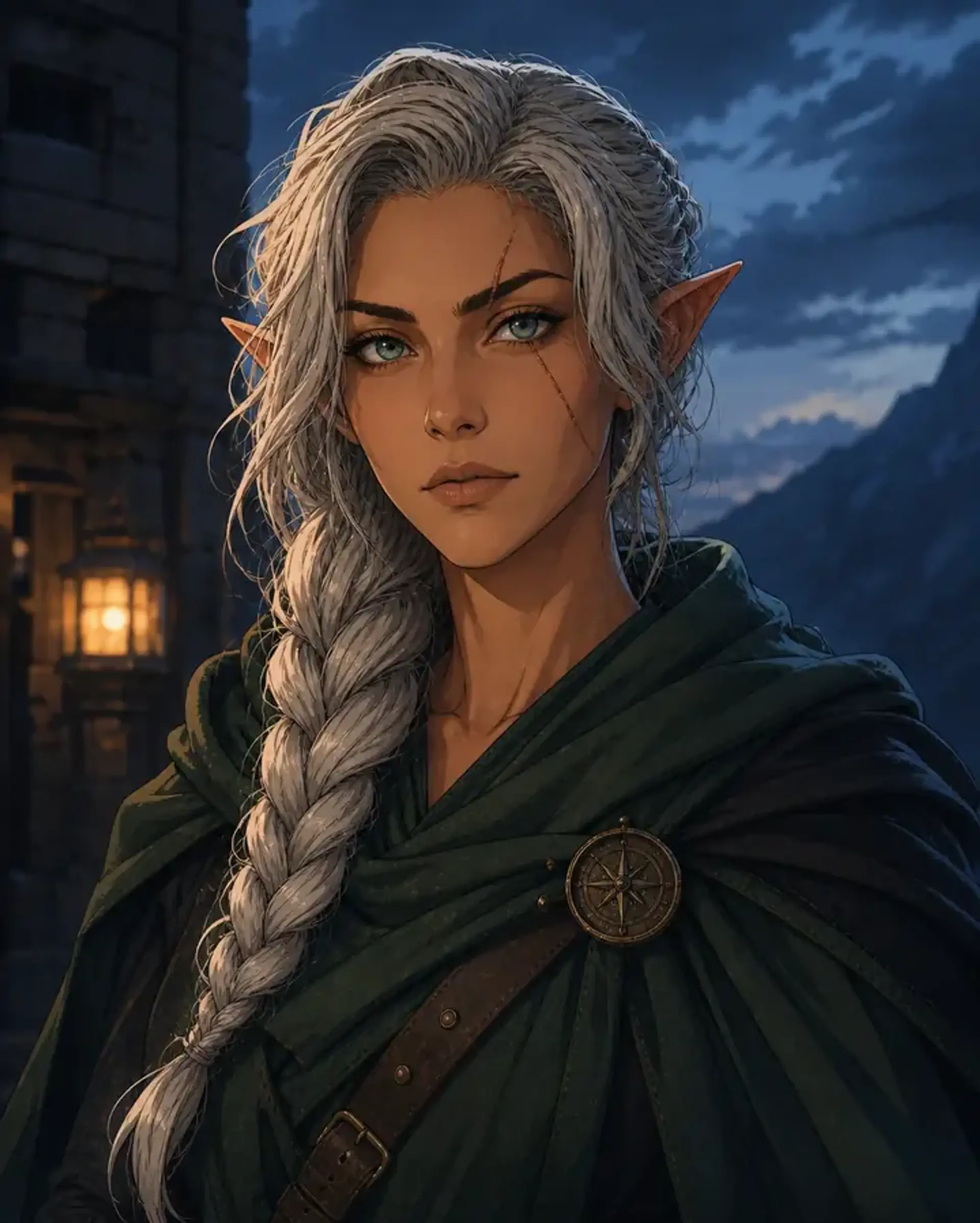
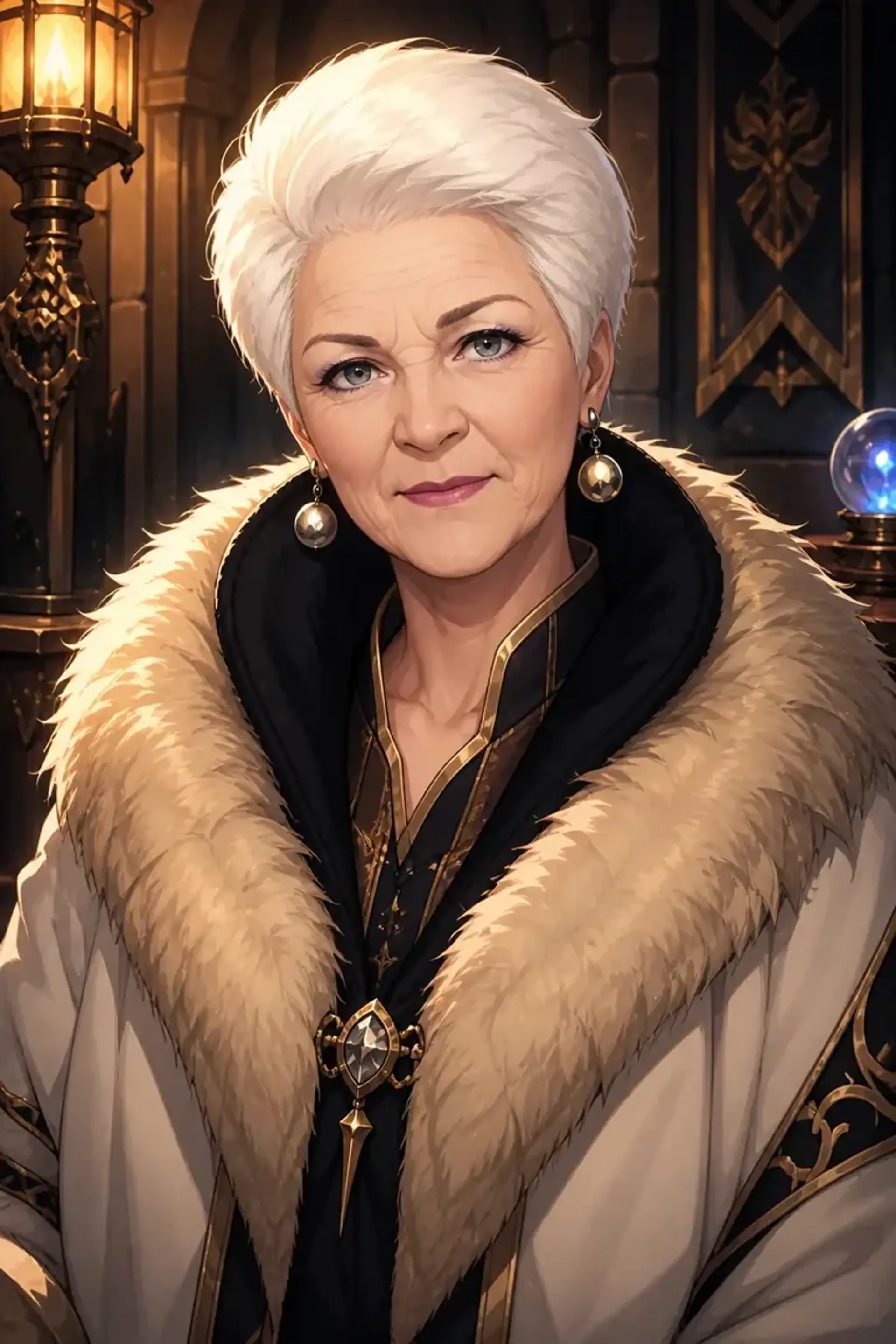
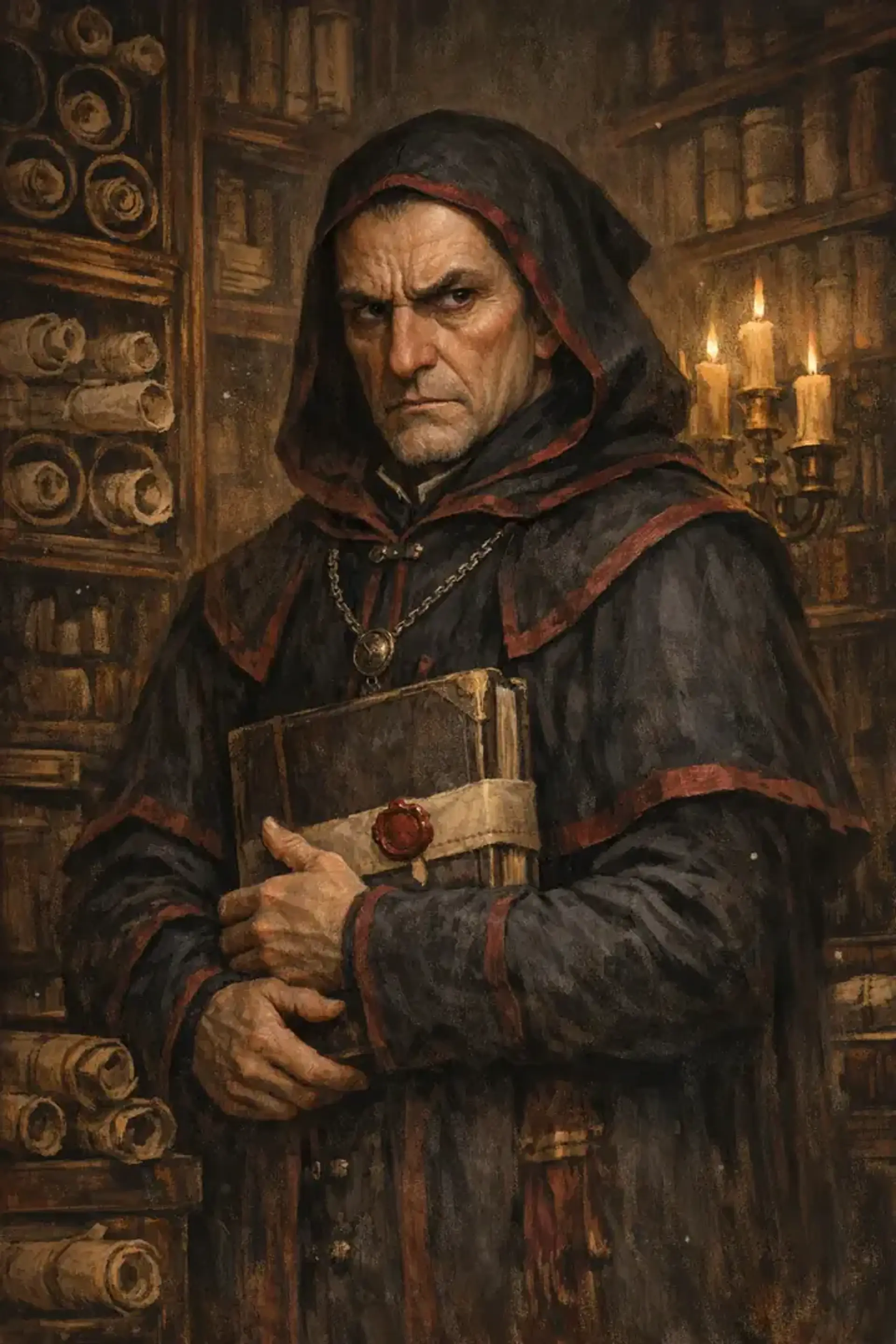
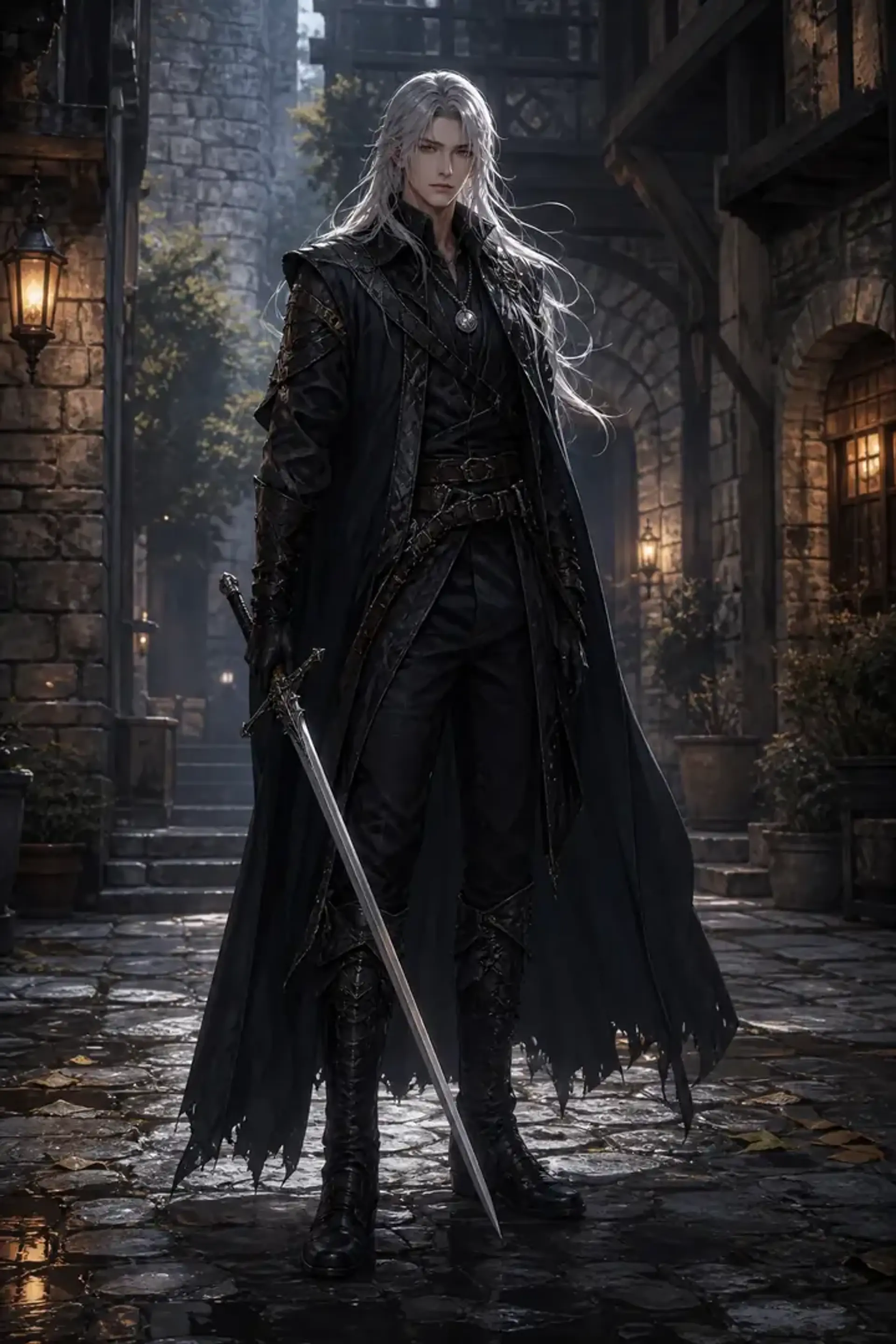


How the free AI character creator works
CharGen is a free AI character creator for D&D players and Dungeon Masters. Describe your character (race, class, gear and mood) and the AI makes a finished portrait in under 30 seconds. You do not need Photoshop, a commission or prompt skills. Create a character in three steps:
- Choose a race, a class and an art style (realistic, painterly, anime, oil painting or sketch).
- Add details if you want them: armour, colours, weapons, ancestry traits and mood.
- Generate a portrait, an avatar or a token, then change the description until it looks right.
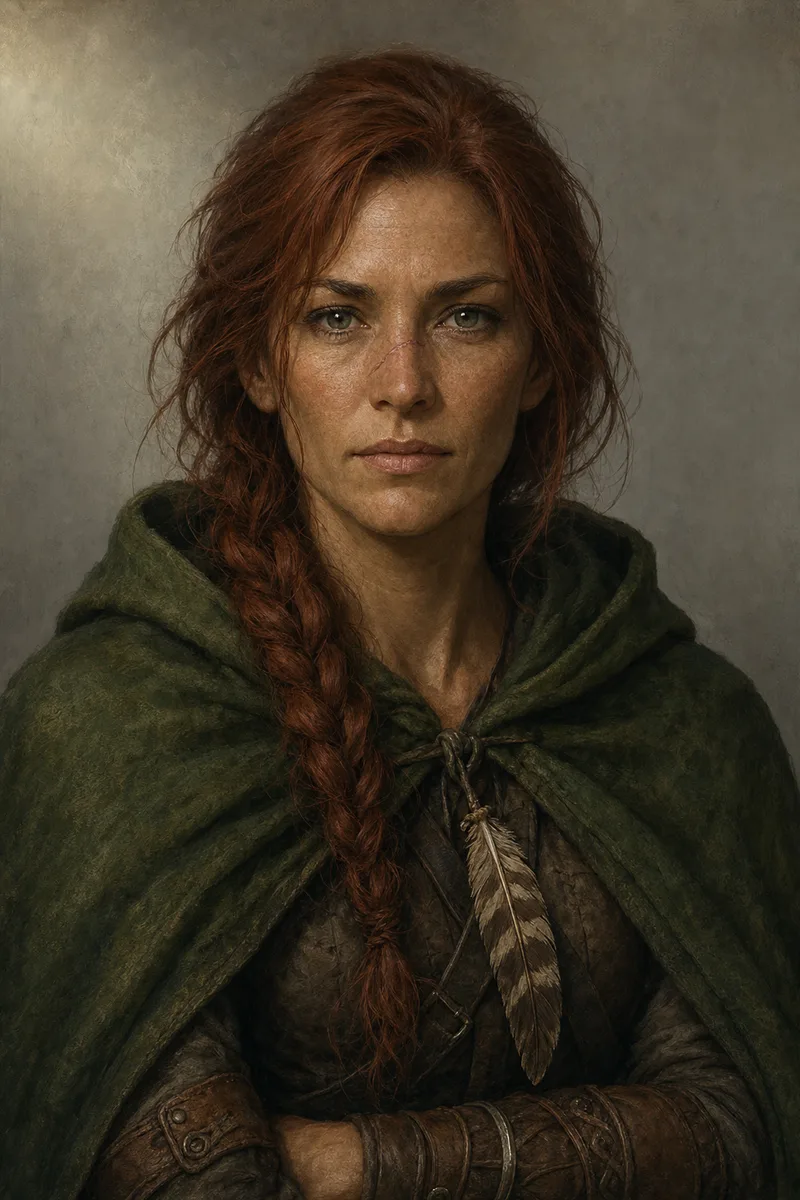
Visual D&D character creator: see the character you built
Already built your character in D&D Beyond or on paper? Under Character sheet in the form, paste the D&D Beyond link or upload the sheet as a PDF. The prompt is then written from the sheet, so you do not have to describe the character a second time. Check that the sheet is current before you generate, because an old sheet can still hold an old look.
No sheet yet? Type one sentence, or pick one of the example characters on this page and change its description. To build the stats first, use the D&D character builder, then come back for the picture. A free account gets free gold every day you visit: 10 gold a day, up to 100. The gold price of each image shows on the Generate button, and the pricing page lists what each plan adds.
What you can make with the D&D character creator
Use it as a character maker for your own hero, for the NPCs in your campaign or for a whole party. It makes the pictures a campaign needs:
- Player portraits: heroes, backstory scenes and level-up looks.
- NPC portraits: allies, rivals, villains and faction leaders.
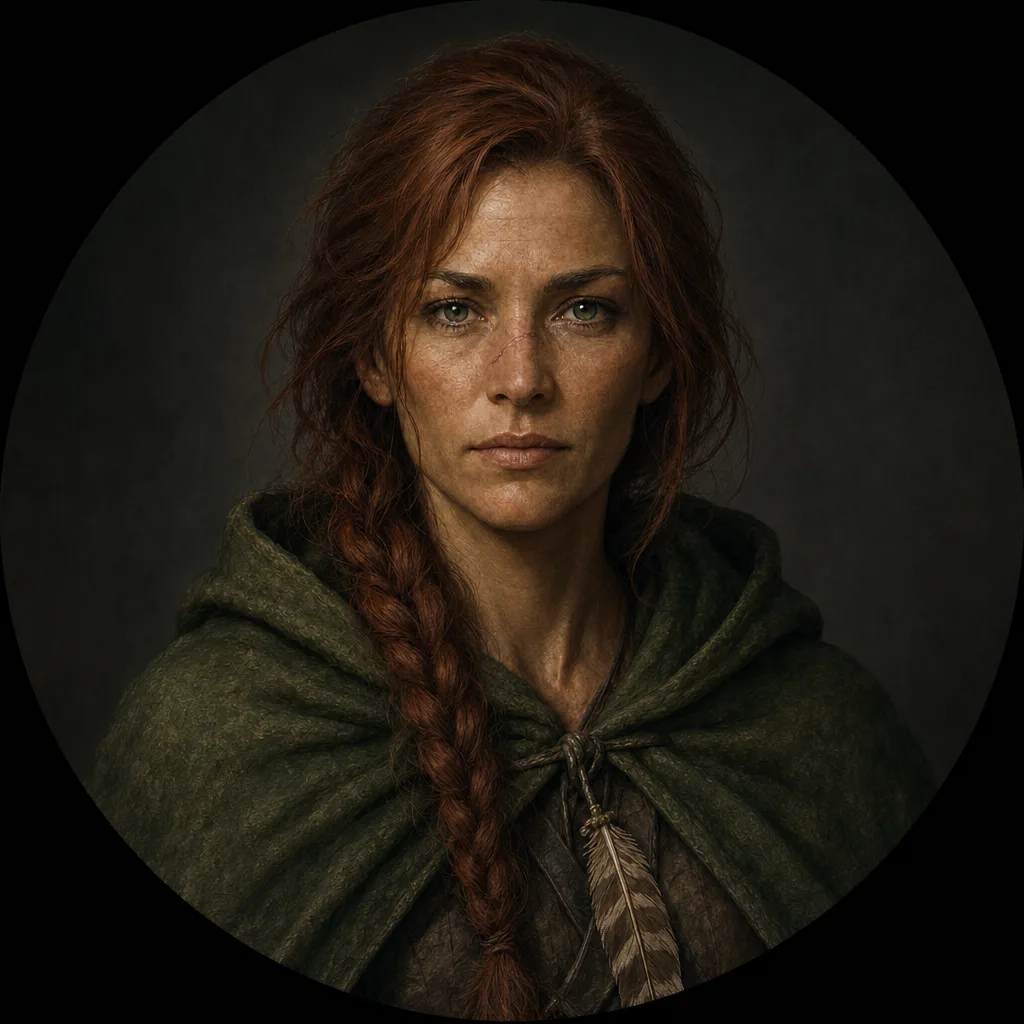
- Avatars and VTT tokens: square crops for profiles, and round, square or hex tokens with a transparent background.
- Full-body art: for character sheets, handouts and campaign covers.
AI character generator with 160+ image models
All models are in one prompt box, including GPT Image 2, Midjourney, Flux Pro and Imagen 4. Each model has its own look: some are painterly, some are cinematic and some make clean anime portraits. Change the model and keep your description to compare styles.
The free tier gives you daily generations. Paid plans unlock premium models after 3 free tries on each, and also add the editing tools and watermark-free downloads (checked 26 October 2026 on the pricing page).
Use your character in other CharGen tools
Need stats and a full 5e character sheet? Use the D&D character builder. Every portrait also links to your workspace. From there you can turn it into a VTT token, make the battlemap your character fights on, or create the NPC cast they meet. Loot, shops and monsters carry their portrait and stat block too.
For a distinct look, choose a fantasy LoRA art style before you generate. The style browser has painterly, dark gothic and hyperrealistic styles.
Character art tips for sheets and VTT
Use square crops for avatars and transparent backgrounds for VTT tokens. Keep the same colours and symbols across a party's portraits. Use the Token Maker to cut clean circles and export to Roll20 or Foundry.