
Free · no sign-up · transparent PNG
D&D Token Maker
Create VTT-ready tokens for Roll20, Foundry VTT and all virtual tabletops
Drop in any portrait, choose a border, and download a transparent PNG token in seconds. It is free with no sign-up, and your image is processed in your browser rather than uploaded to a server.
Drop a portrait here
Click, paste, or drag in a PNG, JPG, or WebP. The first frame is already selected, so you can export as soon as the crop looks right.
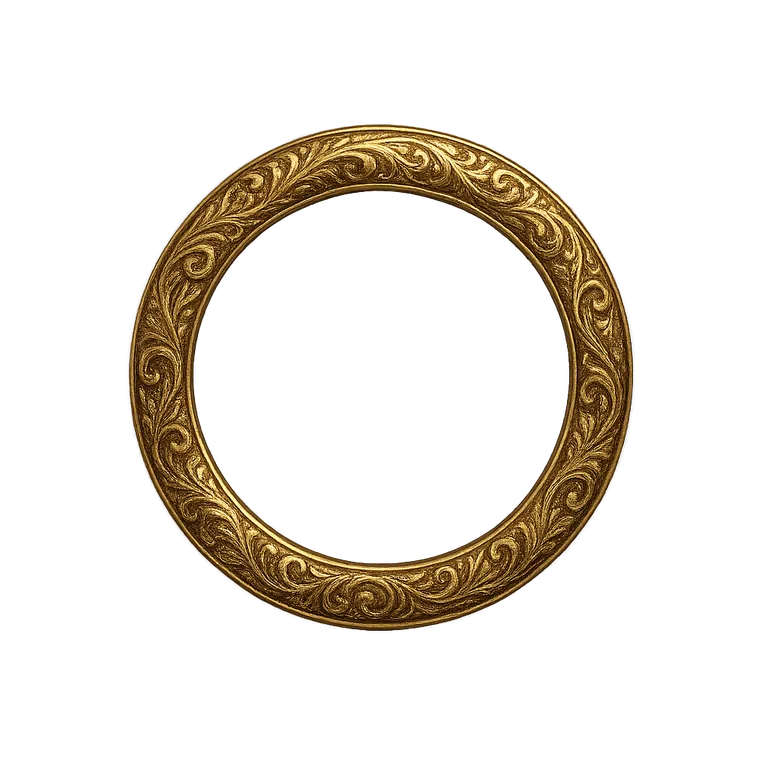

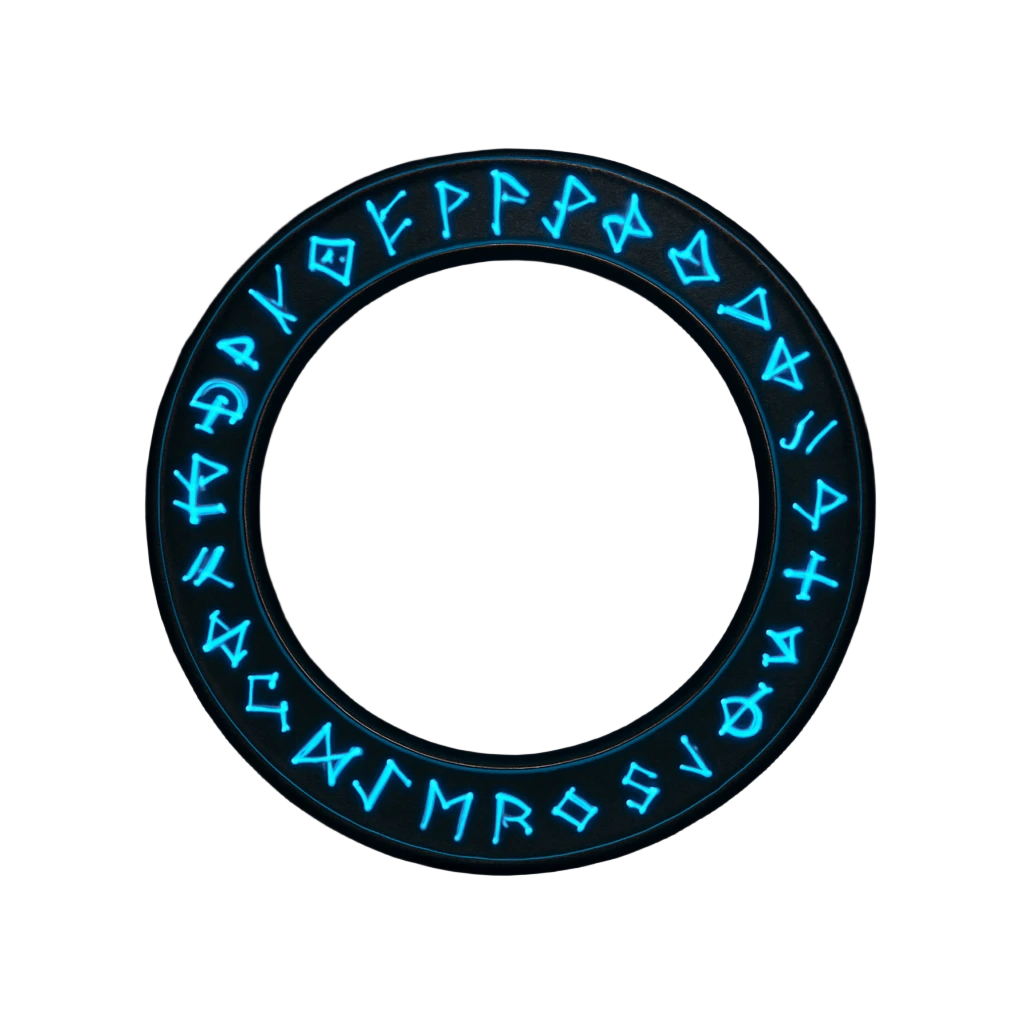
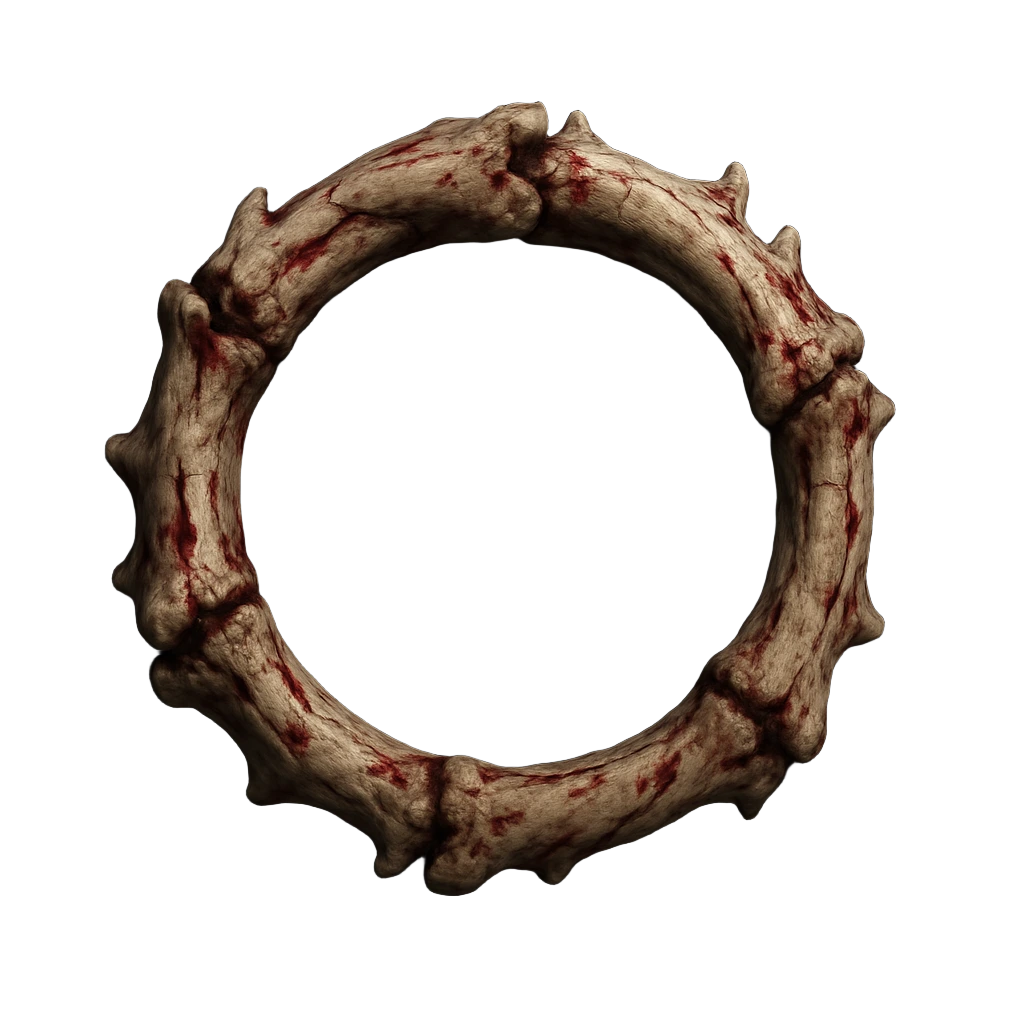
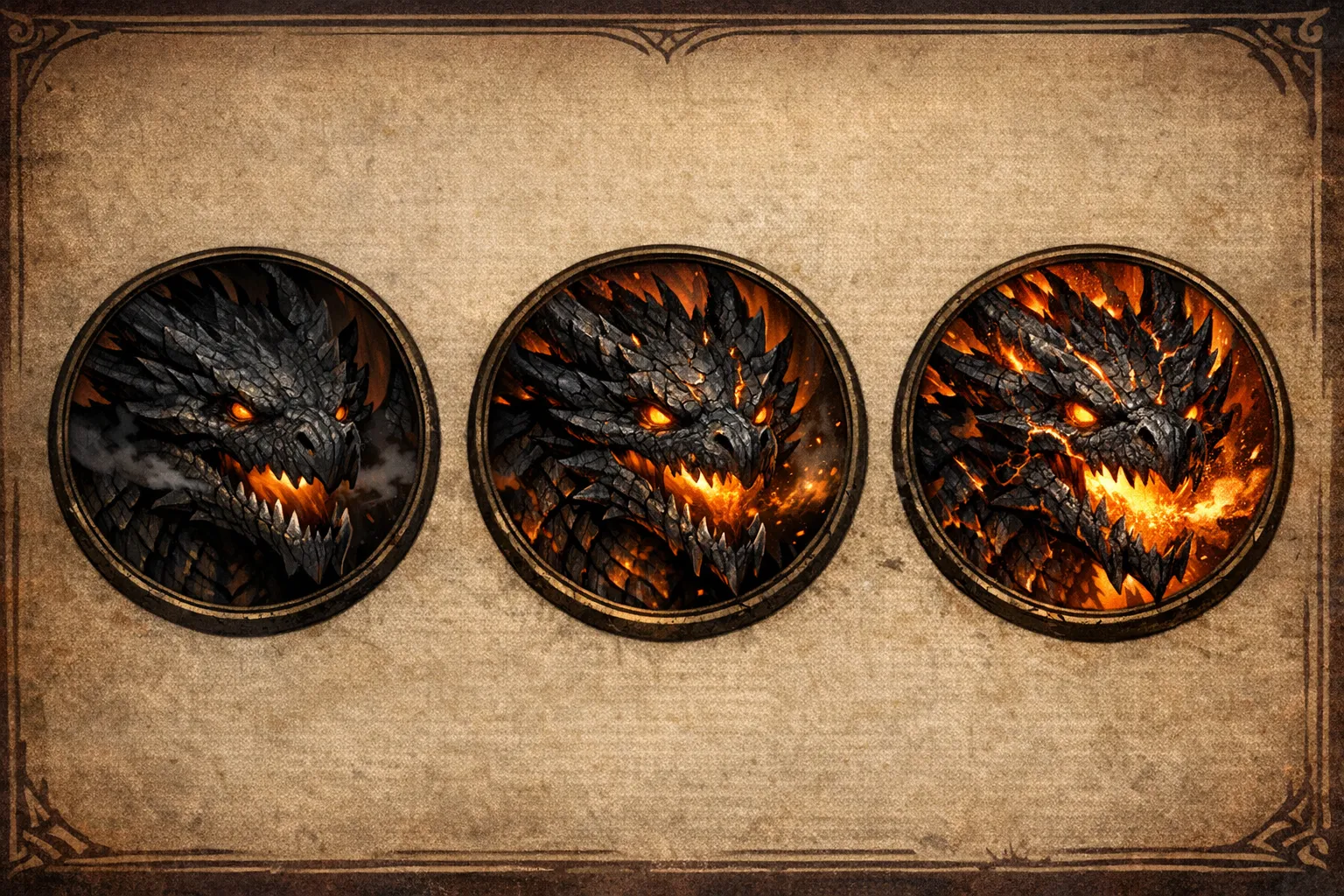
Presets show the finished token, not an empty frame
More than decoration
A border becomes table language.
Players learn visual patterns quickly. Give city guards one metal frame, rival factions another, and major threats a heavier silhouette. The board reads faster before anyone opens a character sheet.
Keep one frame family per faction.
Judge contrast against the actual map.
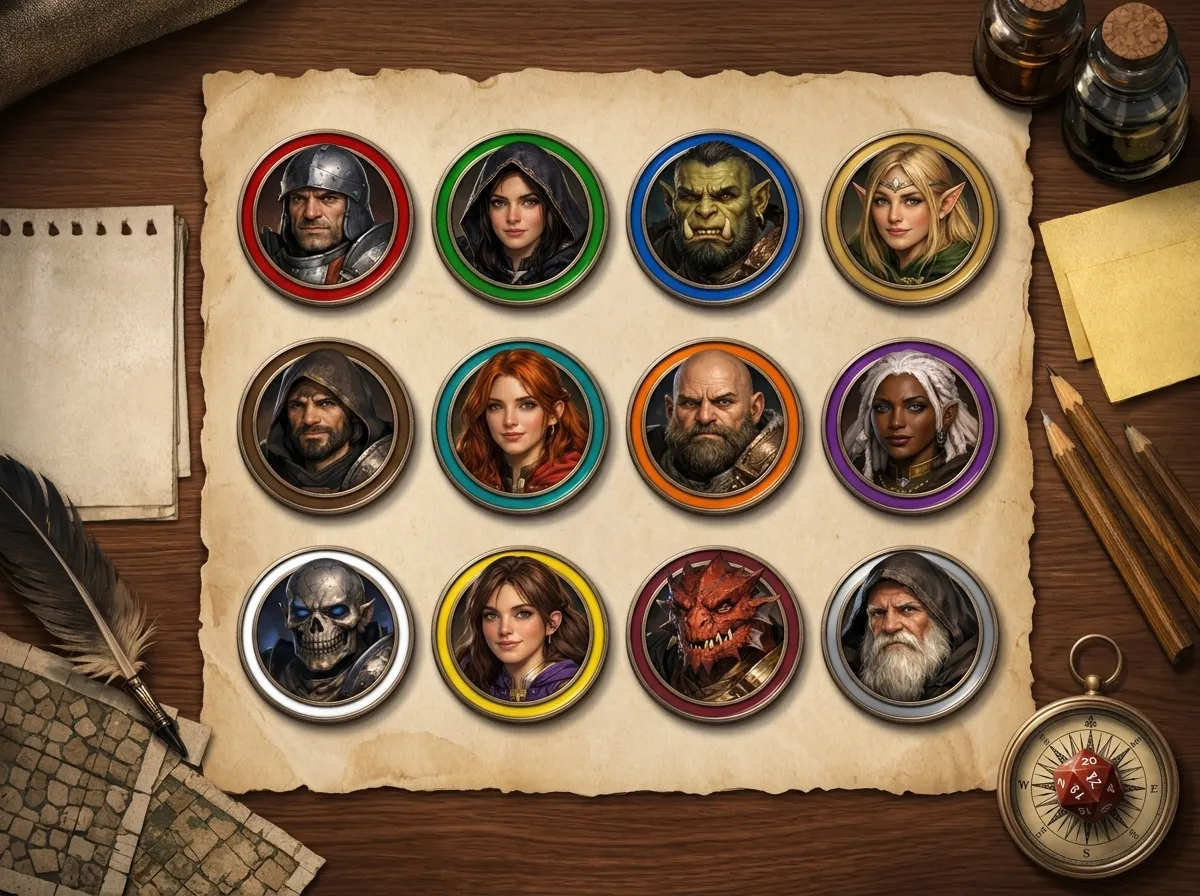
Consistent framing turns a collection of portraits into a cast.
12:1- 01
Place the portrait
Drop, paste, or choose an image. Drag to position the face, then scroll or pinch to set the crop.
- 02
Choose the table language
Use a finished frame for speed, or shape a border for a faction, threat level, or campaign style.
- 03
Check the small preview
A token is judged at map size. Make sure the face, silhouette, and border contrast remain clear.
- 04
Export once
Download a transparent 1024px PNG that can move between Roll20, Foundry VTT, and other tables.
The useful test
Judge the token small.
A beautiful portrait can become a muddy token. Use the live table-size preview to protect the face, silhouette, and border contrast that matter during play.
One export
Take the same token to every table.
Transparent PNG
1024 by 1024 pixels
No watermark
Processed in your browser
Roll20
Upload to the Art Library, then drag onto maps or sheets.
Foundry VTT
Add to Assets and assign the PNG to an actor.
Fantasy Grounds
Import through the Image Manager for portraits or maps.
Owlbear Rodeo
Drop the exported PNG directly into the token tool.
Free D&D token maker
Make tokens for any system, not one house style.
Use character art, photographs, AI-generated images, digital paintings, game screenshots, or creature designs. A clear subject works best, but the crop controls handle square, portrait, and landscape source images.
The same transparent PNG works in Roll20, Foundry VTT, Fantasy Grounds, and Owlbear Rodeo. It can also be used with D&D Beyond, MapTool, TaleSpire, and other tabletop tools that accept custom images.
The token maker is system-agnostic. Build character and monster tokens for D&D 5e, Pathfinder 1e or 2e, Call of Cthulhu, Cyberpunk RED, Shadowrun, and other tabletop RPGs.
What every export includes
Free
No subscription, watermark, or hidden fee
No sign-up
Start with an upload and download immediately
Private
Portraits are processed locally in your browser
Instant
No rendering queue for static token exports
20+ borders
Classic, bone, arcane, metal, and modern overlays
Custom artwork
Upload a transparent PNG or WebP border
- Format
- Transparent PNG
- Resolution
- 1024 by 1024 pixels
- Background
- Transparent outside the mask
- Compatibility
- All major VTTs
Practical answers
Token maker FAQ
What kind of images work best for tokens?
Use a clear portrait with the face or silhouette easy to read. Images around 500 by 500 pixels or larger give you more room to crop. Square art is convenient, but portrait and landscape images work because you can move, scale, and rotate them in the editor.
Are my uploaded images saved on CharGen servers?
No. The editor processes uploaded images in your browser. Nothing is sent to CharGen unless you are signed in and deliberately choose Save to Gallery.
Do I need an account, and is the token maker free?
No account is required. You can make and download unlimited transparent PNG tokens without a watermark or paywall. An account is only needed if you want to save finished tokens to your CharGen gallery.
Can I build my own token border?
Yes. Open Edit border to choose a circle, rounded square, shield, or hexagonal mask. You can change the material colours, frame weight, corner roundness, and edge details while watching the result on the canvas. You can also upload a transparent PNG or WebP overlay, and the token maker detects its inner edge for clipping.
How do I use a token in Roll20 or Foundry VTT?
Download the transparent 1024px PNG. In Roll20, upload it to your Art Library and drag it onto a map or character sheet. In Foundry VTT, add it to your Assets and assign it to an actor. The same file also works in Fantasy Grounds, Owlbear Rodeo, and other VTTs.
What size should a D&D token be?
It depends on the creature's size category. Small and Medium creatures fill one 5 ft grid square, Large is 2 by 2, Huge is 3 by 3, and Gargantuan is 4 by 4 or more, while four Tiny creatures share a single square. On Roll20's default 70 pixel grid that works out at 70, 140, 210 and 280 pixels across. The 1024px PNG this token maker exports leaves plenty of headroom for all of them, so your VTT can scale it down without softening the art.
Can I use tokens in commercial projects?
The token maker is free to use, but your rights depend on the source portrait and any uploaded border artwork. You retain the rights to work you own. Check the licence for stock, commissioned, or AI-generated source images before using them commercially.
Can I make tokens for different game systems?
Yes. The token maker is system-agnostic and works for D&D 5e, Pathfinder 1e and 2e, Call of Cthulhu, Cyberpunk RED, Shadowrun, and other tabletop RPGs. The classic, fantasy, arcane, and modern borders can be mixed with your own custom frame artwork.
Ready for the map
Make one token. Keep the frame for the whole cast.
Keep building
Token guides
For site owners
Put this token maker on your site
Paste one snippet and your readers get the full token maker on your page. It is free, needs no sign-up, and processes images in the reader's browser. Keep the credit link below the widget visible.
Want a moving token instead? Try the animated token maker.
<iframe
  src="https://char-gen.com/embed/token-maker"
  width="100%"
  height="800"
  style="border:1px solid rgba(148,163,184,0.25);border-radius:12px"
  title="D&D Token Maker by CharGen"
  loading="lazy"></iframe>
<p>
  Free <a href="https://char-gen.com/token-maker">D&D token maker</a> by CharGen.
</p>