
How to use the free D&D map maker
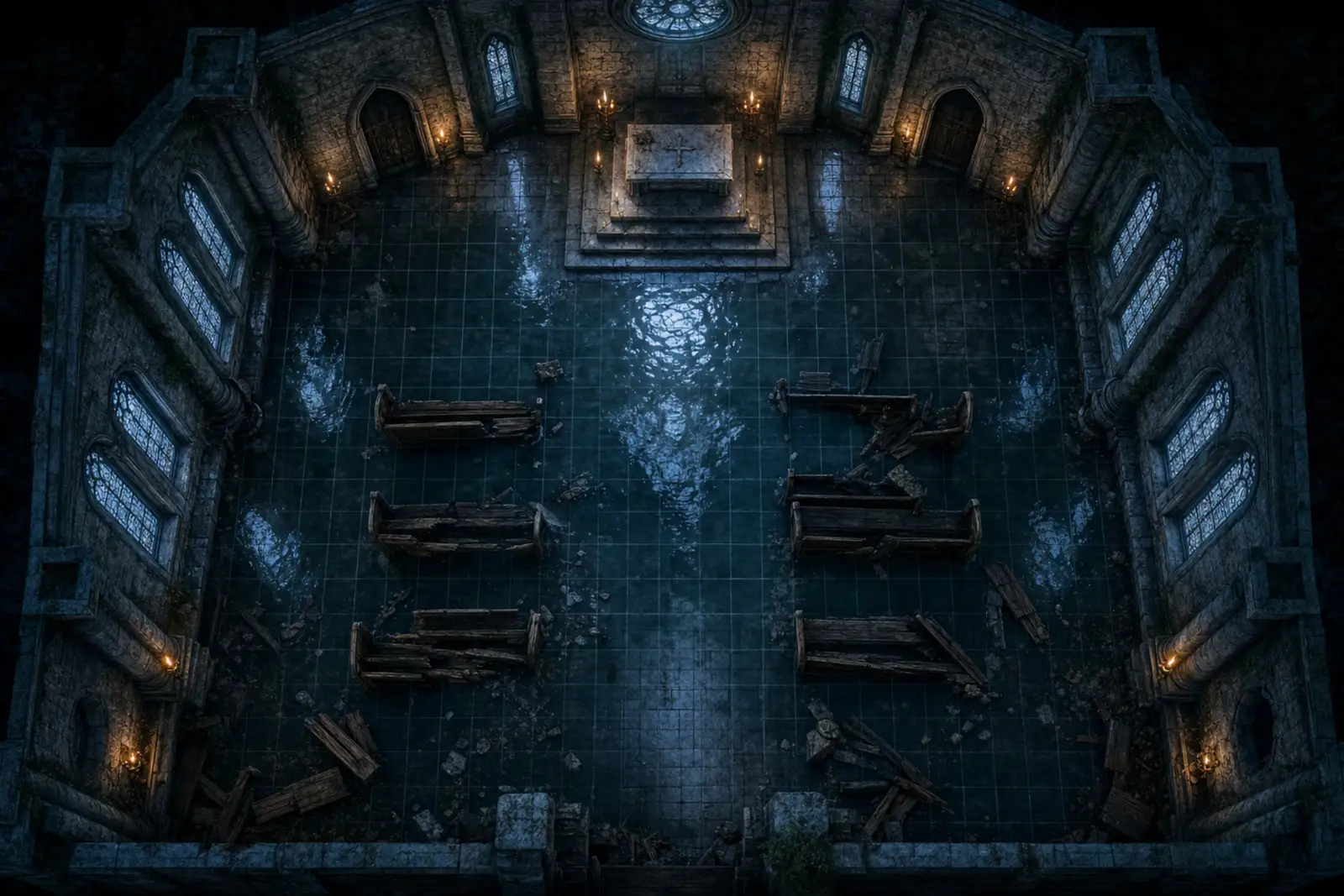
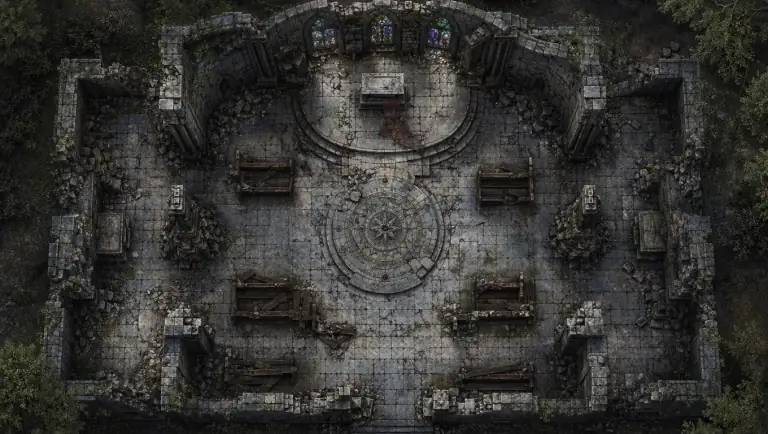
CharGen is a free D&D map maker and map creator. Describe the place in plain words and you get a map in about 30 seconds.
- Describe the place: a dungeon, forest, tavern, cave, street or any other encounter setting.
- Add details: light, cover, obstacles, points of interest and hazards.
- Pick landscape, portrait or square, generate, then download the map with a square or hex grid.
Draw your own D&D map in the free Battlemap Maker
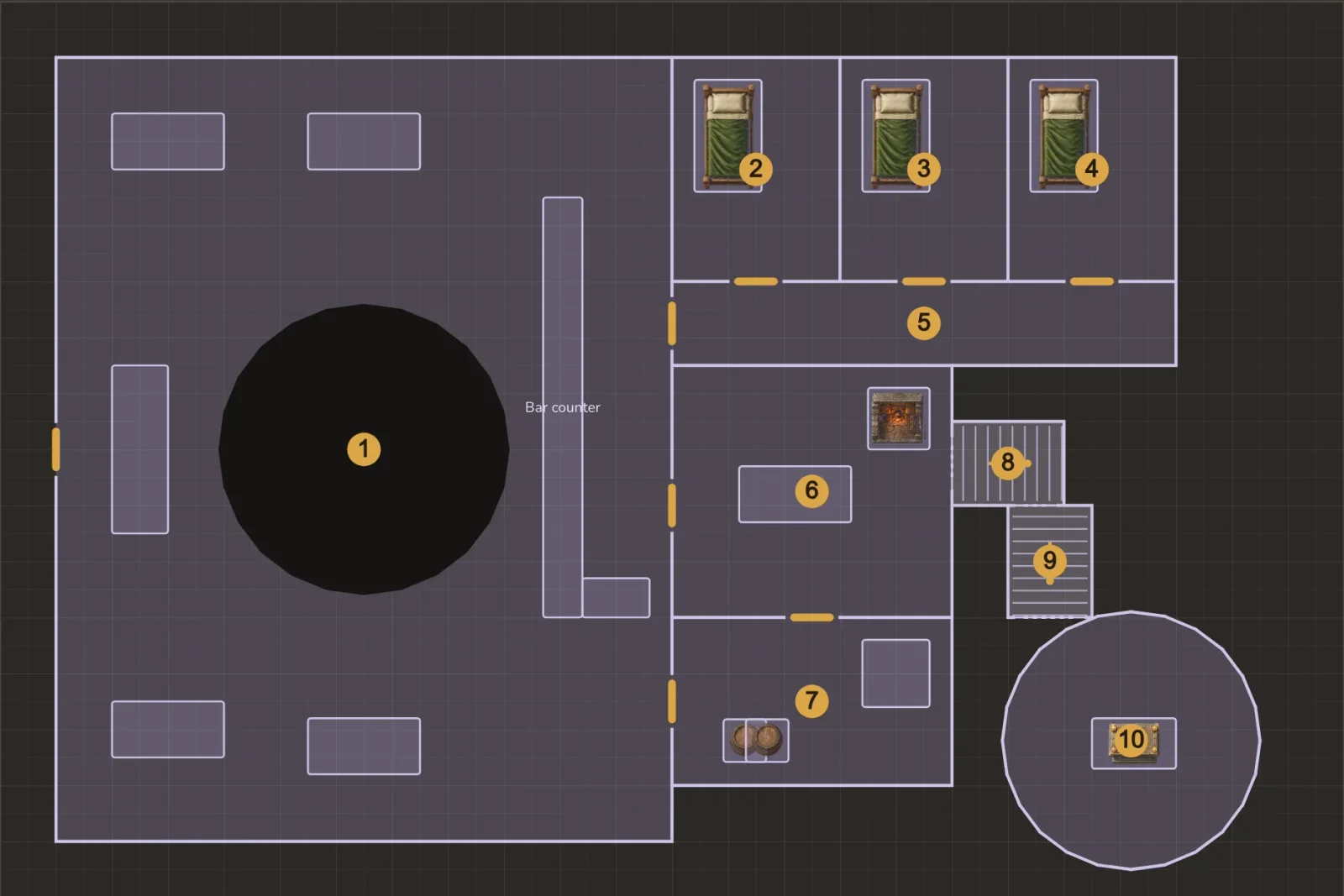
If you already know the layout, draw it yourself in the Battlemap Maker. It is a grid map maker in your browser at 5 feet a square. The board runs from 8 to 80 squares a side, and a new map starts at 24 by 16. You can draw without an account: the plan saves in your browser, and when you sign in it saves to your account. The battle map maker page shows a real plan painted and exported, with every price.
- Draw: rooms, round rooms, corridors, walls, doors (secret, locked, arch or window), stairs, water, terrain, 16 props and labels.
- Describe: write a few sentences and the AI drafts the rooms for free. The plan stays editable.
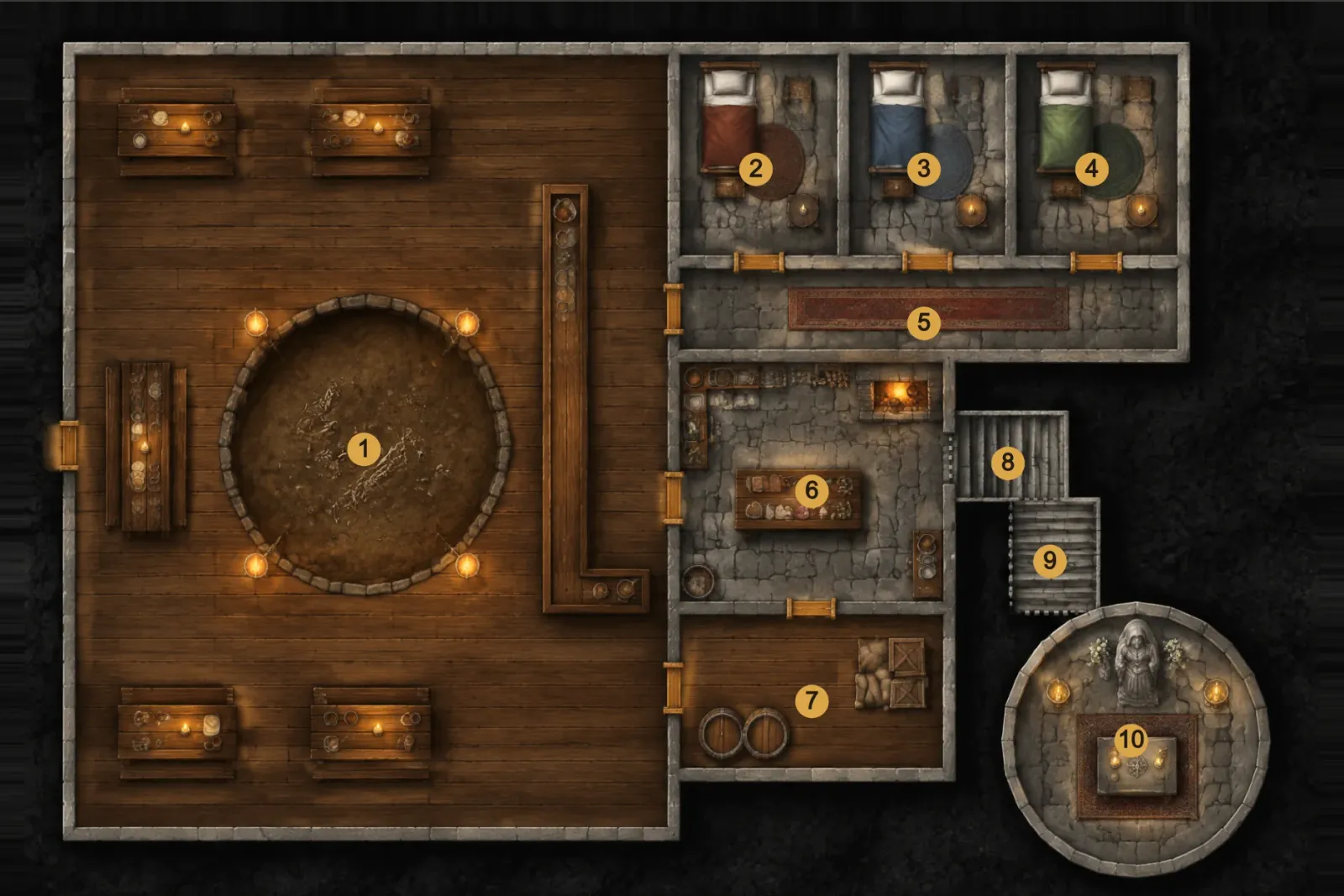
- Paint: pick one of four styles (Painted, Inked, Photoreal or Hand-drawn). On the 24 by 16 board a Draft starts at 2 gold and a Final at 10 gold. Larger boards cost more. Painting needs a free account, and the 10 free gold a day covers a Draft. See plans and gold.
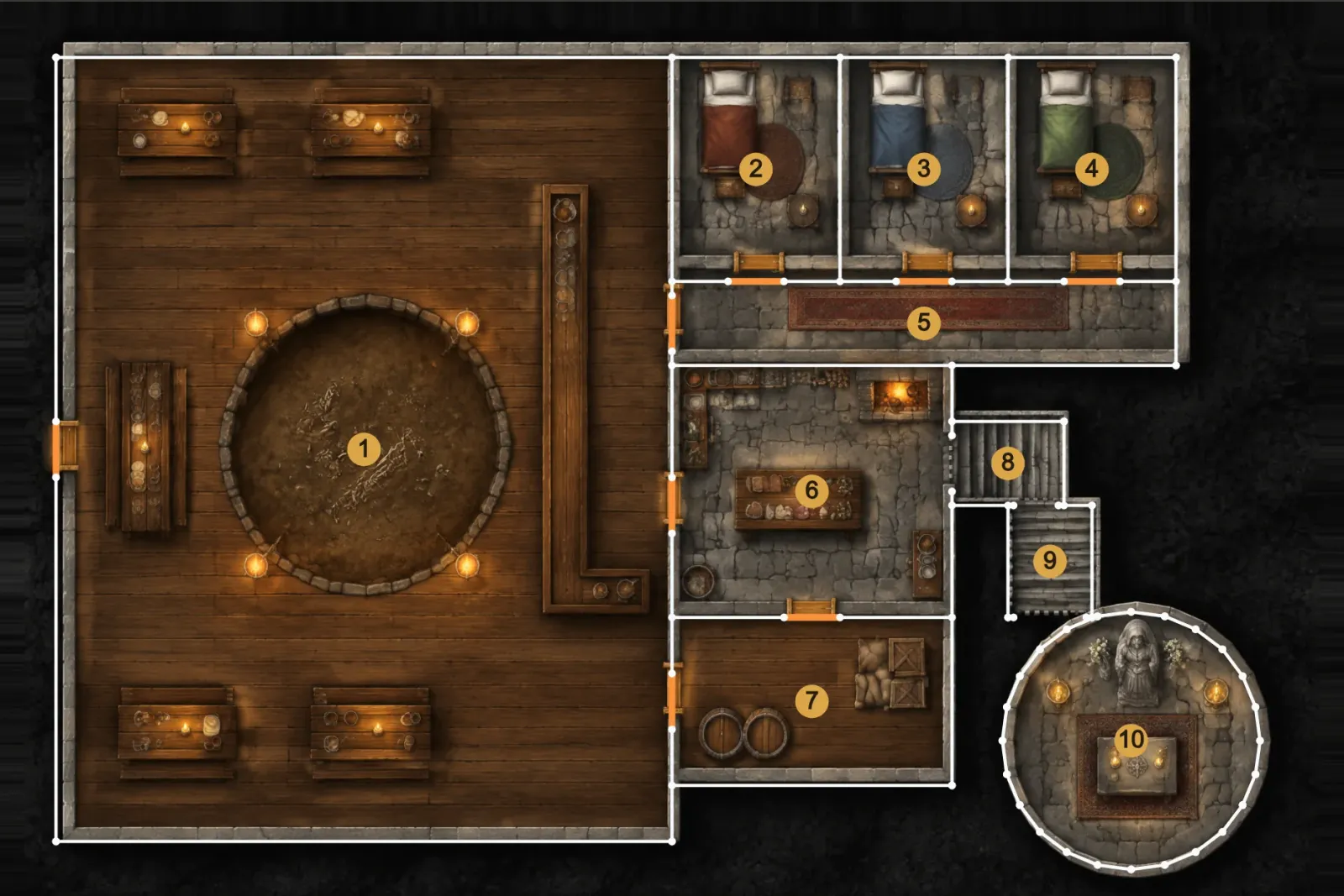
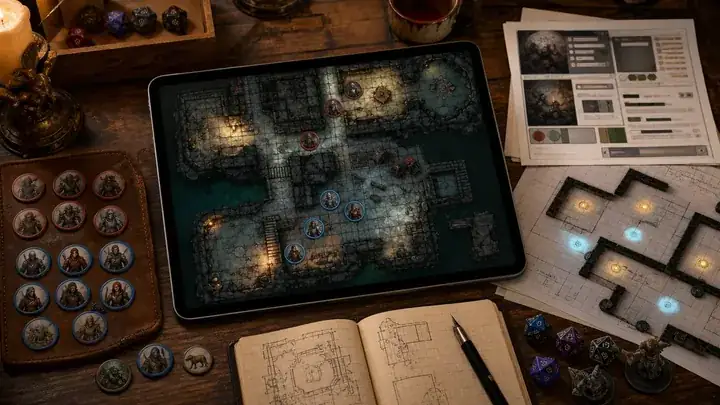
- Export: after you paint, the files come from your plan, not the picture, so the walls sit where you drew them. You get a Foundry scene with walls, doors and lights, a Universal VTT file (.dd2vtt) and a PNG with a 70 px grid.
Some VTTs need an extra step for the .dd2vtt file. Owlbear Rodeo needs the Scene Importer extension, and Fantasy Grounds needs a converter. On a phone the plan is read-only, but Describe, Paint and Export still work. A hand-drawing editor still gives you more control over each part of the finished picture, because the Maker paints the art for you.
D&D map generator for every encounter
As a D&D map generator, CharGen makes maps for any encounter: underground dungeons, forest clearings, city rooftops, harbour docks, volcanic caves and anything else you can describe. Choose a top-down or isometric view and an art style that suits your campaign.
- Fast encounter maps for D&D 5E, Pathfinder and other RPGs.
- Maps for your VTT, for printed handouts or as reference art.
- Use it with the Settlement Generator and the Town Map Generator to build a whole town.
Battle map maker for Roll20, Foundry VTT and Fantasy Grounds
This battle map maker exports a PNG sized for Roll20, Foundry VTT and Fantasy Grounds, or at 150 dpi for print, so you do not resize anything. Generate, download and drop the map straight into your session. Use the Token Maker for matching tokens, the Monster Generator for creatures, or the Dungeon Generator for a full dungeon floor. Animated Maps turns a map into a looping scene.