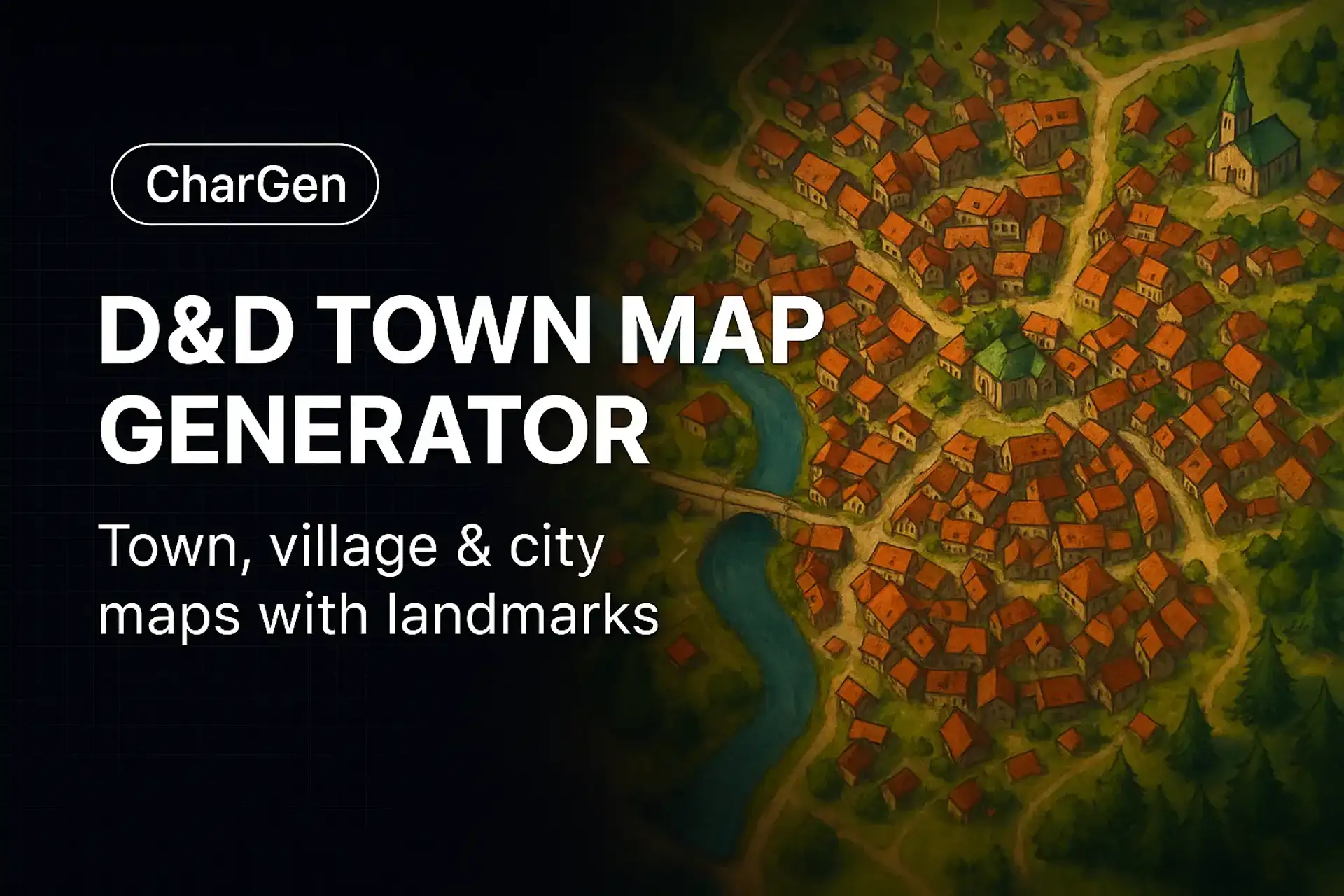

AI-generated D&D town and city maps

AI Town Map Generator

Bring Your Fantasy Towns to Life

Generate detailed town layouts with districts, walls, markets, and landmarks — ready for D&D sessions and VTT prep.

Start GeneratingFree to use · No design skills needed · VTT-ready layouts

Describe your town map

Try one of these prompts, or write your own

Example Styles

Get Inspired

The Merchant's Crossroads

A walled medieval trading town built around a central market square, with a river dividing the merchant and noble quarters

The Cliff Harbor

Coastal fishing village with docks, a lighthouse on the cliff, and colorful homes cascading down the hillside to the harbor

The Canyon Fortress

Mountain fortress city carved into canyon walls with rope bridges connecting towers and waterfalls flowing between districts

The Canopy Sanctuary

Elven treetop settlement connected by lantern-lit walkways above a misty forest floor, with a great tree at its heart

The Process

Three Steps to Your Creation

I

Describe Your Town

Size, purpose, terrain. A riverside trading hub? A clifftop fortress? A hidden elven sanctuary? Start with the soul of your settlement.

II

Layer in Detail

Walls, gates, markets, rivers, districts, landmarks. The more you add, the more alive and usable the map becomes.

III

Generate & Export

Iterate on styles, annotate key locations, then export for your VTT or print as player handouts.

How to Use the D&D Town Map Generator

  1. Pick size and purpose (village, town, city; trade hub, fortress, shrine city).
  2. Add features: walls, gates, districts, markets, rivers, bridges, ports.
  3. Generate reference art and iterate; annotate districts and landmarks.

Why Use This Town Map Generator

  • Fast settlement layouts that feel usable at the table.
  • Clear composition for handouts and VTT map building.
  • Pairs with Settlement Generator for lore and factions.

VTT and Printing Tips

Use consistent scales and label layers when rebuilding in a VTT. For print, export at 300 DPI and add a legend for districts and key locations.

Frequently Asked Questions

Yes. Generate town maps for free after a quick sign-up. Premium unlocks editing and export options.

Yes. Add walls, gates, markets, rivers, bridges, districts, and landmarks.

Yes. Use the art as reference/handouts and rebuild with a consistent scale in your VTT.