
How to Use AI for DnD Campaigns in 2026
Learn how to use AI for DnD campaigns in 2026 with a practical CharGen workflow for notes, NPC art, maps, and session prep.
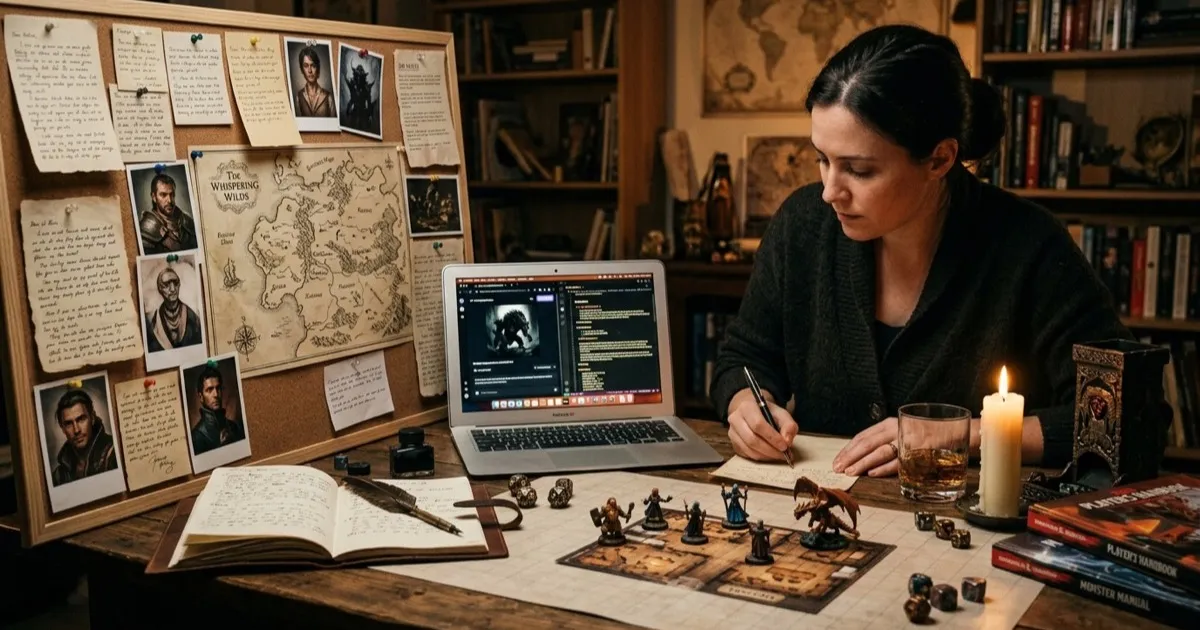
How to use AI for DnD campaigns got more awkward to discuss after 11 March 2026, when PC Gamer reported that Hasbro CEO Chris Cocks still uses piles of AI in his own home games while saying official D&D products avoid it because players do not want it there. Fair enough. Most tables are not asking for AI-written rulebooks anyway. What many of us do want is faster private prep, cleaner recap notes, better portraits for recurring NPCs, and a map ready when the party ignores the obvious plot hook.
That is the line I keep coming back to. I do not want AI deciding what my players care about. I do not want it replacing the fun bit of being a DM. I do want it handling the admin sludge around the edges, especially on a week where I have work, groceries, and one player texting me twenty minutes before game night to ask who the suspicious priest was.
March 2026 is a useful moment to be blunt about this because the tension is out in the open. On 11 March 2026, PC Gamer covered Cocks' comments about using AI heavily in personal D&D games while keeping it out of official pipelines. A few weeks earlier, on 19 February 2026, D&D Beyond published its 2026 roadmap, which is another reminder that official digital tooling keeps expanding while home tables still patch together their own prep systems. That gap is where CharGen makes sense for me.
Search intent around this topic is practical, not philosophical. People looking up how to use ai for dnd campaigns or ai dungeon master tools are usually trying to solve one of four problems:
- prep faster without lowering campaign quality
- keep NPC art and notes in sync across several sessions
- generate useful handouts, maps, and tokens on a real deadline
- avoid the tacky feeling that the whole campaign was spat out by a machine
That last point matters. Players can tell when the prep has no point of view.
How to use AI for DnD campaigns without annoying your table
My rule is simple: use AI for support work, not authorship.
If I ask a tool to remember who got blackmailed in session fourteen, tidy up my notes, or generate a portrait for a half-orc customs inspector with a chipped tusk and a bad temper, that saves me admin time. If I ask it to invent the whole campaign premise, write every boxed text speech, or decide what the villain truly wants, I usually get something flat and forgettable.
The cleanest way to think about it is job by job:
| Campaign job | Good use of AI | Bad use of AI |
|---|---|---|
| Session notes | summarising rough notes, extracting hooks, tagging NPC changes | replacing your actual memory of what players cared about |
| NPC prep | quick records, portraits, token variants, name support | inventing six pages of lore nobody will use |
| Encounter prep | rough monster concepts, map drafts, visual references | balancing every fight without checking the result |
| Player-facing writing | short recap clean-up, handout polish, prop text checks | writing every speech in the campaign with the same voice |
That is also how I talk about it with players if they ask. I am not pretending a generated portrait came from a hired illustrator. I am not pretending a recap drafted from my notes is the same thing as table creativity. It is prep support. Nothing more dramatic than that.
One honest limit, if your group hates AI on principle, forcing it into visible parts of the campaign is a terrible idea. Keep it in private prep or do not use it at all. The game is still about trust at the table.
Where AI actually helps a busy DM
The strongest use cases are the boring jobs that pile up between sessions.
For me, that list looks like this:
- turning scrappy notes into a readable recap
- creating a portrait set for recurring NPCs
- making tokens that still read clearly on a cluttered VTT map
- drafting a map or scene image when I suddenly need a visual anchor
- keeping campaign facts linked, so last week's dockmaster still looks like last week's dockmaster
Concrete example, I had a city session recently where the party bounced between a guild hall, a flooded shrine, and a customs checkpoint. I needed three things fast: a refreshed recap, art for a priest who had just switched sides, and a quick image of the checkpoint so the players stopped imagining wildly different spaces. AI was excellent at those support tasks. It would have been awful at deciding whether the priest was lying, because that depended on the campaign's actual emotional arc.
Another example, one player wanted to track the difference between two rival captains. I generated both portraits with fixed anchors, one had a burn scar over the eyebrow and a brass whistle chain, the other had a shaved scalp and a lacquered black gorget. That took minutes. The interesting part was still me deciding which captain would sell the party out and why.
Right, so the dividing line is not "AI good" or "AI bad". The useful question is whether the tool is reducing friction around the game you already want to run.
My CharGen workflow for campaign prep
CharGen works best for this because the tools sit close enough together that I do not lose track of the campaign between tabs. I am not using it as one giant magic button. I am using it as a workflow.
1. Start with campaign memory, not art
I begin in RPG Session Notes, because memory errors are more expensive than art errors.
I paste in rough notes, bullet points, or a cleaned transcript, then I trim the output into five blocks:
- key events
- unresolved hooks
- NPC state changes
- location changes
- what the party plans next
If a section is empty, I delete it. Extra headers make a recap feel more organised than it really is.
This is where AI session notes for D&D actually earn their keep. I do not need literary prose. I need a recap that reminds me the smugglers lost a warehouse, the abbess lied about the relic key, and the ranger promised to return to the salt marsh by next moonrise.
If you want the full notes-first version of this routine, I still recommend my earlier guide on AI session notes and campaign art. I use that loop constantly.
2. Build or refresh the people who matter
Once the recap is stable, I open NPC Generator. This is where I decide which faces actually need work for the next session.
I usually fill in fields such as:
Quick DescriptionRaceClassAgeAdditional Details
Then I hit Generate and keep only what helps play.
One prompt I used recently:
Harbour customs inspector, half-orc, late 30s, clipped speech, one chipped tusk, old chain shirt under civic coat, embarrassed by how much he enjoys bribery
That is enough to produce a usable character concept because it contains function, visual anchors, and a personality problem. By contrast, a vague prompt like "tough city guard with secrets" gives me mush nearly every time.
Worth saying clearly, I do not generate twenty polished NPCs for a normal session. I make two or three recurring faces look solid, then I keep a bench of rough extras. That restraint matters more than the model choice.
3. Generate art only after the anchors are fixed
Then I move to Image Generator or DnD AI Art generation, depending on what I need.
Try CharGen FreeThe practical bits in the UI are the ones I care about:
- the prompt box
- the model dropdown
- the aspect ratio picker
- the
Generatebutton
I keep prompts short and concrete. A good campaign portrait prompt usually has:
- role
- species or body type
- two permanent visual anchors
- current mood
- lighting or framing note
For the inspector above, my portrait prompt became:
Half-orc harbour customs inspector, chipped tusk, civic coat over old chain shirt, tired suspicious expression, damp dawn light, chest-up portrait
That gets me much closer to a reusable image than a grand prompt full of purple fantasy wording.
One more example from a swamp arc:
Human shrine keeper, reed-wrapped prayer staff, water damage on blue vestments, ink stains on fingers, guarded expression, lantern light, portrait
That portrait told the players almost everything they needed before the NPC spoke.
How I keep AI output from wrecking campaign continuity
Consistency is the real problem. Anybody can generate one striking portrait. Keeping six returning characters visually stable across two months is harder.
My fix is boring, but it works:
- one anchor list per recurring NPC
- one naming pattern for exports
- one short note about what changed after each session
If Captain Veyra always has the same white streak in her fringe, black leather gorget, and silver tide-ring, I keep those anchors fixed every time. If session nineteen leaves her with a split lip and a torn sleeve, I add only those changes. I do not rewrite the whole prompt from scratch.
That is also why I like pairing CharGen art tools with the summariser. Recap first, visuals second, token export third. The order stops me from accidentally generating an old version of a character and calling it finished.
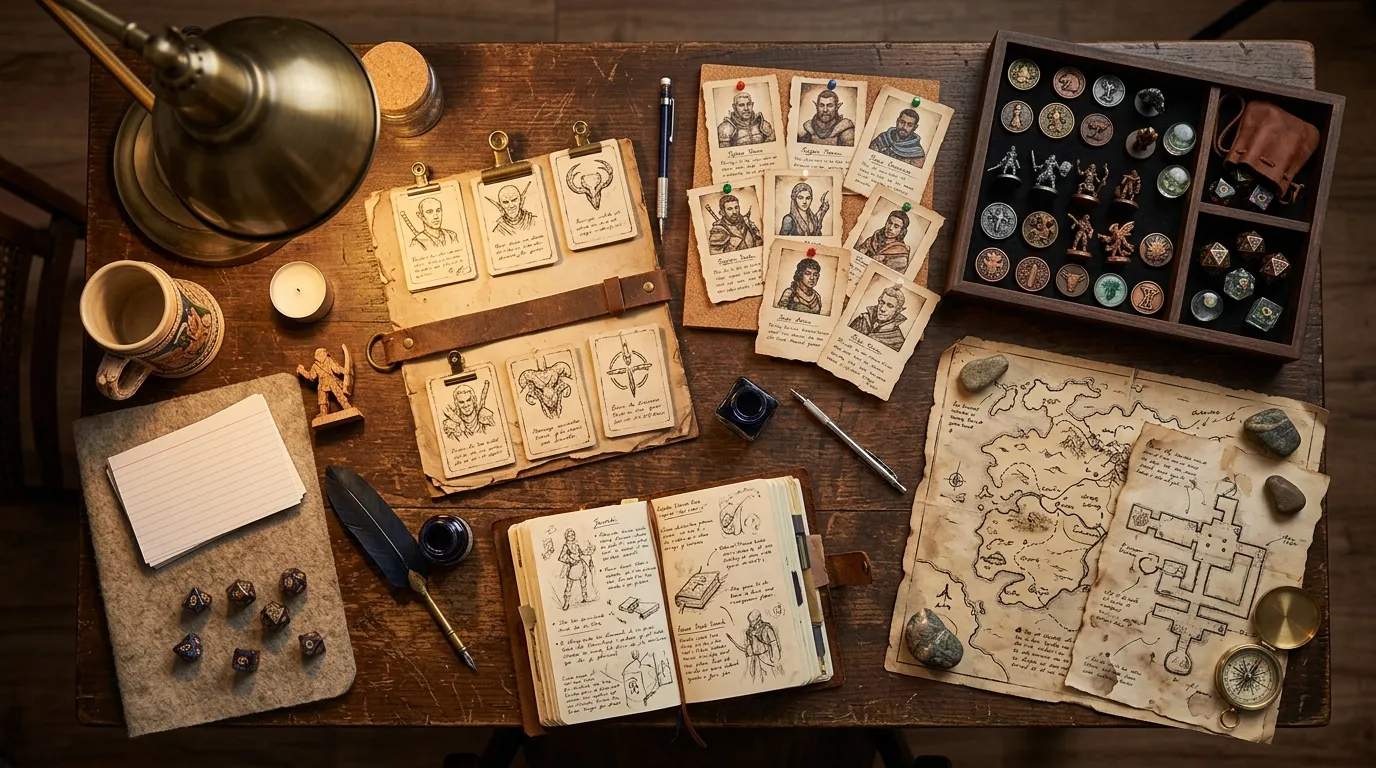
My token rule is even stricter. If a combat is likely, I only generate or crop tokens for creatures and NPCs the players are very likely to meet. The Token Maker is brilliant when I already know who matters. It is a time sink if I start making perfect tokens for every tavern patron in a port district.
For VTT-heavy weeks, my existing guide on how to make DnD tokens fast for Roll20 and Foundry is still the cleanest version of that workflow.
A 50-minute prep loop I would actually use tonight
If you want something practical rather than theoretical, copy this exactly once and adjust later.
| Block | Time | What I do |
|---|---|---|
| Recap lock | 10 minutes | Clean last session notes in RPG Session Notes, cut to key events and next hooks |
| Cast refresh | 12 minutes | Update two to four NPCs in NPC Generator, skip luxury extras |
| Art pass | 15 minutes | Generate only likely portraits, one location image, and any must-have monster art |
| Combat support | 8 minutes | Make token crops or a quick map only if next session clearly needs them |
| Final pass | 5 minutes | Check filenames, pin unresolved hooks, and stop fiddling |
That cap matters. AI can waste just as much time as any other prep rabbit hole if you keep chasing prettier output instead of better play.
Here is a real prep block from my own notes.
I had a one-shot set in a drowned watchtower. In under an hour I produced:
- a recap card for the previous scouting scene
- portraits for a guilt-ridden ferryman and a shrine thief
- one misty causeway image for scene-setting
- two tokens for the final fight
What I did not ask AI to do was invent the tower's secret or decide how the ferryman would react if the party offered mercy. Those were the parts I wanted to own.
Where I refuse to use AI in a DnD campaign
This bit matters just as much as the workflow.
I do not use AI to:
- decide campaign themes
- replace player backstory work
- write long villain speeches word for word
- fake commissioned art
- push out published setting material as if it were handmade
Private campaign prep is one thing. Passing generated material off as something else is another.
There is also a quality reason for restraint. AI often smooths scenes into the same house style if you lean on it too much. Everyone gets the same cheekbones, the same armour trim, the same smug three-quarter portrait. Once I see that happening, I cut back and reassert a human choice somewhere, often with better anchors or a more specific scene brief.
Another honest problem, AI is bad at social nuance when your campaign has a long memory. It can give me a portrait of a nervous courtier. It cannot reliably understand why that courtier now masks fear with fake confidence because the party's warlock accidentally exposed her brother three sessions ago. That sort of tension lives in the campaign history, not in the image model.
My recommendation after a month of testing this properly
If you are wondering how to use AI for DnD campaigns without making the whole thing feel cheap, keep it on a short lead.
Use it for recap clean-up, visual support, token prep, and rapid scene references. Keep your judgment for story choices, pacing, consequences, and anything the players will remember emotionally.
That balance is why I still like CharGen more than cobbling together four unrelated tools. I can go from RPG Session Notes to NPC Generator to Image Generator without losing the thread of the campaign. Fewer handoffs means fewer contradictions.
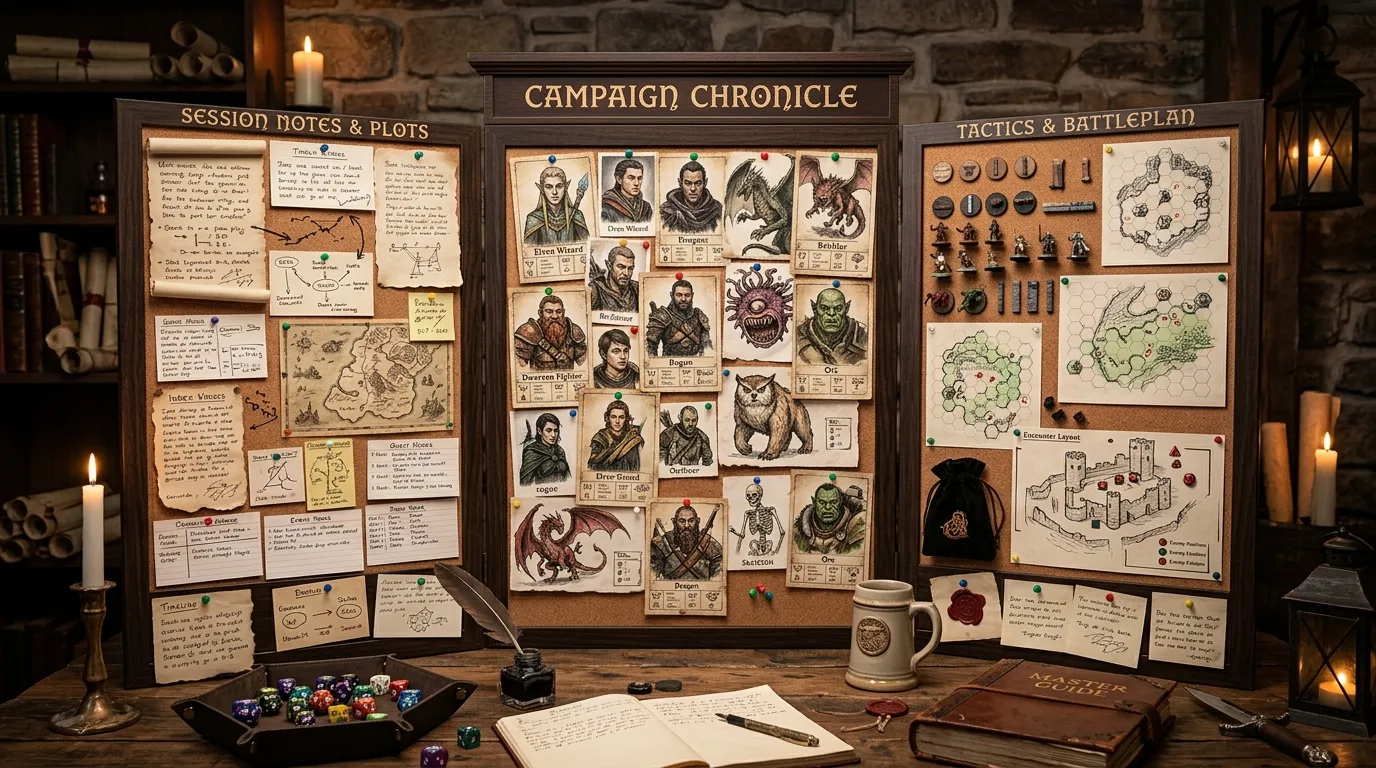
If you want to try the workflow I use, start small. Take your last session's rough notes, turn them into one tight recap, refresh two recurring NPCs, and generate one scene image you know you will actually show at the table. That is enough to see whether AI is saving you time or just giving you new ways to procrastinate.
If you need one starting point, open CharGen signup, then try RPG Session Notes first. Once your recap is clean, the rest of the prep gets easier because you are building from facts instead of vibes.
Start AI-Powered Prep Free