
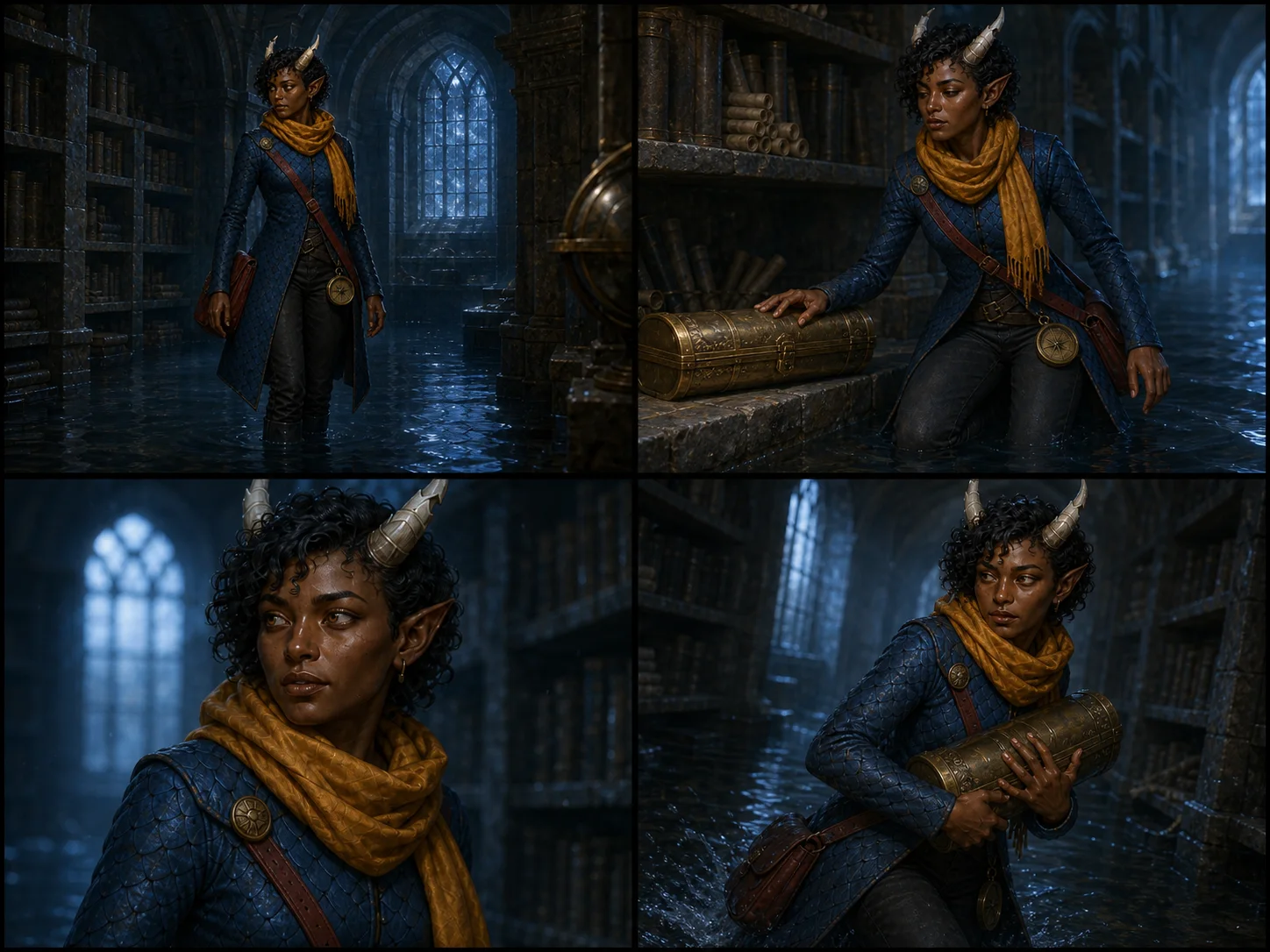
Keep one character consistent across four connected scene shots.
Create four connected scene shots of one saved character. The workflow preserves their identity, outfit, and equipment across each camera view.
One saved Character Reference. Four images from 16 Gold. Paid plan required.
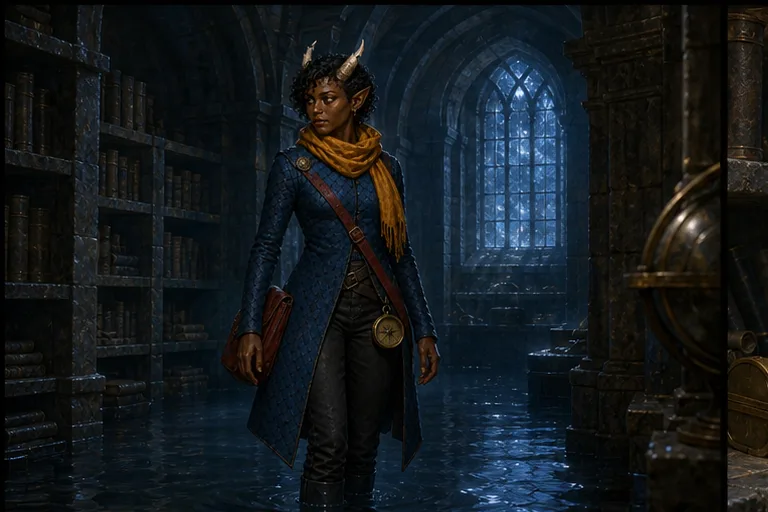
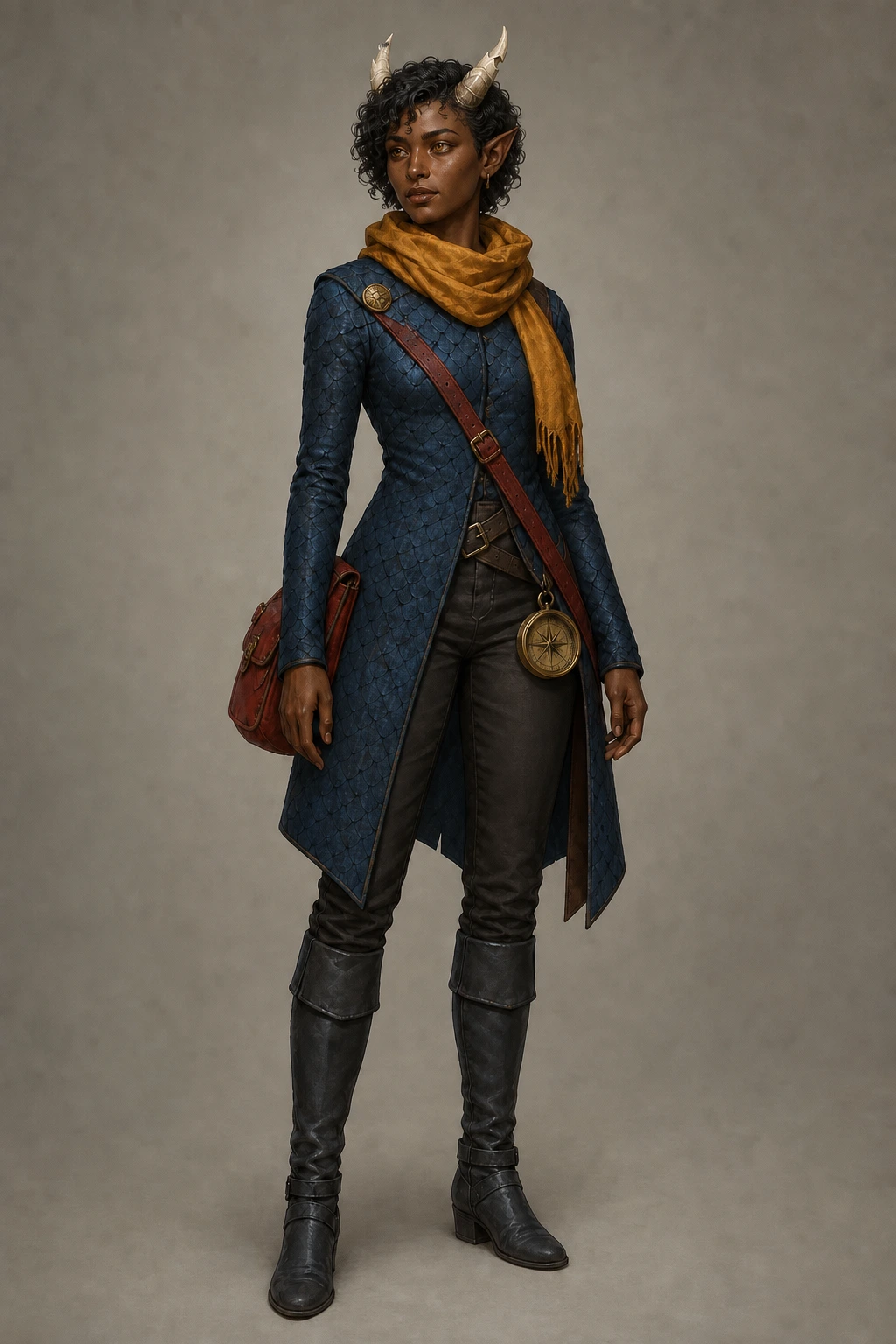
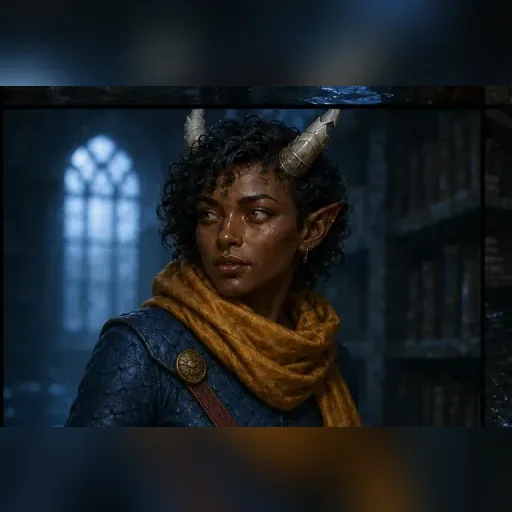
Change the camera and action while the character stays on model.
An establishing shot, medium shot, close-up, and action shot use the same saved identity, outfit, equipment, and scene brief.
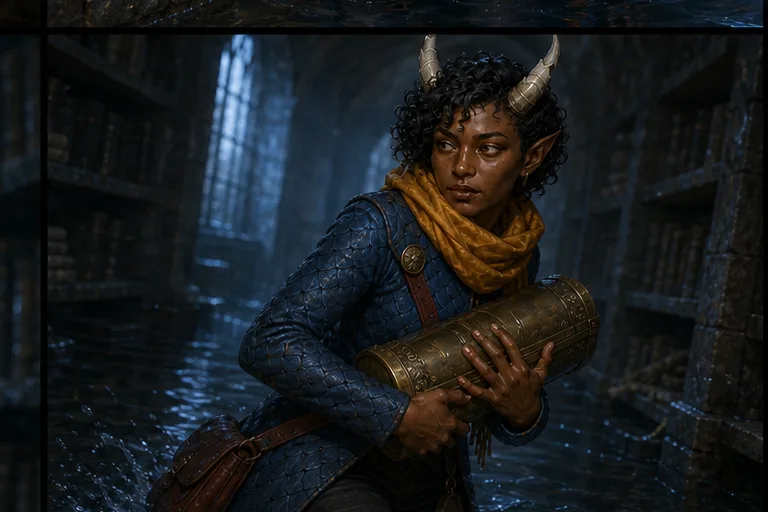
Keep every shot as a normal CharGen image.
Edit promptRecreateVary detailHigh detail, 30 Gold
From one saved character to a continuity set.
Low
16 Gold
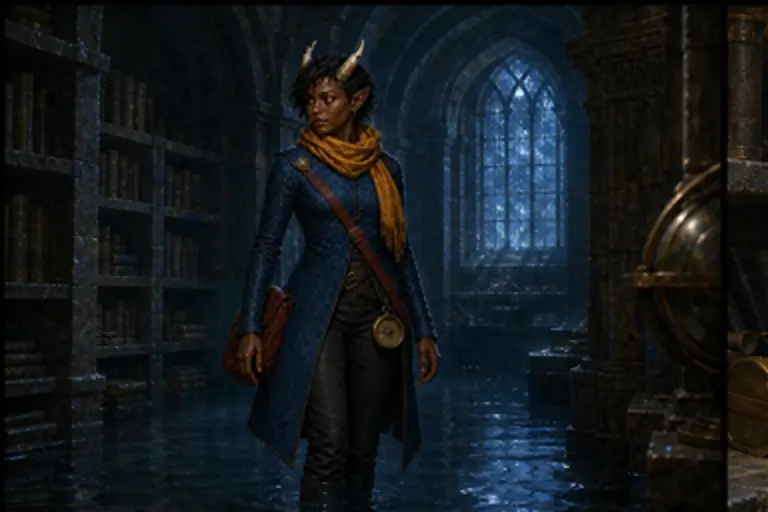
Medium
40 Gold
High
120 Gold
Open Character Scene Continuity
Exact cost shown before generation
- 1Choose a Character Reference
- 2Describe one moment
- 3Choose the detail level
What stays. What can vary.
Usually preserved
- Identity
- Face, species, body build, hair, and markings
- Wardrobe
- Outfit, armour, equipment, and colour placement
- Scene intent
- One moment and one coherent visual treatment
Can vary
- Camera coverage
- Wide, medium, close, and action framing
- Expression
- Emotion changes to support the same moment
- Pose and motion
- Movement changes without a character redesign
Before you start
No. Use Character Reference Views for front, profile, back, and a combined turnaround board. Character Scene Continuity creates four shots from one story moment.
Each run creates four separate owned images: an establishing shot, a medium shot, a close-up, and an action shot.
The workflow charges for four images. Low costs 16 Gold, Medium costs 40 Gold, and High costs 120 Gold.
Yes. Any active paid CharGen subscription can run Character Scene Continuity. The generated images remain in your account if the subscription ends.
Ready to use Character Scene Continuity?
One saved Character Reference. Four images from 16 Gold. Paid plan required.