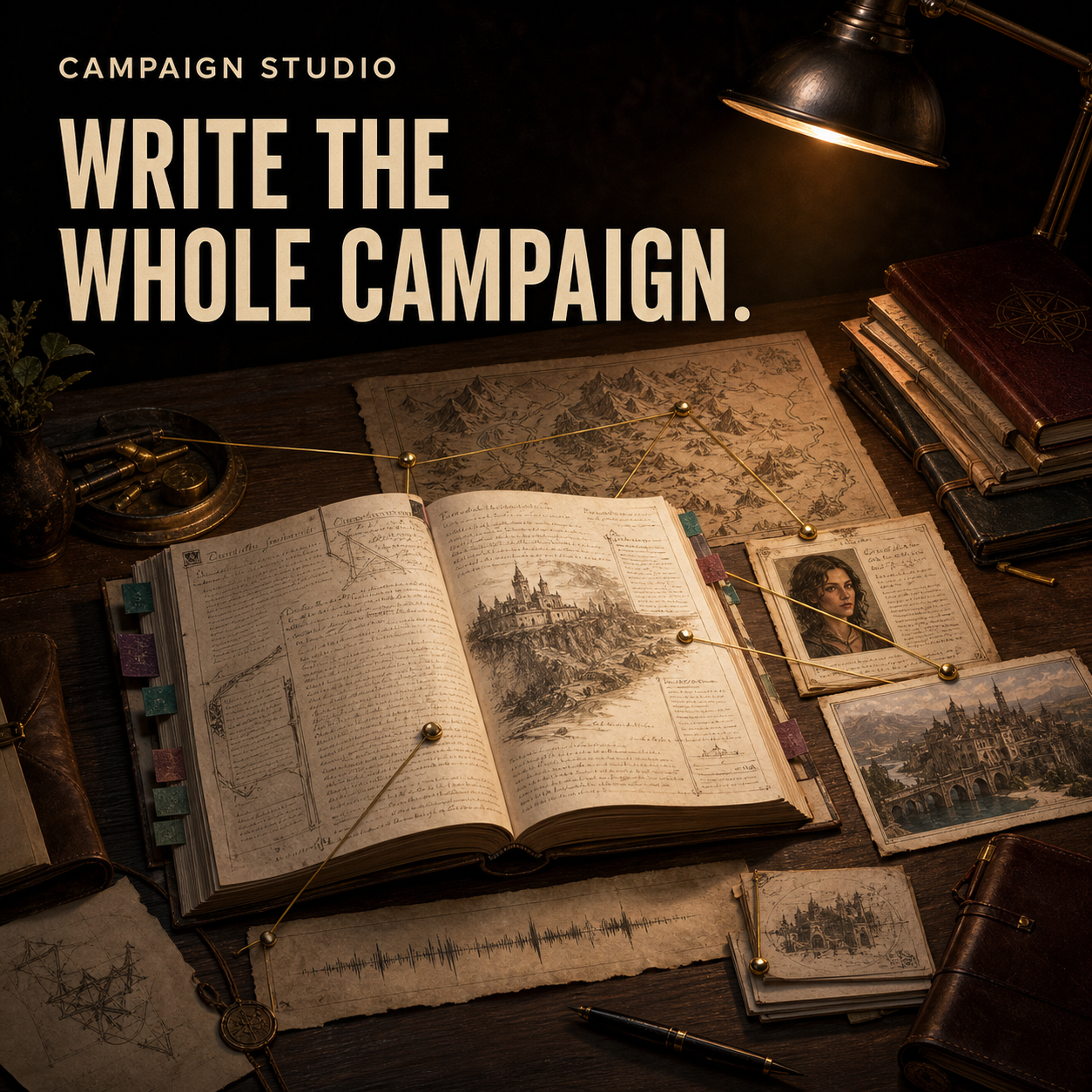
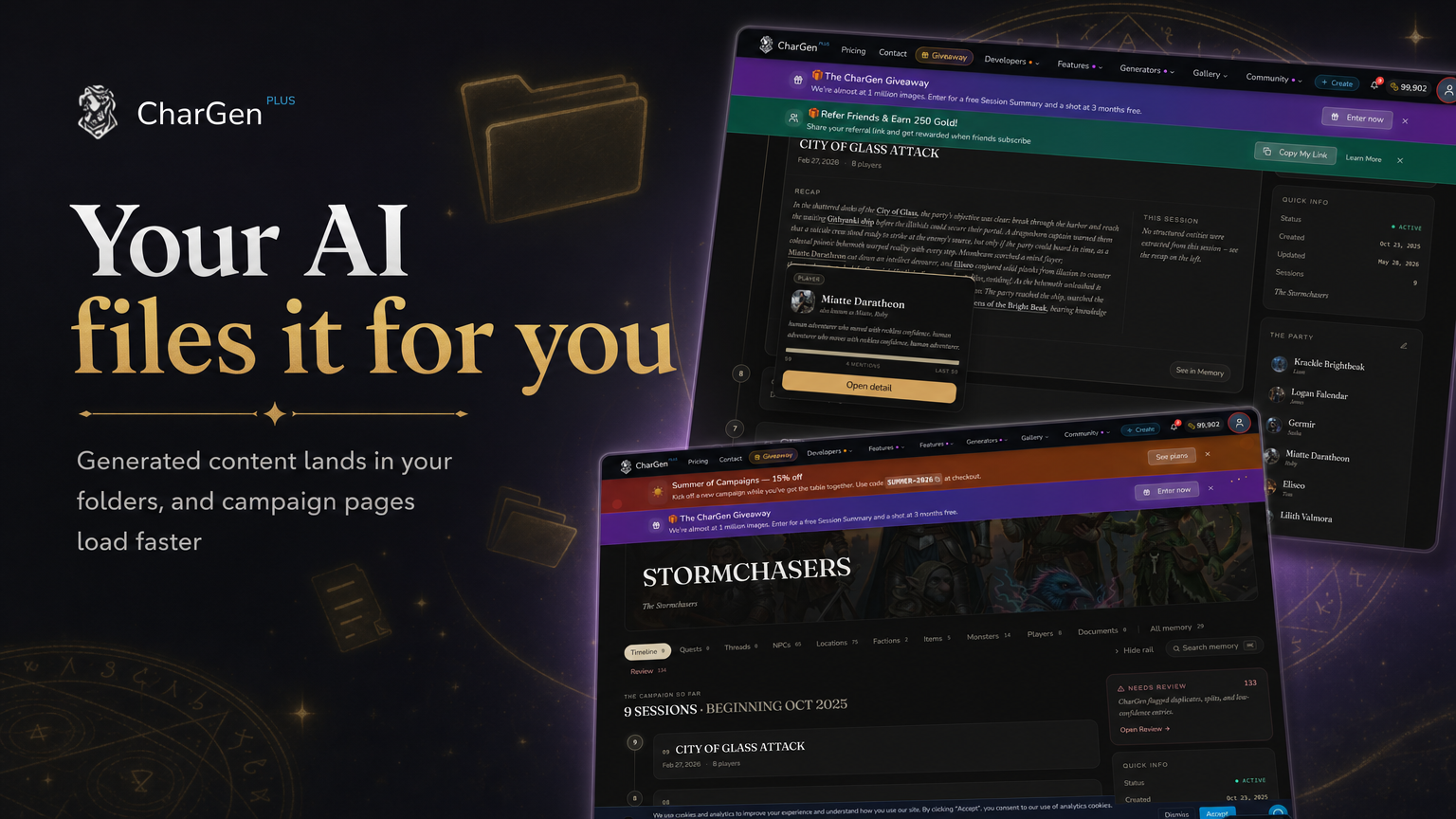
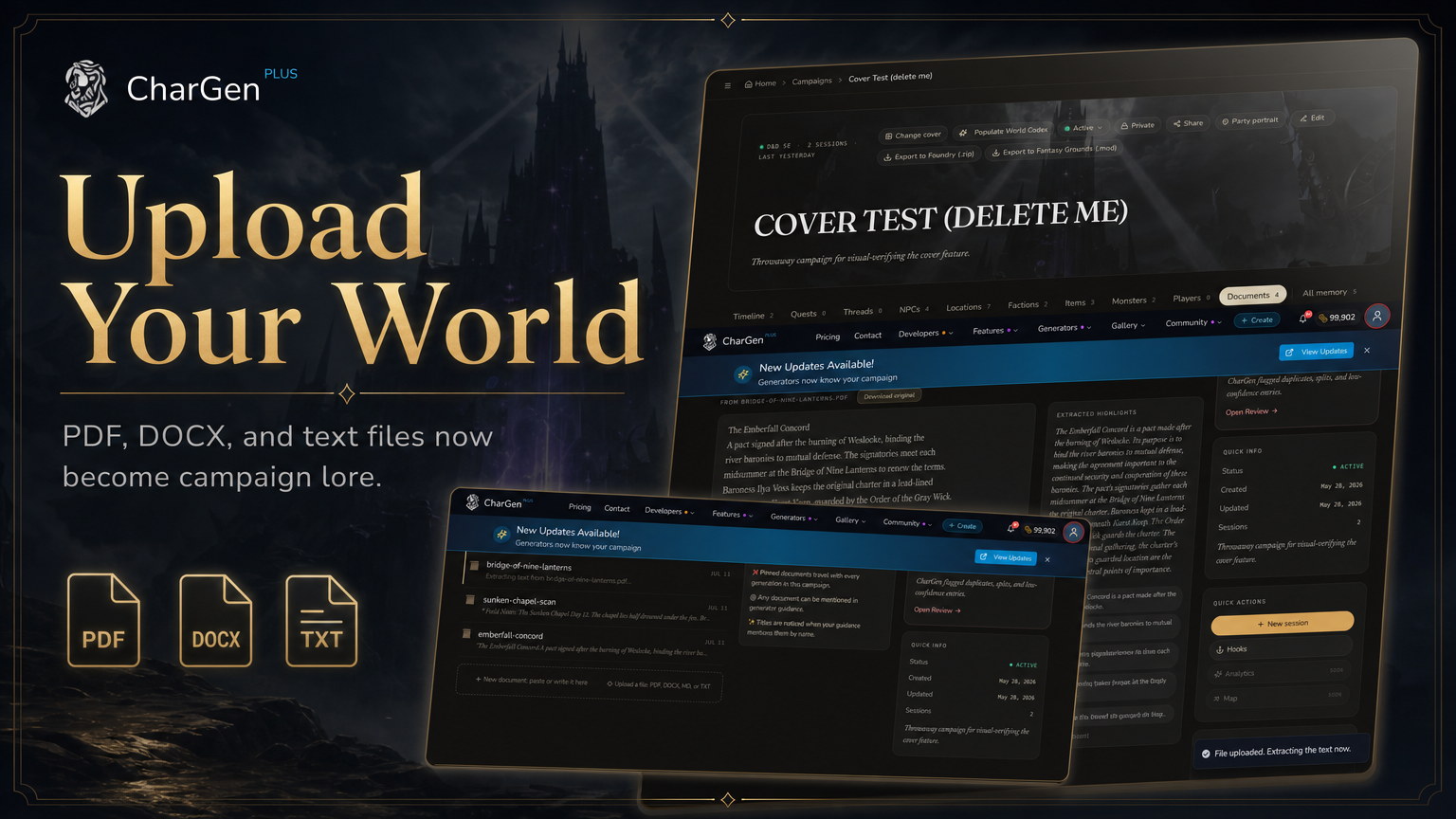
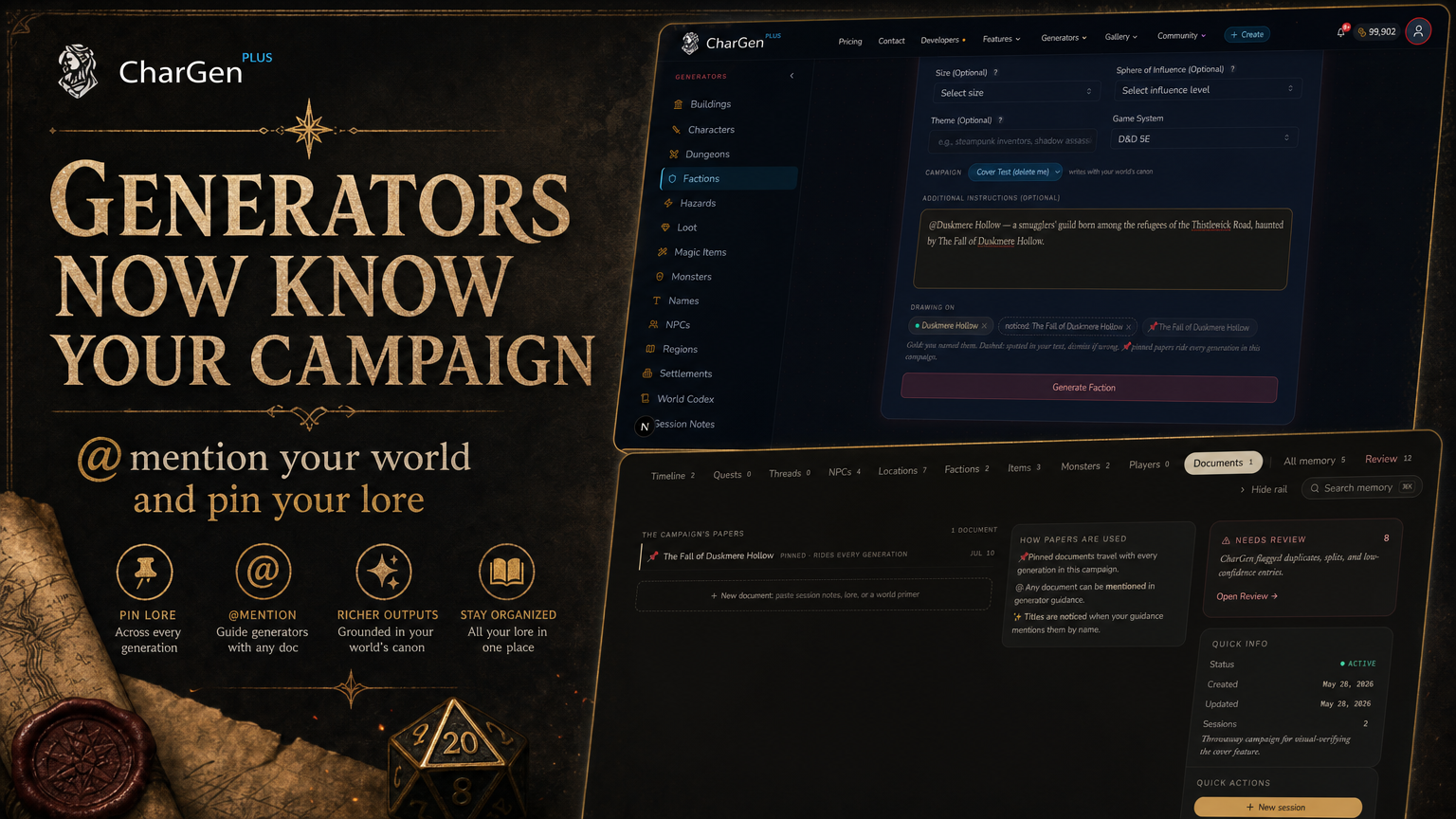
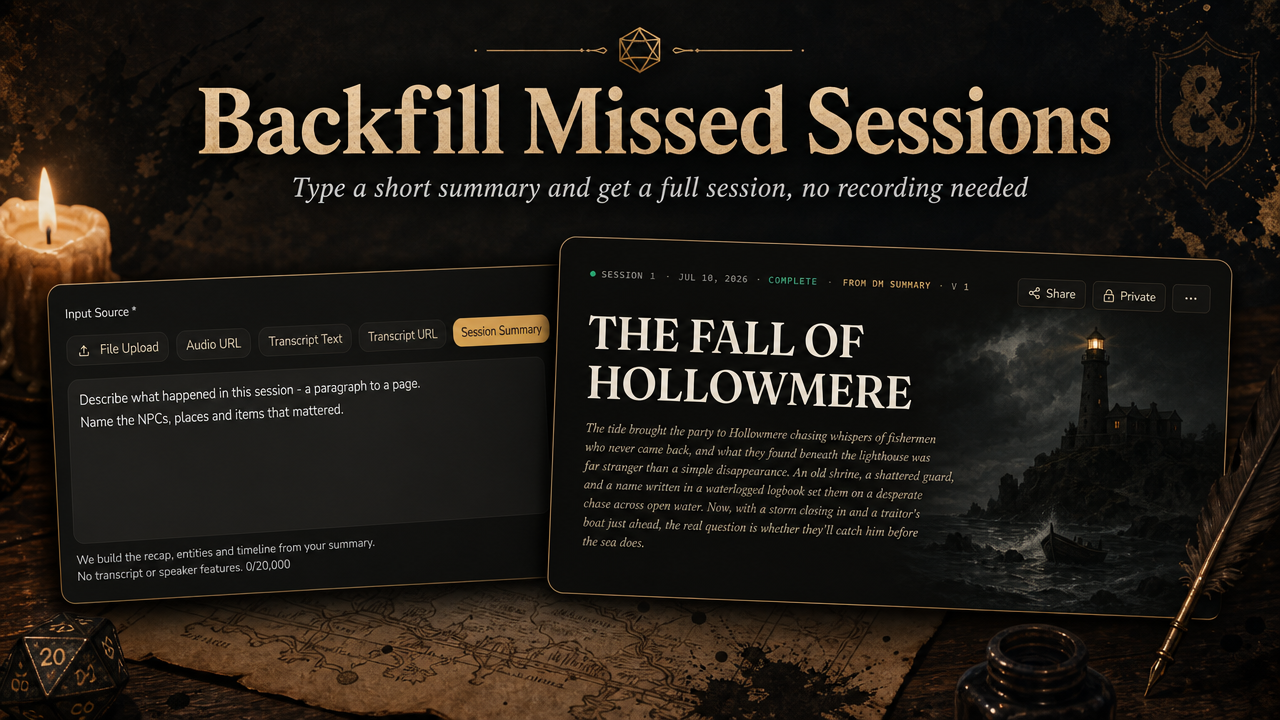
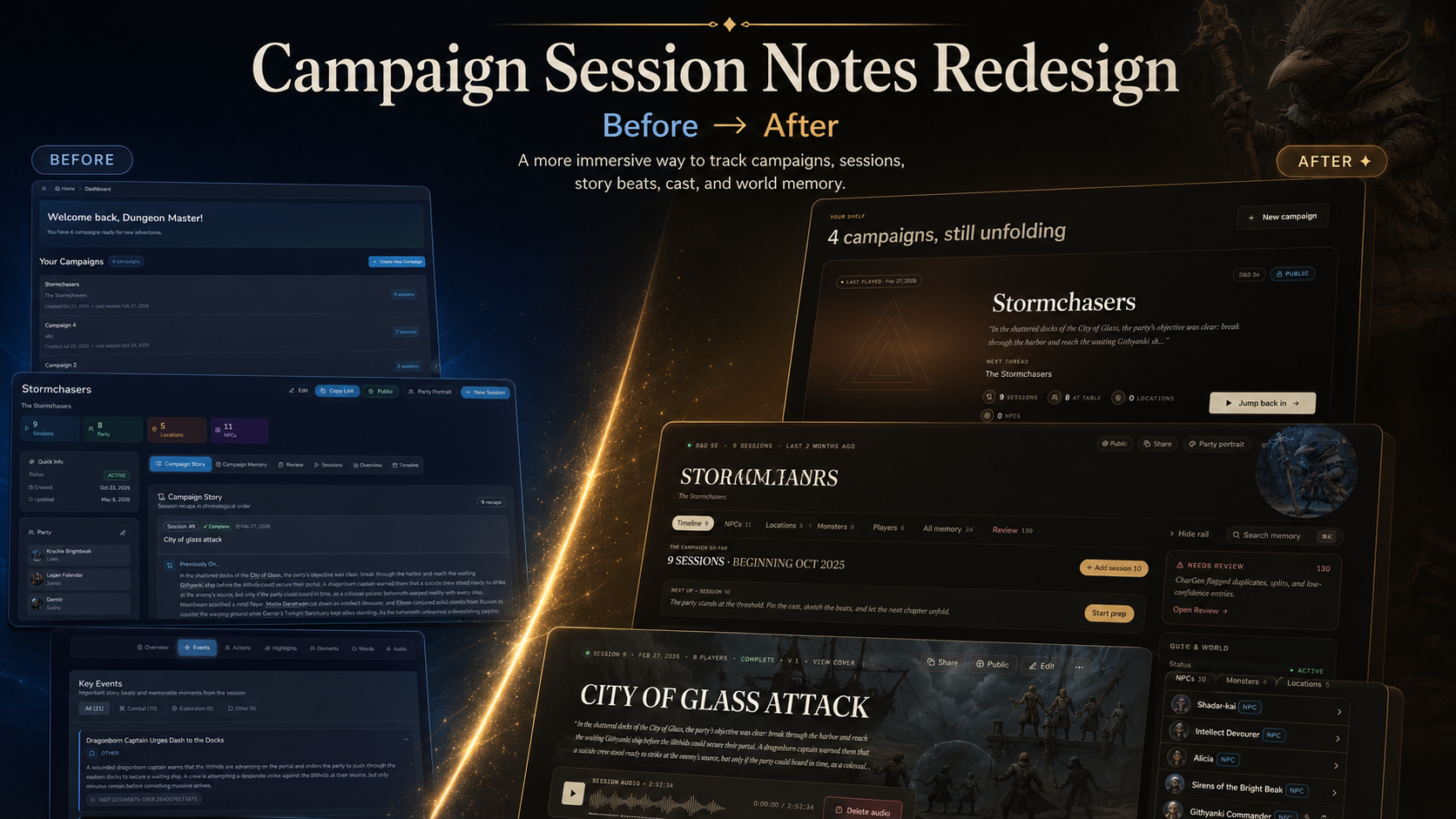
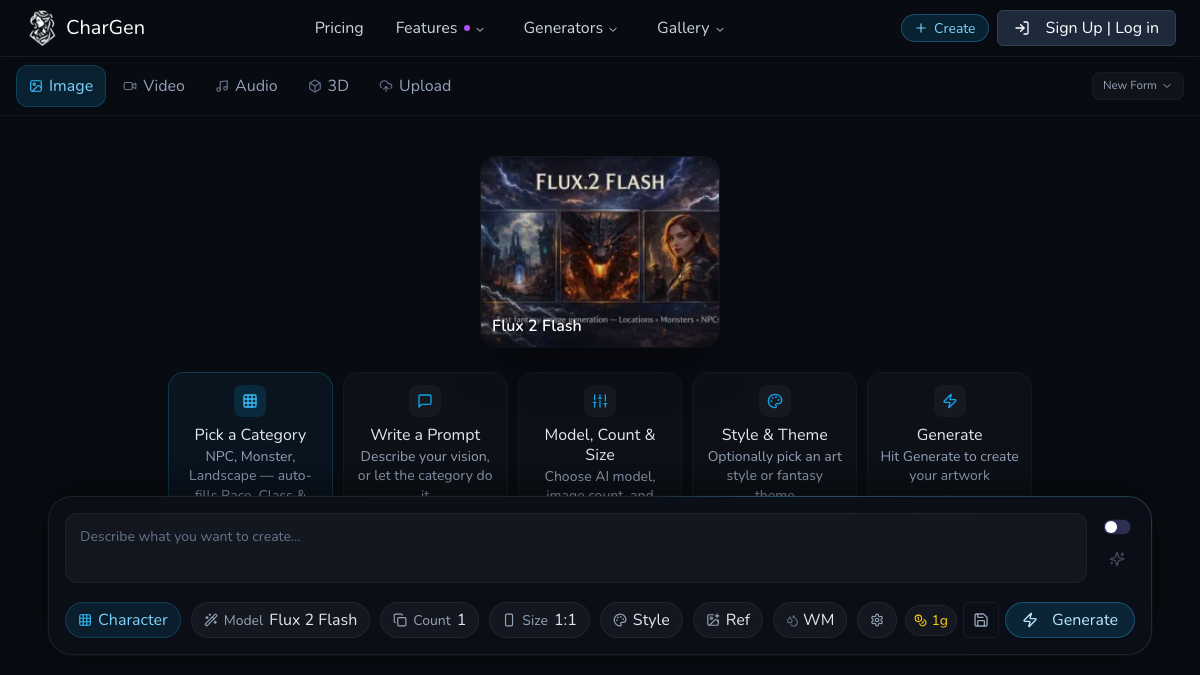
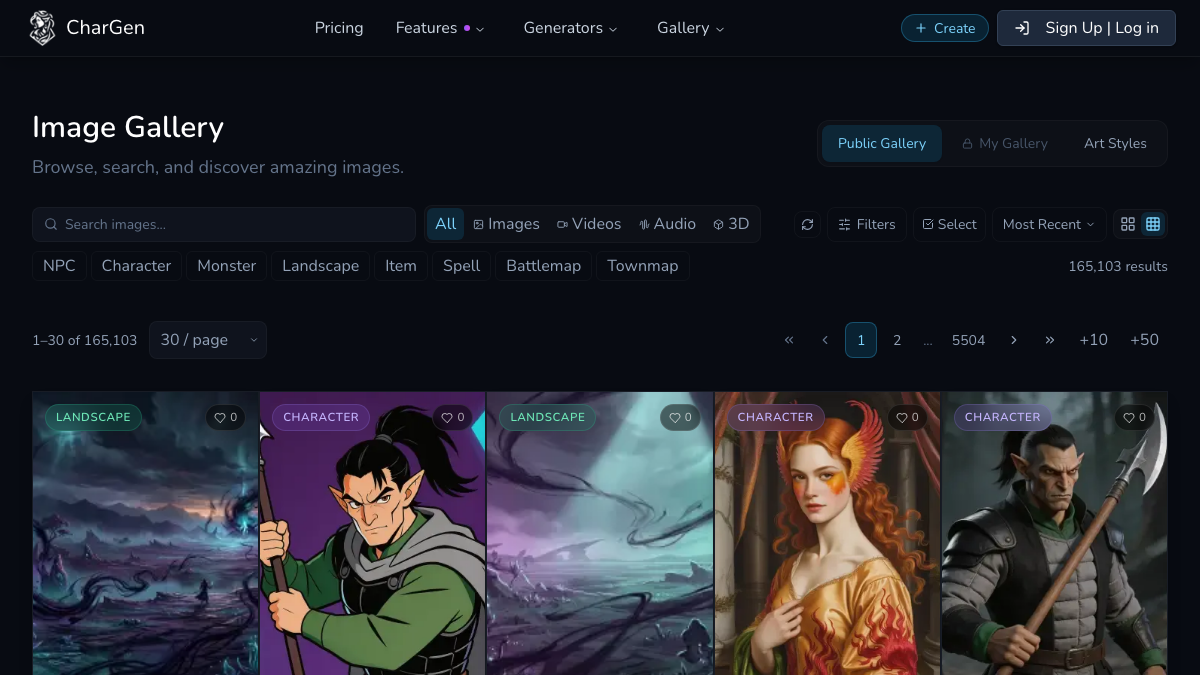
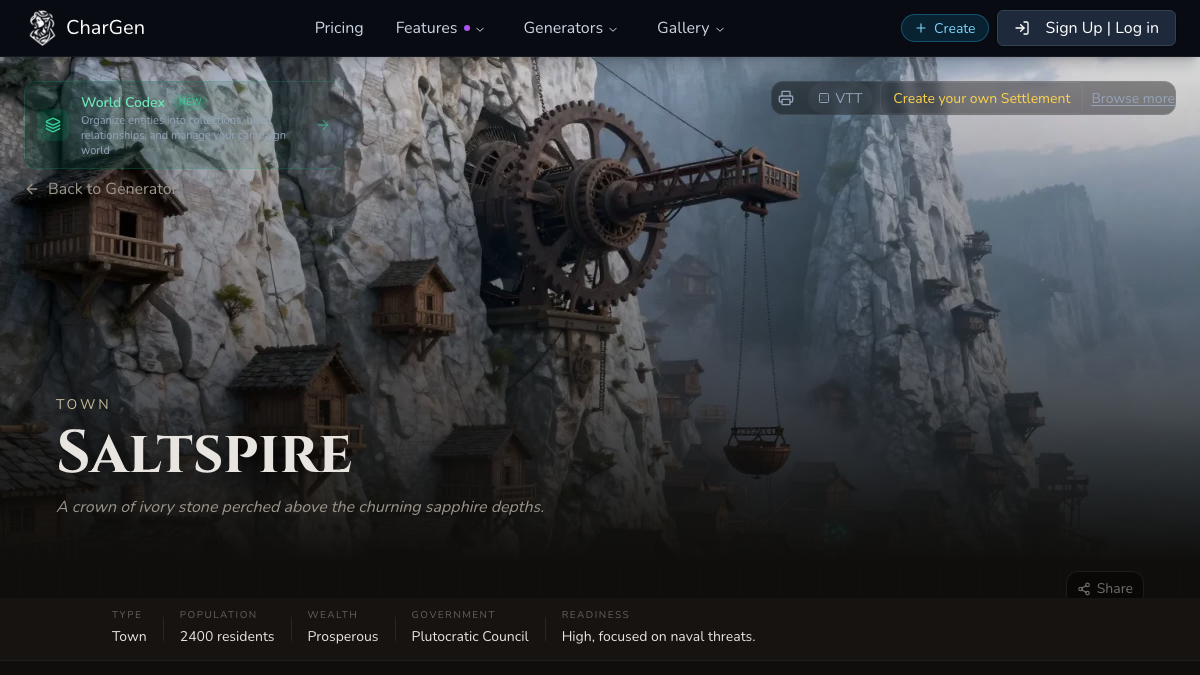
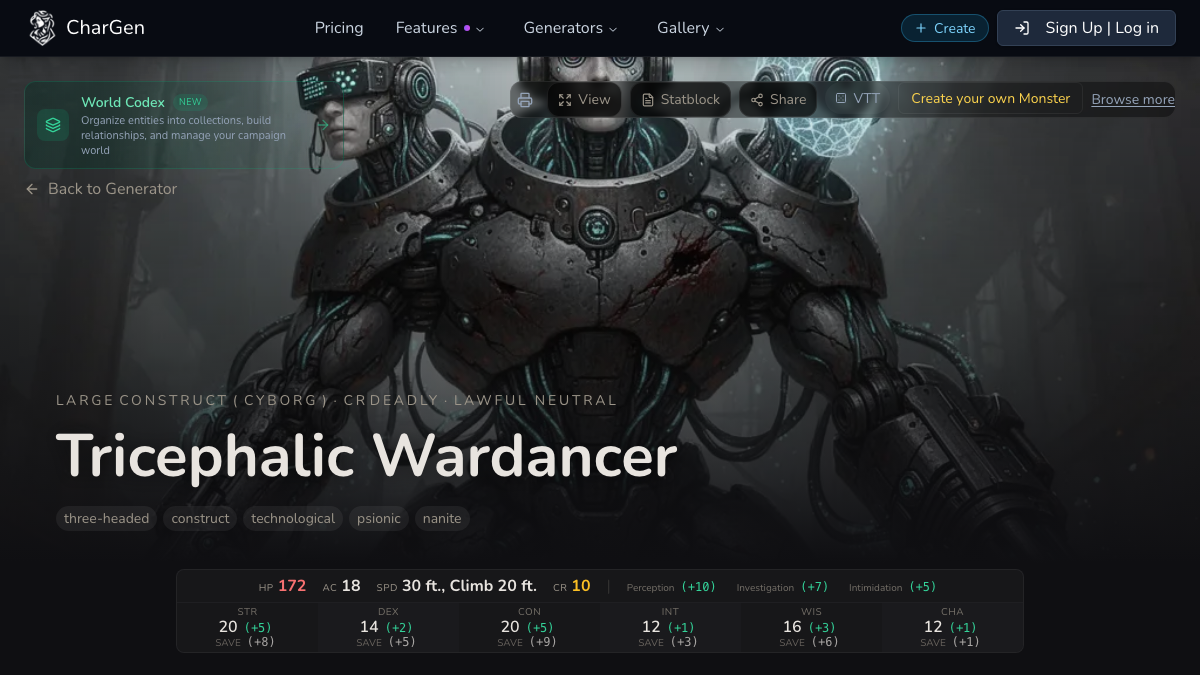
Campaign Studio brings the work of running an RPG campaign into one connected writing room. Open a campaign from the new Studio shelf, return to the note you were writing, research the campaign beside it, and move from the last session into the next piece of preparation without rebuilding your context across separate tools.
Write inside the campaign
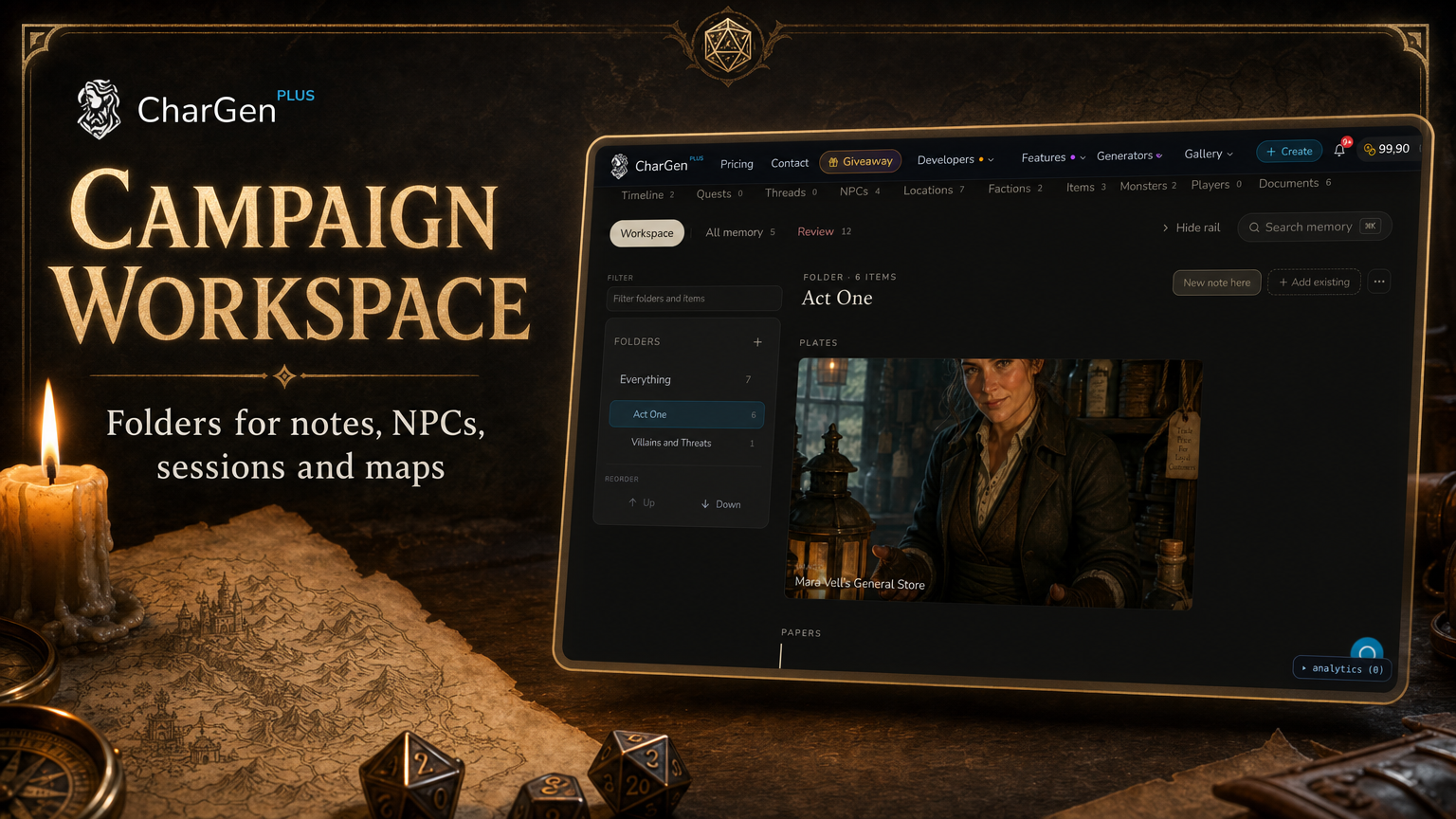
Studio uses the same notes and folders as Campaign Workspace. Nothing is copied into a second project or disconnected database.
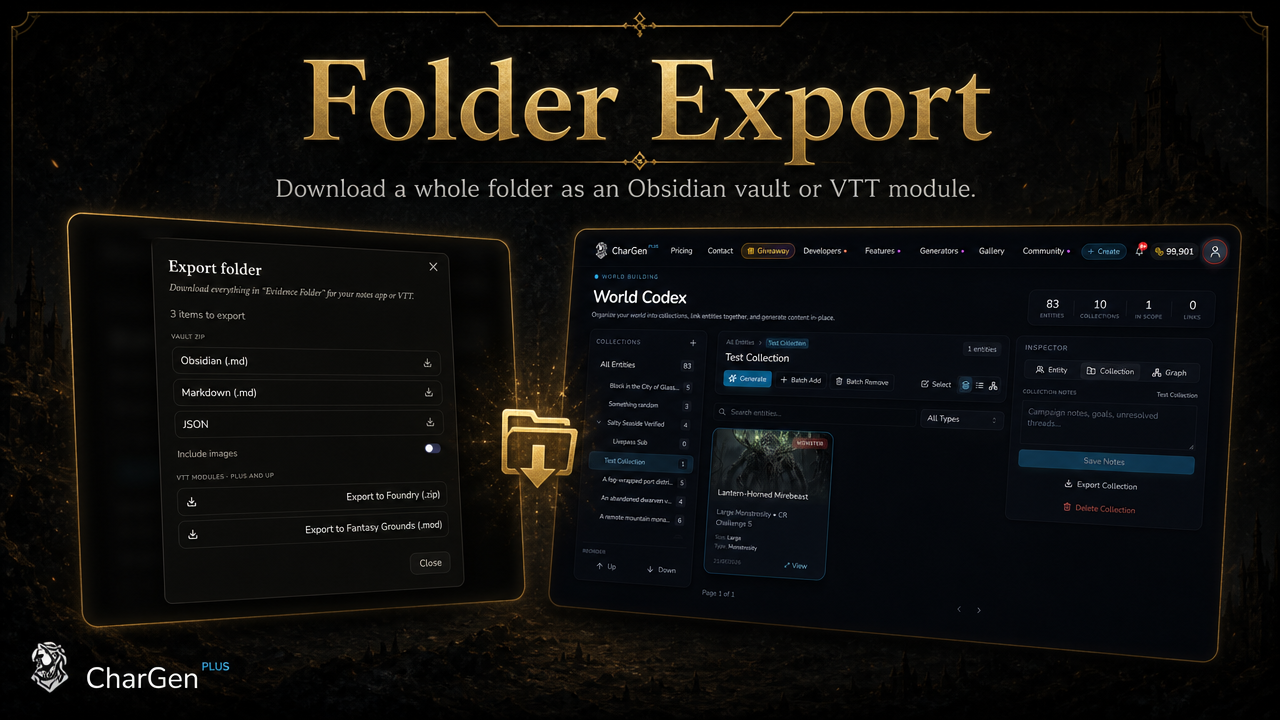
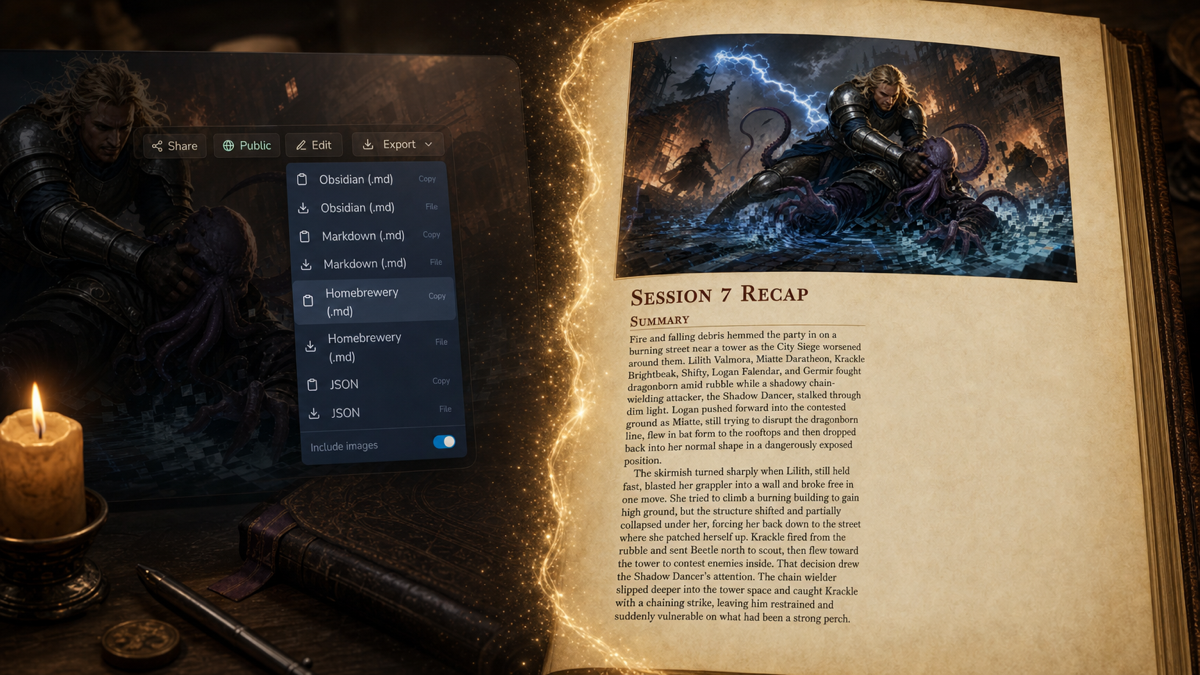
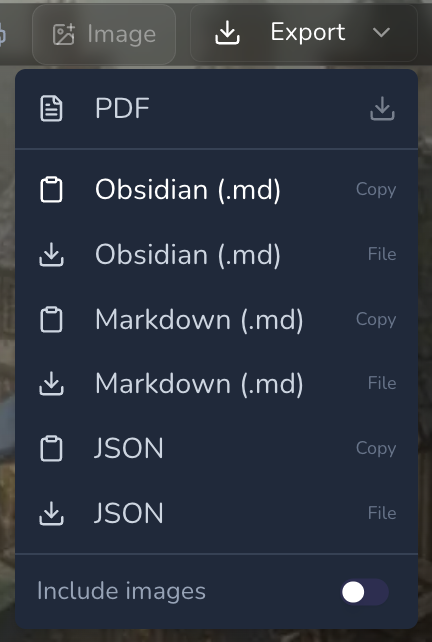
Open an existing note or begin a new one, write in a spacious long-form editor, organise it into folders, and keep the campaign structure visible beside the page. Notes autosave quietly while an explicit save creates a restorable checkpoint. Markdown import and Obsidian or Markdown export remain available through the existing Workspace folder tools.
Campaign mentions are part of the document. Type @ to connect an NPC, location, faction, item or another campaign record. Each entity type receives its own restrained highlight, opens the real record, and remains readable in both writing and preview modes.
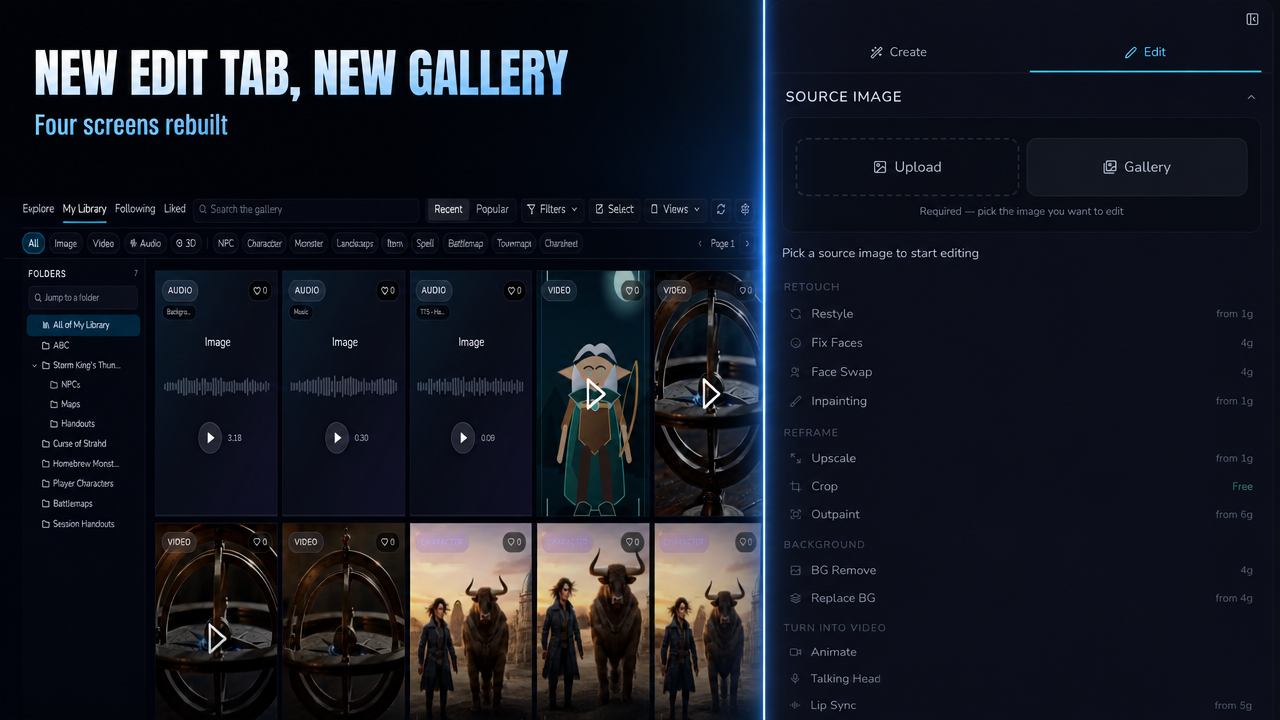
Images from your CharGen library and editable tables can be inserted at the current cursor position without leaving the note.
Continue, Describe, Complicate and Dialogue
Campaign Studio places practical writing tools beside the manuscript.
Select a passage or leave the cursor where the next line should go, then choose:
- Continue to write the next beat in the existing voice.
- Describe to deepen atmosphere, place and sensory detail.
- Complicate to introduce pressure without contradicting established lore.
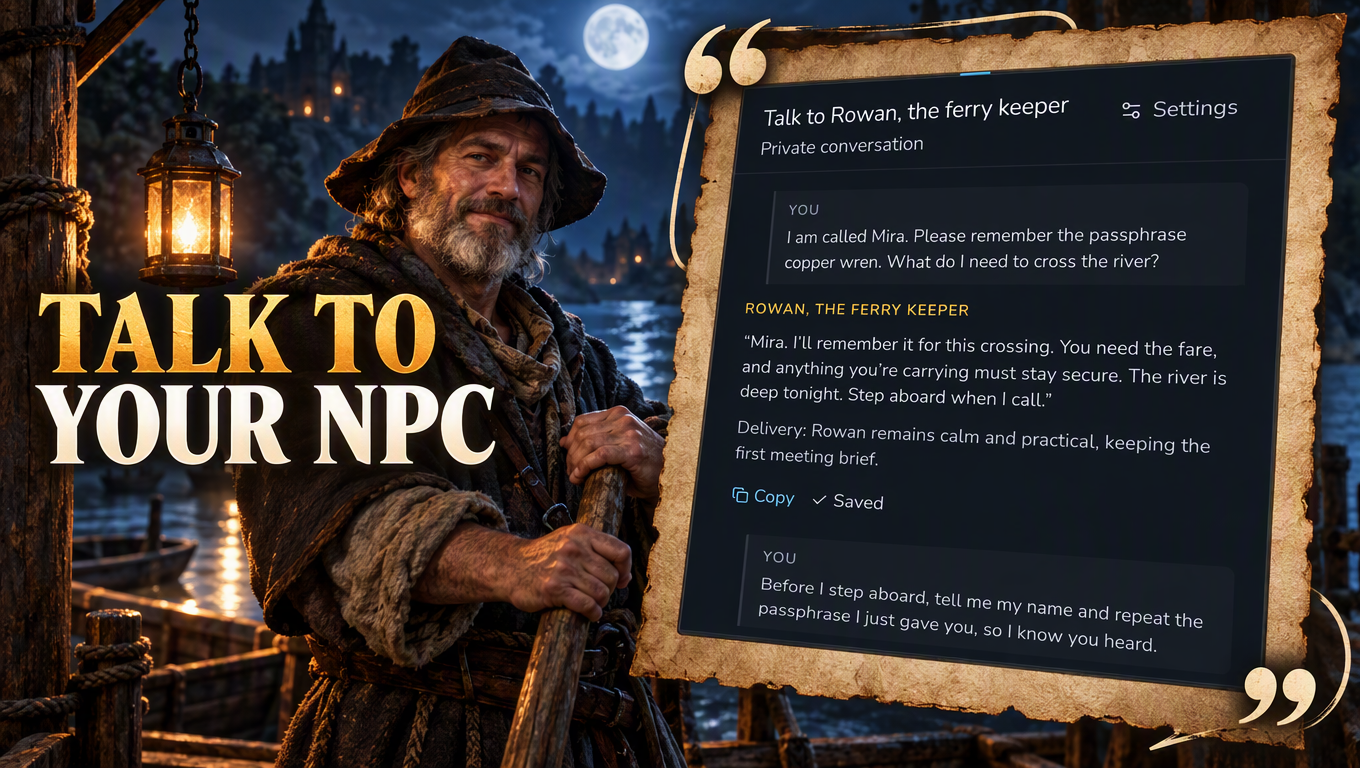
- Dialogue to help an NPC answer using what the campaign already knows.
The proposal appears beside the passage that prompted it. You can insert it at the original cursor, replace the retained selection or turn it into a separate note. Moving focus while the answer streams does not change where the proposal belongs.
Generated prose stays outside the document until you choose what to do with it.
An Assistant that knows which campaign it is reading
The Campaign Assistant is attached to the campaign rather than acting as a generic chat window.
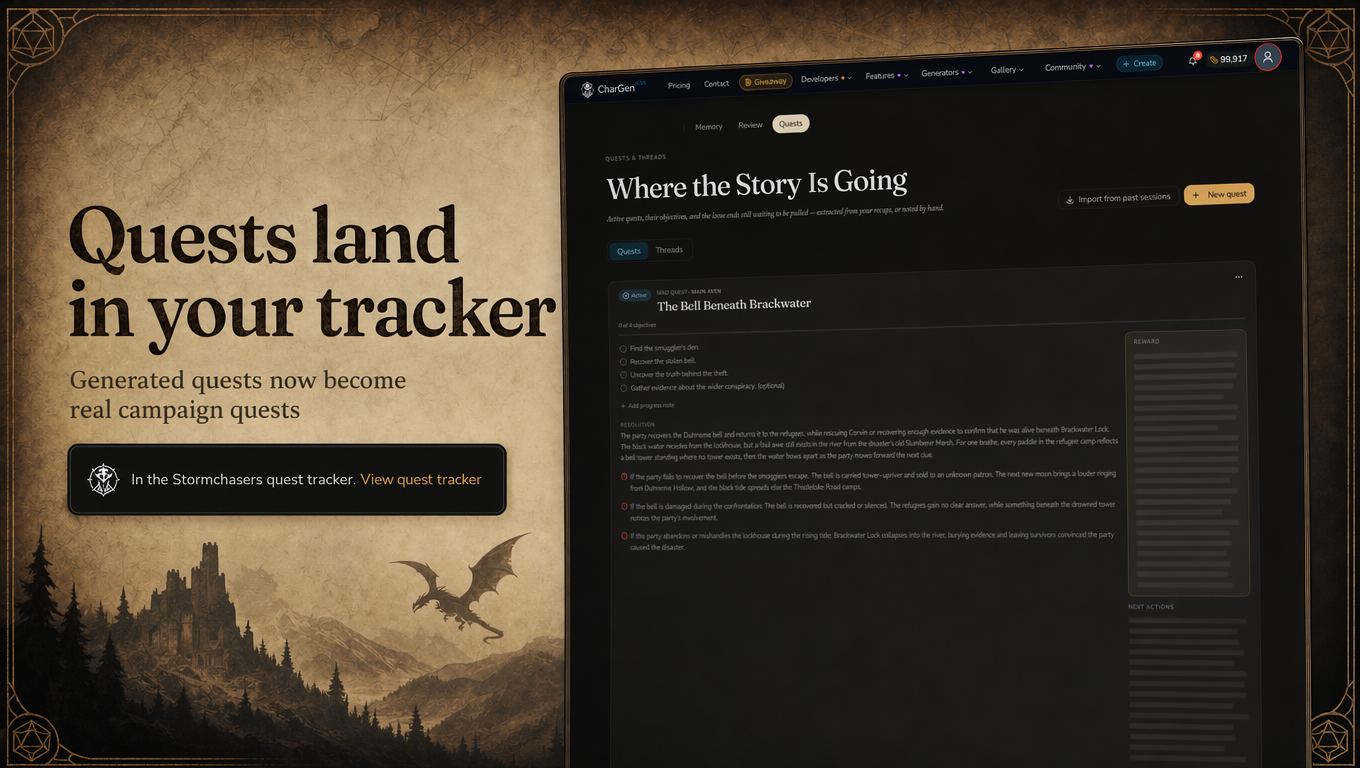
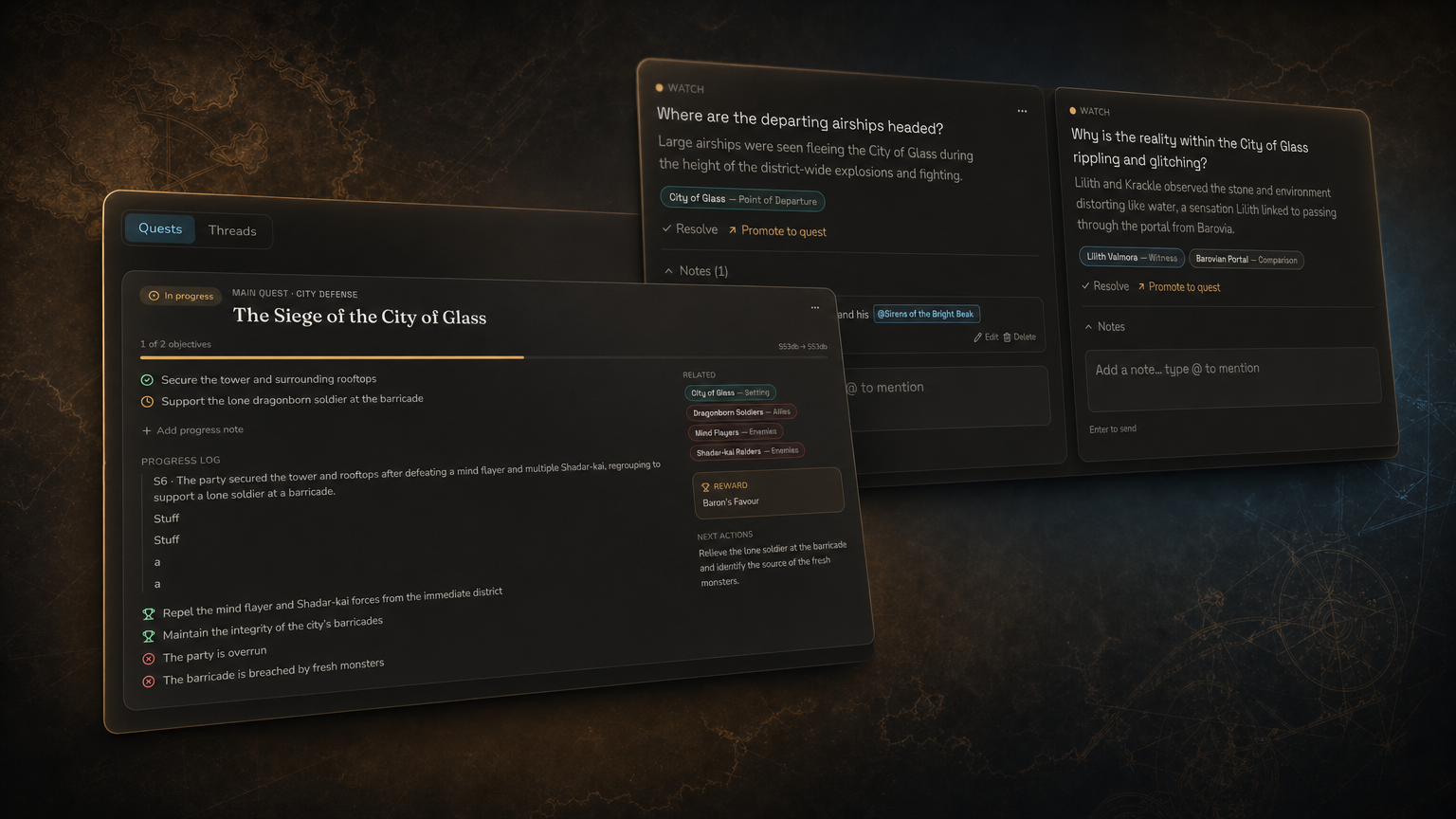
It can work from the active note, a selected passage, an explicitly attached record, recent sessions, campaign documents, quests, threads, entities, relationships and timeline events. Threads persist with the campaign and remain available from both Campaign Studio and the Assistant rail on Session pages.
Ask where the previous session ended, why an NPC matters, what remains unresolved, what the party knows about a faction or what could happen next without breaking existing lore.
Standard questions cost 1 Gold. Campaign-wide questions cost 3 Gold. Deep Prep costs 5 Gold. Failed Assistant runs release their Gold reservation, and generators keep their own separate quotes.
Facts, interpretation and invention remain distinct
Campaign Studio does not quietly turn plausible prose into campaign history.
Assistant responses distinguish four kinds of material:
- KNOWN is supported directly by campaign records and includes sources.
- INFERRED is a reasoned interpretation supported by records but not explicitly established.
- PROPOSED is new creative material and is not canon.
- DISPUTED identifies records that conflict or leave the answer ambiguous.
Source chips open the relevant session, transcript moment, note, entity, quest or timeline event inside Studio. A drawer records every campaign source used for the response.
Applying a reviewed proposal is always a deliberate action. Changes to notes, entities, quests, threads and prep briefs open in a review desk first. Updates show what exists now and what would change, and a newer edit cannot be overwritten by a stale proposal.
Research without leaving the writing room
Sessions, campaign search and continuity tools now live inside Studio.
Open recaps, structured session events and bounded transcript windows without loading an entire multi-hour recording. Transcript citations return to their exact timestamp.
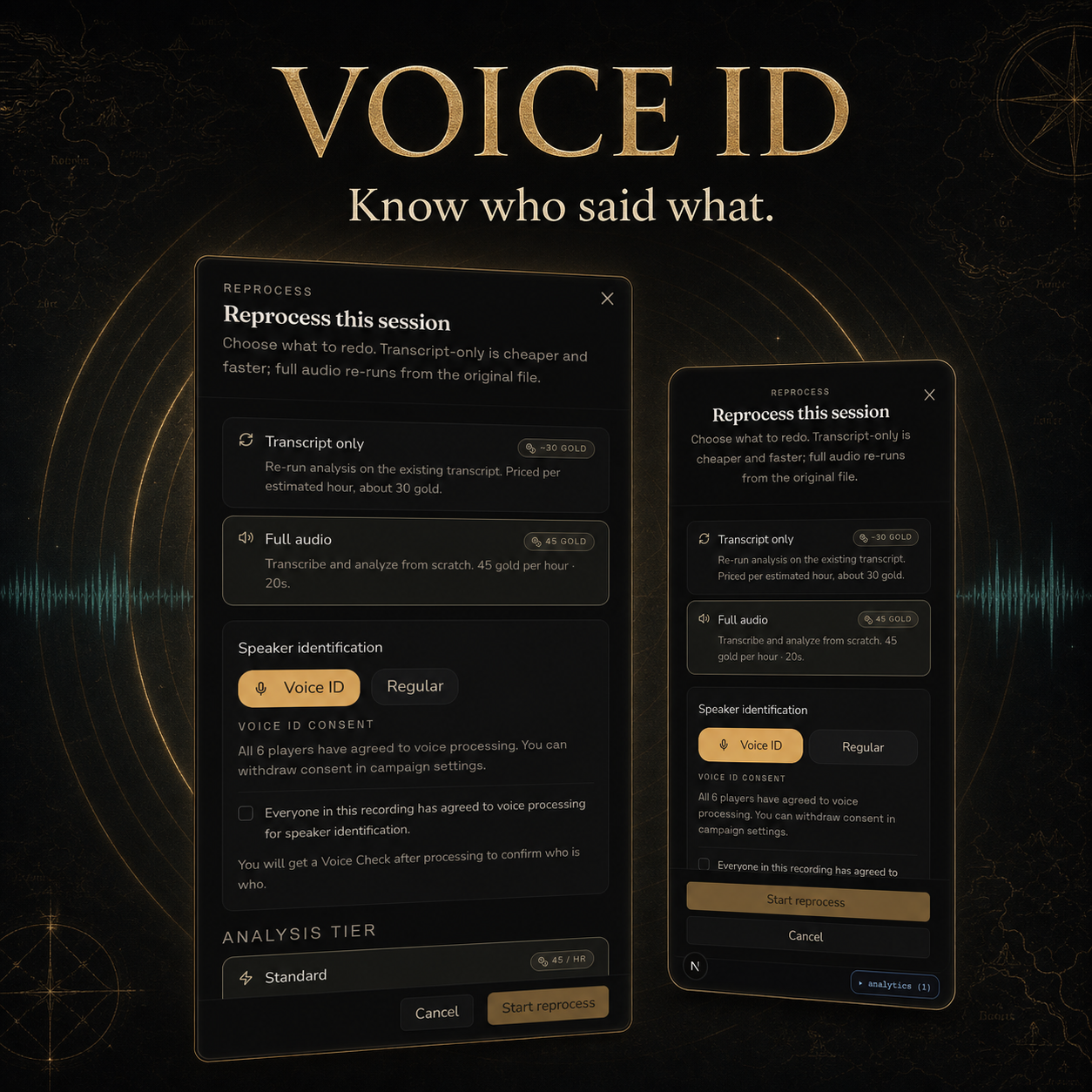
Participation questions use measured transcript data rather than asking a model to guess. Reports can include word count, utterances, speaking time, contribution windows, attribution confidence and comparisons with earlier sessions. The GM can be included or excluded, and quieter participation is described neutrally.
Campaign Find searches notes, World Codex records, quests, threads, recaps and transcript excerpts through the existing campaign search system.
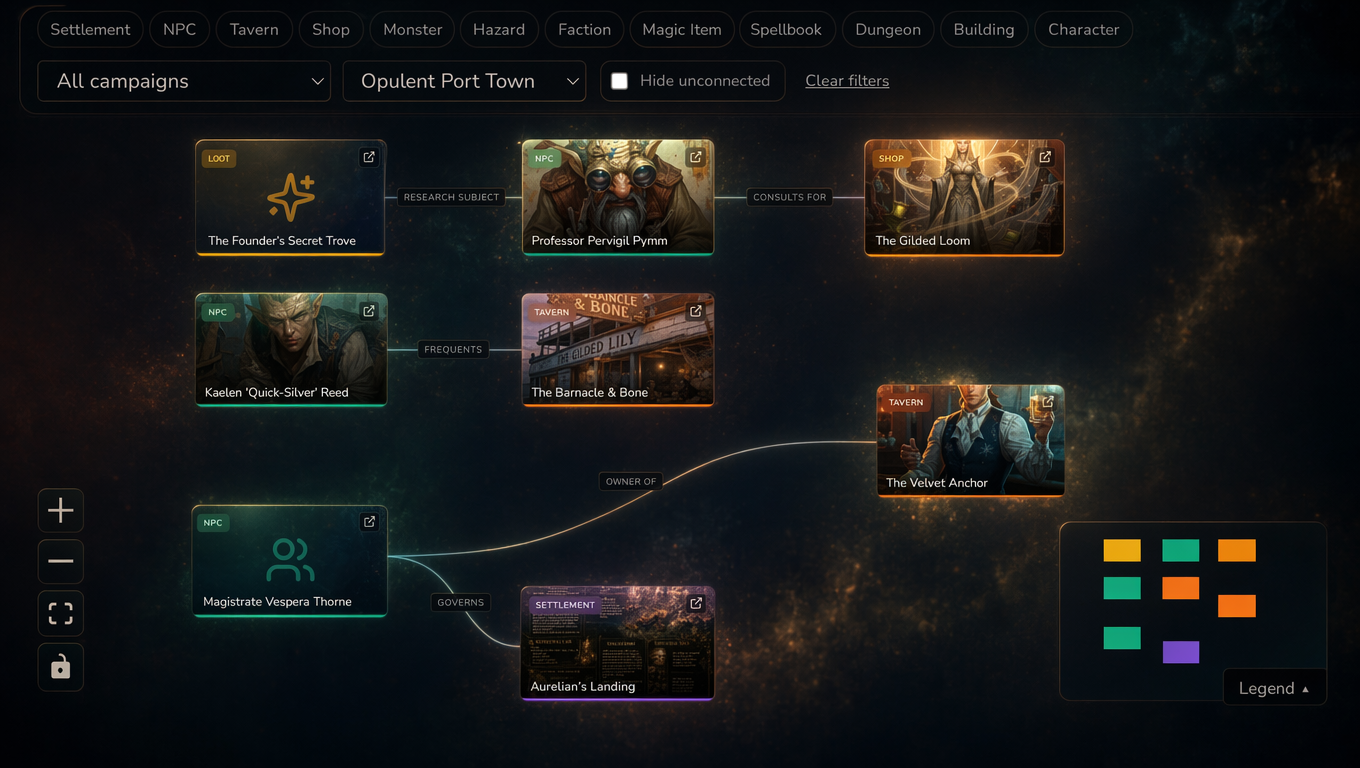
World, Timeline, Relationships and Open Records bring tracked entities, live World Codex references, unresolved quests, story threads and identity reviews into the same workbench. Campaign Map connects notes, sessions, entities, quests, relationships and Workspace folders, while the Links rail shows outgoing mentions, backlinks and names that might need connecting.
Create the missing part while you write
If a person, place or threat in the note does not exist yet, select its name and choose Generate entity.
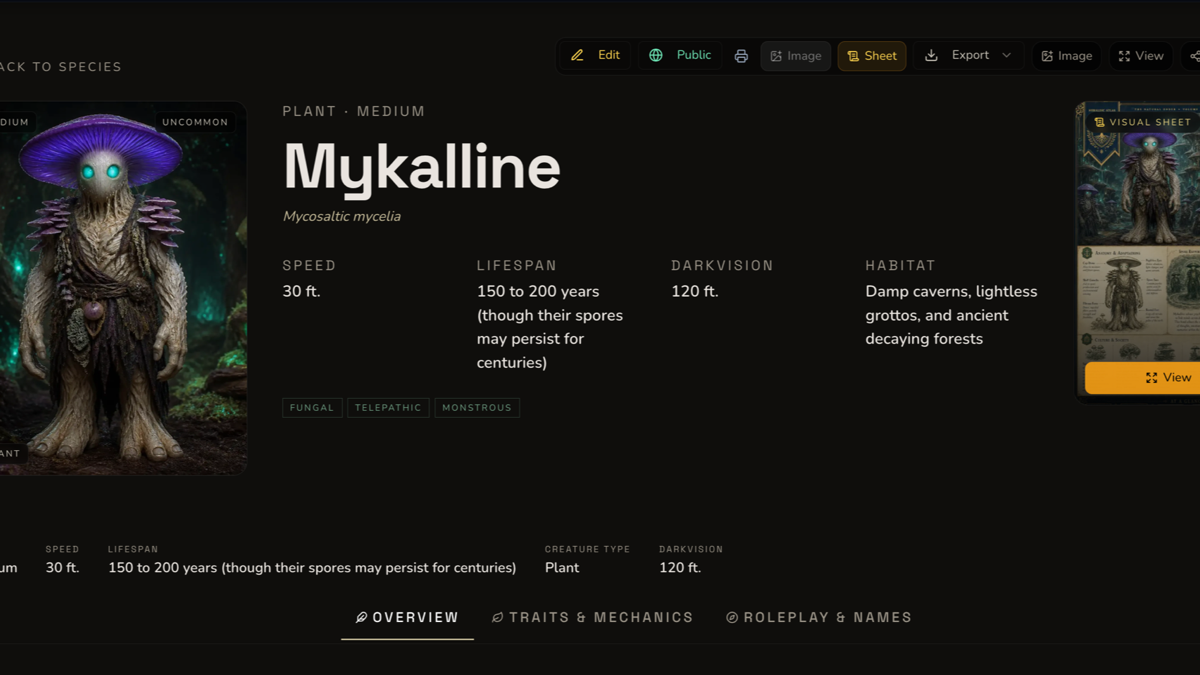
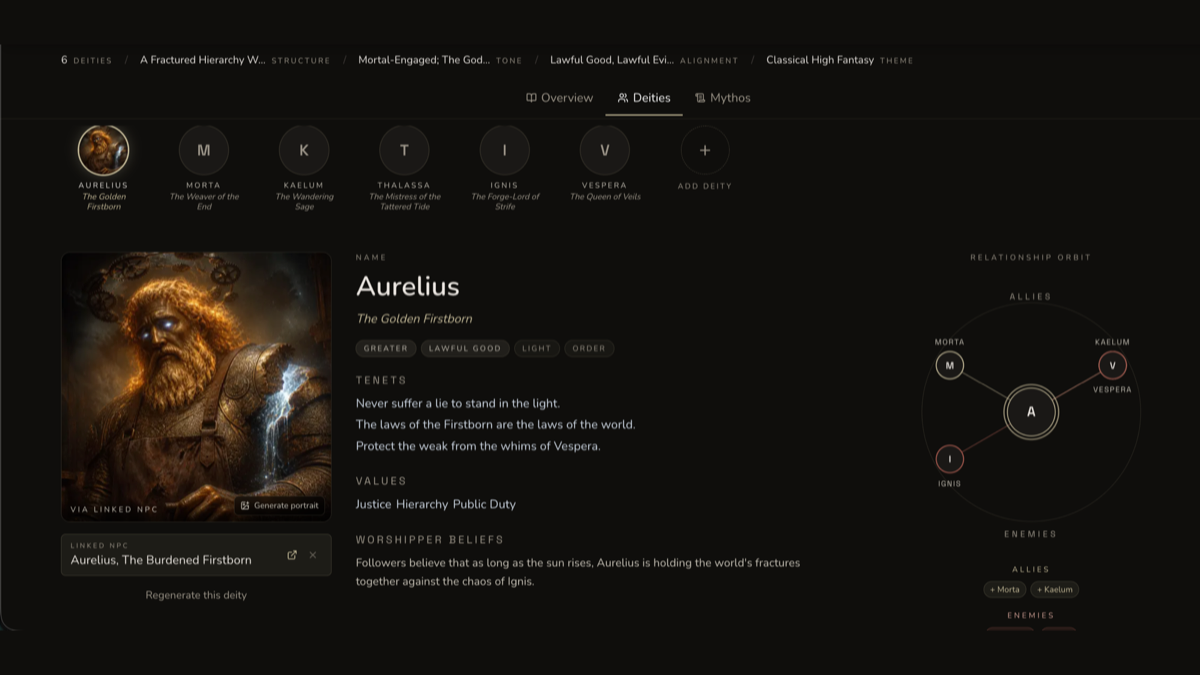
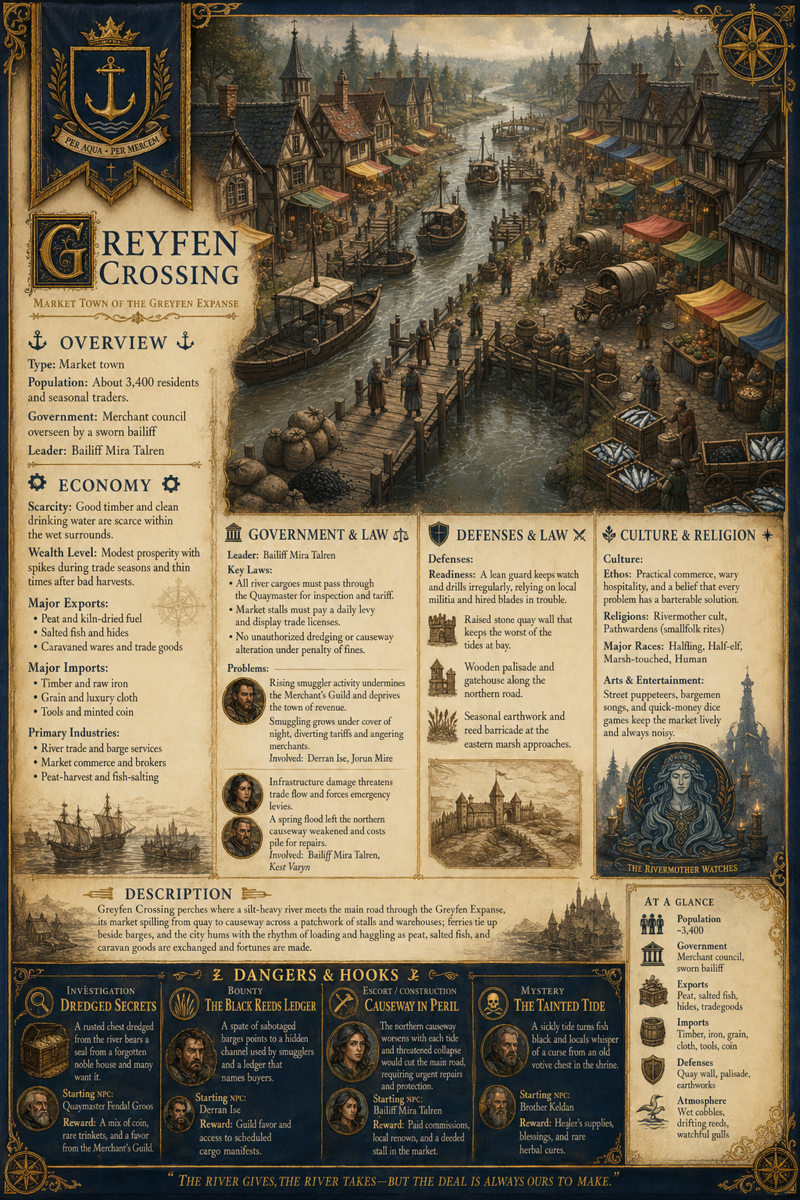
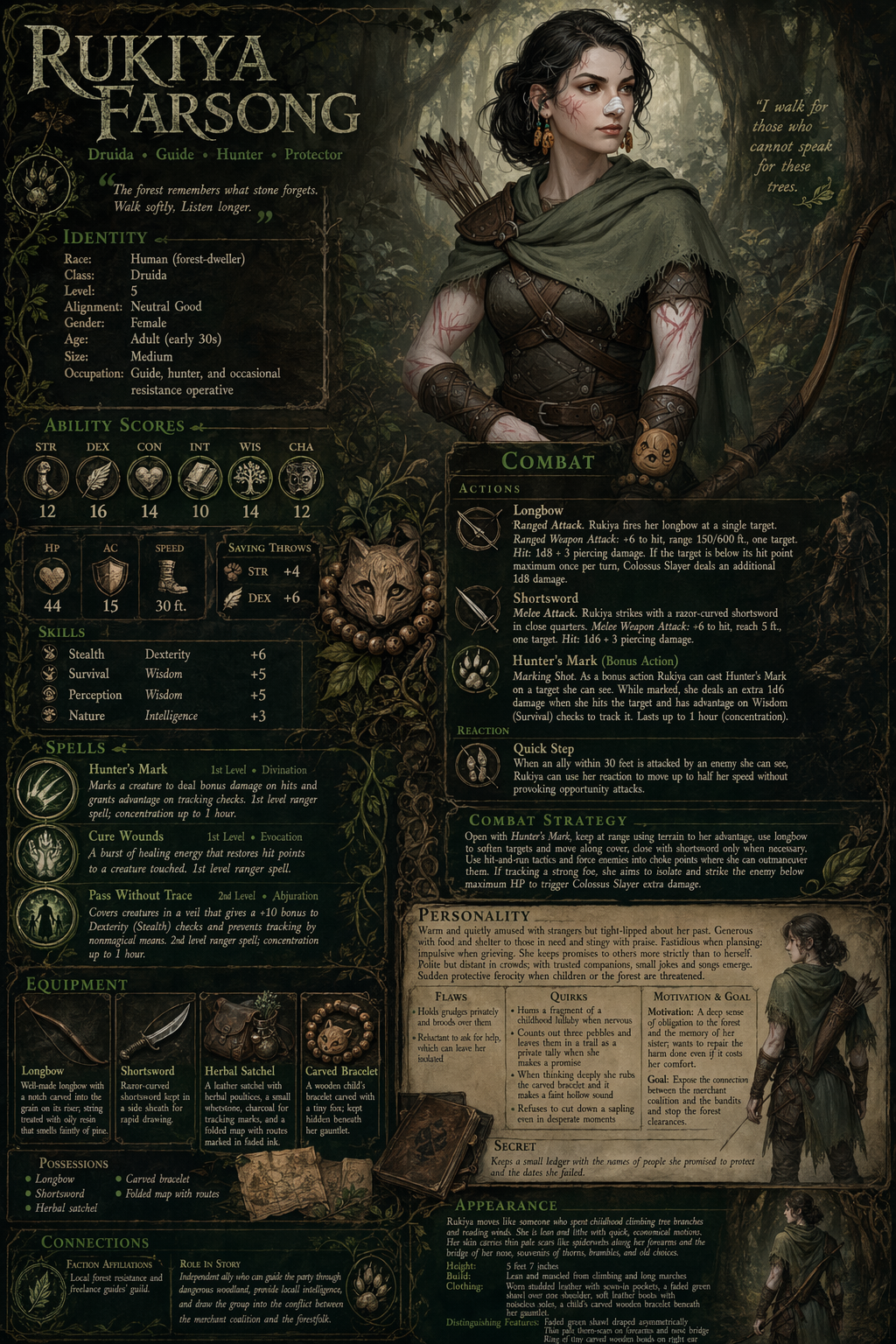
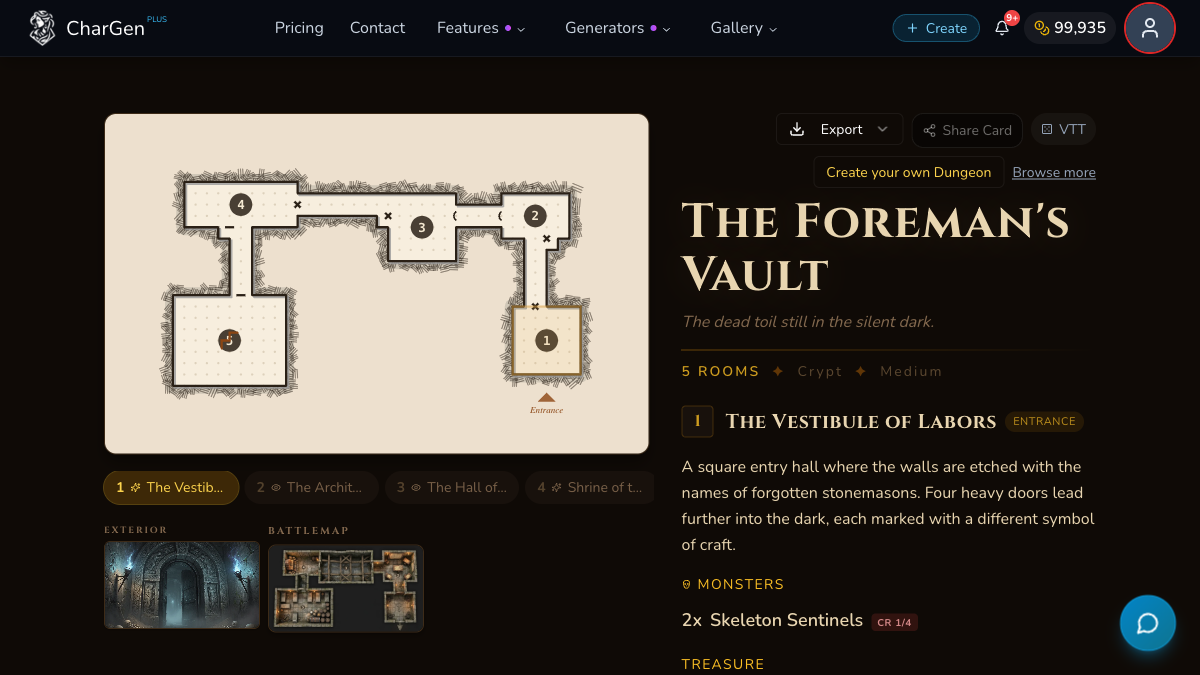
The complete catalogue of 22 World Codex generators is available, including NPCs, monsters, buildings, hazards, settlements, factions, encounters, quests and species. The selected passage becomes the starting context for the existing generator.
When generation completes, Studio can file the result into the note's Workspace folder, track it in the campaign and replace the selected words with the canonical entity mention. The generated entity remains its normal World Codex record rather than becoming a Studio-only copy.
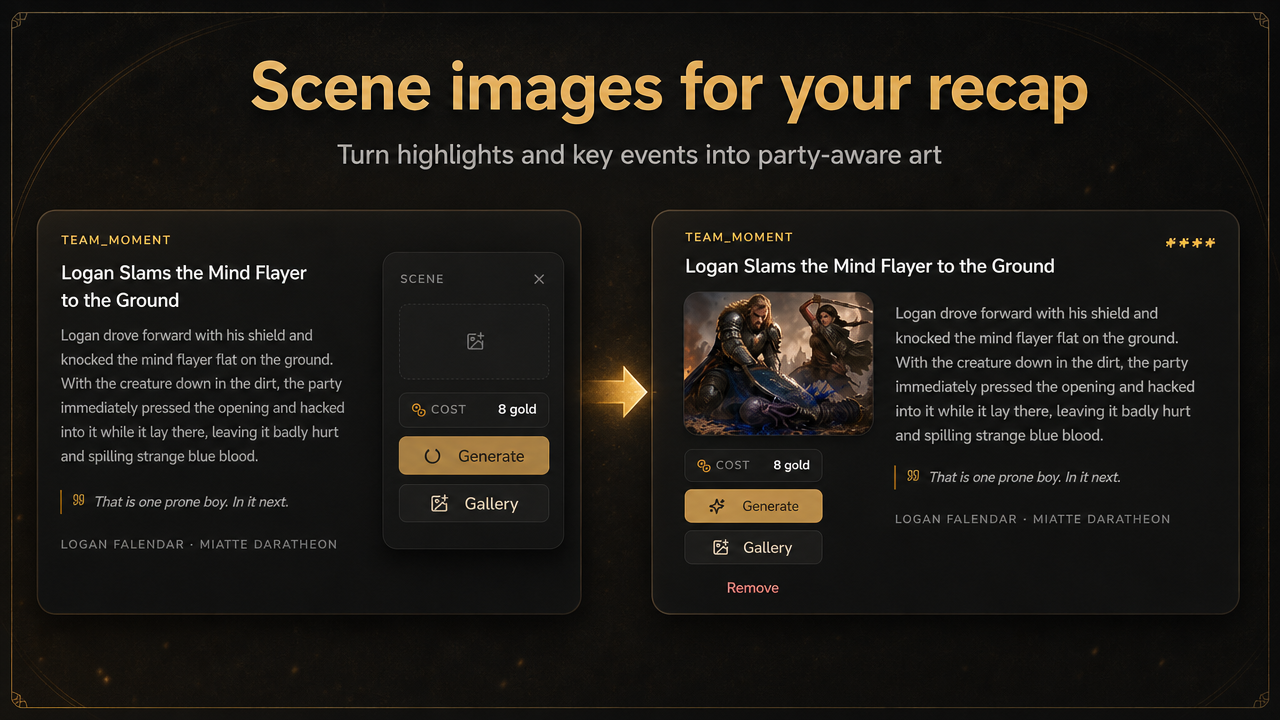
Images can be chosen from the existing gallery or created through the normal image workflow. Generation keeps its own visible quote and approval.
Prepare the next session from the whole campaign
Deep Prep gathers the useful campaign record into one source-backed GM brief.
State what the next session should accomplish, then review a proposed preparation document built from relevant notes, the latest session endpoint, recaps, transcript windows, active quests, threads, timeline events, relationships and party information.
Approving the brief fills the existing Session Prep builder. It does not begin a charged generator automatically. You still choose the recipe, confirm the inputs, review the quote and decide when generation starts.
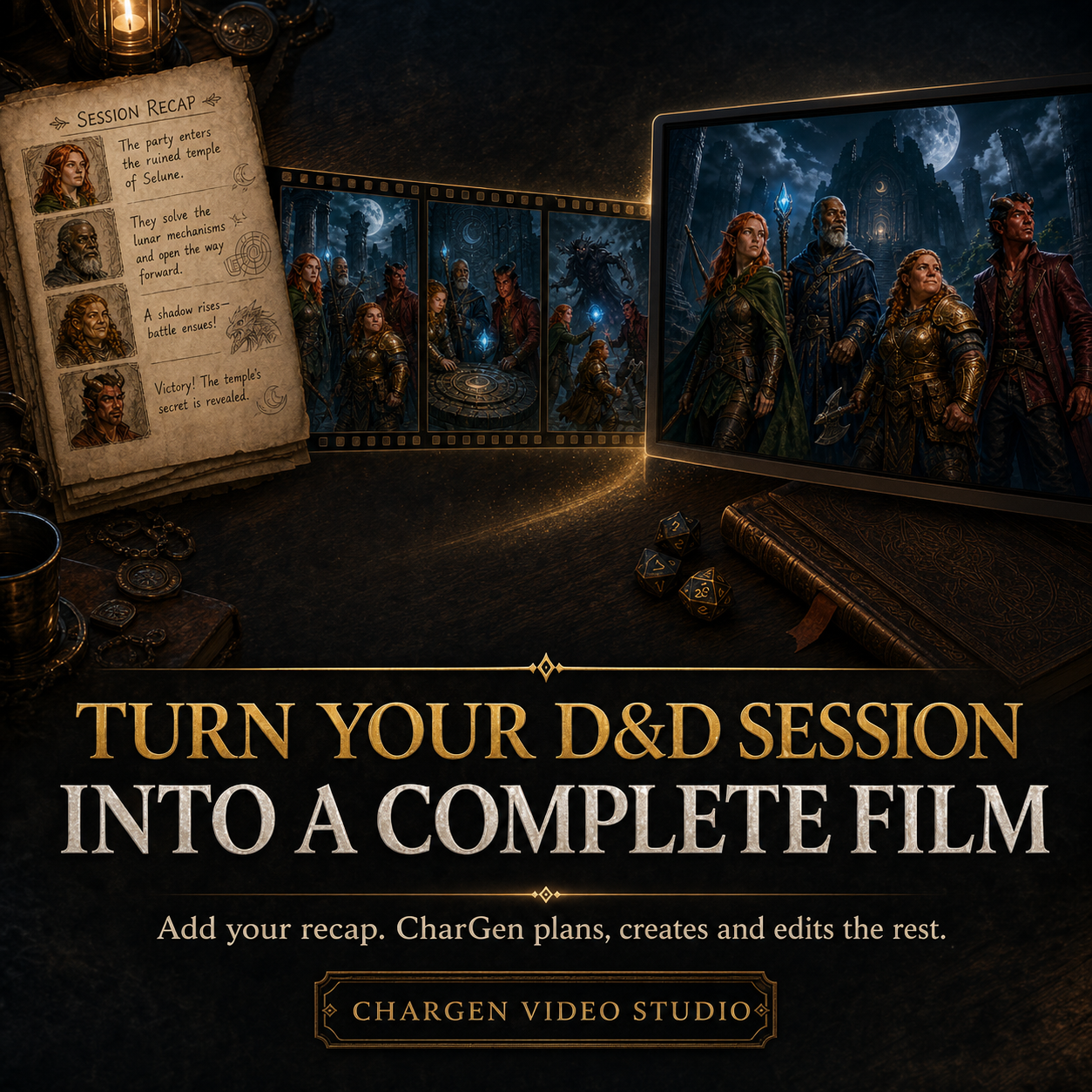
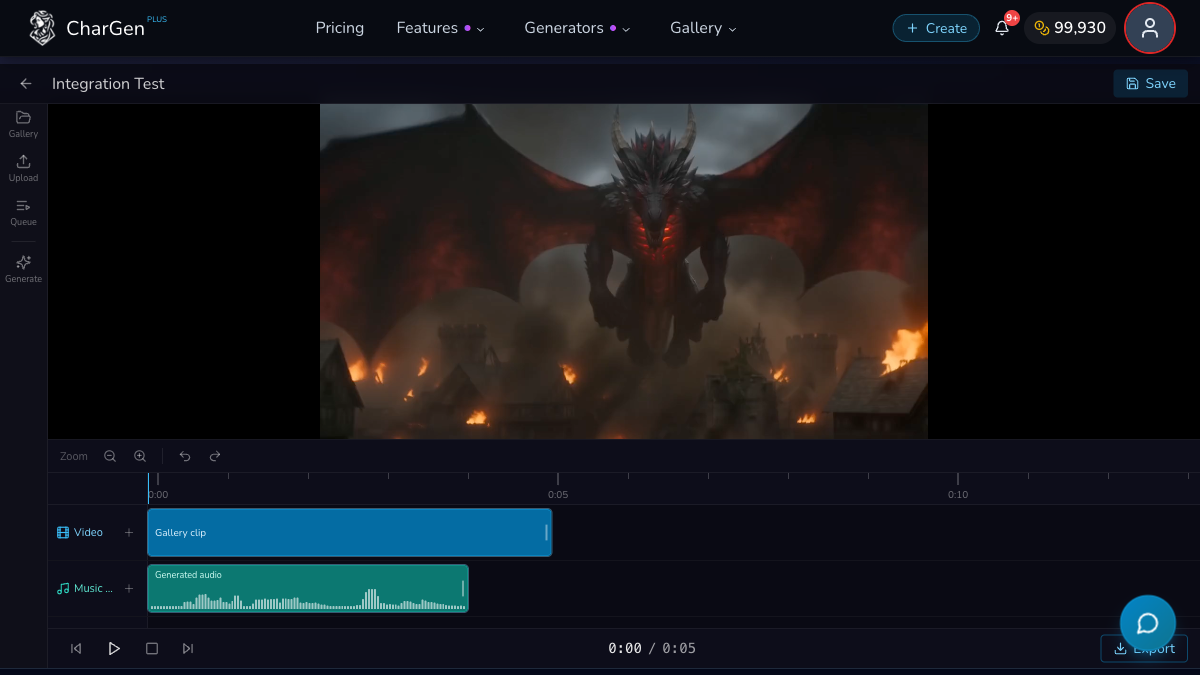
The making desk also keeps campaign-linked Session Prep and film work visible. Film drafts begin without spending Gold, then move through their existing planning, quote approval, production, cancellation, resume, retry and playback stages. Finished work can be filed deliberately into the same campaign folders.
Workspace, evolved
Campaign Studio is now the primary Workspace experience for eligible campaigns. Existing folders, notes, filed sessions, images and live World Codex references remain exactly where they were.
Old Workspace links preserve their folder and selected item when they open Studio. If Studio is unavailable for a campaign, the existing Workspace remains available rather than leaving the campaign stranded.
On desktop, the campaign navigator, manuscript and Assistant form one working room. The Assistant can expand when a longer response needs more space. On mobile, navigation and the Assistant become focused sheets while the document remains the main surface.
Open /studio to return to a recent campaign or choose another campaign writing room.