Skip to content
CreatePricing

Try a seasonal makeup palette on the same face.

Preview Spring, Summer, Autumn, or Winter makeup colours without changing the person.

One neutral portrait. From 4 Gold.
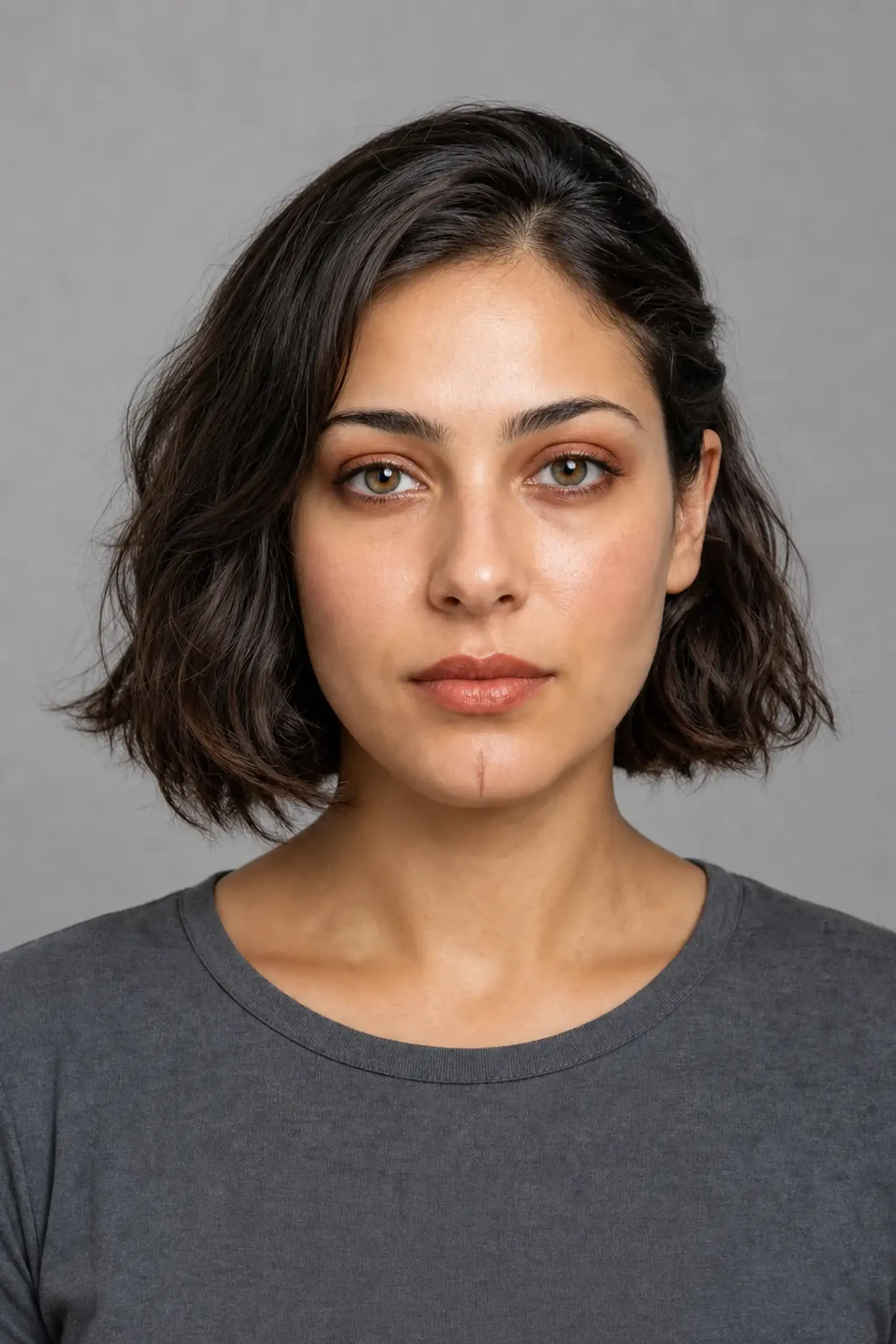
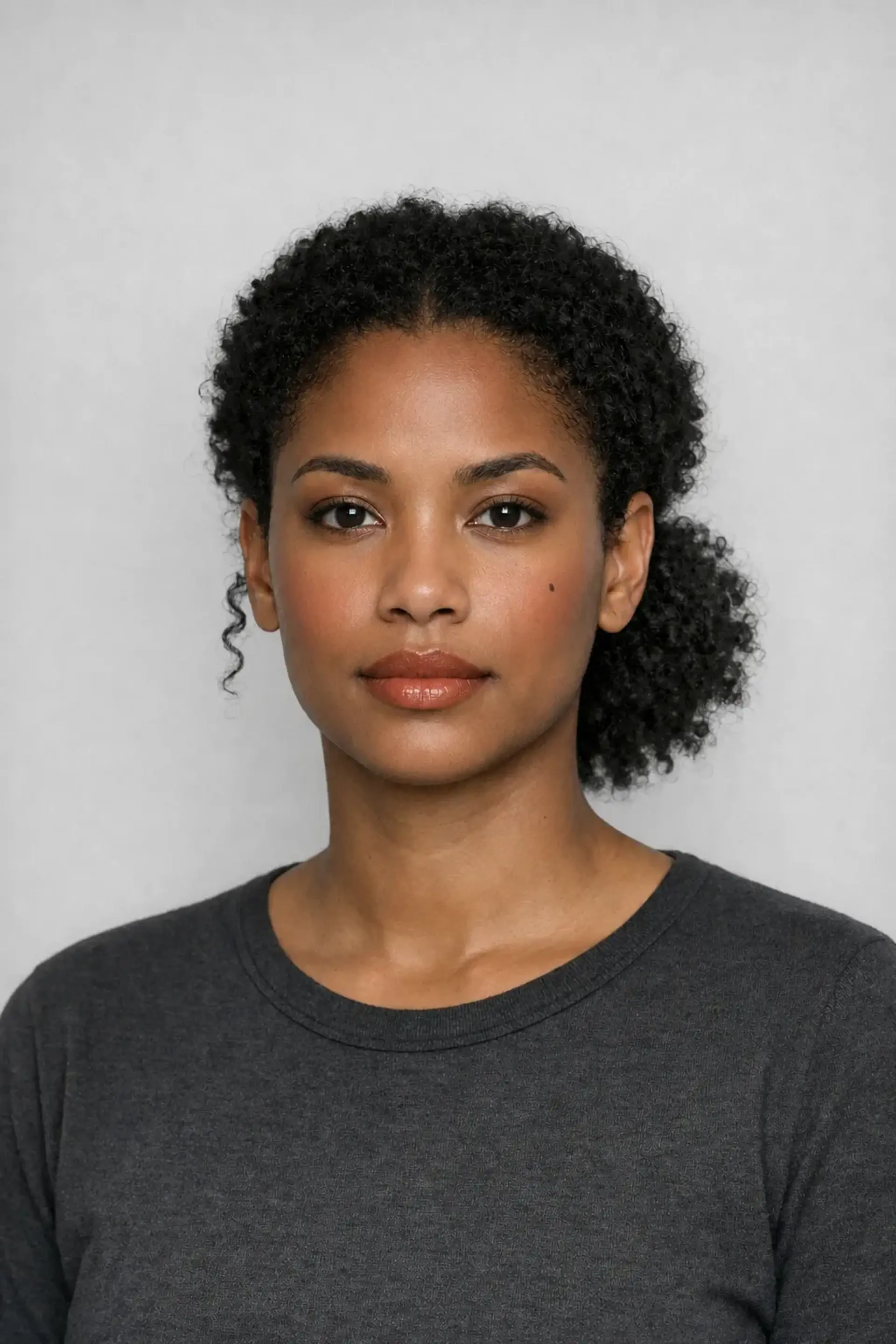
Open Colour Season Makeup result
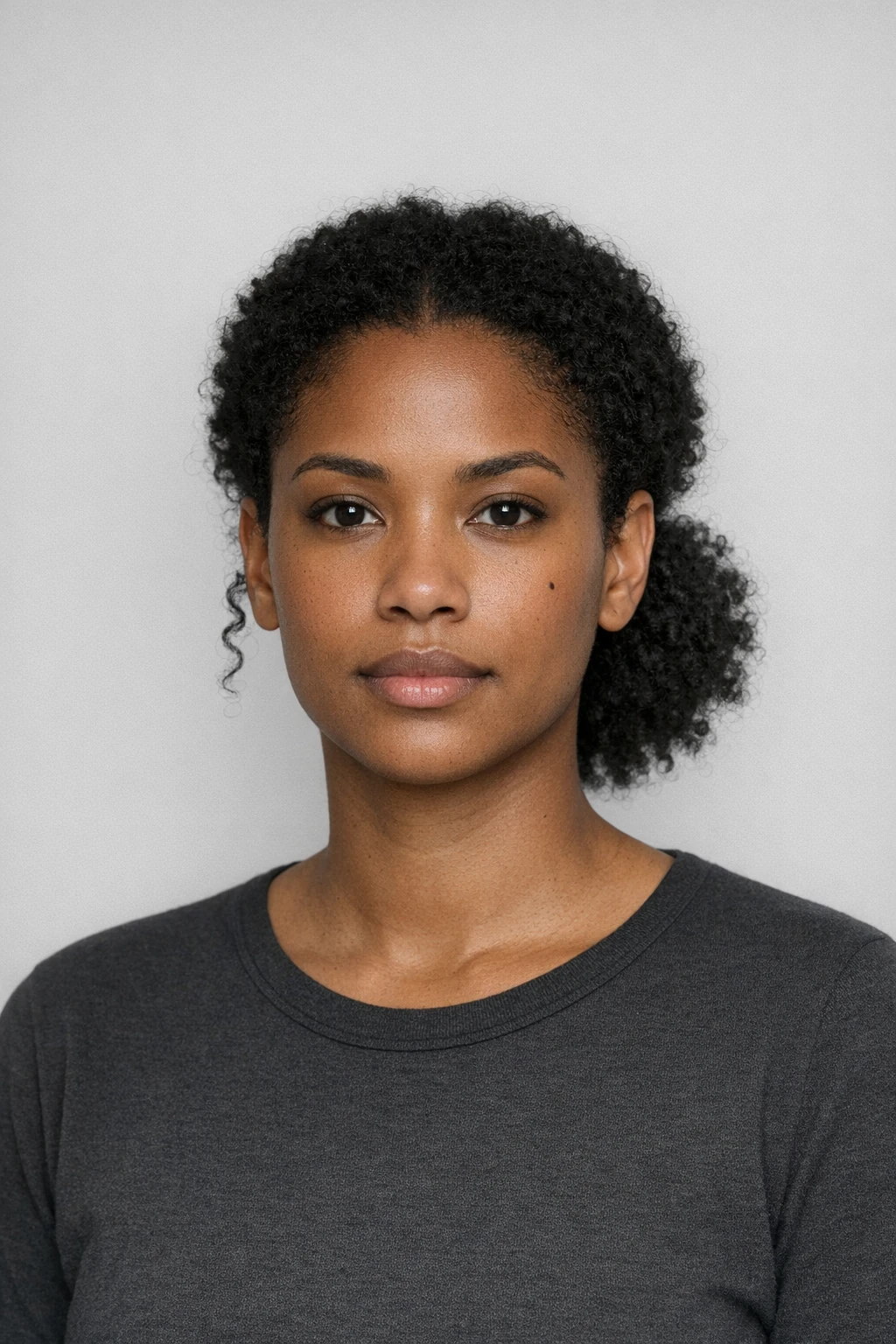
Source image for Open Colour Season Makeup
Your source
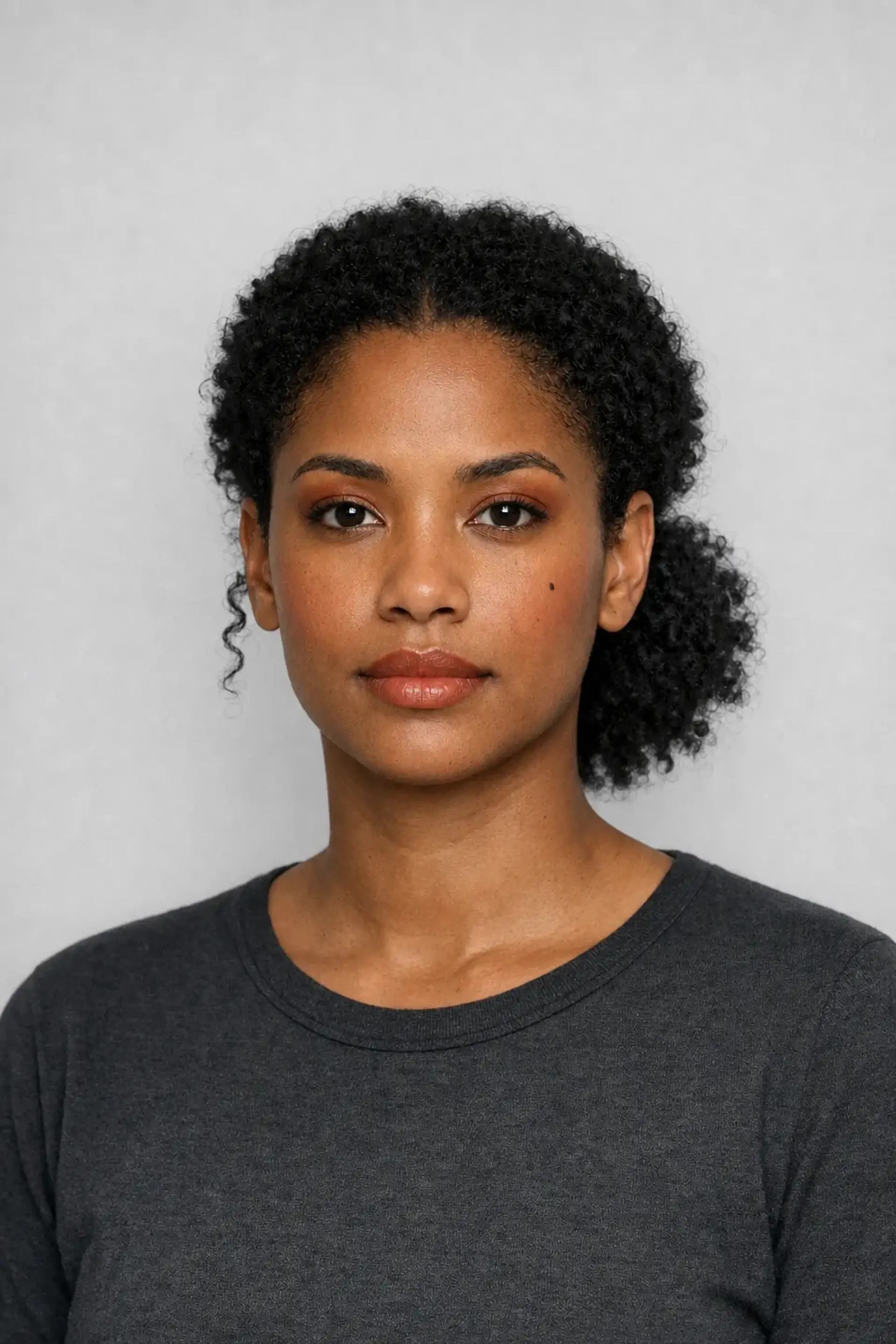
Second workflow result example
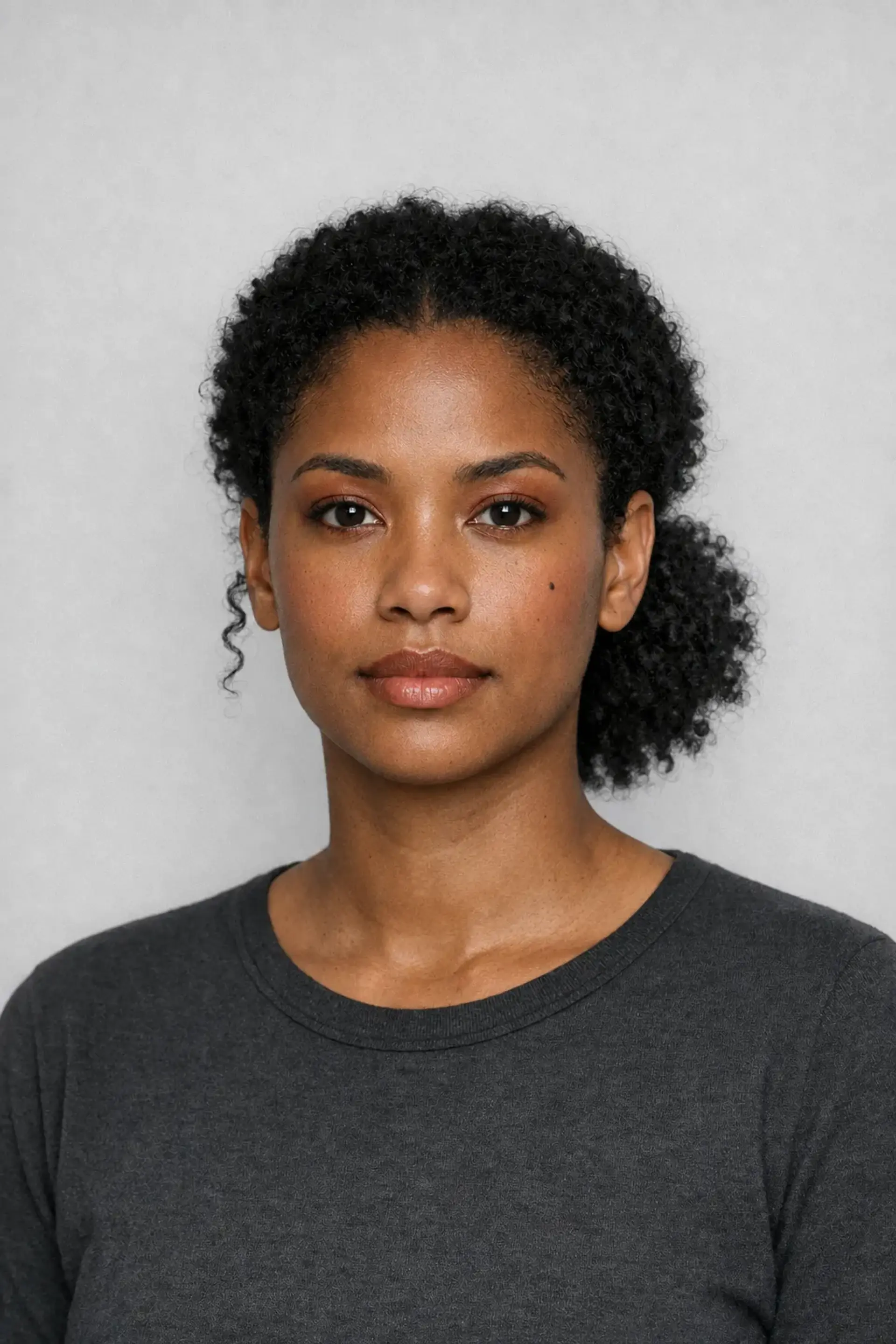
Third workflow result example

Compare Spring, Summer, Autumn, and Winter while the person stays the same.

The selected season changes cosmetics only. Facial structure, skin tone, hair, and identity remain the review point.
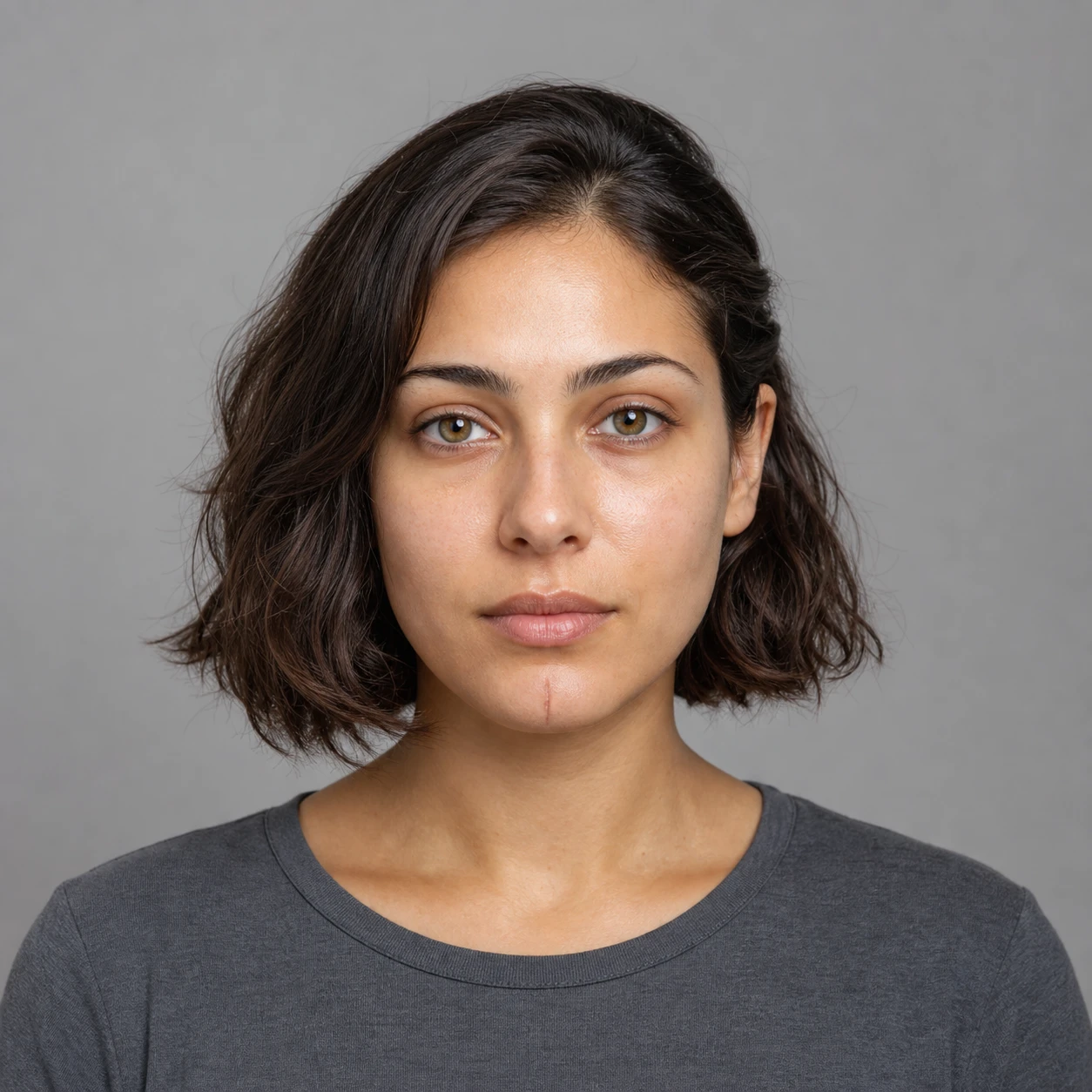

Colour Season Makeup result 1
Source image 1
Your source
Colour Season Makeup result 2
Source image 2
Your source
Colour Season Makeup result 3
Source image 3
Your source

Compare the palette before choosing a look.

Open Colour Season Makeup result in the CharGen workspace
Edit promptRecreateVary detailHigh detail, 30 Gold

From one portrait to a seasonal makeup preview.

Workflow source
Your source
Low quality Workflow output preview

Low

4 Gold

Medium quality Workflow output preview

Medium

10 Gold

High quality Workflow output preview

High

30 Gold

Open Colour Season Makeup

Exact cost shown before generation

  1. 1Upload the source
  2. 2Choose the detail
  3. 3Review the Gold cost

What stays. What can vary.

Usually preserved

Face
Facial structure and key features
Skin tone
Natural colouring remains visible
Hair
Colour, style, and silhouette stay stable
Workflow result detail

Can vary

Cosmetics
Lip, cheek, eye, and brow treatment
Seasonal palette
Spring, Summer, Autumn, or Winter colours
Finish
Subtle texture and intensity can vary
Open Colour Season Makeup example

Before you start

Ready to use Colour Season Makeup?

One neutral portrait. From 4 Gold.