Skip to content
CreatePricing

Show the same location in a different time or state.

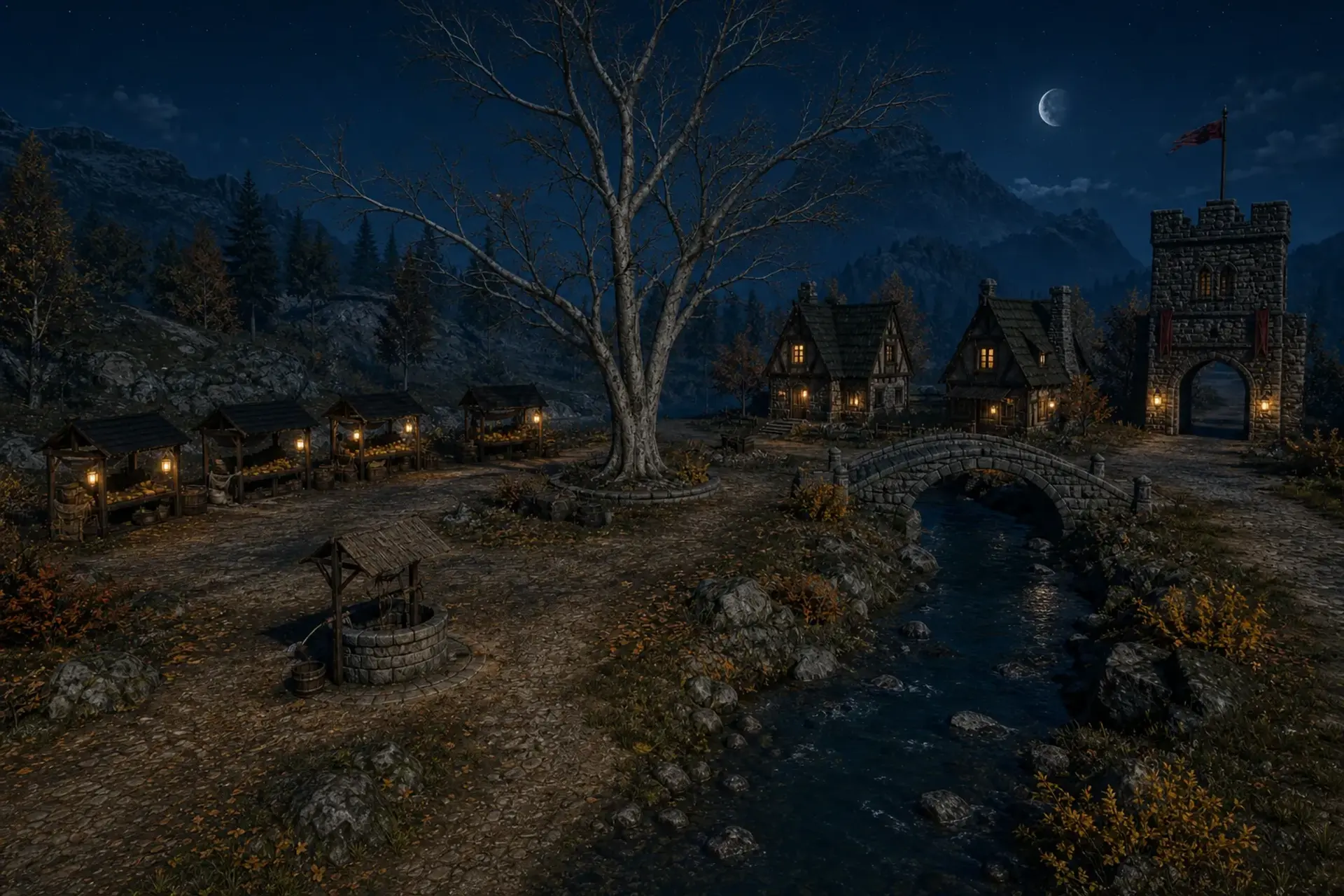
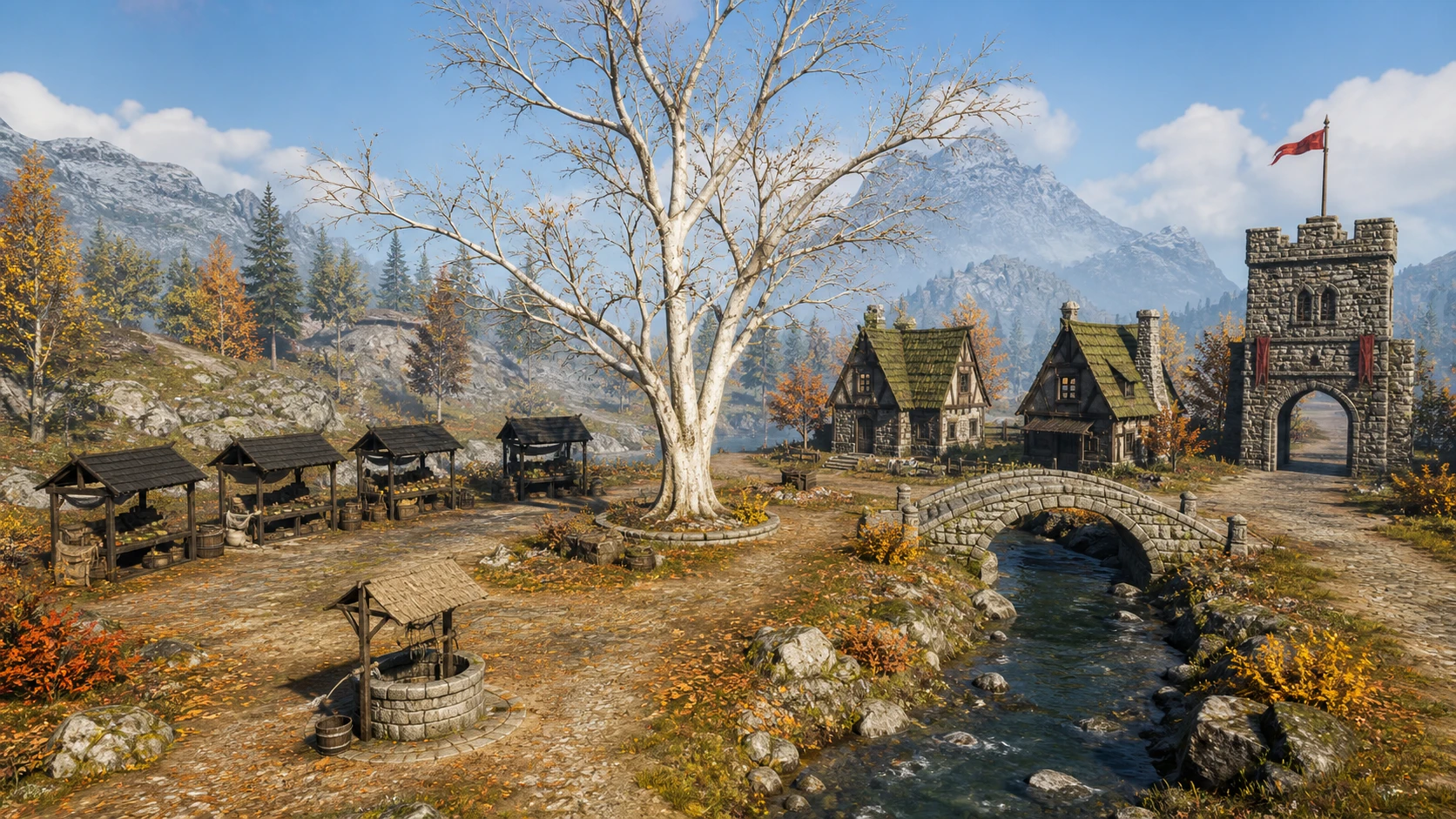
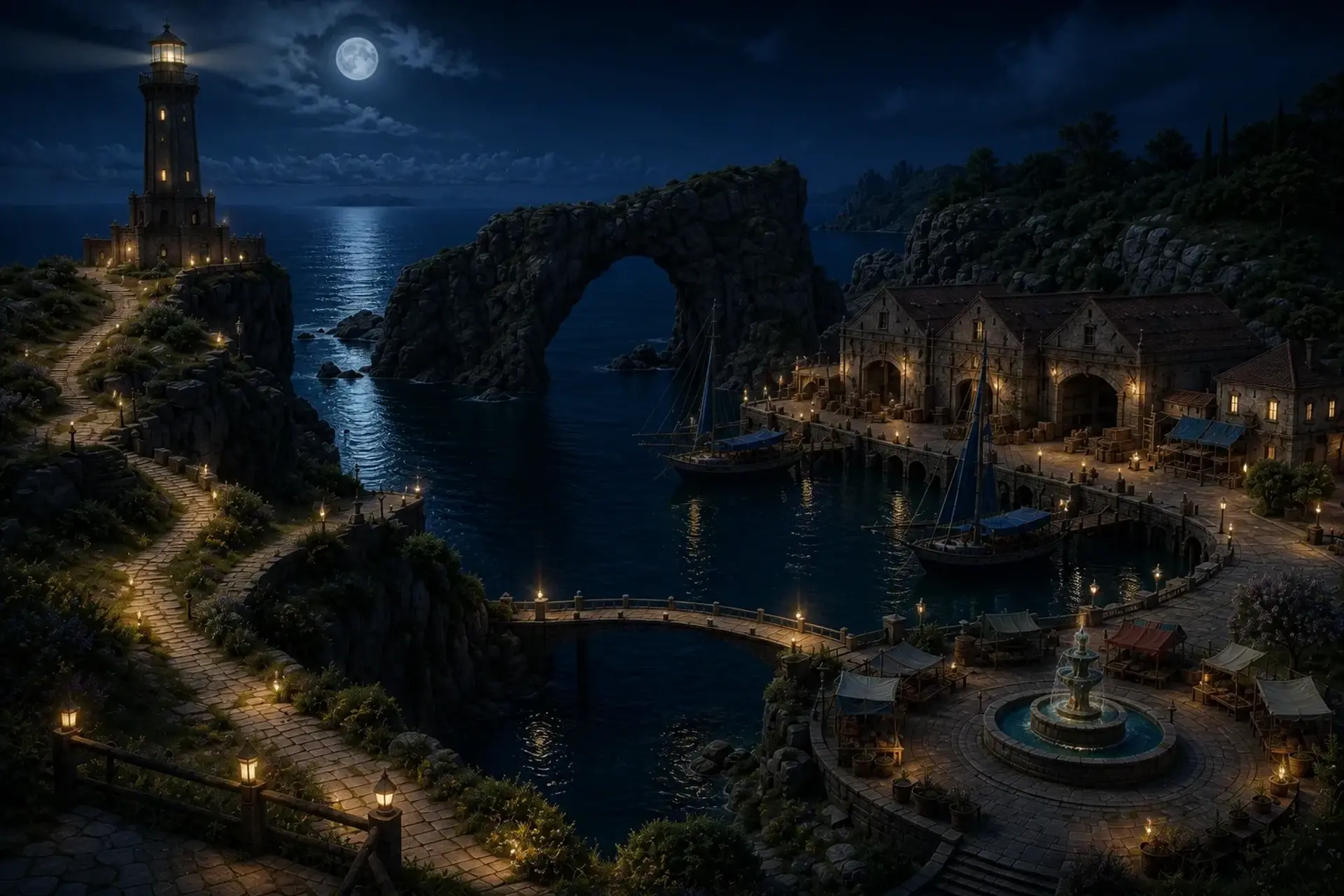
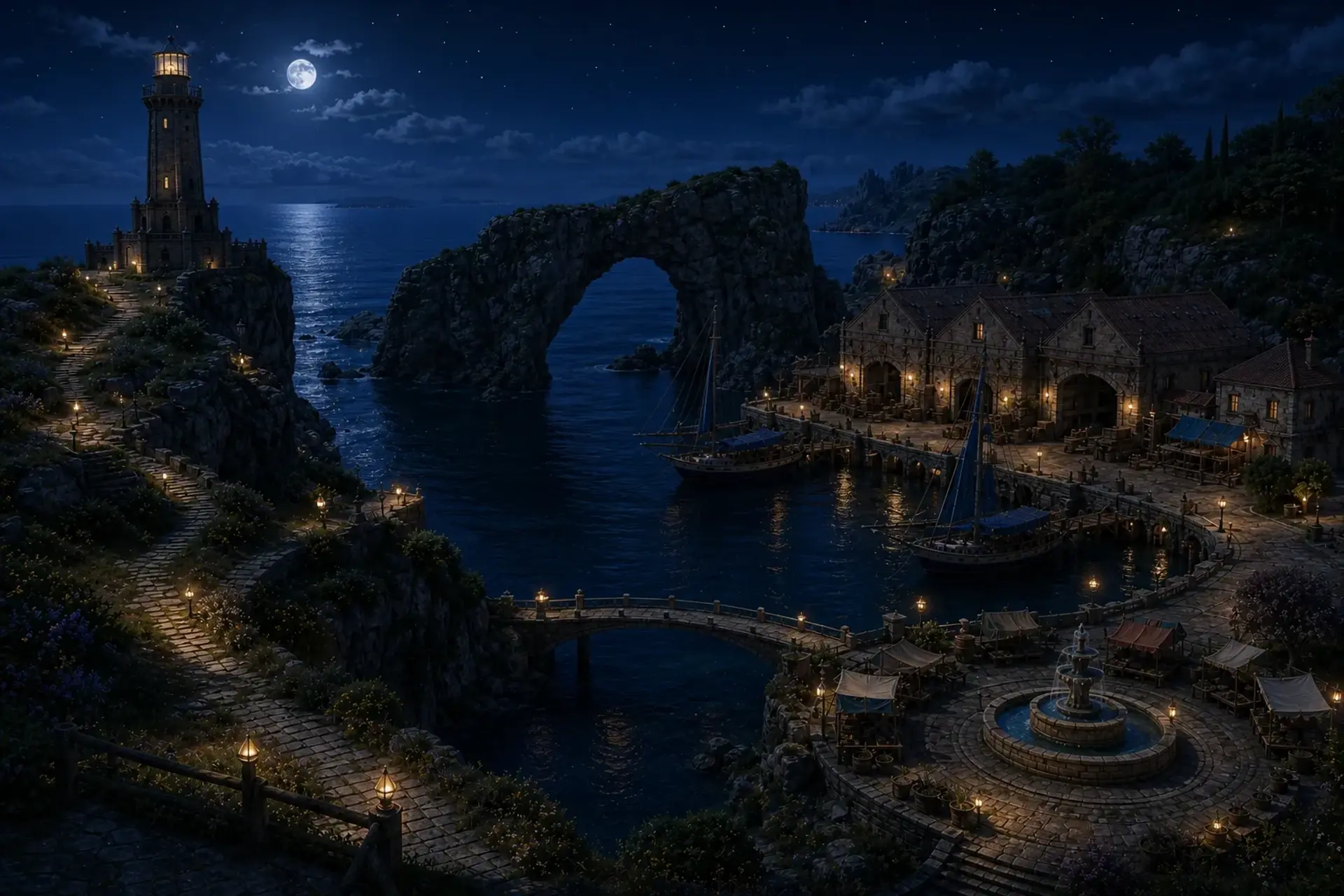
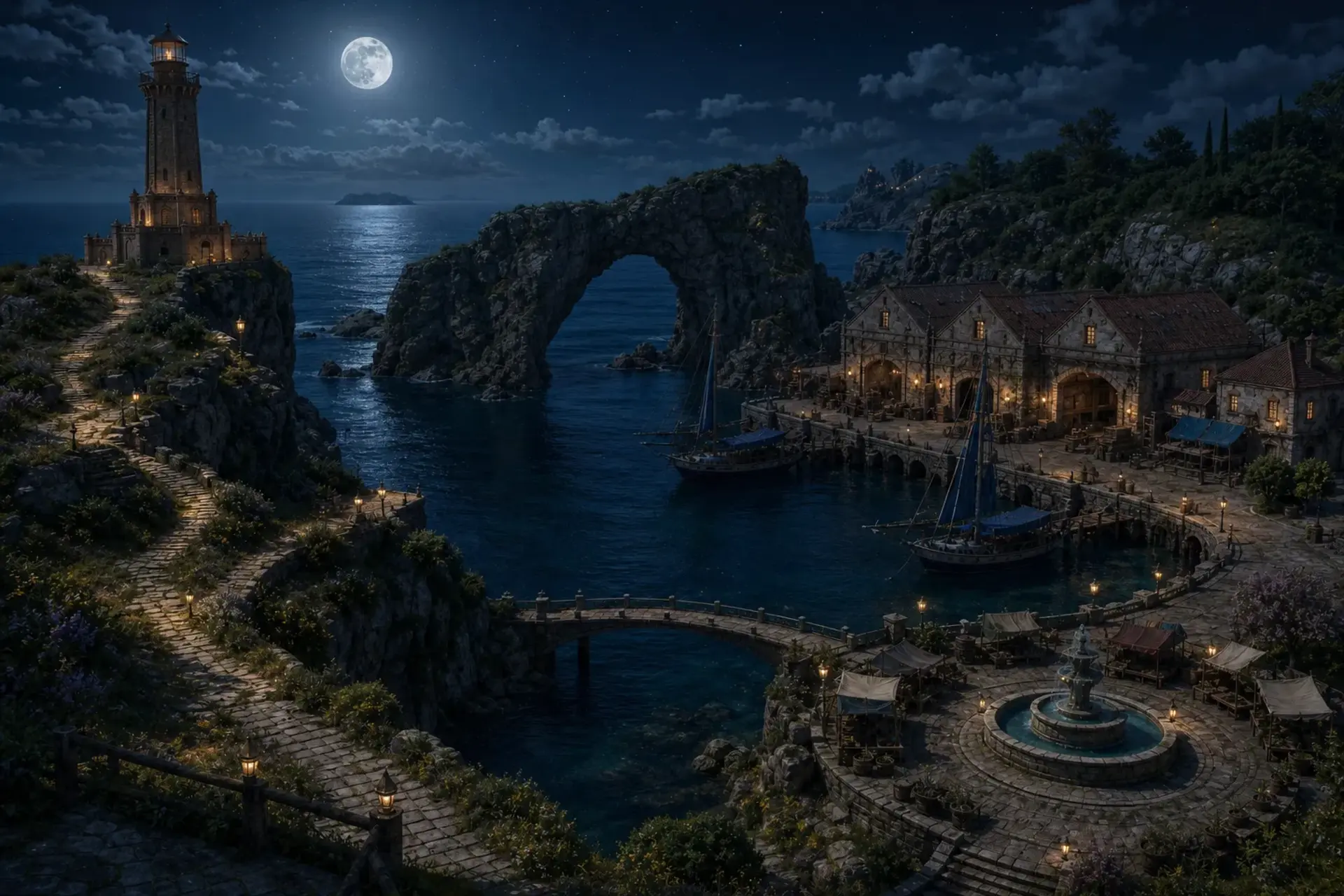
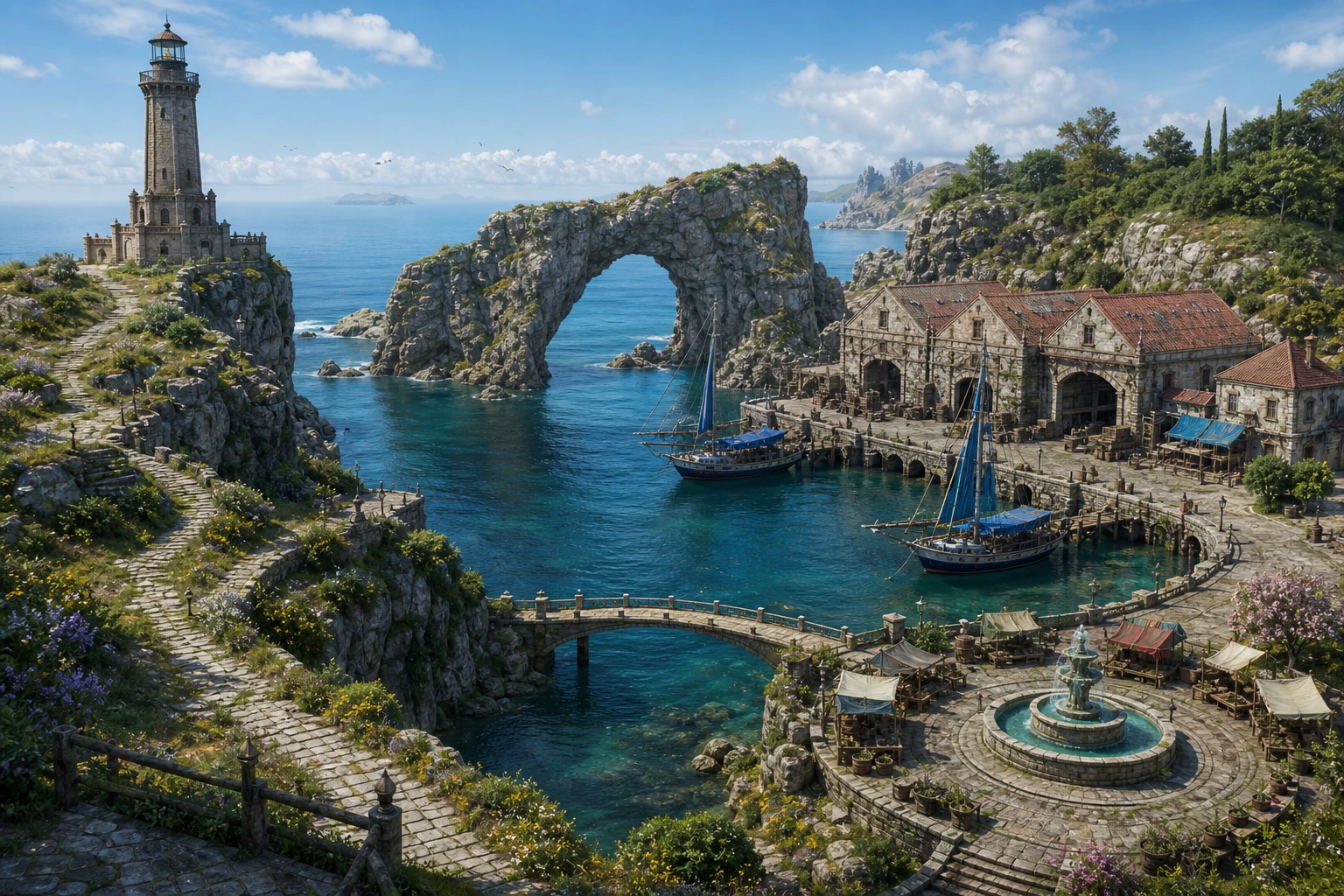
Show the same location at a new time, in new weather, or in a changed state without moving the camera.

One clear location source. From 4 Gold.
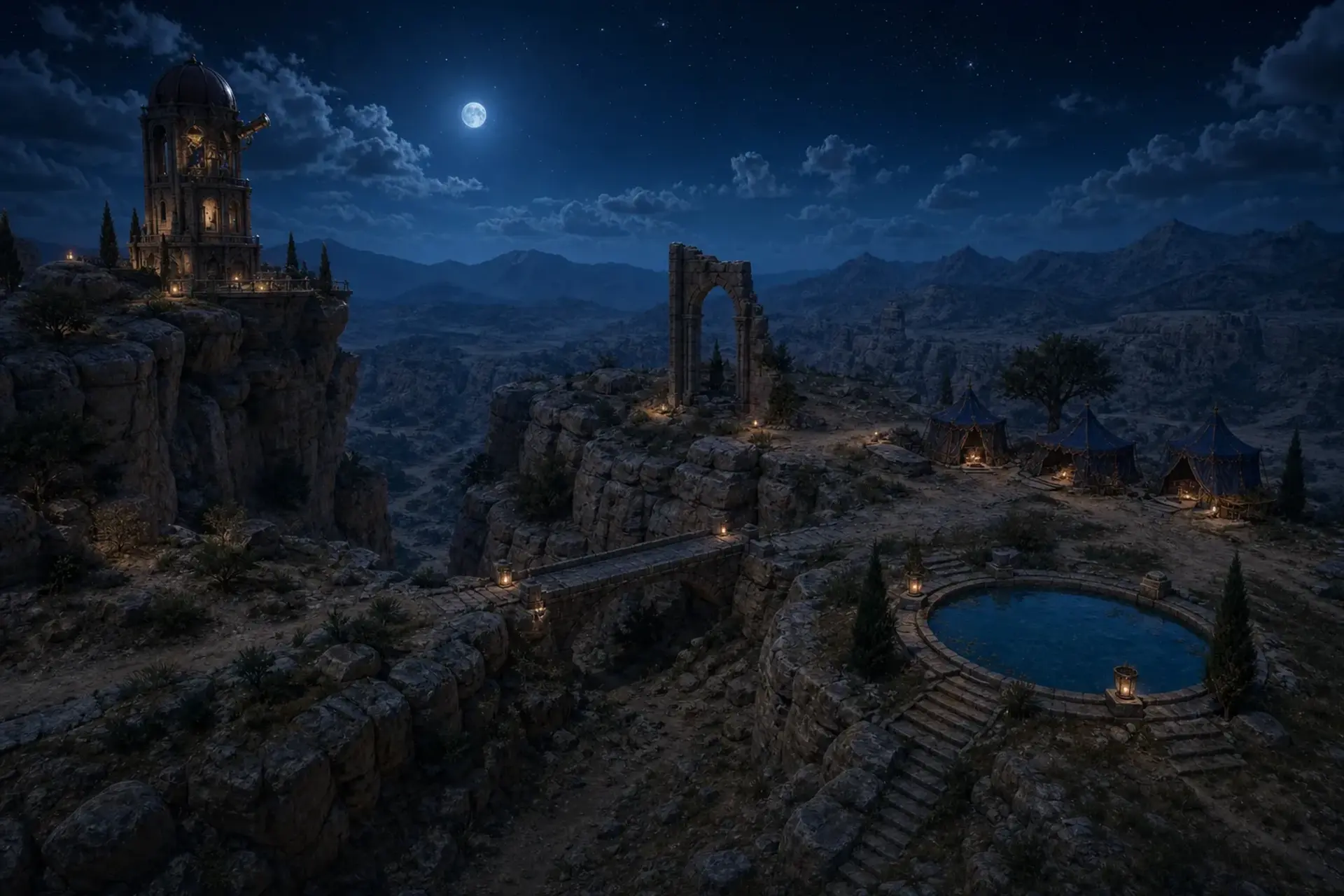
Open Location Variants main workflow result
Location Variants
Alternate Location Variants example

Change the light, weather, season, or condition while the place stays recognisable.

The camera, landmark, perspective, and major object placement remain the continuity check.
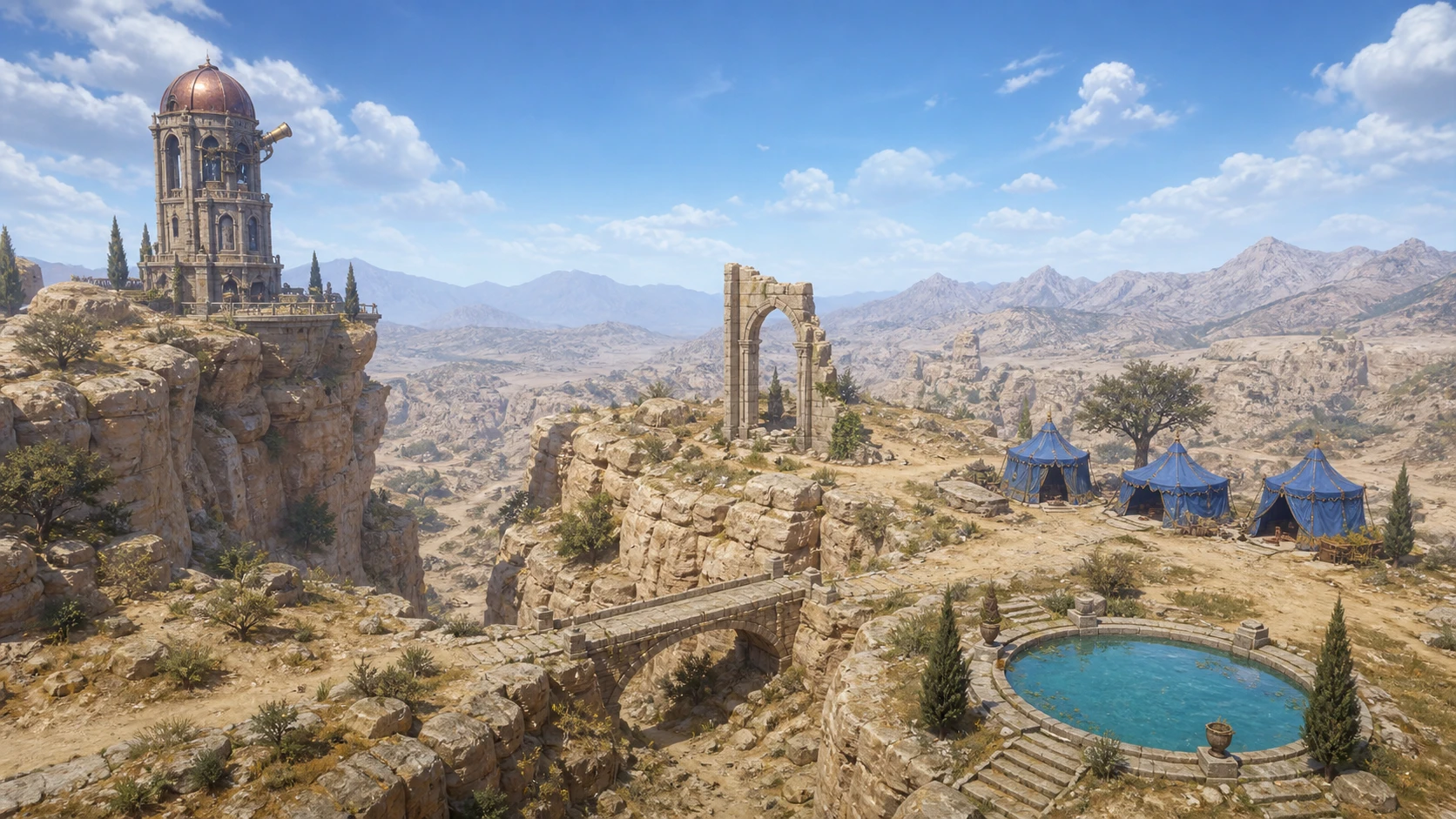
Location Variants result 1
Source image 1
Your source
Location Variants result 2
Source image 2
Your source
Location Variants result 3
Source image 3
Your source

Keep every version of the location together.

Open Location Variants result in the CharGen workspace
Edit promptRecreateVary detailHigh detail, 30 Gold

From one setting to a controlled location variant.

Workflow source
Your source
Low quality Workflow output preview

Low

4 Gold

Medium quality Workflow output preview

Medium

10 Gold

High quality Workflow output preview

High

30 Gold

Open Location Variants

Exact cost shown before generation

  1. 1Upload the source
  2. 2Choose the detail
  3. 3Review the Gold cost

What stays. What can vary.

Usually preserved

Camera
Viewpoint, perspective, and framing
Landmarks
Buildings, terrain, and major structures
Object placement
Large scene elements stay in position
Workflow result detail

Can vary

Time and weather
Day, night, atmosphere, and season
Condition
Occupation, damage, or controlled change
Small details
Props and background activity can move
Open Location Variants example

Before you start

Ready to use Location Variants?

One clear location source. From 4 Gold.