
Turn a rough sketch into a finished fantasy scene.
Upload a drawing, choose a render style, and keep its core composition.
One sketch. From 4 Gold.
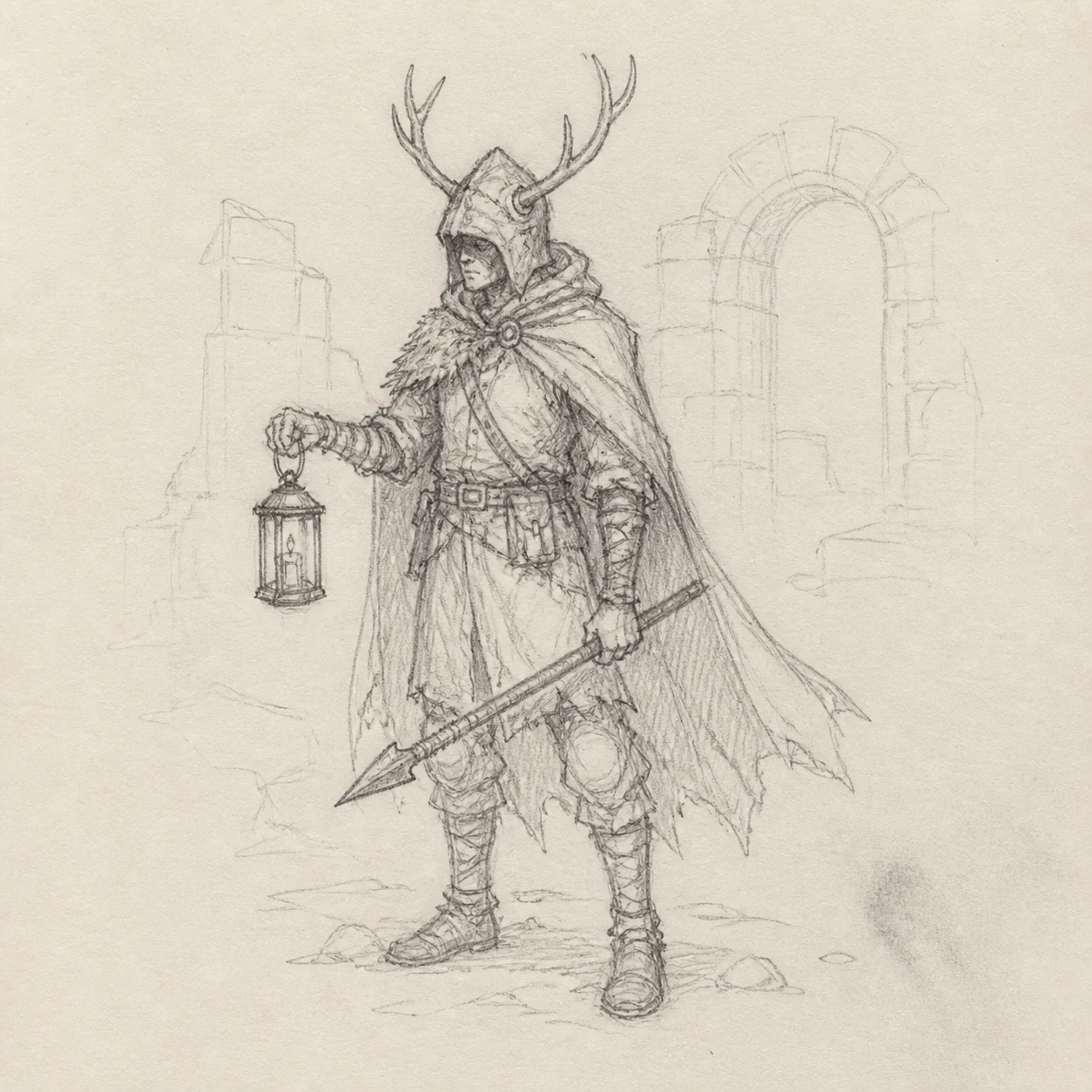
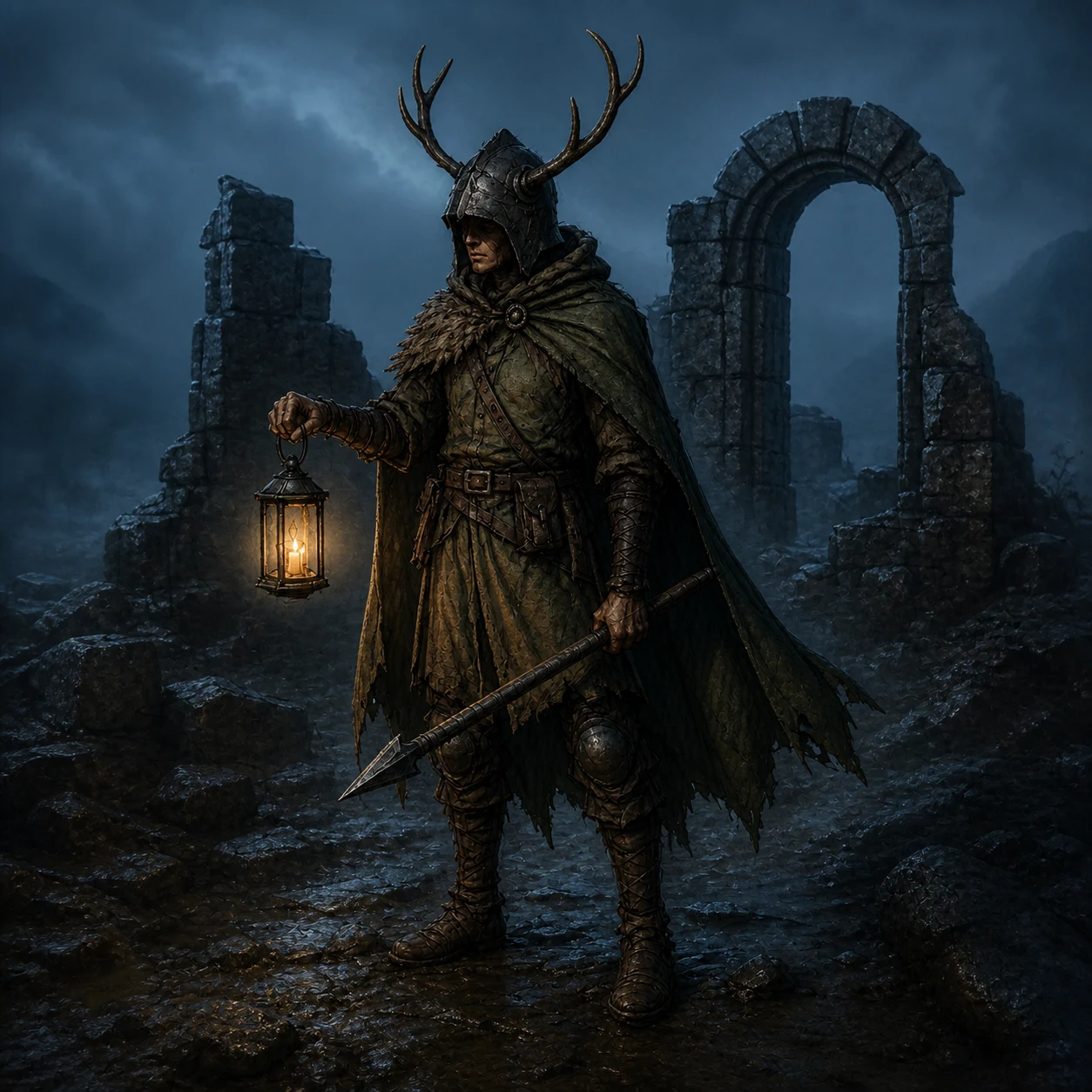
Keep the idea. Add the finished detail.
The pose, framing, and scene stay readable from sketch to render.
Take the render into Edit.
Edit promptRecreateVary detailHigh detail, 30 Gold
From pencil marks to a finished image.
Choose in Workflow
Low
4 Gold
Choose in Workflow
Medium
10 Gold
Choose in Workflow
High
30 Gold
Open Sketch to Image
Exact cost shown before generation
- 1Upload the source
- 2Choose the detail
- 3Review the Gold cost
What stays. What can vary.
Usually preserved
- Composition
- The main framing and subject placement
- Pose and silhouette
- The readable shape of the character
- Scene landmarks
- Large props, ruins, and light sources
Can vary
- Surface detail
- Materials, texture, and weathering
- Lighting
- Time of day, contrast, and atmosphere
- Small features
- Fine costume and background details
Before you start
No. A rough pencil drawing can work when the subject, pose, and main scene elements are easy to read.
The workflow aims to retain the main structure, pose, and framing. Small details can change during rendering.
Yes. Choose a render style and quality before you generate. The exact Gold total updates with your choices.
Yes. The result opens like any other CharGen image and can continue into Edit.
Ready to use Sketch to Image?
One sketch. From 4 Gold.