
Turn a story brief into a six-panel storyboard.
Describe the sequence, add character references when needed, and choose a visual style.
Brief-led. Character references are optional.
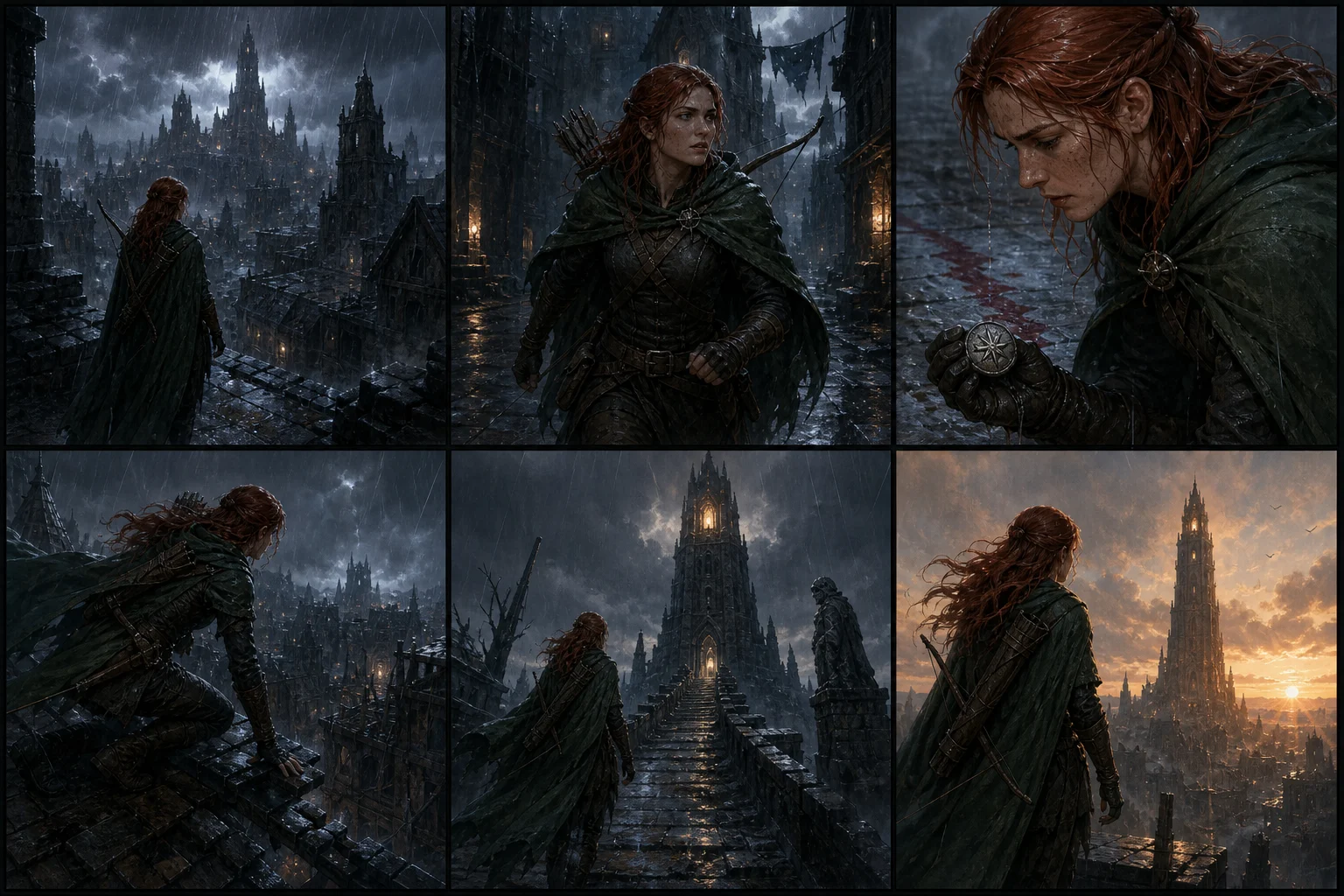
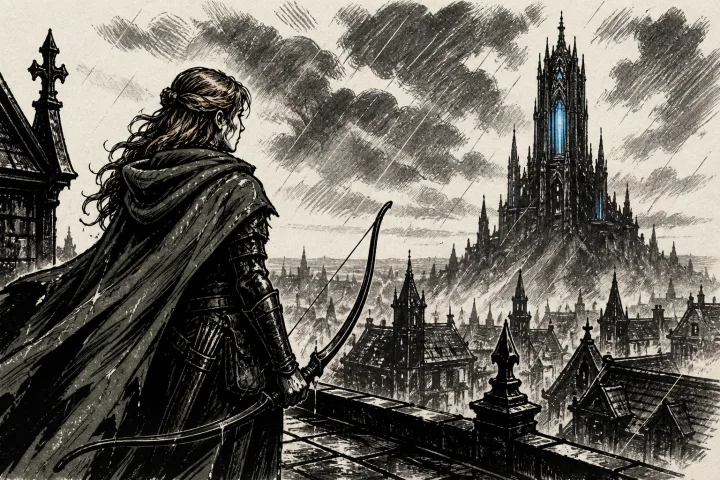

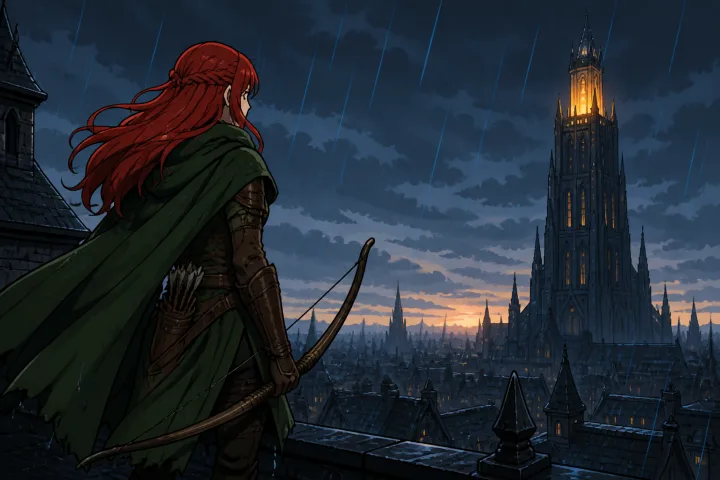
Plan the scene shot by shot.
Six connected panels give the sequence a clear beginning, middle, and end.
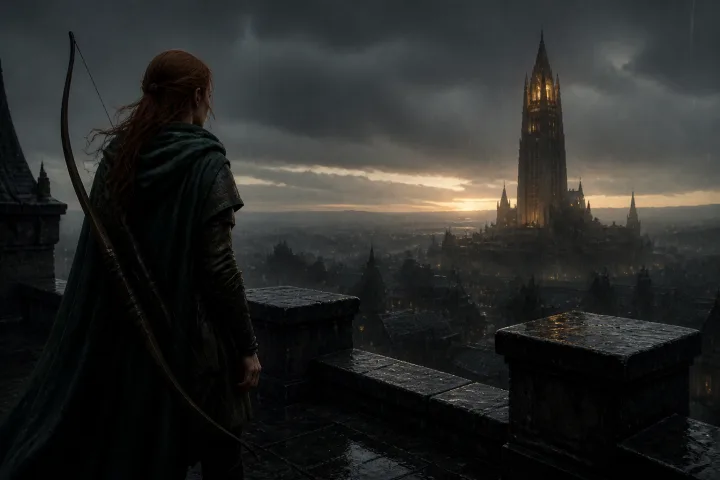
Use the sheet as your next reference.
Edit promptRecreateVary detailHigh detail, 30 Gold
From a brief to a readable sequence.

Choose in Workflow
Low
4 Gold
Choose in Workflow
Medium
10 Gold
Choose in Workflow
High
30 Gold
Open Storyboard Sheet
Exact cost shown before generation
- 1Write the brief
- 2Choose the style and detail
- 3Review the Gold cost
What stays. What can vary.
Usually preserved
- Story order
- The sequence follows the requested beats
- Recurring characters
- Selected references guide identity across shots
- Visual direction
- One chosen style guides the full sheet
Can vary
- Shot framing
- Camera distance and composition can change
- Small continuity details
- Props and costume details need review
- Panel emphasis
- Some beats can receive more visual weight
Before you start
No. You can start from a written brief. Add source images when a character, setting, or composition should guide the sheet.
Each result is one six-panel storyboard sheet. You can request more than one sheet variation.
Yes. Choose a visual style and output quality before generation.
Yes. The sheet is a normal CharGen image, so you can view it, edit it, or use it as a source in another compatible workflow.
Ready to use Storyboard Sheet?
Brief-led. Character references are optional.