
Create and Link an Entity from Selected Prose
Select campaign prose, create a private entity and verify its campaign link and art association.
Campaign Studio can pass selected note text to the mounted RPG Workshop generator. This guide uses one public-safe phrase to create one private Building, file it in Workspace and link its accepted art back to the campaign. Open Campaign Studio and select an owned working note.
Prepare a bounded Building handoff
1. Select only the useful public-safe phrase
The retained handoff selected Bellwater Station from a private campaign note. Keep the selection short enough to explain the entity without copying private secrets or unrelated campaign prose into the request.
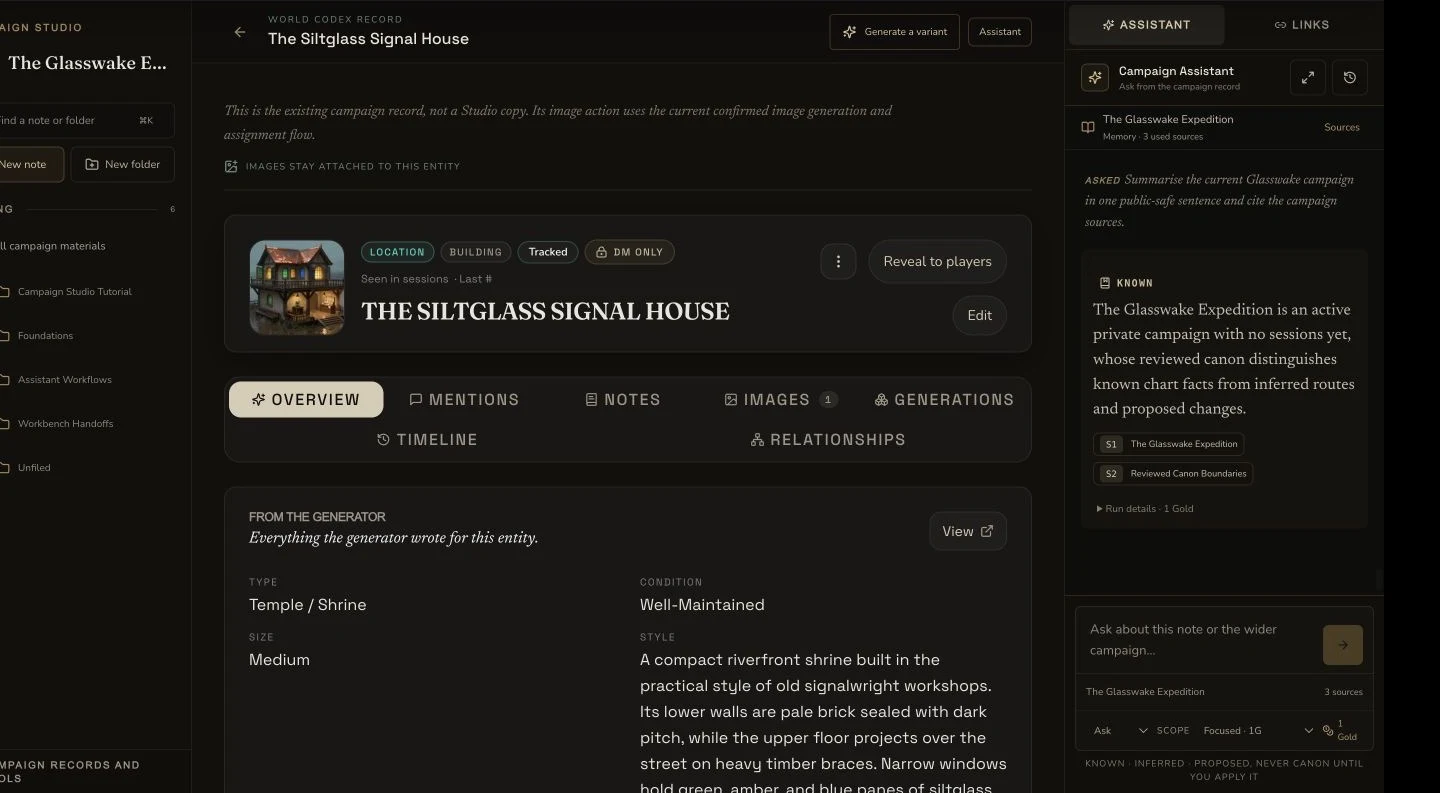
The retained Building result shows its title, type and private state.
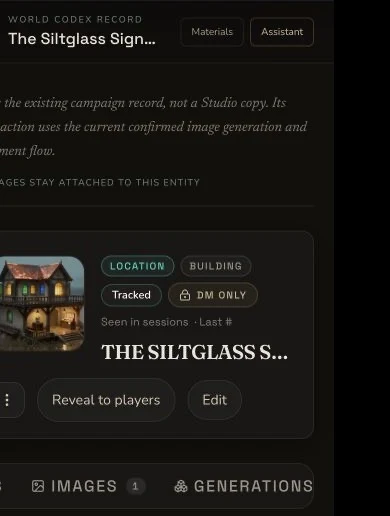
The compact result view retains the same private Building record.
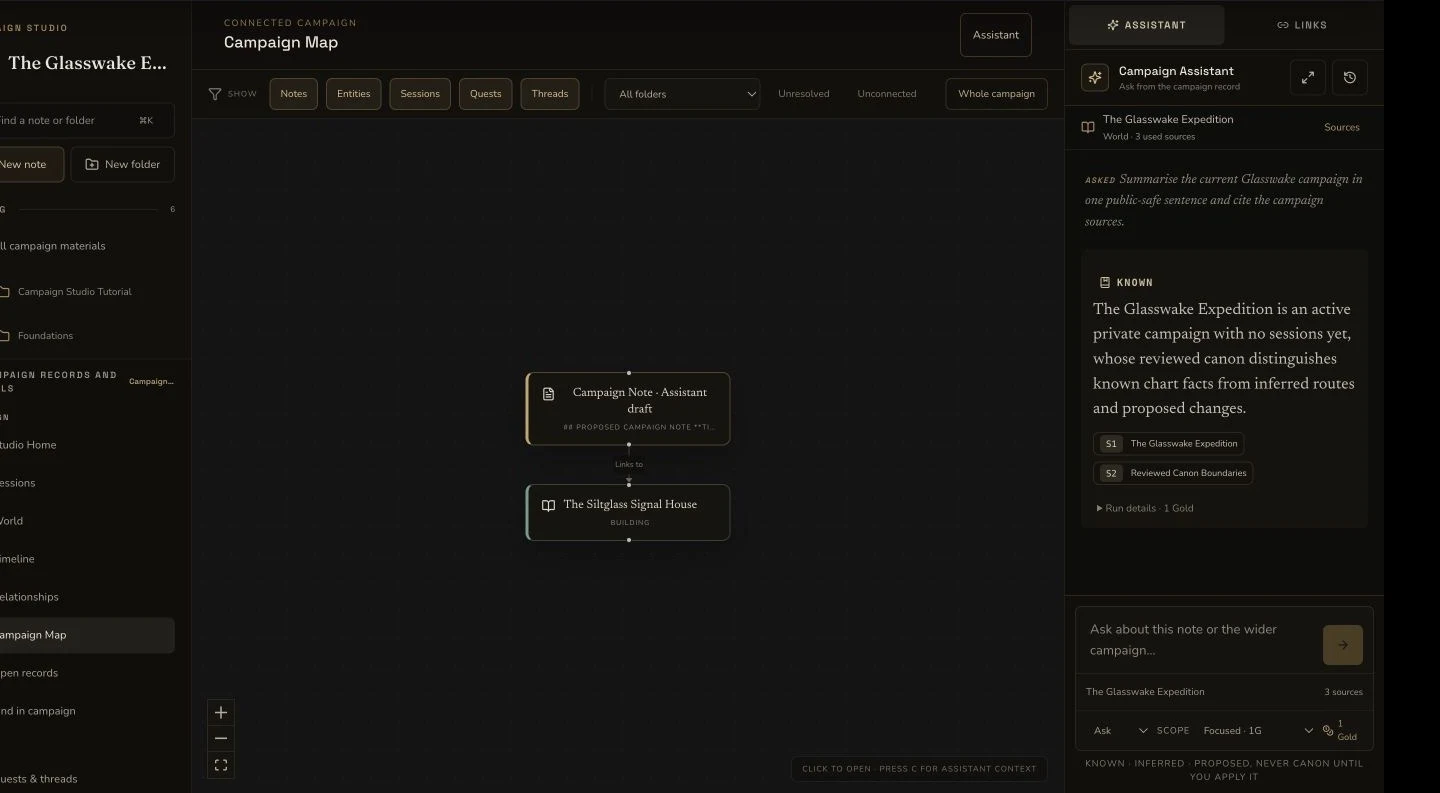
Map shows the route between the Campaign Note and Building records.
2. Choose Building and set the requested name
Choose Building and use Extra Details to ask for a clear, public-safe result. The retained request named the result The Siltglass Signal House. Check the mounted request details and any displayed cost information, then make one submit. Do not send a second request while the first job exists.
Review the private result and its connections
3. Verify the generated record before filing
Open the completed result and confirm its name, description and privacy. In the retained journey, the Building generation and campaign entity were private. The retained action recorded no displayed quote, 0 Gold reserved, 0 Gold settled and no transaction. These are receipt-backed facts for this result, not a permanent price promise.
4. Check the Workspace filing and campaign link
The accepted Building was filed in the private Assistant Workflows Workspace collection. The filing linked back to the campaign entity. Confirm both read-backs before you remove the selected text or close the result.
5. Attach the accepted existing art once
The generator returned existing native art for the Building. After the generation and image were confirmed private, Campaign Studio attached that accepted image to the campaign entity once. This reused the existing art. It did not start another image generation.
Checkpoint
Check your result
- The generator receives only the selected public-safe prose and the reviewed Building request.
- One submit produces The Siltglass Signal House without a duplicate job.
- The Building result, campaign entity and accepted art are private.
- The result is filed in Workspace, linked back to the campaign and uses the existing native art once.
If something looks wrong
Troubleshooting
- Symptom
- The generator includes unrelated note text.
- Likely cause
- The selected range was wider than the phrase needed for the entity.
- Next safe action
- Return to the note, select only the public-safe phrase and review the mounted context before one new submit.
- Symptom
- The result exists but does not appear in the campaign.
- Likely cause
- Generation completion, Workspace filing and campaign linking are separate read-backs.
- Next safe action
- Open the result, confirm its filing and inspect the campaign entity link before repeating any generation.