
Take Deep Prep to the Session Prep Handoff
Prepare a reviewed Deep Prep brief and verify the Session Prep prefill and reload recovery.
Deep Prep produces a sourced working brief for review. It can prefill the mounted Session Prep builder, but it does not generate or start Session Prep. Open Campaign Studio, choose an owned campaign and open the Session Prep desk.
Request one bounded brief
1. Set Deep Prep context
Choose the Deep Prep depth and ask for a public-safe, system-neutral session brief. State the known campaign facts, the uncertainties to investigate and the proposed beats. Ask the Assistant not to generate or start a Session Prep bundle.
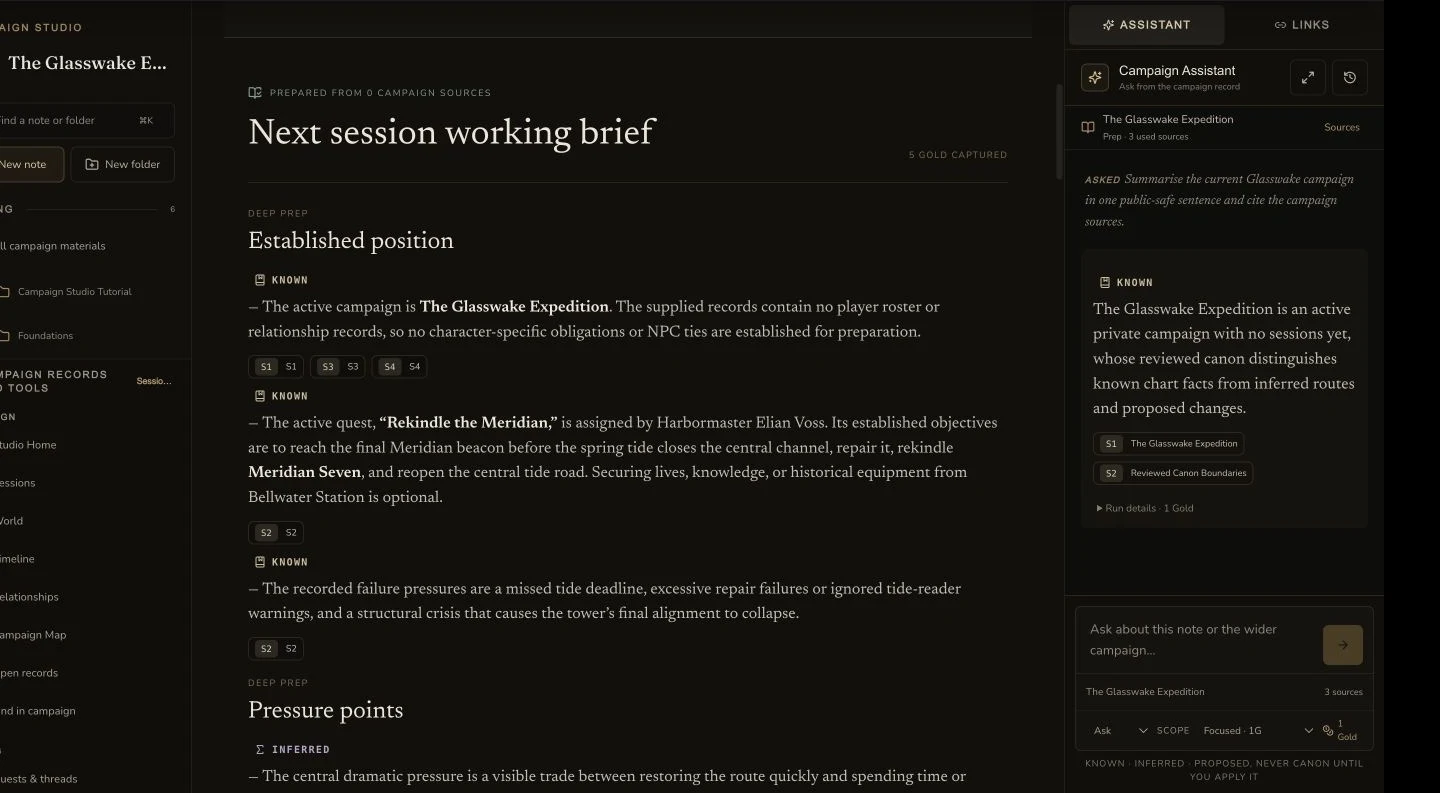
The retained Deep Prep brief keeps its campaign context, scene goals, quotes and constraints visible for review.
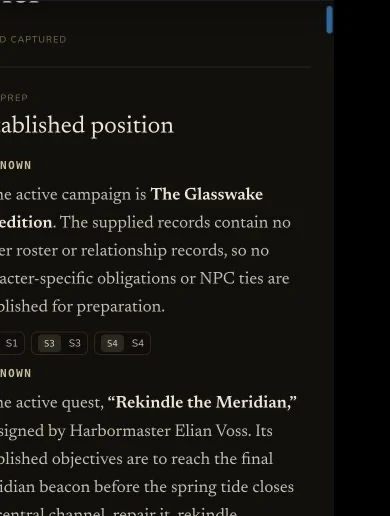
The compact view presents the same retained working brief for review.
2. Review sources and proposed beats
Read the answer, source keys and truth labels before the handoff. Correct a source record if the brief conflicts with maintained canon. Deep Prep text is still a proposal until you review it.
3. Choose Review for Session Prep
Use Review for Session Prep to create a review artifact for the brief. The retained journey produced two review artifacts from the same Deep Prep run because the first two local handoffs did not survive their route boundaries. That is recovery evidence, not a normal instruction to create duplicates.
Verify the read-only prefill
4. Open the reviewed artifact and run
The final route handoff reopened the applied recovery artifact with its source run. It rehydrated the exact reviewed brief into the Theme field without applying the artifact again. The recovery was read-only and created no third artifact.
5. Reload before you continue
Perform one full reload. The retained check loaded the same brief after the reload. It showed zero selected entities, Generate remained disabled and no alert appeared. This proves the prefill survived. It does not prove that a Session Prep bundle was generated.
Checkpoint
Check your result
- The mounted Deep Prep quote is reviewed before the one bounded Assistant run.
- The sourced brief is reviewed before Review for Session Prep creates an artifact.
- The applied recovery artifact rehydrates the same brief after a full reload without a new artifact.
- Generate remains disabled and no Session Prep bundle, job, request or additional Gold is created.
If something looks wrong
Troubleshooting
- Symptom
- The Session Prep Theme field is empty after the handoff.
- Likely cause
- The route may not contain the reviewed artifact and source-run handoff.
- Next safe action
- Return to the reviewed Deep Prep result and open Review for Session Prep once. Do not start another Deep Prep run.
- Symptom
- Generate is disabled after the brief appears.
- Likely cause
- Deep Prep fills the brief only. Session Prep still needs its required choices.
- Next safe action
- Confirm the brief, then complete Session Prep deliberately in its own workflow if you want to continue.