
Generate a Monster
Create production-backed monster for the Glasswake setting, then verify the saved result, artwork and supported actions.
Use the Monster generator for a complete creature whose statistics, behaviour and encounter role work together. This walkthrough creates The Siltglass Leviathan, a coastal threat that disrupts the Glasswake beacon routes.
Describe ecology and encounter role together
1. Open the Monster generator
Choose Monster in RPG Workshop or open the Monster generator. Use it for one complete creature. Use Encounter when the main deliverable is the whole scene, its forces and its objectives.
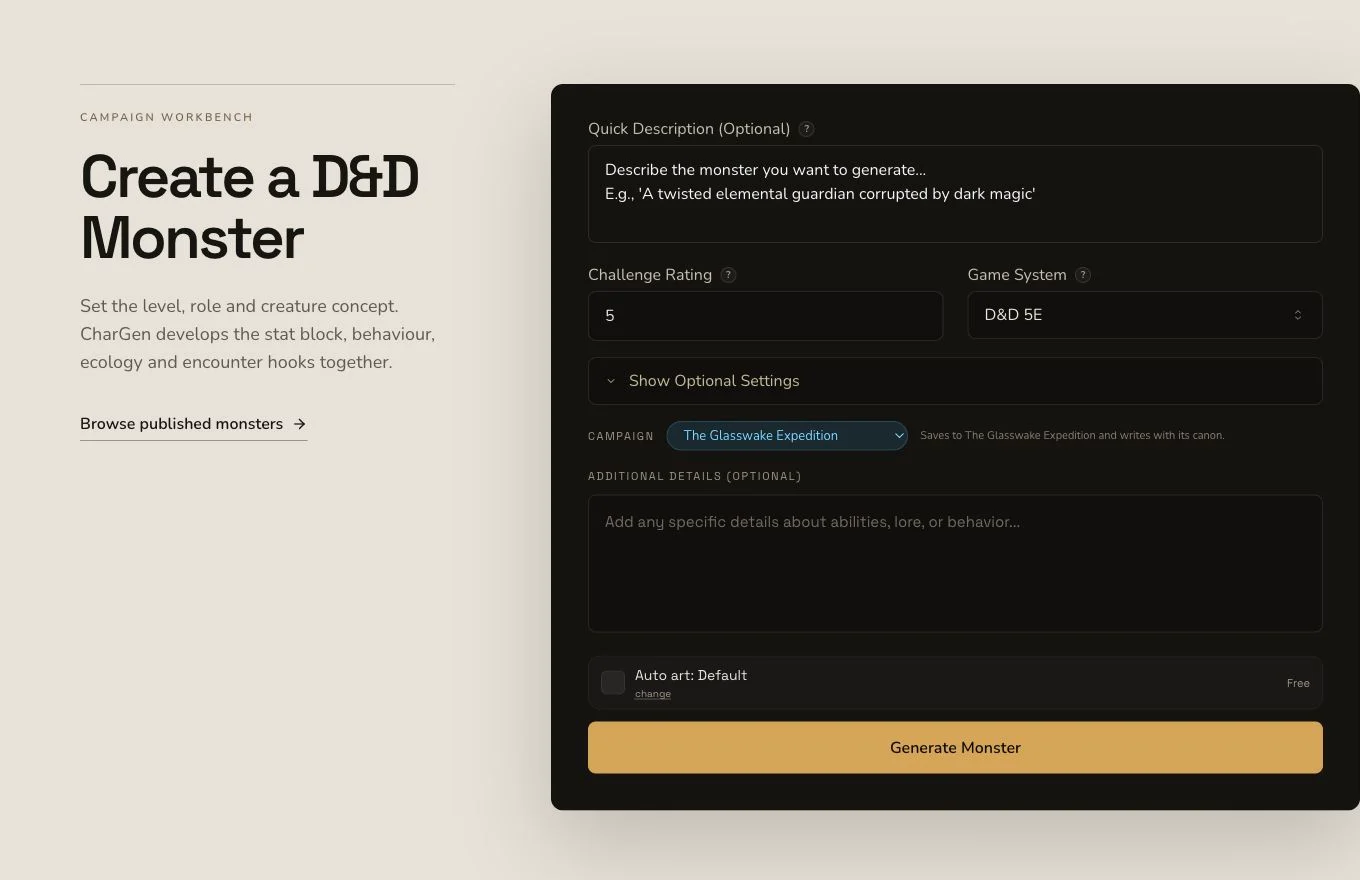
Connect silhouette, habitat, tactics and non-combat responses in the same brief.
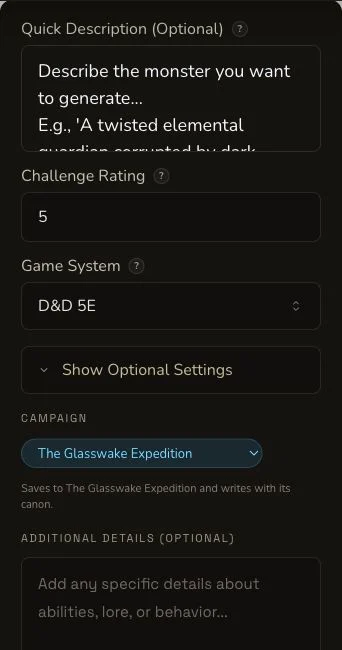
Mobile preserves the same creature concept and system choice in one narrow flow.
2. Give the monster an understandable ecology
Ask for mineral-rich silt, clouded navigation lights and behaviour that makes sense in shallow coastal channels. Choose D&D 5e and a complete mid-tier monster stat block. Include actions that interact with water, visibility and beacon structures, while leaving non-combat options available.
3. Keep requested Region context separate
The brief requested The Glasswake Reach, but the mounted form did not submit an explicit Region context record. The creature can still be written for that setting. Campaign context, a later INHABITS relationship and a campaign Memory record remain separate facts.
Test the complete monster result
4. Submit once and preserve the job
Monster generation is asynchronous. Keep the original job through its terminal result, and reconcile its native art as a separate request. Check the existing entity before considering any recovery submission.
5. Read beyond the stat block
Open The Siltglass Leviathan. Check derived statistics, traits, actions, reactions, tactics and battle plan alongside ecology, signs of presence, counters, weaknesses, non-combat options and aftermath. A complete monster stat block should express the same controller and environmental-brute role described in the prose.
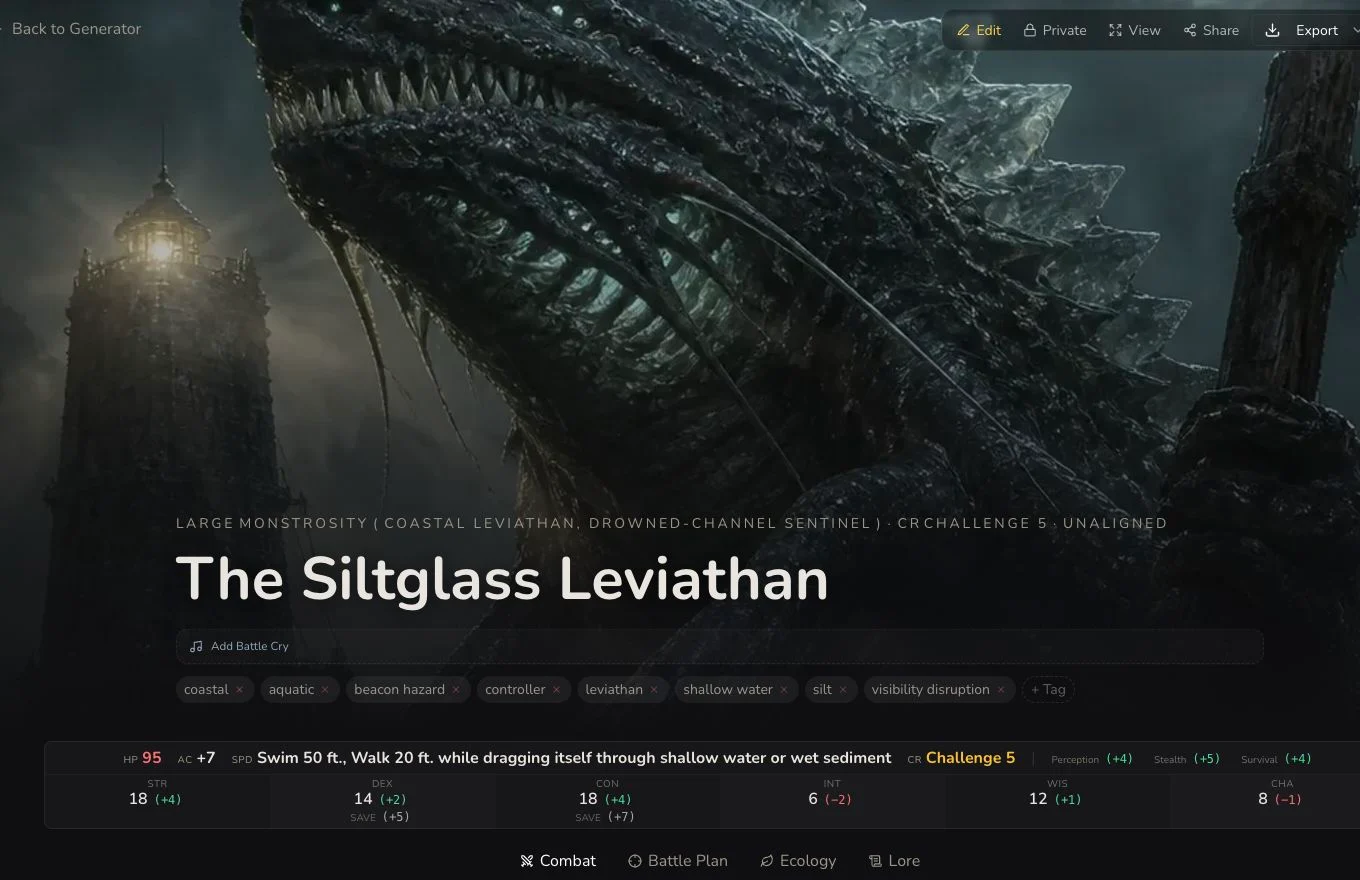
Review the rules and the creature's readable behaviour before placing it into an encounter.
6. Inspect the native creature portrait
The native artwork completed in its own request and remained Private after refresh. Check anatomy, scale, environment, duplicated subjects, unwanted writing and whether the image supports the result's coastal identity.
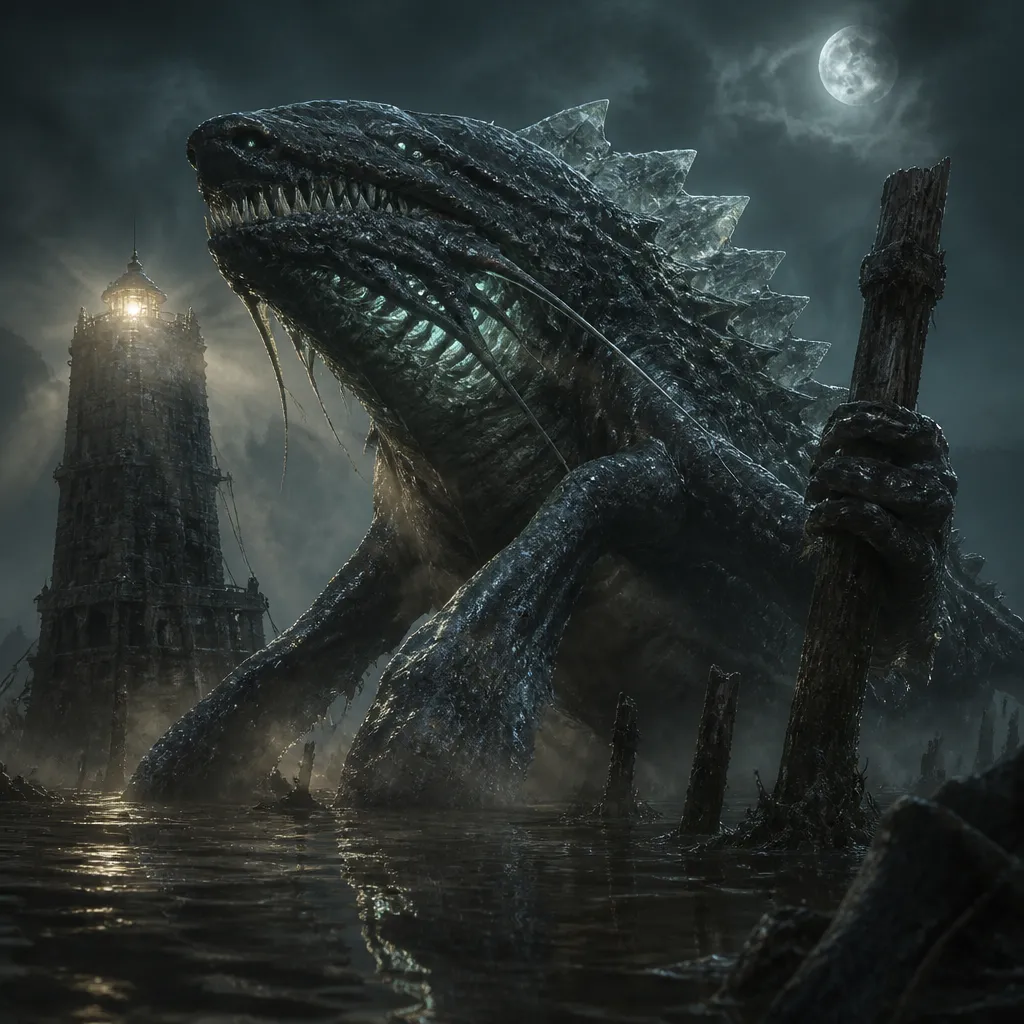
The portrait identifies the creature, while the detail route retains its complete rules and encounter guidance.
Recover from an unsuitable reroll target
Monster supports whole-draft editing, standard relationship controls, a Workshop Share Card, standard JSON export and generic section rerolls. The first retained attempt targeted Spells, which was empty on this non-spellcasting monster. It produced no change and settled 0 Gold. After the existing result and remaining budget were checked, Lore was rerolled once for 1 Gold and verified after refresh.
Checkpoint
Check your result
- The detail route shows The Siltglass Leviathan with a complete monster stat block and consistent environmental role.
- Ecology, tactics, counters and non-combat options make the creature usable beyond a damage exchange.
- The native image belongs to the exact Monster and remains Private after refresh.
- The failed empty Spells attempt and successful 1 Gold Lore reroll remain distinct evidence records.
If something looks wrong
Troubleshooting
- Symptom
- A section reroll finishes without changing anything.
- Likely cause
- The selected section may be empty, as Spells was for this non-spellcasting monster.
- Next safe action
- Verify the existing result and transaction state before choosing one populated section deliberately.
- Symptom
- The creature's mechanics and ecology disagree.
- Likely cause
- The brief may specify a visual concept without an encounter role or environmental interactions.
- Next safe action
- Edit the relevant public fields and refresh-read them before creating a different Monster.
- Symptom
- The image is complete before the Monster page settles.
- Likely cause
- Entity and image requests have separate identities and timelines.
- Next safe action
- Reconcile both records and the final association rather than using one as proof of the other.