
Recover Interrupted Campaign Assistant Runs
Reconnect to the same run, replay ordered events and reject a stale apply.
Campaign Studio keeps a run identity and ordered event stream so that an interrupted Assistant response can reconnect without sending the prompt again. It also checks a proposed change against the current target version before an Apply request. Open Campaign Studio and recover the existing work before you create anything new.
Reconnect one interrupted run
1. Use the mounted Reconnect notice
When the interface says This Assistant run is still in progress. Reconnect to continue receiving it., choose Reconnect once. The retained recovery continued the original run with the same run identity and same idempotency key. It did not create a replacement prompt.
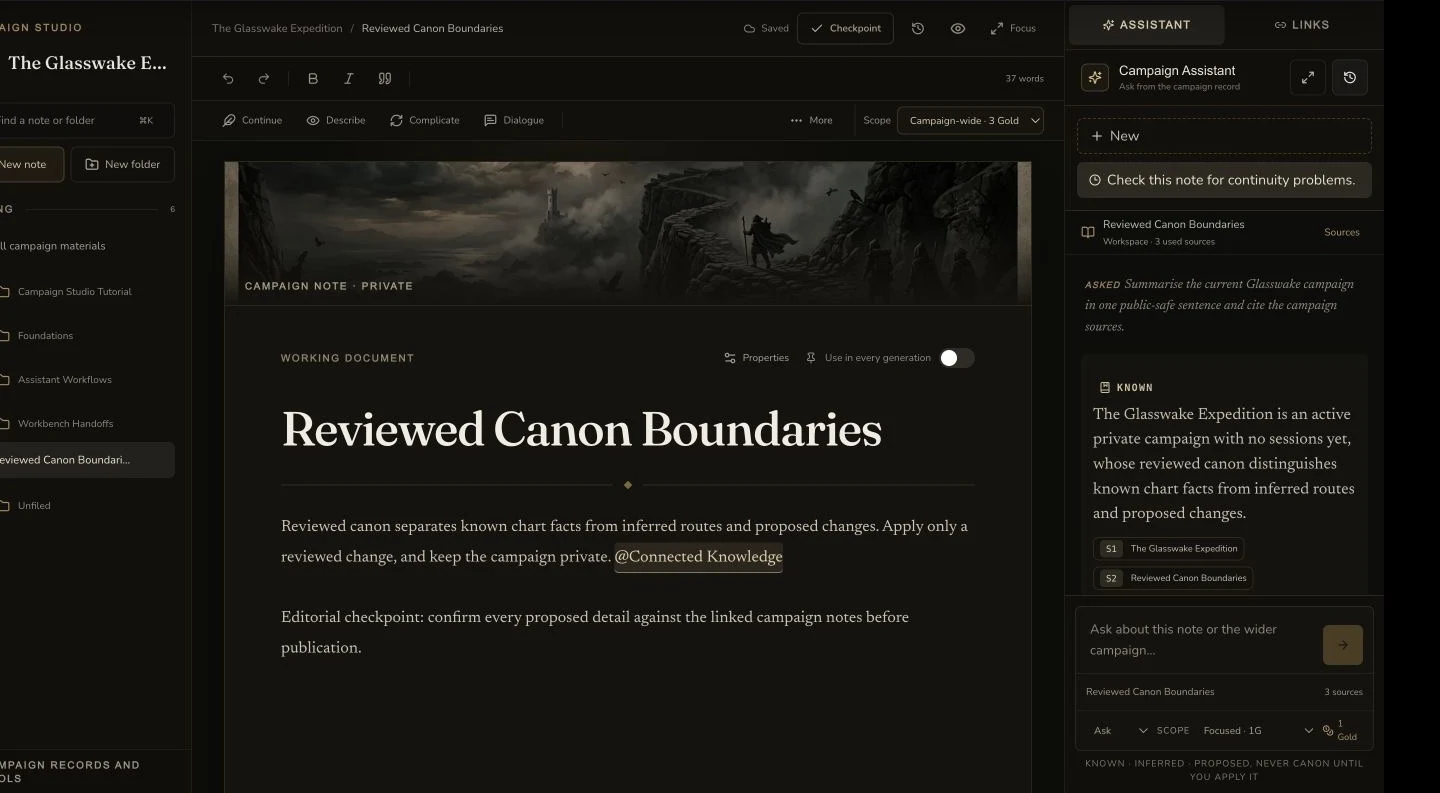
Assistant History retains the continuity-check thread beside the reviewed campaign note and current response.
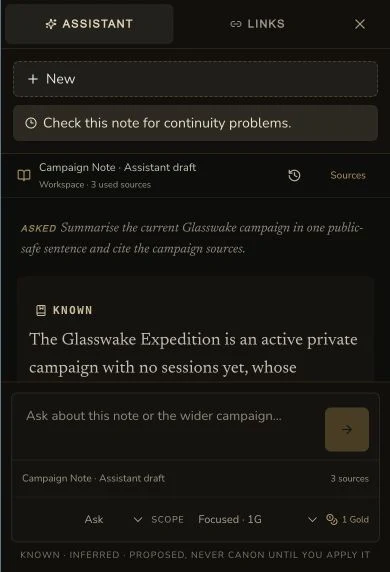
The compact history lists the retained thread, current response and scope.
2. Wait for ordered replay and the final answer
The client replays ordered events from the saved cursor. Wait until the final answer, source list and terminal state return. The retained reconnect used the same idempotency key, created no second transaction and added no duplicate Gold charge.
Reject stale proposed work before dispatch
3. Read the target-version warning
If the target changed after the proposal was prepared, Campaign Studio shows The target changed after this proposal was prepared. The Apply control is disabled. The retained check was blocked before dispatch, with no Apply request, no backend event, no target mutation and no Gold.
4. Choose a deliberate resolution
Use Use latest version for this review only when you want the current target to become the new comparison. Review the new before and proposed values again. Otherwise dismiss the proposal and request a new one only after you understand what changed.
Reopen a reviewed prefill without applying again
5. Use the artifact handoff for local recovery
A reviewed Deep Prep artifact can reopen the mounted Session Prep builder. The retained final check performed a read-only rehydrate of the already applied recovery artifact, then loaded the same brief after a full reload. It created no new run, artifact or Session Prep resource.
Checkpoint
Check your result
- Reconnect restores the original run with the same idempotency key and ordered events.
- The recovered terminal state has no second transaction or duplicate Gold charge.
- A changed target disables Apply and blocks the request before dispatch.
- An applied Deep Prep artifact rehydrates the same local brief without a new run, artifact or Session Prep resource.
If something looks wrong
Troubleshooting
- Symptom
- The Assistant still shows the in-progress notice.
- Likely cause
- The terminal event stream has not reached the client yet.
- Next safe action
- Reconnect to the original run once and wait for the ordered replay. Do not resend the prompt.
- Symptom
- Apply is disabled after you reopen a proposal.
- Likely cause
- The target version changed after the proposal was prepared.
- Next safe action
- Review the current target. Use latest version for this review only if you accept a new comparison, or dismiss the stale proposal.