
Search Sessions and Campaign Evidence
Search the mounted campaign index and recover the same Assistant run when the connection breaks.
Campaign Studio provides two connected evidence paths: the Find in campaign desk and the source set attached to each Assistant answer. Open Campaign Studio, select an owned campaign and use both paths before you accept a campaign claim.
Find material across the campaign
1. Open Find in campaign
Use the Find desk when you know a name, place, event or line of dialogue but not its location. Enter at least two characters. The result list can include notes, World Codex records, quests, threads, recaps and transcript excerpts.
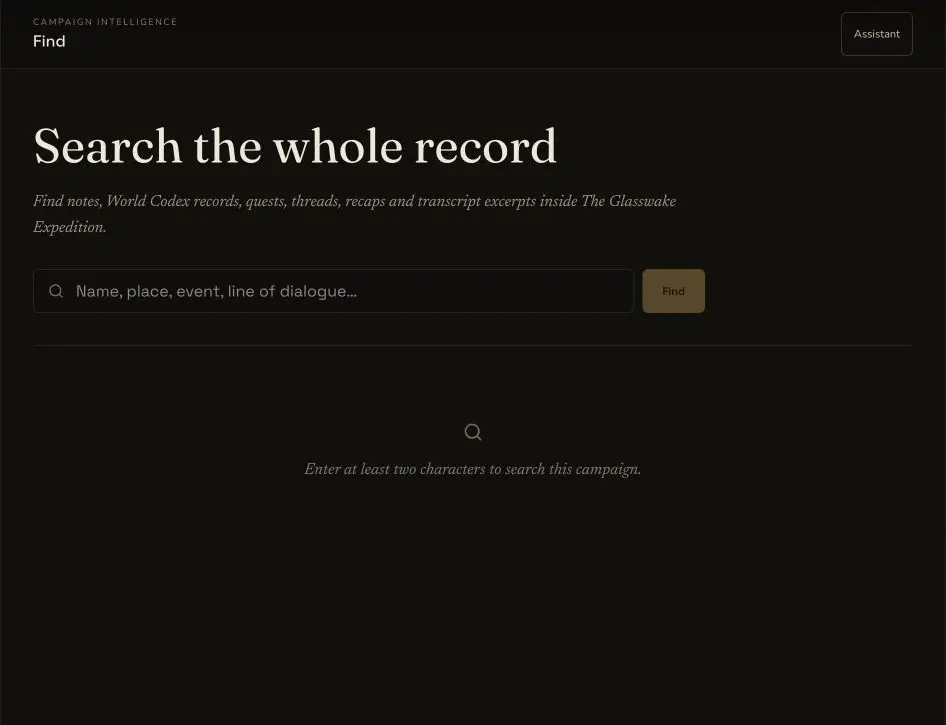
The desktop Find desk states the searchable campaign material and keeps the query separate from any Assistant run.
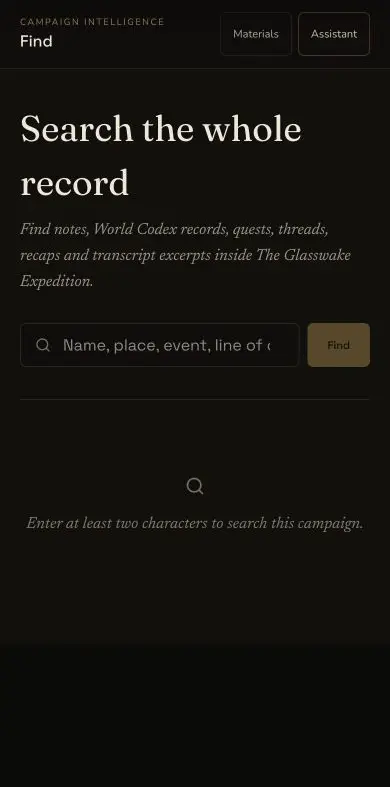
The compact Find interface preserves the same minimum-query guidance. Populated results and reconnect behaviour remain receipt-backed.
2. Read the result type and excerpt
Each result identifies its material type and title. It can include an excerpt and session number. Open the result to inspect the full record. A short excerpt can omit the qualification that changes the meaning of a campaign fact.
3. Treat an empty result as a search result
The retained Workbench check searched for a possible Building name collision and returned no match. That supported the later naming check. It did not prove that no related idea existed under another name or record type.
Review the sources used by Assistant
4. Open Used campaign sources
Assistant source chips open the source drawer. Review each source key, title, record type, excerpt and inclusion reason. Session evidence can include speaker labels and timestamps, while a session number helps you place the excerpt in the campaign chronology.
5. Compare session and campaign sources
Session recaps and transcript excerpts show what happened at the table.
Campaign notes, World Codex records, quests, threads and relationships show the
maintained campaign state. If they disagree, classify the point as DISPUTED
or correct the underlying record rather than choosing the more convenient
version.
6. Keep the search architecture boundary accurate
Campaign Studio uses the shared campaign index for campaign-owned material. The shipped implementation is not a vector database and it does not add campaign lore to the generic product-help index. Search quality therefore depends on the maintained campaign records and their searchable text.
Recover one interrupted answer without repeating it
7. Reconnect to the original run
If Campaign Studio says that an Assistant run is still in progress, choose Reconnect. The retained recovery continued the original run rather than creating a replacement. It restored the same run and the same idempotency key, then replayed the ordered events from the saved cursor.
8. Verify the recovered terminal state
Read the final answer, source chips and run cost after recovery. The retained reconnect added no duplicate Gold charge and no second transaction. Its final source-backed answer remained attached to the original run.
Checkpoint
Check your result
- Find returns the expected material type, title and excerpt, or a clear no-match result.
- Session claims retain their session context, speaker labels or timestamps where available.
- Assistant claims can be traced through source keys to the campaign records that informed them.
- Reconnect continues the original run with the same idempotency identity and no duplicate charge.
If something looks wrong
Troubleshooting
- Symptom
- Find returns no match for a known detail.
- Likely cause
- The record may use another name, lack searchable text or belong to a material type you did not expect.
- Next safe action
- Try a shorter distinctive term, inspect the relevant desk and check the maintained record directly.
- Symptom
- A source chip opens a record that looks unrelated.
- Likely cause
- The excerpt or inclusion reason may be too broad for the claim you are checking.
- Next safe action
- Read the full source and classify the claim as inferred, proposed or disputed if the record does not support it directly.
- Symptom
- An interrupted run still shows the reconnect notice.
- Likely cause
- The client has not yet recovered the terminal event stream.
- Next safe action
- Reconnect to the original run once and wait for its final read-back. Do not send the prompt again while that run exists.