
AI DnD Character Prompts for Better Fantasy Art in 2026
AI DnD character prompts for better fantasy art, consistent character references, tokens, NPC portraits, and CharGen edits.
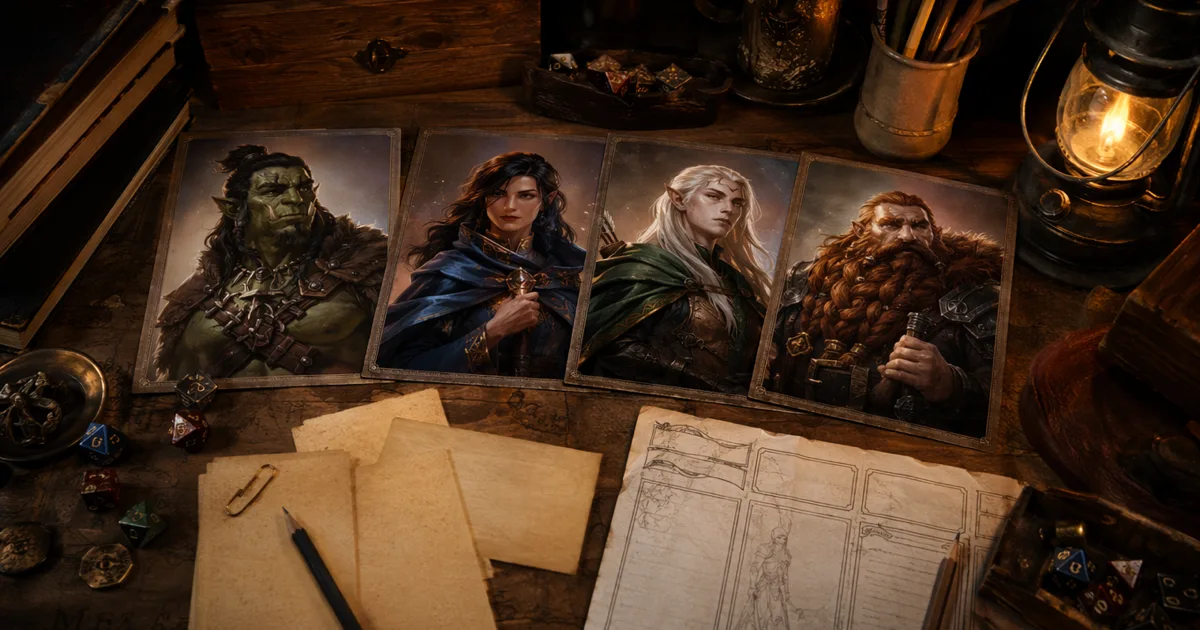
AI DnD character prompts get much better once you stop writing them like a shopping list. A prompt that says elf, rogue, hood, dagger, dark, cool, 8k might produce something passable, but it rarely gives you a character you would recognise three sessions later. I want a portrait I can show at the table, crop into a token, and reuse when the same character turns up with a new scar and a worse attitude.
That is why I rewrote this guide. The old advice still had a few useful basics, but 2026 prompt writing has moved on. Image tools now handle references, edits, style tests, and cleaner character workflows. OpenAI's release notes from 21 April 2026 mention ChatGPT Images 2.0 and images with thinking, while Midjourney's character reference docs explain how reference weight changes what details carry into a new image. The useful lesson for D&D players is not "make longer prompts". It is "give the model the right job in the right order".
I use CharGen's Character Generator when I want the shortest route from character idea to usable fantasy art, then I move into a paid Arena A/B test, NPC Generator, or Token Maker depending on what the table needs. The prompt is only one part of that flow, but it decides whether the rest of the workflow feels easy or like pulling teeth.
The ai dnd character prompts formula I actually use
My best character prompts use five blocks, always in this order:
| Prompt block | What it does | Example |
|---|---|---|
| Role and ancestry | tells the model what kind of person this is | half-orc barbarian veteran |
| Permanent visual anchors | keeps the character recognisable | chipped left tusk, ritual scars, broken nose |
| Gear and silhouette | controls armour, weapons, and shape | dented scale armour, fur mantle, heavy greataxe |
| Mood and pose | gives acting direction | quiet rage, shoulders squared, looking past the viewer |
| Light and format | makes the image usable | overcast battlefield light, chest-up fantasy portrait |
Here is the full version:
Half-orc barbarian veteran, chipped left tusk, ritual scars across scalp, broken nose, dented scale armour, fur mantle, heavy greataxe strapped across back, quiet rage, shoulders squared, looking past the viewer, overcast battlefield light, chest-up fantasy portrait.
That prompt works because it separates identity from decoration. The chipped tusk and ritual scars are anchors. The axe and fur mantle are costume. The mood tells the image what the face should do. The format says "please do not give me a tiny full-body figure surrounded by a mountain range".
Right, so if your current prompts feel unreliable, do not start by adding twenty extra adjectives. Start by checking whether those five blocks are present.
Start with the character's job at the table
Before I write a visual prompt, I decide what the art has to do during play.
There is a big difference between:
- a player character portrait for a campaign profile
- a disposable tavern NPC
- a villain reveal image
- a VTT token source
- a party lineup for session zero
The same character might need different prompt choices depending on the job. If I am making a token, I care about silhouette, face clarity, and contrast. If I am making a roleplay portrait, I care more about expression and clothing. If I am making a villain reveal, I let the composition get more dramatic because the players will see it once at a larger size.
CharGen helps here because the workflow is split into tools that match those jobs. I can build a player character in the Character Generator, make supporting cast in NPC Generator, compare image models before spending more credits, then send the best portrait to Token Maker when it needs to work on Roll20 or Foundry.
Concrete example: I generated a half-elf grave cleric for a one-shot using this starting prompt:
Half-elf grave cleric, late twenties, ash-brown skin, silver mourning beads woven into black hair, bone-white travelling coat, small cracked bell at belt, calm expression, candlelit crypt doorway, chest-up fantasy portrait.
The first result was close, but the bell kept turning into a huge weapon. I changed small cracked bell at belt to tiny cracked handbell hanging from leather belt and moved it after the clothing. That fixed it. Tiny wording changes matter because image models often latch onto the most visually loud object.
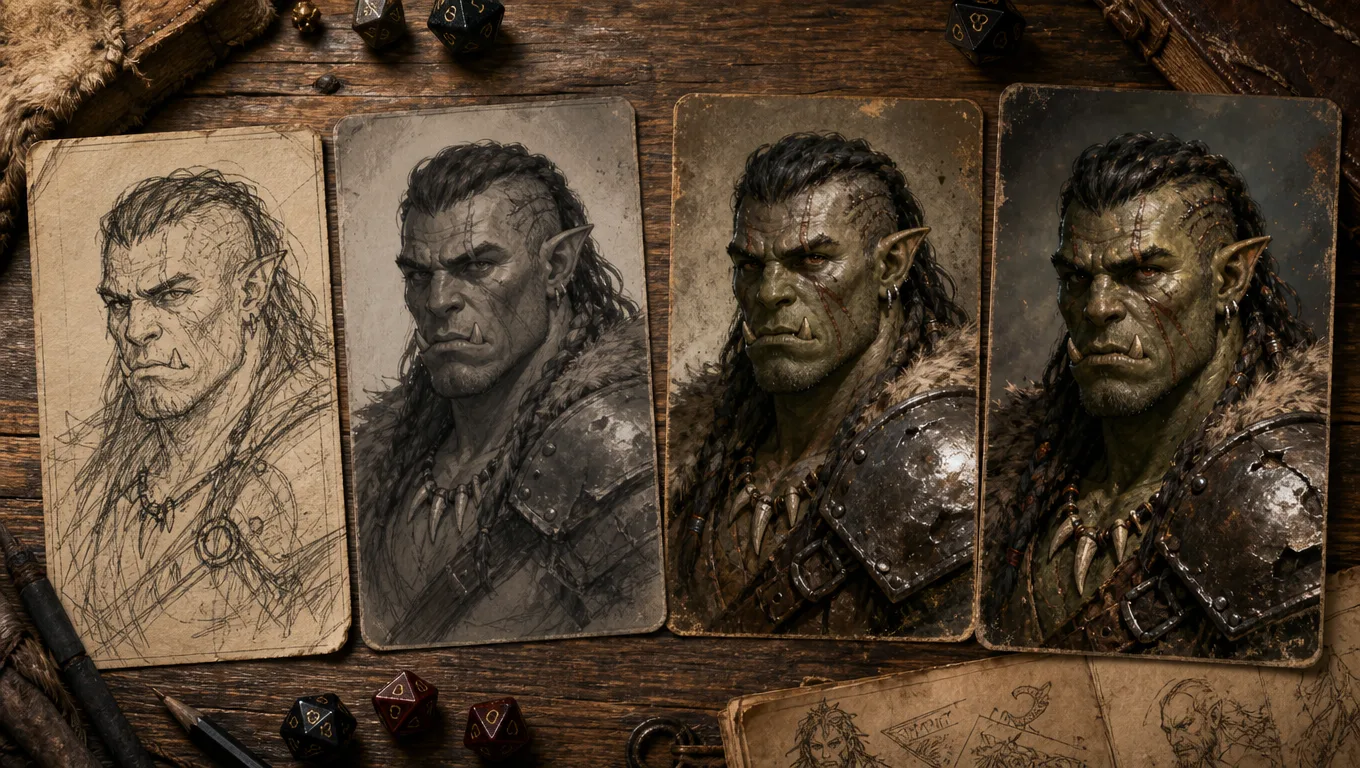
A weak prompt, a better prompt, and the version I would use
Most bad D&D prompts are not bad because the idea is weak. They are bad because the model has to guess too much.
| Prompt quality | Prompt | What happens |
|---|---|---|
| too thin | tiefling rogue, dark alley | you get a generic horned thief |
| better | tiefling rogue with red skin, curved horns, black leather armour, daggers, dark alley | the basics appear, but personality is still thin |
| table-ready | tiefling rooftop burglar, deep red skin, one broken horn, brass hoop earrings, matte black leather armour, twin narrow daggers, amused half-smile, crouched on wet roof tiles at midnight, violet city lantern light, chest-up portrait with clear face | the character has anchors, attitude, and a usable crop |
The final prompt is not magic. It just gives the model fewer chances to invent the wrong thing.
Notice what I did not include: a long backstory, the full subclass build, every weapon proficiency, the name of the city, or the tragic childhood. That material belongs on the character sheet or in CharGen's notes, not necessarily in the image prompt. If you ask the image model to paint grief, royal politics, a secret pact, five items, a familiar, a castle, a full-body pose, and four tattoos at once, do not be shocked when it forgets the ears.
My rule is brutal: if a detail would not be visible in the image, I usually keep it out.
How to write dnd ai art prompts for armour, weapons, and magic
Fantasy gear is where prompts often fall apart. Armour turns into mush, weapons multiply, and magic effects cover the face. I keep this under control by treating gear like silhouette, not inventory.
For armour, pick one material and one condition:
dented steel platedark boiled leathergreen-patinated bronze scale armourbone-inlaid ceremonial mail
For weapons, pick one main weapon and place it clearly:
longsword held point-downwarhammer resting on shoulderbow slung across backdagger held low in left hand
For magic, describe the source and keep it away from the face unless the face is the point:
blue runes glowing around the staff headembers curling from open palmpale necrotic light under the holy symbolfaint green spell circle behind the shoulder
Here is a prompt I would use for a dwarf paladin:
Dwarf paladin of an old mountain oath, square face, braided auburn beard with two iron rings, dented steel plate, round shield on back, warhammer resting on right shoulder, tired but kind eyes, pale gold divine light around the hammer head, stone chapel background, chest-up fantasy portrait.
That gives the model one weapon, one armour material, one expression, and one magic effect. It does not ask for every piece of equipment on the sheet. The result is usually clearer.
Prompt templates for common D&D characters
These are the prompt patterns I reuse most often. Treat them as starting points, not commandments.
Player character portrait
[ancestry] [class or table role], [age cue and build], [two permanent face or body anchors], [main clothing or armour], [one signature item], [expression], [lighting], chest-up fantasy portrait.
Example:
Human battlemaster, early forties, broad build, broken nose and cropped greying hair, scratched half-plate, blue officer's sash, old cavalry sabre at hip, measuring expression, rainy dawn light, chest-up fantasy portrait.
NPC portrait
[occupation] in [location], [ancestry and age cue], [one memorable face detail], [clothing tied to job], [behaviour cue], [local light], close portrait for tabletop RPG.
Example:
Harbour quartermaster in a salt-stained port city, older dwarf woman, clouded left eye, waxed ledger apron over wool coat, suspicious side glance, cold morning dock light, close portrait for tabletop RPG.
Villain reveal
[villain role], [strong silhouette], [two identity anchors], [symbol of power], [pose], [dramatic but readable lighting], fantasy key art.
Example:
Exiled elven archmage, tall razor-thin silhouette, silver hair cut short and black crystal veins at temples, cracked moonstone crown, one hand raised over a floating spellbook, cold blue throne-room light, fantasy key art.
VTT token source
[character role], [clear face anchors], [high contrast clothing], [single weapon or item], [plain or simple background], centred chest-up portrait, readable at small size.
Example:
Goblin saboteur, yellow eyes and split right ear, soot-black hooded coat, small curved knife, simple warm grey background, centred chest-up portrait, readable at small size.
The token version is deliberately plain. Tokens punish busy art. If the portrait only works when zoomed in, it is not a good token source.
How I use CharGen settings without overthinking them
Inside CharGen, I start with the generator that matches the job. For a player character, I use the Character Generator. For a supporting cast member, I use the NPC Generator. If I am unsure which model will handle a prompt best, I send the idea through a paid Arena A/B test before committing.
The bits I pay attention to:
Quick Descriptionor prompt field: this gets the five-block prompt- race, class, and role dropdowns: I use them to anchor obvious D&D concepts
- model choice: I keep it consistent for recurring characters
- edit tools: I use these for small fixes instead of rebuilding the whole image
- token route: I move only the clearest portraits into Token Maker
I do not fill every field just because it exists. More inputs can help, but only when they agree with each other. If the dropdown says dwarf, the prompt says tall elf, and the style cue says anime vampire lord, the output will probably wobble.
One honest limitation: AI image tools still struggle with exact weapons, hands, and complex armour joins. CharGen reduces the friction, but it cannot make a crowded prompt physically perfect every time. I normally accept small imperfections for private table use, then regenerate or edit when the image is player-facing and important.
Try the Character GeneratorOctober 2026 update: the current Character Generator flow
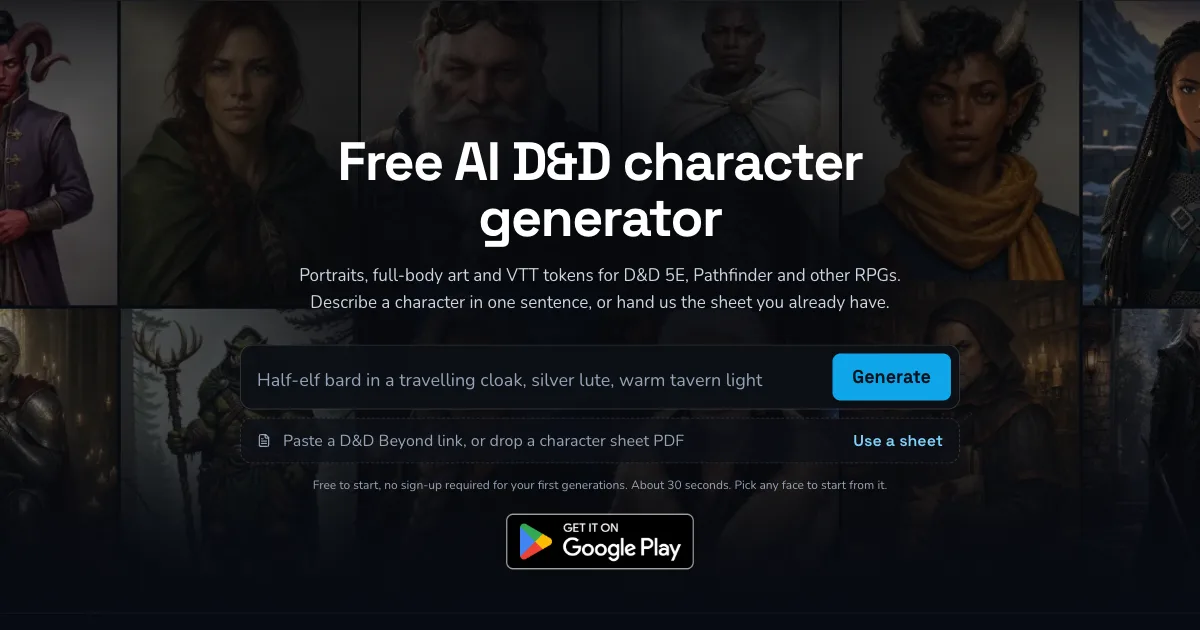
The public Character Generator now starts with one Describe your character box and a Generate button. Its example prompt is Half-elf bard in a travelling cloak, silver lute, warm tavern light. You can also select a sample character to place its description in the box.
If you already have a character sheet, choose Use a sheet. The page accepts a D&D Beyond link or a character sheet PDF. It reads details such as species, class, and appearance, then lets you change them before you generate. I like this route when the sheet already has the details I need. I only add visual anchors that the sheet does not show, such as a broken horn, a brass ear cuff, or a worn red scarf.
Image prices now depend on model and quality. CharGen shows the Gold cost before you generate. Its current pricing page lists GPT Image 2 at 1 Gold for a draft, 8 for standard, and 25 for high detail. Failed generations return their Gold. A result you dislike does not. I would test a prompt with a draft, fix one visible problem, then spend more only after the character reads clearly.
The CharGen editing toolkit for fixing a good-but-not-perfect portrait
Most portraits need one small fix, not a full regeneration. CharGen's edit suite handles that without burning another generation:
- Face swap: drop in a different face without touching the rest of the portrait.
- Inpainting: repaint one region (a scar, a pendant, a torn sleeve) and leave everything else alone.
- Upscaler: push resolution up for print or a bigger table display.
- Background removal: strip the background for a clean token crop.
- Sketch tool: turn a rough sketch into a finished portrait instead of starting from a text prompt.
I reach for inpainting the most. If the face and pose are right but the robe colour is wrong, inpainting fixes just the robe. That is faster and cheaper than rerolling the whole image and hoping the face survives a second time.
Use references and edits for consistency, not bigger prompts
If a character matters for more than one session, I stop trying to solve everything with text. I create a stable base portrait, then use it as the visual anchor for later work.
Midjourney's character reference documentation is useful here even if you mainly use CharGen, because it explains the general idea well: a reference can pull details like face, hair, and clothing into later images, while a weight setting controls how strongly those details carry over. The exact UI differs by tool, but the principle is the same. Text prompts describe the change. References protect identity.
In CharGen, my continuity routine looks like this:
- Generate the base portrait.
- Save the prompt in the character or NPC notes.
- Write a tiny visual anchor, such as
one broken horn, brass hoops, matte black armour. - Use edits for injuries, lighting changes, and clothing changes.
- Keep the same model for that character unless the story calls for a visual shift.
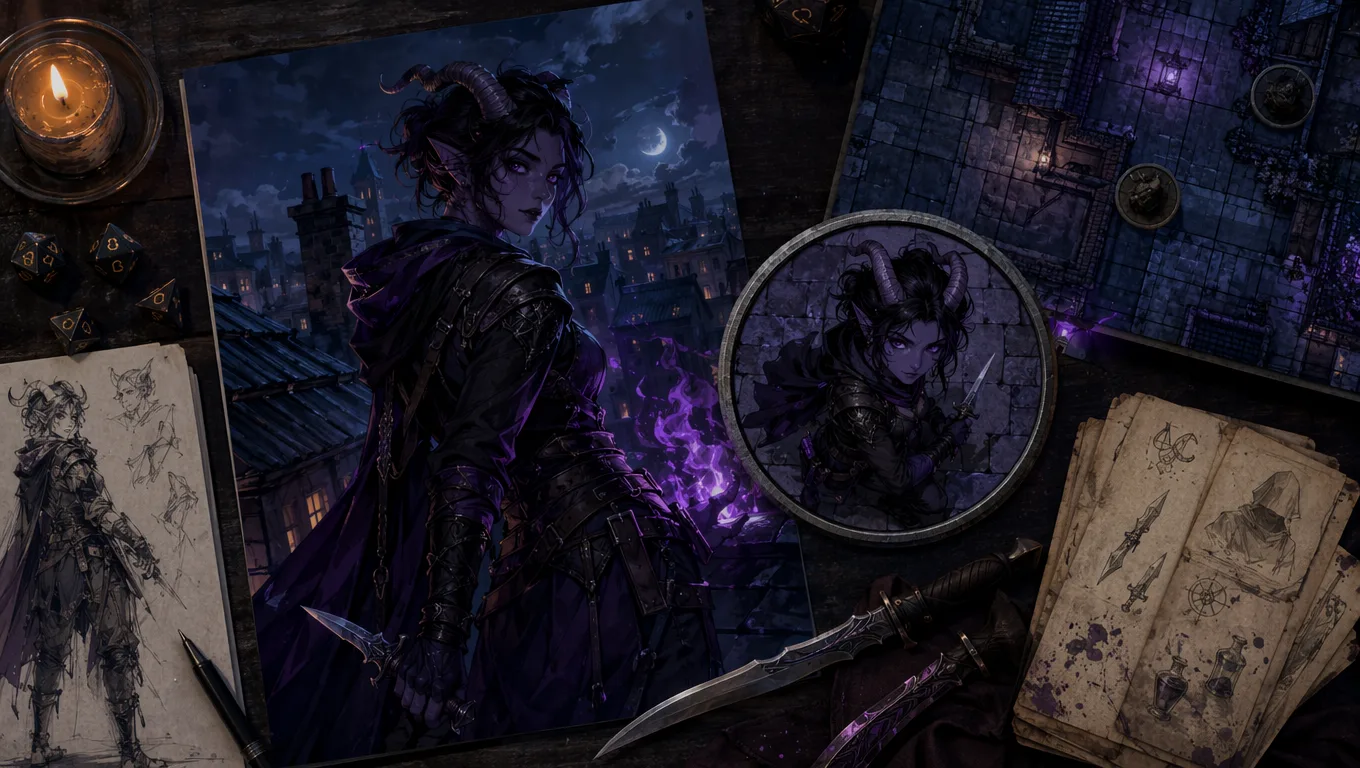
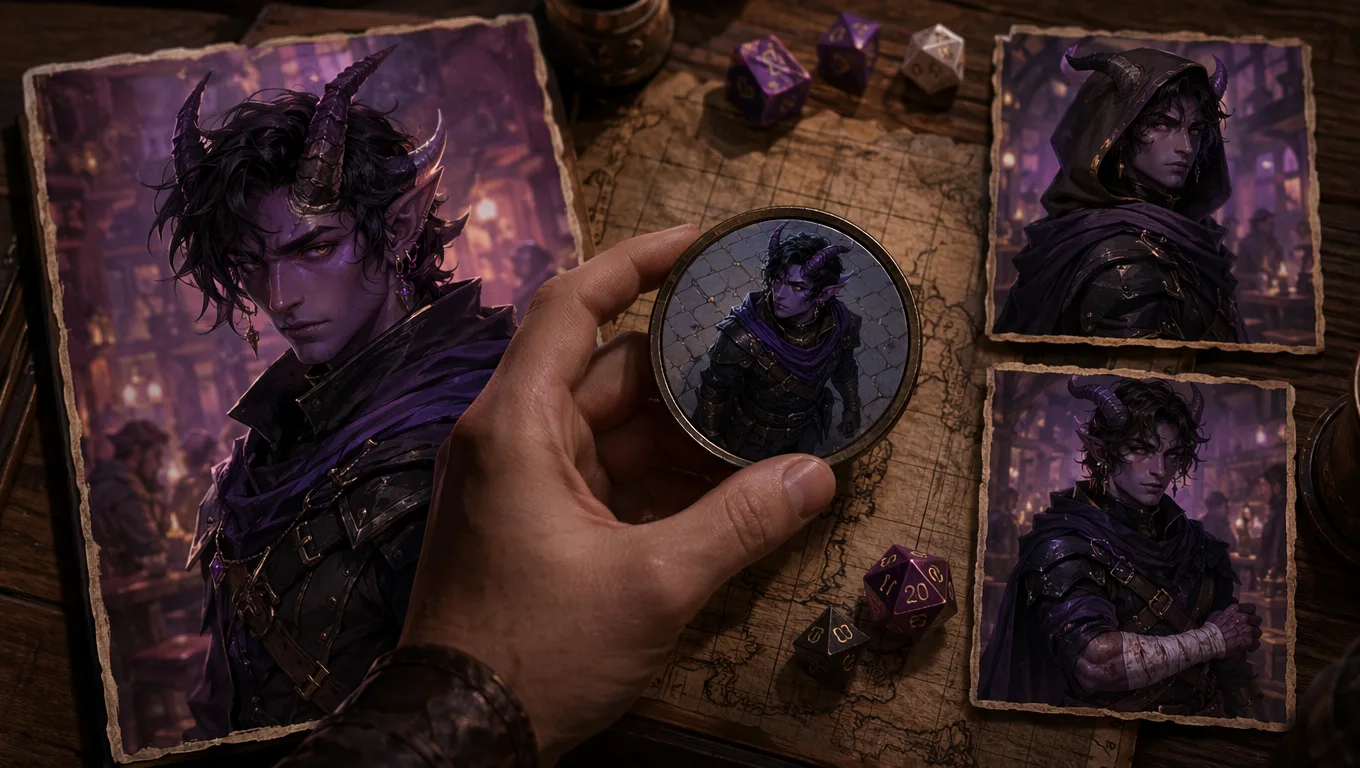
Example from my table: a tiefling rogue survived a rooftop fall and came back with a bandaged forearm. I did not regenerate from scratch. I edited the existing portrait and asked for a linen bandage around the left forearm, slightly torn sleeve, keep the same face, horns, earrings, armour, and expression. That kept the character recognisable.
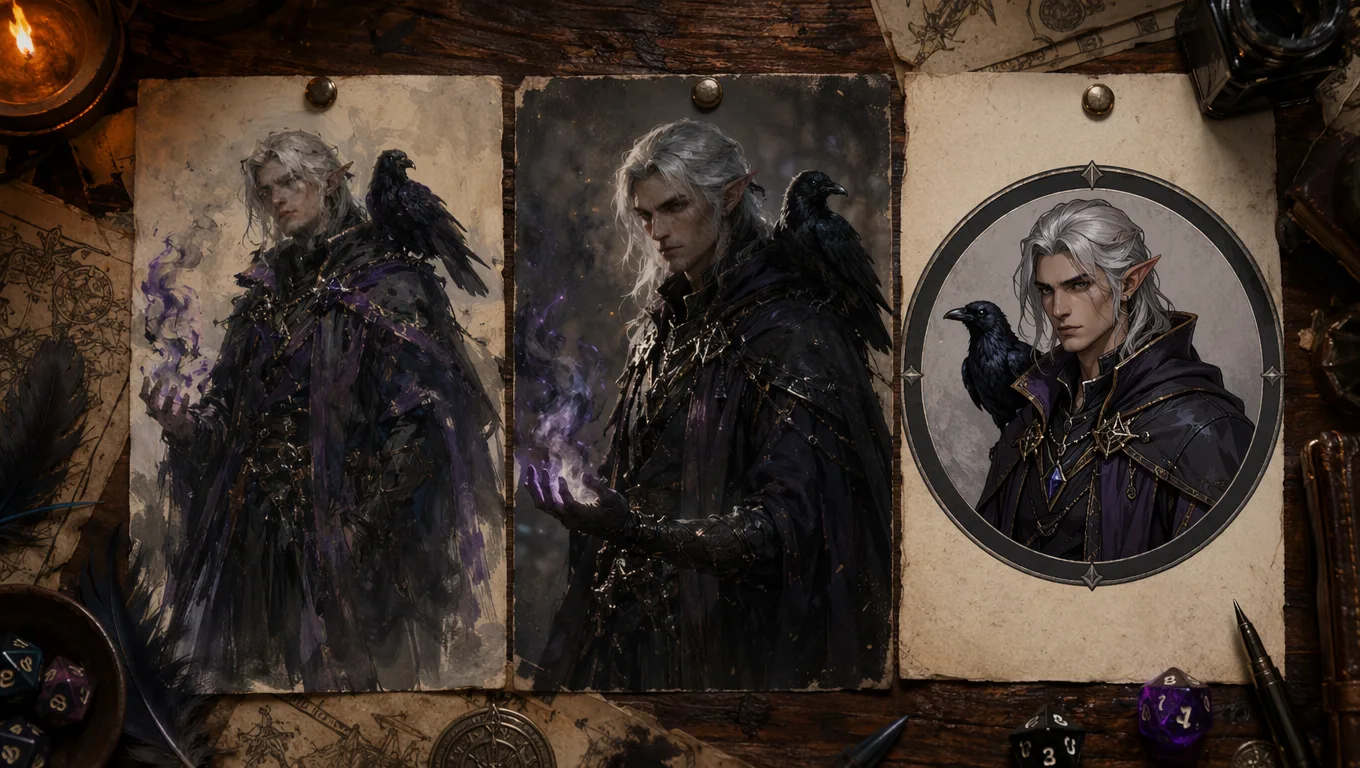
People also ask: short answers before the longer workflow
Search results around this topic are full of quick questions, so here are the answers I would give at the table.
| Question | Short answer |
|---|---|
| How do I create AI D&D characters? | Start with role, ancestry, visual anchors, gear, mood, and format. Then generate in a tool built for RPG characters. |
| What makes a good AI character generator prompt? | One clear subject, two or three visible anchors, one style or lighting direction, and a usable output format. |
| Should I include backstory in the prompt? | Only if it changes the visible art. Put the rest in notes. |
| How do I make a character look consistent? | Save a base portrait, reuse fixed visual anchors, keep the same model, and edit rather than regenerating every time. |
| What is the best prompt length? | Usually one strong sentence or two short ones. Long prompts work only when the details are ordered clearly. |
Roll20's 2024 D&D compendium says NPCs rarely need much more than a few distinctive details, and I think the same is true for character art prompts. A tattoo, a broken nose, a badly dressed musician, a chipped tusk. Small specifics do more work than vague intensity.
Prompt fixes for common bad results
When an image fails, I do not rewrite everything. I diagnose the failure and make one targeted change.
| Bad result | Likely prompt issue | Fix |
|---|---|---|
| character is too tiny | format missing or scene too dominant | add chest-up portrait or centred portrait |
| armour looks muddy | too many materials | use one armour material and one condition |
| weapon is wrong | weapon described vaguely | name one weapon and say where it is |
| face lacks personality | no acting direction | add one expression or mood cue |
| character changes between images | no stable anchor | save two or three permanent traits and reuse them |
| background steals focus | setting too detailed | move setting to the end and simplify it |
For example, if dragonborn sorcerer in a crystal cave with storm magic gives me a tiny figure surrounded by glittering rocks, I change it to:
Dragonborn storm sorcerer, blue-black scales, one cracked horn, silver nose ring, dark travelling robes, lightning curled around left hand, stern expression, simple crystal cave background, centred chest-up fantasy portrait.
The character moves to the front because I told the model the crop and hierarchy. That is the whole trick.
My 15-minute CharGen workflow for better character art
Here is the exact workflow I use when a player needs art before session zero.
| Minute | Step | What I do |
|---|---|---|
| 0-2 | write the anchor | role, ancestry, face anchors, gear, mood |
| 2-5 | generate first pass | use Character Generator with a clear portrait format |
| 5-8 | pick the best direction | choose one image with the strongest face and silhouette |
| 8-11 | edit or regenerate once | fix the biggest problem only |
| 11-13 | save notes | store the prompt and visual anchor |
| 13-15 | make a token if needed | use Token Maker for VTT-ready output |
That last step is where many players waste time outside CharGen. They generate a good portrait, download it, open another site, crop it badly, lose the original prompt, then wonder why future art does not match. Keeping the character art and token work close together saves a surprising amount of bother.
Prompt examples by race and class
The examples below are intentionally specific. Swap the anchors, not the whole structure.
If you are looking for more on the art side, the best AI image generators for D&D character art in 2026 covers which tools to use and when. And if you want to compare the full workflow, top 10 D&D character creator tools puts CharGen alongside the other main options.
Elf ranger
Wood elf ranger, lean build, copper-brown skin, dark green eyes, braided black hair with small bone beads, weathered green cloak over leather armour, ash bow held low, alert expression, misty pine forest light, chest-up fantasy portrait.
Why it works: the bow, cloak, beads, and lighting all point in the same direction.
Dwarf artificer
Dwarf artificer, compact build, soot-streaked cheeks, braided black beard tied with brass wire, patched leather apron over chain shirt, tiny clockwork beetle on shoulder, focused squint, warm forge light, close tabletop RPG portrait.
Why it works: the beetle is the one clever prop. If I added goggles, five tools, a hammer, a pistol, a furnace, and sparks everywhere, the portrait would get noisy.
Tiefling bard
Tiefling bard, violet skin, swept-back ivory horns, gold nose chain, embroidered burgundy coat, silver lute slung across back, sly stage smile, amber tavern spotlight, chest-up fantasy portrait.
Why it works: the lute is present but not blocking the face.
Human warlock
Human warlock, late thirties, shaved head, black veins at left temple, severe navy coat with bone buttons, raven feather charm at throat, calm unsettling stare, green candlelight, close fantasy portrait.
Why it works: the pact is implied through visible marks and mood. The prompt does not need a paragraph about the patron.
Dragonborn fighter
Bronze dragonborn fighter, heavy build, scar crossing snout, one broken crest spike, dark iron breastplate, round shield edge visible at side, disciplined guard stance, cloudy battlefield light, centred chest-up portrait.
Why it works: dragonborn anatomy is already a lot for the model, so the rest stays controlled.
What I avoid in AI character generator prompts
I avoid these because they usually make output worse:
- giant quality strings like
masterpiece, 8k, ultra detailed, best quality - too many colours in one outfit
- two weapons in active use
- full-body prompts when I need a token or portrait
- famous actor likenesses
- living artist style requests
- backstory paragraphs with no visible details
- negative prompts longer than the actual prompt
The living artist point matters. It is better to ask for broad visual traits like inked fantasy illustration, painted book-cover lighting, or clean token portrait than to copy a named current artist. It is cleaner, and it gives you more control over what you actually want.
Also, be honest with your table. A recent r/DnD thread about a player sending AI art to another player for redrawing showed the same split I see all the time: some groups treat AI art as quick concept help, while others dislike it in visible campaign material. Neither view is rare. Ask before you drop AI portraits into a shared character gallery.
How to turn prompt output into table-ready assets
Good character art still needs a final pass before I show it to players.
My checklist:
- face clear at thumbnail size
- one dominant colour or material
- no unreadable fake text
- no extra fingers or duplicate weapons in the crop
- background supports the character instead of fighting them
- prompt saved beside the character record
- token crop tested at VTT size
For recurring NPCs, I also add one session note: how the party last saw them. That is useful later when I regenerate or edit the portrait. Captain Rhyl, acid scar left cheek after failed treaty, cloak clasp cracked is a better future prompt anchor than "make her look tougher".
If you already use CharGen's Session Summary tool, this is where the workflow gets stronger. A session recap can remind you that the paladin lost their shield, the bard changed coats, or the smuggler now has a black eye. Those details become visual updates instead of accidental continuity errors.
July 2026 update: AI DnD character prompts for consistency
The biggest prompt problem I see in July 2026 is not getting a good first image. It is getting the same character again after the campaign has moved on. A player wants the rogue in winter clothes. The cleric needs a post-battle version with a cracked holy symbol. The villain now has a burned sleeve because the sorcerer got lucky. If you regenerate from the original idea every time, you are asking the model to remember a person it has never actually met.
For recurring characters, I now treat AI DnD character prompts as a continuity record, not just a one-off art request. The text prompt says what should change. The saved portrait, model choice, and visual anchor say what must not change.
My current reference-card format is short:
| Continuity field | What I save | Example |
|---|---|---|
| face anchors | details that make the person recognisable | one broken horn, brass hoop earrings, amused half-smile |
| body and silhouette | shape cues the model should keep | narrow shoulders, matte black leather armour, hood down |
| colour anchors | two colours that matter | deep red skin, violet lantern light |
| story state | the latest visible change | linen bandage around left forearm after rooftop fall |
| prompt job | what the new image should do | same character, winter cloak, chest-up token portrait |
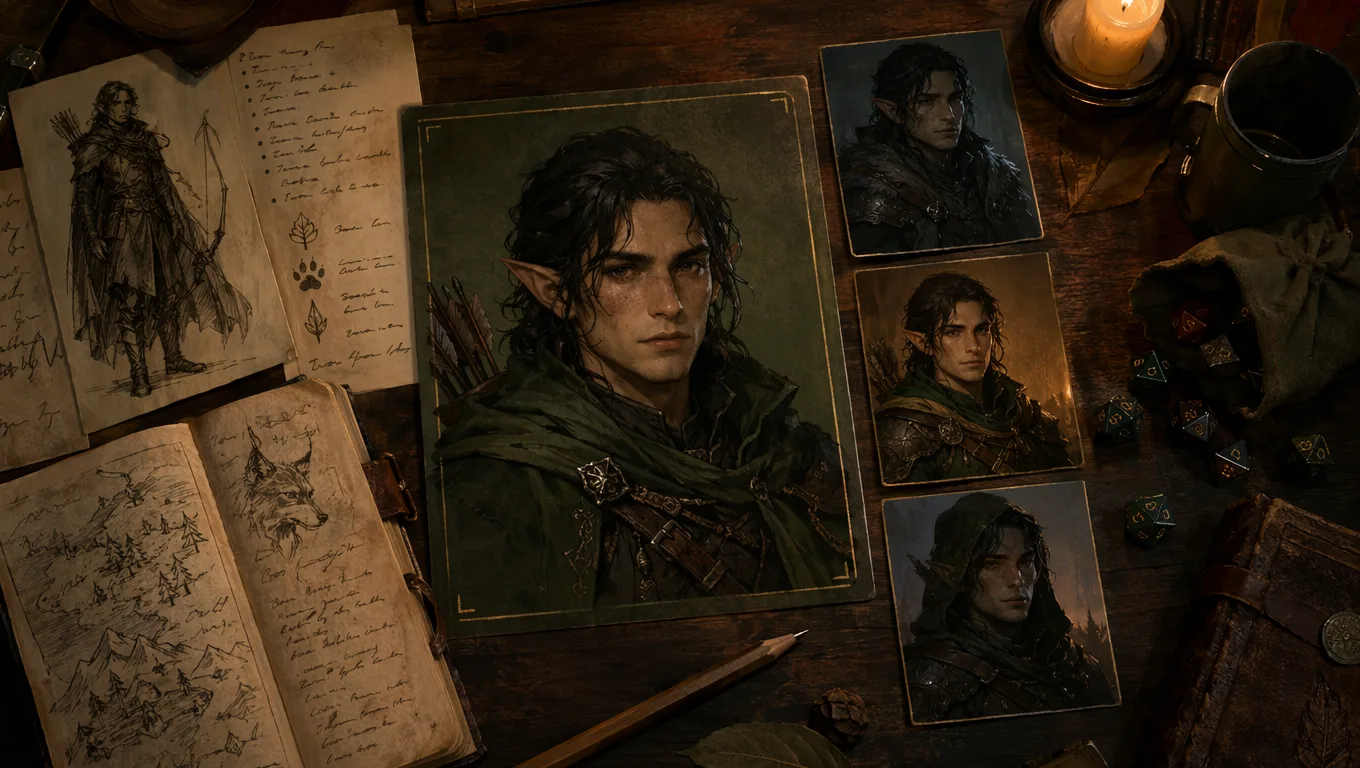
That format works better than pasting the whole backstory into every generation. It gives the model stable visual facts first, then a narrow instruction. In CharGen, I keep that reference card in the character notes, then use the same model for edits and follow-up portraits unless I am deliberately changing the art direction.
Here is the kind of prompt I would use for a second image of the tiefling rogue from earlier in the guide:
Same tiefling rooftop burglar as the saved reference, deep red skin, one broken horn, brass hoop earrings, matte black leather armour, amused half-smile, now wearing a dark winter cloak with frost on the shoulders, linen bandage around left forearm, keep the same face and horns, centred chest-up fantasy portrait for VTT token.
Notice the order. I repeat the identity anchors before I mention the new cloak. If I lead with winter cloak, the model often redesigns the whole character around the outfit. If I lead with the character, the cloak becomes a costume change instead of a new person.
My continuity workflow inside CharGen
For a character who will appear more than once, I use this routine:
| Step | CharGen action | Why it helps |
|---|---|---|
| save the first winner | keep the best portrait and prompt in the character record | gives you a base design |
| write a visual anchor | reduce the design to three or four visible details | keeps future prompts focused |
| edit before regenerating | use an edit for scars, clothing, wounds, and lighting | avoids random redesigns |
| compare only when needed | use a paid Arena A/B test when the first model keeps missing a detail | stops credit waste |
| tokenise the clearest version | send the readable portrait to Token Maker | tests whether the art works at table size |
The practical difference is huge. I made a human warlock NPC with black veins at the left temple, a raven feather charm, and a severe navy coat. The first portrait was good. Two sessions later, I needed him disguised as a city clerk. A full regeneration gave me a different face three times in a row. An edit prompt worked on the first attempt: same human warlock, keep shaved head, black veins at left temple, raven feather charm hidden under plain clerk collar, replace severe navy coat with brown municipal robe, tired neutral expression, same face.
That is the pattern worth copying. Do not ask for a new version when you only need a costume, injury, expression, or token crop. Ask CharGen to preserve the person and change the table-relevant detail.
When consistency still breaks
Even with references and careful prompts, consistency can break. Horns swap sides. Hair length drifts. Armour gets too ornate. The fix is usually not a longer prompt. It is a stricter one.
I use these corrective phrases when a character starts drifting:
| Problem | Correction prompt |
|---|---|
| face changed too much | keep the same face shape, eyes, nose, mouth, and expression as the reference |
| outfit changed too much | only change the cloak, keep the same armour and jewellery |
| token crop is messy | simple background, centred chest-up portrait, readable at small size |
| weapon keeps mutating | one plain longsword held point-down, no other weapons visible |
| pose became too dramatic | calm standing pose, shoulders squared, face clearly visible |
Worth mentioning though, exact continuity is still harder than a single attractive image. Midjourney's character reference system gives you a visible --cw control for how much reference detail carries over, and that tells us something useful even outside Midjourney: face, hair, clothing, and accessories are different kinds of information. A prompt that protects all of them at once needs to be explicit about priority.
For my home games, I care most about face, silhouette, and one or two signature details. If the coat buttons change, fine. If the broken horn disappears, I fix it.
2026 prompt examples by character class
The prompts below are ready to paste into CharGen or any AI art tool. Each one follows the five-block structure: role and ancestry, visual anchors, gear, mood, and format. Copy them as-is, or swap in your own details.
Ranger
A rugged half-elf ranger in weathered green cloak, medium build, amber eyes, carrying a longbow and a wolf companion, realistic fantasy art style, detailed lighting
Paladin
A dwarf paladin in gleaming silver plate armour, braided red beard, holy symbol of a sunburst, heroic pose, dramatic light source from above, D&D character art style
Rogue
A tiefling rogue with crimson skin and curved horns, wearing dark leather armour, dual daggers, confident smirk, city rooftop background at dusk, semi-realistic fantasy
Wizard
An elderly human wizard with long white hair and long beard, blue robes covered in arcane symbols, holding a staff topped with a glowing crystal, mystical forest background
Warlock
A half-orc warlock with tusks and purple eyes, elaborate dark pact-markings on skin, wearing flowing black robes, eldritch energy swirling around hands
Use these as starting points. If the model ignores a detail, move it earlier in the prompt. If two details fight each other, cut one.
Prompting approaches by tool
Different tools expect prompts in different formats. Here is a quick comparison:
| Tool | Prompt format | Strength | Limit |
|---|---|---|---|
| ChatGPT Images | Conversational sentences | Good at narrative descriptions and creative brief-style prompts | Less predictable for exact visual control |
| Midjourney | Comma-separated tags | Excellent detail control, fine aesthetic tuning | Requires Discord; steeper learning curve |
| CharGen | Character-focused fields plus prompt | Fastest for TTRPG characters; structured workflow built for RPG use | Free tier; specialised for fantasy characters |
The short version: if you want quick D&D portraits with a workflow that already knows what a cleric or a tiefling is, CharGen is the shortest path. If you want fine-grained aesthetic control and do not mind a technical setup, Midjourney rewards the effort. ChatGPT Images works well when you describe a character in plain English and want a close-enough result fast.
August 2026: test the model before you build a character set
The prompt is only half of the result. The image model changes how it reads your anchors, crop, lighting, and style direction. If you are making one portrait, that difference is easy to miss. If you are making a recurring NPC, a party handout, and a VTT token, it becomes expensive.
I now test the same character brief in two models before I build a set. CharGen's new Blind Arena makes that test easier to judge. The free Arena shows candidate A and candidate B without their model names. You vote for A, B, a tie, or both fail. A non-skip vote reveals the model names after the decision.
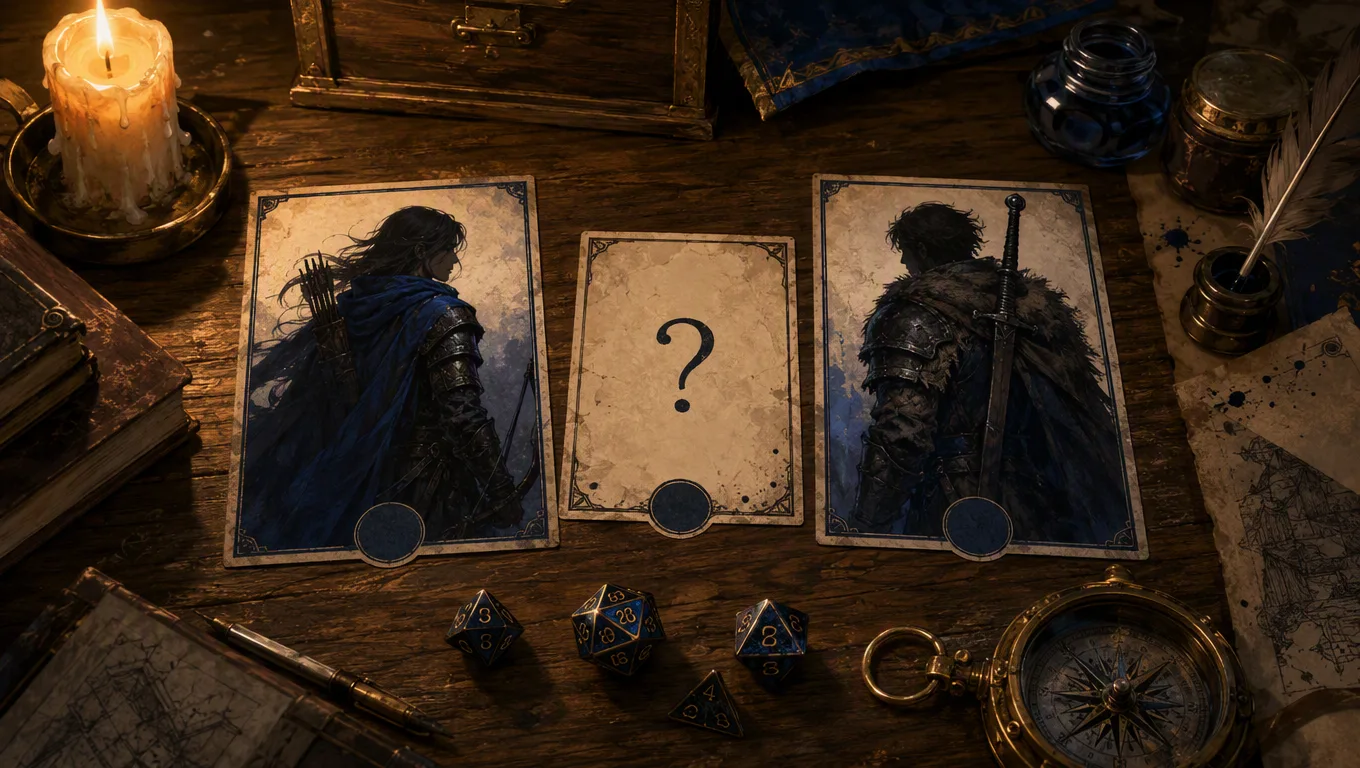
That order matters. If I see a familiar model name first, I bring expectations into the comparison. I may forgive a missing tusk because I already believe the model is good at character art. A blind choice makes me look at the face, silhouette, and fixed details before I look at the brand.
The Arena methodology also makes the limits clear. Ratings are preference signals, not a final truth about image quality. A model with three good votes can move quickly. A model with no votes is not average, it is untested. Read the task filter and battle count beside the rating.
The fixed test prompt I use for recurring characters
I keep the first comparison narrow. My brief has five parts:
- Role and ancestry:
half-orc harbour warden - Permanent face anchors:
chipped left tusk, two scars above the right eyebrow - Recognisable clothing or prop:
blue-grey scale armour, brass key ring - Mood and pose:
tired but alert, shoulders squared - Output format:
chest-up portrait, plain storm-grey background, readable silhouette
The full test prompt is:
Half-orc harbour warden, chipped left tusk, two ritual scars above the right eyebrow, dented blue-grey scale armour, brass key ring at the belt, tired but alert expression, shoulders squared, chest-up portrait, plain storm-grey background, readable silhouette.
I do not add a different art style to one side. I do not give one model a reference image and the other a text-only prompt. I keep the aspect ratio and output size the same. If both models miss the key ring, I fix the prompt. If only one misses it, I have useful model evidence.
Compare for the table, not for the gallery
My comparison checklist is short:
| Check | What I ask |
|---|---|
| Face | Do I recognise the same person after one glance? |
| Anchors | Are the tusk, scars, armour, and key ring visible? |
| Crop | Does the portrait still read at token size? |
| Campaign fit | Does the palette suit the rest of the party? |
| Repeat cost | Can I afford five more images at this quality? |
I record the result beside the prompt. Model B kept the tusk and key ring clearer at chest-up size. Use it for the harbour faction. That line saves more time than another vague note saying Model B looked nicer.
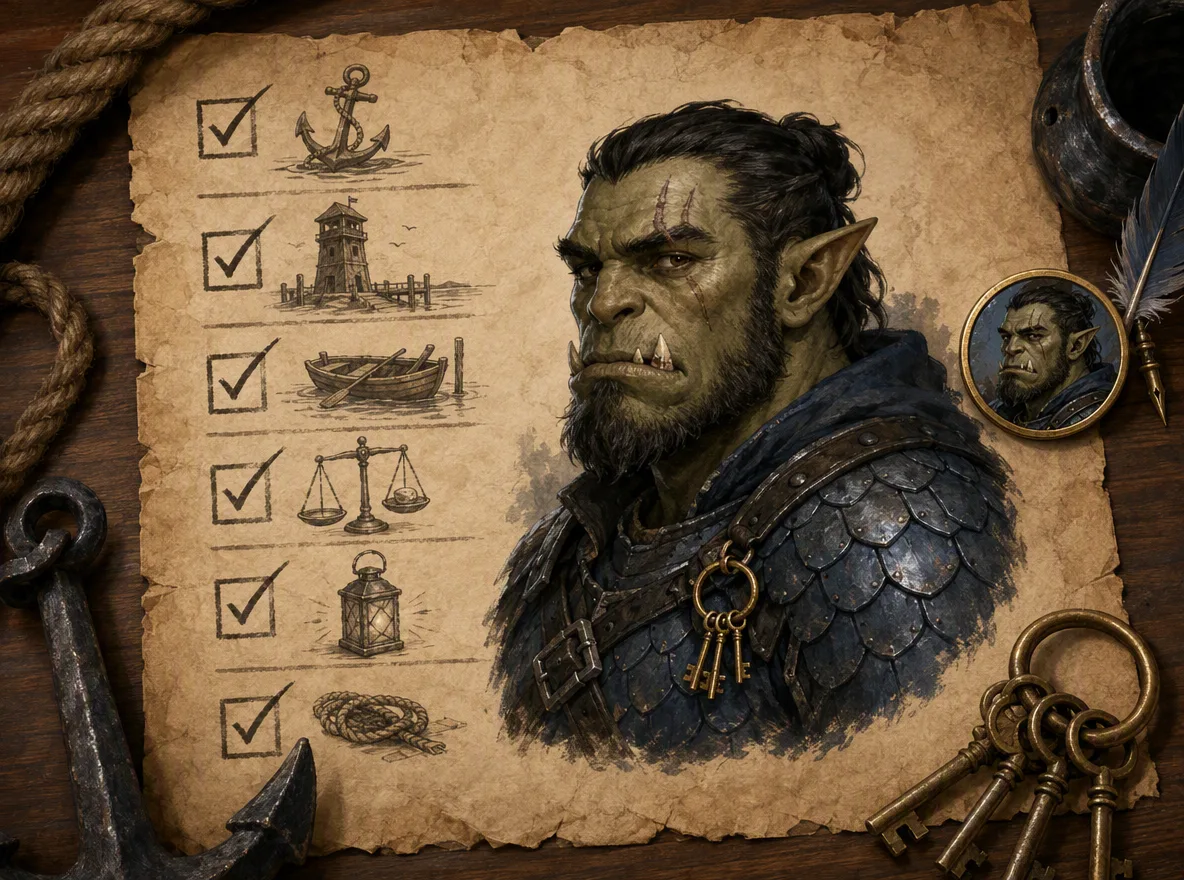
The paid Run a Test route sends one shared prompt to two selected models and shows the Gold quote before the test starts. It is useful when I want a direct answer for a real prompt. The normal rules still apply. Do not submit a secret campaign document. Paid Arena prompts and viable outputs enter the free blind-voting pool, and the current flow has no private opt-out.
Once I choose a model, I keep it for the character set. I edit a saved portrait for small story changes instead of rebuilding the whole face every time. That gives the model a stable identity to work from, and it gives me a cleaner prompt history when the NPC returns later.
FAQ
What are the best AI DnD character prompts?
The best prompts describe role, ancestry, permanent visual anchors, gear, mood, lighting, and output format in that order. For example: half-orc barbarian veteran, chipped left tusk, ritual scars, dented scale armour, heavy greataxe, quiet rage, overcast battlefield light, chest-up fantasy portrait.
How do I create AI D&D character art with CharGen?
Open the Character Generator, write a focused prompt, choose any relevant race or class settings, generate a first pass, then save the best image with its prompt. If you need a VTT asset, send the portrait to Token Maker.
Should I use long prompts for D&D character art?
Use clear prompts, not long prompts. One strong sentence with visible details usually beats a paragraph of lore. Add length only when every detail changes something the viewer can see.
How do I keep the same character consistent across images?
Save a base portrait, reuse two or three fixed visual anchors, keep the same model where possible, and use edits for small story changes. Do not regenerate from scratch every time unless you want the design to change.
Can I use AI character art in my D&D campaign?
For private home games, many groups do. For public work, paid products, streams, or shared community spaces, check your tool's terms and talk to your group. Some players like AI art as concept support, and some strongly prefer hand-made or commissioned art.
What makes a good AI character prompt?
Specificity beats vagueness. Include race, class, notable physical features, mood, pose, and art style. The more detail you give, the closer the result is to your mental image.
How detailed should my D&D character prompt be?
40 to 80 words is the sweet spot for most AI art generators. Too short and you get generic results; too long and the model may ignore some instructions.
Image credits
- Hero and supporting images for this post were generated through WaveSpeed using GPT Image 2 at medium quality and 1k resolution. The hero image was cropped and resized to 1200x630 for the blog card, two July 2026 consistency workflow images were added during the previous refresh, and two August 2026 Arena workflow images were added in this update. The October 2026 Character Generator screenshot was captured from CharGen's public page after the WaveSpeed test image did not return an output.