
Start with a focused workflow.
Choose a proven setup for a specific result. Add your source or brief, review the exact Gold cost, then continue with a normal CharGen image.
Open Studio workflowsBuilt for the work you want to do.
These workflows have tailored inputs, examples, and landing guides.
Characters & Parties
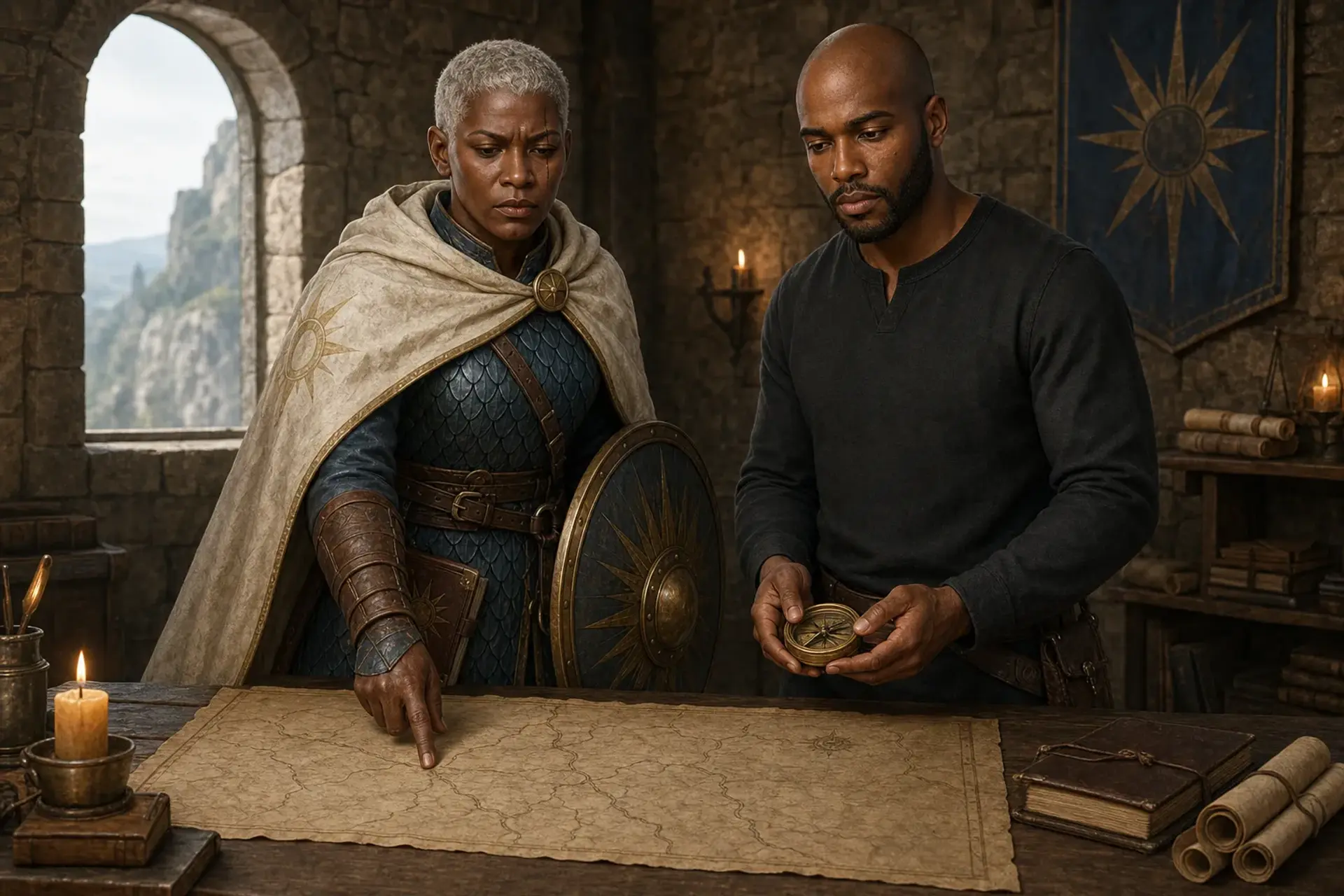
Multi-Character Scene
Place two or three saved characters into one scene with ordered identity bindings.
Characters & Parties
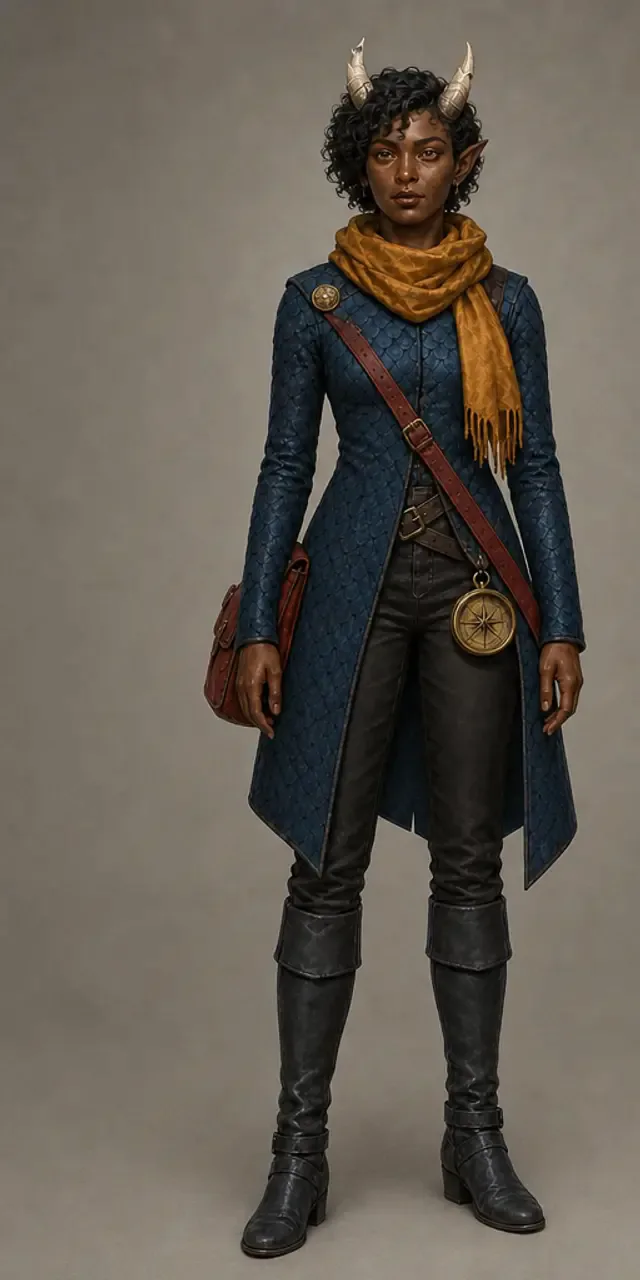
Character Reference Views
Create separate front, profile, back, and face-detail images of one character from a single source.
Scenes & Worlds
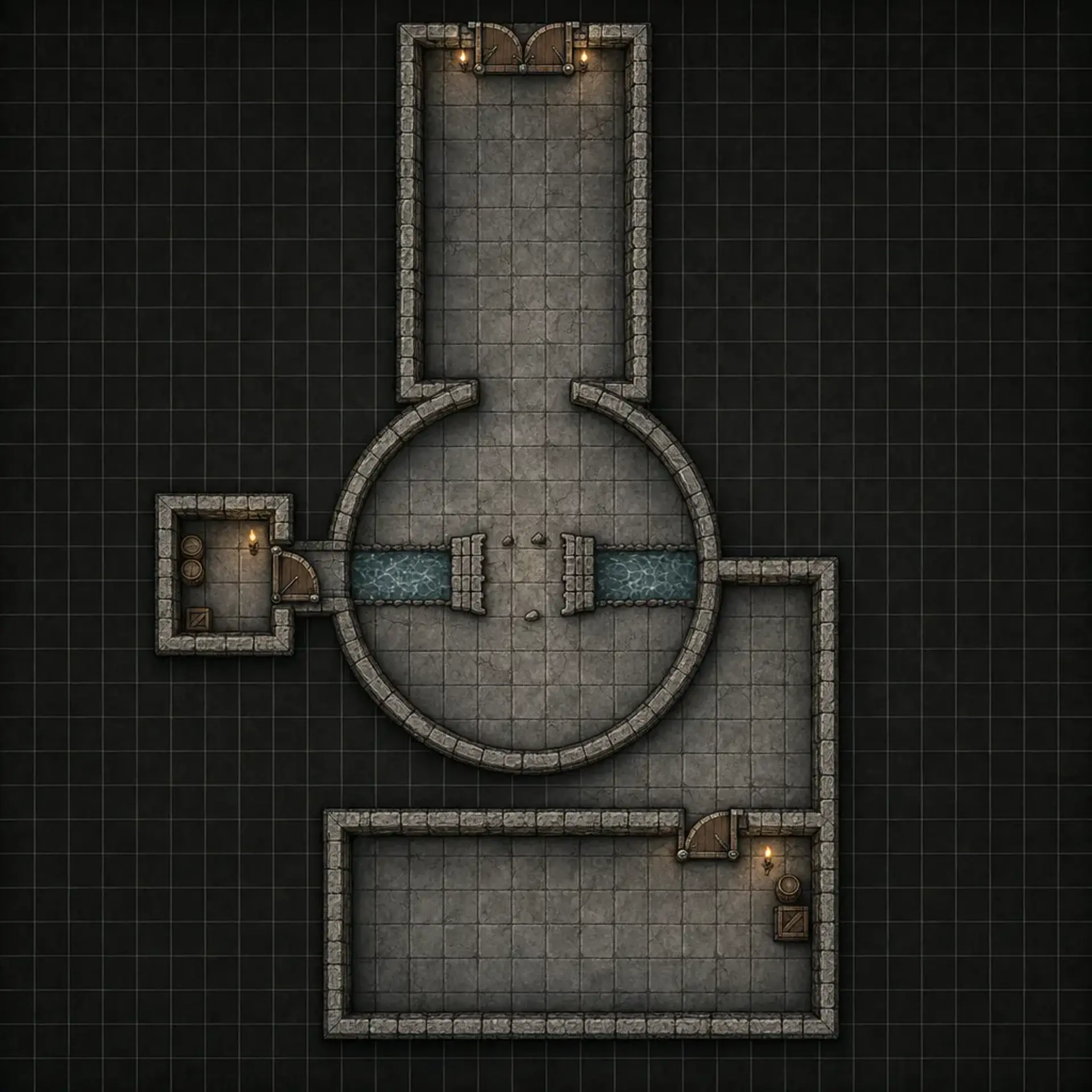
Sketch to Battlemap
Turn a rough plan into a finished top-down tactical battlemap while keeping its routes and rooms.
Browse by outcome.
Start with characters, scenes, game assets, styles, or product work. Every result still uses the same source picker, quality controls, Gold total, loader, and image handoff.
8 workflows
Characters & Parties
Reference sheets, controlled variants, and shared party scenes.
Characters & Parties
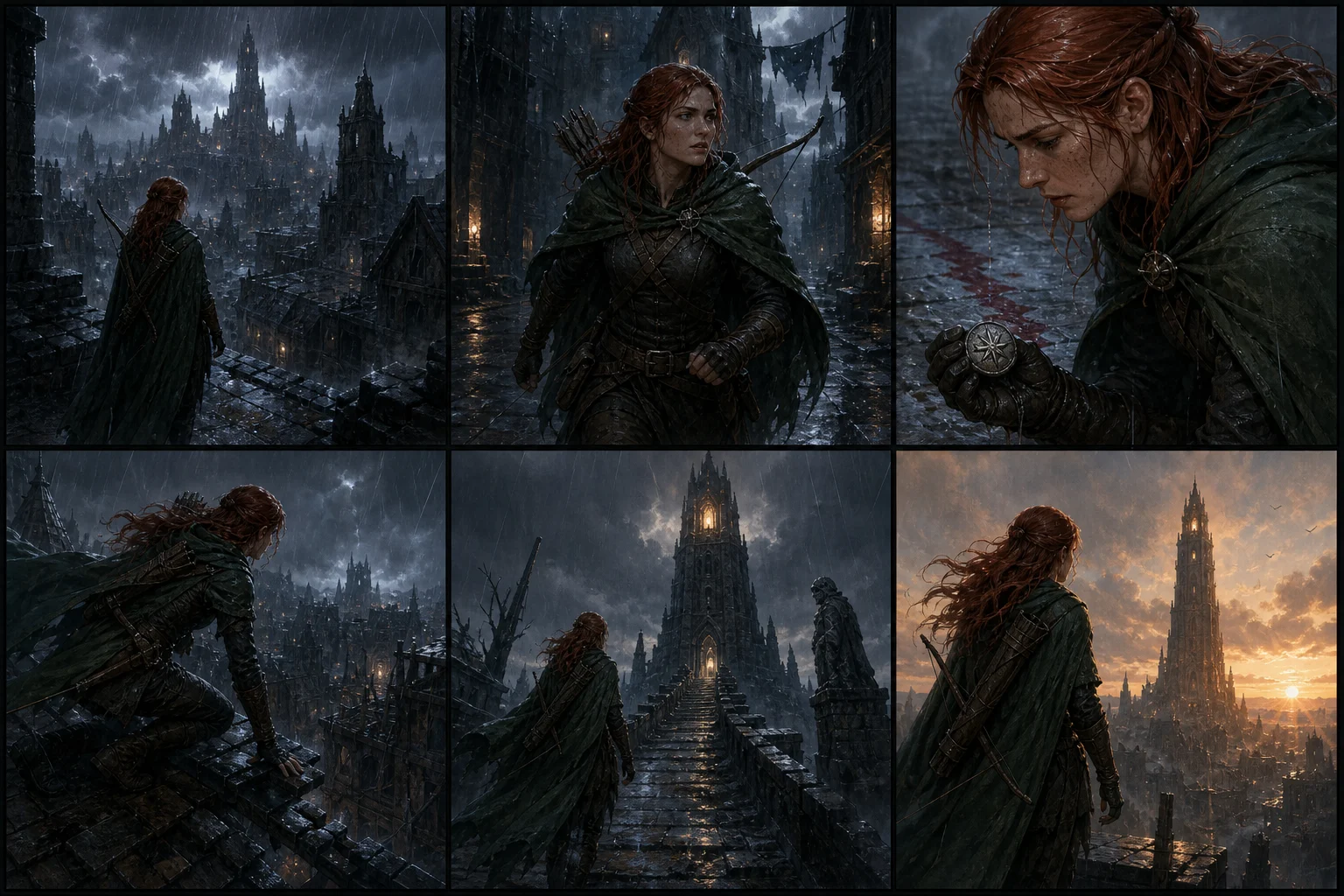
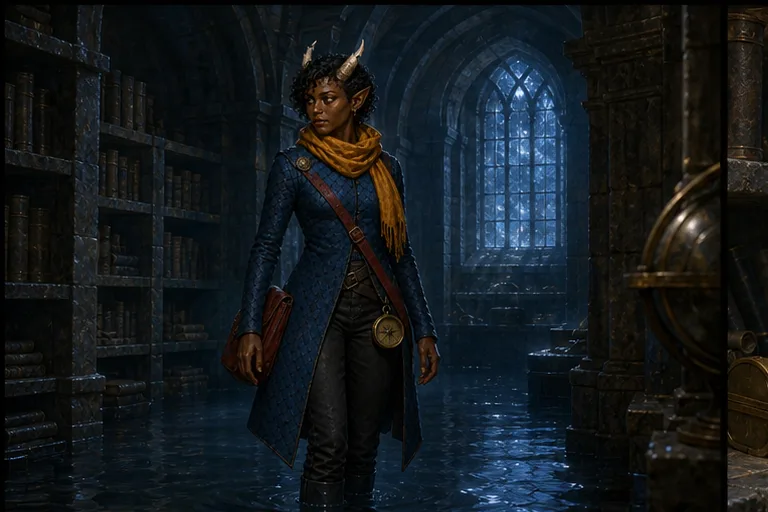
Character Scene Continuity
Create four connected scene shots of one saved character. The workflow preserves their identity, outfit, and equipment across each camera view.
Characters & Parties
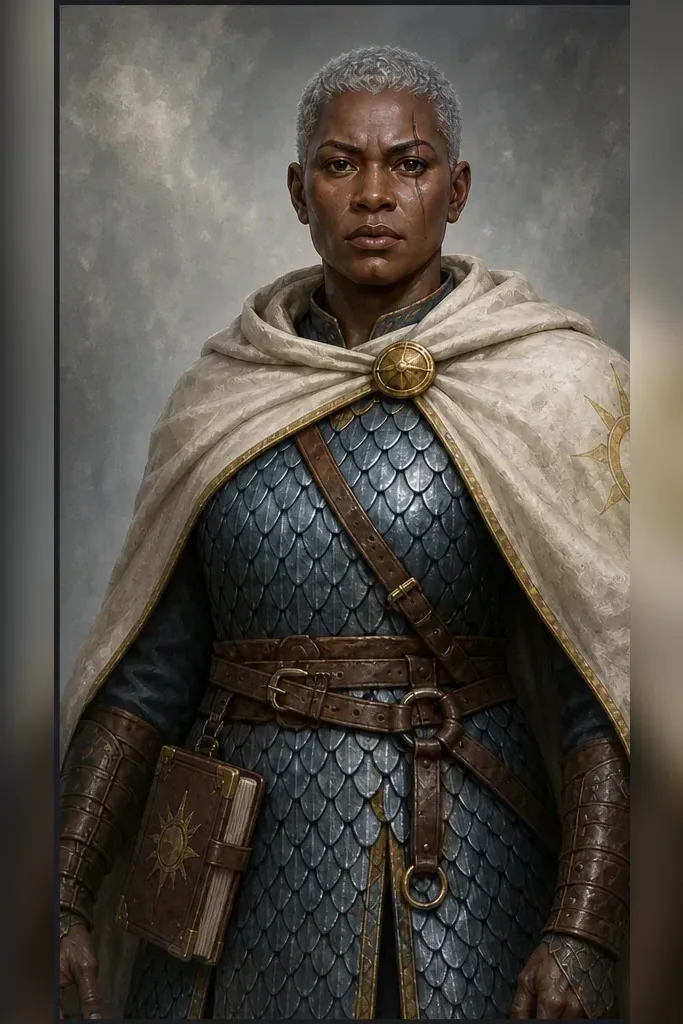
Character Production Pack
Turn one character image into five separate, practical assets for play, profiles, and production.
Characters & Parties
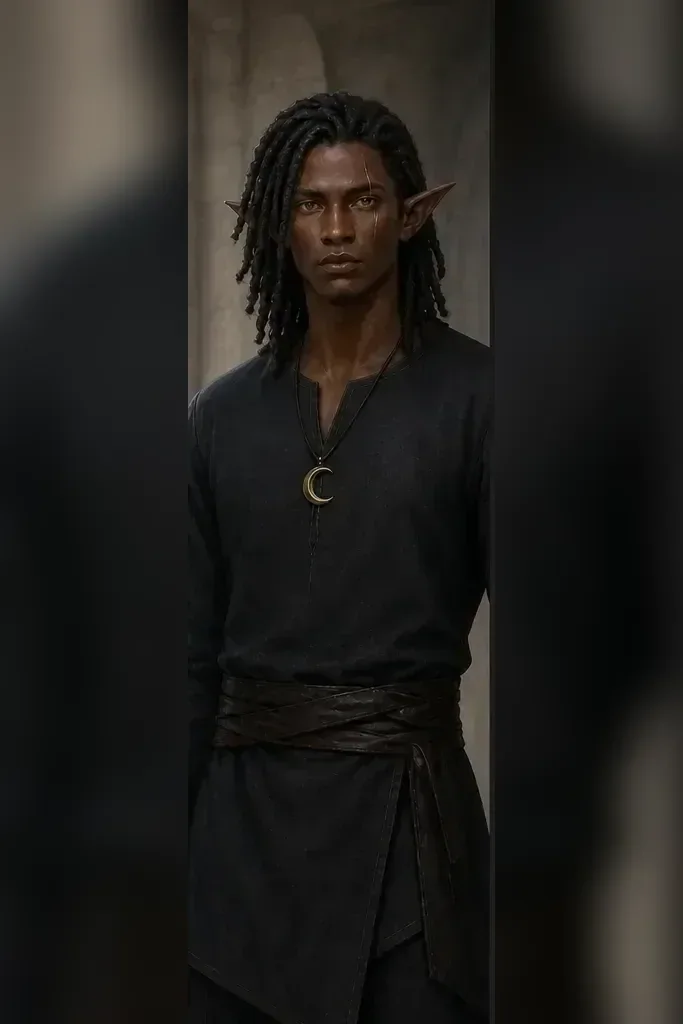
Character Progression Pack
Create five separate stages of the same character across levels, age, corruption, or ascension.
Characters & Parties
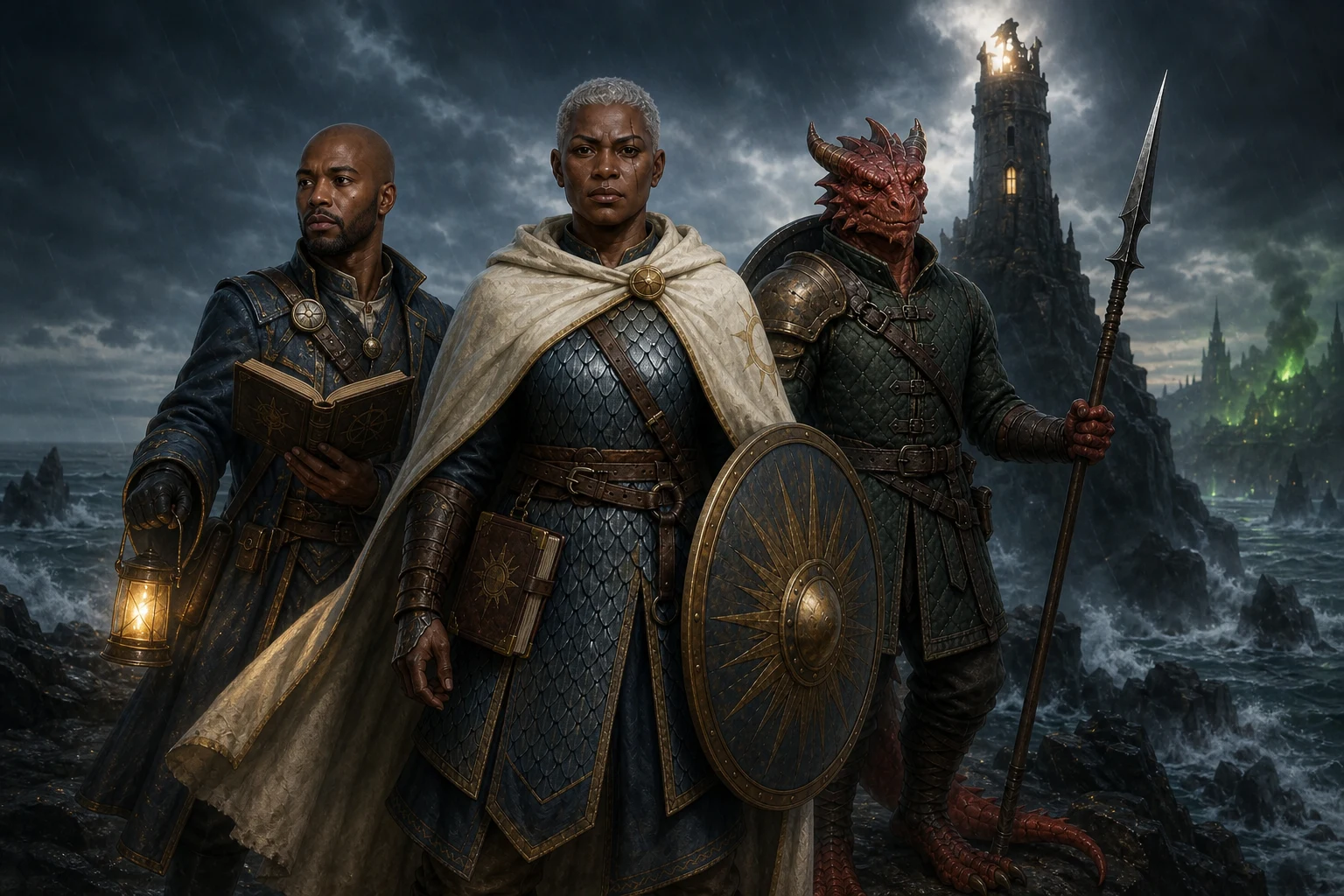
Campaign Key Art
Create polished landscape cover art from one to three saved Character References and a campaign brief.
Characters & Parties
Character Reference Views
Create separate front, profile, back, and face-detail images of one character from a single source.
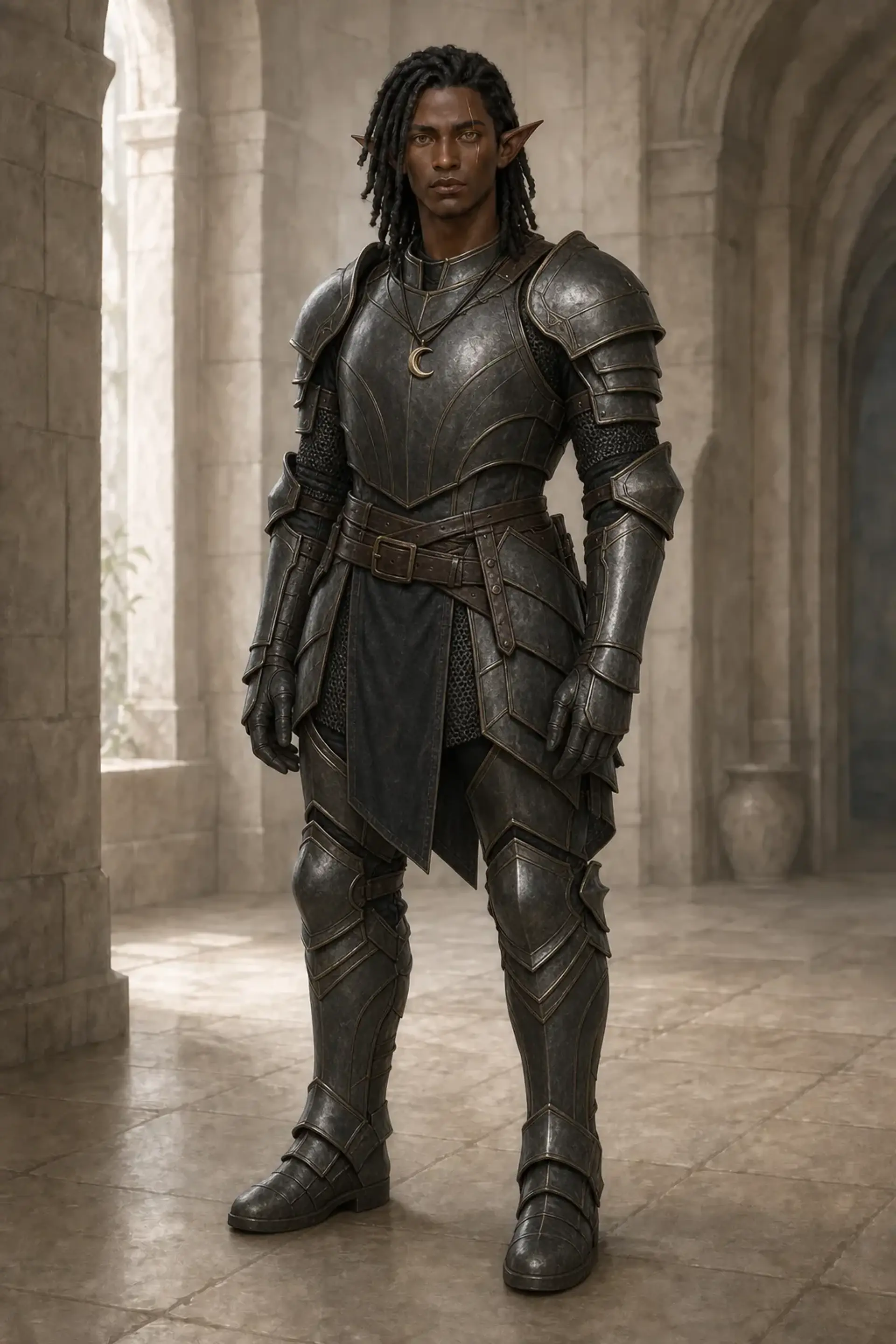
Characters & Parties
Character Variants
Change one controlled part of a character while keeping the rest of their identity stable.
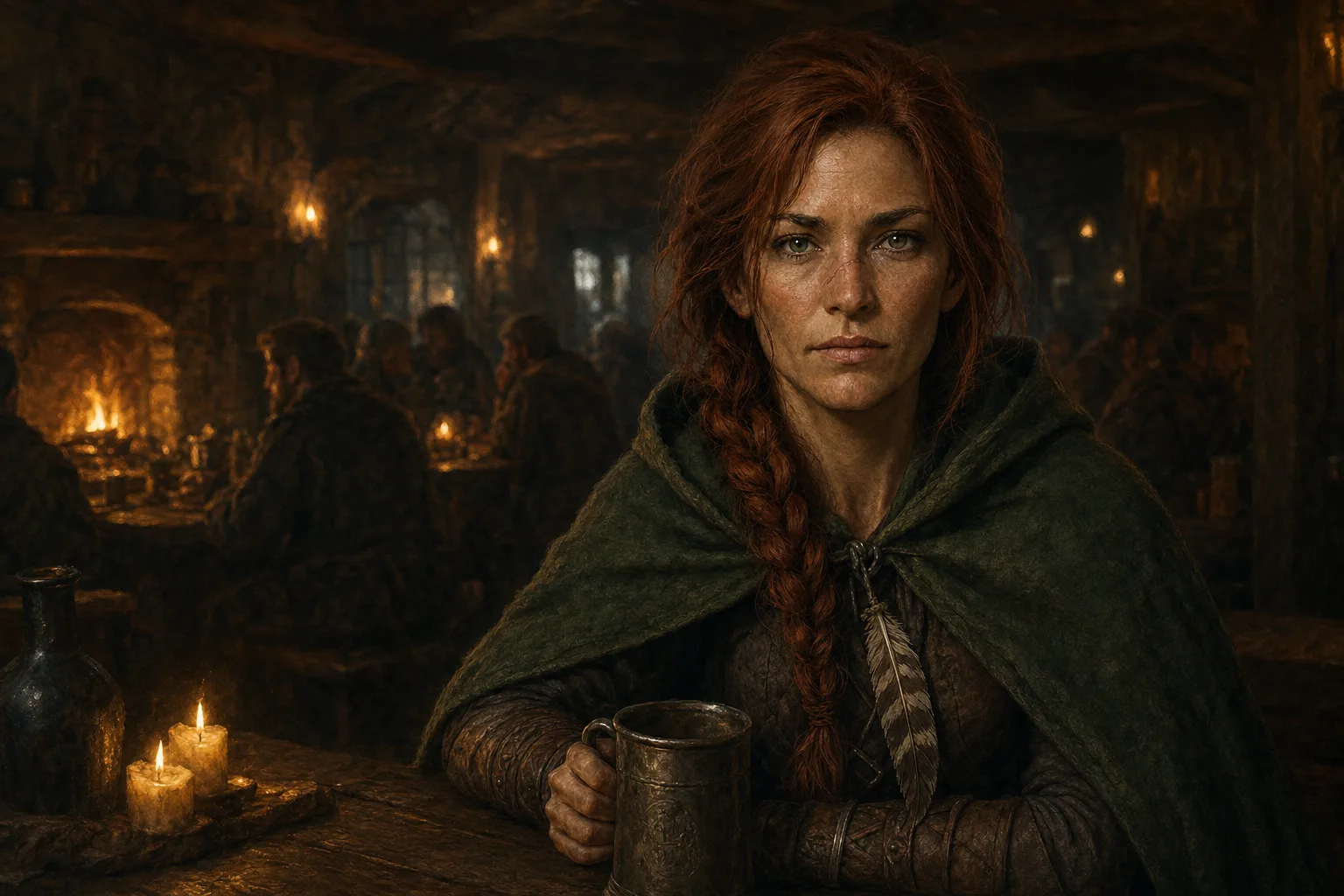
Characters & Parties
Character in Scene
Use a saved Character Reference in the normal Create flow to place that character in a new scene.
Characters & Parties
Multi-Character Scene
Place two or three saved characters into one scene with ordered identity bindings.
5 workflows
Scenes & Worlds
Storyboards, battlemap plans, locations, and ordered sequences.
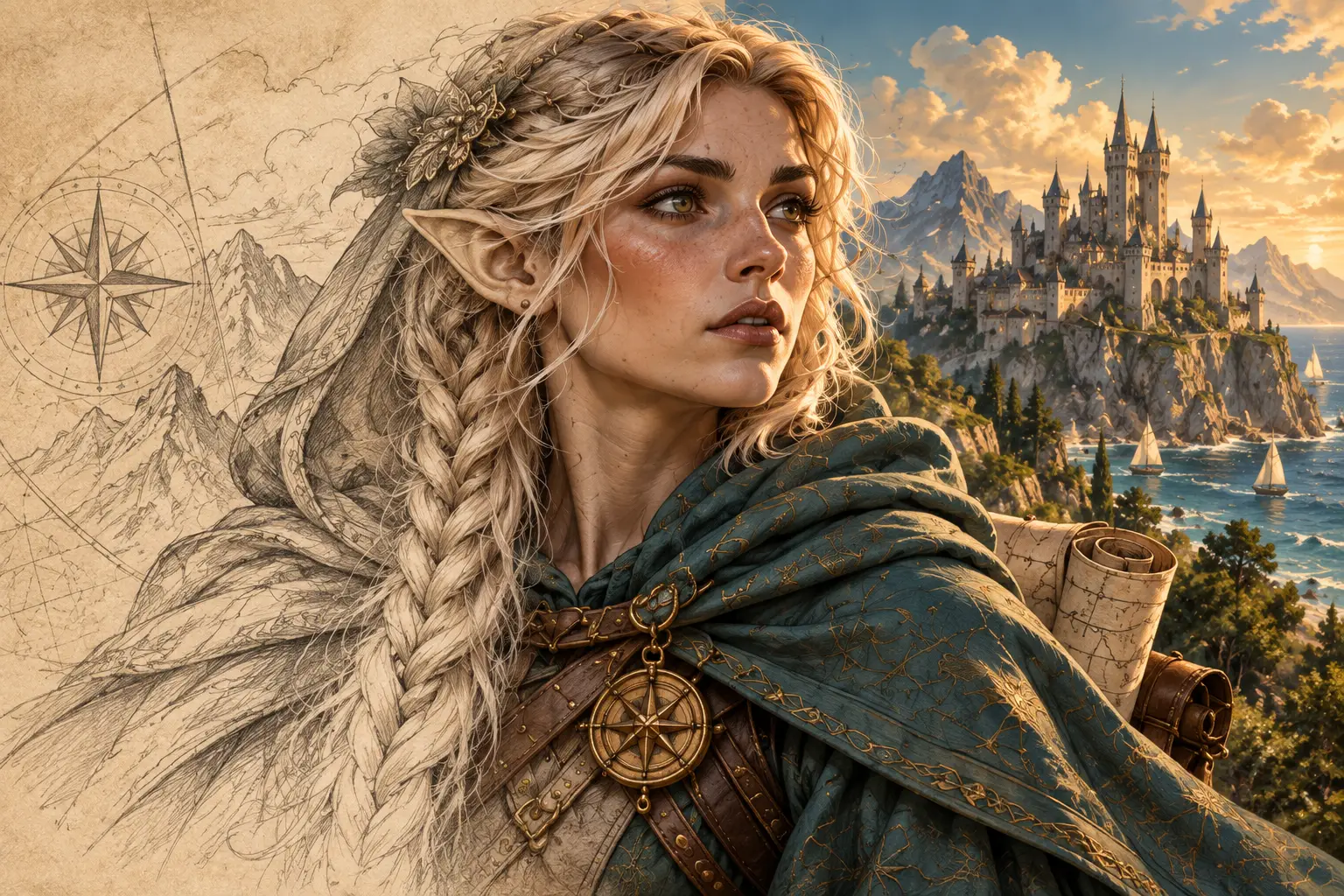
Scenes & Worlds
Sketch to Image
Render a sketch as a finished fantasy image while retaining its main structure and framing.
Scenes & Worlds
Storyboard Sheet
Turn a story brief into one six-panel sheet with connected shots and recurring characters.
Scenes & Worlds
Sketch to Battlemap
Turn a rough plan into a finished top-down tactical battlemap while keeping its routes and rooms.
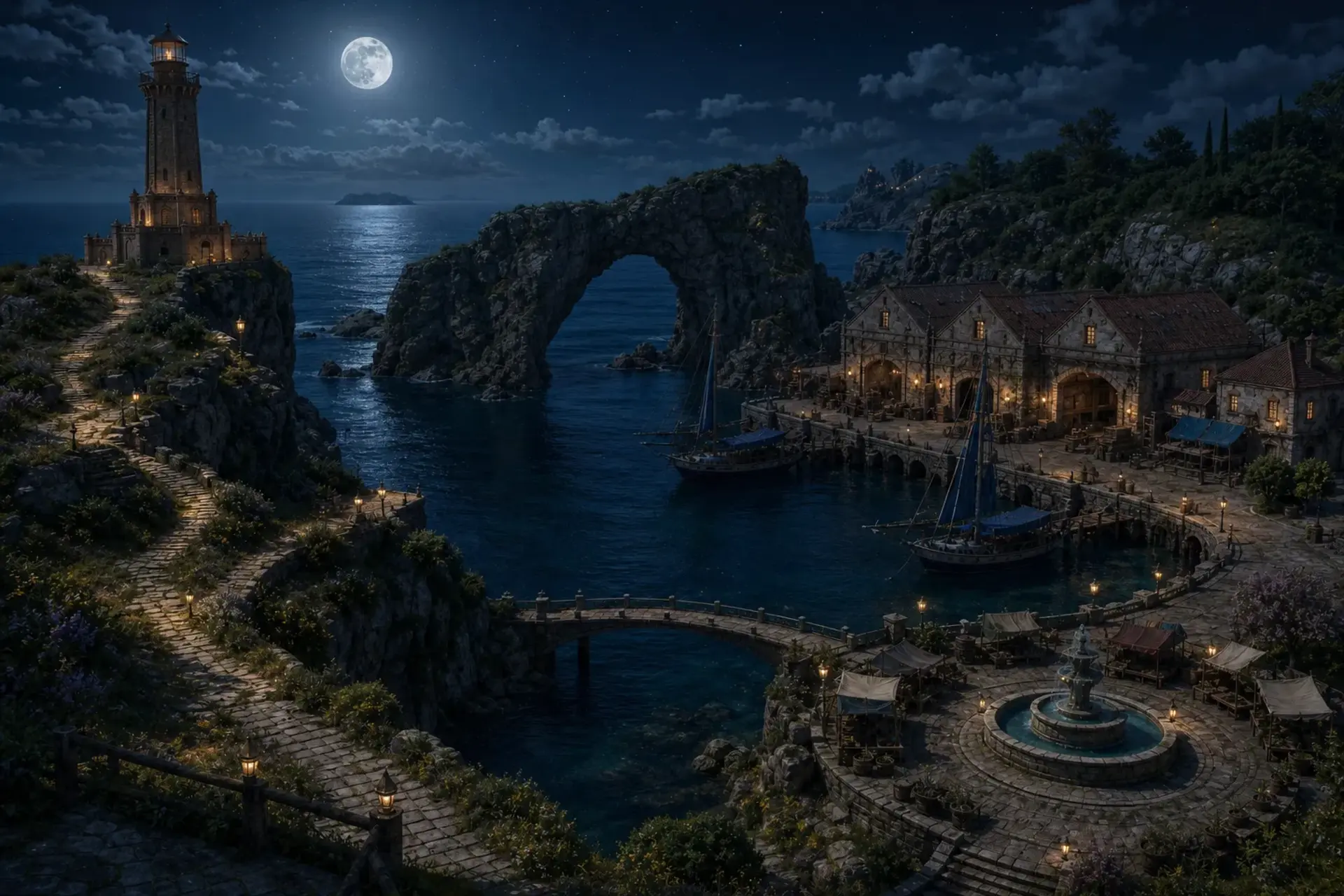
Scenes & Worlds
Location Variants
Show the same location at a new time, in new weather, or in a changed state without moving the camera.
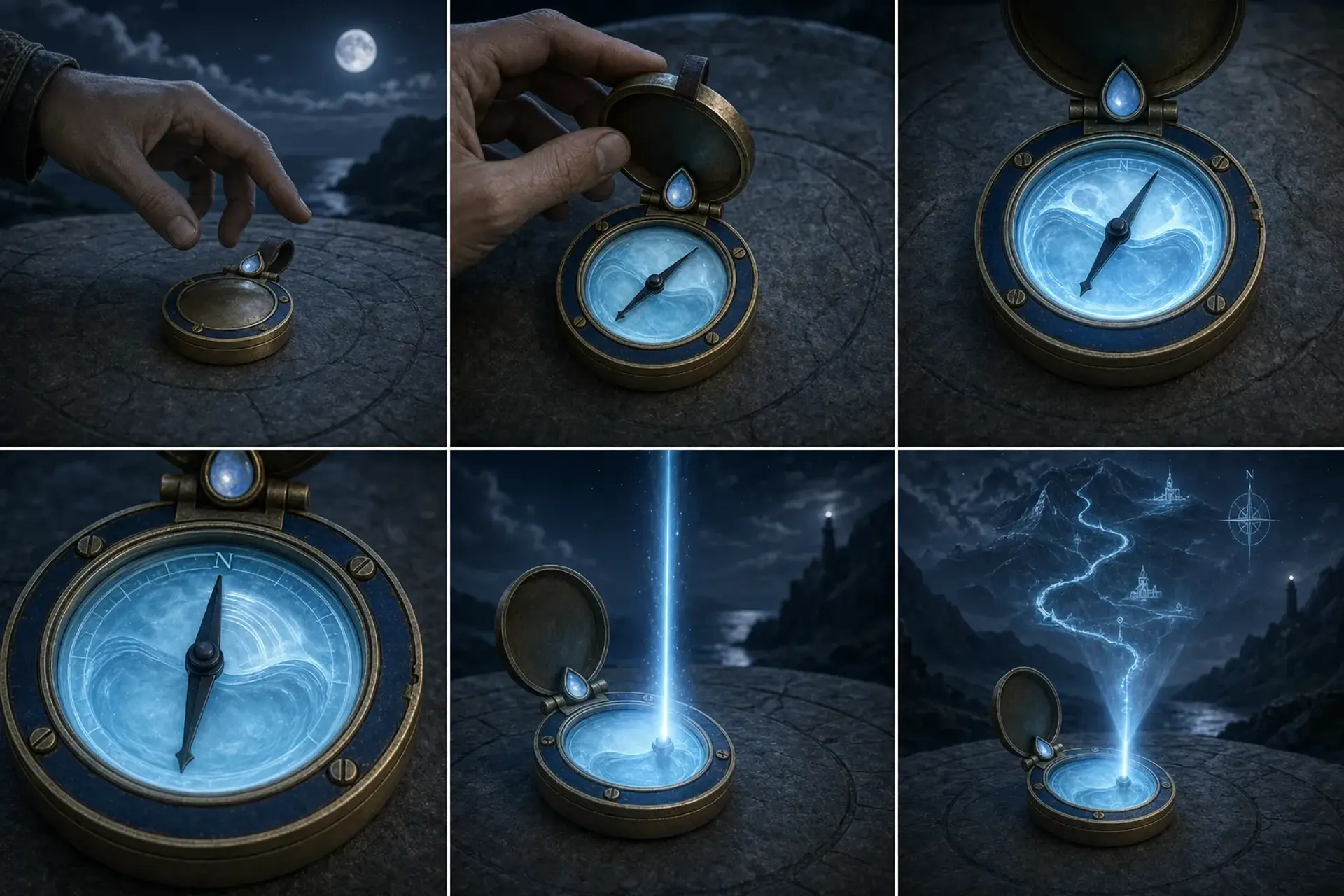
Scenes & Worlds
Sequence Sheet
Explain one product use, spell, combat move, or item activation across six ordered frames.
8 workflows
Game Assets
Sprites, tokens, character packs, heraldry, monsters, and tabletop pieces.
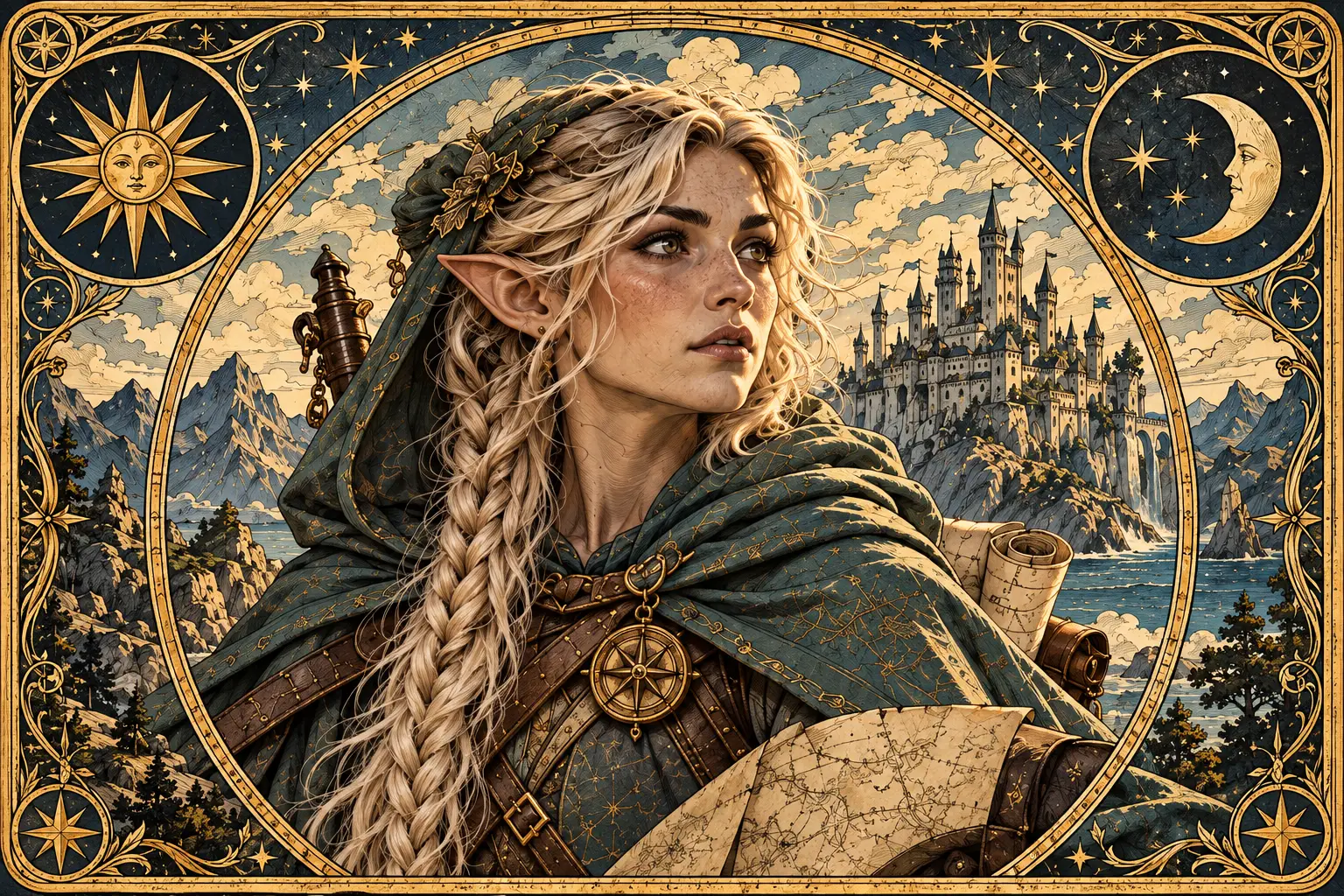
Game Assets
Tarot Card
Place a character or creature in a symbolic, illustrated tarot card composition.
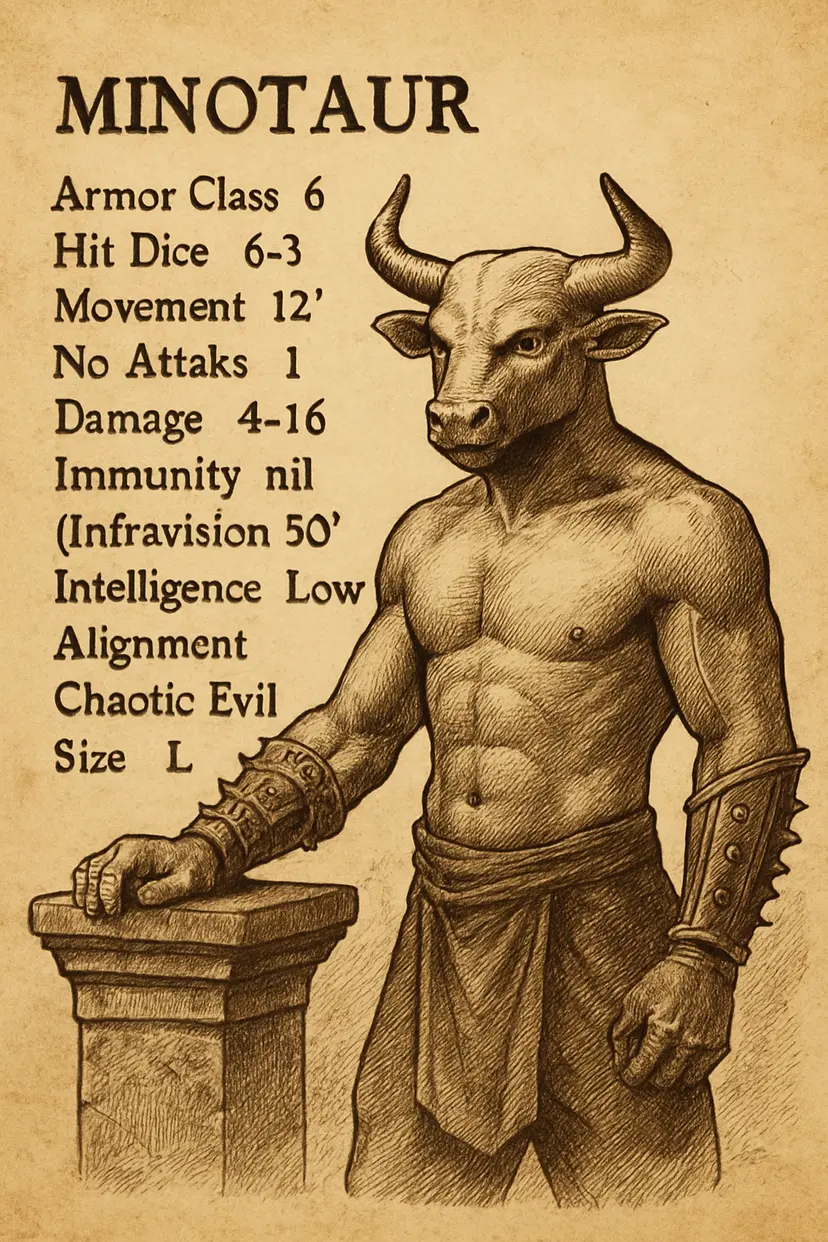
Game Assets
Fantasy Bestiary Page
Present a creature as a painted natural-history plate for a fantasy bestiary.
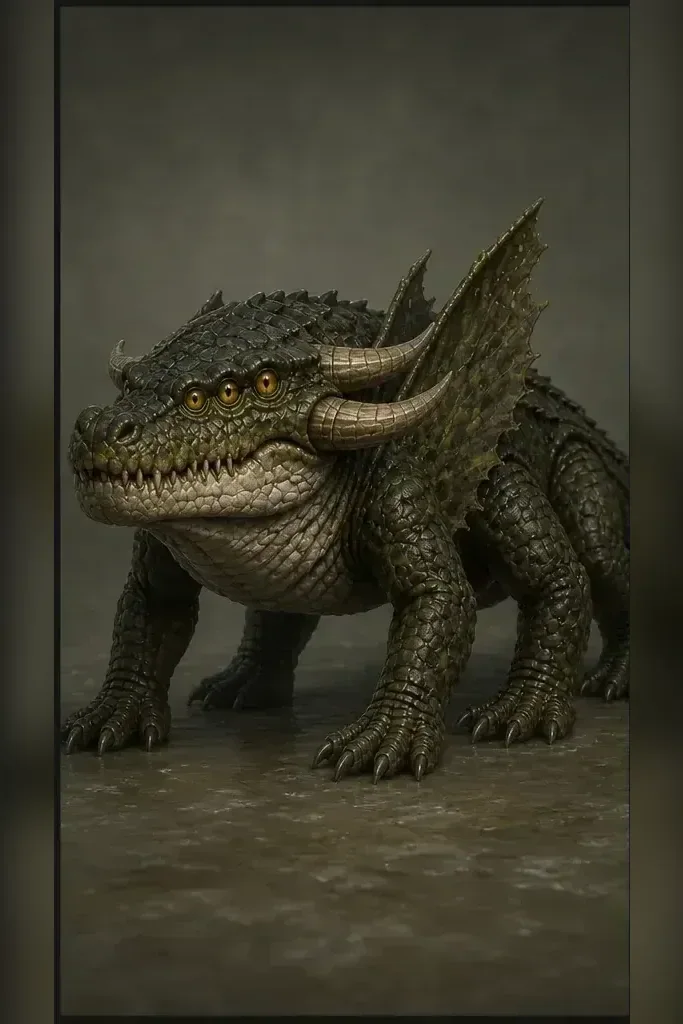
Game Assets
Creature Reference Pack
Create five separate views of one creature for modelling, encounters, and consistent future art.
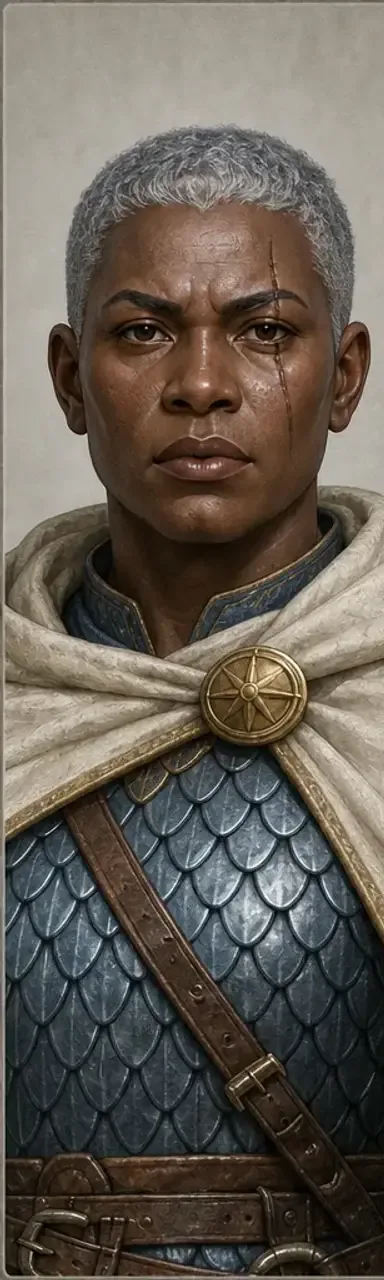
Game Assets
RPG Character Asset Pack
Create five separate character assets: a portrait, profile, token, standee, and miniature reference.
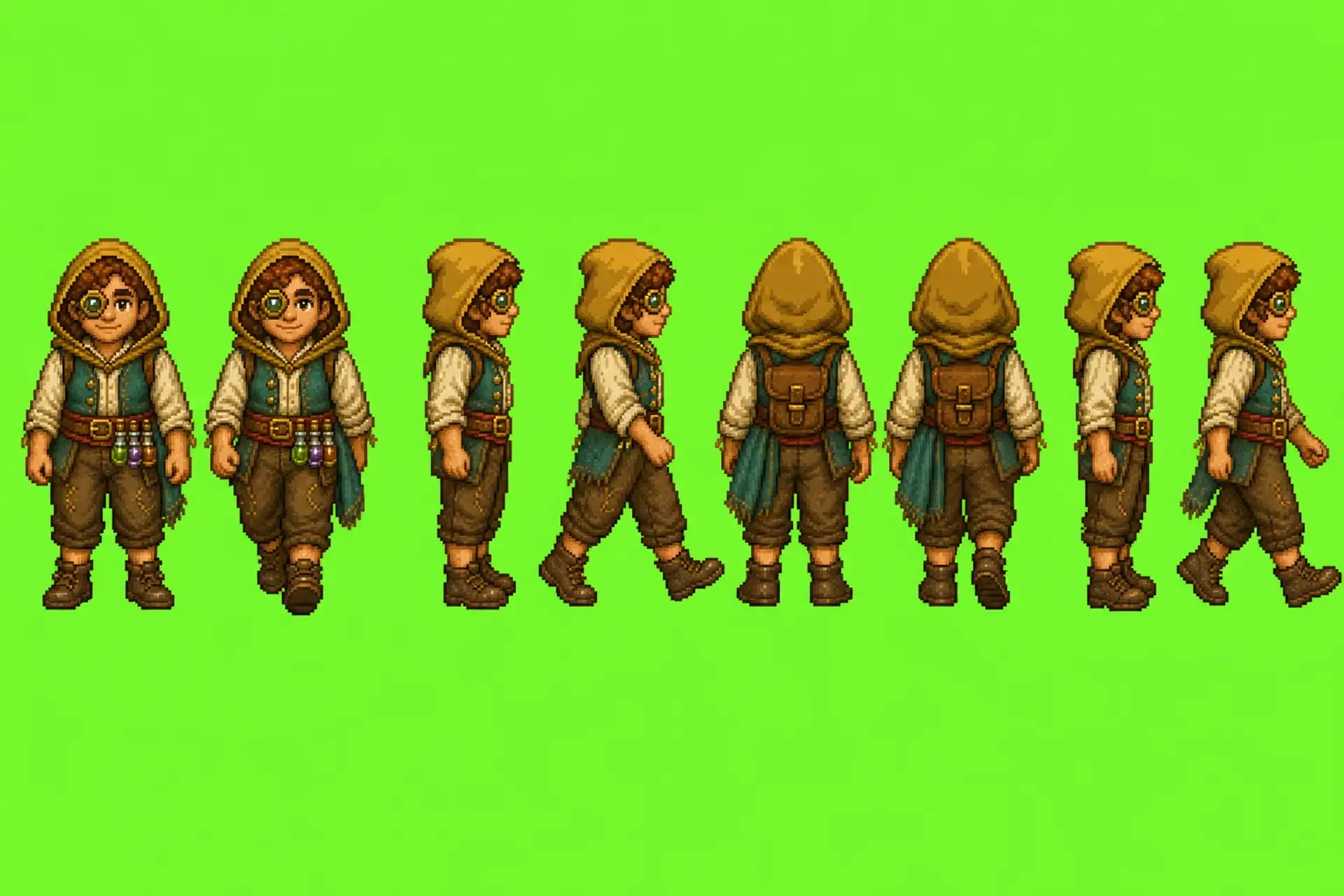
Game Assets
RPG Sprite Sheet
Turn one character into a consistent four- or eight-direction pixel sprite sheet.
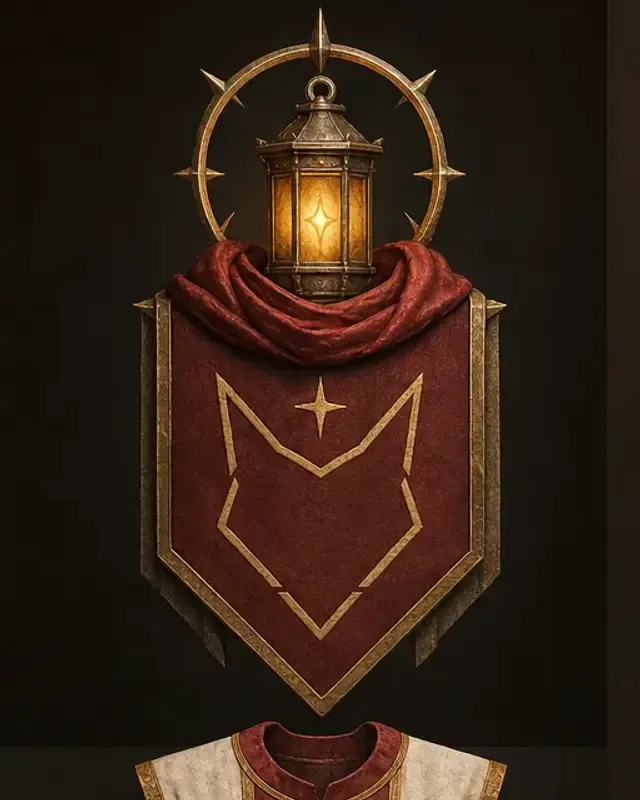
Game Assets
Faction Heraldry Kit
Create a coherent crest, banner, shield, tabard, wax seal, and colour set for one faction.
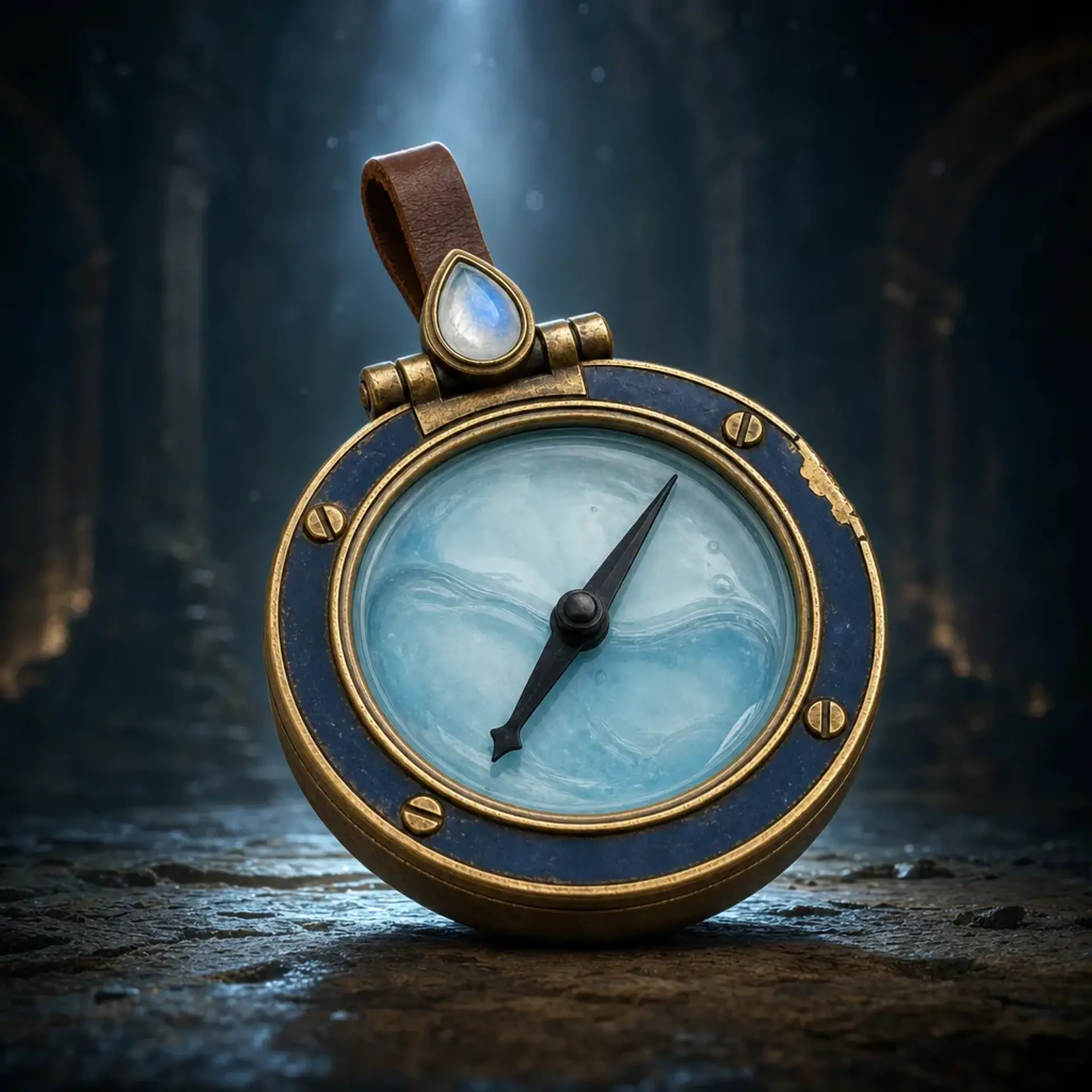
Game Assets
Magic Item Showcase
Stage one exact fantasy item as a hero relic, detail study, altar display, or practical scene.
Game Assets
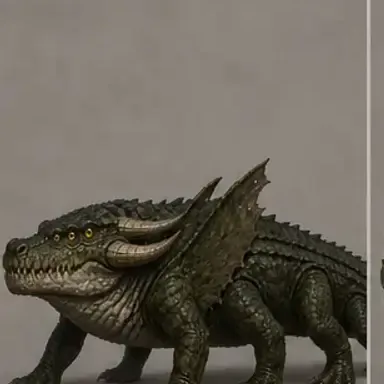
Monster Variant Pack
Create five separate creature variants while keeping the same species and defining anatomy.
11 workflows
Styles & Fun
Focused treatments for portraits, line art, pixels, cards, and crafted looks.
Styles & Fun
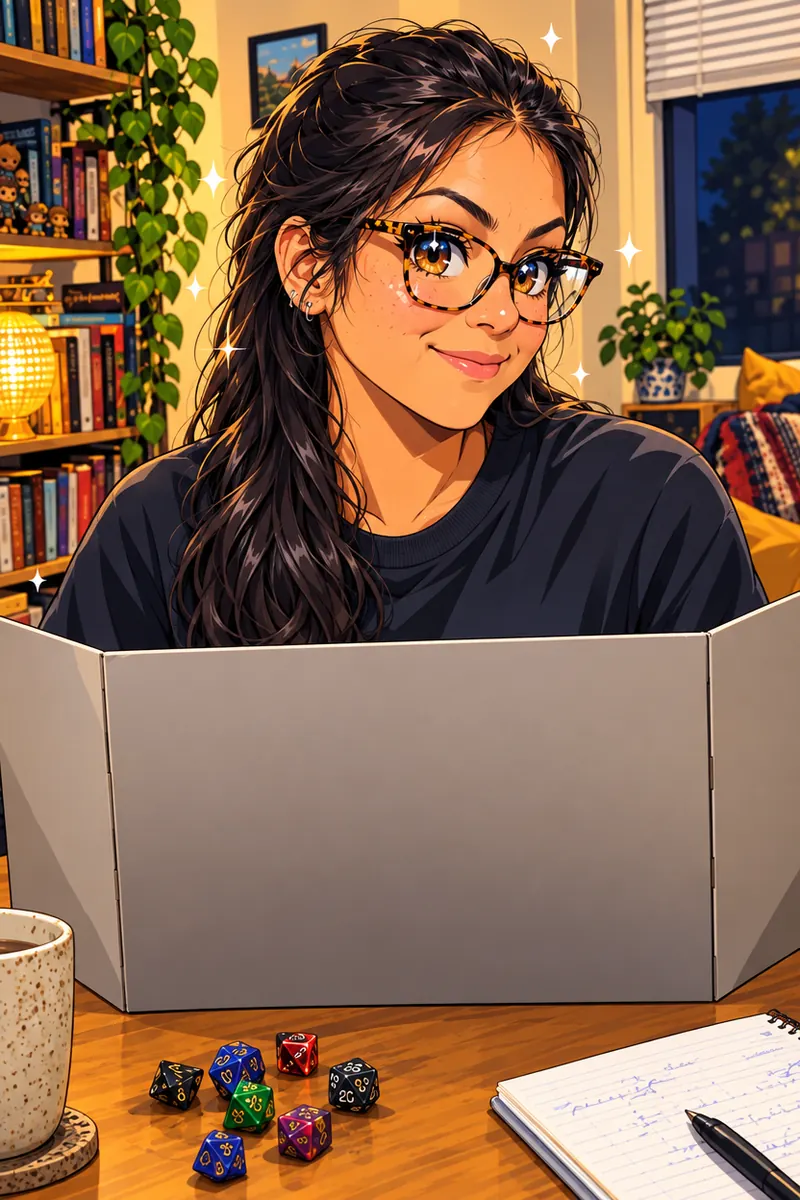
Anime Portrait
Turn a portrait into vibrant anime-inspired artwork through a guided workflow.
Styles & Fun
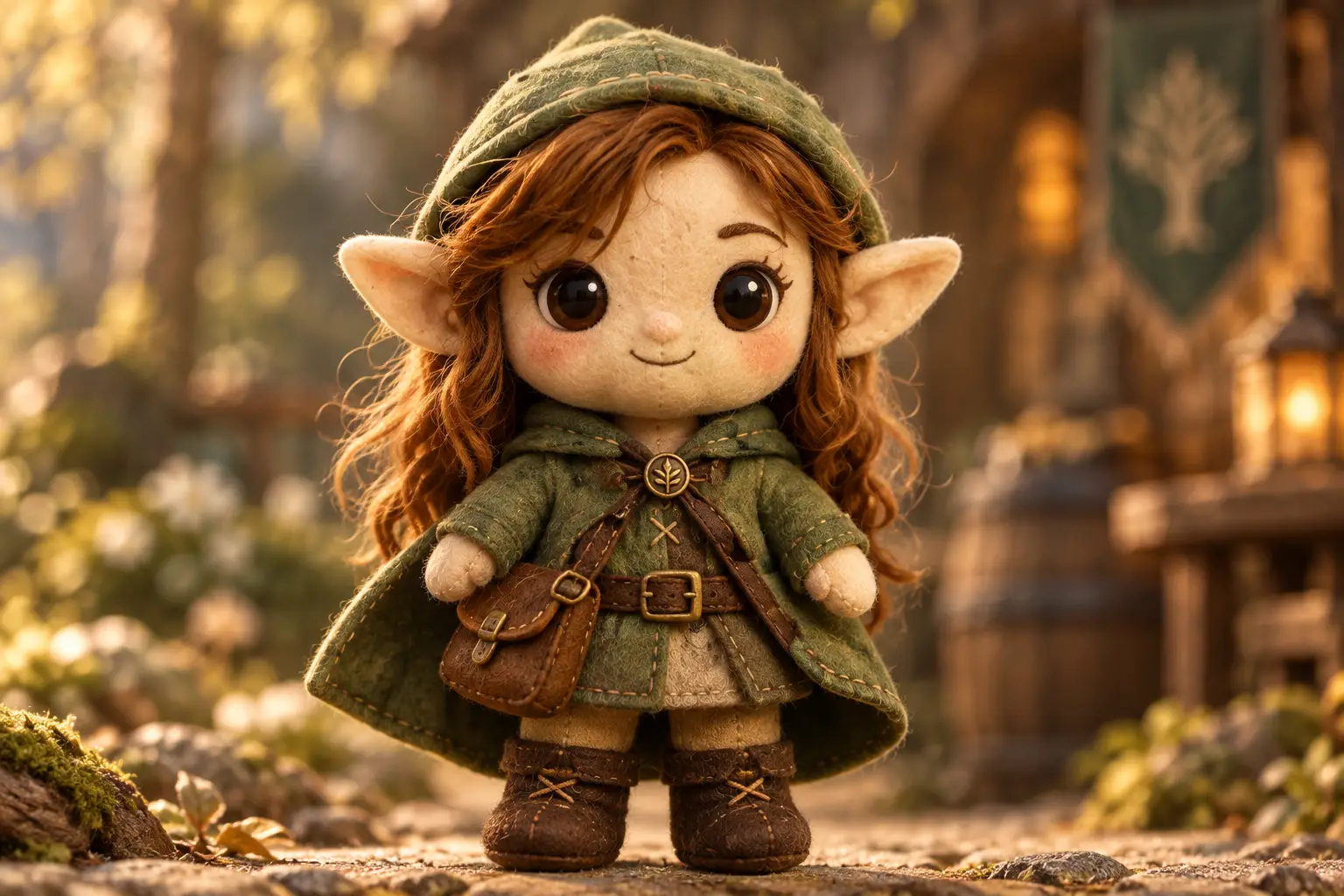
Plushie
Turn a character, creature, or object into a soft toy design with stitched details.
Styles & Fun
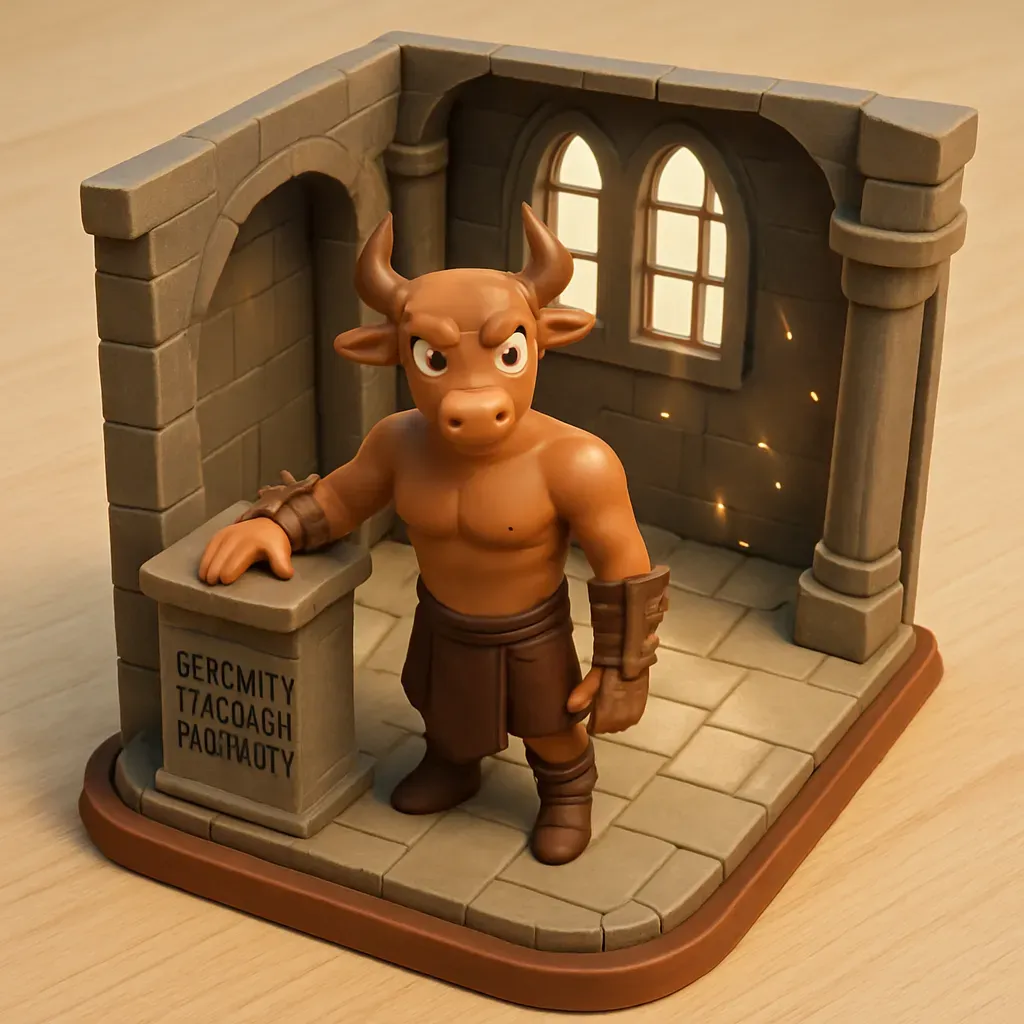
3D Cartoon Diorama
Reframe a character or scene as a detailed miniature cartoon diorama.
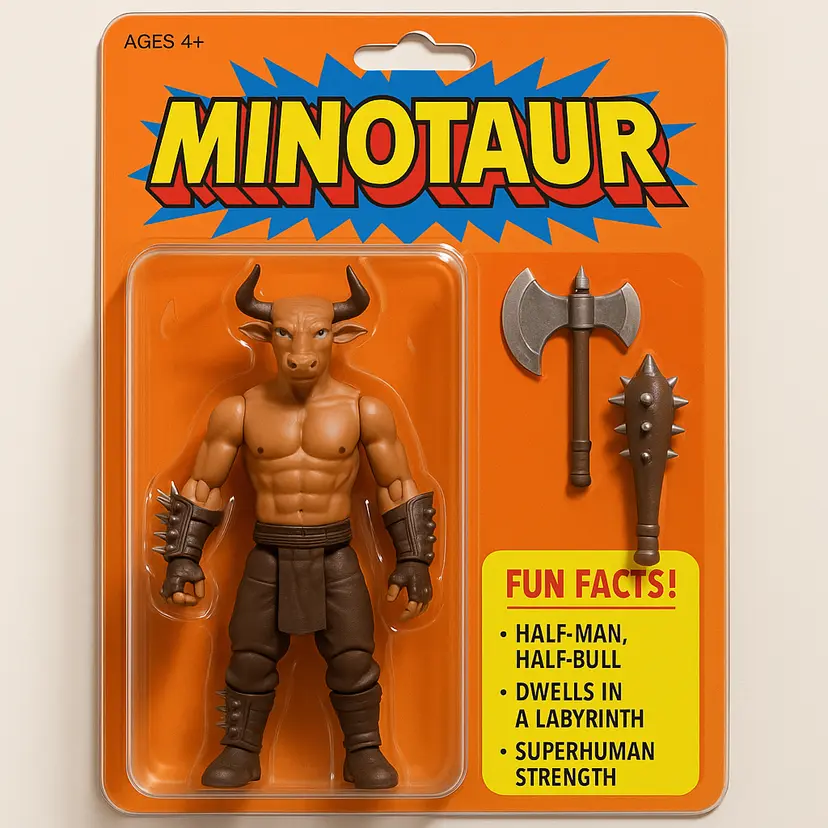
Styles & Fun
Box Model
Present a character as an articulated collectible figure with matching accessories.
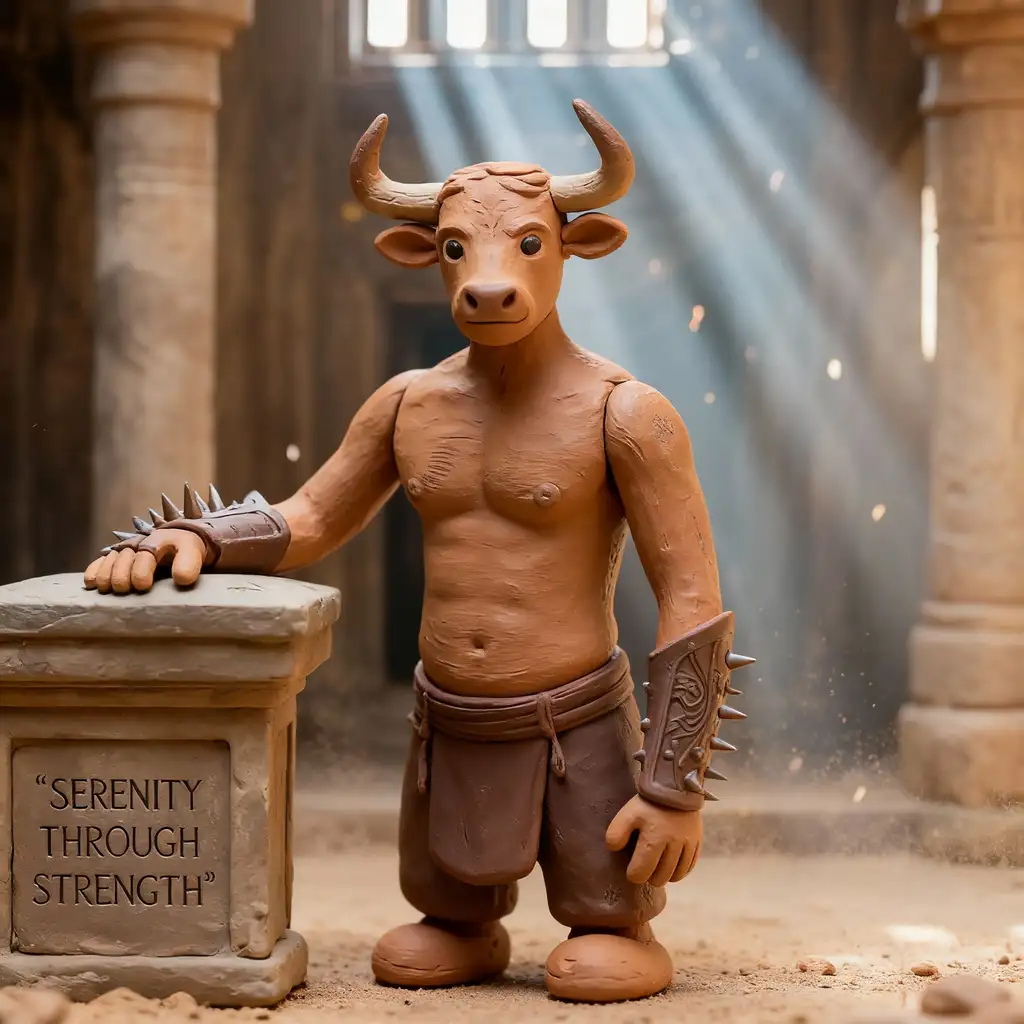
Styles & Fun
Claymation
Restyle a subject as a hand-sculpted stop-motion scene with tactile clay detail.
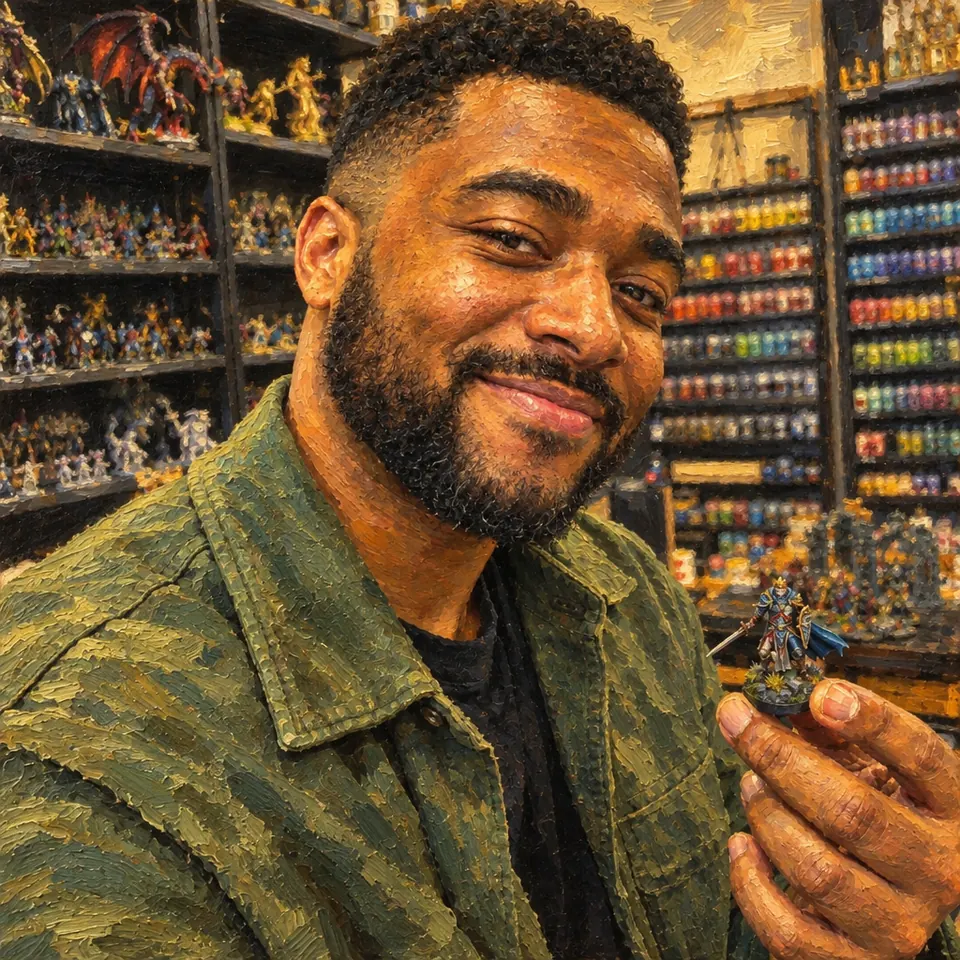
Styles & Fun
Art Style Transfer
Apply a selected visual treatment while keeping the source composition recognisable.
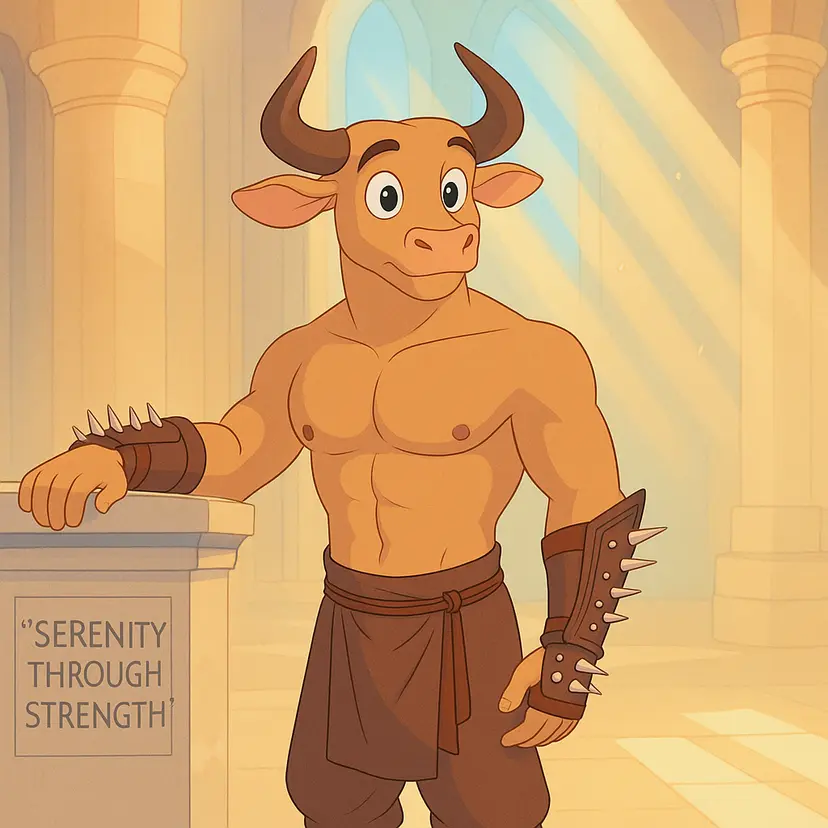
Styles & Fun
Storybook Animation
Turn a character or scene into a warm, hand-painted storybook animation frame.
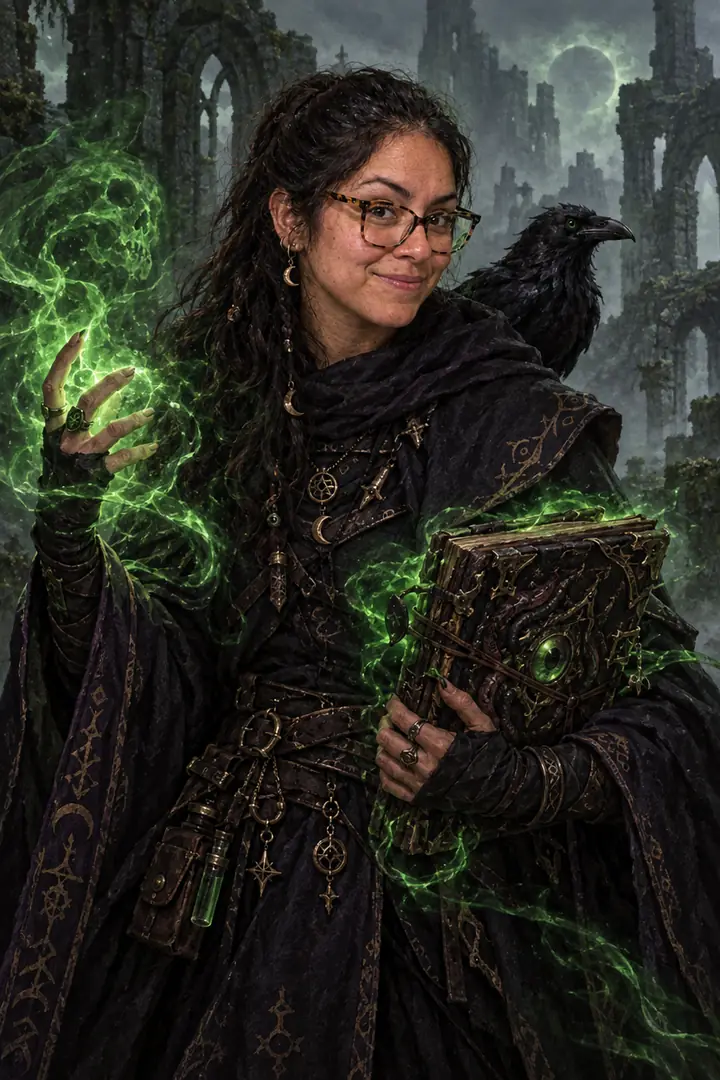
Styles & Fun
Photo to D&D Character
Turn a photo of a person or a pet into a D&D adventurer portrait that keeps the face.
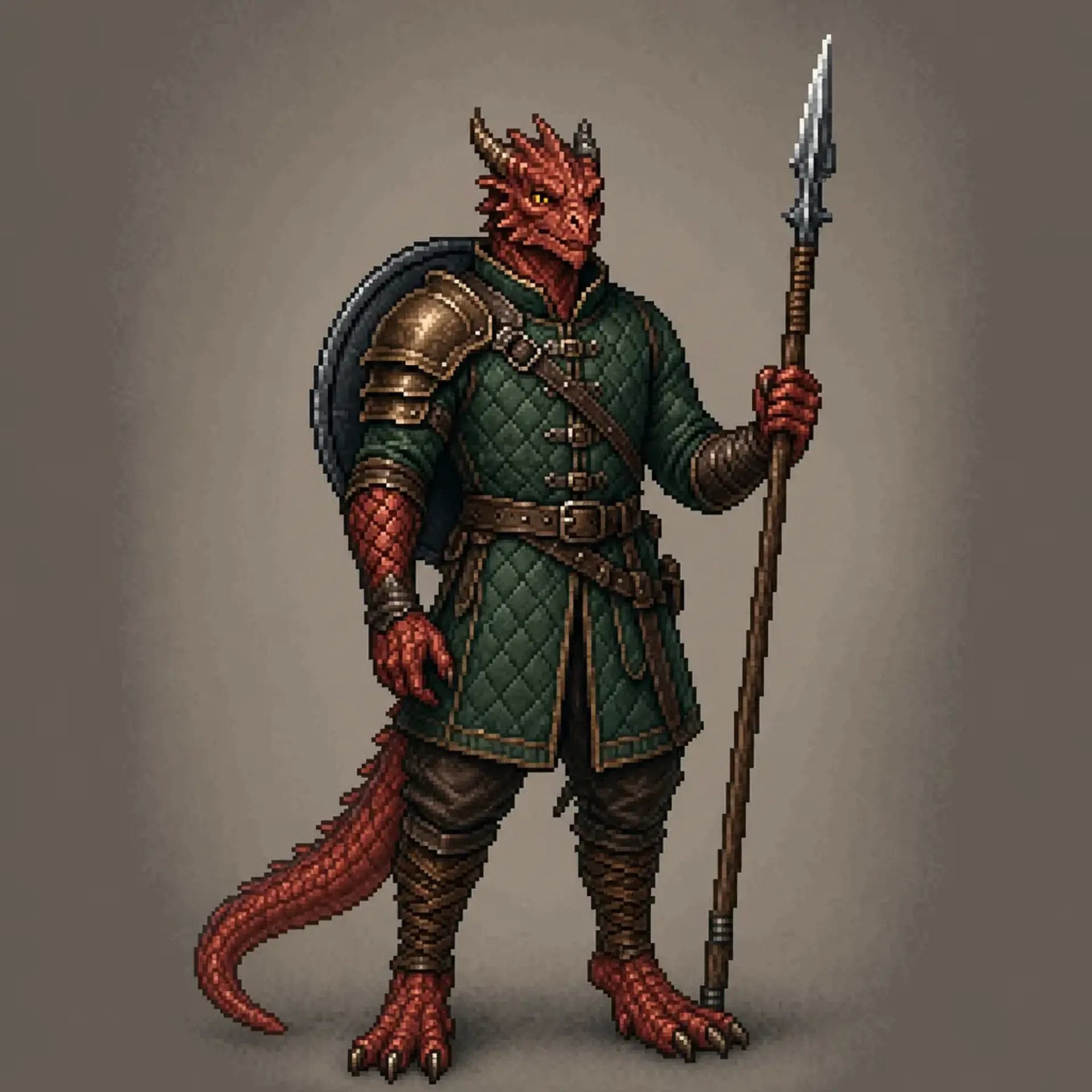
Styles & Fun
Pixel Art Character
Turn a character image into crisp pixel art with a readable silhouette and compact palette.
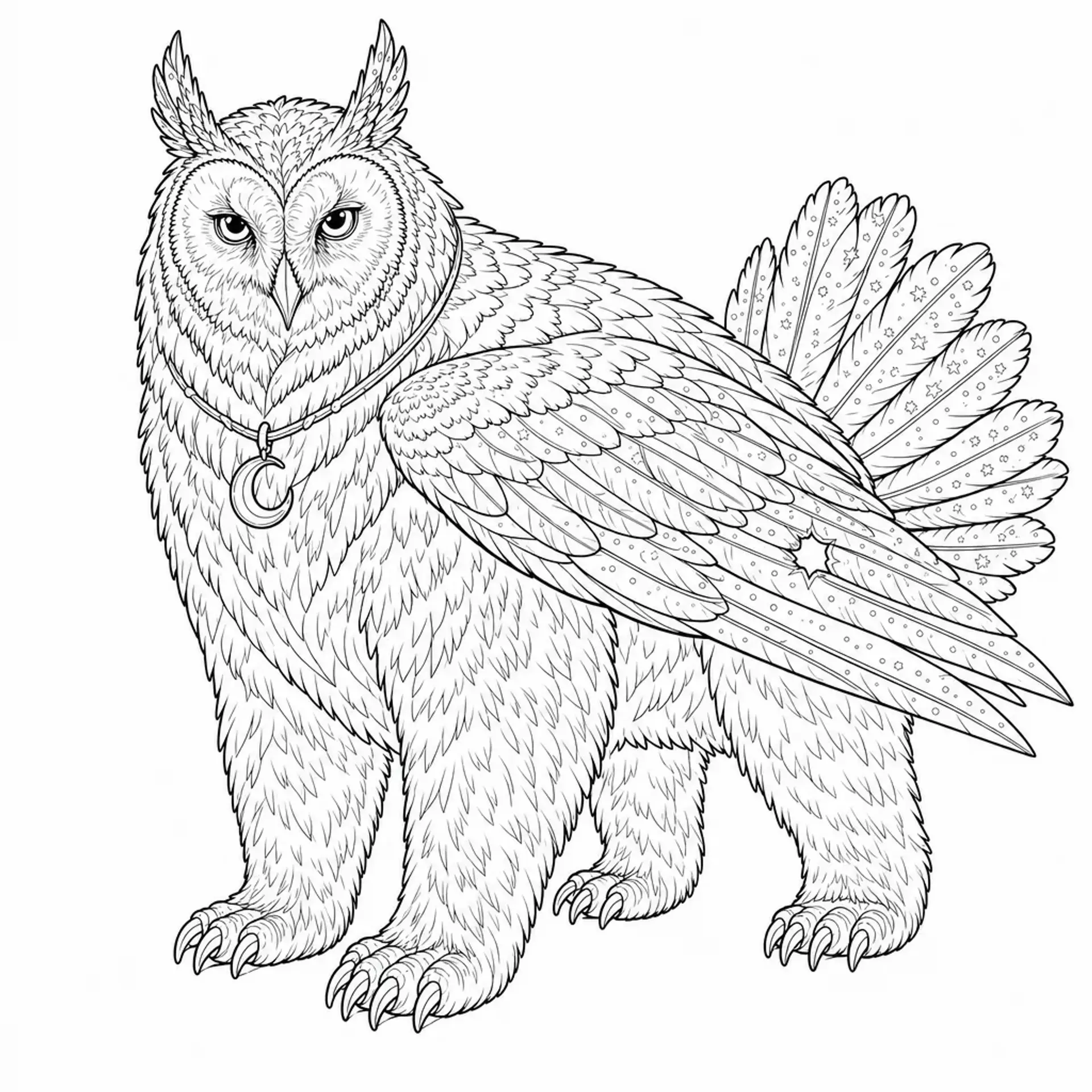
Styles & Fun
Colouring Page
Convert a character, creature, or scene into clean printable black line art on white.
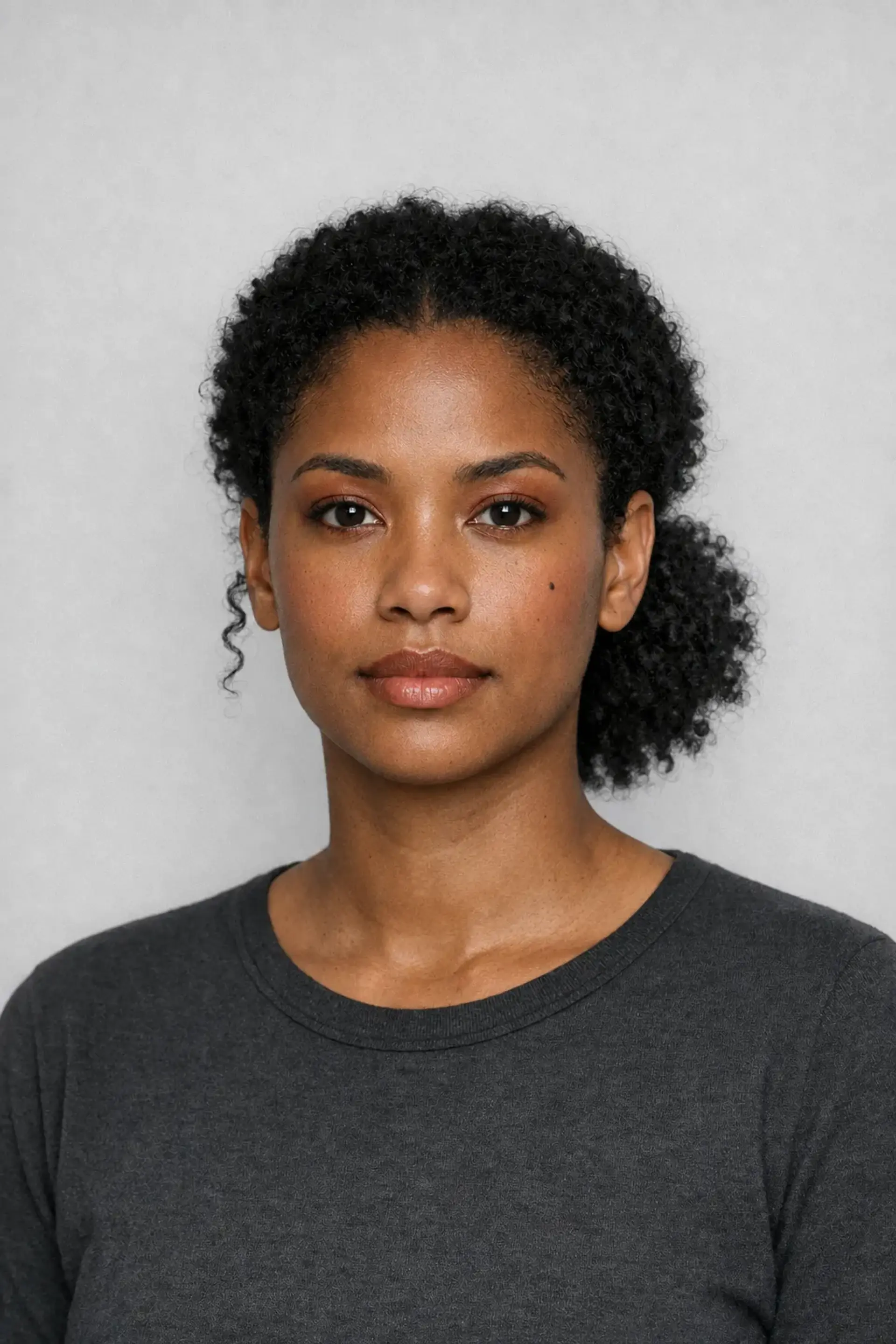
Styles & Fun
Colour Season Makeup
Preview Spring, Summer, Autumn, or Winter makeup colours without changing the person.
3 workflows
Product & Brand
Product scenes, packaging, apparel, and practical brand previews.
Product & Brand
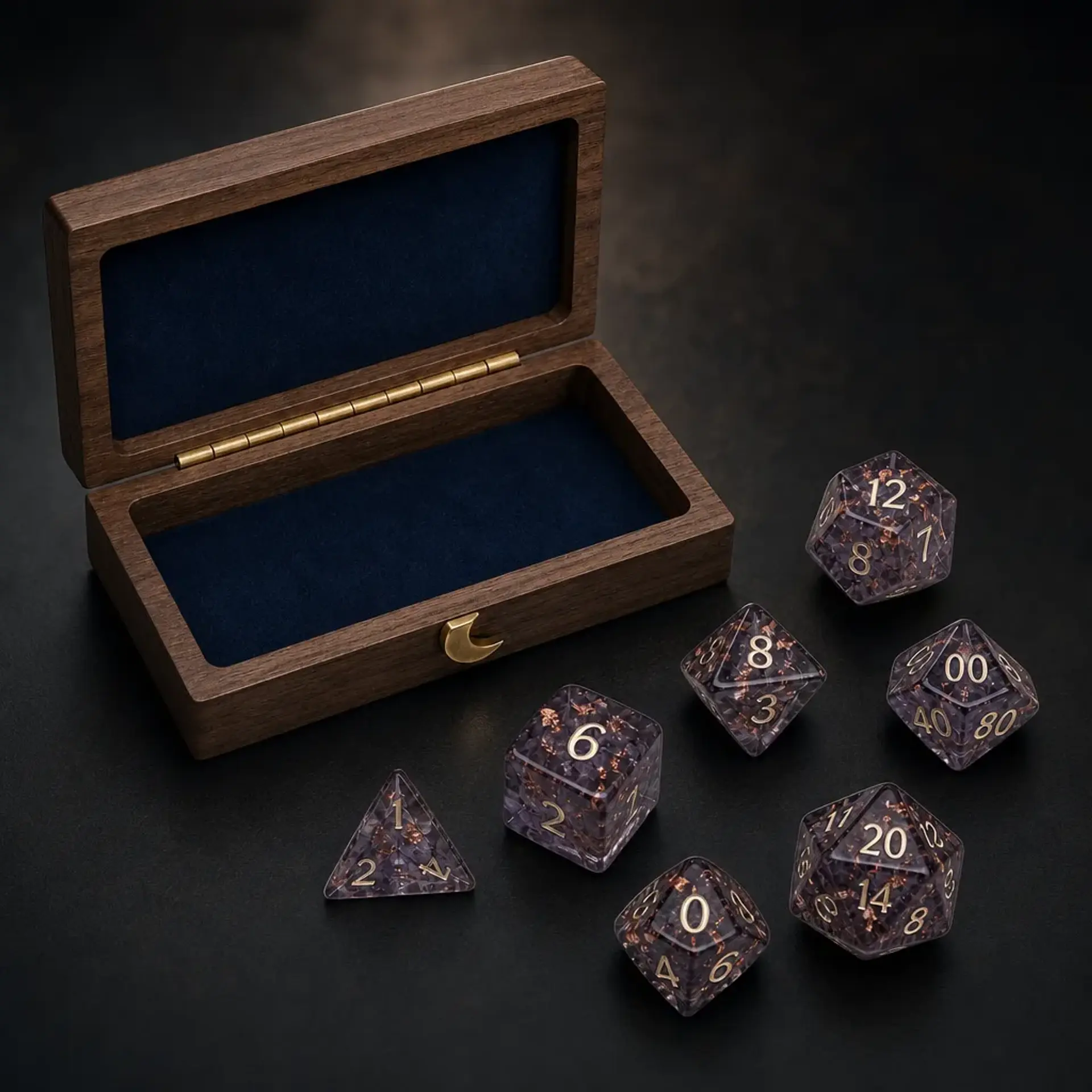
Product Photography
Place one product into a new studio, lifestyle, outdoor, or fantasy tabletop scene without redesigning it.
Product & Brand
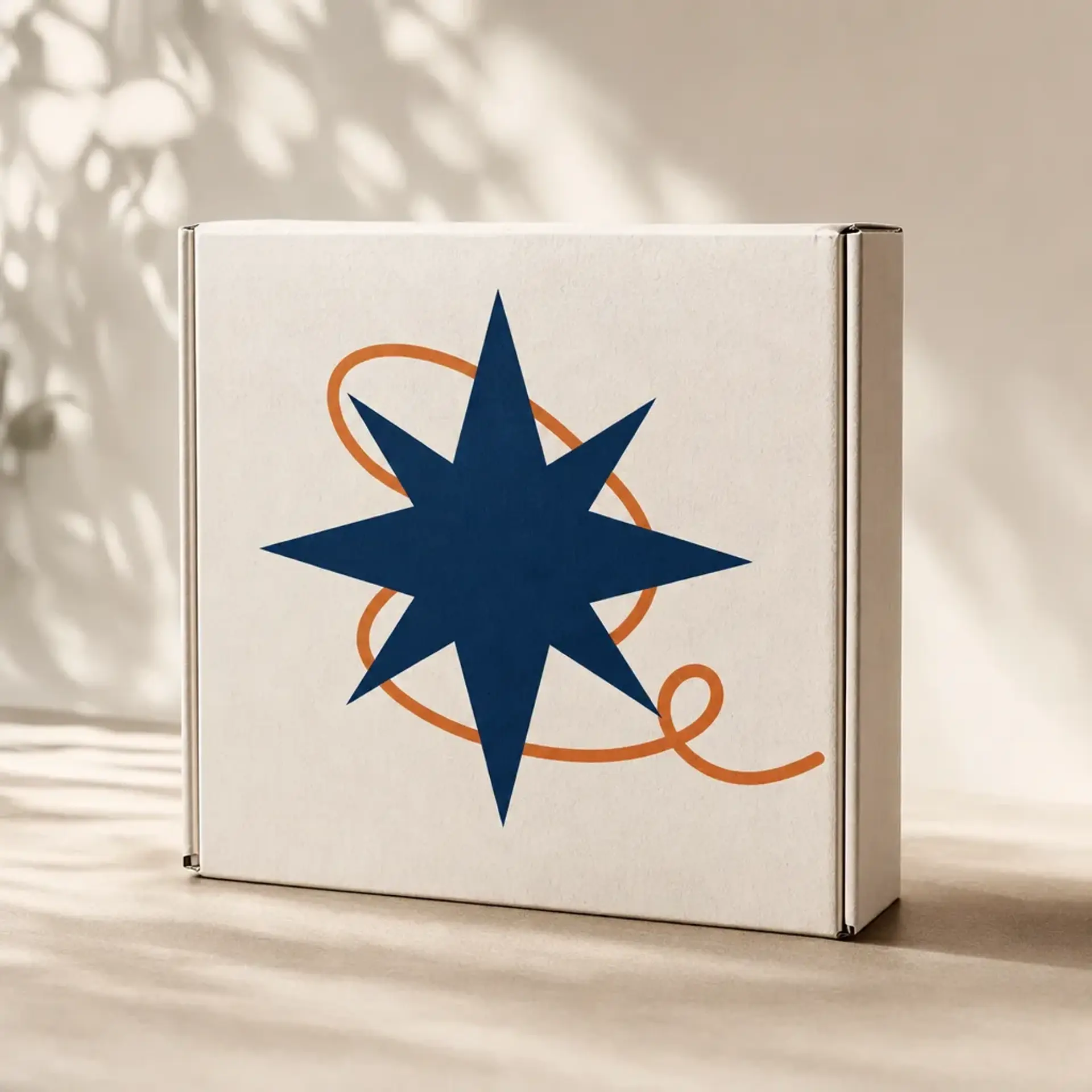
Brand Mockup
Preview one supplied design on packaging, apparel, posters, signs, stationery, or merchandise.
Product & Brand
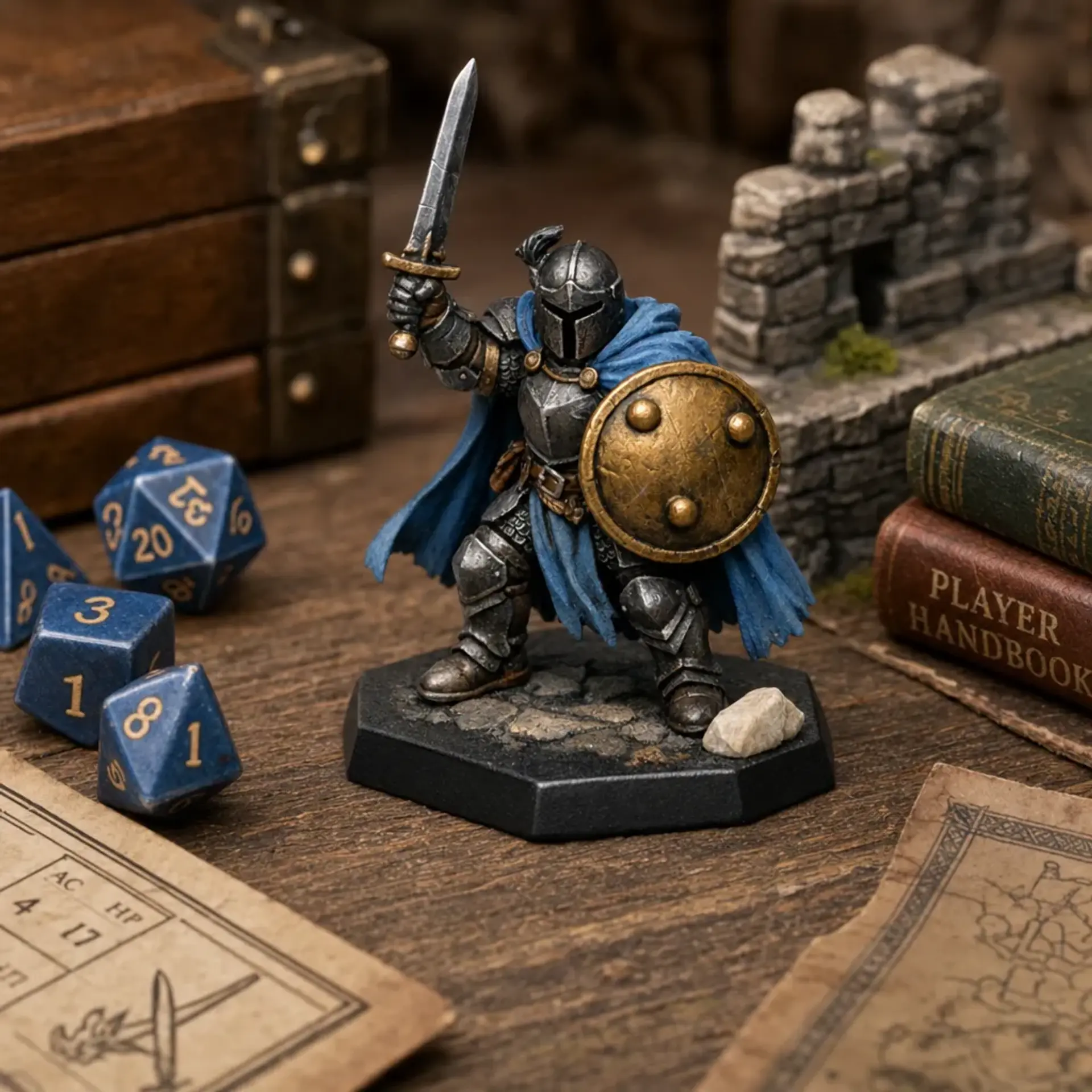
Miniature and Terrain Showcase
Stage one miniature, terrain piece, or dice set on a believable tabletop without repainting it.
Choose the result. Keep control of the source.
Every workflow shows its required inputs and exact Gold total before generation.
Browse all workflows