
Advanced Dice
Dice rolling with complex formula support.
/roll 4d6kh316/roll 1d20+5NAT 20Illustrative rolls
Record your D&D sessions in Discord. Use live captions during play. Create a transcript and recap in CharGen. Generate NPCs, monsters and art from chat.
Read the Terms and Privacy Policy. Get your group's agreement before recording.
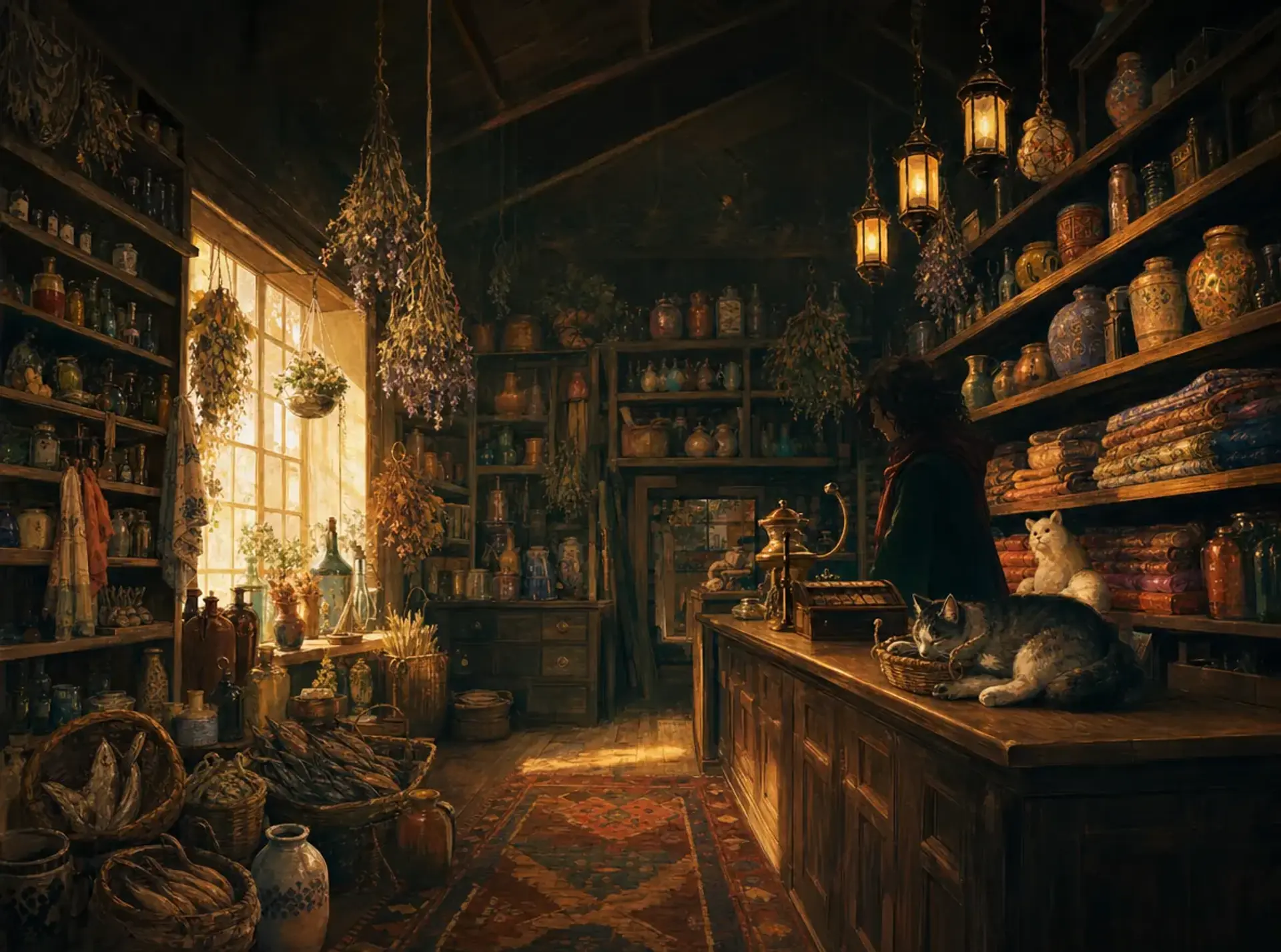
A shop, its inventory and its campaign details, without leaving the conversation.
Beyond recording, the CharGen bot brings a full suite of RPG tools to your Discord server.
Generate characters, landscapes and items with a choice of AI models. Images appear directly in chat.
/image <prompt>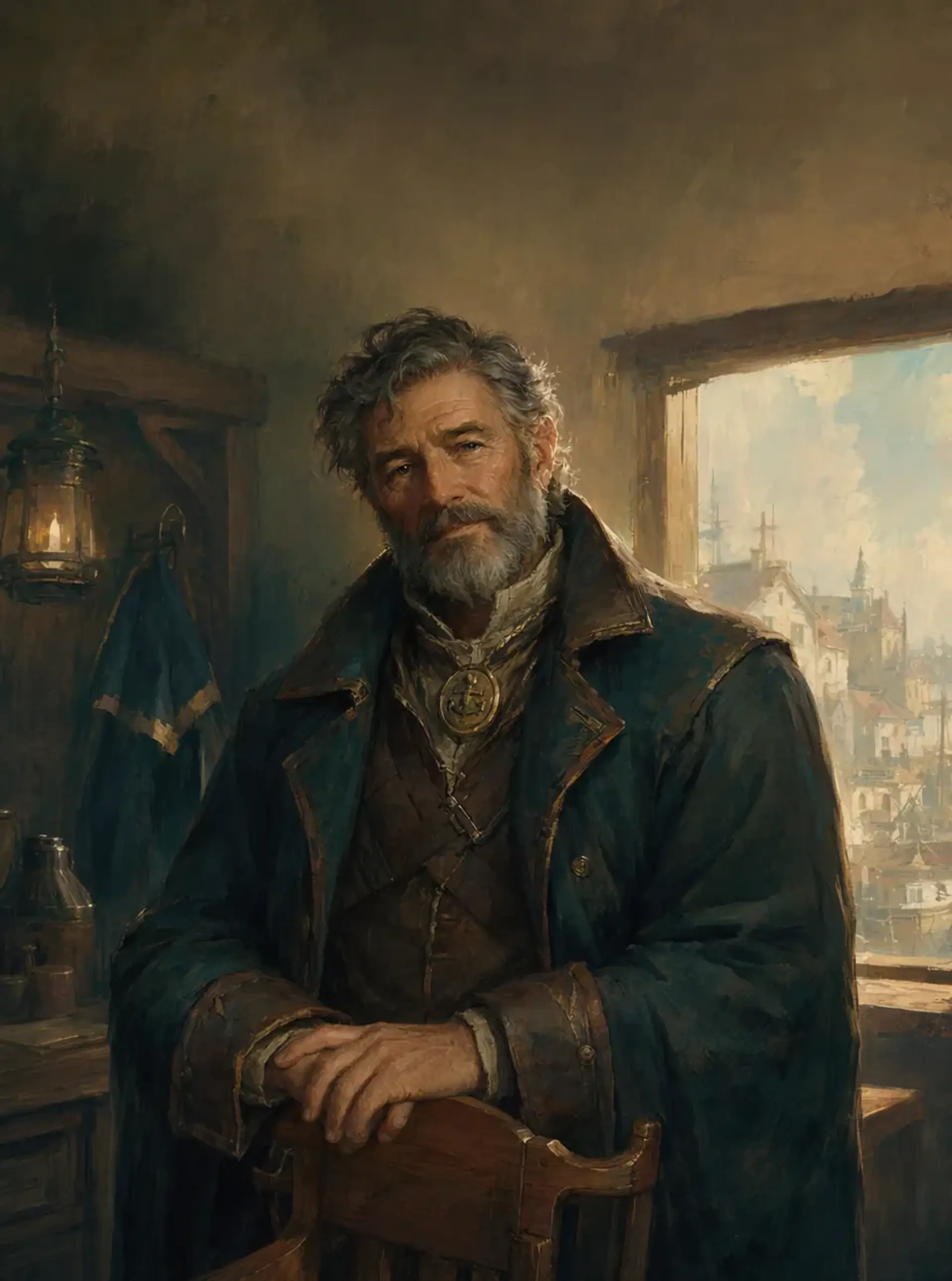
CharGen character artwork
Dice rolling with complex formula support.
/roll 4d6kh316/roll 1d20+5NAT 20Illustrative rolls
Track combat turn order, rounds and active participants without spreadsheets.
/initiative startGenerate inventories and treasure hoards appropriate for any level.
/generate loot <level>Need an NPC on the fly? A mysterious tavern? A custom monster?
Complete characters with stats, personality, and backstory.
Custom creatures with full statblocks and lore.
Establishments with staff, menu, patrons, and secrets.
Stores with inventory, prices, and quirky owners.
Towns with government, economy, and notable NPCs.
Organizations with goals, hierarchy, and influence.
Level-appropriate treasure hoards and magic items.
Poems, songs, riddles, and cryptic prophecies.
Every tabletop RPG session is filled with moments worth remembering. The clutch natural 20, the unexpected plot twist, the hilarious in-character banter. Keep those moments in your session recording.
Join your voice channel, type /start-recording, and the bot joins to capture the conversation.
/start-recordingStart capture/stop-recordingStop and downloadWhen you're done, whether that's after a 30-minute encounter or a four-hour marathon session, use /stop-recording to access your MP3 through the recording's Download action.
Tell everyone in the voice channel what will be recorded and who can see the results. Get their agreement before capture, including people who join later. The bot does not ask each participant to click a consent button. Stop recording if someone objects.
Enable live transcription and watch your words appear in a text channel as you speak. Great for note-taking and creating searchable session records. Captions can show each speaker's Discord name.
People with access to the destination channel can read the captions. That audience can be different from the voice channel's audience.
Live captions help your group follow the conversation.
Tabletop RPGs should be accessible to everyone. CharGen's live transcription features are designed to support d/Deaf and hard-of-hearing players by providing readable captions of the voice chat.
Speaker names help everyone follow the roleplay, participate in the banter, and stay involved in the story. Transcription can make mistakes. Check important details in the recording.
Record your D&D session in Discord. Create a transcript and recap in CharGen, then review the campaign details.
Use /start-recording in Discord to capture the session audio.
/start-recordingUse /stop-recording when you finish. Choose Download for the MP3 or Create CharGen Session for a transcript and recap. Check the processing cost before you submit.
/stop-recordingOpen the session in CharGen. Read the recap, search the transcript and review detected NPCs, locations and loot.
RPG Session NotesChoose Create CharGen Session after recording to add the session to CharGen. Check who can see the campaign and its channels before you share transcripts or recaps.
Live transcription requires ELITE or ULTIMATE access. Choose the mode that fits your budget. Check your current access and costs with /status before starting. You need enough Gold for the first 15 minutes.
| Mode | Price | Description | Features |
|---|---|---|---|
| Budget | 25 Gold/hour | Standard speed transcription | Good accuracy Speaker attribution Fast processing |
| StandardRecommended | 45 Gold/hour | High accuracy transcription | High accuracy Better context Speaker attribution |
| Realtime | 100 Gold/hour | Instant live-streaming transcription | Lowest latency Per-speaker streams Instant display |
Link a campaign to a channel in your server. Each finished session posts there with its cover and recap.
/campaign link in the channel instead.Only the campaign's owner can connect it, and each campaign posts to one channel.
Add CharGen to your server and connect your account.
Click the invite button to add CharGen to your Discord server. Grant voice and text permissions.
Use /link to connect Discord to your CharGen account. This unlocks premium features and syncs your data.
Roll dice, generate NPCs, create images, and record sessions. All without leaving Discord.
/unlink disconnects your Discord and CharGen accounts. It does not delete recordings, sessions or Discord posts. Use deletion controls or contact us about your data.
Slash commands, with their options and parameters. Use /help in Discord for the bot's current command list.
/linkConnect your Discord account to CharGen. Required for premium features and tracking your session recordings.
/unlinkDisconnect your Discord account from CharGen. This does not delete recordings, sessions or Discord posts.
/statusCheck your gold balance, subscription tier, recording status, and transcription access.
/start-recordingStart recording your voice channel. Options: transcribe (live captions), mode (budget, standard or realtime quality), language (the language spoken at the table, remembered for next time) and music (also start music that follows the scene).
/stop-recordingStop recording and access your MP3 through the Download action. Choose Create CharGen Session for transcription and AI summaries.
/set-language <code>Set the language spoken at your table. Examples: en, es, de, fr, ja, ko, zh, ar and hi. You can also pick it with the language option of /start-recording.
/music startPlay music that changes with the scene: fights, taverns, travel, rest and more. CharGen listens to the voice channel to choose the music and keeps no audio or text. Free during the beta.
/music moodHold the music on one mood, such as Combat, Travel or Rest. Pick Follow the table to let it choose again.
/music volumeSet how loud the music plays for the rest of the session.
/music stopFade the music out. Anyone in the music's voice channel can also stop it from the music card.
/campaign linkPost one of your campaigns' finished sessions in this channel. A recording of 5 minutes or more in a linked channel goes into that campaign by itself.
/campaign unlinkStop posting sessions in this channel. Posts already sent stay in Discord.
/campaign statusShow which CharGen campaigns post in this channel.
/generate npcCreate a complete NPC with stats, personality traits, backstory, plot hooks, and relationships. Options: race, class, occupation, gender, age, level.
/generate monsterDesign custom creatures with full D&D 5e statblocks, abilities, lore, and tactics. Options: type, CR, size, environment, combat role.
/generate tavernGenerate an establishment with keeper, staff, menu, regular patrons, rumors, and adventure hooks. Options: type, theme, party level.
/generate shopCreate a store with inventory, prices, shop owner personality, and special items. Options: type (weapons, magic, general, etc.), theme, party level.
/generate settlementBuild towns and cities with government, economy, notable NPCs, factions, and points of interest. Options: type, location, population, race, government.
/generate factionDesign organizations with leadership, goals, secrets, resources, and relationships. Options: type, alignment, size, influence, theme.
/generate loot <level>Generate level-appropriate treasure hoards with gold, gems, art objects, and magic items. Options: party level, theme (dragon hoard, bandit camp, ancient tomb).
/generate poetry <theme>Create poems, songs, riddles, prophecies, and limericks for your campaign. Options: type, mood, length, specific words to include.
/image <prompt>Generate AI artwork. Choose type, an available model, size and image count from the command options.
/roll <dice>Roll dice using standard D&D notation. Examples: 1d20, 2d6+3, 4d6kh3 (keep highest 3), 2d20kl1 (disadvantage), 8d6 (fireball damage).
/initiative startBegin a new combat encounter and initialize the turn tracker.
/initiative add <name> <roll>Add a combatant to the tracker. Use monster:true for NPCs/enemies.
/initiative nextAdvance to the next combatant's turn. Automatically tracks rounds.
/initiative showDisplay the current initiative order with turn indicator.
/initiative remove <name>Remove a combatant from the tracker (defeated, fled, etc.).
/initiative clearEnd combat and clear the initiative tracker.
Recording is free for linked accounts. Feature access and Gold costs depend on your account and selected mode. Use /status before starting.
Get everyone’s agreement before recording. Join your voice channel, then use /start-recording. Use /stop-recording when you finish and the Download action to access your MP3. You can enable live transcription to see words appear as people speak.
Use /stop-recording, then choose Create CharGen Session. Review the transcript and recap in CharGen. Check the access and processing cost before you submit. If the channel is linked to one of your campaigns, a recording of 5 minutes or more goes into that campaign by itself when you have the Gold for it.
See a session recap and searchable transcriptYes. Connect a campaign to a channel from the campaign's Discord chip, or type /campaign link in the channel. Each finished session then posts there: a headline with the cover image, and the recap, spotlights, quotes and new faces. With the CharGen bot in your server they go in a thread, one message each. You can turn off automatic posts and post by hand. The post links to a player view that hides your notes and the transcript.
How to share a session recap on Discord safelyOpen the session in CharGen, select Transcript, and search for a word or name.
Learn how to search and export a transcriptGenerate D&D content with /generate commands: NPCs with backstories, monsters with statblocks, taverns with menus and patrons, shops with inventory, settlements with governments, factions with goals, loot appropriate to a level, and poetry including prophecies and tavern songs.
Full D&D notation support with /roll. Examples: /roll 1d20+5 for attacks, /roll 4d6kh3 for stat generation (keep highest 3), /roll 2d20kl1 for disadvantage (keep lowest), /roll 8d6 for fireball damage. Supports modifiers, multiple dice, and complex expressions.
Transcription supports international groups. Use /set-language before recording to set your preferred language. Examples include English, Spanish, French, German, Japanese, Korean, Chinese, Arabic and Hindi.
Recording is free for linked accounts. Live transcription and session processing can use Gold and require account access. Check /status for your account.
Yes! Link your CharGen account once and use it across any Discord server with the bot installed. Your gold balance, subscription, and settings sync everywhere.
Use /image with a prompt to generate character portraits, monster art, landscapes, battlemaps and more. Choose from the models, image types, sizes and counts offered by the command. Images appear directly in Discord.
Roll dice, generate NPCs, create images and record sessions. All without leaving Discord.
Read the Terms and Privacy Policy. Get your group's agreement before recording.