
Generate a Magic Item
Create production-backed magic item for the Glasswake setting, then verify the saved result, artwork and supported actions.
Use the Magic Item generator when an object needs complete table rules, constraints and history. This walkthrough creates The Meridian Compass, a beacon-linked navigation tool for the Glasswake Expedition.
Brief a bounded magic item
1. Open the Magic Item generator
Start from RPG Workshop or open the Magic Item generator. Use it for one mechanically complete object. Use Loot when you need a whole recovered cache rather than one detailed item.
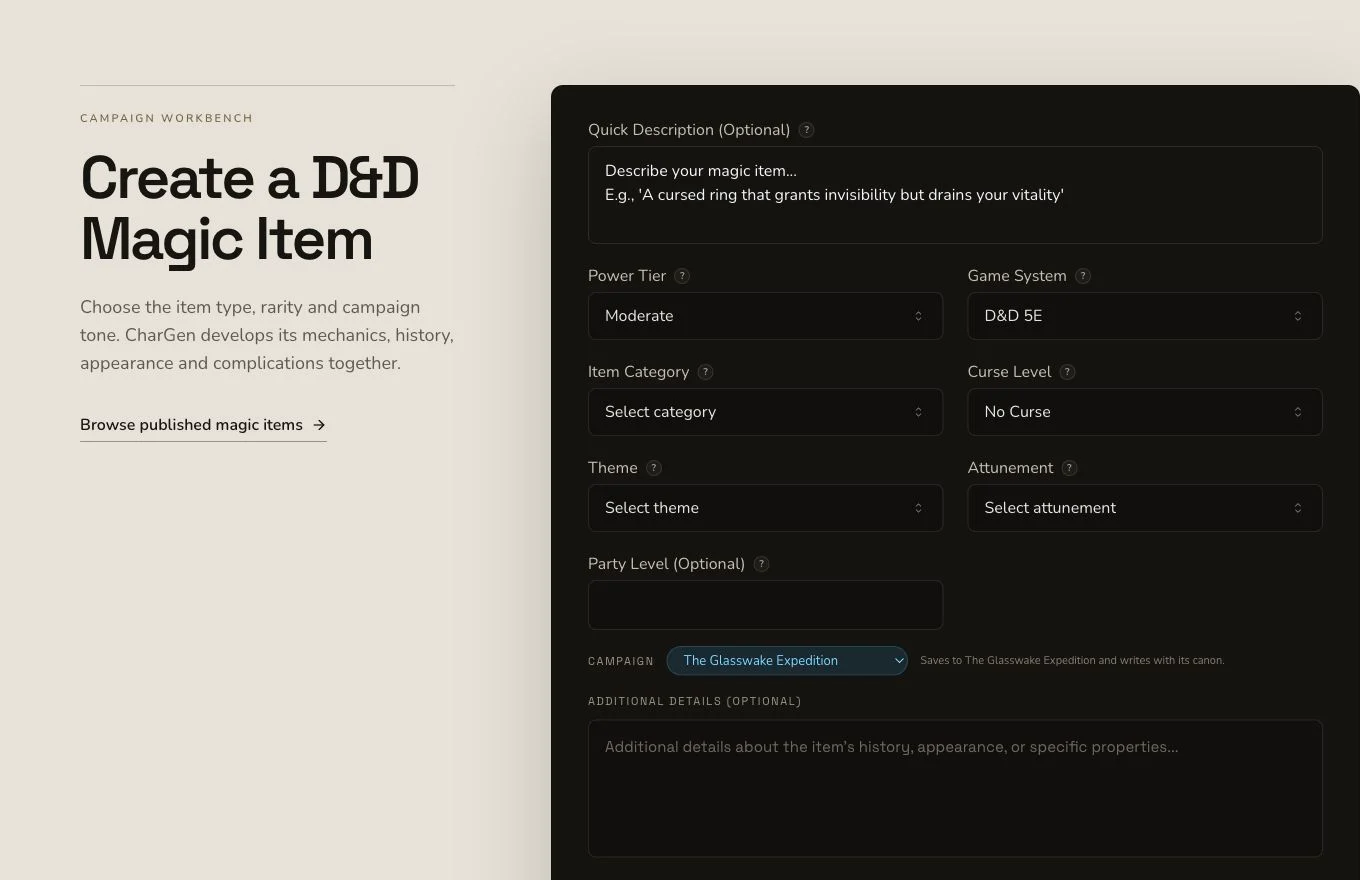
State what the item does, when it works and where player judgement still matters.
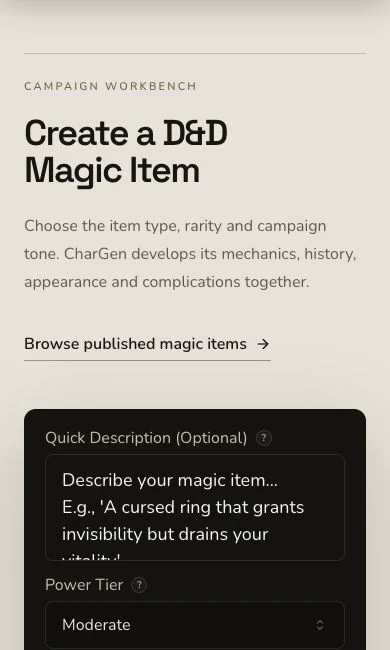
On mobile, read the rarity, attunement and ability boundaries before submitting.
2. Specify rarity, attunement and limits
Ask for clear rarity, an attunement decision, limited table-usable navigation abilities, visible feedback and a meaningful failure boundary. Choose D&D 5e and a complete magic-item format. The compass can reveal safe tide roads near active beacons, but it should not replace exploration or player judgement.
3. Treat requested Faction context carefully
The brief requested The Meridian Cartographers as context, but the mounted form did not submit an explicit Faction context record. Naming the faction in the brief can shape the generated lore. It does not prove a campaign relationship or campaign recording.
Inspect rules before flavour
4. Submit once and retain the job
Magic Item generation is asynchronous. Keep one job identity through its terminal result and reconcile automatic art separately. Do not resubmit merely because a local progress view is slow.
5. Check mechanics, then lore
Open The Meridian Compass. Read rarity, attunement, charges, properties, constraints, curse, description, history and lore. Confirm that its effects answer the brief without bypassing navigation decisions or becoming a universal solution.
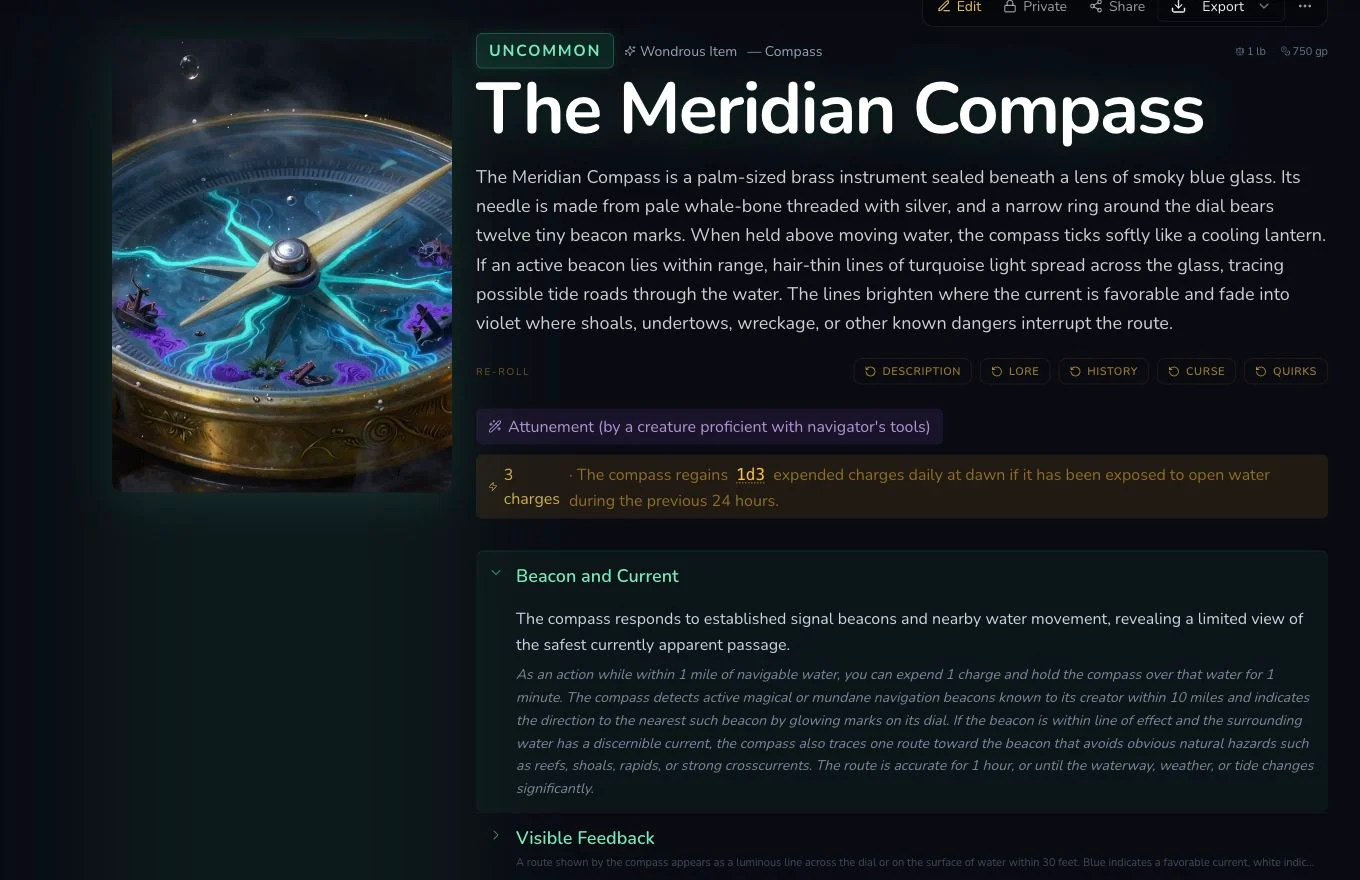
Mechanical limits make the item easier to use consistently than an evocative description alone.
6. Review native artwork independently
The accepted native image has its own request, image and persisted association. It remained Private after refresh. Inspect the compass shape, material, unwanted labels and setting consistency before accepting it.
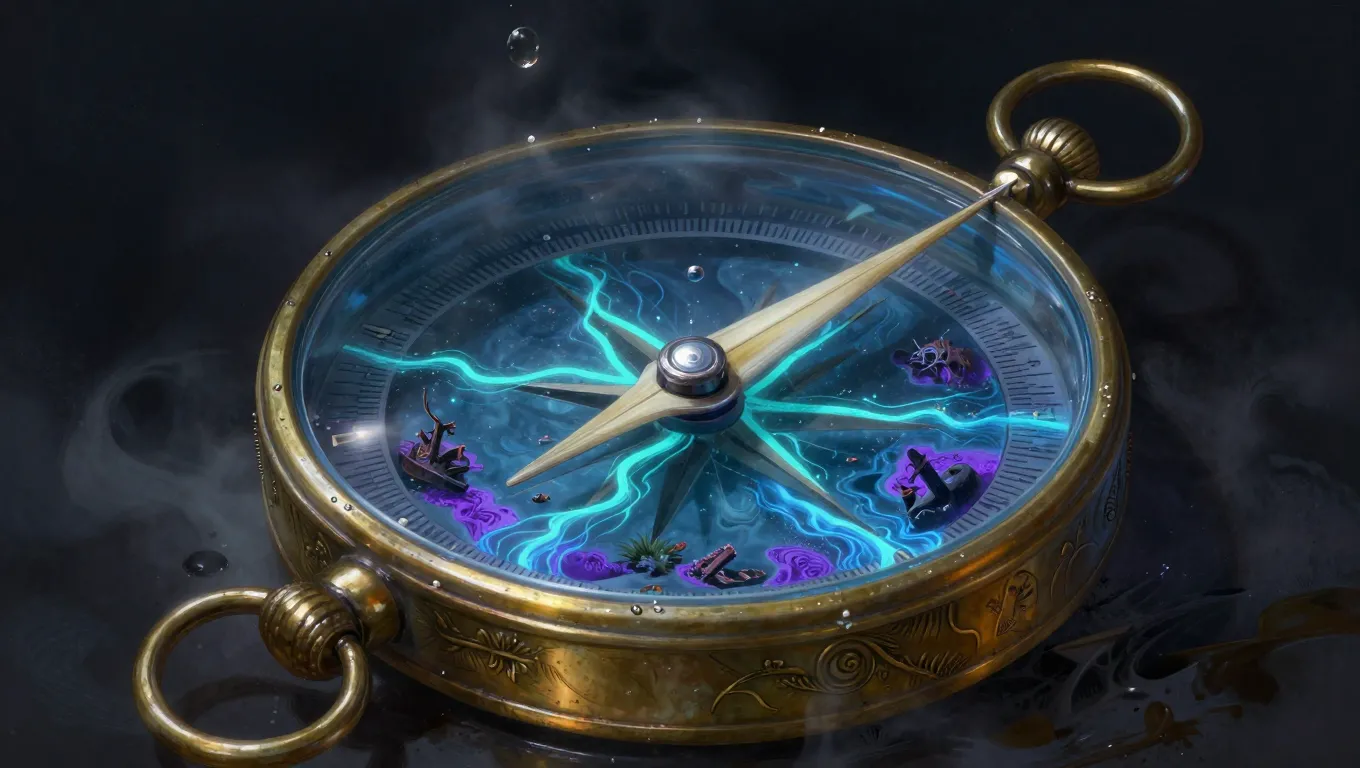
The artwork shows the object while the result page defines what it can actually do.
Reroll only a mounted section
Magic Item supports standard relationship controls, whole-draft editing, generic section rerolls and standard JSON export. The retained Lore reroll displayed 1 Gold, settled 1 Gold and survived refresh. It has no Workshop Share Card, so share a URL only within the visibility boundary you have deliberately chosen.
Checkpoint
Check your result
- The detail route shows The Meridian Compass with coherent rarity, attunement, properties and limits.
- The item remains useful near beacons without replacing player navigation decisions.
- Its native artwork is associated with the exact Magic Item and remains Private after refresh.
- Lore reroll, relationship and JSON export evidence do not claim a Workshop Share Card.
If something looks wrong
Troubleshooting
- Symptom
- The item solves every navigation problem.
- Likely cause
- The brief may describe the power without range, charges, conditions or failure boundaries.
- Next safe action
- Edit the properties and constraints, then Save and verify them after refresh.
- Symptom
- There is no Share Card control.
- Likely cause
- Magic Item has no Workshop Share Card.
- Next safe action
- Keep the entity Private or use an intentionally permitted URL workflow without claiming a card exists.
- Symptom
- The Lore section needs another version.
- Likely cause
- Lore has a mounted generic reroll quoted at 1 Gold.
- Next safe action
- Confirm the exact quote once and refresh-read the result before accepting it.