
Generate a Puzzle
Create production-backed puzzle for the Glasswake setting, then verify the saved result, artwork and supported actions.
Use the Puzzle generator when players need observable clues, manipulable parts and more than one route through uncertainty. This walkthrough creates The Orrery Locks, a beacon-alignment mechanism inside the Drowned Observatory.
Brief the clue and interaction loop
1. Open the Puzzle generator
Start in RPG Workshop or open the Puzzle generator. Use Puzzle for the mechanism itself. Use Dungeon for the surrounding location and Encounter for a time-sensitive scene around it.
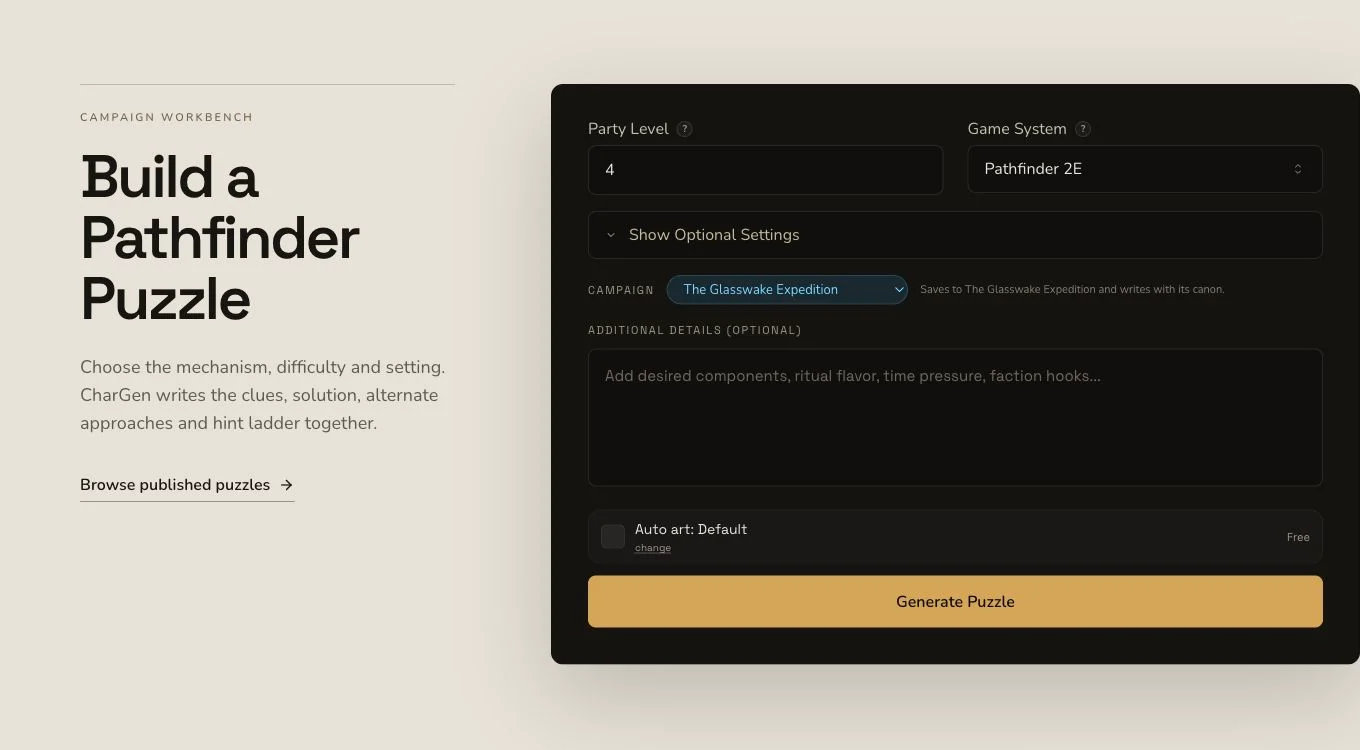
Define what players see, what they can manipulate and how the puzzle responds.
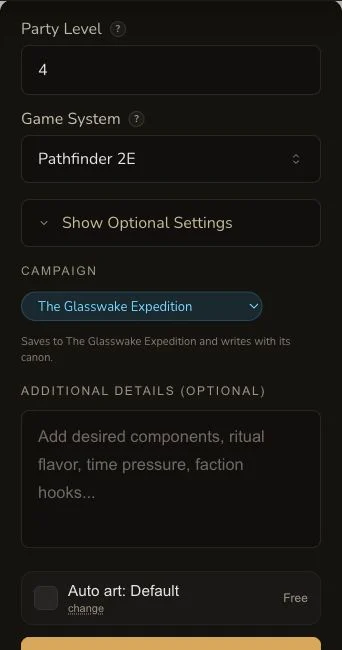
On mobile, check the clues, interactions, solution and failure consequences before submitting.
2. Ask for visible clues and useful feedback
Describe brass rings modelling the islands, tides and seven beacon lights. Players should infer the target alignment from visible environmental clues, manipulate distinct rings, see useful feedback for partial progress and recover from mistakes. Choose D&D 5e and a table-ready mechanical puzzle format.
3. Separate requested context from submitted context
The frozen brief requested The Drowned Observatory and The Seven Lights, but the mounted form submitted no explicit entity context. Those names can still appear in the public brief. A later HAS_FEATURE relationship is separate evidence.
Test the puzzle as a player would
4. Submit once and retain the asynchronous job
Puzzle generation runs asynchronously. Preserve the job identity until it reaches a terminal result. If polling stops, check the existing Puzzle before considering a second request.
5. Read clues before reading the answer
Open The Orrery Locks. Review discovery, components, how to play, checks, partial progress, hints, failure condition, success and failure outcomes, solution and alternate solutions. The retained result has three hints. Verify that each offers a useful nudge rather than simply revealing the answer.
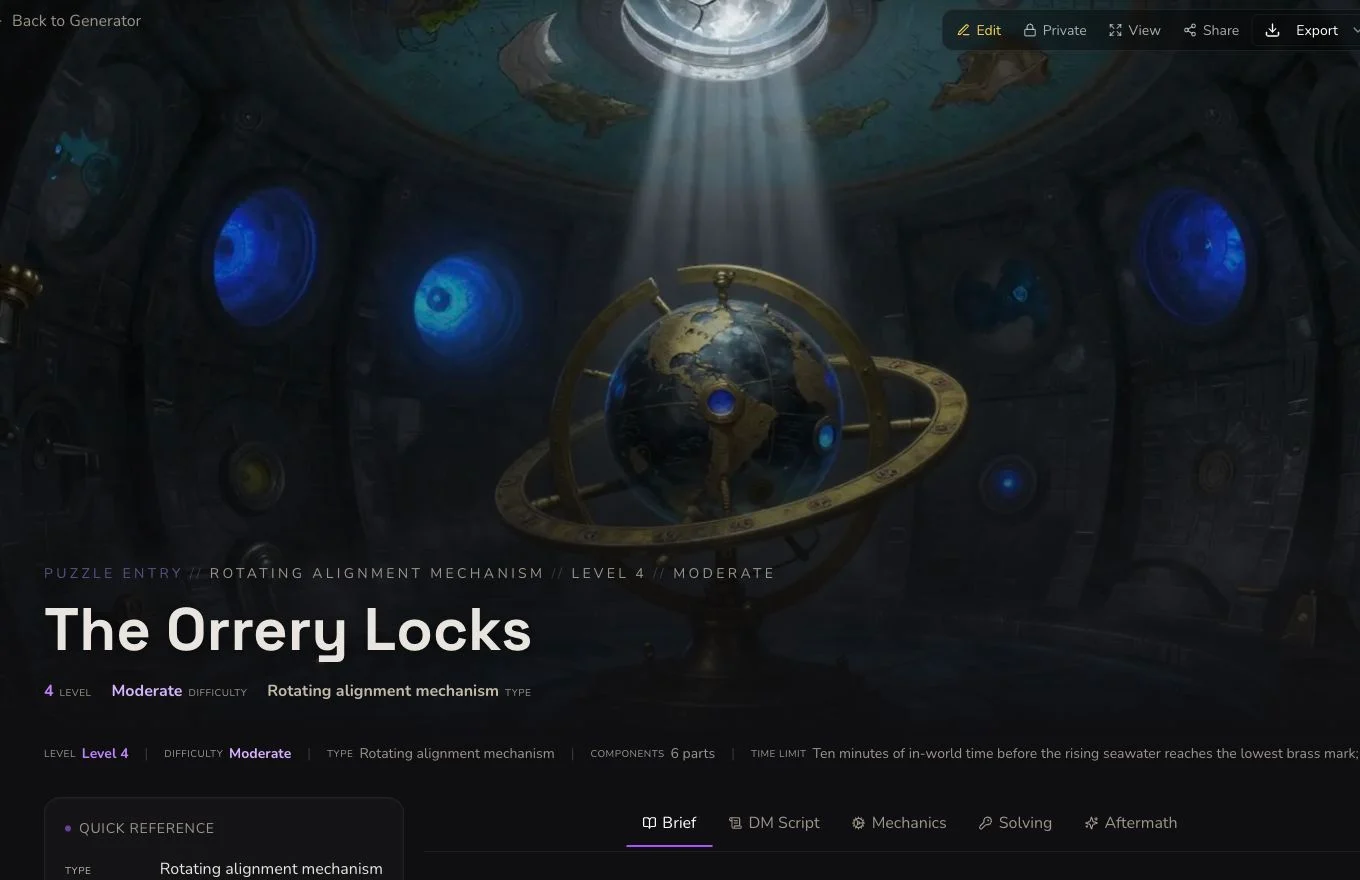
A playable puzzle explains both the player-facing interaction and the GM's resolution path.
6. Check the mechanism artwork
The accepted native image completed through its own request and association and remained Private after refresh. A separate unexpected apparatus image contained pseudo-writing and remains rejected evidence. Accept the canonical overview rather than confusing an auxiliary image with the result's main artwork.
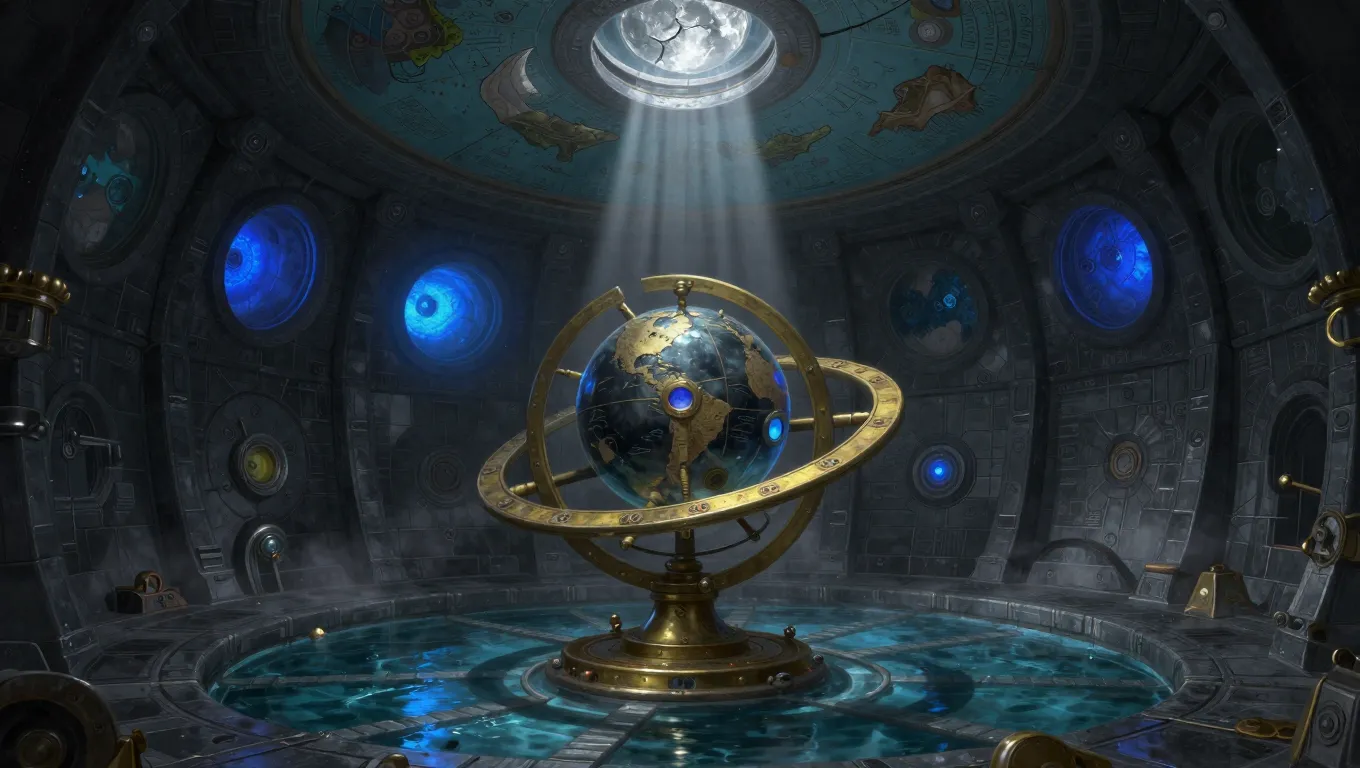
The image establishes the manipulable object without replacing the clues and procedures on the detail page.
Edit rather than invent a reroll
Puzzle supports whole-draft editing, standard relationship controls, a Workshop Share Card and standard JSON export. It has no generic section reroll. The retained HAS_FEATURE relationship links The Drowned Observatory to The Orrery Locks and was refresh-read back independently.
Checkpoint
Check your result
- The detail route shows The Orrery Locks with visible clues, manipulable components and useful feedback.
- Partial progress, three hints, recoverable failure and alternate solutions make the puzzle table-ready.
- The canonical native image belongs to the exact Puzzle and remains Private after refresh.
- Edit, Dungeon relationship and JSON export evidence do not claim a generic section reroll.
If something looks wrong
Troubleshooting
- Symptom
- Players cannot tell what can be manipulated.
- Likely cause
- The brief may describe the answer without distinct components or visible clues.
- Next safe action
- Edit the player-facing setup and interaction steps, then verify the saved result after refresh.
- Symptom
- A hint gives away the whole solution.
- Likely cause
- The hint ladder may not distinguish a nudge from an answer.
- Next safe action
- Rewrite the earliest hint around observation, then reserve the complete alignment for the final hint.
- Symptom
- No reroll control is visible.
- Likely cause
- Puzzle does not support a generic section reroll.
- Next safe action
- Use edit and Save for a correction without borrowing another generator's paid action.