
Generate a Dungeon
Create production-backed dungeon for the Glasswake setting, then verify the saved result, artwork and supported actions.
Use the Dungeon generator when you need a connected sequence of rooms with an objective, threats and discoveries. This walkthrough builds The Drowned Observatory, a flooded beacon complex for the Glasswake Expedition.
Prepare a room-by-room expedition
1. Open the Dungeon generator
Start in RPG Workshop or go directly to the Dungeon generator. Use Dungeon for a traversable location, not a single building overview or one tactical scene.
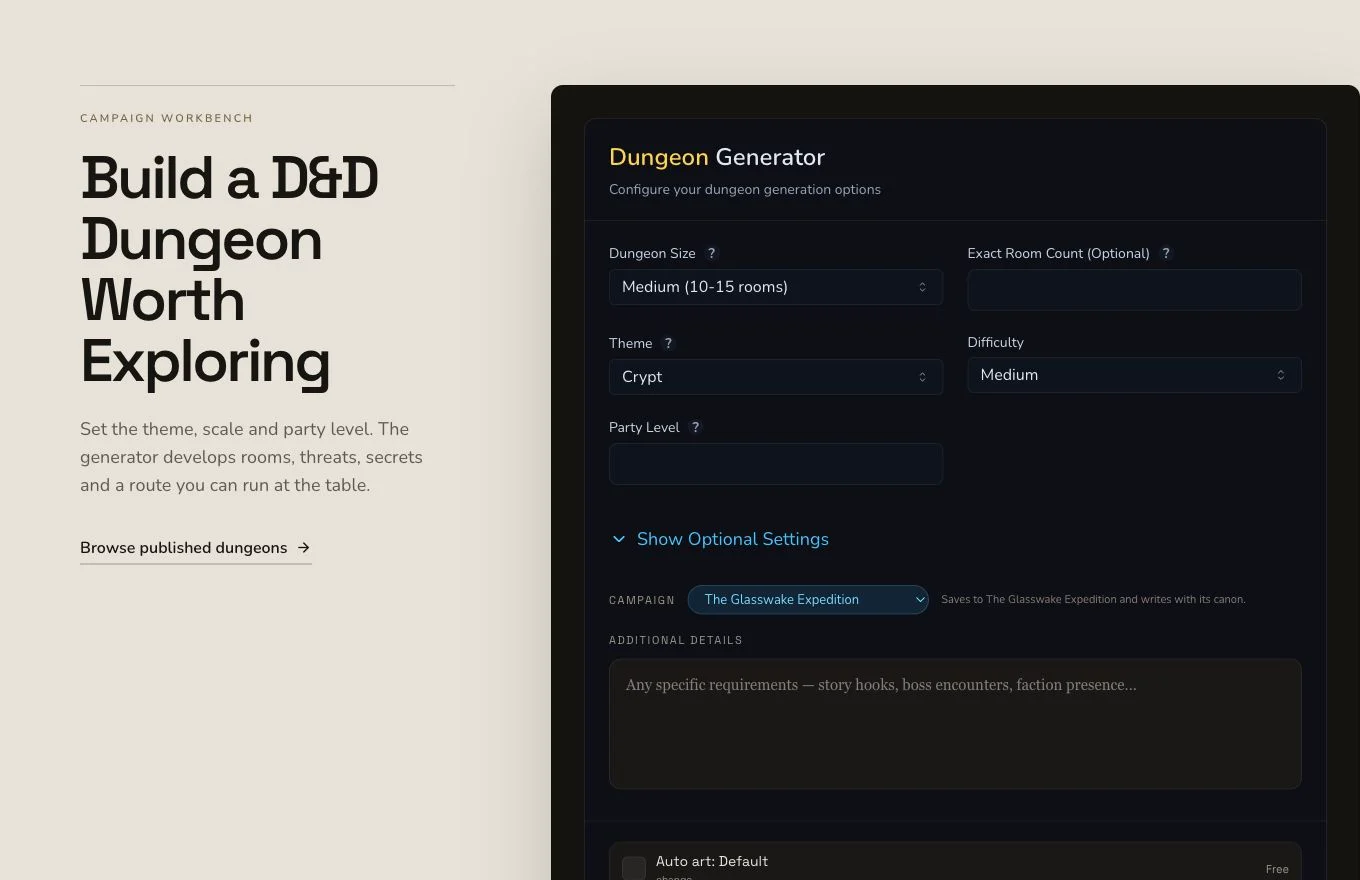
Name the objective, environment, room sequence and fair ways to make progress.
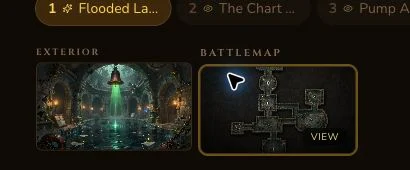
The retained run produced an unexpected automatic battlemap. The mounted detail page exposed two view-only image controls, not a safe explicit battlemap generation control.
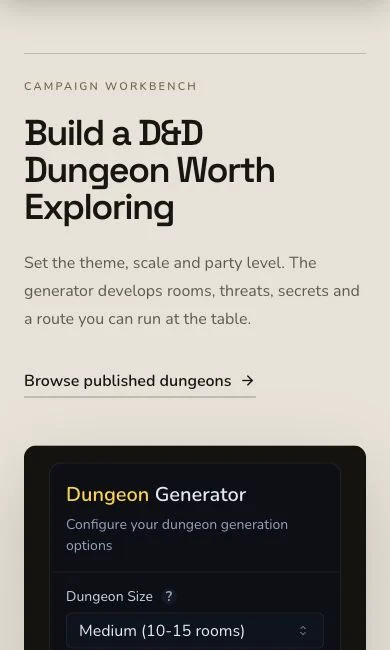
On mobile, review the whole brief before reaching the submission control.
2. Write for movement and choices
The retained brief asks for flooded chambers, changing water levels, visible hazards, useful discoveries and more than one practical approach. Choose D&D 5e and request a room-by-room expedition dungeon. Include the public objective, recover the observatory's alignment records and restore its rescue signal, so every room supports the same expedition.
3. Treat requested context as a boundary
The brief named The Glasswake Reach, The Siltglass Leviathan and The Meridian Compass, but the mounted form did not submit those entities as explicit context. Mentioning campaign material in a brief is not proof of an entity-context join or campaign recording.
Submit once, then inspect the dungeon
4. Keep the original asynchronous job
Confirm the system, brief and displayed art choice, then submit once. The Dungeon result completes asynchronously. Preserve the original job while it moves to a terminal state, and check existing results before considering any retry.
5. Check the complete route through the rooms
Open The Drowned Observatory. The retained result has eight rooms alongside corridors, atmosphere, wandering monsters, rumours, history, an overarching threat and plot hooks. Read the rooms in order and verify that water, danger, reward and navigation remain coherent from entrance to objective.
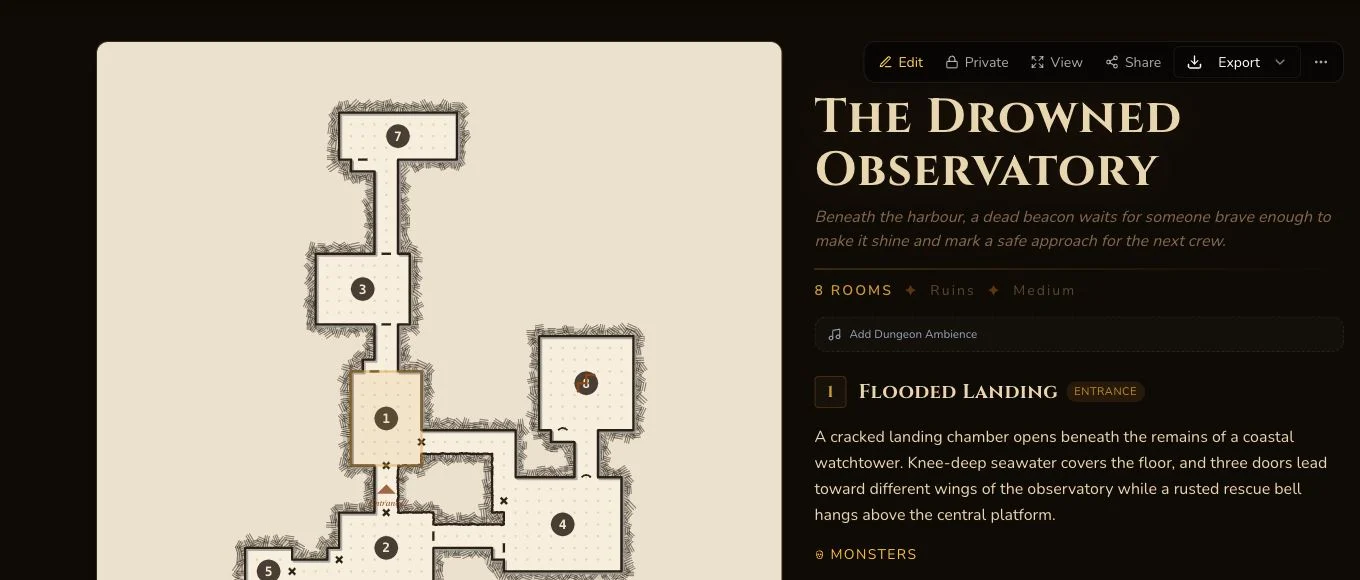
Review the playable route and owner-only material before using the dungeon in a session.
6. Verify art and battlemap independently
Entity completion did not prove either image outcome. The native overview art failed the text-free review, so one owned replacement became the canonical image. A separate unexpected automatic battlemap was already attached and Private. Because the page offered two view-only buttons and no safe explicit generation control, no second battlemap request was made.
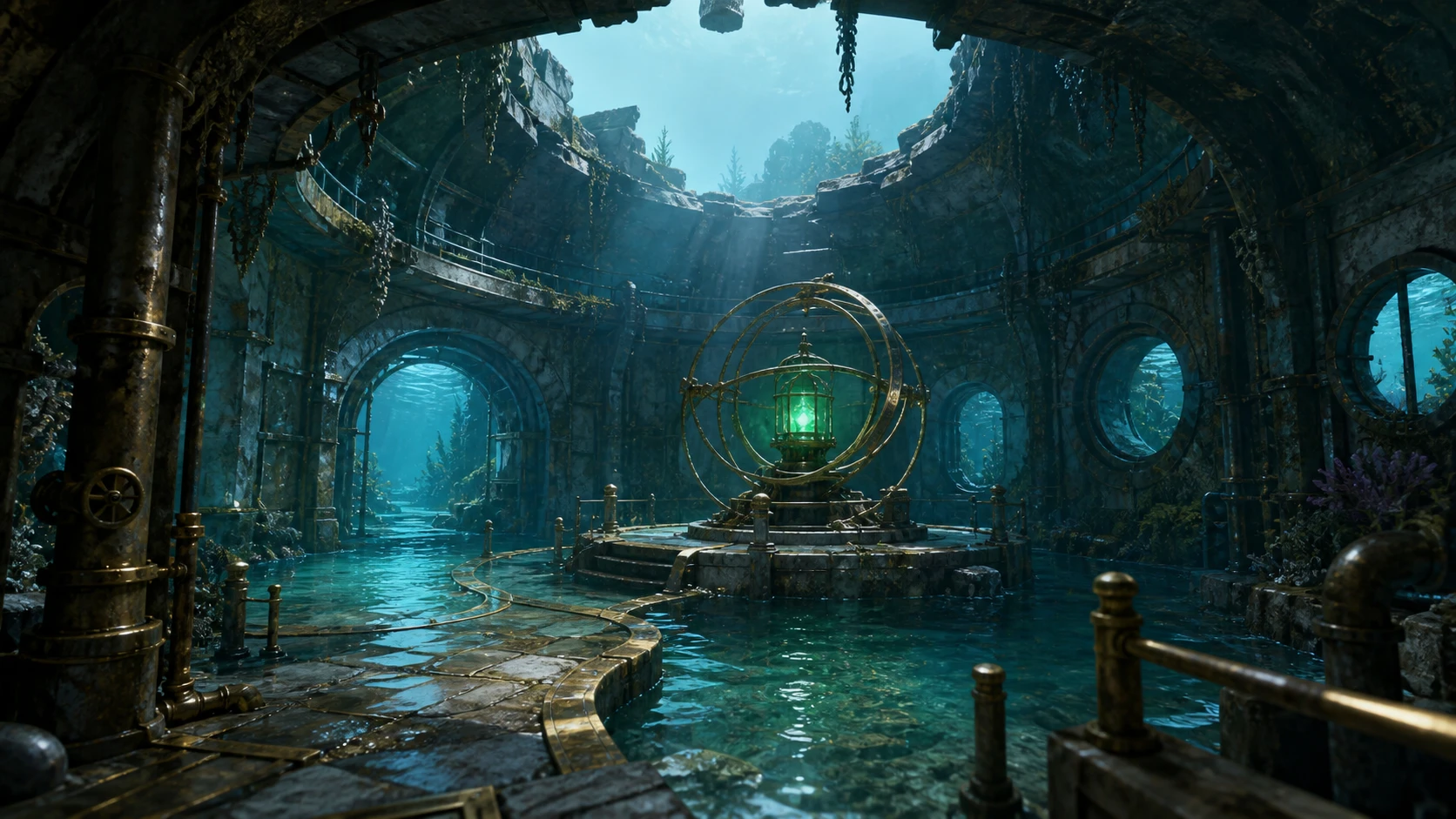
The accepted overview image is distinct from the retained automatic battlemap.
Edit, reroll and export with the real boundaries
Dungeon supports editing, relationships, a Workshop Share Card and standard JSON export. It also supports generic section rerolls. The retained History reroll displayed 1 Gold, settled exactly 1 Gold and survived refresh. Do not treat every section or the separate battlemap behaviour as the same reroll contract.
The generated dungeonSecrets were removed through one owner Save during the production-techniques pass. The empty field and harmless tagline edit were refresh-verified before publication evidence was accepted.
Checkpoint
Check your result
- The detail route shows The Drowned Observatory with eight connected rooms and a coherent public objective.
- The
dungeonSecretsfield was removed and refresh-verified before any sharing guidance. - The canonical overview artwork and unexpected automatic battlemap are separate Private image records.
- The History reroll, relationships and JSON export are verified separately from generation completion.
If something looks wrong
Troubleshooting
- Symptom
- The Dungeon is complete but one image is missing.
- Likely cause
- The entity, overview image and battlemap have separate identities and completion paths.
- Next safe action
- Check the existing image associations before submitting or requesting anything again.
- Symptom
- Only two battlemap buttons are visible.
- Likely cause
- The reviewed page mounted view-only controls and no safe explicit generation control.
- Next safe action
- Inspect the retained automatic battlemap. Do not click an ambiguous control to create a duplicate.
- Symptom
- A secret section is still populated.
- Likely cause
- Generated owner material is not removed by changing visibility.
- Next safe action
- Keep the entity Private, clear the field in edit mode, Save and verify it after a full refresh.