
Link and Generate Related Entities
Link existing Workshop entities and use Generate and Link without confusing entity creation with relationship creation.
Relationships turn isolated results into a usable campaign graph. This lesson uses Captain Ilyra Venn from the public NPC generator to separate an existing-entity link from Generate and Link, which has two durable outcomes.
Link two existing entities
1. Choose the source and target identities
Open the intended source entity, Captain Ilyra Venn. Choose the owned target Veyra's Crossing. Confirm the source identity, target identity and displayed type before saving. A name match alone is not enough when several results have similar labels.
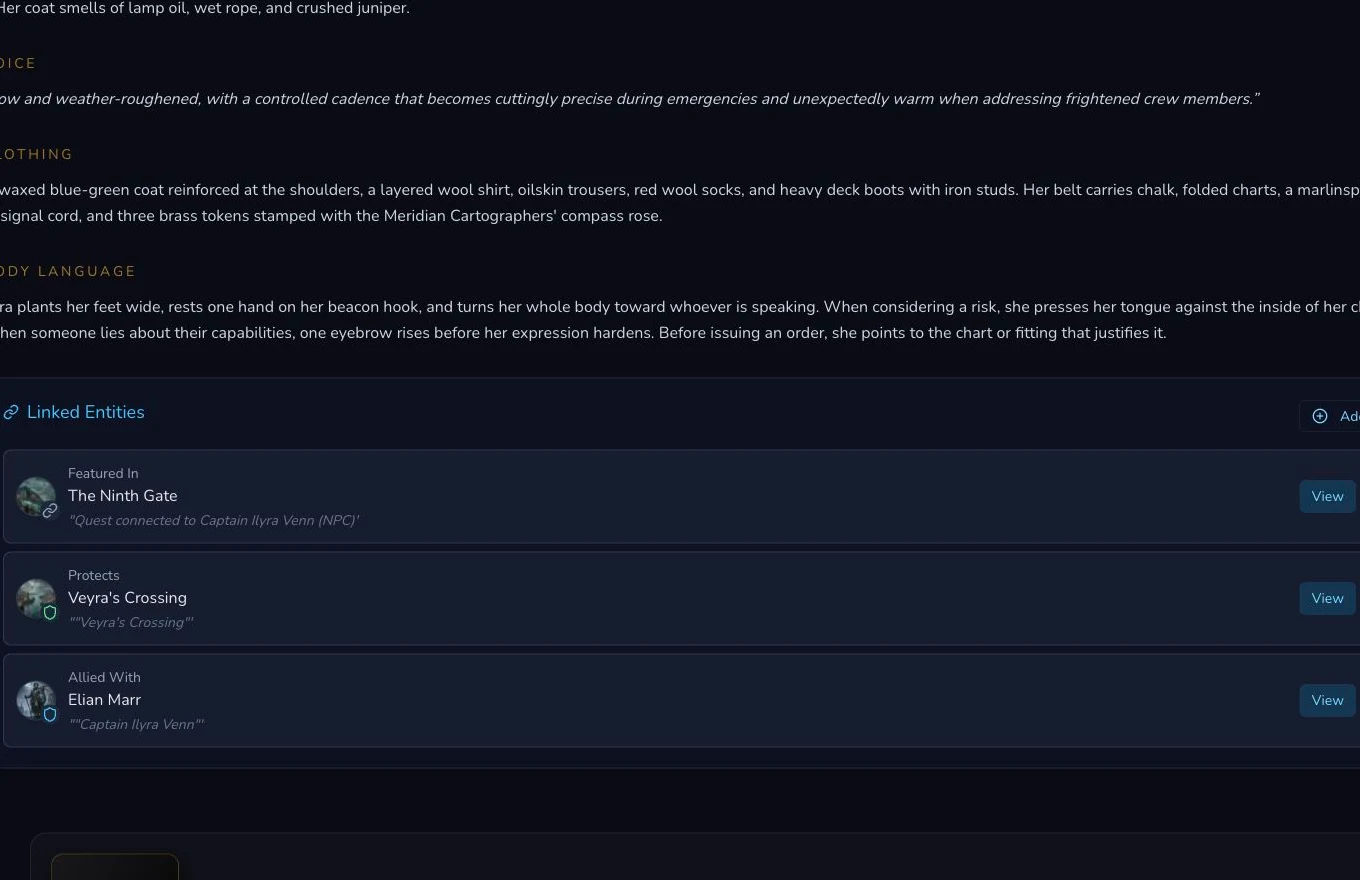
The source NPC owns the relationship panel in this flow.
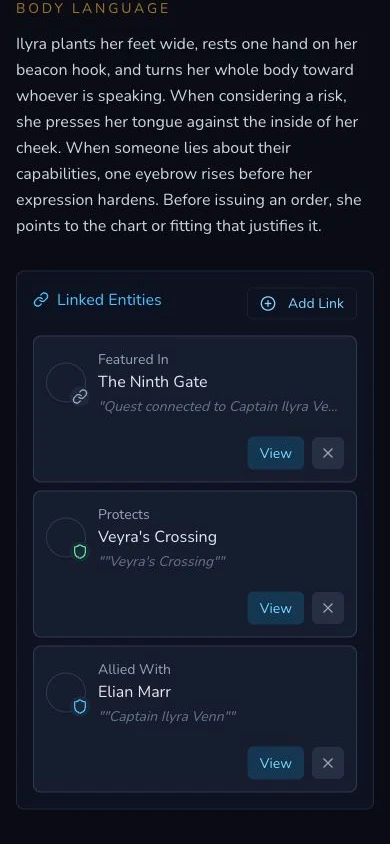
Mobile review preserves the same source, target and direction.
2. Create one duplicate-safe directed link
The retained operation created PROTECTS from Captain Ilyra Venn to Veyra's Crossing. Refresh and read back the same relationship identity, type, source, target and source-to-target direction. Before any repeated action, check whether that relationship already exists.
3. Understand unlink consequences
Unlink removes the relationship record. It does not delete the source or target entity. Check downstream campaign use before removing a link, then verify absence after refresh. Do not use entity deletion to correct a relationship mistake.
Treat Generate and Link as two outcomes
4. Generate one related entity from the source
Generate and Link offers a smaller supported inventory than the 22 main Workshop generators. The retained NPC flow used the brief “Generate a quest featuring Captain Ilyra Venn.” It created Quest The Ninth Gate, then created a FEATURED_IN relationship from the NPC to that Quest.
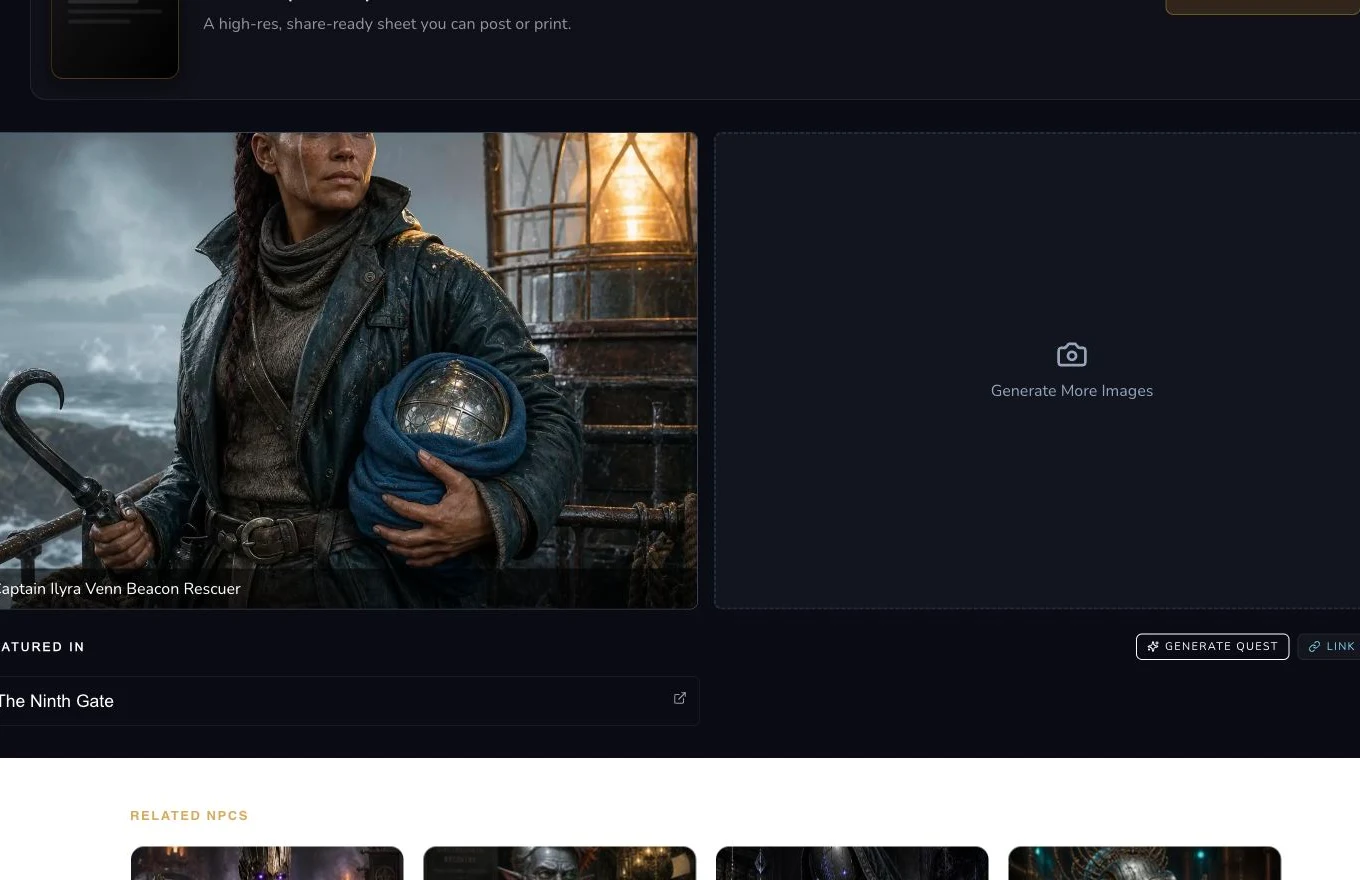
The mounted controls sit beside the existing Featured In result. The receipt verifies entity creation and relationship creation separately.
Checkpoint
Check your result
- The existing link has the intended source identity, target identity, relationship type and direction.
- A duplicate preflight runs before linking, and refresh read-back proves the one retained relationship.
- Generate and Link produces one verified created entity and one separately verified relationship.
- If the later link fails, the created entity is preserved and only the missing relationship is recovered.
If something looks wrong
Troubleshooting
- Symptom
- The target selector shows a similar name.
- Likely cause
- Display names are not durable identity.
- Next safe action
- Verify the target type and exact entity route before saving the relationship.
- Symptom
- The generated entity exists but no relationship appears.
- Likely cause
- The two-stage flow completed entity creation but not relationship creation.
- Next safe action
- Keep the entity, check for an existing link and retry or repair only the relationship.
- Symptom
- All 22 Workshop generators are not offered.
- Likely cause
- Generate and Link uses a smaller supported inventory and a recommended subset for the source entity.
- Next safe action
- Use a supported type or create the entity in the main Workshop and link it afterwards.