
Generate a Region
Create production-backed region for the Glasswake setting, then verify the saved result, artwork and supported actions.
Use the Region generator for a connected area with its own geography, travel logic, settlements, factions and adventure pressure. This walkthrough creates The Glasswake Reach, the storm-cut island chain at the centre of the Glasswake Expedition.
Define the regional frame
1. Open the Region generator
Open the Region generator. Choose Region when the brief needs several settlements, travel routes and shared environmental pressures. Use Settlement for one town and World for the larger setting above it.
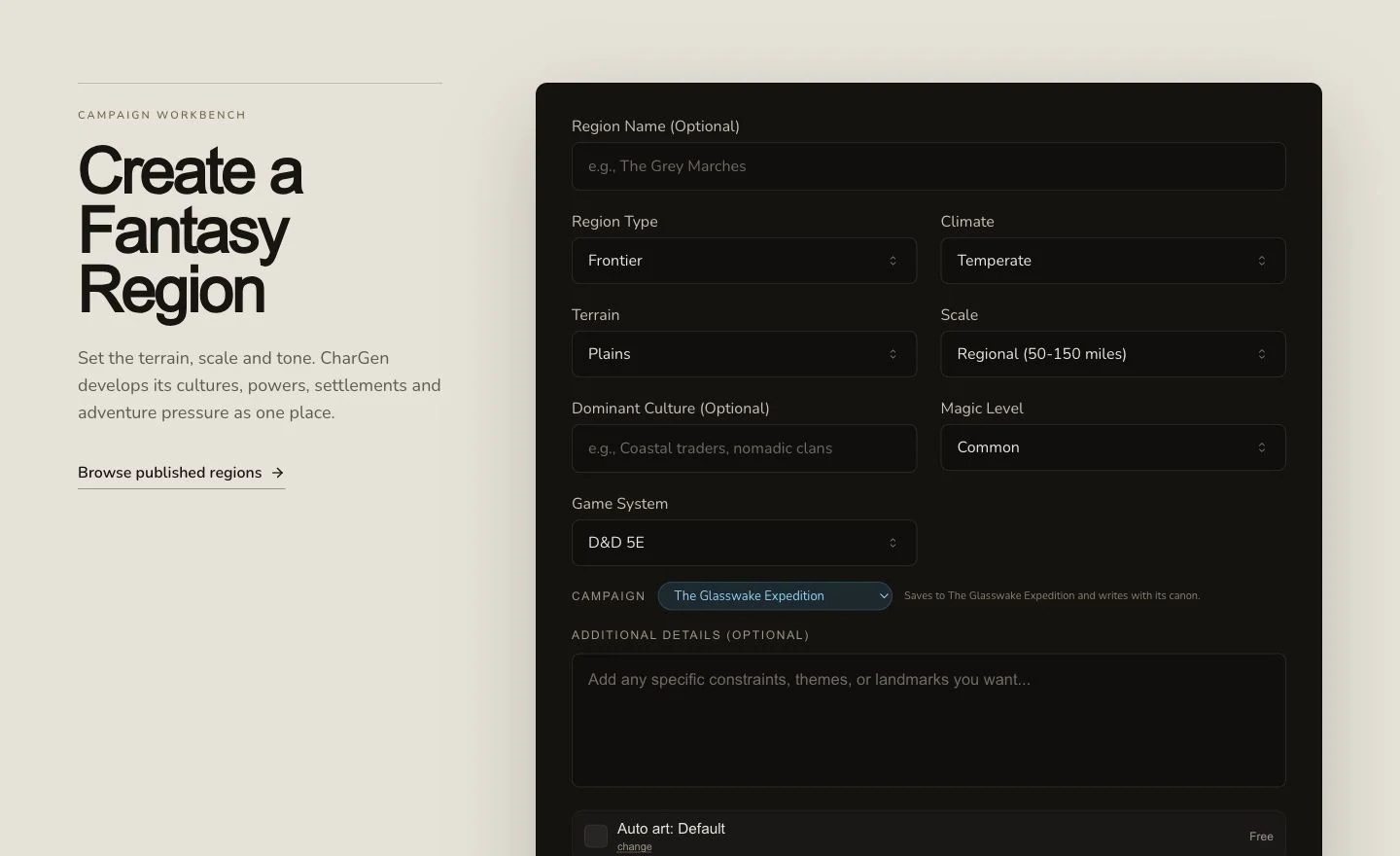
A strong Region brief establishes scale, terrain, movement and what makes the area playable.
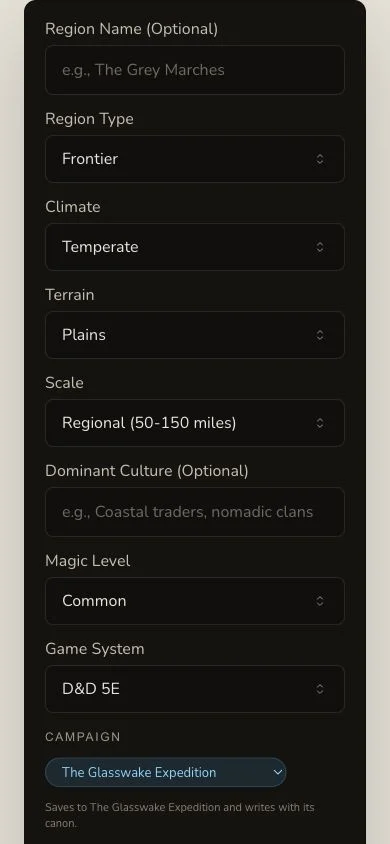
Review the same system, brief and artwork choice before submitting on a narrow screen.
2. Write geography and travel into the brief
The retained brief names storm-cut islands, tide roads, failing beacons, coastlines, weather, public settlements, resources and open dangers. It asks for D&D 5e and a detailed regional gazetteer containing locations, factions, travel and adventure opportunities. These constraints make the output useful at the table and keep it distinct from a general World.
3. Add the parent World as context when available
The retained run used Asterfall as explicit context. Context can help names and themes align, but it does not guarantee canon and does not prove that the Region was recorded into the campaign. Review the generated facts and verify the campaign destination after completion.
Follow durable recovery without duplicating the Region
4. Submit once and retain the queued job
Region is asynchronous and has a more durable queue recovery path than the other Workshop generators. Keep the original job while it moves through Pending, In Progress and Complete. A lost browser poll does not mean the queued work disappeared. Check the result list and exact detail route before another submission.
5. Review the regional gazetteer
Open The Glasswake Reach. The result includes region type, scale, overview, geography, landscape, cultures, demographics, settlement patterns, settlements, economy, governance, religions, factions, threats, history and plot hooks. Read the travel logic across sections. Five settlements are present in the retained result, but count alone does not prove they form a useful region.
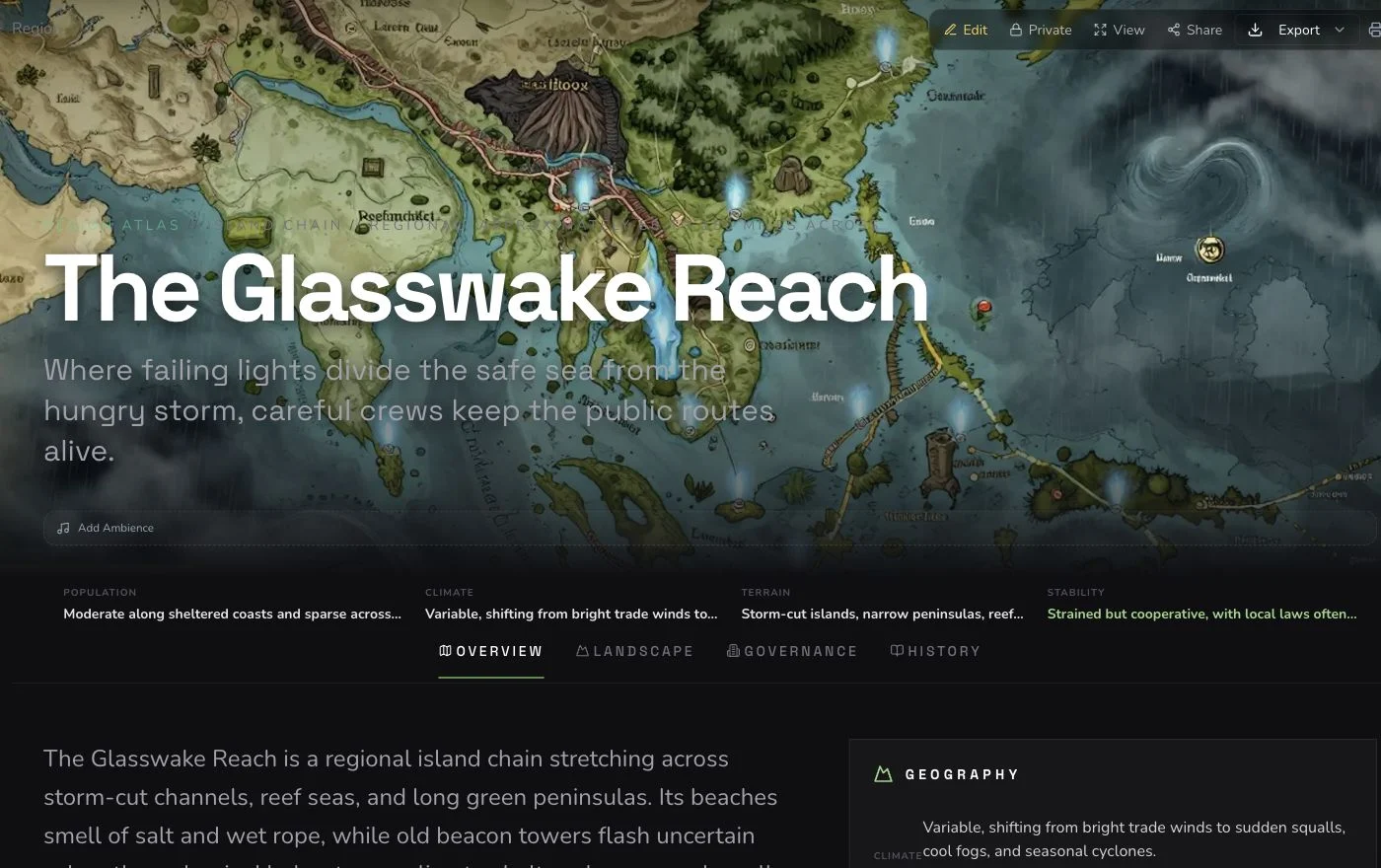
Confirm the route opens the retained Region and that geography, travel and settlements agree with one another.
6. Check the final artwork separately
The native image completed but was rejected because it contained pseudo-place labels and a pseudo-text legend. One owned replacement was attached without retrying the Region or its native art. The final image remained Private and retained distinct upload and association evidence.
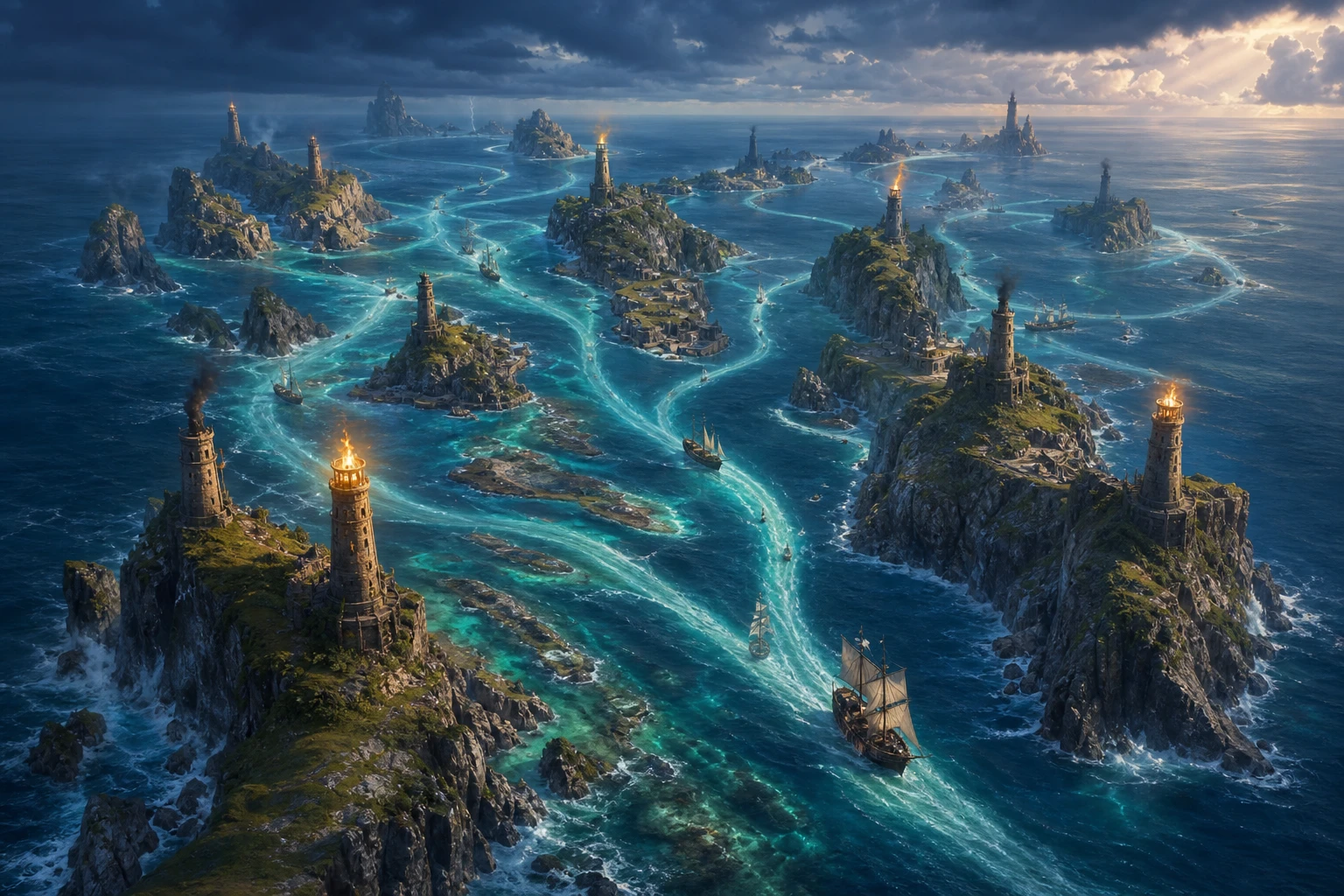
A provider-complete image can still fail visual review. Retain the failed attempt and review the accepted replacement on its own merits.
Know the Region limitations
Region supports editing, a Workshop Share Card and standard export. It has no relationship controls and no generic section reroll. Do not infer either capability from Settlement or World. If you need connections, create them on a supported related entity. If a section needs correction, save an owner edit and verify it after refresh.
Checkpoint
Check your result
- The exact detail route opens The Glasswake Reach and not the World or an expanded Region.
- Geography, settlements, travel and threats describe one coherent island chain.
- The accepted replacement artwork has no labels, pseudo-writing, logo or private UI.
- The Region remains Private, and campaign Memory plus export are verified separately after refresh.
If something looks wrong
Troubleshooting
- Symptom
- The browser stopped showing progress.
- Likely cause
- Local polling may have stopped while the durable Region queue retained the original job.
- Next safe action
- Check existing Workshop results and the known detail route before submitting again.
- Symptom
- You cannot find relationship controls.
- Likely cause
- Region does not mount the standard relationship surface.
- Next safe action
- Link from a supported entity such as a Monster or Settlement instead.
- Symptom
- The generated map contains labels or pseudo-writing.
- Likely cause
- A completed native art request can still fail publication review.
- Next safe action
- Retain the attempt, avoid a blind retry and attach one reviewed owned image only when the evidence plan permits it.