
Manage Workshop Artwork and Media
Track Workshop artwork from auto-art and image requests through saved associations, Gallery and download.
Treat artwork as its own production result. An entity can finish before its image request, and a provider-complete image can still fail visual review. This lesson uses Captain Ilyra Venn from the public NPC generator to trace a saved preset, separate image identity, persisted association, manual replacement and retained download.
Decide how artwork will be produced
1. Review auto-art eligibility and the saved preset
The normal Workshop form exposes a saved preset for supported generators. A paid preset can spend Gold even when entity generation has no direct debit. Character Class, Loot and Poetry use retained owned artwork in this curriculum because they lack the normal auto-art control. Read the exact live preset and projected price before submission.
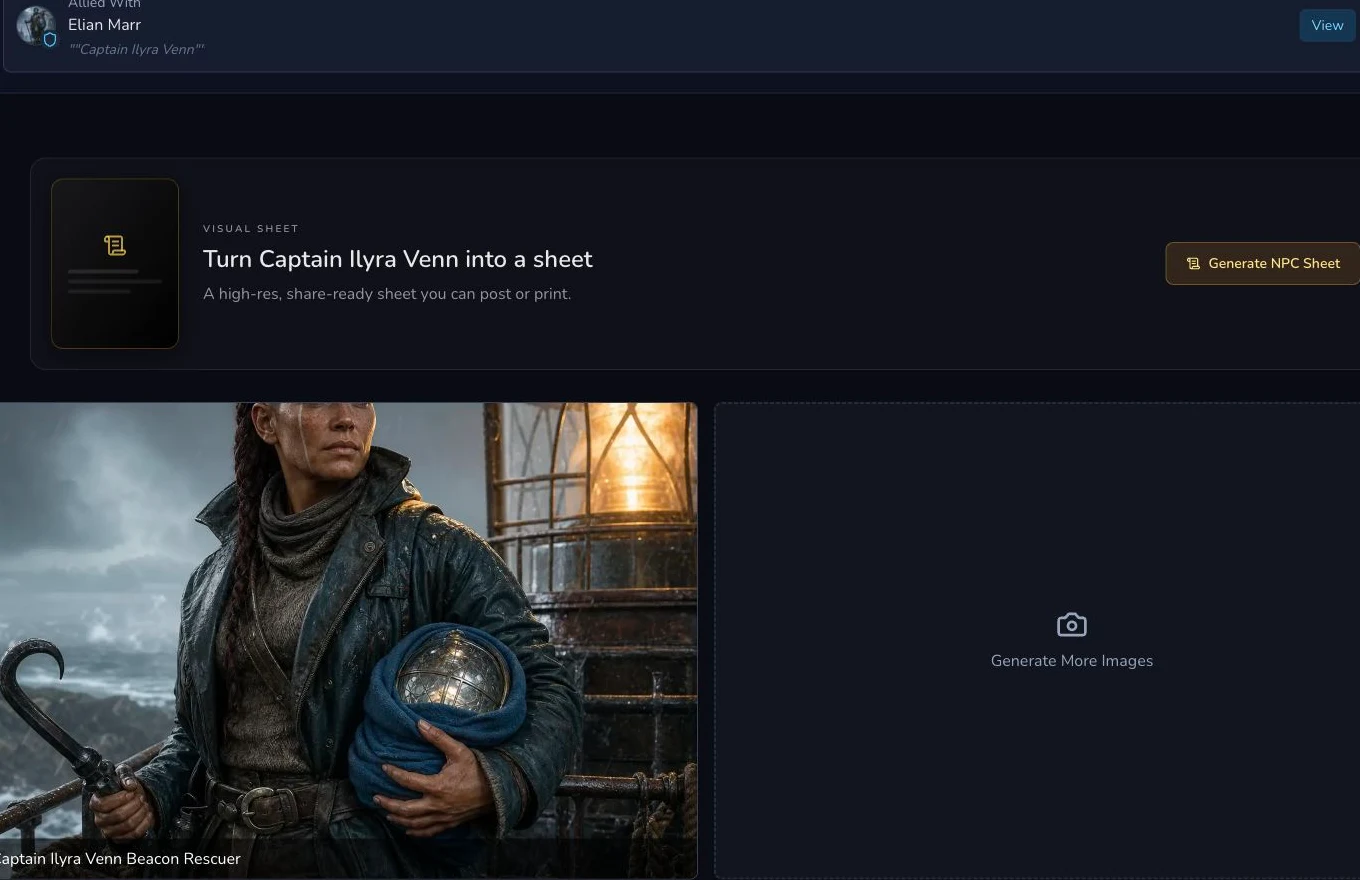
The entity and its associated image remain independently reviewable.
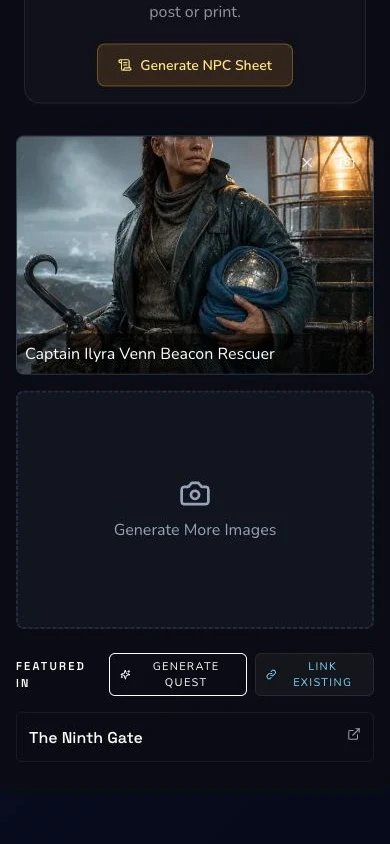
Mobile review checks the same image identity and owner state.
2. Follow the image request to a final image
Wait for the separate image request to settle. Inspect its output for unwanted text, logos, duplicated subjects, malformed anatomy and contradictions with the entity. Captain Ilyra Venn's native request completed, but its written and chart-like marks failed review. Provider completion was retained as evidence, not promoted as the canonical art.
Associate one reviewed image
3. Use Add Image or Change Image deliberately
Use Add Image when the entity has no suitable image, or Change Image to replace the current association. Select an owned, rights-cleared asset. The retained NPC replacement has its own upload request, image identity and association identity. Refresh the entity and image state before treating the association as persisted.
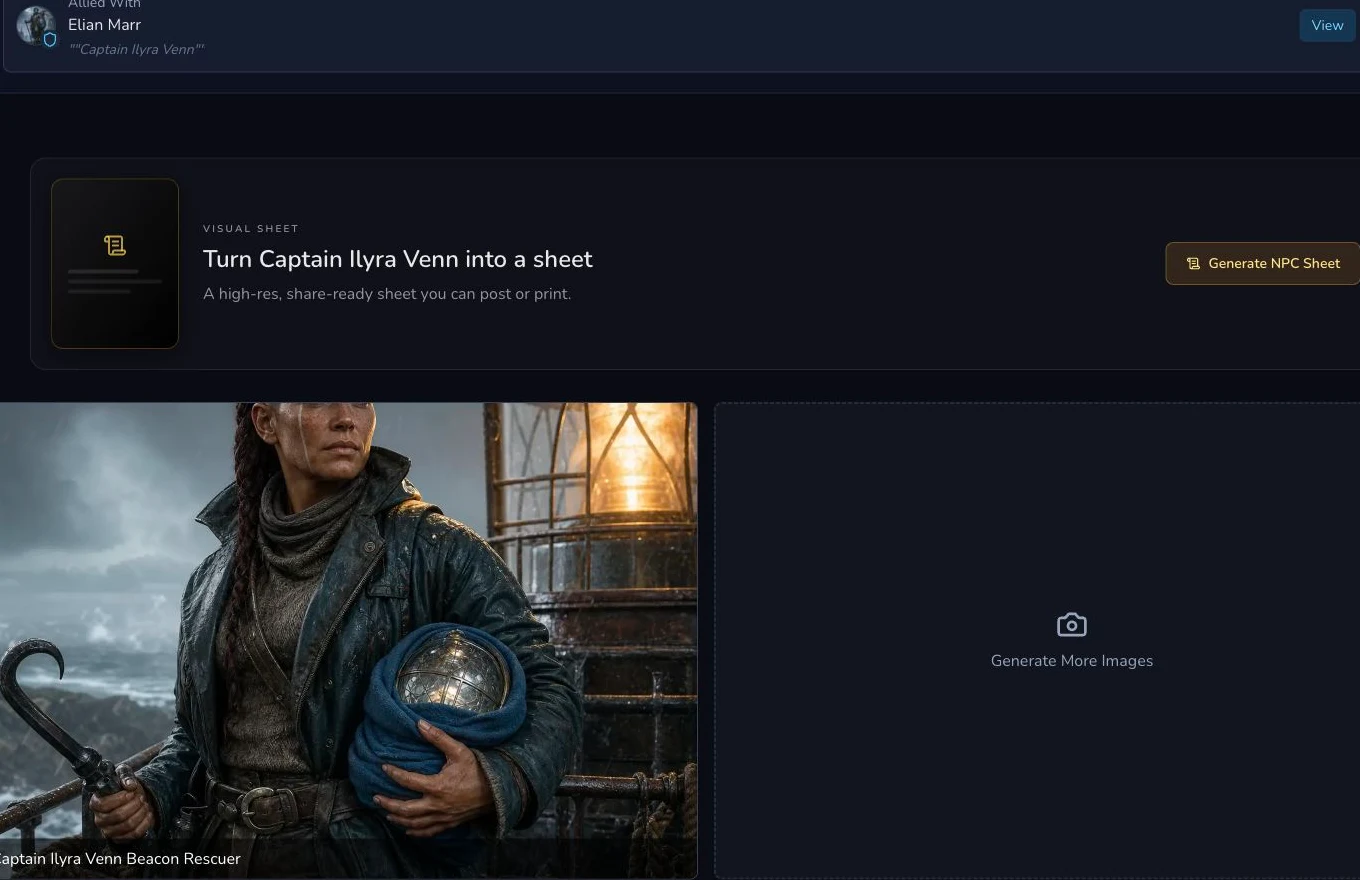
The accepted portrait is bound to this exact NPC and remains Private.
4. Use Gallery and retained downloads for later work
Open Gallery only after the image is associated and reviewed. Gallery is the media handoff, not evidence that the entity mutation succeeded. When a tutorial or later production step needs a local asset, retain the download, verify its MIME type, dimensions, byte count and checksum, then open it for a final visual review.
Checkpoint
Check your result
- The generator's saved preset, eligibility and possible Gold cost are reviewed before submission.
- The image request reaches its own terminal state and the selected final image passes content and rights review.
- The persisted image association points to the exact entity and survives a refresh with both states Private.
- Any retained download matches its expected MIME type, dimensions, byte count and checksum, then opens successfully.
If something looks wrong
Troubleshooting
- Symptom
- The entity is complete but no image appears.
- Likely cause
- The image request is a separate asynchronous result.
- Next safe action
- Check the retained image request and association before submitting or uploading anything else.
- Symptom
- A provider-complete image contains text or contradicts the result.
- Likely cause
- Terminal provider status is not visual acceptance.
- Next safe action
- Retain the failed review, then use one permitted rights-cleared replacement without regenerating the entity.
- Symptom
- Gallery shows an image but the entity does not.
- Likely cause
- Media existence and entity association are different records.
- Next safe action
- Return to the owner detail route, associate the intended image once and verify both states after refresh.