
Generate a Spellbook
Create production-backed spellbook for the Glasswake setting, then verify the saved result, artwork and supported actions.
Use the Spellbook generator for a themed collection of game-ready spells rather than one isolated effect. This walkthrough creates The Codex of Returning Tides, a navigation and rescue book used by coastal Wayfinders.
Build one organising theme
1. Open the Spellbook generator
Choose Spellbook in RPG Workshop or open the Spellbook generator. Use it for a coherent collection with a spellcaster, level range, theme and book identity. Use Magic Item when the object itself, rather than its spell list, is the main deliverable.
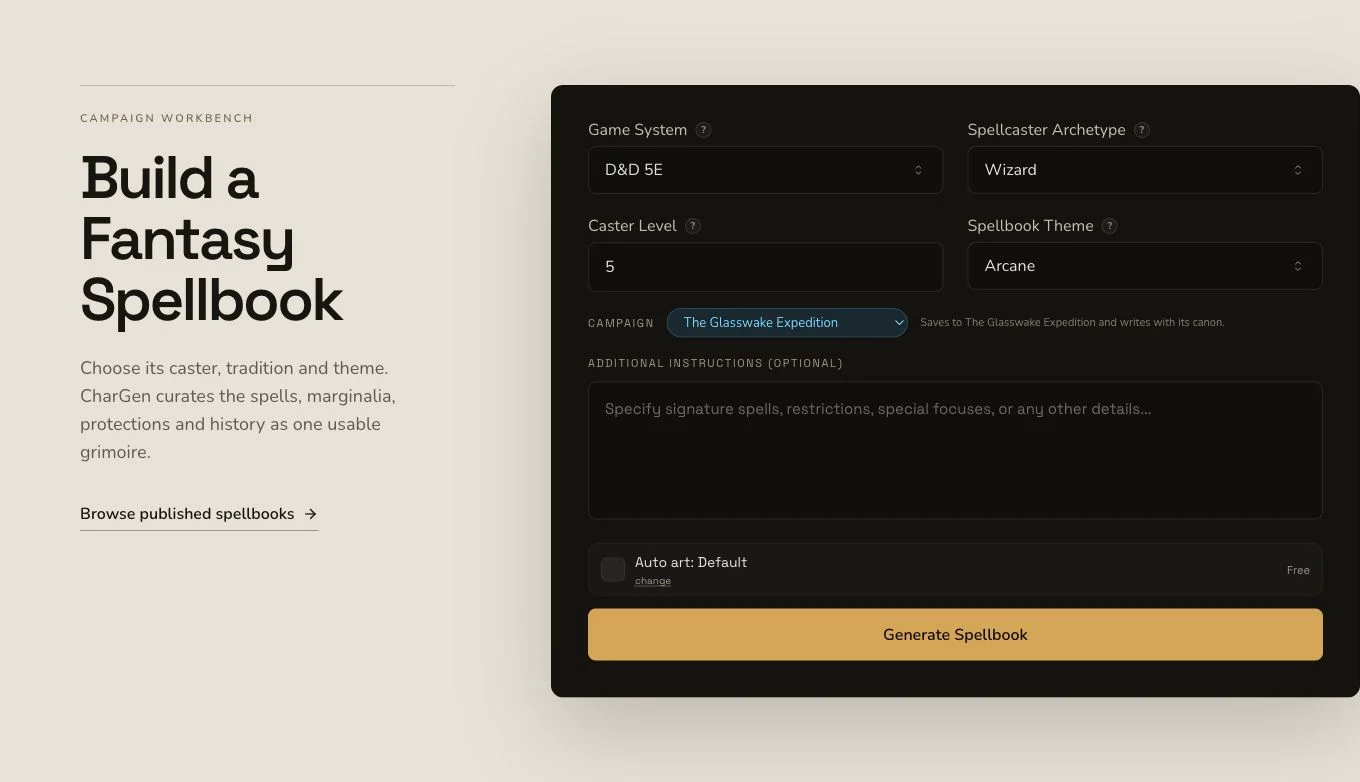
A clear organising theme keeps individual spells useful without making the book repetitive.
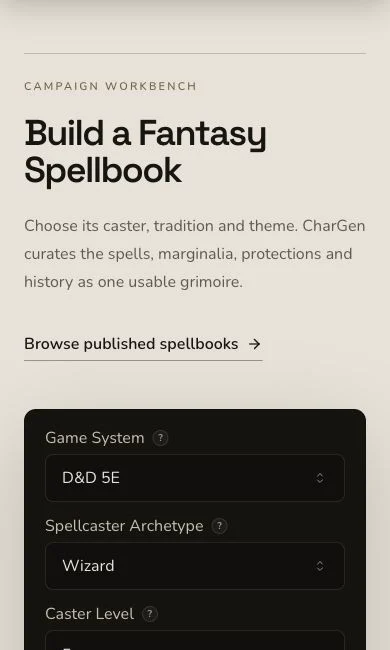
Check theme, spellcaster and balance boundaries together on mobile.
2. Cover distinct rescue jobs
Ask for spells that locate routes, signal across weather, protect travellers, control limited water movement and return people safely. Choose D&D 5e and a complete spellbook format with an organising theme, balanced spell levels, components, durations and clear boundaries. Avoid filling every entry with destructive spectacle.
3. Keep requested context separate from campaign proof
The frozen brief requested The Seven Lights and The Wayfinder, but the mounted form submitted no explicit entity context. The book can still name coastal Wayfinders in its public description. That is not proof of a relationship or campaign recording.
Check collection shape and individual entries
4. Submit once and preserve the job
Spellbook generation is asynchronous. Keep the original job identity until it reaches the terminal result. Reconcile native and replacement artwork separately instead of using an image problem as a reason to regenerate the spellbook.
5. Review the theme across all spells
Open The Codex of Returning Tides. The retained result has 11 spells alongside archetype, level, system, theme, logline, wards, spellcaster, appearance, marginalia, flavour notes and plot hooks. Check each entry's level, components, duration and limits, then make sure the full list still serves navigation, signalling, protection and rescue.
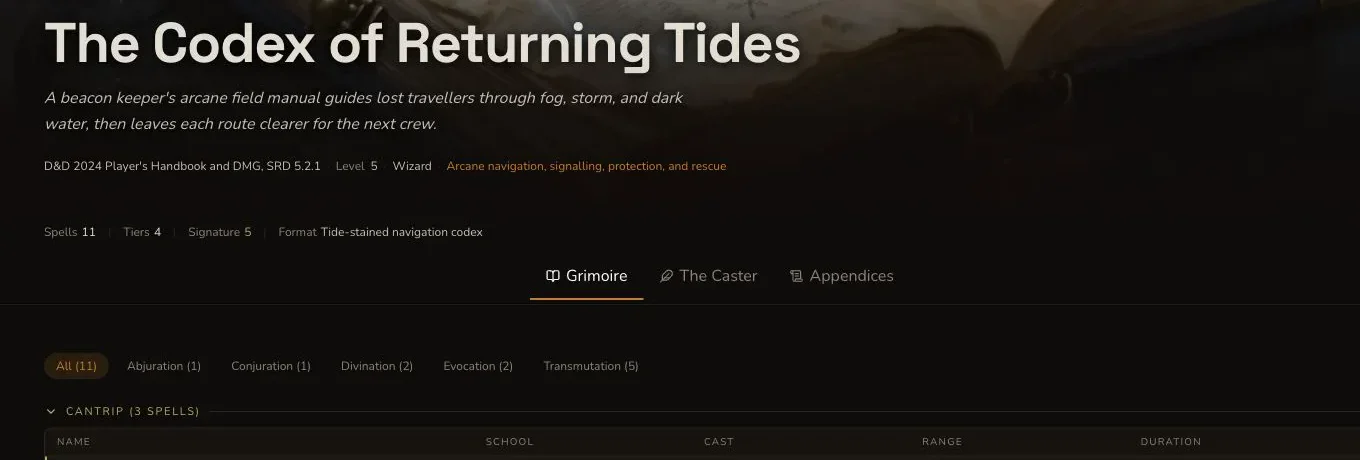
Review both the collection-level identity and the rules of every spell.
6. Replace pseudo-writing without replacing the entity
The native image completed but contained pseudo-writing across the open pages. One owned replacement then needed one targeted edit to remove a logo-like corner mark while preserving the composition. The accepted owned replacement was uploaded and associated once, remained Private and did not alter the canonical Spellbook entity.

The final art keeps the open-book composition without generated labels, writing or a logo-like mark.
Edit and export the mounted result
Spellbook supports whole-draft editing, standard relationship controls, a Workshop Share Card and standard JSON export. It has no generic section reroll. If one spell needs correction, edit the mounted field and Save rather than claiming that an individual spell can be rerolled. The retained JSON export was opened and name-checked after the download-name correction deployed.
Checkpoint
Check your result
- The detail route shows The Codex of Returning Tides with one organising theme and 11 spells.
- Spell levels, components, durations and limits keep the collection focused on navigation and rescue.
- The pseudo-writing failure and accepted owned replacement are distinct, and the final image remains Private.
- Edit, relationship and JSON export evidence do not claim a generic section or individual-spell reroll.
If something looks wrong
Troubleshooting
- Symptom
- The artwork contains writing-like marks.
- Likely cause
- Open books often invite generated pseudo-writing even when the entity result is correct.
- Next safe action
- Reject the image, preserve its evidence and replace only the artwork through the supported owner control.
- Symptom
- One spell does not fit the collection.
- Likely cause
- Spellbook has no generic section or individual-spell reroll.
- Next safe action
- Use edit and Save for the mounted field, then verify the change after refresh.
- Symptom
- The export filename does not preserve the book name.
- Likely cause
- An earlier download path lost names for several Workshop types.
- Next safe action
- Use the deployed corrected control and open the retained JSON to verify the canonical title before relying on it.