
Generate a Tavern
Create production-backed tavern for the Glasswake setting, then verify the saved result, artwork and supported actions.
Use the Tavern generator when a social location needs atmosphere, staff, food, beds, services, regular patrons and work that can begin at the table. This walkthrough creates The Copper Keel, a practical dockside tavern in Veyra's Crossing.
Design a tavern that does useful work
1. Open the Tavern generator
Open the Tavern generator. Choose Tavern when services, patrons and social play matter as much as the room. Use Building for a structure whose purpose does not depend on a tavern-specific menu and clientele.
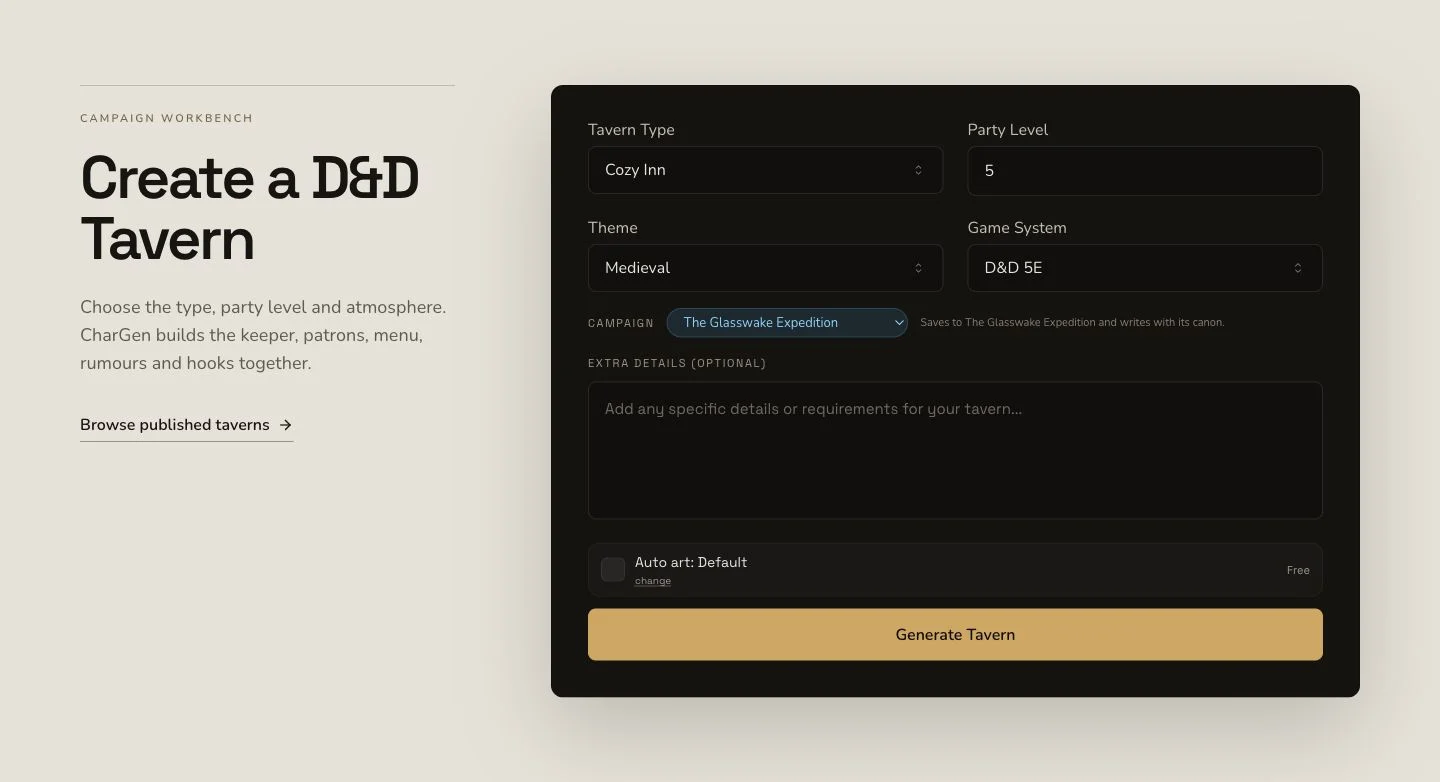
Anchor the brief in a clientele, location and set of practical services.
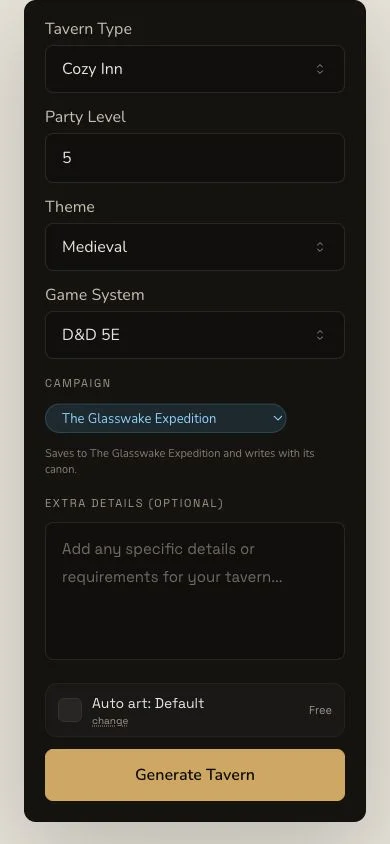
The narrow layout preserves the same brief and submission choices.
2. Specify guests, amenities and route services
The retained brief names survey crews, rescue teams and beacon workers. It asks for a grounded proprietor, simple food and drink, bunk space, gear drying, message boards, route-report services, regular patrons and public rumours that lead to useful work. Choose D&D 5e and a detailed expedition tavern format with menu, services, staff, patrons and hooks.
3. Place the tavern inside the setting
The retained run supplied Veyra's Crossing, The Glasswake Reach and Asterfall. Context should make the clientele and services plausible. It does not prove campaign recording, so verify the Tavern's Memory record after the result is complete.
Review atmosphere and operations together
4. Submit once and follow the original job
Tavern generation is asynchronous. Retain the job through Pending, In Progress and Complete. Do not create a duplicate because the page is slow or the image has not appeared. Result and artwork have different identities.
5. Check what happens during a visit
Open The Copper Keel. Review tavernName, tavernkeeper, history, lore,
intrigue, quirks, patrons, amenities, menu and plot hooks. The
atmosphere should emerge from those details. Confirm that food, beds, drying
space and route reports match the expedition-tavern brief rather than
appearing as decorative flavour only.
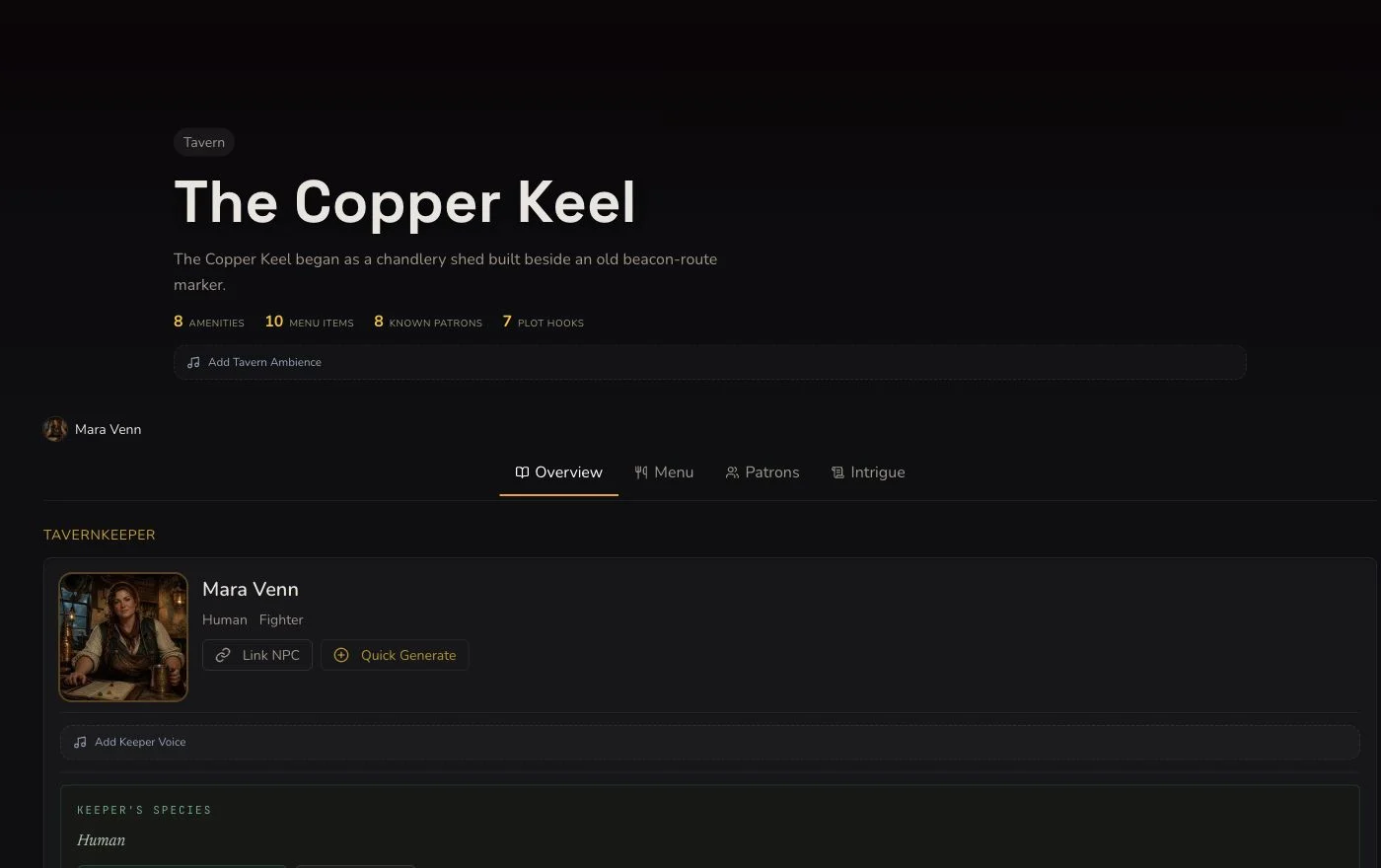
Read the services, menu, patrons and hooks as one playable evening at the tavern.
6. Replace failed artwork without erasing it
The native image completed but showed the wrong tavern name, readable words and pseudo-writing. It was retained as rejected evidence. One owned replacement was attached and read back as Private, with no Tavern resubmit and no native-art retry after the fallback decision.
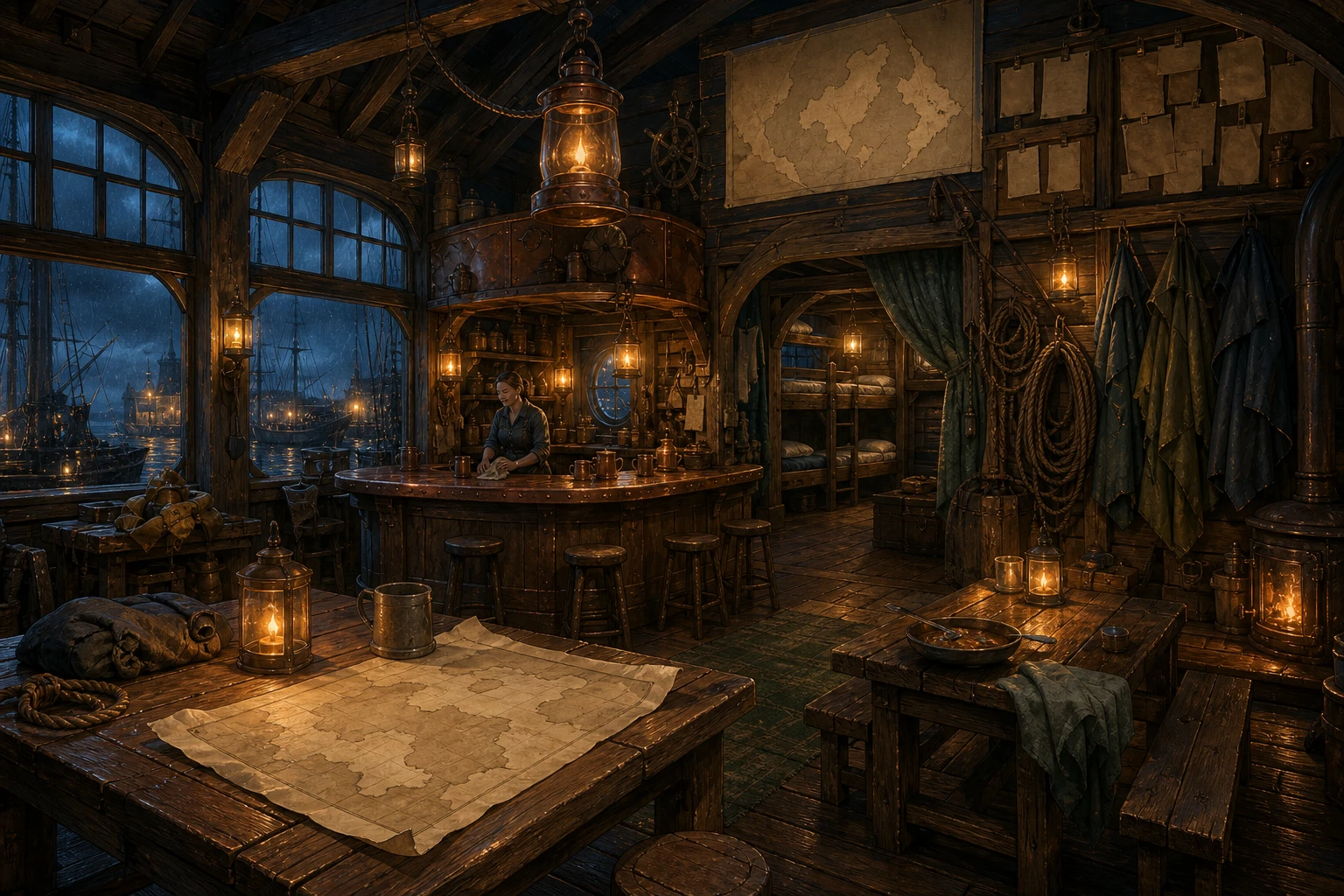
The replacement keeps the useful dockside atmosphere without signs, labels or menu text.
Use standard controls honestly
Tavern supports owner editing, standard relationship controls, a Workshop Share Card and standard export. It has no generic section reroll and no bespoke regeneration action in this workflow. Save a field edit or link a patron only when you intend that specific change, then refresh to verify it. The retained JSON export was opened and name-checked after the deployed export-name fix.
Checkpoint
Check your result
- The exact detail route opens The Copper Keel, not the rejected artwork's wrong name.
- Atmosphere,
amenities,menu, patrons and hooks support expedition crews in play. - The accepted replacement artwork is text-free, associated with this Tavern and Private.
- Any saved edit, standard relationship or export retains the correct Tavern name after refresh.
If something looks wrong
Troubleshooting
- Symptom
- The tavern has flavour but no reason to visit twice.
- Likely cause
- The brief may omit repeatable services and regular clientele.
- Next safe action
- Edit amenities, patrons or hooks around one recurring table use.
- Symptom
- The artwork names a different tavern.
- Likely cause
- A provider-complete image can contradict the entity identity.
- Next safe action
- Reject and retain it, then use only the permitted reviewed replacement path rather than regenerating the Tavern.
- Symptom
- There is no section-reroll button.
- Likely cause
- Tavern does not support generic rerolls.
- Next safe action
- Use owner editing for a focused correction and verify the saved field after refresh.