
Generate a Settlement
Create production-backed settlement for the Glasswake setting, then verify the saved result, artwork and supported actions.
Use the Settlement generator for a town, city, village or outpost that needs districts, services, leaders, landmarks and local pressures. This walkthrough creates Veyra's Crossing, the expedition port at Asterfall's central beacon junction.
Build the settlement around play
1. Open the Settlement generator
Open the Settlement generator. Choose this type for one populated place. Use Building for a single structure, Region for a connected area and World for the setting above both.
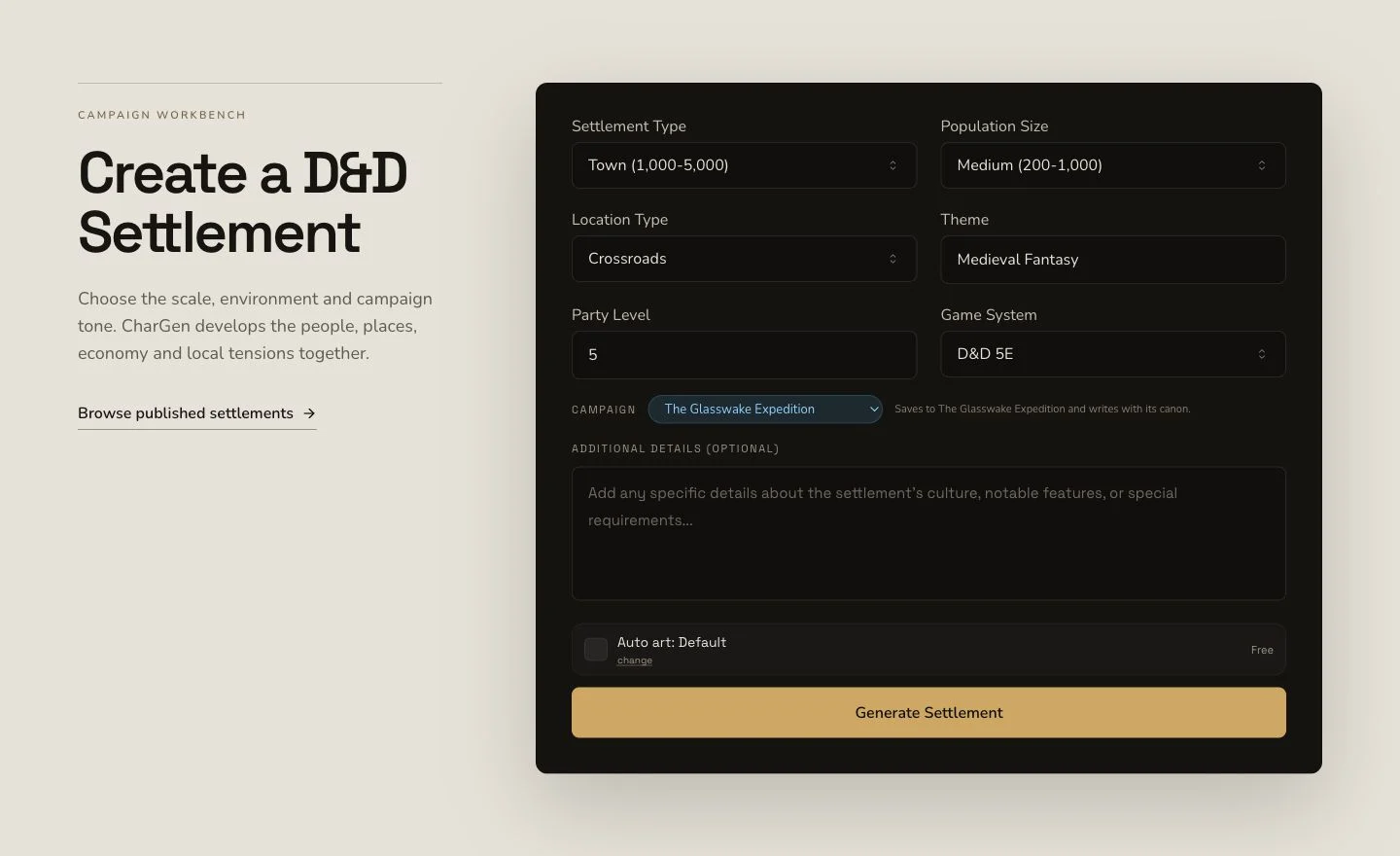
Define why the settlement exists, who uses it and which pressures make it useful during play.
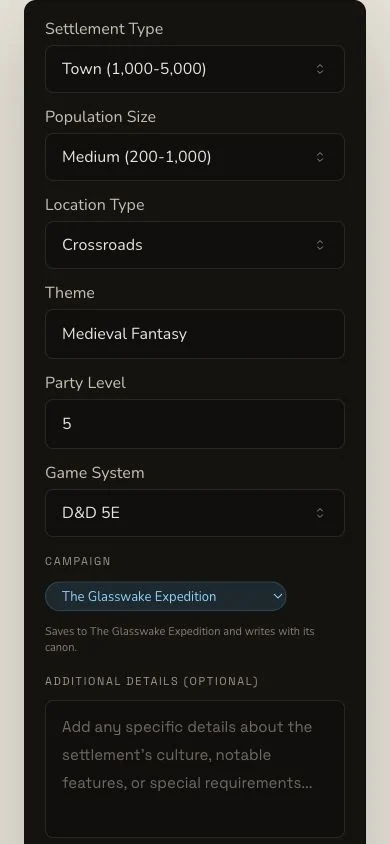
The mobile layout presents the same generation decision without exposing account chrome.
2. Name function, districts and visible pressures
The retained brief describes an expedition port where crews repair vessels, register routes and organise rescues. It asks for tide-shaped districts, civic services, work sites, leaders, markets and visible connections to The Lantern Archive and The Copper Keel. Choose D&D 5e and a detailed settlement format with districts, people, services, landmarks and hooks.
3. Use the parent geography as context
The retained run supplied Asterfall and The Glasswake Reach. Review every returned name even when context is selected. Context affects generation but does not guarantee that a fact is established canon, and it does not prove campaign recording succeeded.
Review a multi-section result
4. Submit once and wait for Complete
Settlement generation is asynchronous. Preserve the original job through Pending, In Progress and Complete. Do not submit a second settlement because a local progress indicator stops. Check Workshop results and the exact detail route first.
5. Read from identity to table utility
Open Veyra's Crossing. Review settlement type, population, geography,
atmosphere, government, economy, culture, law and defences. Then inspect
districts through the notableBuildings, points of interest, shops,
taverns, notable NPCs, factions, events, rumours and plot hooks. The
sections should support one location rather than read as unrelated lists.
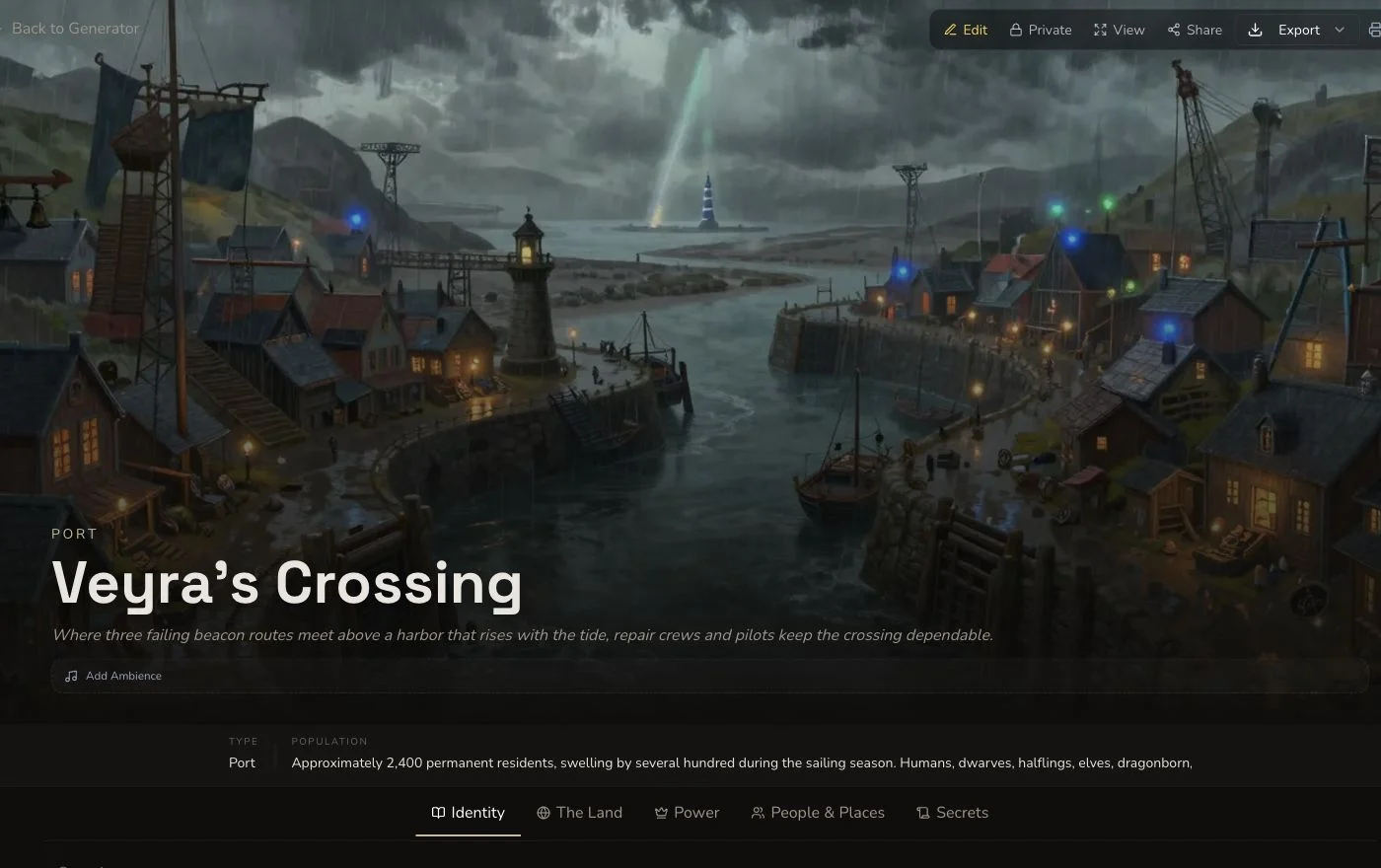
Review the district-scale and table-facing sections before adding relationships.
6. Verify native artwork independently
The retained overview image completed as a separate native request and was accepted after original-detail review. Its image and overview association were read back from the Settlement after refresh. Keep those checks separate from the entity's Complete state.
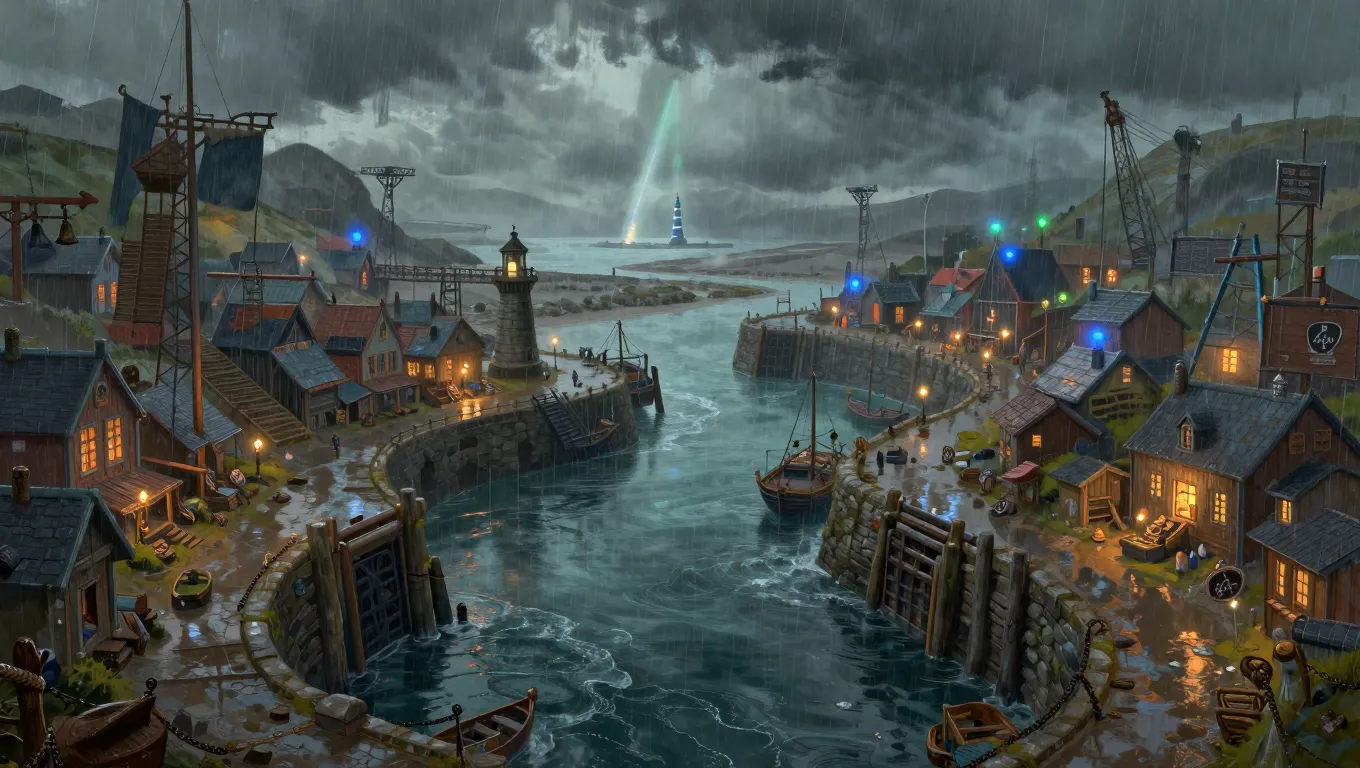
The accepted overview supports the place identity without replacing the need to inspect the generated fields.
Add only relationships that help play
Settlement has standard relationship controls, owner editing, a Workshop Share Card and standard export. The retained graph links Captain Ilyra Venn to Veyra's Crossing with PROTECTS, and the Meridian Cartographers with AFFILIATED_WITH. Each edge has its own identity and refresh read-back. Settlement has no generic section reroll, so correct a weak field through a saved edit rather than looking for another generator's control.
Checkpoint
Check your result
- The exact route opens Veyra's Crossing with settlement identity and population intact.
- Districts, services,
notableBuildings, NPCs and hooks agree with the expedition-port brief. - The native overview image belongs to this Settlement and remains Private after refresh.
- Any standard relationship, saved edit and JSON export is verified after reload as a separate outcome.
If something looks wrong
Troubleshooting
- Symptom
- The result feels like a list of unrelated locations.
- Likely cause
- The brief may not have named a shared function or pressure.
- Next safe action
- Edit the weakest field around one settlement purpose instead of duplicating the whole result.
- Symptom
- A relationship appears to point the wrong way.
- Likely cause
- Source, target and relationship type are separate choices.
- Next safe action
- Verify both entity names and direction before saving, then refresh to confirm the edge.
- Symptom
- The result is complete but the image is not visible.
- Likely cause
- Entity completion does not prove the automatic-art request or association completed.
- Next safe action
- Check the image request and Settlement gallery before any retry.