
DND Session Recap Template for Safer Campaign Notes
Use a dnd session recap template to share spoiler-free player notes, preserve DM secrets, and export CharGen recaps to Obsidian or Homebrewery.
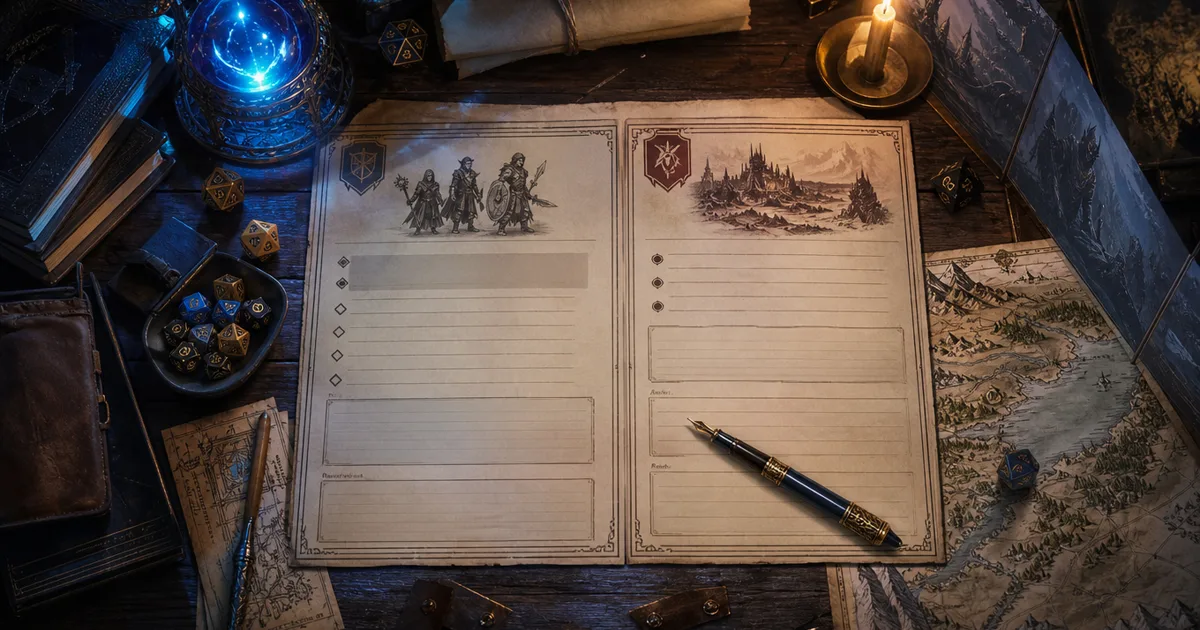
A dnd session recap template has one job that sounds boring until it saves your campaign: it keeps player memory and DM secrets in separate boxes. I learned that after I nearly pasted "the priest is lying about the relic" into a Discord recap meant for the whole table. Nothing wakes you up like hovering over Send with a plot twist in the clipboard.
Session notes are awkward because they serve two audiences. Players need a clean reminder of what happened, who they met, what they promised, and where the next scene starts. The DM needs all of that plus consequences, hidden motives, faction clocks, private loot notes, and the little clue the rogue missed while arguing about rope.
Those should not live in the same paragraph.
CharGen's RPG Session Notes now fits that split much better. Recent updates added a spoiler-free Episode teaser, recap restyling, session storyboards, and export options for Obsidian (.md), Markdown (.md), Homebrewery (.md), and JSON. In plain terms, I can process a messy session, share the safe version, keep the dangerous notes private, and export the whole thing into the tools I already use.
Right, so this is my practical recap template. It is not a diary. It is not a novel. It is the shape I use when I want next week's session to start fast without leaking tomorrow's betrayal.
Why a dnd session recap template needs two versions
Most recap workflows break because they pretend there is only one recap. That creates three common problems.
| Problem | What happens at the table | Better split |
|---|---|---|
| Player recap includes secrets | A hidden villain, clue, or monster weakness leaks early | public recap only contains known facts |
| DM notes become unreadable | Useful state changes hide inside a long prose summary | private notes use short labelled sections |
| Prep tools lose context | NPC art, tokens, and story hooks drift away from what happened | recap facts feed entity updates and exports |
The recent Reddit threads I checked back this up. DMs keep asking what other people's notes look like, how they organise them, and how much detail is enough. In one r/DMAcademy discussion about session notes, several DMs described bouncing between paper, Notion, Obsidian, printed sheets, and post-session clean-up because no single view covered prep, play, and recap cleanly. Another thread about campaign tools had the same pattern: people like Obsidian and World Anvil, but they still need a process that stops notes becoming a private museum nobody reads.
That is the bit I care about. A recap nobody reads is not campaign memory. It is admin cosplay.
The official 2024 Dungeon Master's Guide on D&D Beyond frames the DM's job around preparing and running sessions, not writing archive prose for its own sake. I agree with that. Your recap should help the next session happen. If it does not help someone play, prep, or remember, cut it.
The recap template I use after every session
Here is my current dnd session notes template. I keep it small enough to fill in while the session is still fresh.
| Section | Audience | Length | What goes in |
|---|---|---|---|
| player-safe teaser | players | 2-4 sentences | tone, cliffhanger, known stakes, no hidden facts |
| last session in bullets | players | 5-8 bullets | events the characters directly experienced |
| named people | players and DM | 3-10 entries | NPCs, factions, monsters, and locations that mattered |
| promises and debts | players and DM | 2-6 entries | favours owed, bargains made, jobs accepted |
| open questions | players | 3-6 questions | mysteries the characters know exist |
| DM-only truth | DM | short notes | hidden motives, missed clues, future consequences |
| next prep actions | DM | 3-5 tasks | art refreshes, tokens, map needs, rules checks |
That gives me one shareable recap and one working prep note. The player version answers, "What do we need to remember before next session?" The DM version answers, "What changed behind the screen?"
Here is a concrete example from a city campaign:
| Template field | Example note |
|---|---|
| player-safe teaser | The party left the salt market with a stolen customs tag, a frightened clerk, and one name repeated by three witnesses: Veyra Sorn. The harbour watch is now asking questions. |
| known event | Brakka forced the smuggling ledger from under the tavern floorboards. |
| named person | Pell, halfling courier, saw the night unload and is scared of the bell tower. |
| promise | The party agreed to protect Pell until he can testify. |
| open question | Why did the customs office erase three ships from the harbour book? |
| DM-only truth | Veyra Sorn is not the buyer. She is covering for her sister in the temple archive. |
| next prep action | Generate Pell portrait, make a dockside token, prepare archive map. |
That is enough. It gives players useful memory without handing them my answer key.
How CharGen turns the template into a workflow
CharGen starts with the session itself. In RPG Session Notes, I upload audio or paste a transcript, then let the recap engine pull out the timeline, plot summary, key events, NPCs, locations, items, factions, monsters, and other useful entities. I still edit the result. I do not treat the AI as a court reporter with perfect judgment.
My routine is:
| Step | CharGen action | What I check |
|---|---|---|
| upload | add audio or transcript to the session | speaker names, session number, campaign |
| recap | review short and full plot summaries | missing scenes, wrong names, odd emphasis |
| entities | scan NPCs, locations, factions, items | duplicates, spelling, role in the session |
| edit | use Edit or Find & Replace... where needed | consistent names before export |
| share | copy the spoiler-free Episode teaser | no DM-only facts |
| export | use Export for Obsidian, Homebrewery, Markdown, or JSON | correct format for where the notes live |
The small UI details matter. In the session hero, the Export button sits beside the editing controls. The menu has Obsidian (.md), Markdown (.md), Homebrewery (.md), and JSON, each with Copy and File actions. There is also an Include images switch when I want the recap cover or associated art included in the export.
I like that because different weeks need different destinations. If I am updating my private vault, I copy Obsidian (.md). If I am building a handout that should look like a polished D&D page, I download Homebrewery (.md). If I want to feed campaign memory into another tool later, JSON is the boring but useful choice.
Making the spoiler-free recap actually safe
The most important new block for player sharing is Spoiler-free, headed Episode teaser. The text under it is designed to be short, share-ready, and safe. The owner view gives you Copy, Edit, and Regenerate. If you hit Regenerate, you can restyle the teaser by tone and length, then copy the final version straight into Discord, WhatsApp, a campaign page, or a session invite.
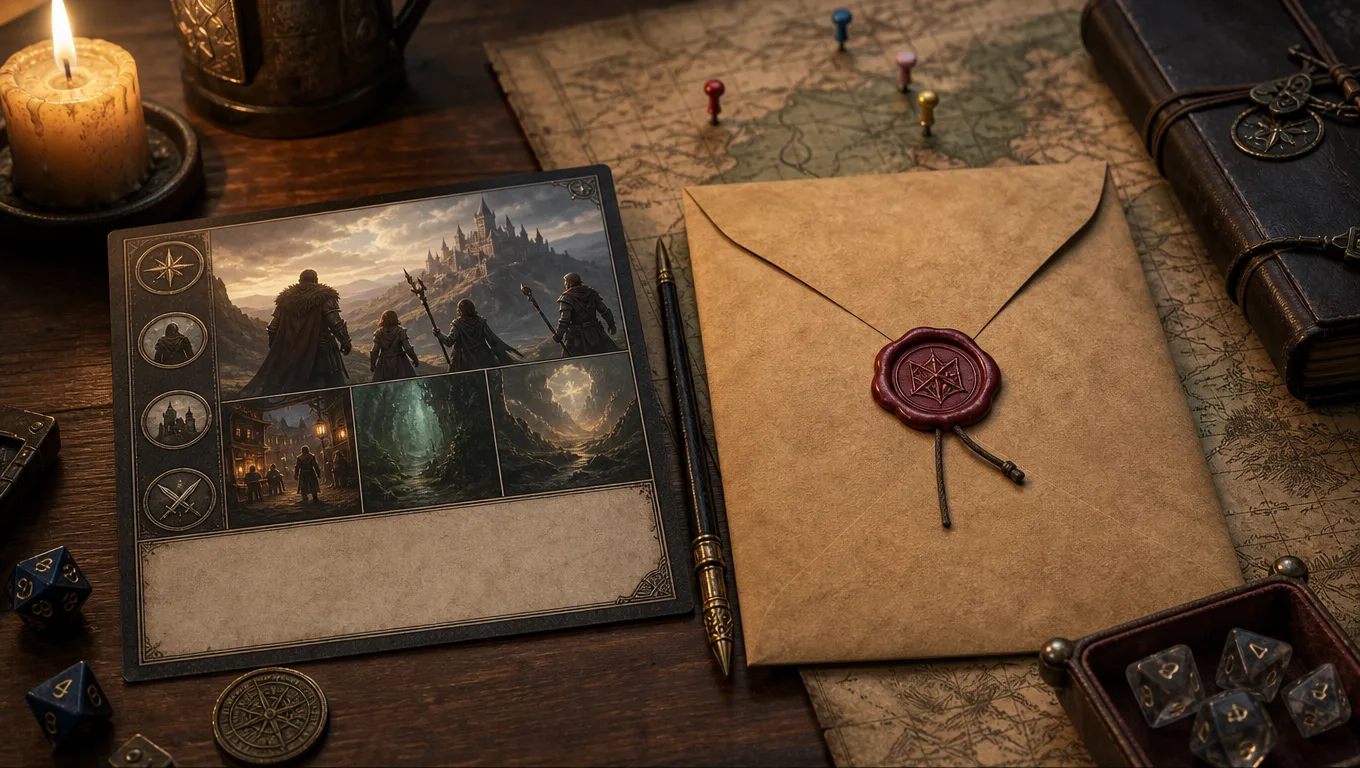
My rule is simple: the player recap may include anything the characters saw, heard, learned, agreed to, or openly suspected. It must not include anything only I know.
| Safe to share | Keep private |
|---|---|
| "The abbess refused to open the reliquary." | "The abbess is protecting her undead brother." |
| "A silver moth symbol appeared on the old door." | "The moth symbol marks the assassin guild." |
| "Pell thinks the harbour ledger was changed." | "Pell's employer changed it under threat." |
| "The party owes Sella Brine a favour." | "Sella plans to spend that favour during the trial." |
I also avoid writing player recaps like courtroom transcripts. Players do not need every line. They need a clean restart point.
Here is the shape I use:
| Sentence | Job |
|---|---|
| 1 | remind the table where the session ended |
| 2 | name the main pressure or problem |
| 3 | mention one or two known NPCs or places |
| 4 | point at the next choice without solving it |
Example:
The party ended the night below the bell tower, with rain pouring through the cracked roof and Pell refusing to leave the locked archive door. Three harbour ships are still missing from the official ledger, and Sella Brine thinks the answer sits somewhere between the customs office and the temple vault. Next session starts with the archive key in Brakka's hand and bootsteps on the stairs.
That is safe. It reminds everyone of the stakes. It does not reveal who sent the bootsteps.
Exporting to Obsidian without losing links
Plenty of DMs already use Obsidian for campaign notes. I get why. The official Obsidian help page for internal links explains support for wikilinks and Markdown links, which is exactly why it works well for long campaigns. You can connect [[Pell]], [[Sella Brine]], [[Salt Market]], and [[Session 18 Recap]] without building a heavy wiki.
CharGen's Obsidian (.md) export is useful because it moves the recap out as Markdown rather than trapping it in a closed format. My vault structure is plain:
| Folder | What I store |
|---|---|
Sessions/ | one recap per session |
NPCs/ | recurring NPC notes with current state |
Factions/ | goals, clocks, relationships |
Locations/ | places the party can return to |
Handouts/ | player-safe text and images |
After export, I do a five-minute clean-up pass:
| Action | Why |
|---|---|
rename the file to Session 18 - Bell Tower Archive.md | search works better later |
| link recurring NPCs | future recaps can connect to the same person |
| move DM-only notes under a private heading | reduces accidental sharing |
| add one next-session line | keeps prep connected to memory |
I do not over-tag. Tags are useful until they become another campaign chore. For me, links matter more than twenty labels.
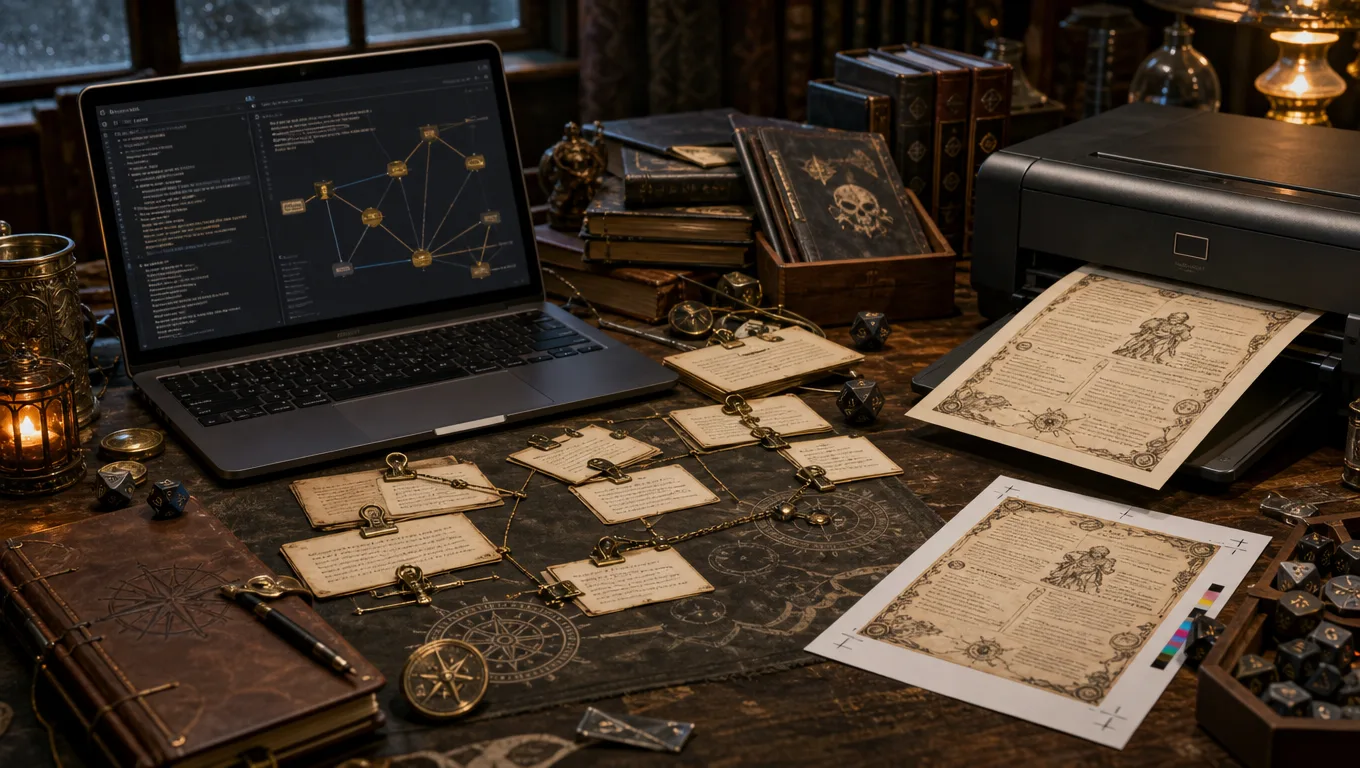
Turning a recap into a Homebrewery handout
Homebrewery serves a different job. The official Homebrewery page describes it as a live editor that uses Markdown syntax, which makes it ideal when I want a session recap, newspaper clipping, faction notice, or chapter summary to look like a table-ready document.
I would not put my whole private recap in Homebrewery. I use it for player-facing artefacts.
| Handout type | Good source |
|---|---|
| chapter recap | spoiler-free teaser plus known event bullets |
| faction notice | public faction actions and rumours |
| tavern rumour sheet | player-safe rumours from the last session |
| campaign interlude | short prose recap with one image |
| end-of-arc summary | key wins, losses, NPC changes, open threads |
The Homebrewery (.md) export saves time because I do not need to rebuild the recap formatting by hand. I still trim it. Homebrewery pages look bad when they are stuffed with every note I have. A good handout is selective.
My handout rule is brutal:
| Keep | Cut |
|---|---|
| what the characters know | what the players did not discover |
| names they will need next week | every minor bystander |
| one strong image | six decorative images |
| readable headings | nested admin headings |
| open choices | private solutions |
If the handout is going into Discord, I keep it short. If it is for a campaign archive, I can make it prettier. The destination decides the length, not my need to preserve every clever sentence.
Where session storyboards fit
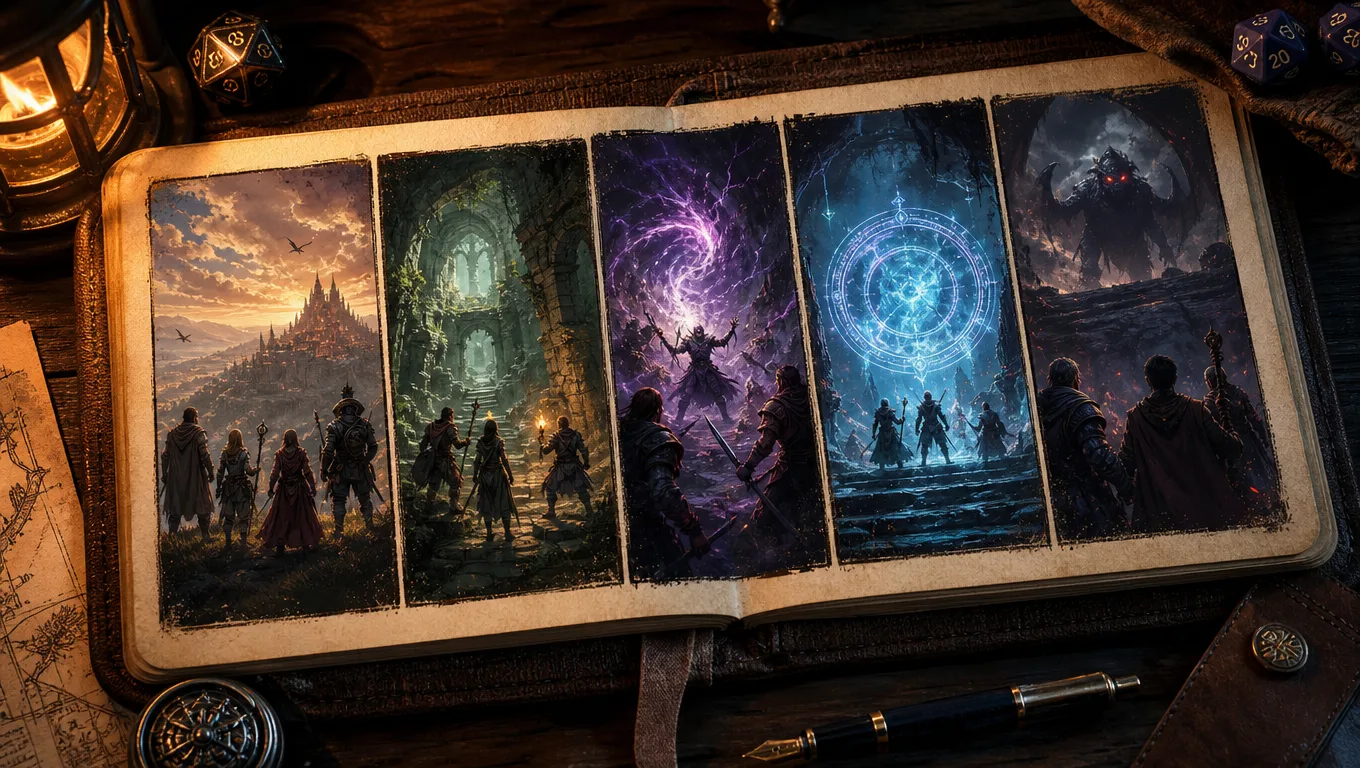
The Session storyboard block is not a replacement for text notes. It is a memory aid. The section heading says Key moments, framed, and the tool creates five panels from the session's key events. The empty state says Visualise the highlights; the main action is Generate storyboard · 60g, with a Customize option.
Inside Customize storyboard, you can pick an aspect ratio: Landscape, Portrait, or Square. You can also toggle Pick the 5 panels myself if the recap has enough key events. I like that because AI will not always pick the emotional beat I care about. Sometimes the technically important event is "the party found the ledger", but the image I want is "the cleric quietly burned the false confession".
Here is when I use a storyboard:
| Situation | Use it? | Reason |
|---|---|---|
| big arc finale | yes | players remember scenes better with a visual anchor |
| missed-player catch-up | yes | five panels are faster than a long recap |
| normal shopping session | usually no | text notes are enough |
| actual-play post | yes | recap art gives the post a strong visual |
| secret-heavy mystery | carefully | only pick events players already know |
The history button is useful too. A completed storyboard has History, so I can keep earlier versions instead of treating every generation as disposable. For long campaigns, that matters. The visual record becomes part of the archive.
My complete post-session routine
This is the full version I use when I have thirty minutes after game night.
| Minute | Action | Output |
|---|---|---|
| 0-5 | upload or paste the session material | raw recap starts processing |
| 5-10 | fix speaker names and obvious spelling issues | cleaner transcript and entity extraction |
| 10-15 | edit key events and recurring NPCs | reliable campaign memory |
| 15-18 | review Episode teaser | player-safe recap text |
| 18-21 | copy the teaser to Discord | players know where next session starts |
| 21-25 | export Obsidian (.md) | private campaign notes updated |
| 25-28 | export Homebrewery (.md) if needed | handout draft for player-facing recap |
| 28-30 | note three prep actions | next week starts with a task list |
If I have less time, I do only three things: fix names, copy the teaser, and write the next prep actions. The pretty parts can wait. The continuity parts cannot.
Here is a compact version of the template:
# Session [number]: [session title]

## Player-safe recap
- Where we ended:
- Known stakes:
- People to remember:
- Open question:

## Key events
-

## NPC and faction changes
-

## Promises, debts, and timers
-

## DM-only truth
-

## Next prep actions
-
I keep DM-only truth in the same file when the file is private. If I am preparing a shared page, I move that section out entirely. Hidden headings are still easy to copy by mistake, and I have enough problems without spoiling my own villain.
Common recap mistakes I avoid now
The first mistake is making the recap too long. A full campaign record can be long. The player recap should not be. If players need fifteen minutes to read it before the session, it has failed.
The second mistake is summarising vibes instead of choices. "The party explored the city and learned more about the cult" sounds tidy, but it gives nobody anything to act on. "The party found a cult ledger under the Moth and Mallet, then promised Pell protection before dawn" is better because it names the object, place, NPC, and promise.
The third mistake is letting AI keep a wrong name. If the transcript turns Veyra Sorn into Vera Thorn, fix it before exporting. Bad names spread. They hit Obsidian links, NPC records, image prompts, and player memory.
The fourth mistake is sharing hidden causality. Player recaps can mention consequences the characters can observe. They should not explain causes the characters have not learned. "The harbour watch is now hostile" is fine. "The harbour watch is hostile because Sella bribed them" is only fine if the party knows Sella did it.
The fifth mistake is exporting everything everywhere. Obsidian gets the full private record. Homebrewery gets the player-facing version. Discord gets the short teaser. JSON is for data handoff. One recap can feed all of those, but each destination needs a different edit.
FAQ
What should a dnd session recap template include?
A good dnd session recap template should include a player-safe recap, key events, named NPCs and factions, promises or debts, open questions, DM-only secrets, and next prep actions. Keep the player-facing section short and move hidden information into a private section.
How long should a D&D session recap be?
For players, I aim for 150 to 300 words or 5 to 8 bullets. For my private DM notes, I allow more detail, but I still keep each section labelled. Long prose feels nice when you write it and annoying when you need one fact during play.
Can AI write D&D session recaps safely?
Yes, but you should review the output before sharing it. AI can mix known facts with hidden context if your source material includes both. In CharGen, I use the spoiler-free Episode teaser for player sharing, then keep DM-only notes private.
Is Obsidian good for D&D campaign notes?
Yes. Obsidian works well for D&D notes because Markdown files and internal links make it easy to connect sessions, NPCs, locations, factions, and handouts. CharGen's Obsidian export helps by giving you a clean .md recap to place inside your vault.
When should I use Homebrewery for a session recap?
Use Homebrewery when the recap is meant to be read as a player handout, chapter summary, in-world notice, or campaign archive page. Do not use it as your private working note unless you enjoy formatting secrets you cannot show anyone.
My practical recommendation
Use one recap source, then split the output by audience. CharGen can generate the recap, the spoiler-free teaser, the storyboard, and the exports, but your final job is editorial: decide what players can know, what the DM needs later, and what format each destination deserves.
For your next session, start small. Upload the session, fix the names, copy the Episode teaser, export Obsidian (.md), and write three next prep actions. Add Homebrewery or a storyboard only when the recap is going to be shared, printed, archived, or used to catch up a missing player. Start with CharGen's RPG Session Notes, then keep the template strict enough that you will actually use it next week.
Image credits
All images in this post were generated for CharGen using WaveSpeed GPT Image 2 at medium quality, then resized and converted for web use.