
Generate a Building
Create production-backed building for the Glasswake setting, then verify the saved result, artwork and supported actions.
Use the Building generator when one location needs enough structure to support repeated visits, scenes and NPC activity. This walkthrough creates The Lantern Archive, a civic chart archive in the Glasswake Expedition.
Prepare a useful building brief
1. Open the dedicated Building generator
Open the Building generator. Use it for a single structure, not a whole district or settlement. The direct route and the Building choice in Workshop lead into the same entity workflow.
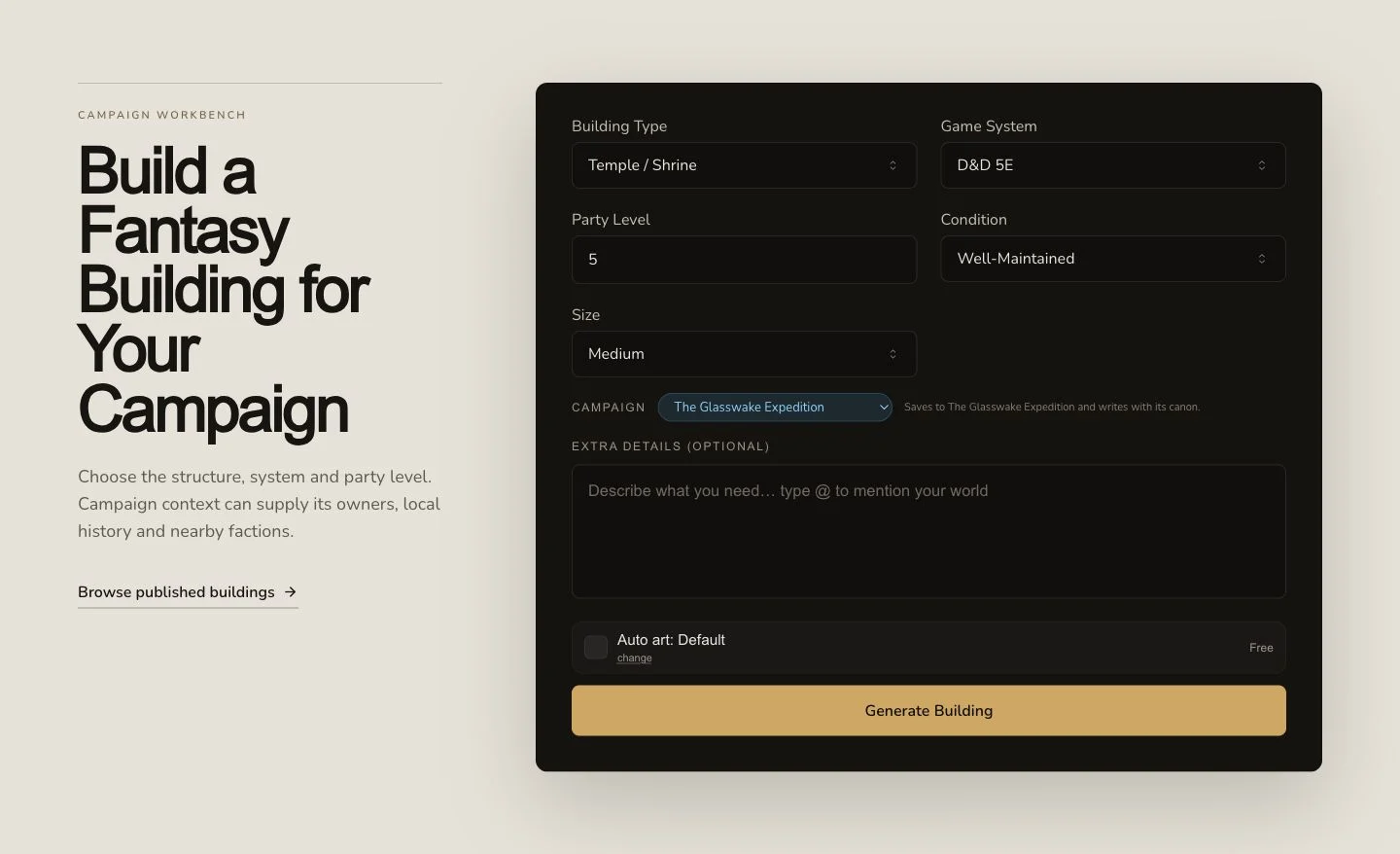
Start with the purpose of the structure, its users and the details that make it playable.
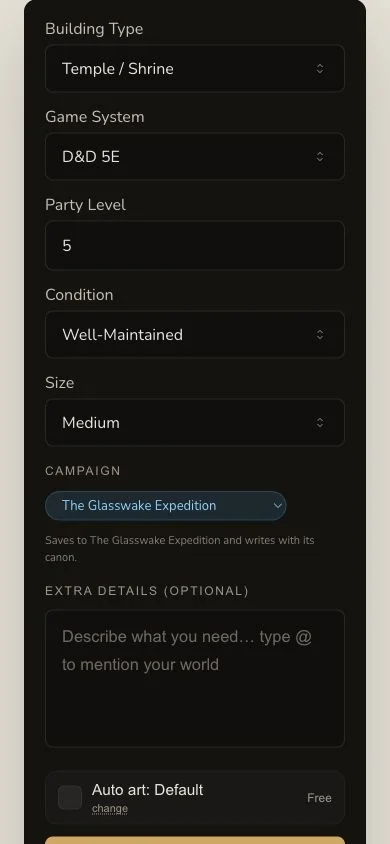
The narrow layout keeps the brief and submission control in one readable flow.
2. Describe purpose, occupants and repeatable use
The retained brief asks for a public chart archive and beacon registry in Veyra's Crossing. It names a staffed registry desk, tide-road charts, maintenance logs, map storage, practical rooms and reasons for expeditions to return. Choose D&D 5e and ask for a detailed civic-building format. Required controls must be complete before submission. Optional detail should clarify how the building functions rather than add an unrelated plot.
3. Select campaign context deliberately
If the campaign selector is available, choose the intended campaign before submitting. The retained run supplied Veyra's Crossing, The Glasswake Reach and Asterfall as context. Context can influence the prompt, but it does not prove that campaign recording succeeded. Verify campaign Memory separately after the result completes.
Submit once and inspect the result
4. Submit once and keep the original job
Confirm the brief, system, campaign and displayed artwork choice, then submit once. Building generation is asynchronous. Keep the original request while it moves through Pending, In Progress and Complete. A local polling delay is not a reason to create a duplicate building.
5. Read the building as a usable location
Open The Lantern Archive. Its generated structure includes
buildingType, architecturalStyle, description, atmosphere,
condition, history, owner, notableFeatures, notableNPCs, rumours
and additional sections. Check that those parts describe one coherent place
and give players practical reasons to enter it.
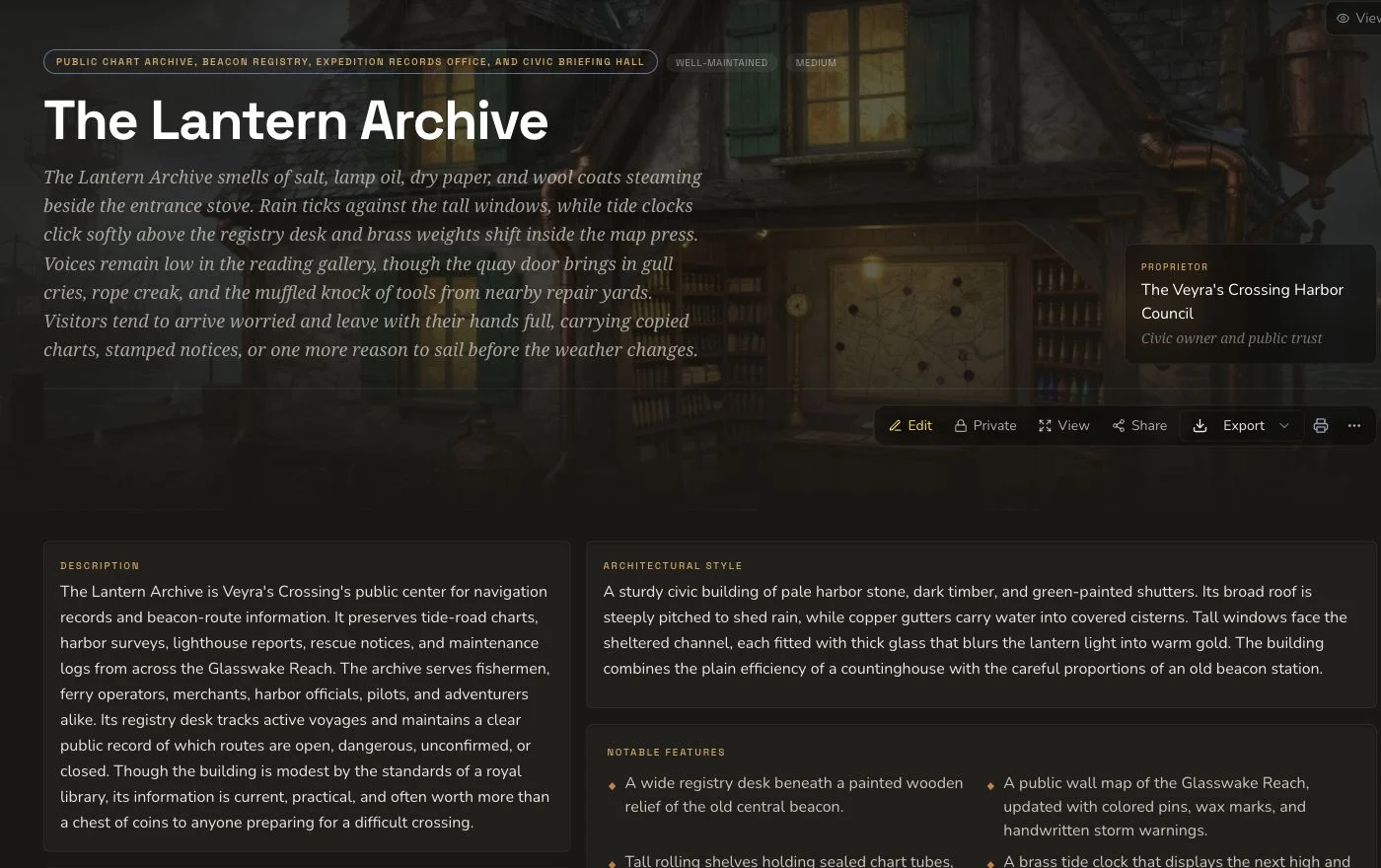
Review the identity, physical description and play-facing sections before editing or linking anything.
6. Review artwork as a separate result
Native automatic art has its own request, image and association identities. The retained exterior image completed separately from the Building result and remained Private after refresh. Inspect architecture, unwanted writing, logos and visual contradictions before accepting it.
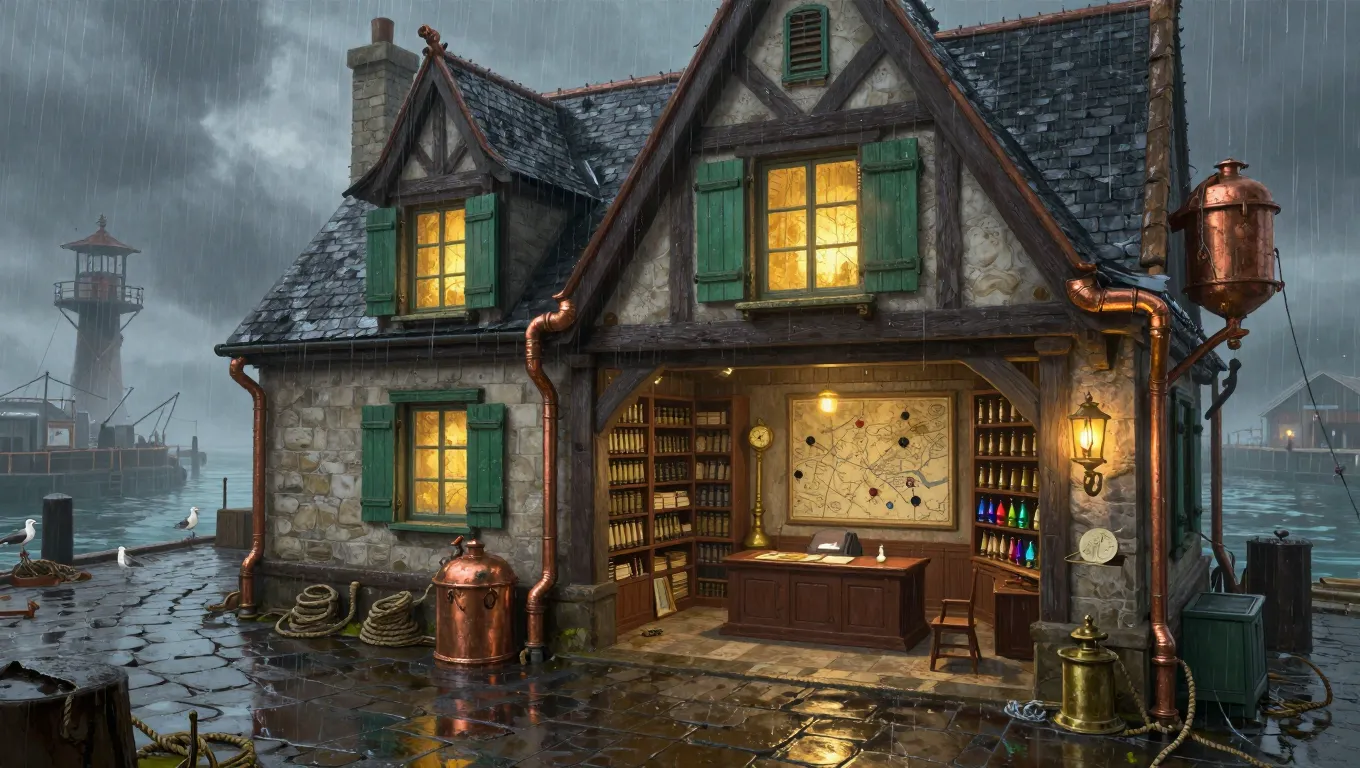
Entity completion and artwork completion are separate checks, even when the artwork was requested automatically.
Edit, connect and export
Building supports the standard owner editing, relationship, Share Card and export surfaces. Save a harmless change and reload before treating it as persisted. Link only entities that have a clear relationship to the building, then reload again to confirm the edge. This type has no generic section reroll. If one section is weak, edit the field or generate a new Building only when you genuinely need a separate entity.
The retained JSON File control did not deliver a file in three reviewed attempts. JSON Copy did work, so the exact copied payload was preserved and opened as a file. Treat the mounted delivery method you actually observe as the evidence, not the label you expected.
Checkpoint
Check your result
- The detail route shows The Lantern Archive, not another Building result.
buildingType,architecturalStyle, notable features and practical rooms describe one coherent civic archive.- The accepted artwork belongs to this Building and remains Private after refresh.
- A saved edit, any relationship and the chosen export are verified separately from generation completion.
If something looks wrong
Troubleshooting
- Symptom
- The page keeps polling after submission.
- Likely cause
- The asynchronous job may still be running or the local poll may have stopped before the backend job did.
- Next safe action
- Keep the original job and check existing results before considering another submission.
- Symptom
- The artwork is missing although the Building is complete.
- Likely cause
- Automatic art is a separate request and association.
- Next safe action
- Check the image request and gallery state instead of resubmitting the Building.
- Symptom
- JSON File produces no download.
- Likely cause
- The reviewed Building control did not deliver a file even though JSON Copy remained available.
- Next safe action
- Use the mounted copy control once, preserve the payload and verify the entity name before relying on it.