
Generate a Faction
Create production-backed faction for the Glasswake setting, then verify the saved result, artwork and supported actions.
From RPG Workshop, open the Faction generator. It turns an organisation brief into leaders, ranks, public goals, resources and adventure-facing connections. This walkthrough creates The Meridian Cartographers, a beacon-restoration and mapping society, then reviews the retained production result.
Define the organisation
1. Write the public mission first
Open the Faction generator and describe The Meridian Cartographers as a public beacon-restoration and mapping society. State that it recruits navigators, engineers, archivists and rescue crews across the Glasswake Reach. Ask for an open mission, understandable membership duties and public-facing tensions, not a secret conspiracy.
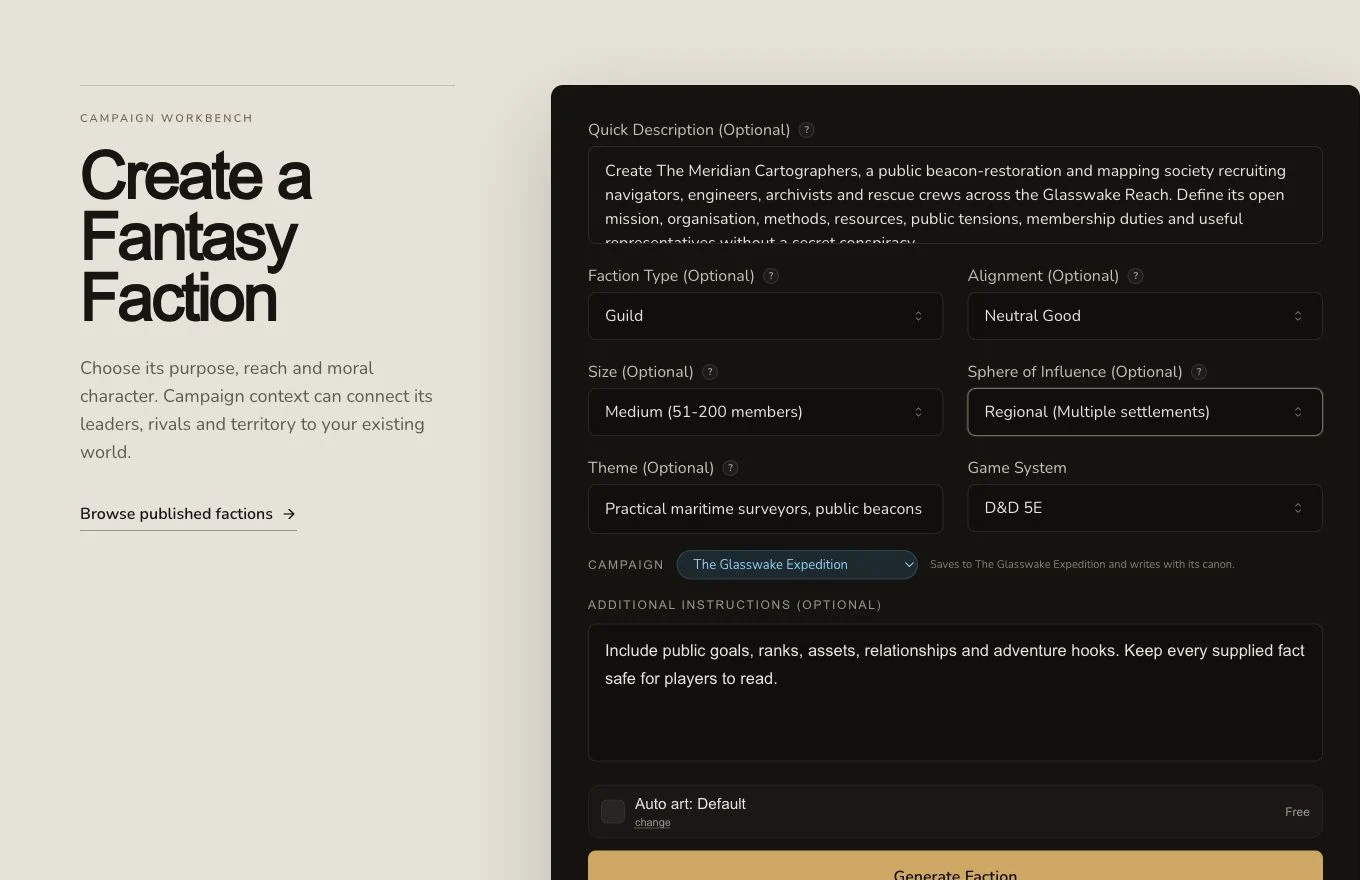
A clear mission gives the generator a stronger organising principle than a list of unrelated faction details.
2. Set only useful constraints
Choose D&D 5e and use Faction Type, Alignment, Size and Sphere of Influence only when those constraints matter. Add a practical maritime theme. In Additional Instructions, request goals, ranks, assets, relationships and adventure hooks while keeping every supplied fact safe for players to read. Optional fields may be left blank for the generator to decide.
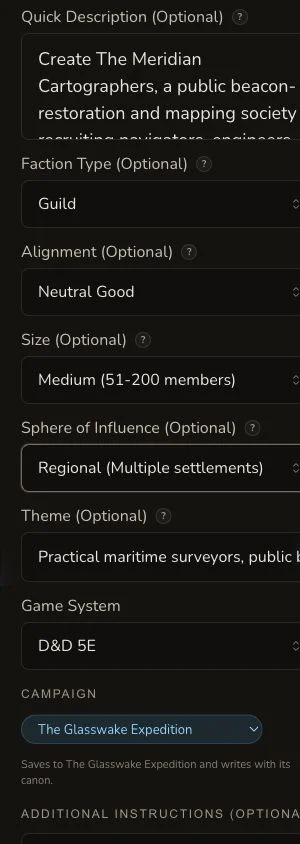
On mobile, review the whole brief before submitting because the optional controls continue below the first viewport.
3. Submit once and wait for the job result
Check the displayed price, generate once, and follow the asynchronous job. The retained request moved through PENDING and IN_PROGRESS to COMPLETE with no settled debit. If the page stops polling, check the result list and returned route before creating another request.
Turn the result into a usable faction
4. Review the hierarchy and public operation
Check the name, motto, alignment, type, size, influence and reputation. Then read the leader, key members, hierarchy, membership, methods, territory, outposts, services, activities, public goals, assets, weaknesses and history. The result should show how the organisation works from day to day, not only what it believes.
5. Check external relationships and play hooks
Review allies, rivals, enemies, neutral parties and plot hooks. The result organises goals, ranks, assets, relationships and adventure hooks into one faction reference. During the production journey it was also linked as AFFILIATED_WITH Veyra's Crossing, which makes the campaign relationship explicit rather than leaving it implied in prose.
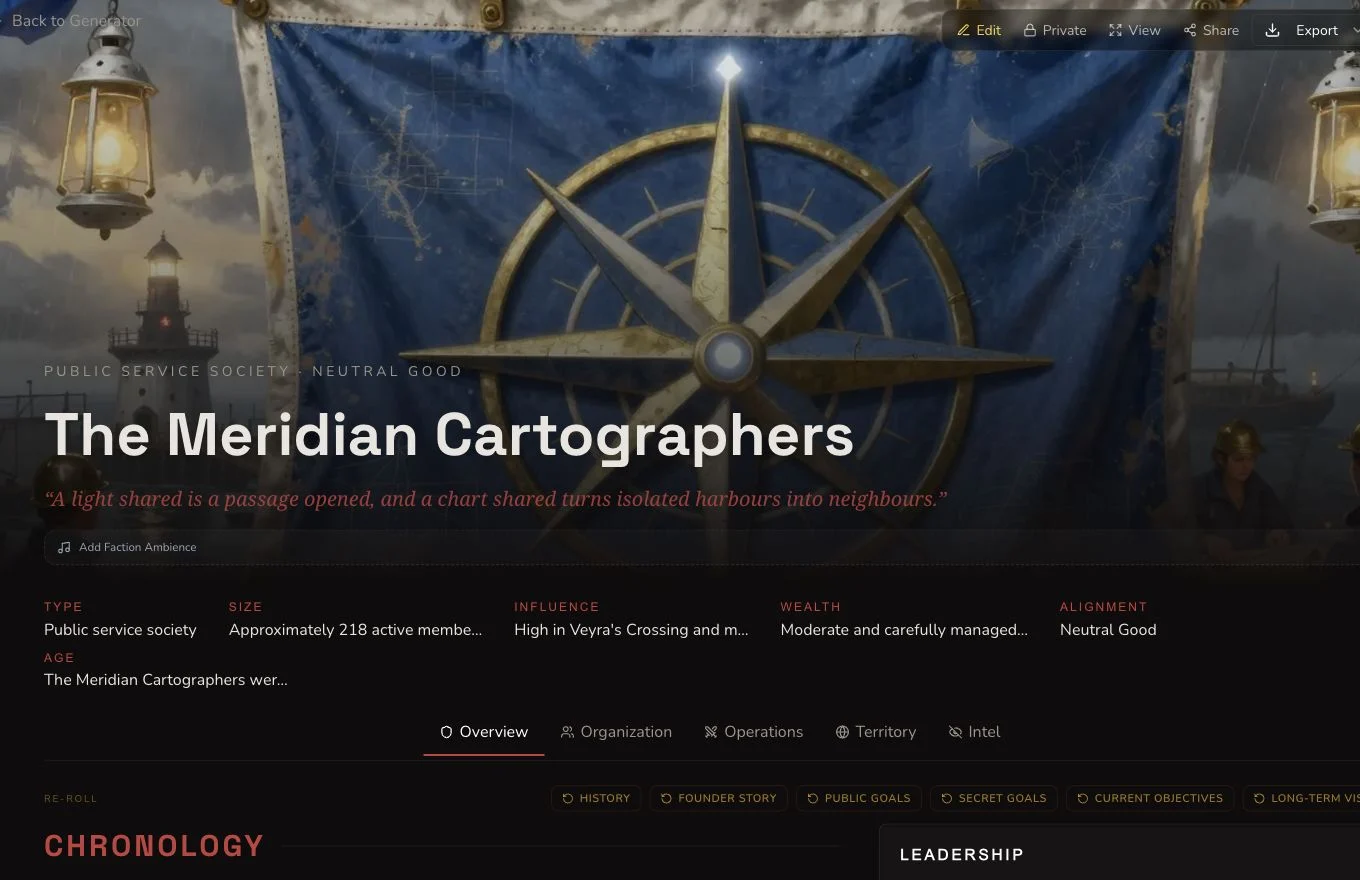
Read internal organisation and external relationships together before treating the faction as table-ready.
6. Edit, reroll and clear hidden material deliberately
Save direct corrections when you know the desired wording. The retained journey edited the motto. Its generic reroll replaced history and settled at 1 Gold, so copy any field you may want to keep before confirming. Generated secret goals were removed and refresh-checked before the tutorial evidence was approved. The final result does not rely on those cleared secrets.
7. Review the final image and output controls
The first native image contained prominent pseudo-writing on maps and was rejected. The final owned, text-free replacement became the canonical private image. Factions support entity relationships, campaign organisation, Share Card and standard export, but each state must be checked independently.
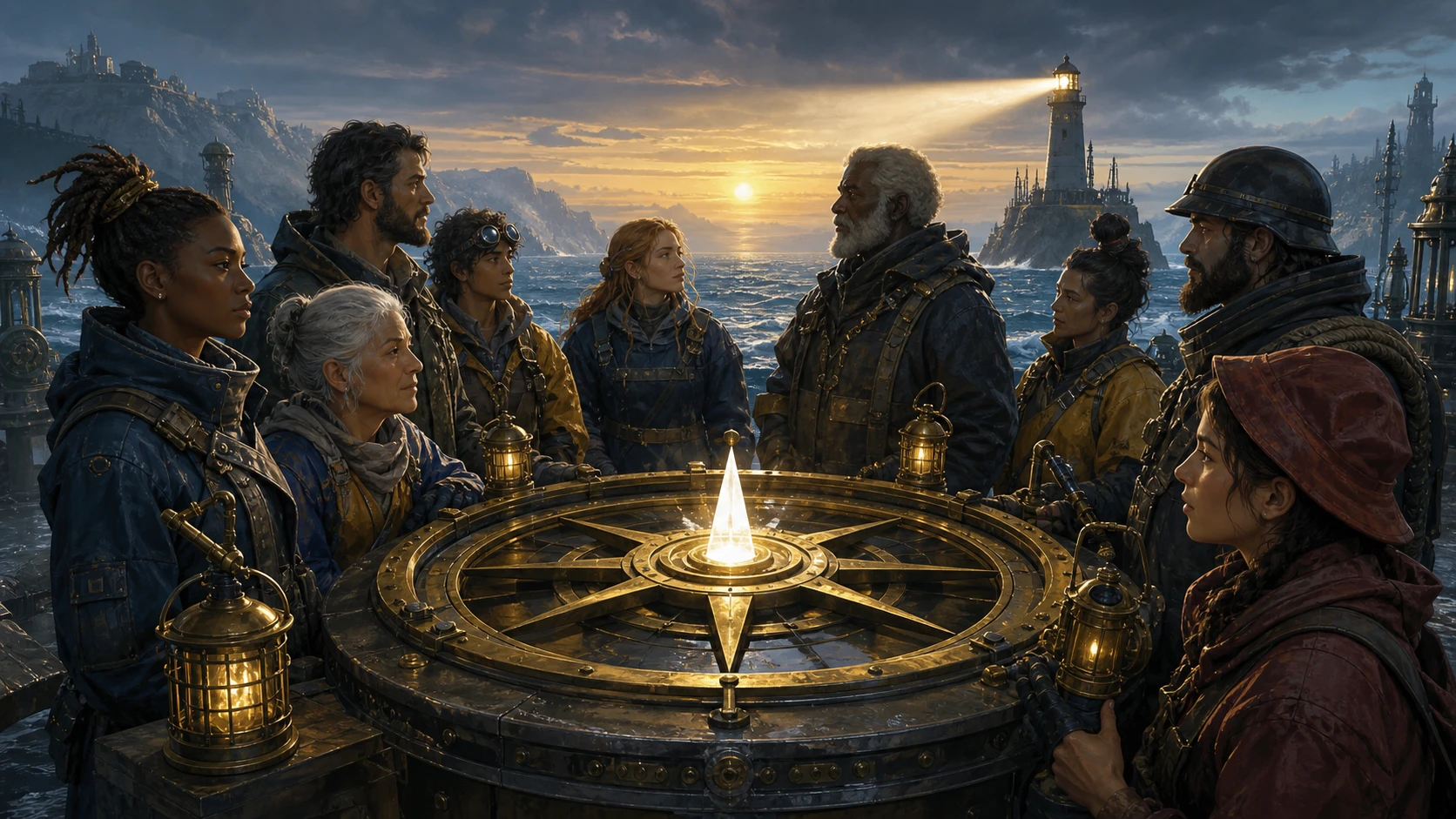
The approved replacement supports the mapping identity without exposing pseudo-writing or private account information.
Checkpoint
Check your result
- The Meridian Cartographers have an open mission, clear hierarchy, members, assets and operating methods.
- Allies, rivals, public tensions and adventure hooks connect the faction to play.
- Cleared secret goals do not remain in the final refreshed entity.
- The canonical image and Faction entity remain private after refresh.
Troubleshooting
If something looks wrong
Troubleshooting
- Symptom
- The faction reads like a loose theme instead of an organisation.
- Likely cause
- The brief describes an aesthetic but not a mission, membership or operating method.
- Next safe action
- Add one public mission, the people who perform it, the organisation's reach and two practical duties.
- Symptom
- A rerolled history removes useful campaign facts.
- Likely cause
- Generic reroll replaces the supported field and does not keep parallel drafts.
- Next safe action
- Copy the current history first, review the Gold confirmation, then restore details with a direct edit if needed.
- Symptom
- The result contains secrets that should not be published.
- Likely cause
- Faction output can include hidden-truth fields even when the input brief is public-safe.
- Next safe action
- Remove the secret material, save once, refresh, and verify the fields are absent before considering publication.
- Symptom
- A mentioned settlement is not an entity relationship.
- Likely cause
- Narrative references and graph relationships are separate data.
- Next safe action
- Use the relationship control to link the exact existing entity, then refresh and verify the relationship.
Limitations
- Optional form values constrain the result. Leave them blank when a random choice is acceptable.
- Generic reroll is destructive replacement behaviour and can cost Gold.
- Hidden-truth fields require an explicit privacy review even for a public-safe prompt.
- A prose mention does not create a campaign relationship automatically.
- Share Card, export and public visibility are separate controls.