
Generate Loot
Create production-backed loot for the Glasswake setting, then verify the saved result, artwork and supported actions.
Use the Loot generator when a reward needs itemised value, context and a reason to matter at the table. This walkthrough creates The Cartographer's Cache, expedition equipment recovered from a damaged beacon storehouse.
Describe the source before the contents
1. Open the Loot generator
Choose Loot in RPG Workshop or open the Loot generator. The form asks where the loot came from before it asks what appears inside. This helps the result feel recovered from a scene rather than drawn from a generic reward table.
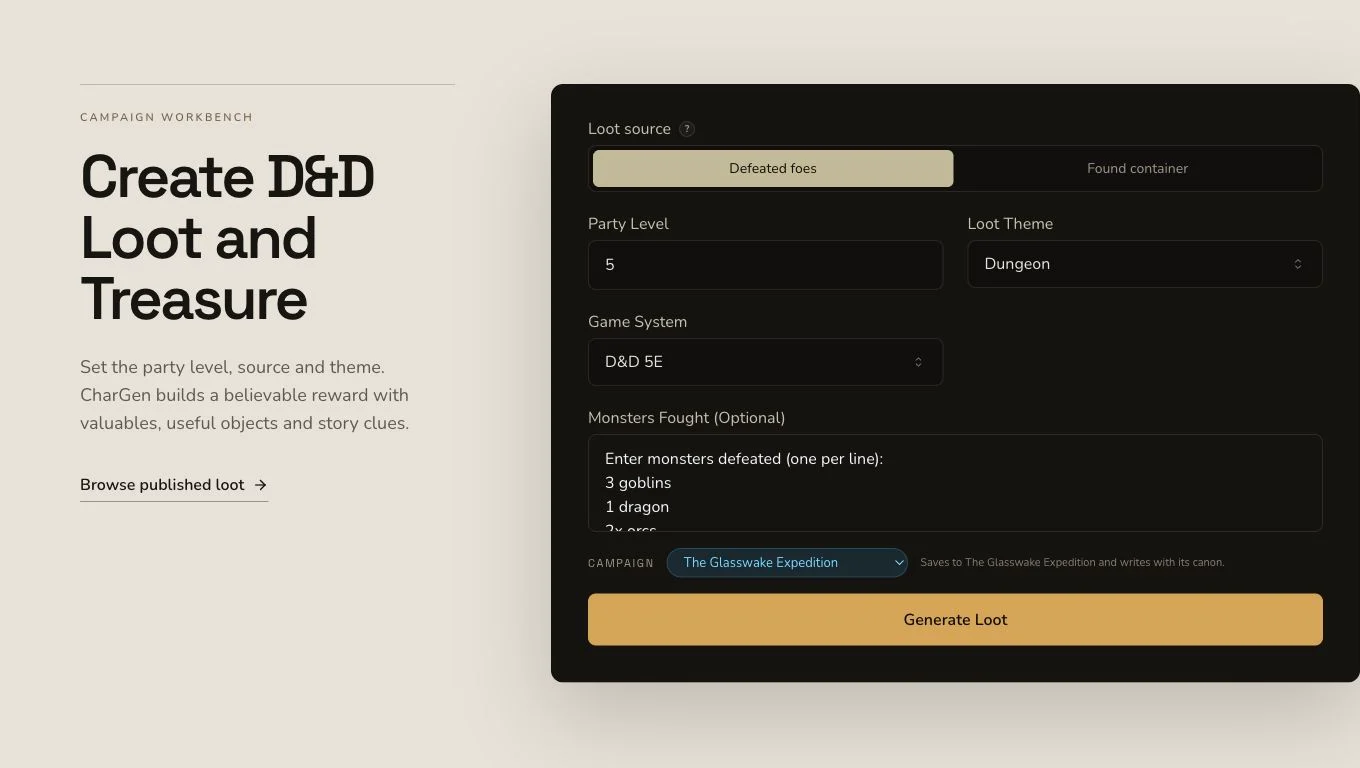
Use the source controls to establish why this particular cache exists.
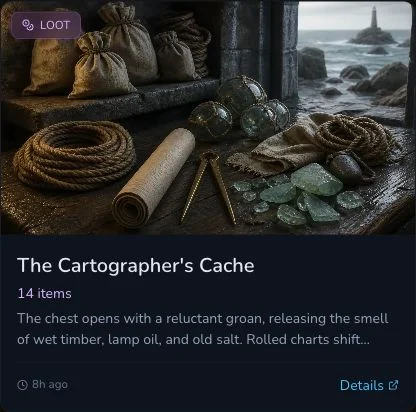
A completed Loot response appears directly. Do not wait for or retry a job that was never created.
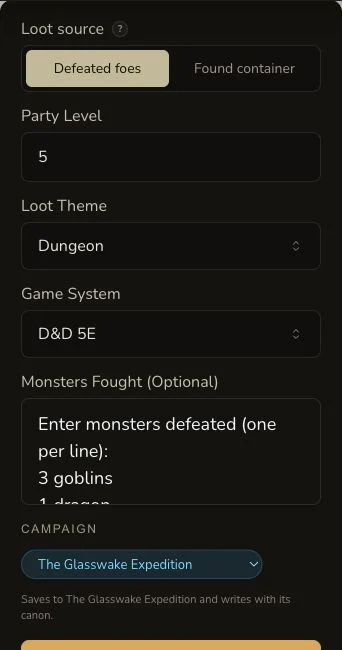
Review the source, party assumptions and theme as one sequence on mobile.
2. Choose the source-specific controls
Build a practical cache of charts, navigation instruments, repair materials, modest trade goods and tideglass pieces. Select D&D 5e and an itemised expedition-cache format. Loot source changes the conditional controls, such as defeated foes or a found container, so complete the fields that belong to the source currently selected.
3. Ask for immediate table value
Give each item a quantity, concise description and understandable use or
value. The retained output separates lootItems, container and
narrative, which makes it easier to check whether the mechanical reward
and the fiction agree.
Read the result immediately
4. Submit once and keep the synchronous result
Loot returns the entity in the original request. There is no asynchronous job identity to poll. If the page reports a later upload problem, preserve the existing Loot entity and inspect the image state rather than generating the cache again.
5. Check every item against the source
Open The Cartographer's Cache. Read the container, narrative and item list. Remove anything that does not plausibly belong in a damaged beacon storehouse, and check that useful expedition tools are not crowded out by decorative valuables.
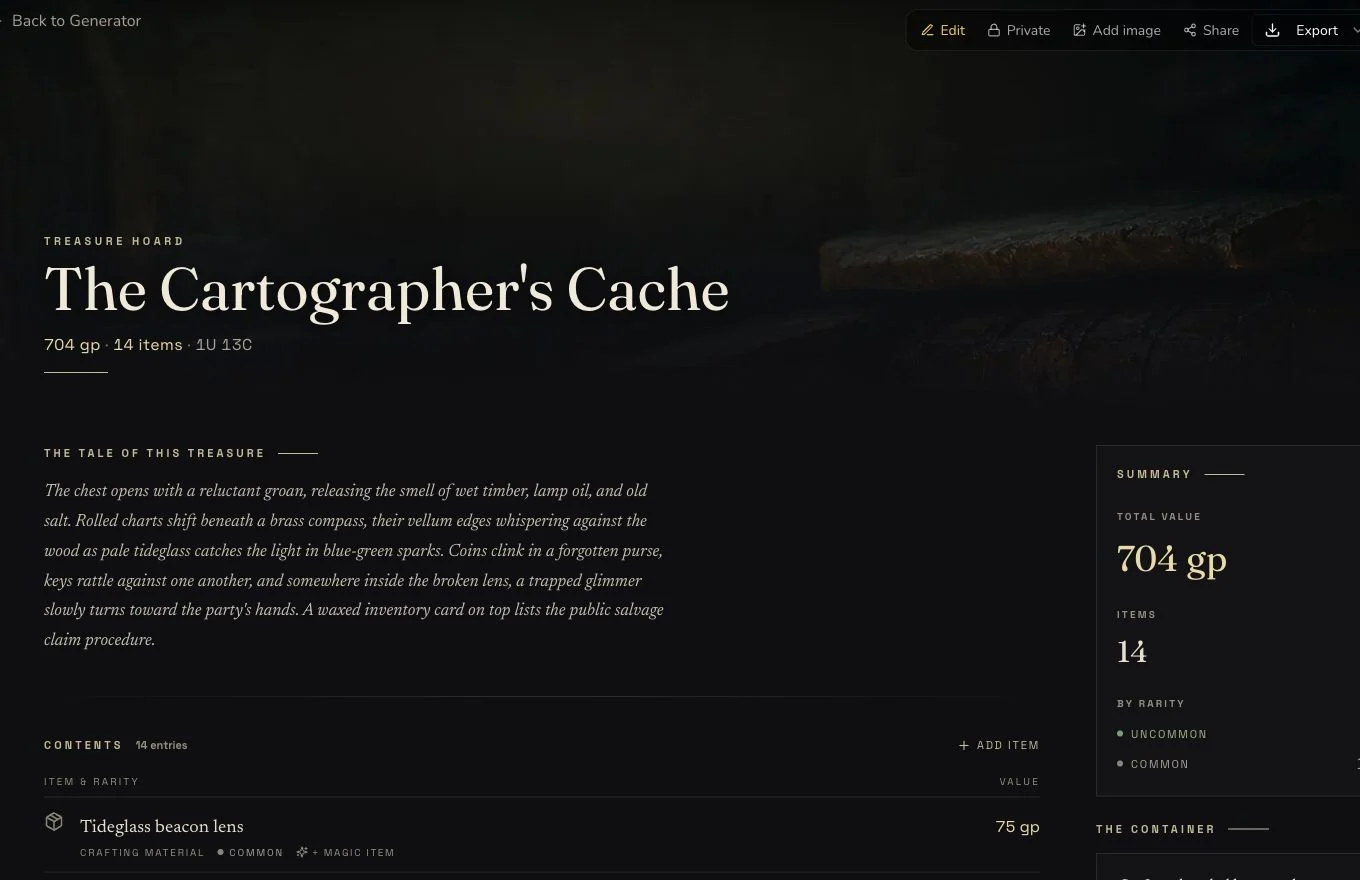
The result should be ready to distribute without requiring the GM to invent each item's purpose.
6. Attach the owned artwork manually
Loot has no native automatic art. The retained owned artwork was uploaded once and associated once after the synchronous result existed. The client showed a false-negative upload message even though the image durably completed, so no retry was made. Refresh and inspect the existing gallery before uploading again.
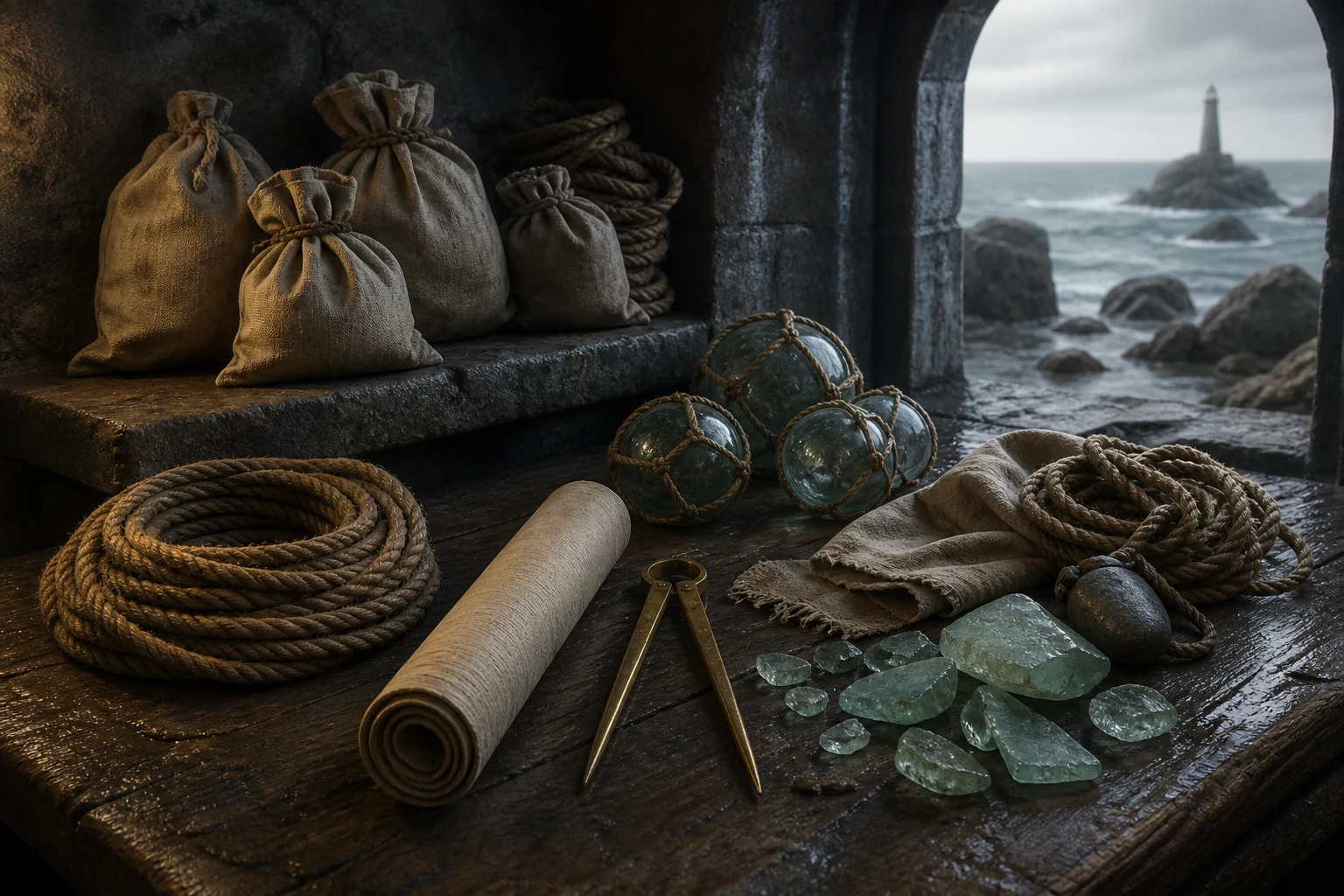
Manual art is a separate upload and association, not part of the synchronous Loot response.
Use the narrower owner surface
Loot supports editing, a Workshop Share Card and standard JSON export. It has no relationship controls, no generic section reroll and no native automatic-art request. The retained export was opened and name-checked after the download-name correction deployed.
Checkpoint
Check your result
- The detail route shows The Cartographer's Cache with an itemised list, container and matching narrative.
- The entity was returned synchronously with no asynchronous job and no automatic-art intent.
- The owned artwork is associated once with the exact Loot result and remains Private after refresh.
- Edit, Share Card and JSON export evidence do not claim relationship or generic reroll support.
If something looks wrong
Troubleshooting
- Symptom
- The page appears finished without a progress job.
- Likely cause
- Loot uses a synchronous generation path.
- Next safe action
- Inspect and preserve the returned entity. Do not wait for a background job.
- Symptom
- The image upload reports failure after completing.
- Likely cause
- The reviewed uploader displayed a false negative after the durable upload succeeded.
- Next safe action
- Refresh the gallery and check the existing image before attempting any retry.
- Symptom
- No relationship or reroll controls are visible.
- Likely cause
- Loot supports neither relationship controls nor a generic section reroll.
- Next safe action
- Use whole-draft editing for corrections and handle campaign organisation separately.