
Generate a World
Create production-backed world for the Glasswake setting, then verify the saved result, artwork and supported actions.
Use the World generator for the setting above regions, settlements and individual locations. This walkthrough creates Asterfall, a maritime world connected by ancient beacon routes, then follows one deliberate region expansion.
Establish the setting's large-scale rules
1. Open the World generator
Open the World generator. Choose World for broad geography, cultures, history, travel and setting-level conflicts. Use Region for one connected area and Settlement for one populated place.
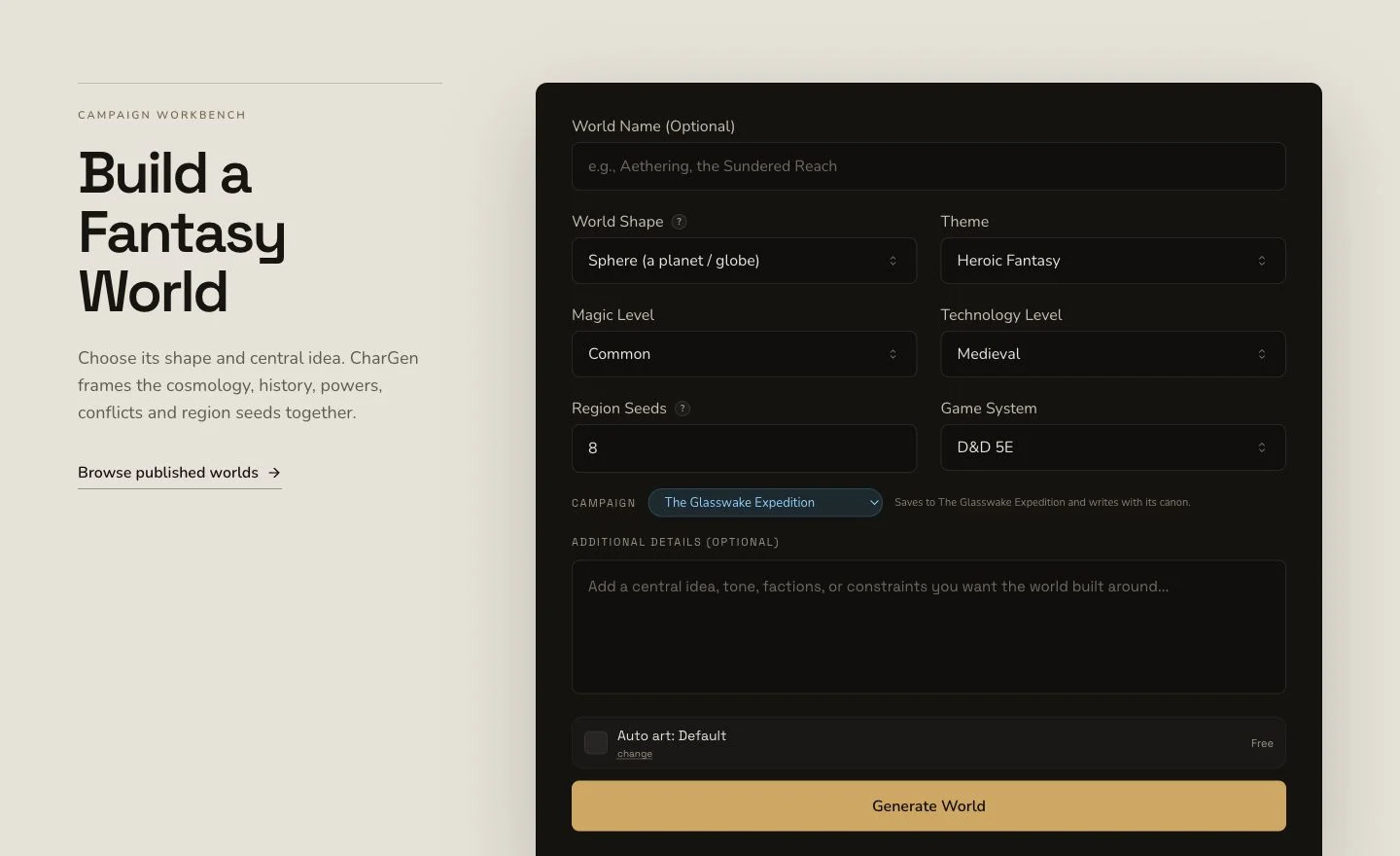
Define the travel premise and setting-wide pressures before listing individual places.
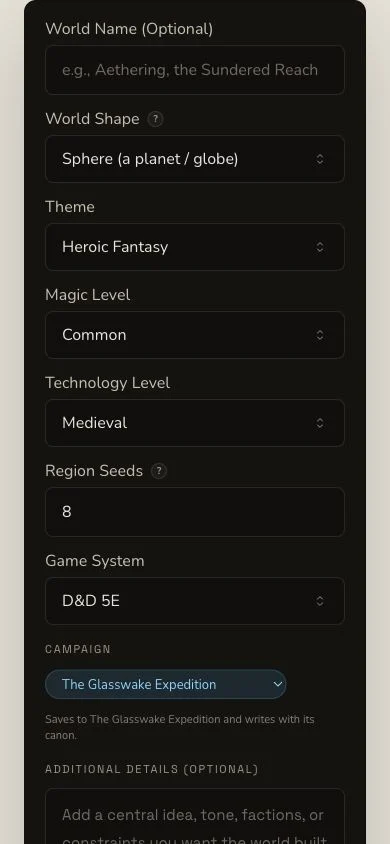
Review the system, brief and automatic-art choice on the narrow layout as well.
2. Write a premise that governs later places
The retained brief defines ancient beacon routes that make dangerous seasonal tides navigable. It asks for broad geography, societies, travel, public history, the network's present failure and open conflicts without a hidden cosmological twist. Choose D&D 5e and a high-level maritime-world gazetteer containing regions, cultures, history, travel and adventure opportunities.
3. Keep the first World independent
Asterfall was generated first, without upstream entity context. That creates a clean setting anchor for later Region and Settlement briefs. Selecting a campaign can trigger automatic recording, but generation success alone is not the proof. Verify the World in campaign Memory after refresh.
Review the world before expanding it
4. Submit once and retain the original job
World generation is asynchronous. Keep the job through Pending, In Progress and Complete. Do not use region expansion, reroll or another World submission as a recovery mechanism. First confirm the existing result, artwork and settlement outcome.
5. Read the world-level result
Open Asterfall. Review overview, tagline, shape, fundamental laws, cosmology, ages, powers, themes, regions, conflicts and plot hooks. The retained result contains eight region seeds. Treat them as starting points, not eight fully generated Region entities.
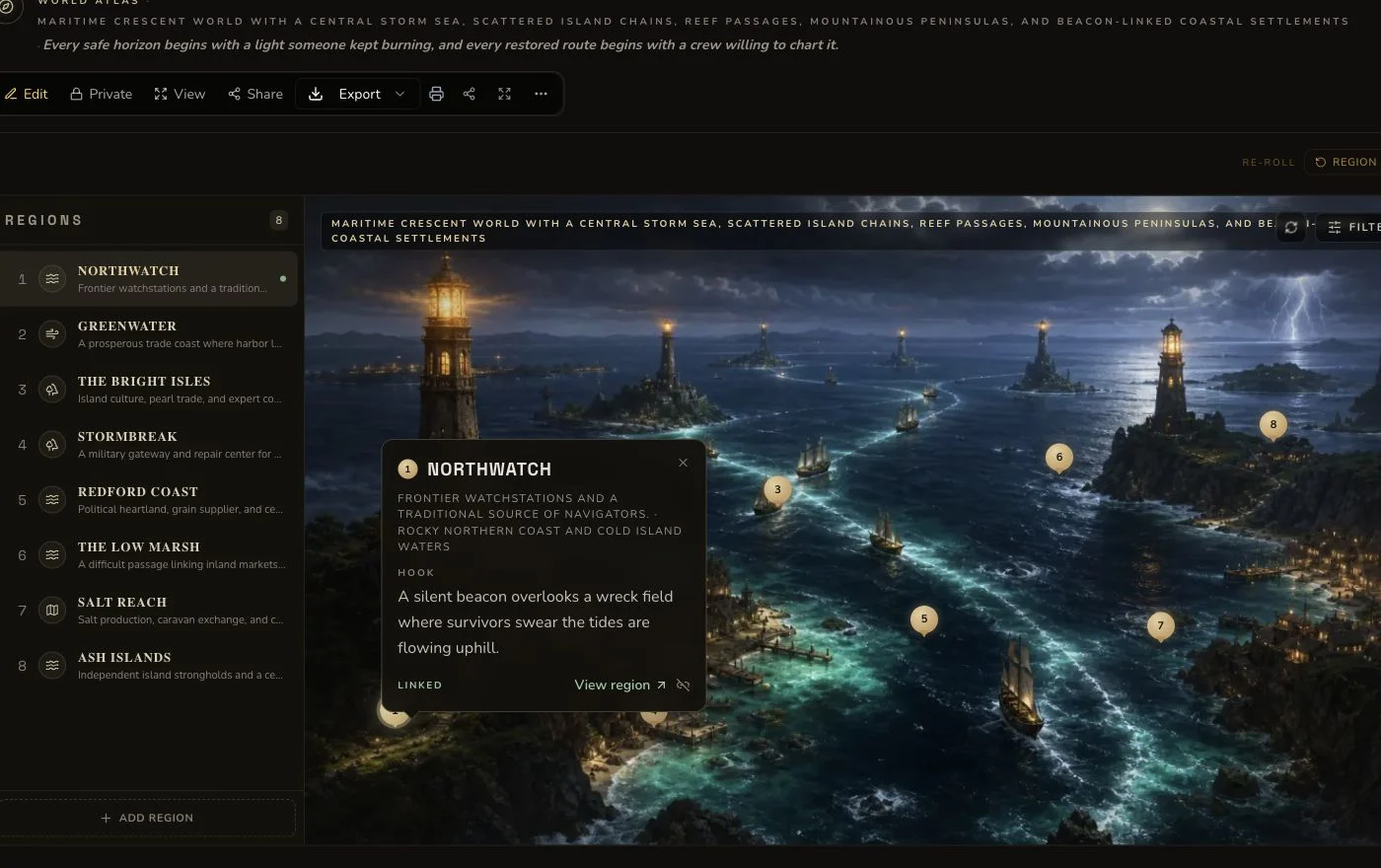
Review the setting rules and region seeds before creating any child Region.
6. Review the final world artwork separately
Two native art attempts completed but failed visual review because of swapped place numbering and pseudo-writing. The failed images and the single 1-Gold retry remain in the evidence. One owned replacement was attached and read back as Private. It does not rewrite the native-attempt history.
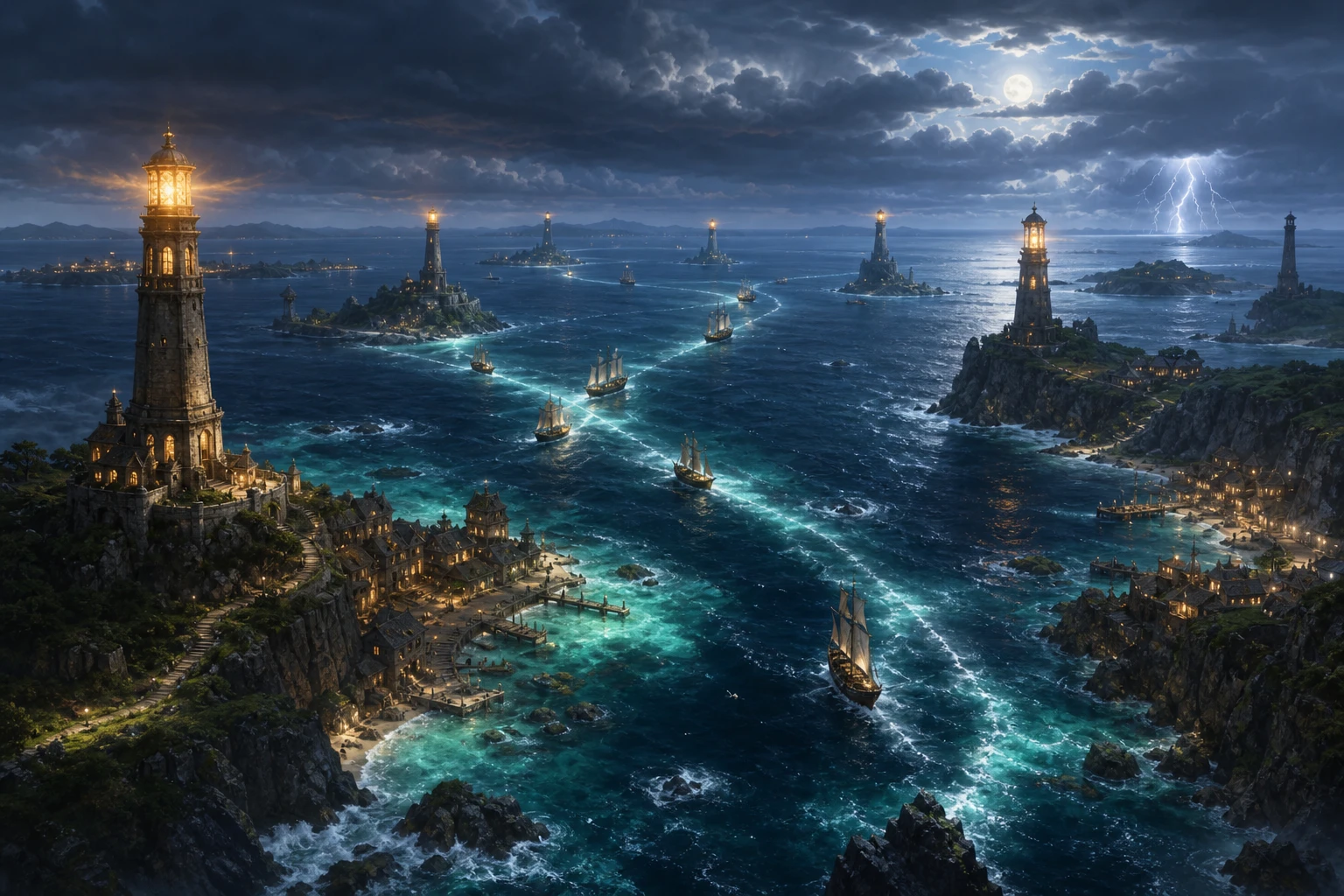
Review the accepted world art for coherent geography, readable routes and unwanted text before using it publicly.
Expand one region as a new result
7. Choose one exact seed and press Expand once
The retained flow selected the single Northwatch seed after confirming that no Region with the planned name already existed. Expand created the separate Region Northwatch Frontier, with its own entity, job, art request, image and association. It settled at 0 Gold in this dated run, but that is not a lasting price promise. The new Region and image were both made Private and verified independently.
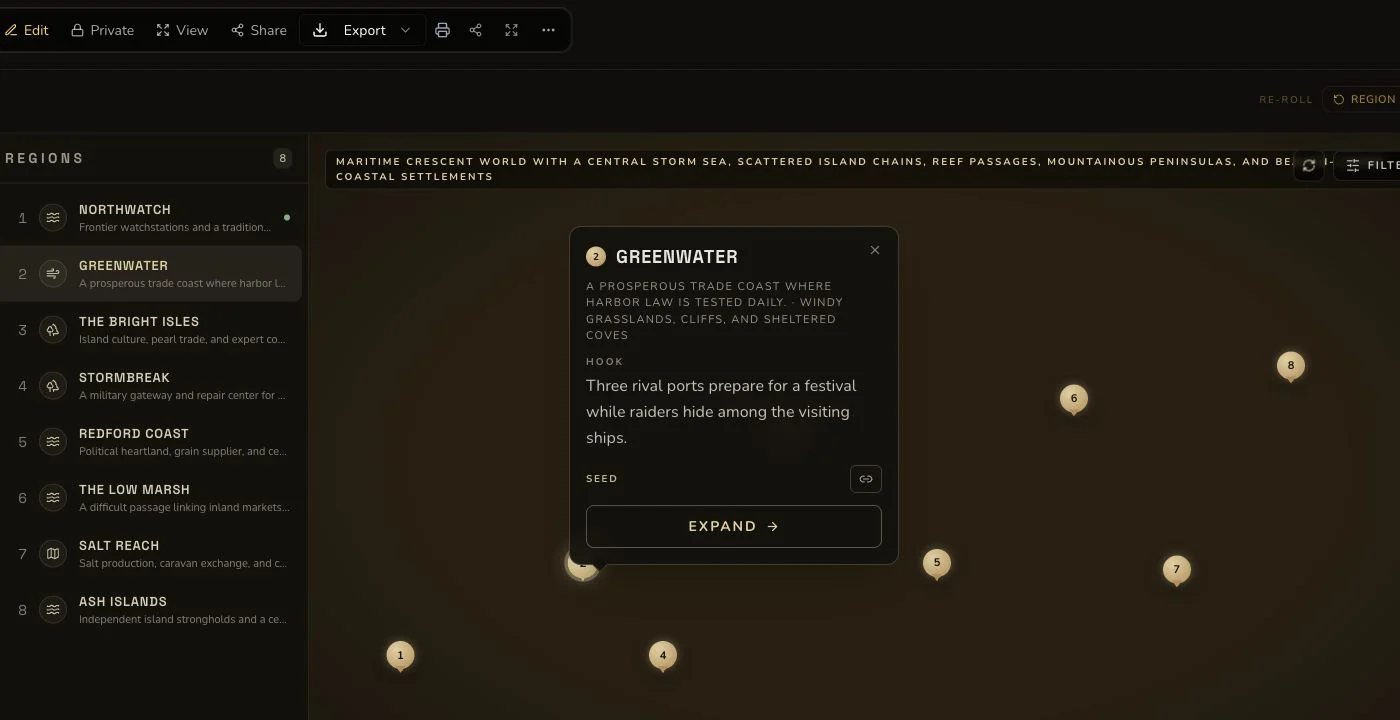
Region expansion is a new generation workflow, not an inline edit to the World.
World supports owner editing, generic section rerolls, standard relationships and export. It has no Workshop Share Card. URL visibility still needs deliberate privacy review, and a public entity is not suitable for hidden GM material. Keep rerolls, region expansion, relationships and exports as distinct outcomes with their own read-backs.
Checkpoint
Check your result
- The exact World route opens Asterfall with its large-scale laws, history and region seeds.
- The accepted artwork belongs to Asterfall and remains Private after the failed native attempts.
- The Northwatch expansion creates Northwatch Frontier as a separate Private Region with its own identities.
- No Workshop Share Card is claimed, and each edit, 1 Gold reroll, relationship or export is verified separately.
If something looks wrong
Troubleshooting
- Symptom
- A region seed looks complete but has no Region detail route.
- Likely cause
- World region entries are seeds until an expansion creates a separate Region entity.
- Next safe action
- Use Expand once only when you intend to create that child Region, then retain its new identities.
- Symptom
- The page has no Share Card control.
- Likely cause
- World does not support the Workshop Share Card surface.
- Next safe action
- Do not borrow sharing instructions from another generator. Keep the World Private unless the actual visibility flow has been reviewed.
- Symptom
- A completed world image contains labels or pseudo-writing.
- Likely cause
- Image completion does not prove public visual quality.
- Next safe action
- Retain the attempt, reconcile any charge and follow the permitted artwork fallback without resubmitting the World.