
Create Session Notes from Audio
Upload an owned recording or use a direct audio URL with an informed cost check.
Create Session Notes from an owned recording or a direct audio link at /sessions/create. The form detects the recording length, calculates the started-hour estimate and carries the result into the selected campaign.
Prepare the audio source
1. Choose File Upload or Audio URL
Use File Upload for an owned local recording. The current picker accepts MP3, WAV, M4A, AAC, OGG and WebM files and shows a 4 GB client limit. Use Audio URL only for a direct file link that you control and are allowed to process. A URL that looks valid is not proof that CharGen can reach or download it.
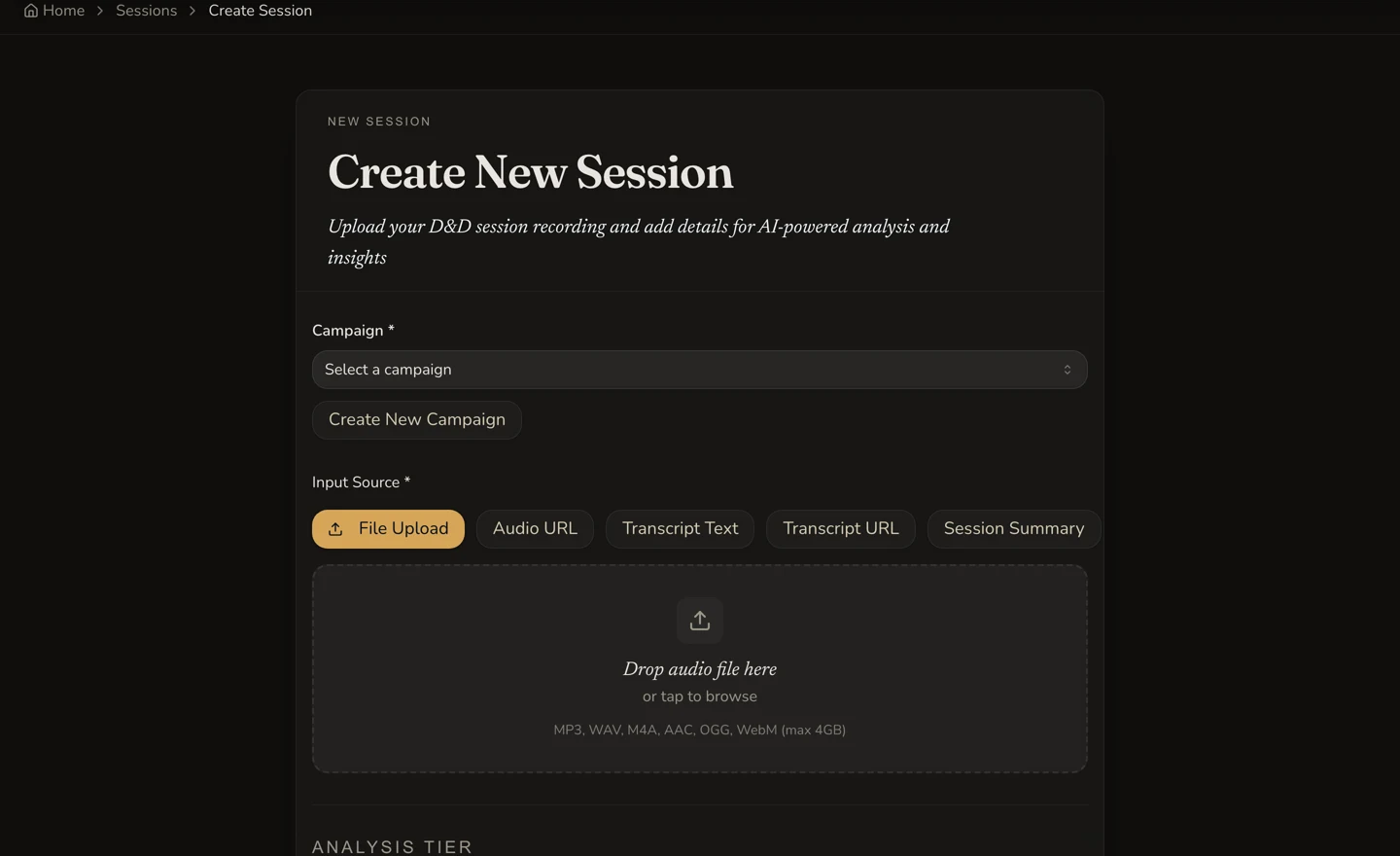
File Upload keeps the accepted formats and current 4 GB client limit beside the drop area.
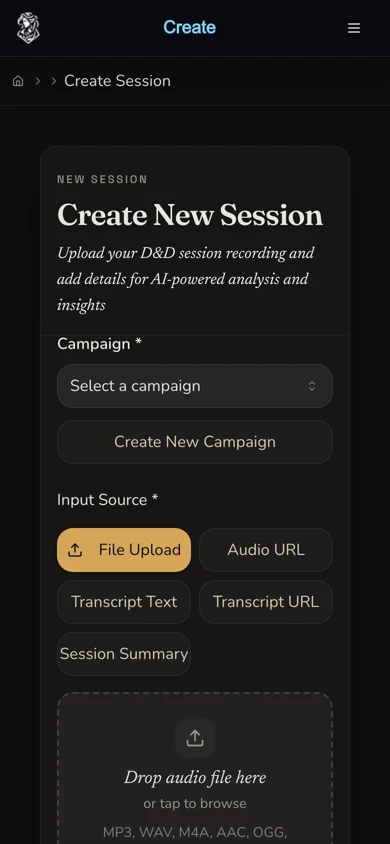
The same source choice is available on the 390-pixel mobile layout.
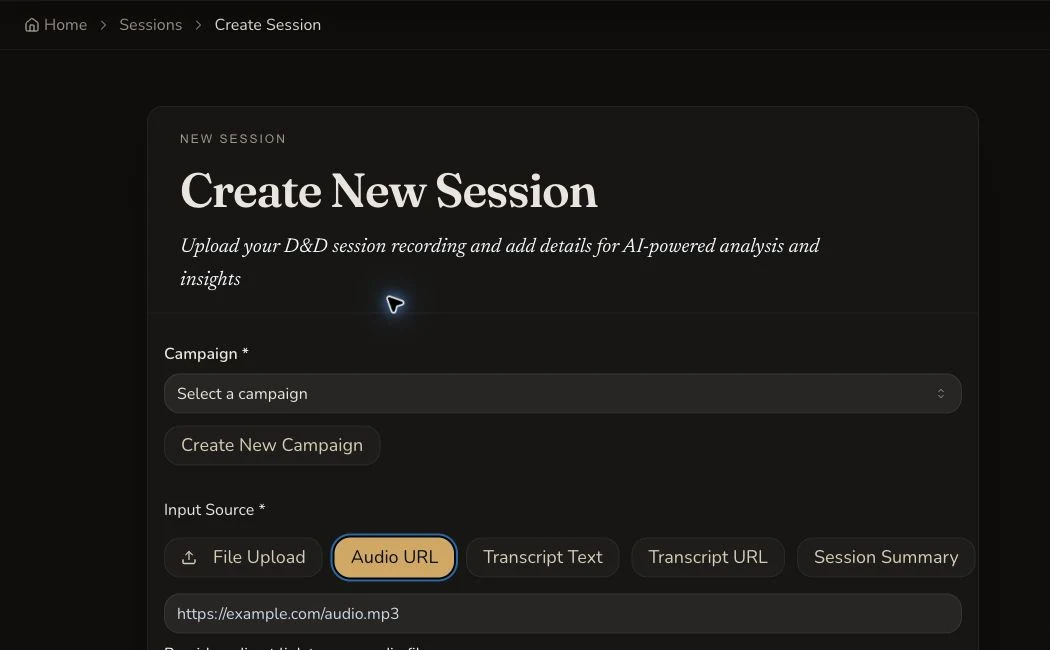
Audio URL expects a direct file link. The field alone does not verify remote access.
Add campaign and analysis details
2. Choose the campaign and check the roster
Select the intended campaign before submitting. Review the participant list against the recording, keep only the characters who took part and set DM Present truthfully. Correct campaign and participant details improve attribution, but they do not replace speaker consent.
3. Let the form detect duration
Select or provide the source, then wait for the disabled Duration (minutes) field to update. Do not type a guessed duration. The retained tutorial file was exactly 30 minutes and the form detected 30 minutes before submission.
4. Choose Standard or Pro
Standard audio costs 45 Gold per started hour. Pro costs 100 Gold per started hour. A 30-minute source therefore occupies one started hour. The retained Standard example displayed 45 Gold for a 30m session and later settled at 45 Gold. Choose an optional summary language only when you want the recap translated from the source language.
5. Review the estimate and submit once
Confirm the campaign, source, detected duration, tier, displayed Gold estimate, session name, number and recorded date. Select Create Session once. The create request returns the session identity directly, so keep the processing route rather than pressing the button again when the page is slow.
6. Open the completed result
The retained journey moved through TRANSCRIBING, ANALYZING and INTEGRATING before COMPLETE. Its private result contains the 30-minute player, recap, 559 transcript entries and seven attributed fictional speakers.
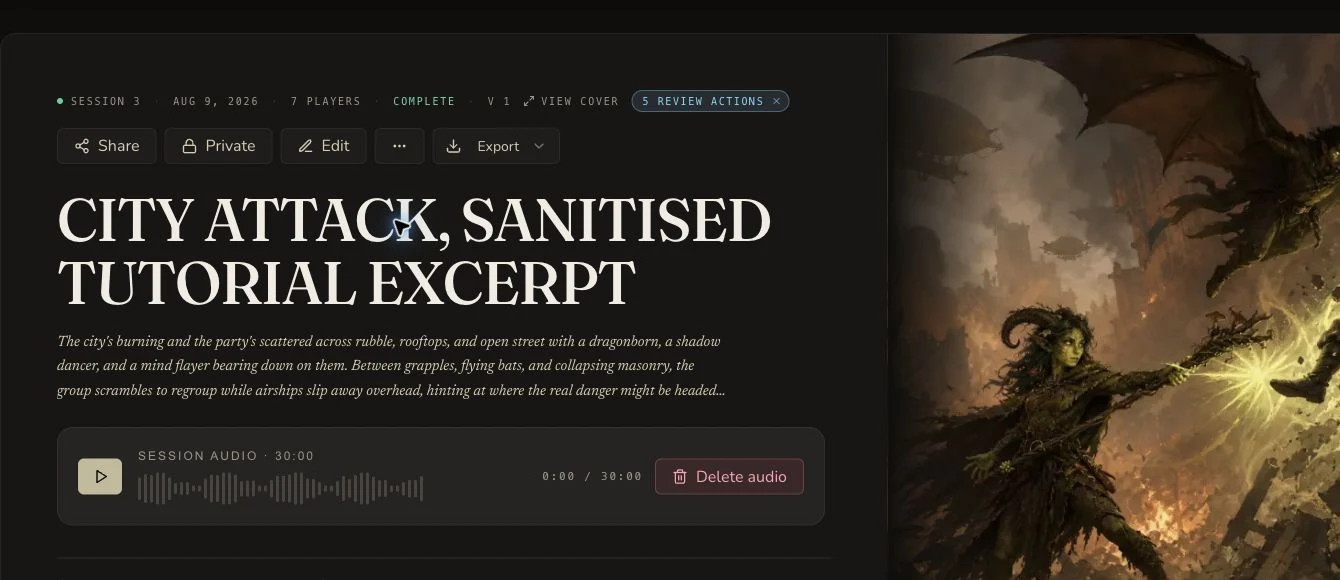
The retained result joins the visible COMPLETE state to the settled 45-Gold transaction in the evidence receipt.
Checkpoint
Check your result
- The selected source is owned or permitted, and every recorded speaker has agreed to processing.
- The campaign and participant list match the people in the recording.
- The disabled duration field and displayed started-hour estimate match the chosen tier before submission.
- One session reaches its result route with the expected audio, recap and transcript features.
Troubleshooting
If something looks wrong
Troubleshooting
- Symptom
- The duration field has not updated.
- Likely cause
- The file metadata or remote source has not been read yet.
- Next safe action
- Wait for detection, confirm the file opens locally, or check that the direct URL is downloadable with permission. Do not enter a guessed duration or submit while the estimate is stale.
- Symptom
- The Audio URL field accepts a link, but creation cannot use it.
- Likely cause
- Syntax validation does not prove that the service can reach the file or that the link remains valid.
- Next safe action
- Use a stable direct file URL you control, check its access rules, or upload the owned file instead.
- Symptom
- The processing page appears slow.
- Likely cause
- Audio transcription and analysis continue independently of the open browser tab.
- Next safe action
- Return through the saved processing route or Session Library. Do not create a duplicate session.
- Symptom
- A speaker is attributed to the wrong character.
- Likely cause
- The campaign roster or the recorded voices may be ambiguous.
- Next safe action
- Review the selected participants and treat generated attribution as a draft. The current Session Notes UI does not mount speaker remapping.
Limitations
- The 4 GB figure is the mounted client limit, not a promise that every file at that size will complete.
- Only MP3, WAV, M4A, AAC, OGG and WebM are listed by the current file picker. Do not assume every audio format is supported.
- Started-hour pricing rounds up. A source just over an hour enters a second billing hour.
- Processing times shown in the interface are estimates, not service-level guarantees.
- The current result can include playable source audio. Keep the session private until its sharing surface has been reviewed.