
Generate a Character Class
Create production-backed character class for the Glasswake setting, then verify the saved result, artwork and supported actions.
From RPG Workshop, open the Character Class generator. It creates either a complete class or a subclass for an existing base class. This walkthrough builds The Wayfinder, a full navigation and rescue class for the Glasswake Expedition, then checks the retained production result.
Choose a full class or subclass
1. Start with the class type
Open the generator and use What are you creating? The default Full Class option builds a standalone progression. If you switch to Subclass, the conditional Base Class control appears so you can pick a standard class, an owned homebrew class or Other. The Base Class value is submitted only for a subclass.
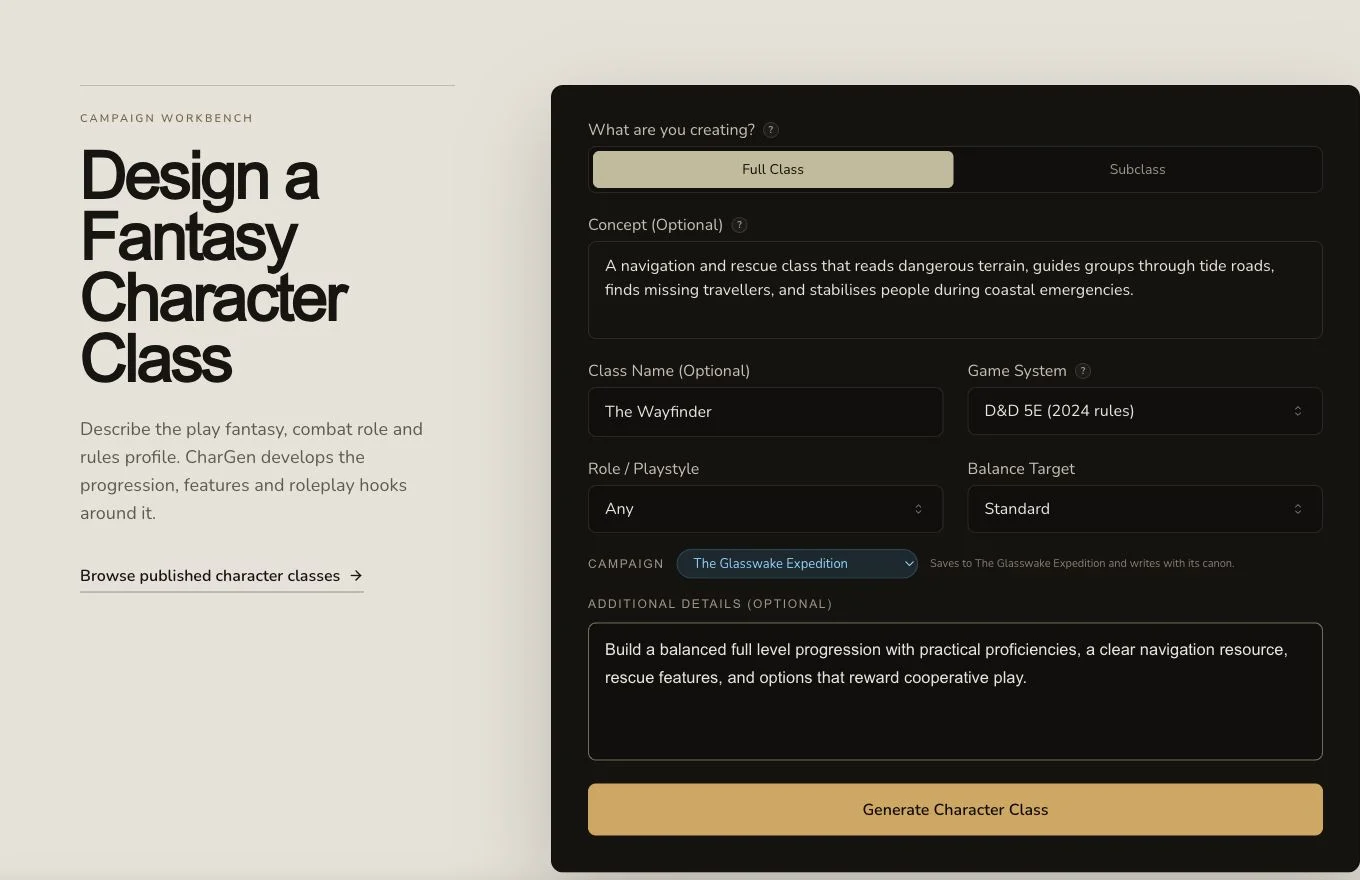
Full Class is the correct mounted choice for a standalone Wayfinder progression.
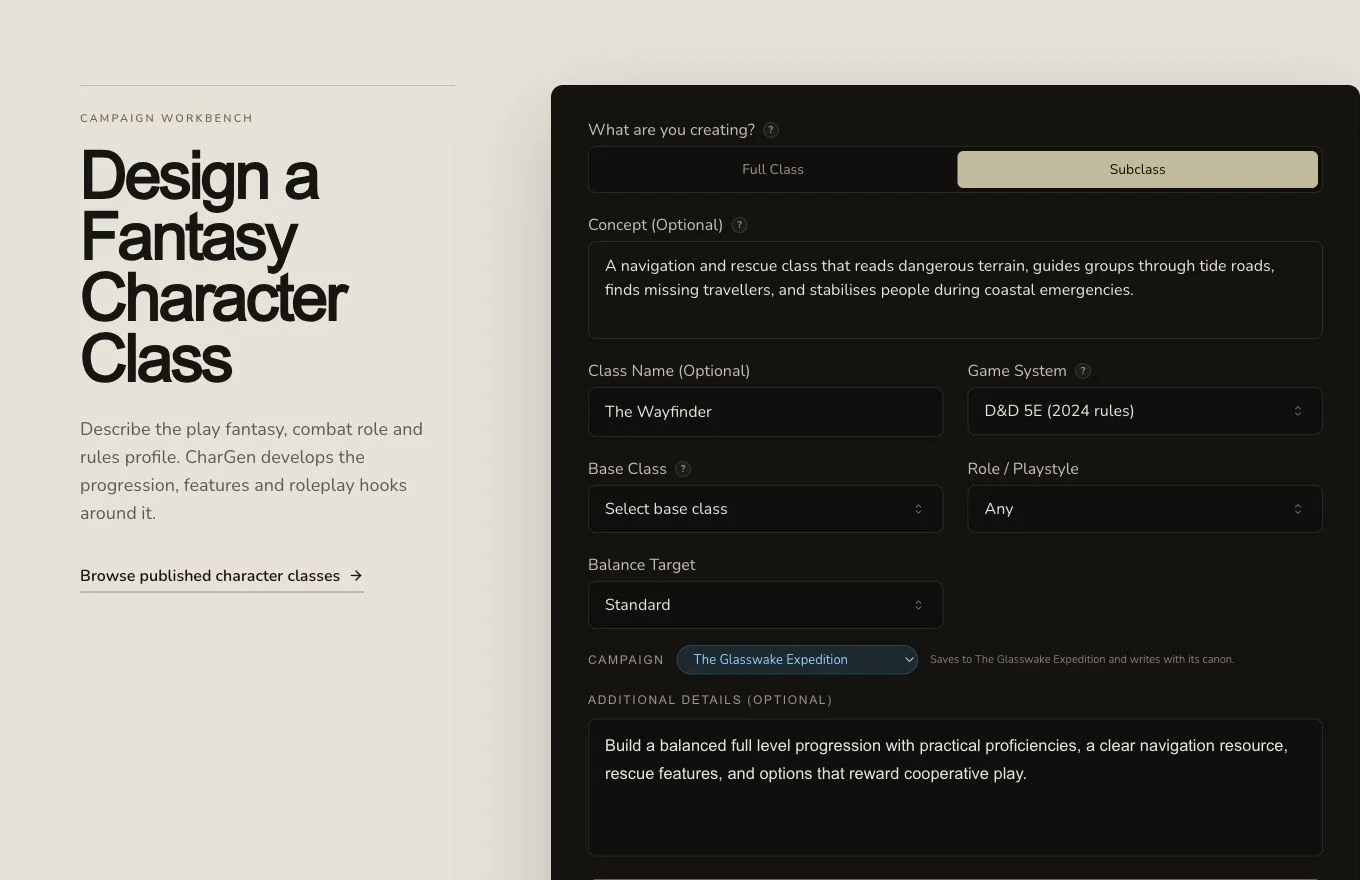
Base Class is conditional. It appears for Subclass and is omitted from a Full Class request.
2. Describe the complete Wayfinder chassis
Return to Full Class. Set the class name to The Wayfinder, choose D&D 5e, and describe a navigation and rescue class built around dangerous terrain, finding missing travellers and stabilising people during coastal emergencies. Ask for balanced features across a full level progression, practical proficiencies and rescue-focused options. Role / Playstyle may be left at Any; Balance Target remains Standard unless you have a clear reason to change it.
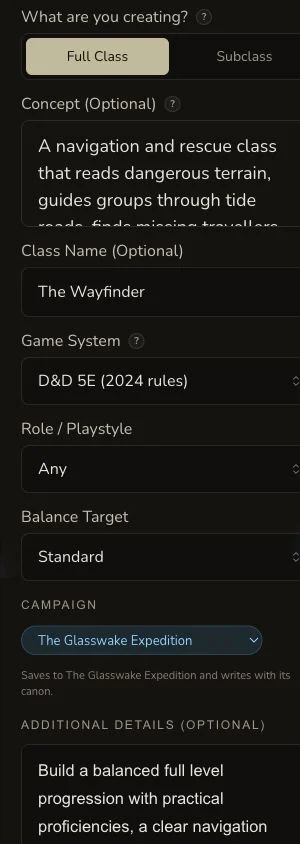
On a narrow screen, confirm the class type before scrolling through the rest of the request.
Review progression, editing and artwork
3. Follow the asynchronous result once
Review the displayed cost, submit once, and wait for the job to reach a terminal state. The retained Wayfinder job reached COMPLETE. Check the result list and exact detail route before repeating a request after a local timeout.
4. Read the result as a playable class
Confirm the name, role, tags, tagline and BASE_CLASS type. Then inspect core features, level progression, proficiencies, skill options, primary abilities, primary resource, spellcasting or powers, training, subclasses, playstyle tips, hooks, factions, regions of practice and multiclass notes. The result should explain both the class fantasy and how it advances.
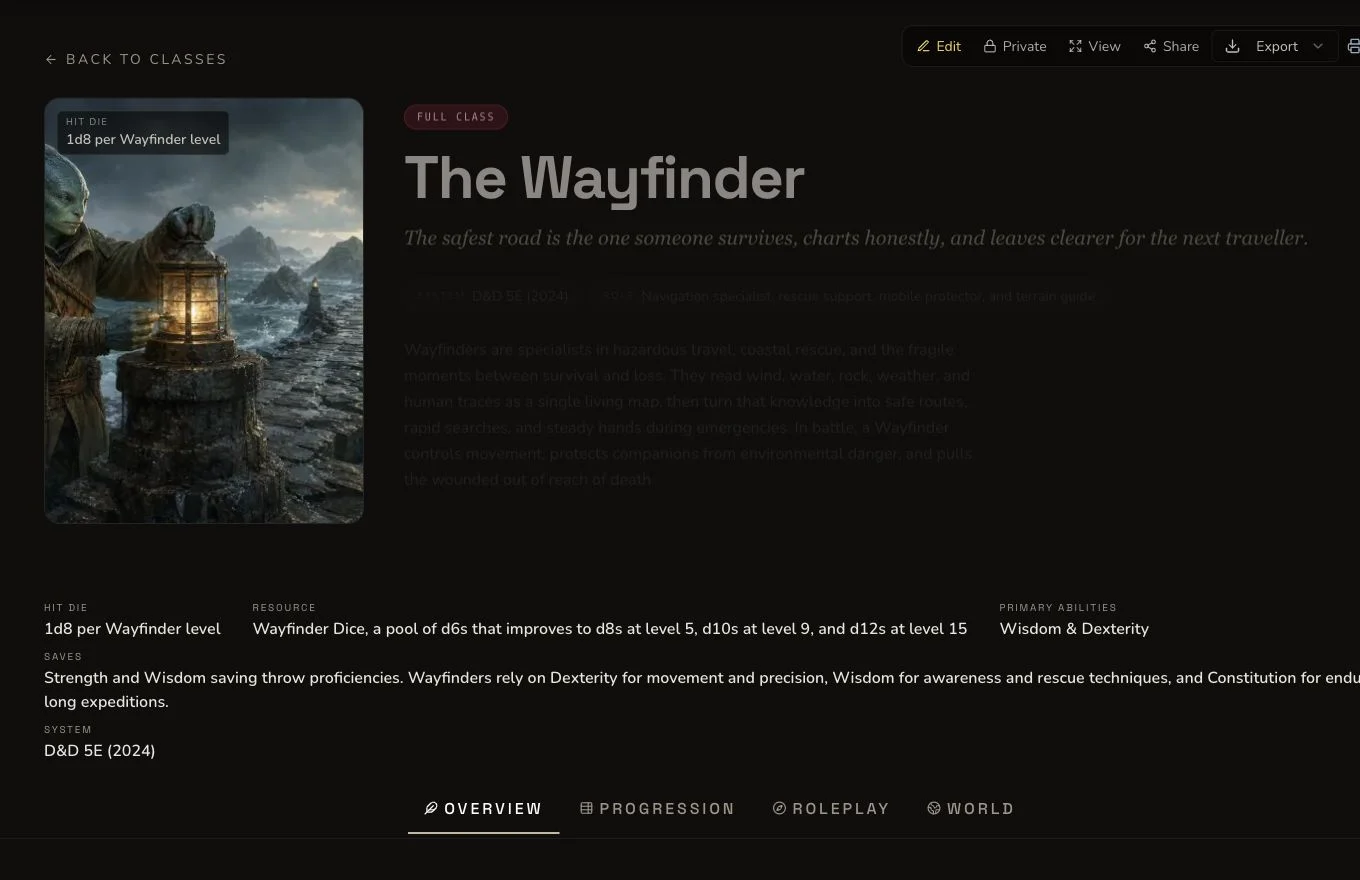
The retained result is a full class even though the same form can mount subclass-only inputs.
5. Use edits and rerolls for bounded changes
The production journey edited the tagline and used the generic reroll on notable factions, which settled at 1 Gold. Copy a field before a reroll if you may want to restore it. A Character Class supports entity relationships, campaign organisation and standard export, but each action must be checked separately.
6. Keep the artwork boundary explicit
The Class form has no user-configurable auto-art control. Production nevertheless produced unexpected automatic native artwork as an auxiliary result. It contained pseudo-marks and was retained for audit rather than used. The owned Wayfinder artwork remained canonical and was attached to the private class. Do not infer a configurable auto-art feature from that unexpected backend behaviour.
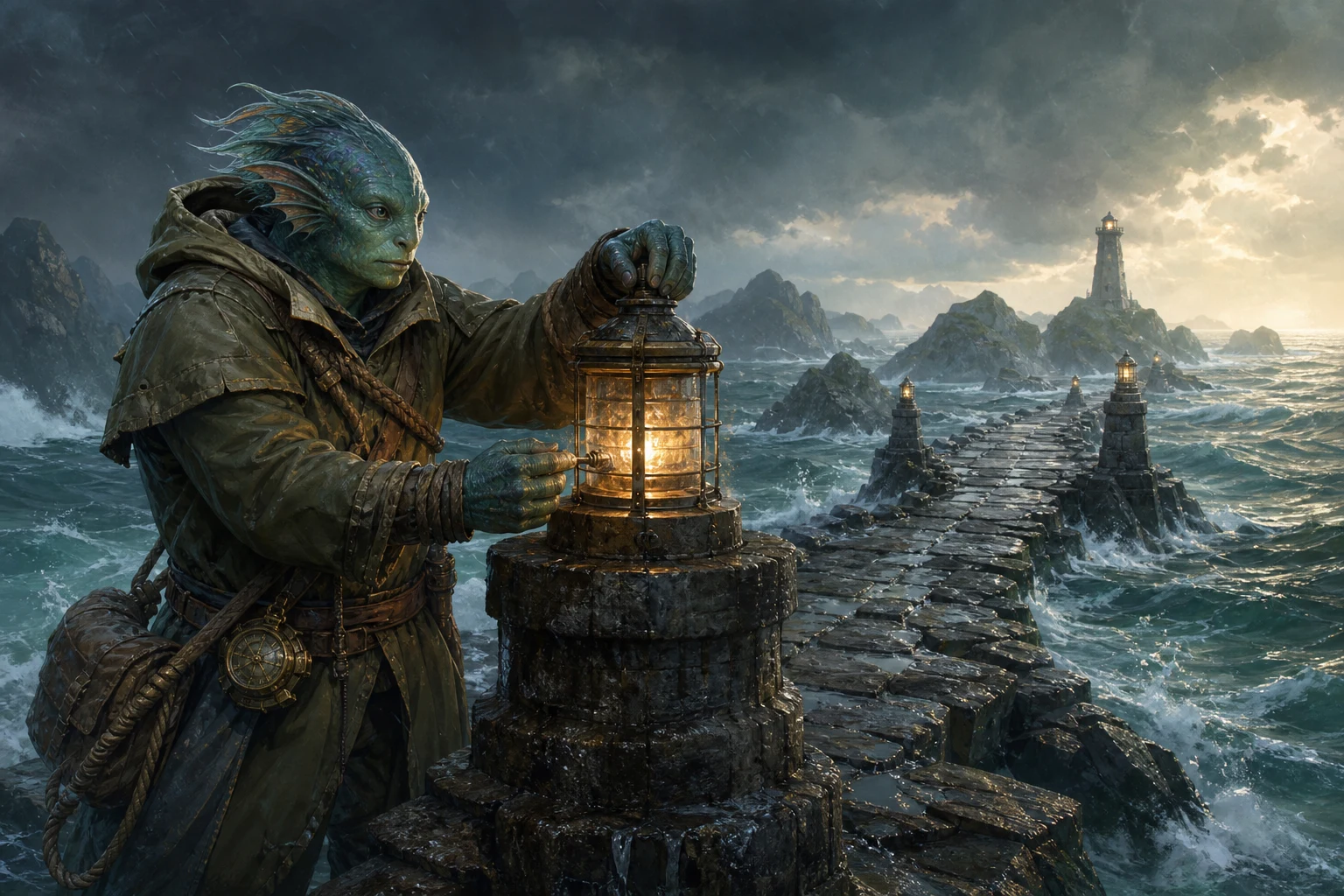
This exact owned fixture is the canonical image. The unexpected native auxiliary remains rejected evidence.
Checkpoint
Check your result
- The result identifies The Wayfinder as a full base class, not a subclass.
- The progression, proficiencies, resources, features and playstyle guidance form a coherent rescue class.
- The conditional Base Class control is documented only for the Subclass path.
- The owned canonical artwork and class entity remain private after refresh.
Troubleshooting
If something looks wrong
Troubleshooting
- Symptom
- Base Class is missing.
- Likely cause
- The control is mounted only when What are you creating? is set to Subclass.
- Next safe action
- Switch to Subclass if that is your real intent. Leave Full Class selected for a standalone progression.
- Symptom
- A homebrew parent class is unavailable.
- Likely cause
- The picker offers compatible full classes from the current account and system context.
- Next safe action
- Check that the parent exists as a full Character Class and uses the intended game system before returning to the picker.
- Symptom
- An image appeared even though the form has no art option.
- Likely cause
- The production run exposed unexpected automatic native artwork that was not user-configurable.
- Next safe action
- Review it as auxiliary evidence. Keep an approved owned image canonical if the native result is unsuitable.
- Symptom
- A rerolled section lost useful details.
- Likely cause
- Generic reroll replaces the supported field rather than adding an alternative draft.
- Next safe action
- Copy the current field before confirming a reroll and check the displayed Gold cost.
Limitations
- Full Class and Subclass are distinct request shapes. A Base Class value is ignored for a full class.
- The form exposes no user-configurable auto-art control. Unexpected native output does not change that interface truth.
- Generic reroll support is field-specific and can cost Gold.
- Relationships, campaign organisation, sharing and export are separate post-generation actions.
- Generated mechanics still require a table-level balance review before play.