
Generate a Hazard
Create production-backed hazard for the Glasswake setting, then verify the saved result, artwork and supported actions.
Use the Hazard generator for a danger that players can notice, understand and answer through play. This walkthrough creates Memory Fog, a navigational hazard across the Glasswake Reach.
Describe an observable danger
1. Open the Hazard generator
Start in RPG Workshop or open the Hazard generator. Hazard suits an environmental, mechanical or supernatural danger. Use Encounter when you need a complete scene with forces and objectives instead.
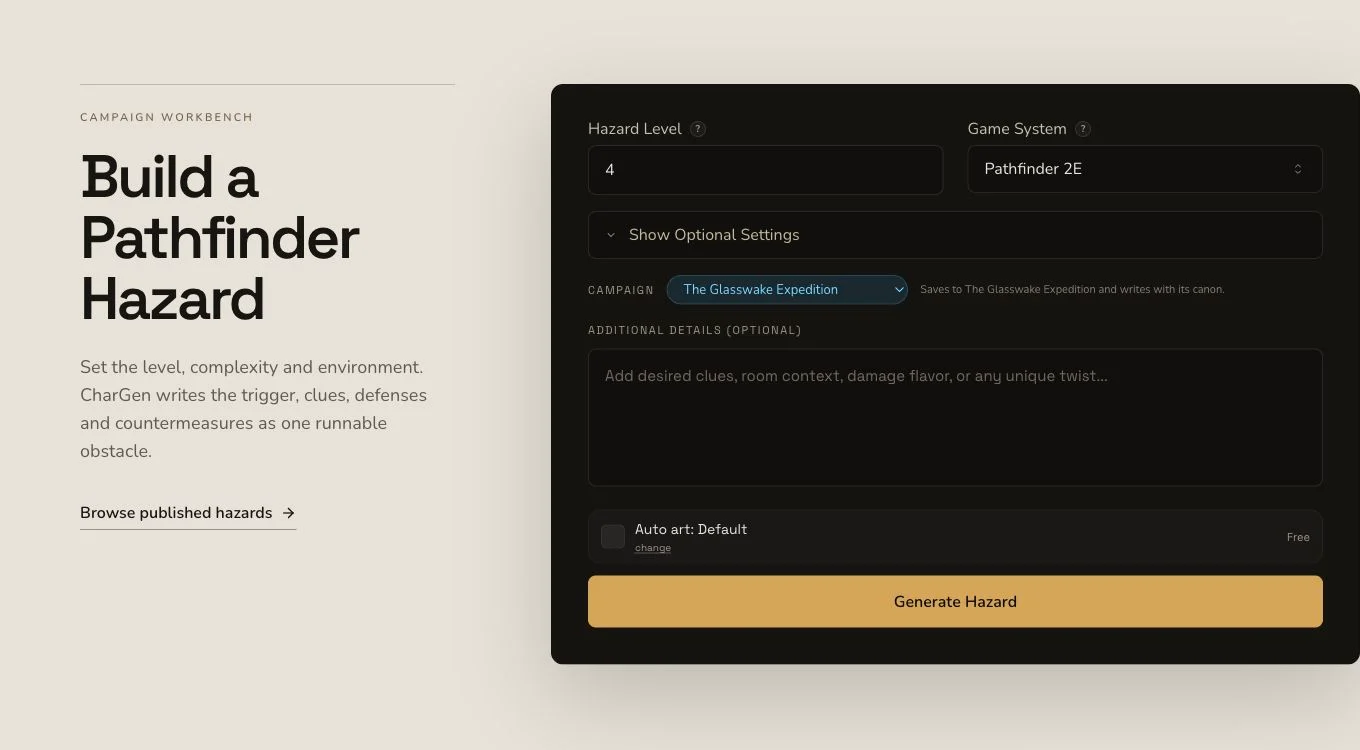
A useful hazard explains how players notice it and what practical choices they can make.
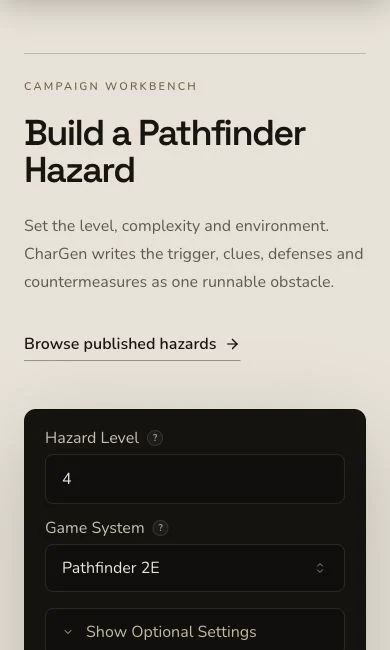
Review the signs, escalating risk and countermeasures before submitting on a narrow screen.
2. Name warnings, choices and countermeasures
The Memory Fog brief asks for displaced landmarks, observable warning signs, fair consequences and practical countermeasures such as sounding lines, paired lookouts and beacon bearings. Choose D&D 5e and a transparent navigation-hazard format with detection, effects, escalation, countermeasures and resolution.
3. Keep requested campaign context honest
The brief requested The Glasswake Reach, but the mounted form did not submit an explicit Region context record. Mentioning the region in the input can guide the prose. It does not prove a joined campaign entity or a campaign Memory record.
Inspect the hazard from clue to resolution
4. Retain the original job
Hazard generation is asynchronous. Submit once, preserve the job identity and wait for a terminal result. If local polling stops, check existing results before deciding whether the original request failed.
5. Check the whole play loop
Open Memory Fog. Read discovery, signs of danger, trigger, routine, effects, countermeasures, disable conditions, reset, variants and plot hooks. The retained result is an environmental navigational hazard, so its game statistics should support the same legible cause and response described in the prose.
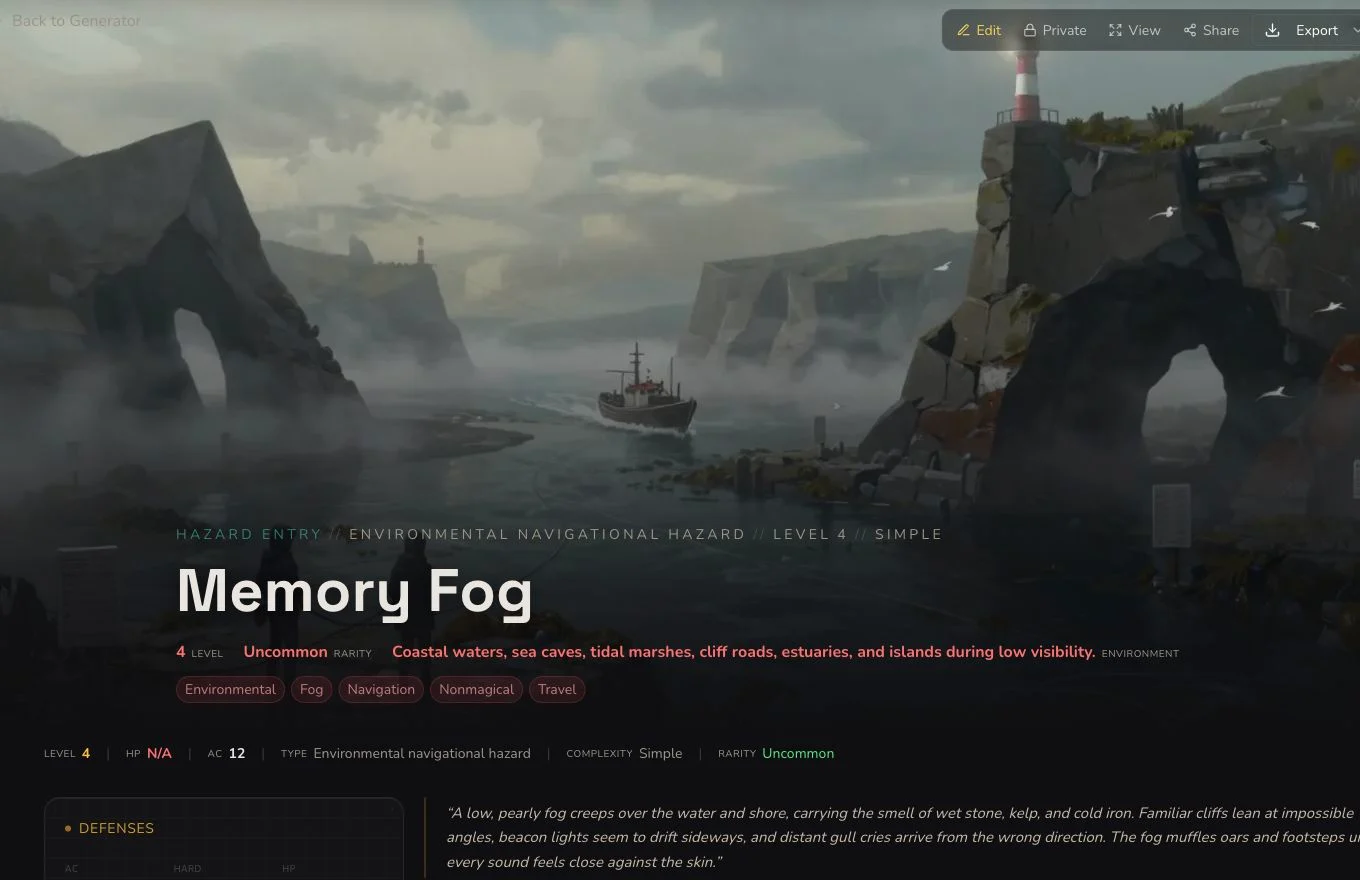
The result should give the GM consequences and give players readable ways to react.
6. Accept only the clean image association
The first native image completed but contained pseudo-writing. It remains rejected evidence. One owned replacement was uploaded once and attached through the normal gallery picker after the empty-gallery control was recovered. The canonical association is Private and distinct from the Hazard job.

The accepted image shows the navigation problem without fake signs or labels.
Edit and connect without inventing rerolls
Hazard supports whole-draft editing, standard relationship controls, a Workshop Share Card and standard JSON export. It has no generic section reroll. If one field is weak, edit it and Save, then verify the value after refresh. Do not borrow Monster or Encounter reroll behaviour just because those entity pages look similar.
Checkpoint
Check your result
- The detail route shows Memory Fog with readable signs of danger, escalating effects and countermeasures.
- Its game statistics and narrative describe the same environmental navigation problem.
- The canonical replacement artwork is attached to the exact Hazard and remains Private after refresh.
- The saved edit, relationship and JSON export are verified without claiming a generic reroll.
If something looks wrong
Troubleshooting
- Symptom
- The hazard feels arbitrary.
- Likely cause
- The brief may name an effect without visible clues or practical countermeasures.
- Next safe action
- Add signs of danger, player choices and a resolution path before generating a different hazard.
- Symptom
- The gallery appears empty.
- Likely cause
- The earlier empty-gallery surface hid the explicit add tile even though the picker remained available.
- Next safe action
- Use the mounted Add image control in the current owner surface and verify the association after refresh.
- Symptom
- No section reroll control is visible.
- Likely cause
- Hazard does not support a generic section reroll.
- Next safe action
- Use edit and Save for a field correction, or create a separate Hazard for a genuinely different concept.