
Generate a Pantheon
Create production-backed pantheon for the Glasswake setting, then verify the saved result, artwork and supported actions.
From RPG Workshop, open the Pantheon generator. It can invent a whole religious system quickly or accept named deity seeds in Detailed mode. This walkthrough creates The Seven Lights, seven public navigational deities for the Glasswake Reach, then checks the retained production result.
Seed a coherent seven-deity pantheon
1. Set the pantheon's shared premise
Open the Pantheon generator, name it The Seven Lights, and describe public navigational deities honoured by sailors, beacon keepers, mapmakers and rescue crews. Set Deity Count to 7, choose the intended World Tone and Alignment Spread, and select D&D 5e when system terminology is useful. Keep the Theme to one or two lines. Named deities belong in seed cards, not in the shared premise.
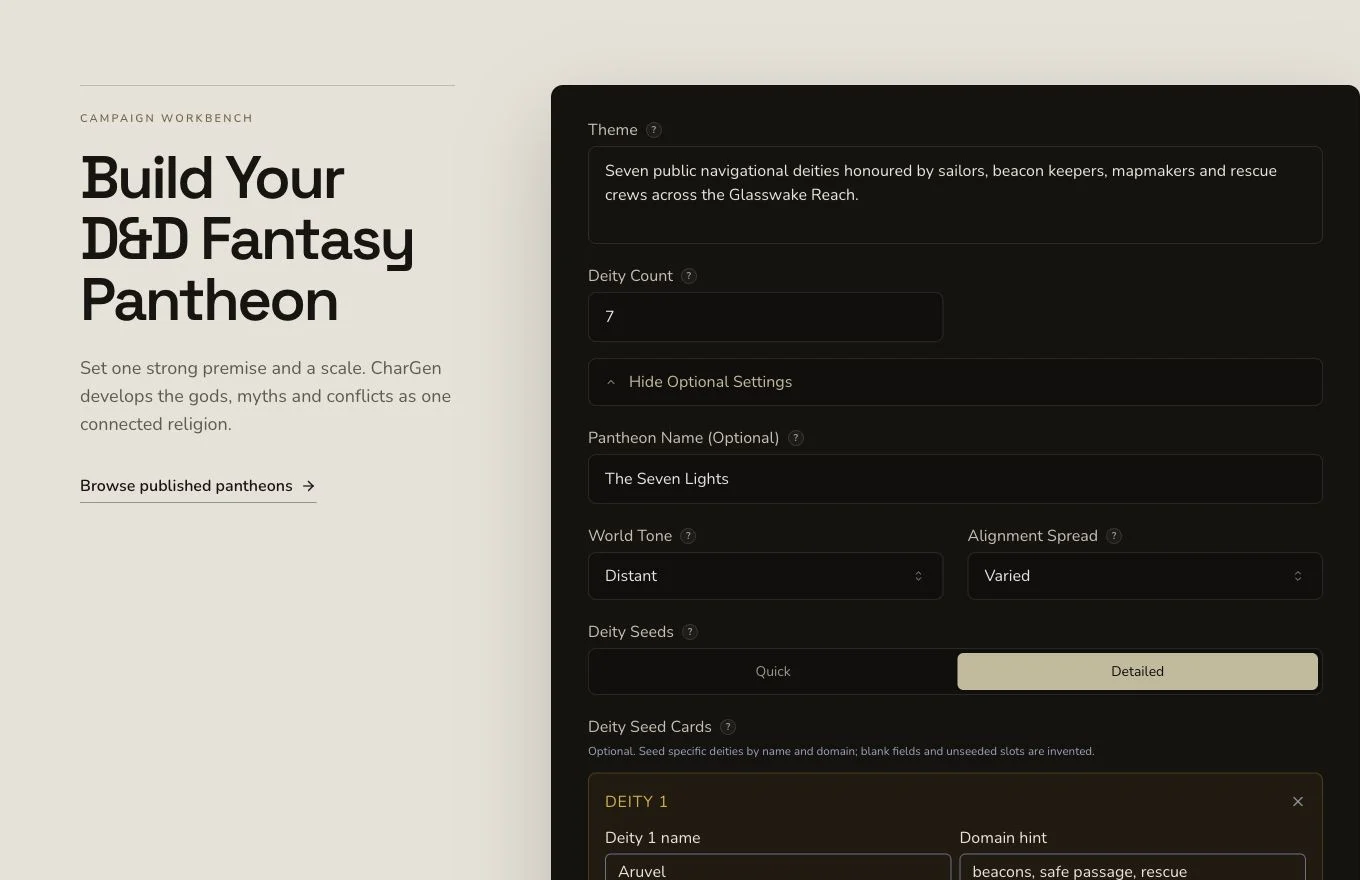
The shared premise defines what unites the pantheon before individual deity details are added.
2. Switch Deity Seeds to Detailed
Choose Detailed under Deity Seeds. Add seven seed cards in this order: Aruvel, Meraya, Tessorin, Caldris, Nemea, Vorren and Ivara. Each card can supply a deity name, domain hint and alignment hint. Blank fields are invented, and slots without a seed card are invented whole. The form accepts up to 12 seed cards.
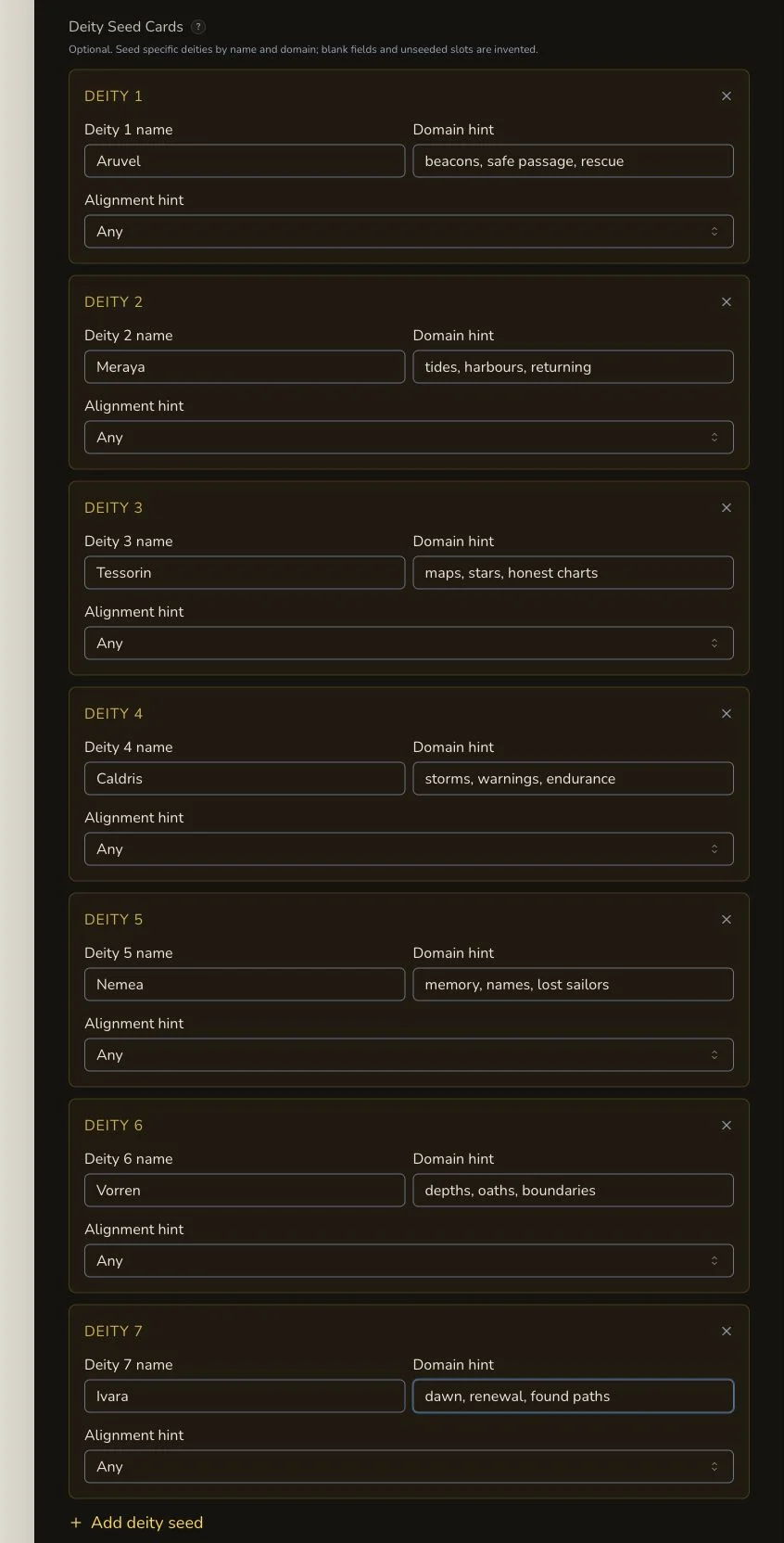
Detailed mode constrains selected deities without requiring every field on every seed card.
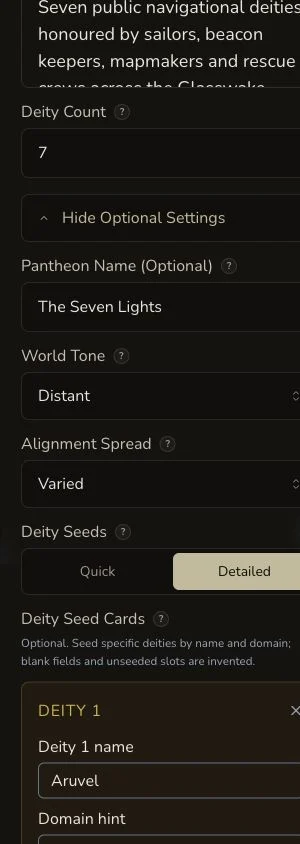
On mobile, verify both the seven-deity count and all seven seed cards before submission.
3. Submit once and wait for the terminal result
Check the displayed price, generate once, and follow the asynchronous job. The retained request reached COMPLETE with no settled debit. A local polling timeout does not prove failure, so check existing Pantheon results and the returned route before trying again.
Review the whole system and individual deities
4. Check the pantheon-level sections
Review the name, tagline, theme, origin, structure, world tone, alignment spread, cosmology, afterlife, mortal relations, conflicts, rumours, plot hooks and art style. These sections should explain how the seven gods work as a religious system rather than as unrelated character cards.
5. Check all seven deity entries
Confirm that every seeded name appears once and that domains, symbols, rites, worshippers and inter-deity relationships remain distinct. The first native image showed only six figures and was rejected. The final owned replacement depicts the exact seven-deity concept without generated text.
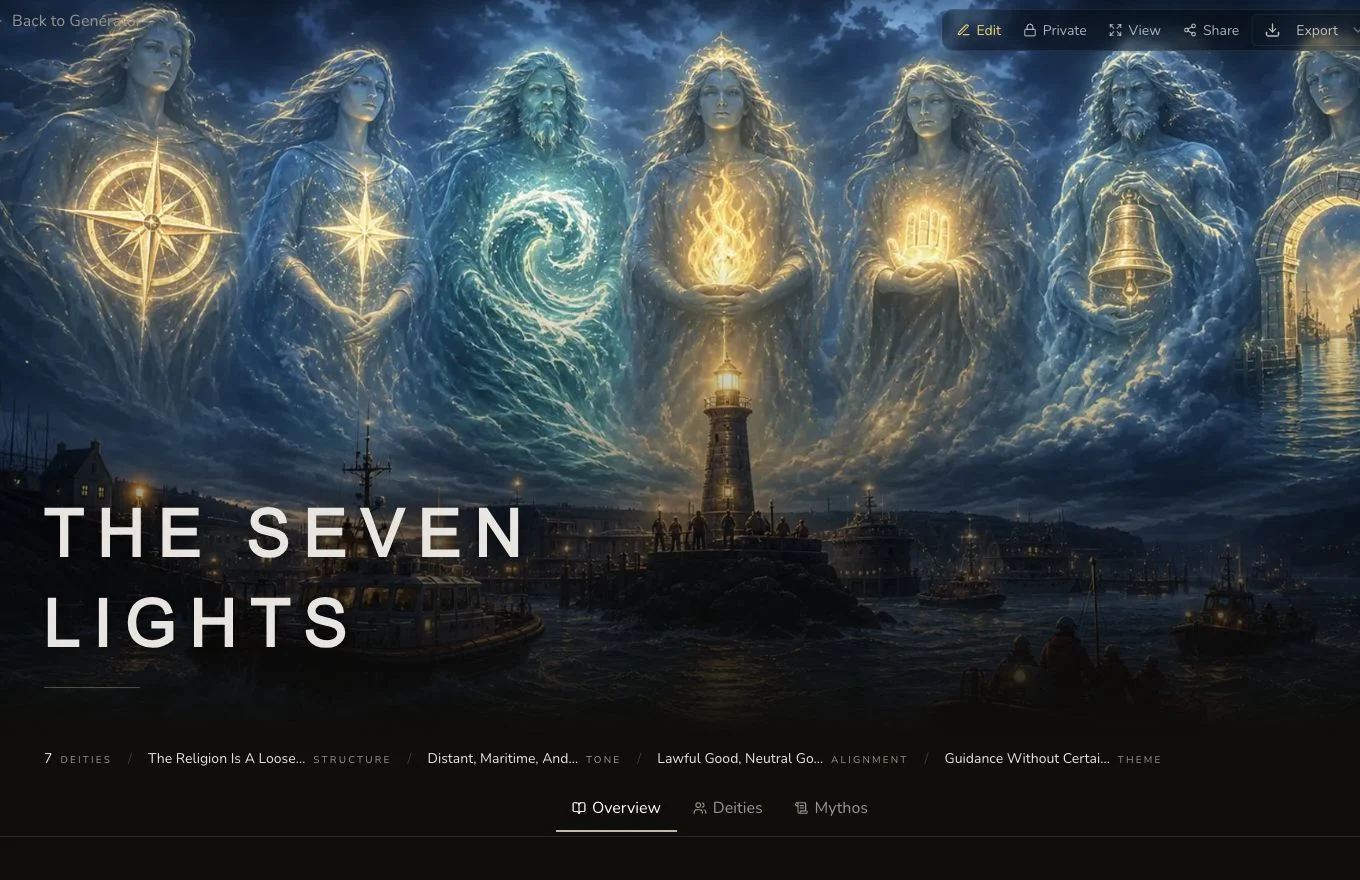
Count the deity entries in the result itself. The requested count alone is not proof that the output is complete.
6. Use the deity-specific regeneration boundary
Pantheon does not offer a generic result reroll. Its mounted regeneration is a bespoke, deity-level action. The retained journey regenerated Aruvel independently at 0 Gold, and transaction evidence confirmed no debit for that observed action. That evidence does not promise the same displayed price forever, so always read the confirmation shown to you.
7. Clear forbidden truths and finish privately
The production journey edited the pantheon's conflicts. It also removed all
generated forbiddenTruths and refresh-verified the cleared state. Review
the final canonical image, relationships, campaign filing, Share Card and
standard export independently. The entity and image remain private.
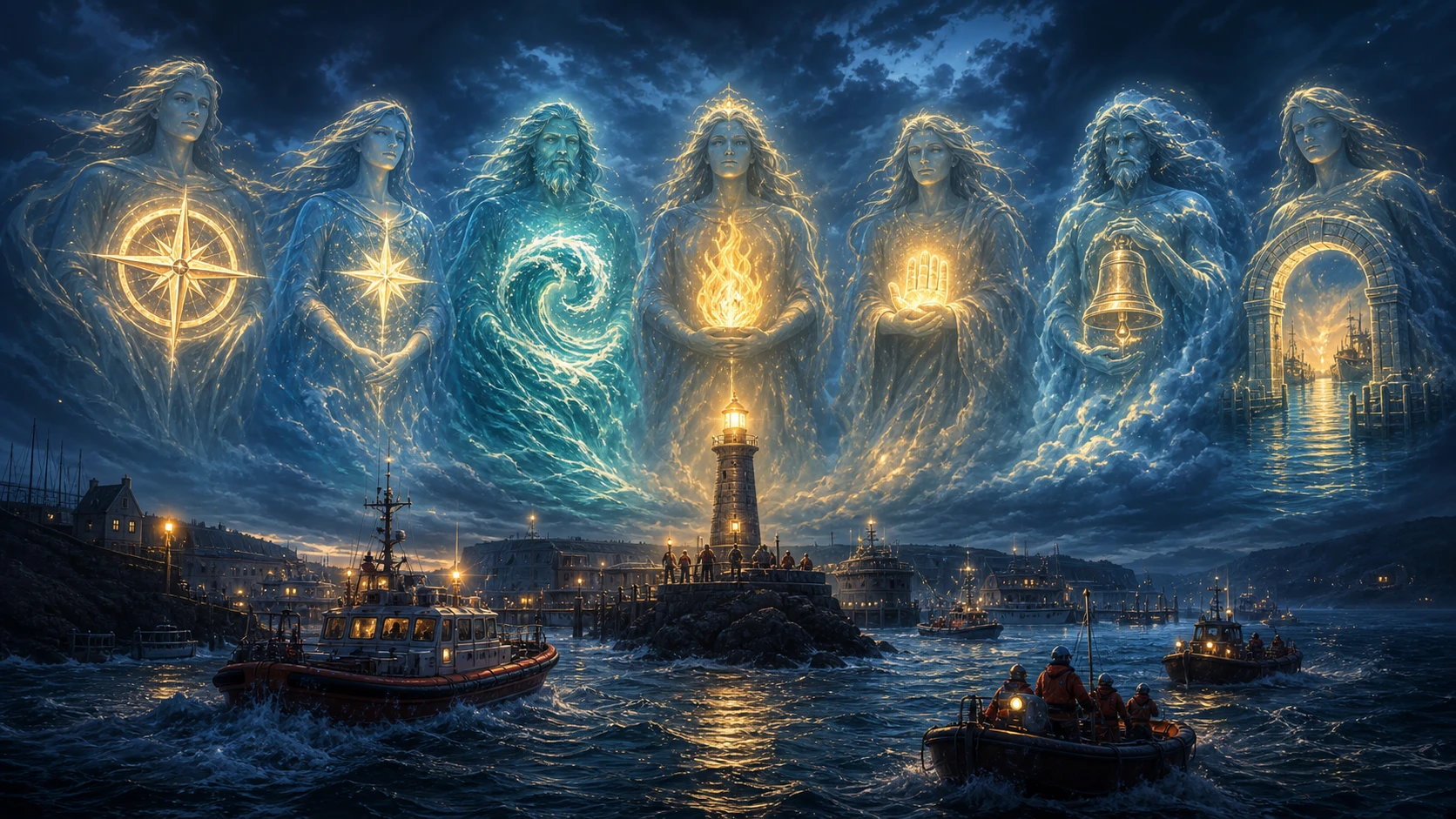
The owned replacement corrects the rejected six-figure native image and remains the canonical private artwork.
Checkpoint
Check your result
- The result contains Aruvel, Meraya, Tessorin, Caldris, Nemea, Vorren and Ivara as seven distinct deities.
- Pantheon-level origin, cosmology, rites, conflicts and mortal relations make the group coherent.
- Cleared forbidden truths do not remain after refresh, and deity regeneration is not described as a generic reroll.
- The canonical seven-figure artwork and Pantheon entity remain private after refresh.
Troubleshooting
If something looks wrong
Troubleshooting
- Symptom
- Deity Seed Cards are missing.
- Likely cause
- The cards are conditional and mount only when Deity Seeds is set to Detailed.
- Next safe action
- Switch from Quick to Detailed, then add the number of seed cards you actually want to constrain.
- Symptom
- The output has fewer named deities than expected.
- Likely cause
- Deity Count and seed-card count are separate, and blank or absent seeds can be invented.
- Next safe action
- Set the total Deity Count, add each required named seed, and count the final result entries before approval.
- Symptom
- There is no reroll for the whole pantheon.
- Likely cause
- Pantheon has bespoke deity regeneration rather than a generic result reroll.
- Next safe action
- Regenerate only the supported deity entry when that is the intended replacement, or directly edit a known correction.
- Symptom
- The image does not match the deity count.
- Likely cause
- Generated artwork can miss a numerical composition requirement even when the text result is correct.
- Next safe action
- Reject the unsuitable image and attach an approved owned replacement. Do not regenerate the entire Pantheon just to repair art.
Limitations
- Detailed seeds guide selected deity attributes but do not lock every generated sentence.
- Pantheon has no generic result reroll. Deity regeneration is a distinct, bespoke action.
- An observed 0 Gold regeneration is historical evidence, not a permanent price guarantee.
- Forbidden-truth fields require an explicit privacy review and refresh check.
- Share Card, export, campaign filing and public visibility remain separate actions.