
Generate a Quest
Create production-backed quest for the Glasswake setting, then verify the saved result, artwork and supported actions.
Use the Quest generator when a campaign needs a structured mission with a known patron, staged objectives and consequences. This walkthrough creates Rekindle the Meridian, the Glasswake Expedition's final beacon-restoration mission.
Brief a mission with more than one approach
1. Open the Quest generator
Start in RPG Workshop or open the Quest generator. Use Quest for the mission arc. Use Encounter for one scene and Dungeon for one navigable location within that arc.
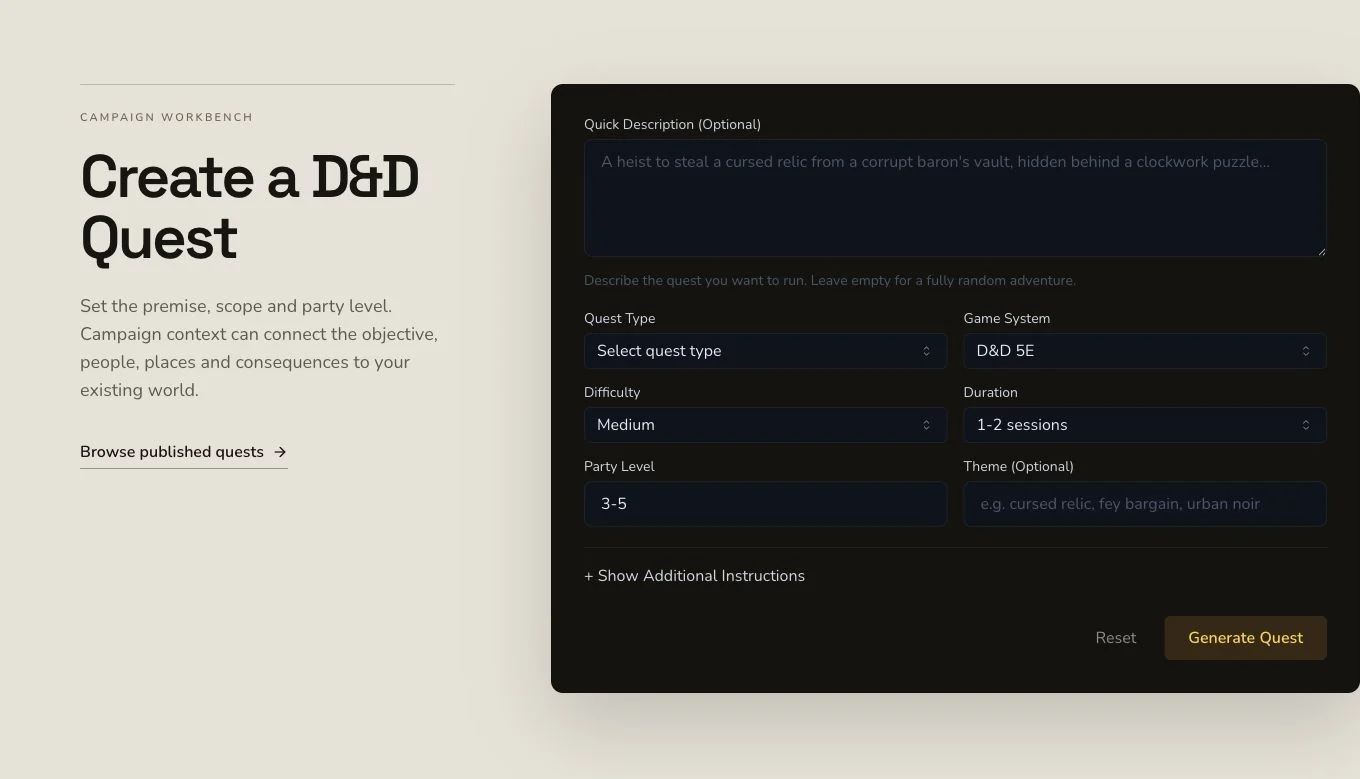
Name the patron, stakes, stages, choices, rewards and follow-up before submitting.
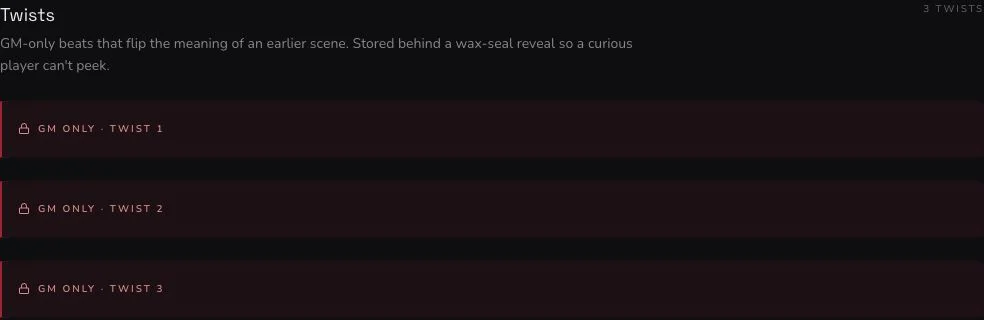
The crop identifies owner-only content for review. The sharing warning above is Academy guidance, not a mounted product control.
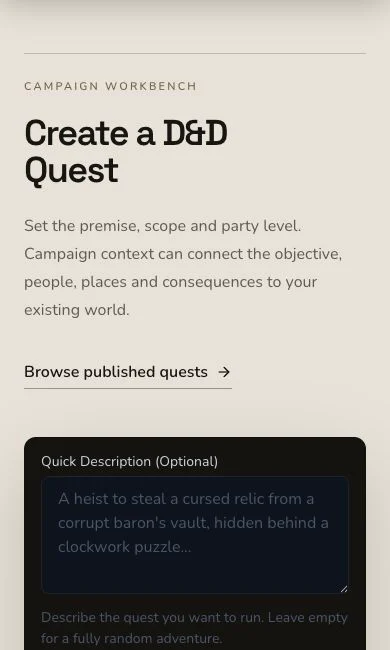
Mobile keeps the same patron, objective and outcome decisions in a single flow.
2. Make the public mission understandable
Ask for a known patron, transparent stakes, staged objectives, travel and repair challenges, optional allies, rewards and at least two credible approaches. Choose D&D 5e and a structured public mission with briefing, objectives, complications, outcomes and follow-up hooks.
3. Do not claim missing context selectors
The frozen brief requested Asterfall, The Glasswake Reach, The Meridian Cartographers and The Drowned Observatory. The mounted Quest form did not submit those entities as explicit context. The later campaign Quest Tracker record and Encounter relationship were verified separately after refresh.
Read the public and GM layers separately
4. Submit once and retain the job
Quest generation is asynchronous. Keep the original job until the terminal result completes, then reconcile the automatic image independently. A local polling delay is not a reason to create another Quest.
5. Check stages, approaches and consequences
Open Rekindle the Meridian. Review the hook, patron, opening, staged objectives, scenes, encounters, complications, ticking clock, failure modes, resolution, rewards and public version. Confirm that the mission remains playable through more than one approach and that consequences follow from visible decisions.
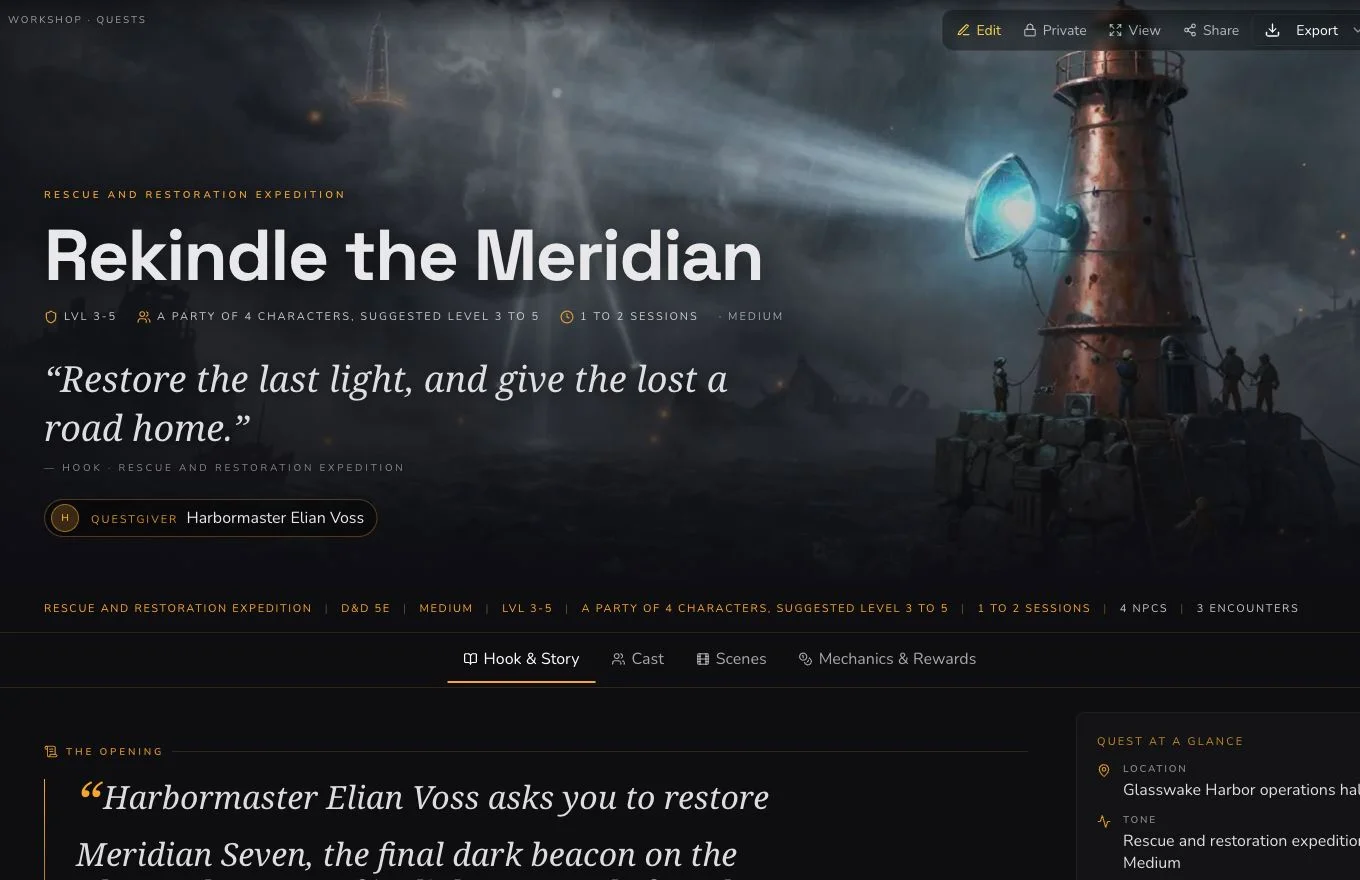
Review both the player-facing mission and every owner-only field before considering a share action.
6. Clear hidden truth and verify the image
The generated hiddenTruth was removed during one owner Save and the empty
field was verified after a full refresh. The accepted native artwork has a
separate request, image and association and also remained Private after
refresh. Neither step is implied by Quest completion.
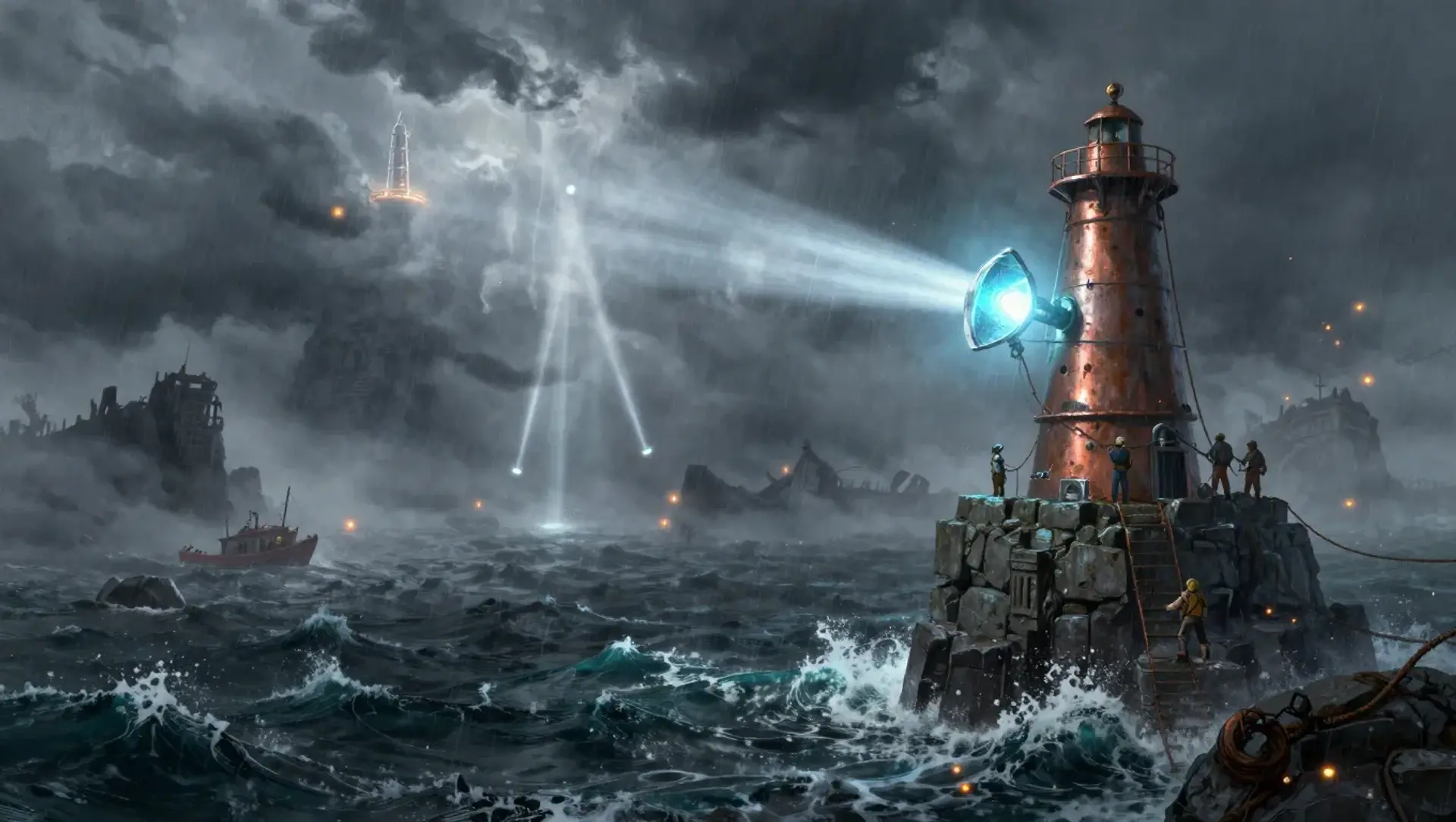
The public-safe image supports the mission without revealing the removed GM-only field.
Share only after an explicit review
Quest supports whole-draft editing, standard relationship controls, a Workshop Share Card and standard JSON export. It has no generic section reroll. The retained RELATED_TO link to The Bridge of Broken Stars and the Quest Tracker record were created and refresh-verified as distinct actions.
Checkpoint
Check your result
- The detail route shows Rekindle the Meridian with a known patron, staged objectives and credible approaches.
- The generated
hiddenTruthwas removed and refresh-verified before sharing evidence was accepted. - The native artwork belongs to the exact Quest and remains Private after refresh.
- Relationship, Quest Tracker recording and JSON export are verified without claiming a generic section reroll.
If something looks wrong
Troubleshooting
- Symptom
- The public mission reveals a GM-only turn.
- Likely cause
- The generated hidden field has not been cleared and verified.
- Next safe action
- Keep the Quest Private, remove the hidden value, Save and verify it after a full refresh.
- Symptom
- The result has only one viable route.
- Likely cause
- The brief may list stages without asking for credible alternative approaches.
- Next safe action
- Edit the objectives and complications so different methods can reach the same public goal.
- Symptom
- No reroll control is visible.
- Likely cause
- Quest does not support a generic section reroll.
- Next safe action
- Use edit and Save for a correction without borrowing a reroll contract from Encounter or Monster.