
Generate a Species
Create production-backed species for the Glasswake setting, then verify the saved result, artwork and supported actions.
From RPG Workshop, open the Species generator. It builds playable ancestry mechanics alongside biology, communities, names, homelands and relationships. This walkthrough creates The Brinekin, amphibious people of the Glasswake Reach, then checks the retained production result.
Define biology, place and cultural range
1. Lead with the playable identity
Open the Species generator and describe The Brinekin as amphibious people adapted to tide roads who take part in navigation, rescue, trade and ordinary civic life across the Glasswake Reach. Ask for varied communities, physical adaptations, names, perspectives and balanced playable traits. State directly that the result should avoid monoculture and exoticised framing.
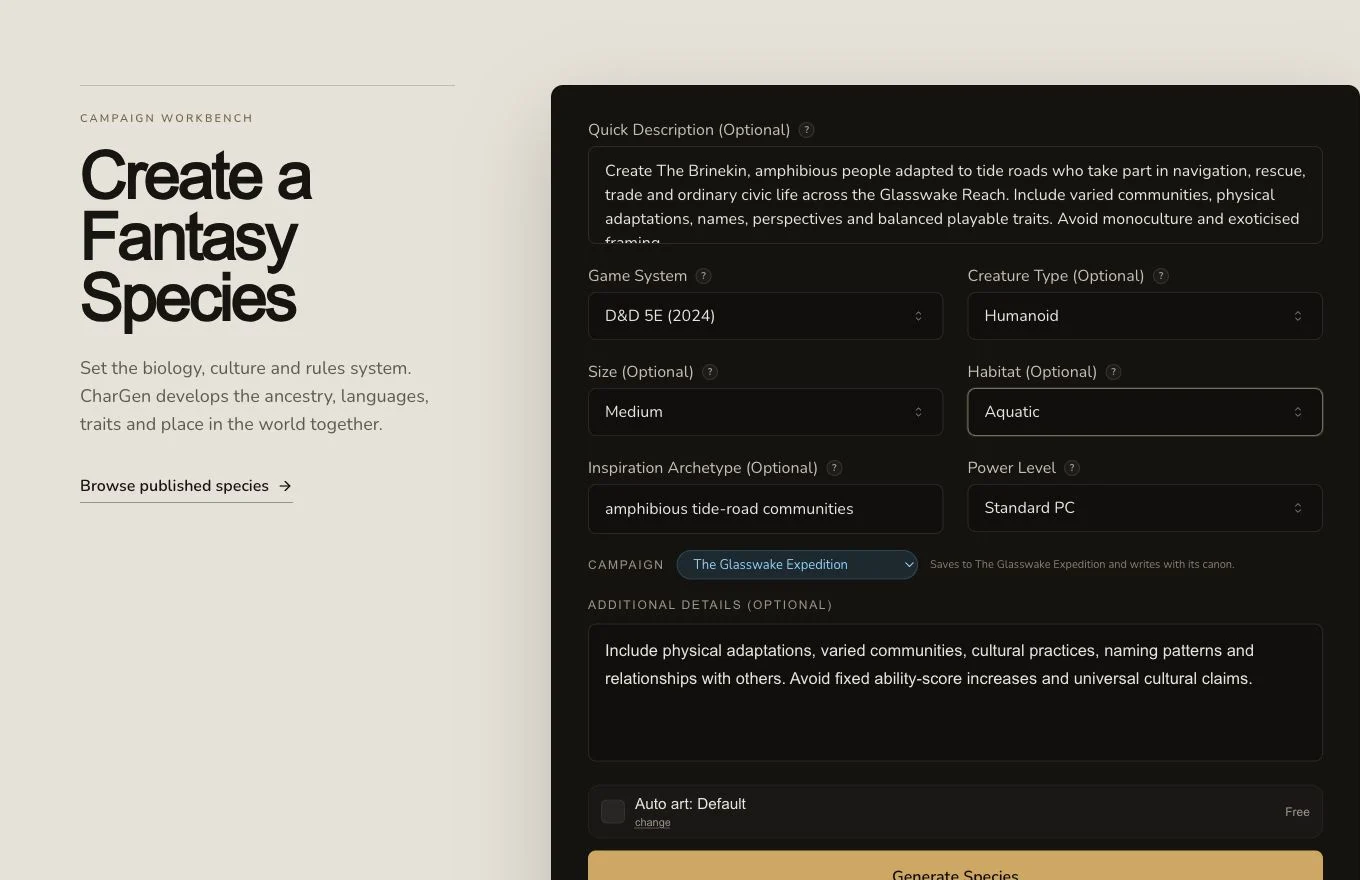
The brief connects physical adaptation to several ordinary social roles instead of one defining stereotype.
2. Choose only constraints that serve the concept
Set the Game System, Creature Type, Size, Habitat and Power Level when those choices matter. The D&D 5e 2024 default uses ancestry terminology and keeps fixed ability-score increases out of the request. Inspiration Archetype can provide a loose visual anchor without copying a protected setting. Use Additional Details for mythology, taboos, naming patterns or one required trait.
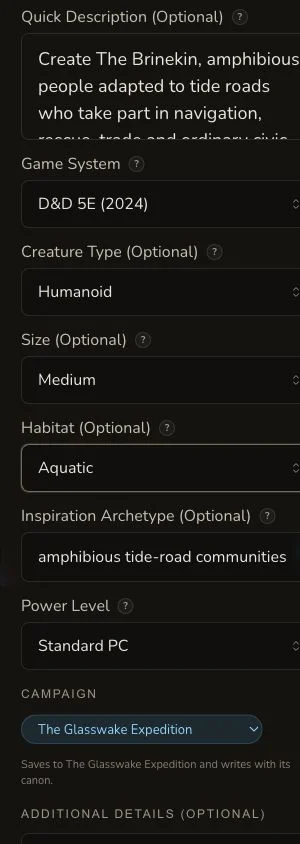
The same optional constraints remain available on mobile. Review fields below the fold before submission.
3. Submit once and follow the asynchronous result
Check the displayed price and generate once. The retained request reached COMPLETE with no settled debit. If local polling ends early, check the Species result list and returned detail route before submitting another request.
Review the complete result anatomy
4. Check identity, body and playable rules
Review the name, pitch, binomial, creature type, size, speed, lifespan, height, weight, age categories, languages, darkvision, proficiencies, subspecies and playable traits. Read the physical description beside those mechanics so the body plan and rules support each other. Treat any generated numbers as material for a table-level balance review.
5. Check communities and outward relationships
Read names, homelands, architecture, religion, alignment, society and culture, adventure hooks and relationships with others. Look for internal variety and more than one way to belong. The generator supports entity relationships after generation, but the result's narrative relationship section is not itself a persisted graph link.
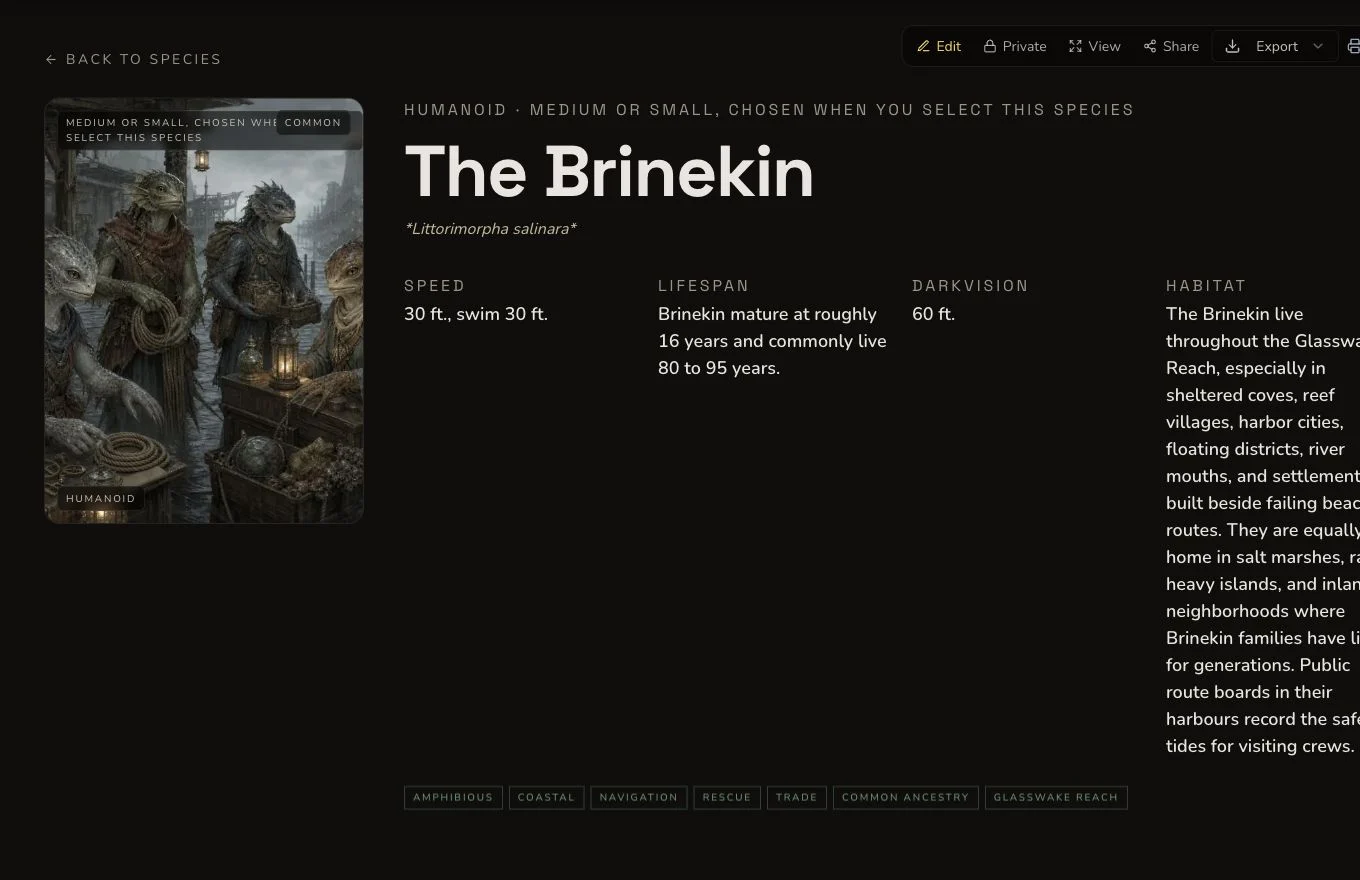
Review mechanics, physical description and community variety as one result rather than approving them in isolation.
6. Edit directly because there is no generic reroll
Species does not offer a generic result reroll and has no bespoke regeneration action. The retained production journey made one targeted edit to habitat and verified it after refresh. Use direct Save for a known correction. Do not claim that a Species field was rerolled or that a paid alternative draft was produced.
7. Approve artwork and organise the result
The native image was rejected because it renamed the people and contained extensive generated writing. The first owned replacement also contained pseudo-writing. One owner-approved targeted image edit removed those marks, and the corrected artwork became canonical without regenerating the whole scene. Species supports relationships, campaign organisation, Share Card and standard export. The entity and image remain private.
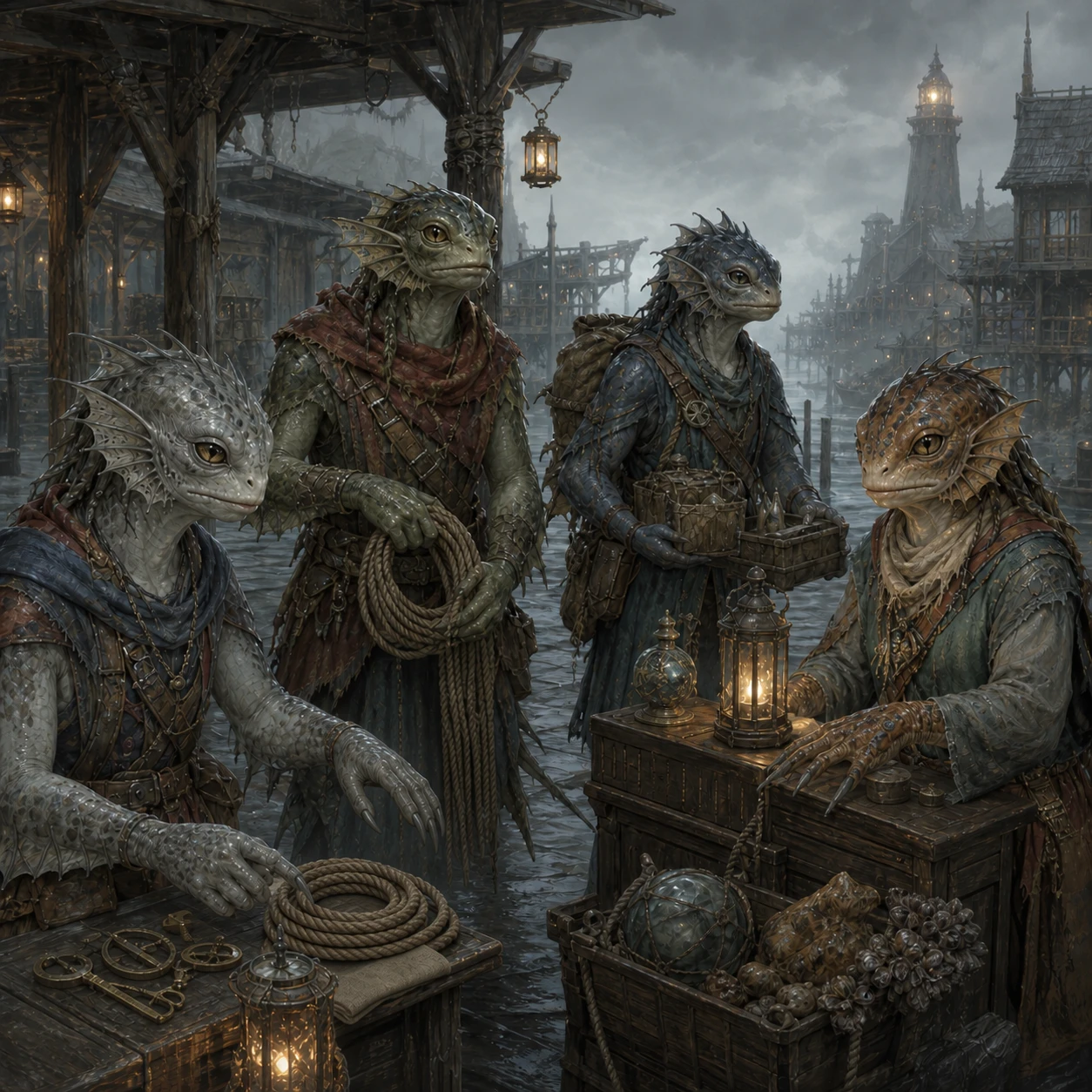
The canonical image preserves the approved scene while removing the text defect through one targeted edit.
Checkpoint
Check your result
- The result joins physical description, lifespan, movement and other biological details to playable traits.
- Society, culture, names, homelands and relationships with others show more than one Brinekin way of life.
- The tutorial describes direct editing and relationship support without inventing a Species reroll control.
- The targeted-edit artwork and Species entity remain private after refresh.
Troubleshooting
If something looks wrong
Troubleshooting
- Symptom
- The result treats every member of the Species alike.
- Likely cause
- The brief provides one occupation, community or belief as the whole cultural identity.
- Next safe action
- Name several communities, ordinary roles and differing perspectives, then directly edit over-broad claims.
- Symptom
- The mechanics and physical description contradict each other.
- Likely cause
- Lore and playable rules are generated as related sections but still need a human consistency review.
- Next safe action
- Compare size, movement, senses, anatomy and traits together, then edit the narrowest incorrect field.
- Symptom
- There is no reroll control on a Species field.
- Likely cause
- Species has neither generic reroll nor a bespoke regeneration action.
- Next safe action
- Use direct editing for a known correction. Generate a new Species only when you genuinely want a new full result and accept any displayed cost.
- Symptom
- The artwork contains labels or pseudo-writing.
- Likely cause
- Generated images can add unwanted marks even when the prompt asks for text-free art.
- Next safe action
- Reject the unsuitable image. Use an approved owned replacement or a bounded targeted edit without changing an otherwise accepted scene.
Limitations
- Generated playable traits still need balance review for the chosen ruleset.
- A narrative relationships section does not create graph relationships automatically.
- Species has no generic reroll and no bespoke regeneration action.
- A generated Species does not automatically become a selectable Character builder rules option.
- Share Card, export, campaign filing and public visibility are separate post-generation states.