
Organise Campaign Workspace and Link World Codex
File existing campaign records into folders and link live World Codex collections.
Campaign Workspace gives campaign material a folder structure without moving or duplicating its source records. This walkthrough files one Session Note, one Campaign Document, one tracked location, one image and one World Codex entity into the private Brimstone Accord tutorial campaign.
Build a folder structure
1. Open Workspace and check the Everything view
Open the campaign's Workspace tab. Everything combines filed items across the campaign, while a selected folder narrows the view. Writing and organising this private workspace requires the campaign owner and a paid plan.
2. Create a parent and nested folder
Create Bellfen Archive, then create Shrine Watch beneath it. The
retained nested-folder link is
/campaigns/2c7c22da-4da9-4ff3-aea2-101557db6b4a?ws=81598130-a064-4e82-b57b-343fefdbb526,
so the selected folder can be reopened directly. Folder names can be changed
from the mounted Workspace controls.
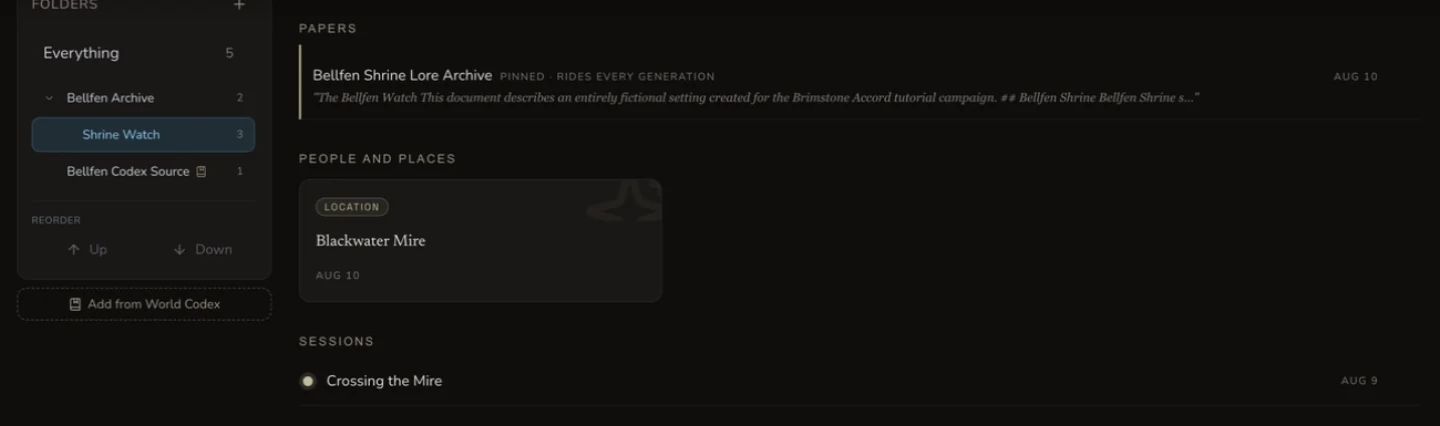
Shrine Watch keeps a paper, tracked location and Session Note together without changing their source records.
Add existing campaign material
3. Use each Add existing tab deliberately
The mounted picker has five tabs: Entities, Notes, Sessions, Images and Codex. The tutorial filed Blackwater Mire, the Bellfen Shrine Lore Archive, Crossing the Mire, The Shared Watch and Veyra Nullwake. Review the selected source before adding it because similarly named records can belong to different campaigns or generators.
4. Choose move or also-file
Moving The Shared Watch from Shrine Watch to Bellfen Archive removed its old folder reference and left one image in the parent. Also file added the Bellfen paper to the parent while retaining the original nested-folder reference. After both actions, Shrine Watch still contained three items and Bellfen Archive contained two.
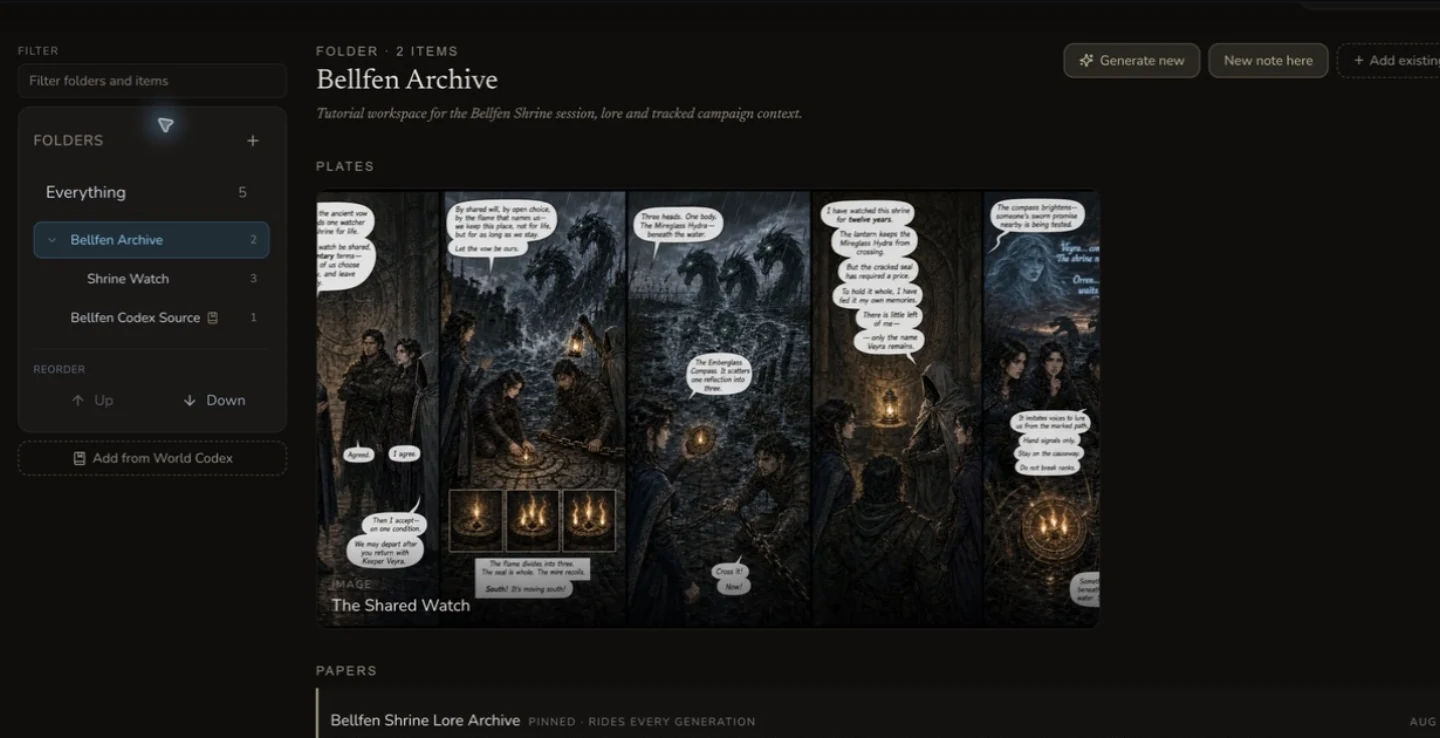
Move changes a folder reference. Also-file creates an additional one.
Link a live World Codex collection
5. Add from World Codex
Use Add from World Codex to graft an existing collection into the campaign. The retained source collection and campaign graft have different IDs. That distinction matters because the graft points back to the World Codex source instead of becoming a detached copy.
6. Prove the graft stays live
After the graft existed, the tutorial added Veyra Nullwake to the source World Codex collection. Veyra then appeared in the campaign graft. The current World Codex collection surface has no mounted rename control, so this lesson does not claim that a collection rename was tested. The live-sync proof is the source item addition and its appearance inside Campaign Workspace.
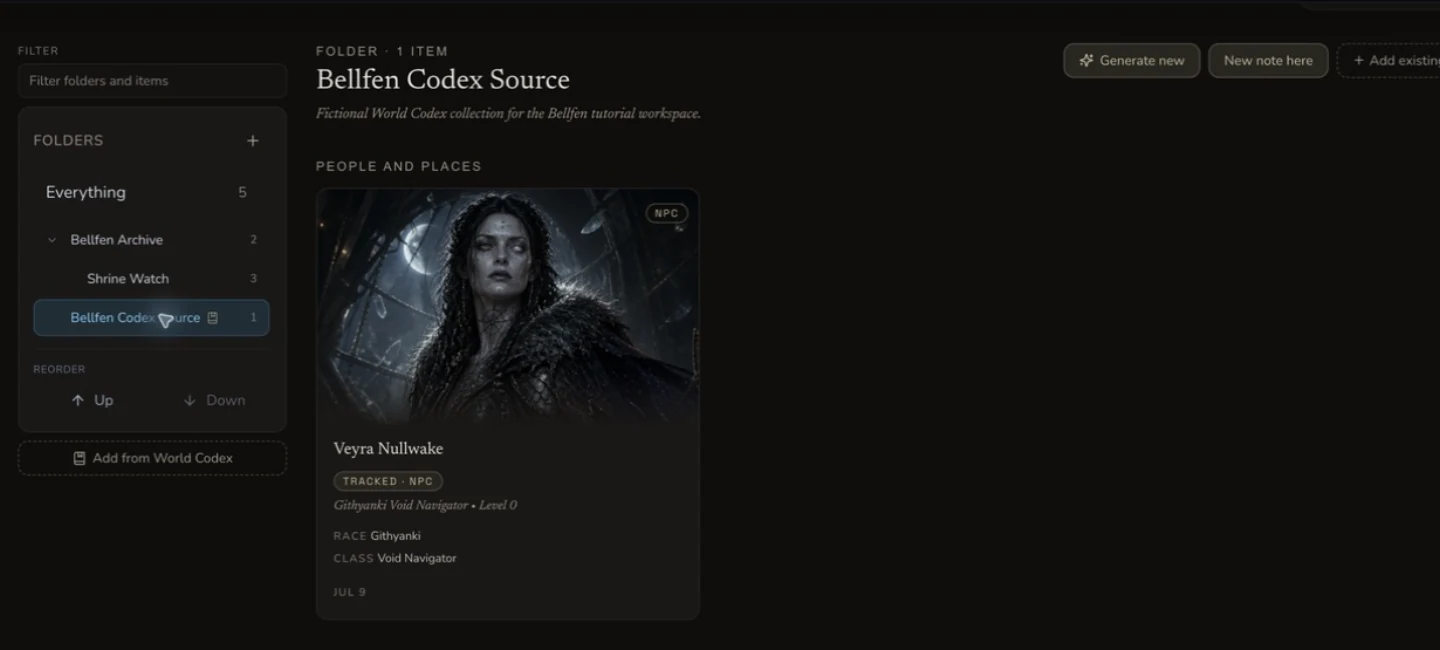
The campaign graft shows Veyra after she was added to the source World Codex collection.
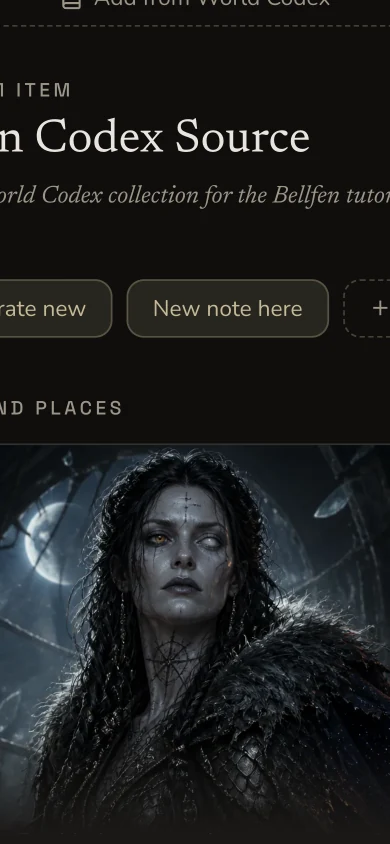
The narrow view exposes the same graft, but currently clips some wide Workspace controls and labels.
Remove a reference safely
7. Remove the folder reference, not the source
The tutorial removed Veyra only from Shrine Watch. The source World Codex collection still contained Veyra, and the campaign graft still displayed her. Use a source-level delete only when you really intend to remove the underlying record.
8. Treat Generate new as a separate paid workflow
Workspace mounts Generate new for creating an entity in the open folder. This evidence run did not submit that control and does not claim a generated result. Check the live quote, source ownership and target folder before starting a paid generation.
Checkpoint
Check your result
- The parent, nested folder and exact nested deep link reopen the intended private campaign.
- All five Add existing source types are joined to their retained source IDs.
- Move, also-file and remove-reference produce three distinct folder outcomes.
- The World Codex source survives reference removal and remains visible through the live campaign graft.
Troubleshooting
If something looks wrong
Troubleshooting
- Symptom
- The expected item is missing from a folder.
- Likely cause
- The folder is a reference view, and the item may be unfiled, filed elsewhere or hidden by the current filter.
- Next safe action
- Check Everything, clear the filter and reopen the exact folder deep link before adding another reference.
- Symptom
- A moved item still appears in two folders.
- Likely cause
- Also-file may have been used instead of move.
- Next safe action
- Inspect both folders and remove only the unwanted folder reference. Do not delete the source record.
- Symptom
- A World Codex update does not appear in the campaign graft.
- Likely cause
- The wrong source collection may be linked, or the campaign view may still show stale data.
- Next safe action
- Confirm the source collection, refresh the campaign and verify the source item before replacing the graft.
- Symptom
- Generate new created an item outside the intended folder.
- Likely cause
- The open folder or optional filing choice was not confirmed before submission.
- Next safe action
- Find the source item in Everything, then file or move its folder reference after checking the target.
Limitations
- A campaign graft reflects its World Codex source. Campaign-only additions use campaign overlay records instead of modifying that source collection.
- The current World Codex collection UI has no mounted collection-name rename control, so rename propagation is not taught as verified behaviour.
- Removing a Workspace reference does not delete its source, but source-level delete actions can still be permanent.
- The current narrow Workspace layout clips some wide controls and row metadata. Use desktop for detailed filing work.
- Generate new is mounted but was not submitted in this walkthrough, so no paid result or automatic folder filing is claimed.