
Best AI Character Art Generators for D&D in 2026
Compare the best AI character art generators for D&D in 2026, with current pricing structures, model choices, token workflows and honest trade-offs.
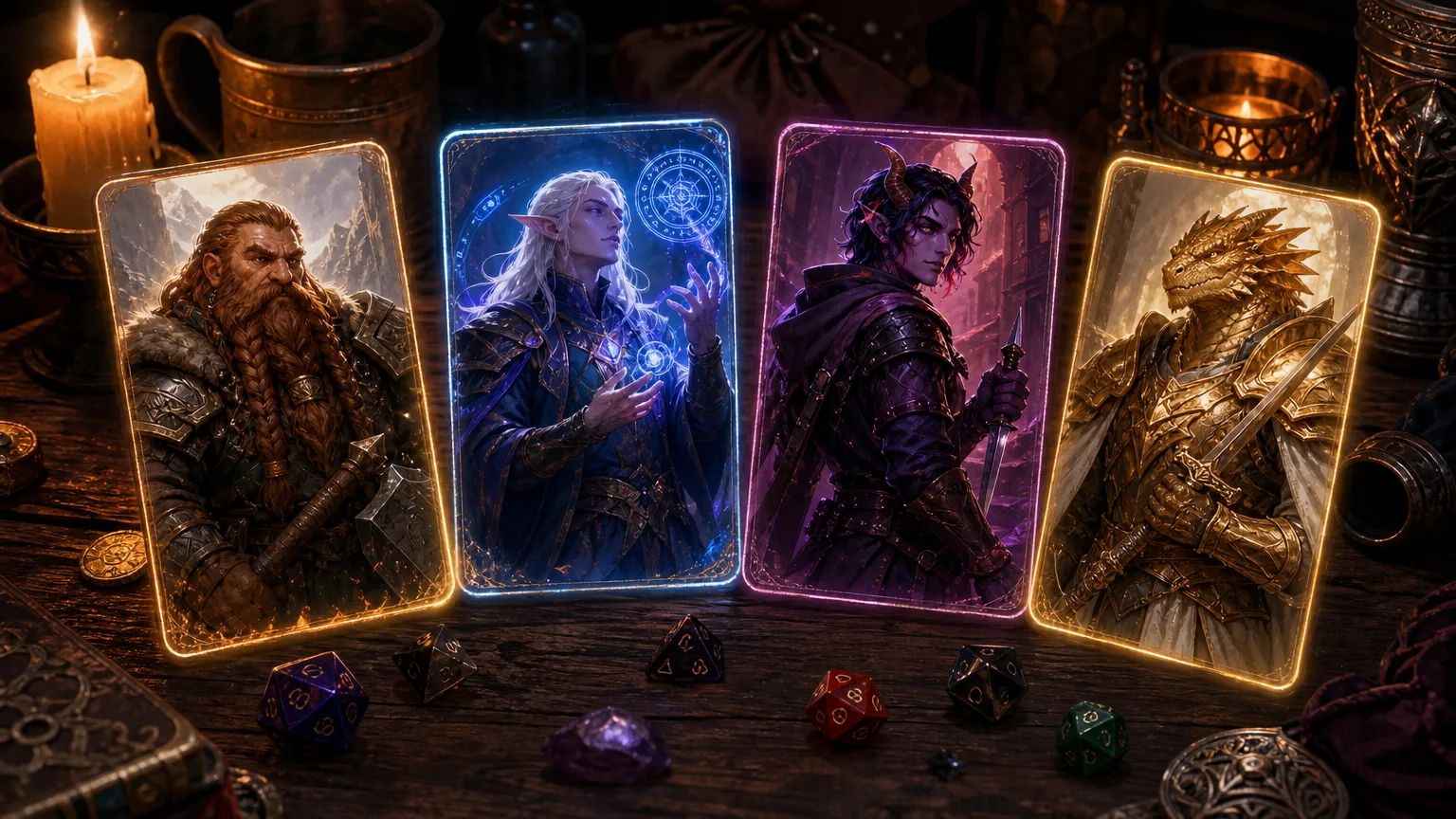
An AI character art generator for D&D earns its place at my table only if the result survives more than the first reveal. A glamorous portrait is nice. A portrait that still reads as the same person after it becomes a Roll20 token, returns six sessions later, and sits beside four other party members is much more useful.
That is the dividing line in this comparison. I am not ranking image tools by their prettiest homepage example. I am judging the jobs a D&D player or DM actually has: make a recognisable hero, keep the party in one visual language, correct a bad sleeve or missing shield, and turn the approved art into something usable during play. I rechecked the current plan structures and model options on 3 August 2026. Prices and limits move often, particularly on credit-based services, so treat the linked pricing pages as the final word before spending money.
AI character art generators for D&D: my short list
| Tool | Best job | Model or workflow worth knowing | Cost shape as checked 3 August | Where it becomes awkward |
|---|---|---|---|---|
| CharGen | A character that needs art, a token, and a home in campaign prep | Flux 2 Flash for cheap drafts, GPT Image 2 for instruction-led iterations | Free no-card route, then Gold and subscriptions | Less focused on chasing one gallery-perfect image than Midjourney |
| Midjourney | A dramatic single reveal or polished party poster | Subscription plans from $10, with Relax on Standard and above | Monthly subscription | You still need separate tools for sheets, tokens, and campaign memory |
| Leonardo AI | Trying varied concepts in a broad creative editor | Model catalogue and token-based generation | Moving towards pay-as-you-go | The changing token system makes a fixed monthly comparison misleading |
| ChatGPT | Conversational edits to one portrait | Image generation inside a chat | Plan limits rather than a simple per-image price | It is not a tabletop workspace |
| OpenArt | Model choice and reference-led experimentation | Community models and more technical controls | Credits and subscription options | The useful controls expect you to learn the vocabulary |
I left out tools that happen to return a fantasy face but are mainly made for product photographs, social clips, or novelty avatars. That is not snobbery. A D&D character image needs controlled clothing, props, framing, and repeatability. A headshot tool can be fine for a modern vampire campaign. It is usually a poor fit for an aarakocra scout with a weathered brass spyglass.
The test card I use before trusting an AI character image generator
I give every generator the same brief before I decide it belongs in a campaign workflow:
Half-orc ranger, cropped black hair, one chipped tusk, red wool mantle over practical scale armour, yew longbow, rain on a harbour pier, painterly fantasy, waist-up portrait.
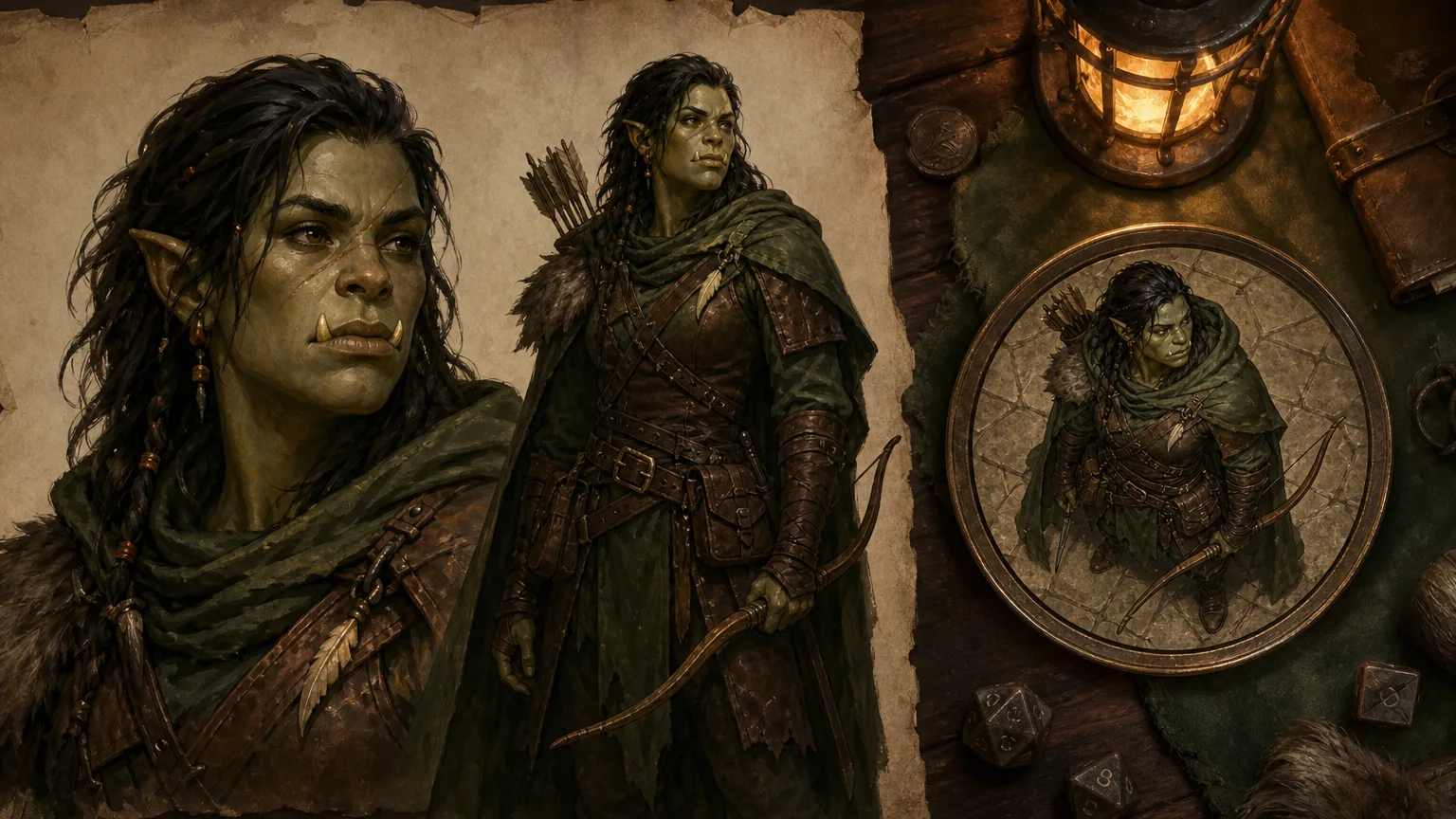
It has enough detail to expose common failures without becoming a novel. Does the model keep the chipped tusk rather than inventing a second pair? Does the scale armour look like armour instead of a shiny jumper? Does the longbow remain a longbow? Can I get a waist-up crop that still works after I shrink it to token size? One good generation is not enough. I want a usable second pass after I ask for a dry mantle, a less ornate bow, or a three-quarter turn.
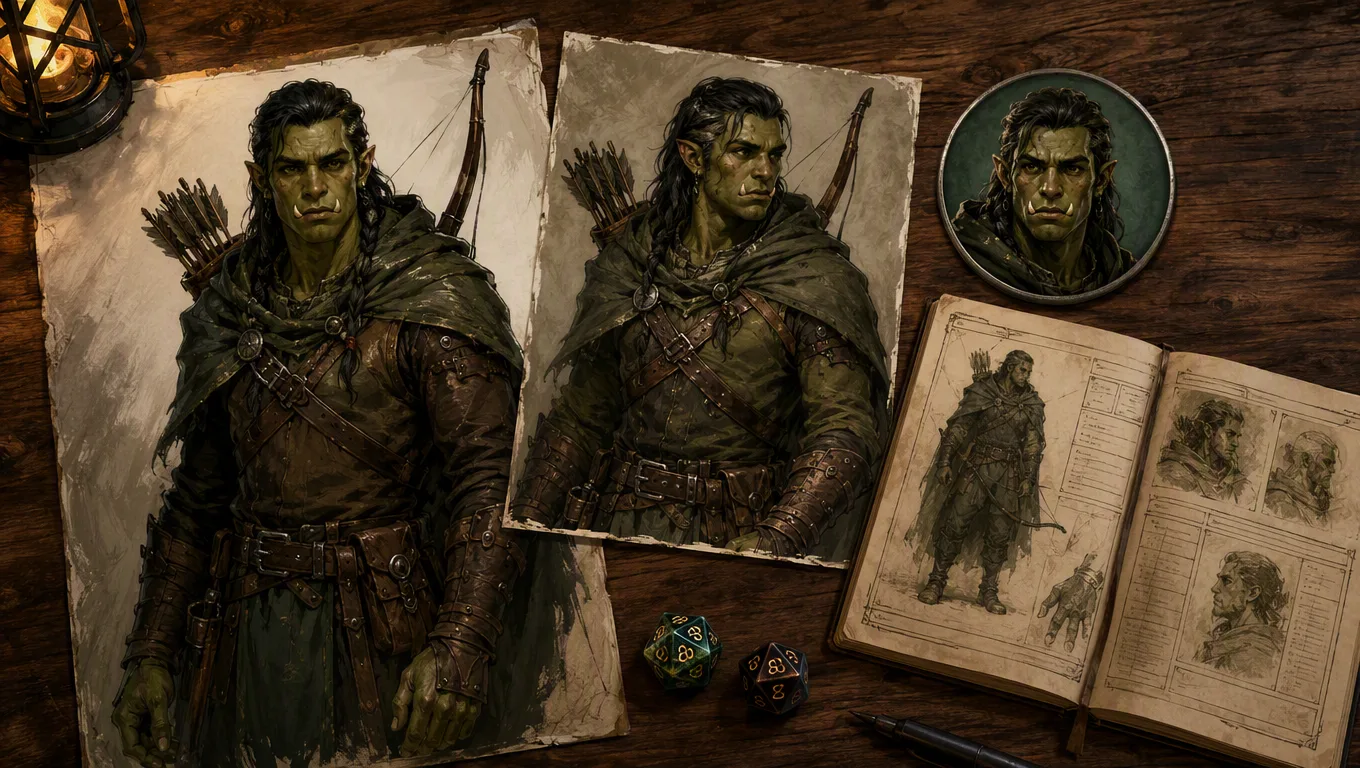
The test is deliberately practical. Community threads about AI RPG images still fill up with the same complaints: melted hands, wrong weapons, inconsistent faces, modern-looking clothing, and a dragon that refuses to look like a dragon. Those are not tiny defects when the result is meant to represent a player character for months.
1. CharGen, best for a working D&D character
CharGen is my choice when the art is one part of preparation rather than the whole job. I can start at the Character Generator, then use the image in Party Portrait or turn the approved version into a circular asset with the free Token Maker. That handoff matters more than an extra batch of speculative portraits when I am preparing for Thursday night.
The current model picker is useful because different models are good at different passes. I use Flux 2 Flash for quick variations when I am trying to find the right silhouette or colour balance. It is the free fallback in CharGen's current catalogue, so it is the sensible place to begin. I use GPT Image 2 when I need an instruction-led correction, such as changing the ranger's cloak without changing the face. Higher-cost options such as Seedream 5.0 Pro and MAI Image 2.5 Pro belong later in the process, after I know the brief is worth polishing.
That does not make consistency automatic. No current generator gives me a reliable one-button cast sheet with identical faces in every scene. The best practical method is boring, and it works: approve one portrait, save five visual anchors, keep the same style, then make a token from that image rather than regenerating the person from scratch. Read my fuller guide to keeping D&D character art consistent across a campaign if recurring characters are the real issue.
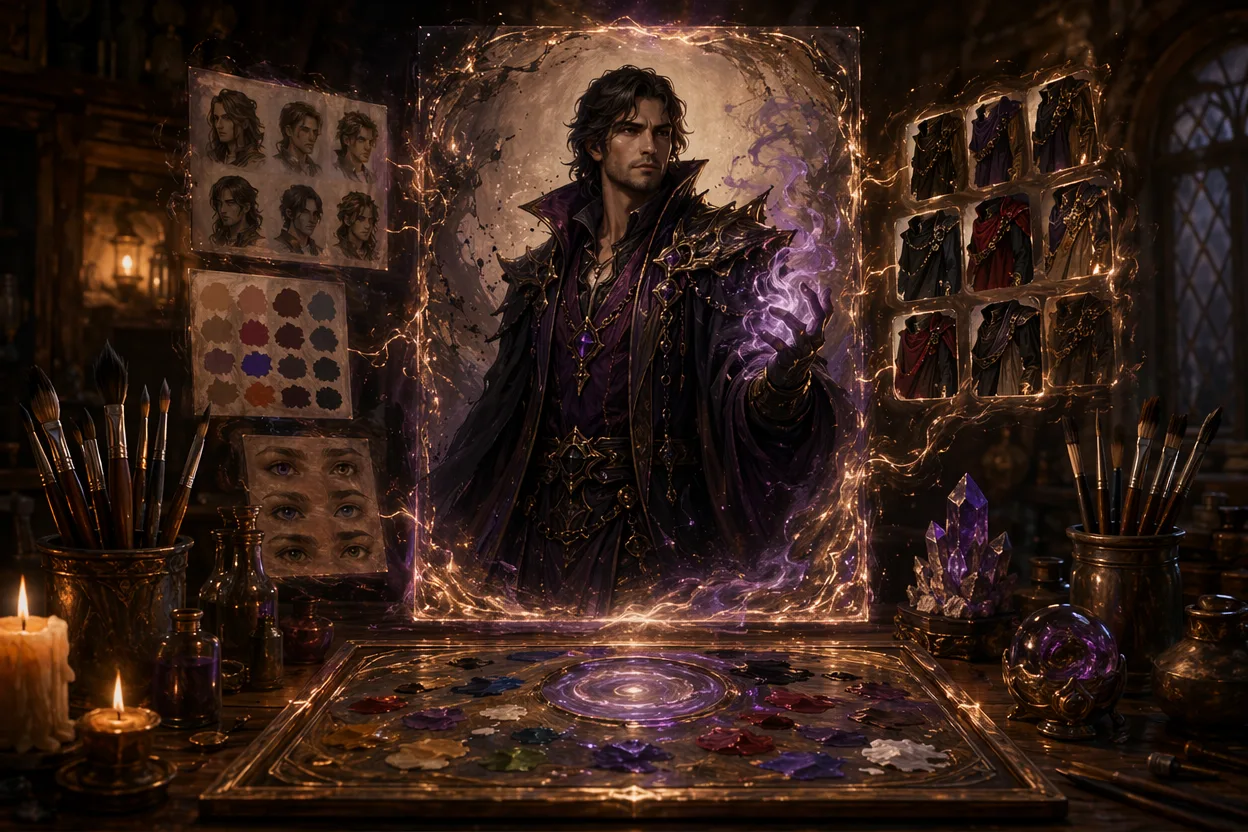
CharGen is not the answer for someone who only wants the most elaborate single poster and is happy to use three other apps afterwards. It is the answer for a DM who wants the ranger's portrait, an NPC contact, a token, and the next session's material close together.
Make a D&D Character Free2. Midjourney, best for a single finished image
Midjourney remains the visual-quality pick when the goal is a hero image, a villain reveal, or a party poster you will show at the start of an arc. Its official plan comparison lists Basic at $10 a month, Standard at $30, Pro at $60, and Mega at $120. Standard and higher include Relax generation, which changes the value calculation if you make a lot of drafts rather than a few prized images.
I would use it for the harbour ranger if I wanted the most dramatic final key art. I would not use it as the whole workflow for weekly prep. The output still needs a crop, a token treatment, a place to keep the approved version, and a way to connect it to the character's actual role in the game. None of those jobs disappear because the portrait is handsome.
Midjourney is also a subscription decision, not a casual per-image decision. If your group only needs five portraits for a new campaign, a month can make sense. If you need occasional NPCs throughout the year, work out whether you are paying for a tool you will actually open after session one.
3. Leonardo AI, best for a creative spread
Leonardo remains a good general image studio for the moment before you know what the character should look like. I like it for exploring several interpretations of the same brief: one version in oil-paint fantasy, one clean game concept style, one darker cinematic take. That wider spread can help a player find a direction before they get attached to the first good result.
The important 2026 caveat is pricing. Leonardo's own pricing FAQ says it is transitioning from subscriptions to a pay-as-you-go model. That means old tables claiming a permanent Apprentice or Artisan monthly price are already risky. Check the current token price and the cost of the exact model before you start a six-person party batch. The token FAQ also makes clear that tokens cover far more than generation.
For D&D, Leonardo is strongest as an art bench. You will still need somewhere else for the token, the character sheet, and campaign record. That is a perfectly fair trade if concept work is your main activity. It is friction if you are a DM trying to keep a table moving.
4. ChatGPT, best for plain-language correction
ChatGPT is useful when you can describe the change more easily than you can express it as a new prompt. I have had better luck saying "keep the face, remove the crown, put the lantern in her left hand" than trying to reconstruct the original image from a long prompt. Its value is the conversation and the ability to iterate on a single image without pretending every change deserves a fresh blank canvas.
The current ChatGPT plans present image creation as an allowance within a broader subscription, rather than the only product you are buying. That is great if you already use ChatGPT for writing or organisation. It is less attractive if your only aim is a consistent campaign cast. You still have to make the tabletop workflow yourself.
I also avoid treating any chat image as final before I inspect it at token size. A face that looks sharp at full resolution can become a vague beige circle on a busy battlemap. That is the whole reason I make the VTT crop separately.
5. OpenArt, best for someone who wants controls
OpenArt is the right choice if your first reaction to an image generator is "where are the controls?" It offers more model and reference options than a simple character-portrait page, which can be valuable for people who know why they want a particular model or want to work from an established visual reference.
That flexibility has a cost. A new user can spend an evening comparing settings before they have a usable cleric. I would choose OpenArt for a deliberate reference-led art project, not for the player who messages at 6pm asking for a portrait before an 8pm session. The tool is capable. It just does not remove the learning curve.
How to choose without wasting a weekend
Use this small decision rule:
| If your real need is... | Start here | Then do this |
|---|---|---|
| One memorable party poster | Midjourney | Export the approved image and make tokens separately |
| A D&D character that must remain useful during play | CharGen | Save anchors, make the token, and attach it to the campaign work |
| Several possible art directions | Leonardo AI | Pick one visual direction before paying for polished generations |
| One specific correction in ordinary language | ChatGPT | Inspect the result at token size before keeping it |
| Fine control and reference experimentation | OpenArt | Set a time limit, then commit to a usable option |
The trap is treating image generation like an endless audition. Give yourself a rule: three draft rounds, one approval round, one token crop. After that, move to play. You can always make a better poster when the character has earned a big moment. A rough portrait that the group recognises is more valuable than forty hidden generations.
A note on using AI art at a table
Some players and artists do not want generative images in their games or community spaces. That view is common enough that it should be a normal table conversation, not an awkward surprise after you post a gallery. Ask first. If a player wants commissioned art, a sketch, a mini photo, or no visual at all, that choice deserves the same respect as anyone else's character concept.
For groups that do use AI images, label them honestly where the context calls for it, avoid imitating a living artist, and keep the art in its proper place. It supports the story. It does not replace the person who made the character interesting.
Frequently asked questions
What is the best AI character art generator for D&D?
CharGen is my recommendation for an ongoing D&D campaign because it connects art to tokens and tabletop generation. Midjourney is the better fit for a polished single image, while Leonardo is good for exploring visual directions.
Can I make free D&D character art with AI?
Yes. CharGen has a no-card free route, and other image platforms offer limited free use. Check current limits and licence terms before relying on a free tier for a whole party or published work.
How do I make AI character art consistent across sessions?
Save one approved portrait, record the face, hair, clothing, prop, and palette anchors, then reuse that short brief with the same style. Turn the approved portrait into a token rather than regenerating a stranger each time. Start with CharGen's Character Generator, and only make a fresh scene when the story gives you a reason.
Create Character Art in CharGen