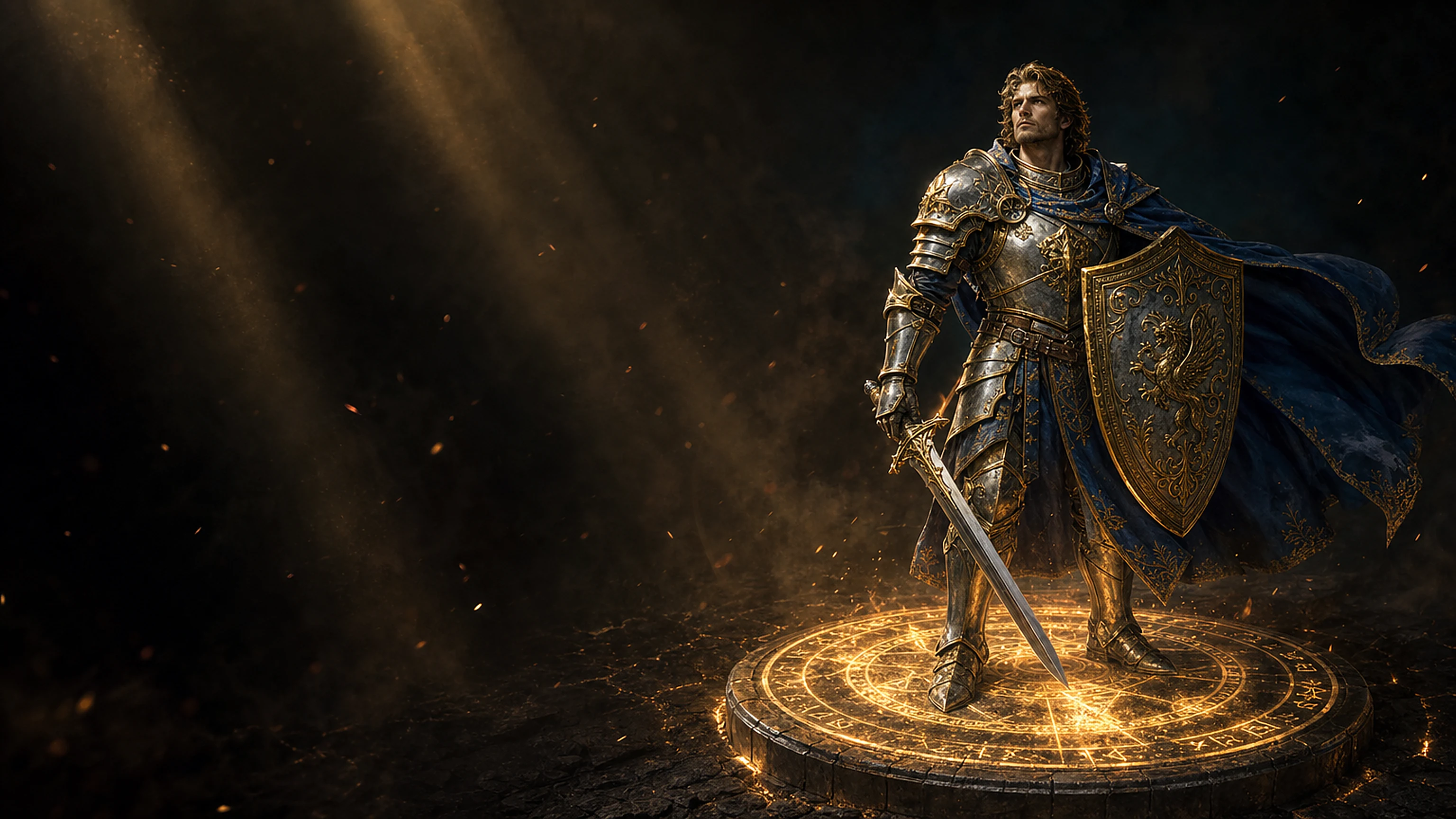
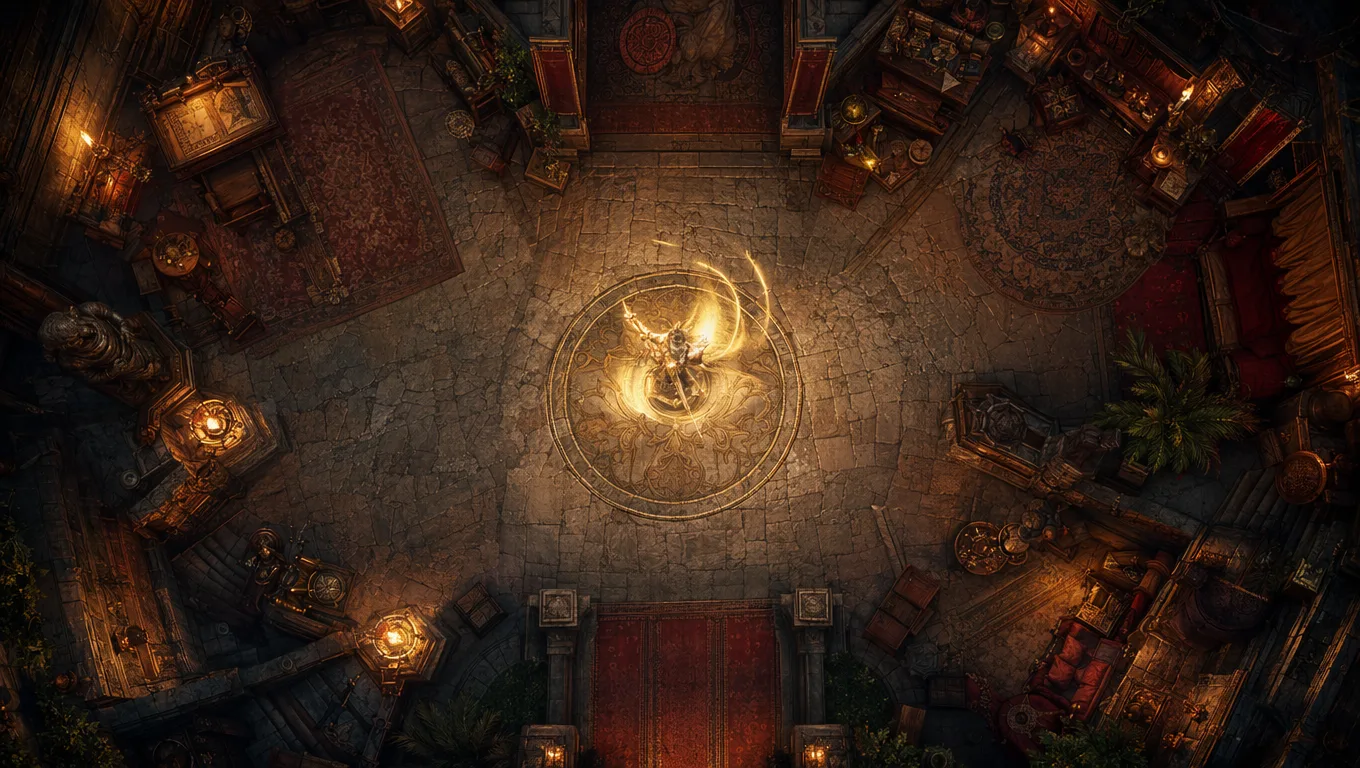
Upload a top-down token and get a seamless looping animation on a transparent background. Idle, ready, swing, hit or cast, ready to drop into Roll20 and Foundry.
Generate each state on its own, so a single mini covers a whole encounter. Every one is a seamless loop on a transparent background.
Each state is its own seamless loop on a transparent background, so one mini reads at a glance whatever the turn calls for.
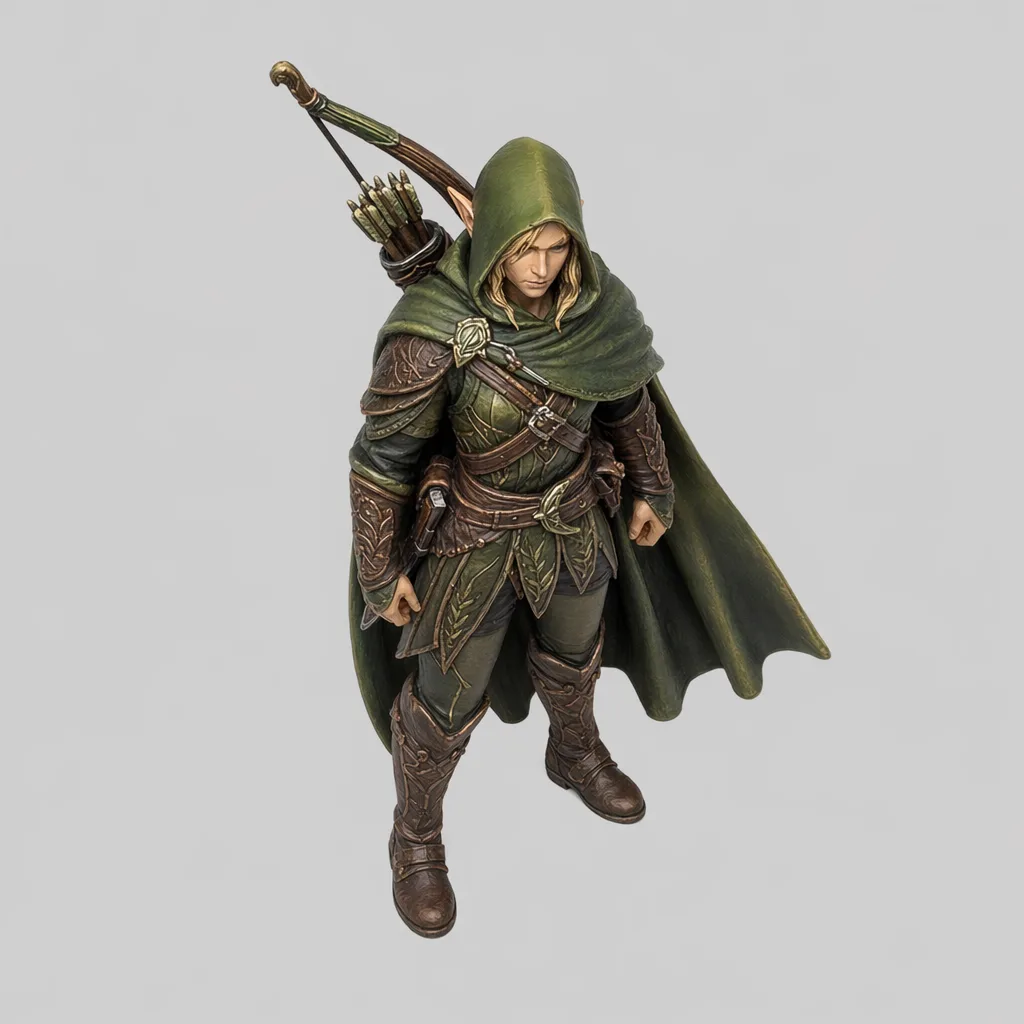
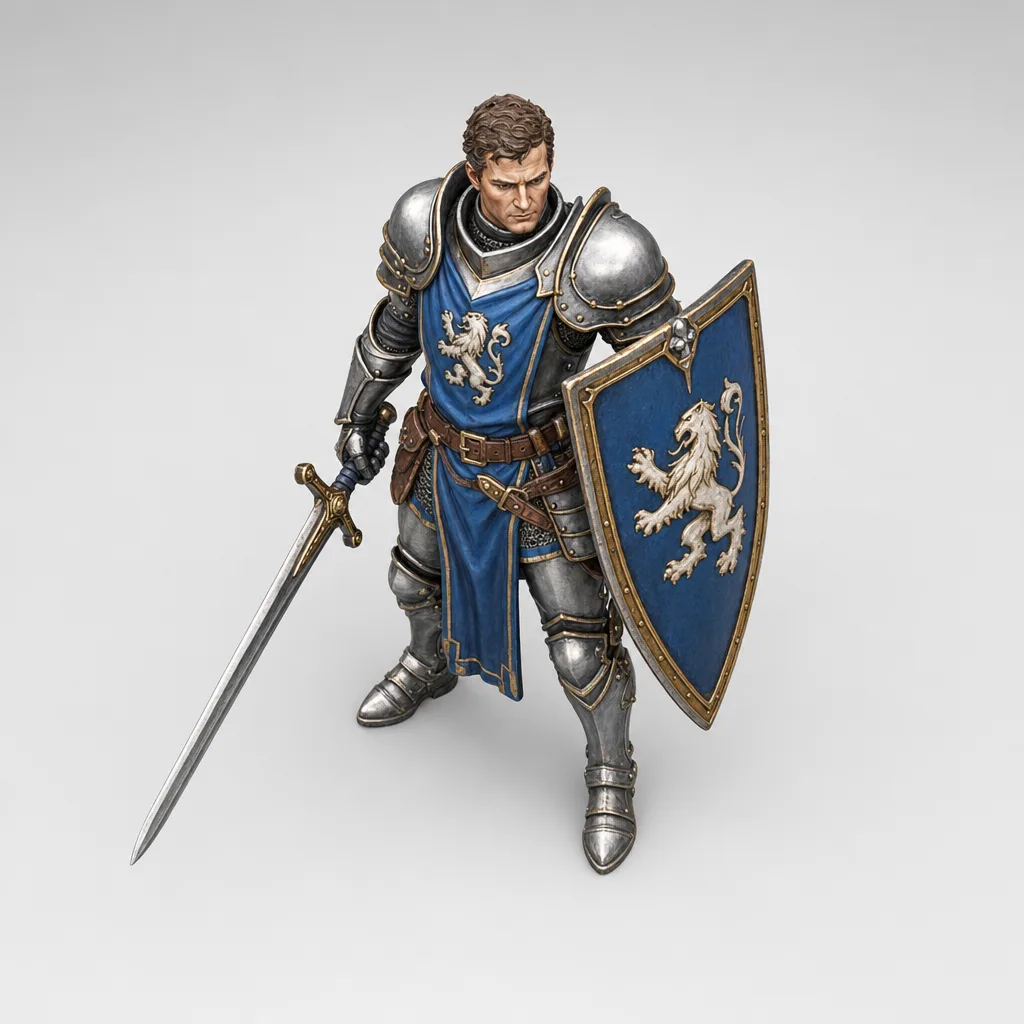
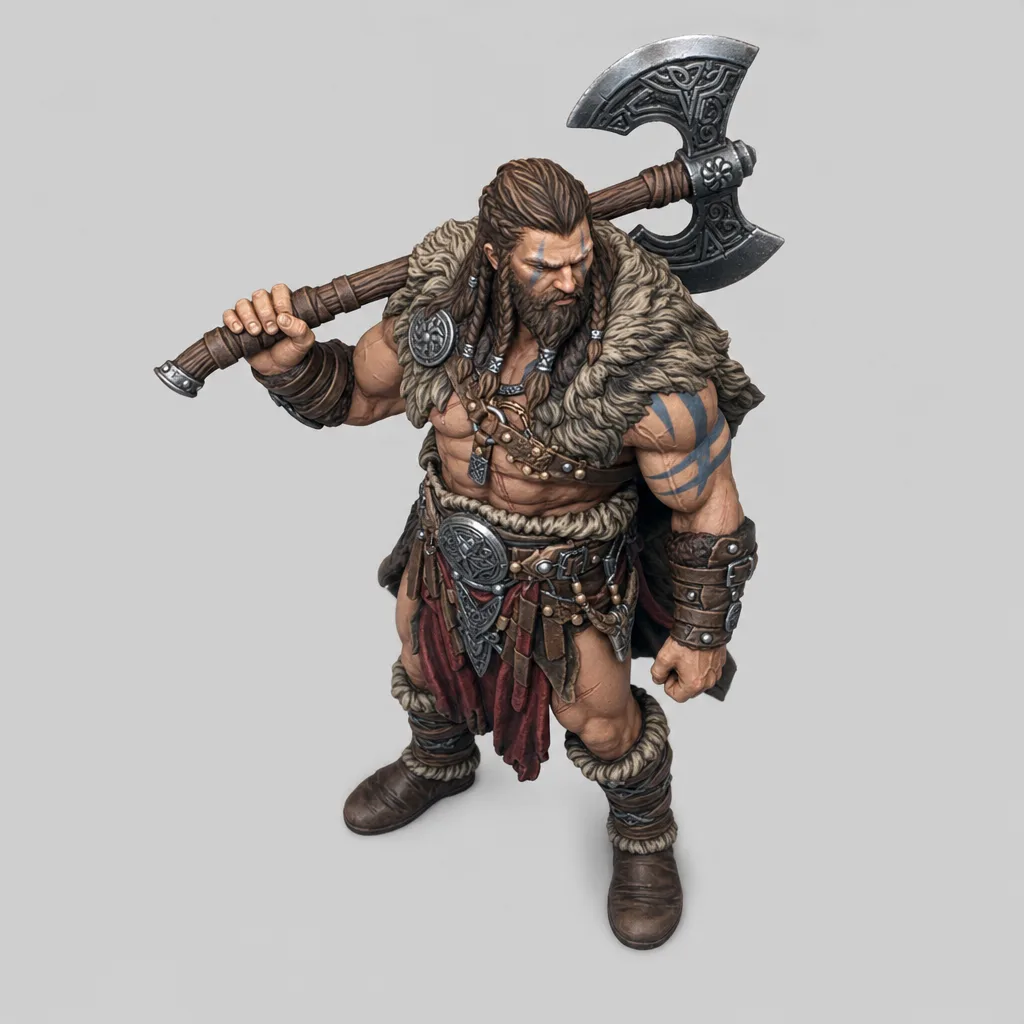
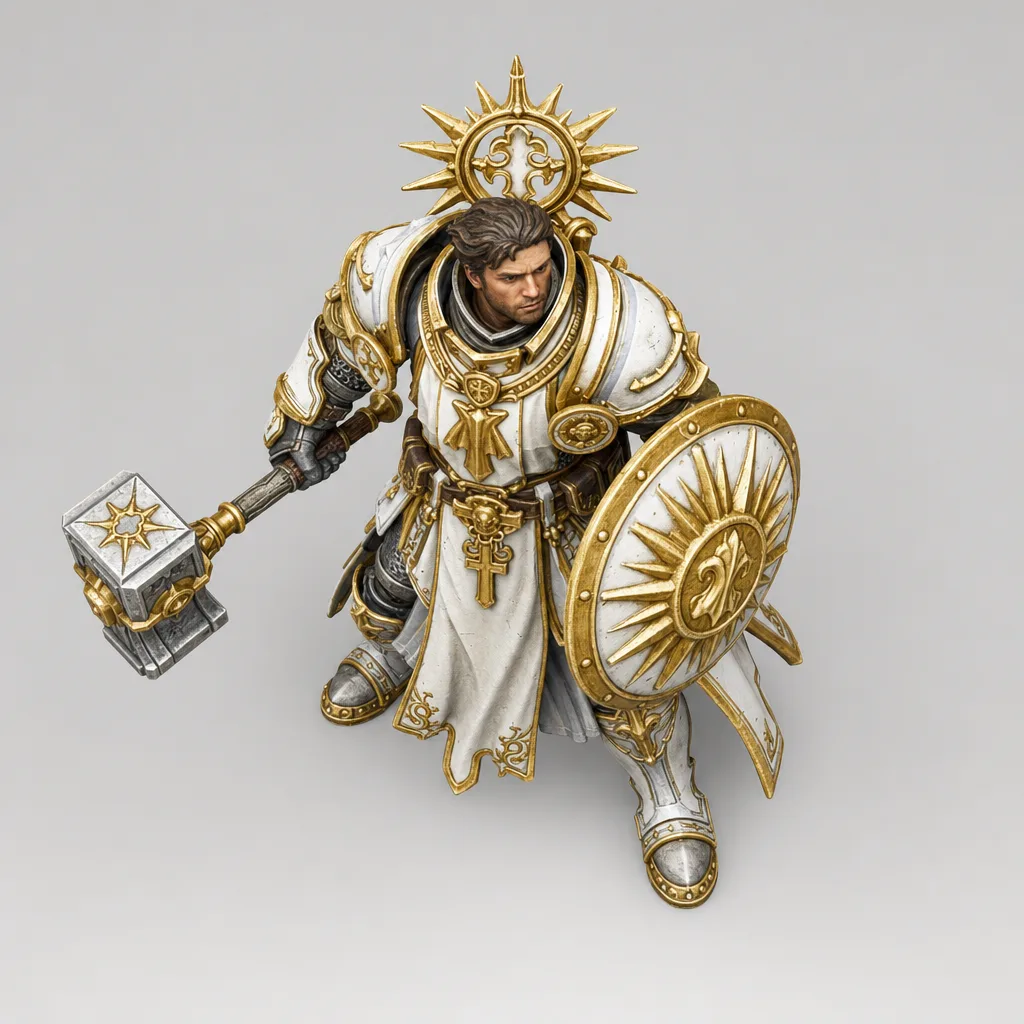
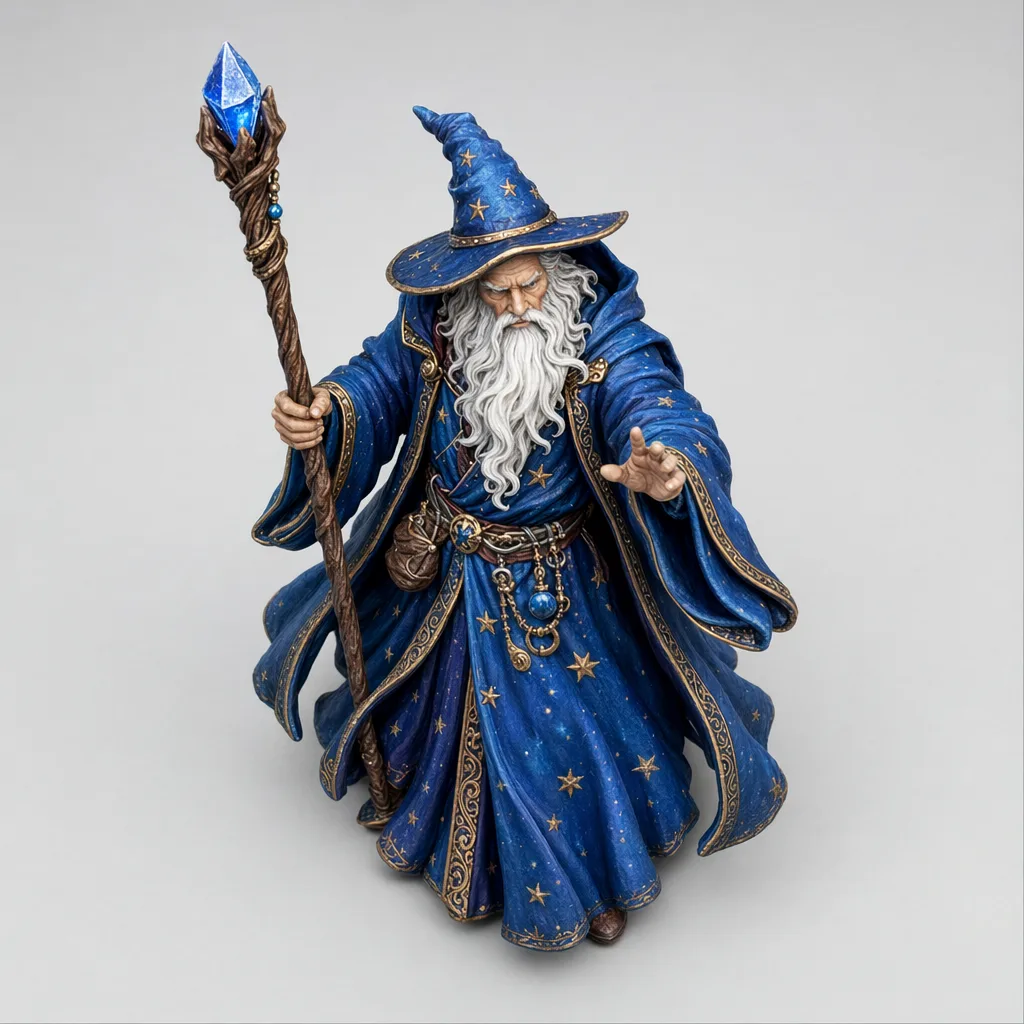
Make animated VTT tokens for Roll20 and Foundry in three steps, no editing software needed.
Drop in a top-down token. PNG, JPG or WebP; a plain or transparent background works best.
Idle, ready, swing, hit or cast. Describe the motion, or press go and we read the figure for you.
Download a seamless looping, transparent WebM, ready for Roll20 or Foundry.
Drop the loop onto a Roll20 or Foundry scene as a token. It plays the whole session with no jump cut, no box and no border, and the VTT rotates it to face the action.
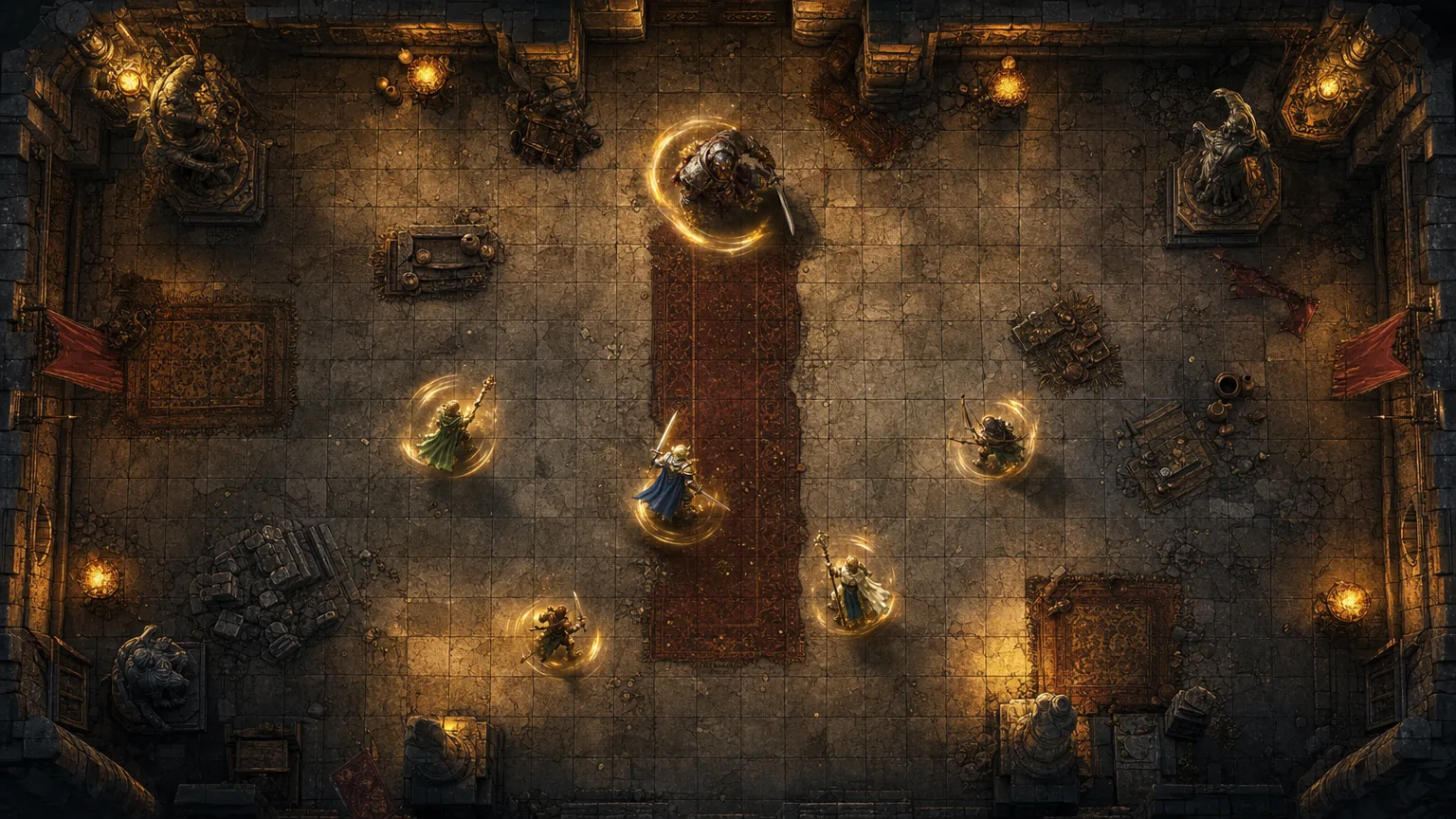
No baked border, no box. The loop sits cleanly on any map, and the VTT rotates it to face wherever the action is.
Transparent · loopingAnd any token you bring
Top-down tokens, character art, your Token Maker exports. A single figure on a clean background gives the sharpest loop.
Each state is a separate clip, priced in gold by quality. Generate only the states you need.
Every clip here is a real export. Play any one to see the quality tier and the prompt behind it.
An animated token is a static top-down token turned into a short seamless looping animation on a transparent background. The figure moves (idle, ready, swing, hit or cast) while the background is removed, so it drops straight onto a VTT with no baked border.
The export is a transparent VP9-alpha WebM, so it sets as an animated token in Roll20 and Foundry VTT, and plays on any stream or second screen.
A WebM with a VP9 alpha channel keeps a genuine transparent background and stays small enough to use as a live token. Animated GIFs cannot hold clean transparency and get heavy, and an MP4 has no alpha at all, so the token would carry a solid box around it.
Download the WebM and set it as the token art. In Roll20 it uploads as an animated token image; in Foundry VTT you point the token image path at the file. It loops on its own with no extra setup.
Five states, each generated as its own clip: idle (gentle breathing), ready (alert stance), swing (a broad arm motion), hit (a recoil) and cast (a channelling gesture).
Yes. The background is removed and the loop is seamless, so the token sits cleanly on any map with no box or border around it.
Any top-down token as a PNG, JPG or WebP. A single figure on a plain or transparent background gives the cleanest result; the Token Maker's no-border export works well.
Per state-clip in gold, by quality tier: Fast 50 to 100, Balanced 75 to 150, High 150 to 300. You only pay for the states you generate, so a five-state token is five clips.
Upload a token, pick a state, and drop a seamless transparent loop straight onto your table.
Animate a tokenAnimating the whole map? Try Animated BattlemapsJust need a static token? Try the free Token Maker